How do I use the Ginger Ale Samurai Character Sheet template?
Edit the prompt in the box under the preview — the template's model and format are already selected — and press Generate. Your version appears right on this page.
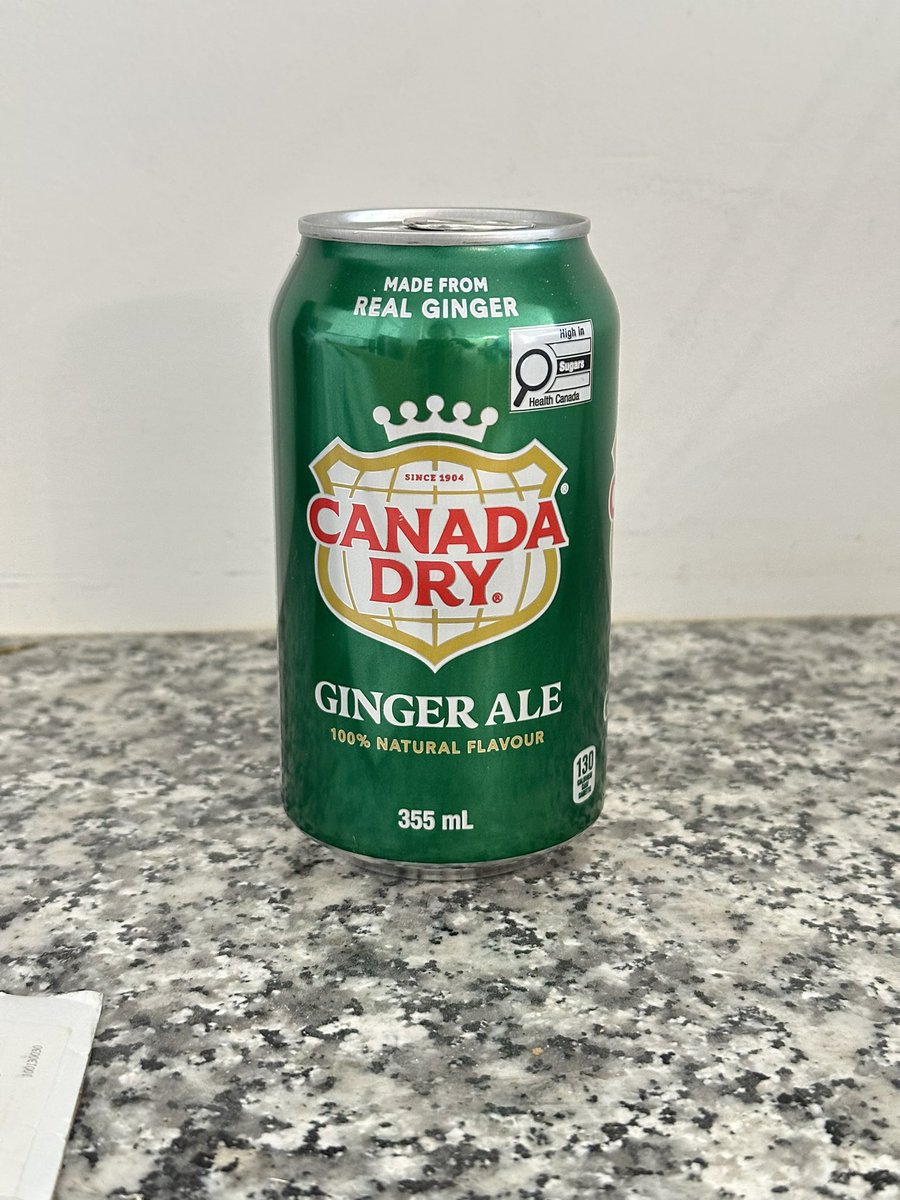
Generates a Japanese RPG-style samurai character design sheet inspired by a beverage can reference.

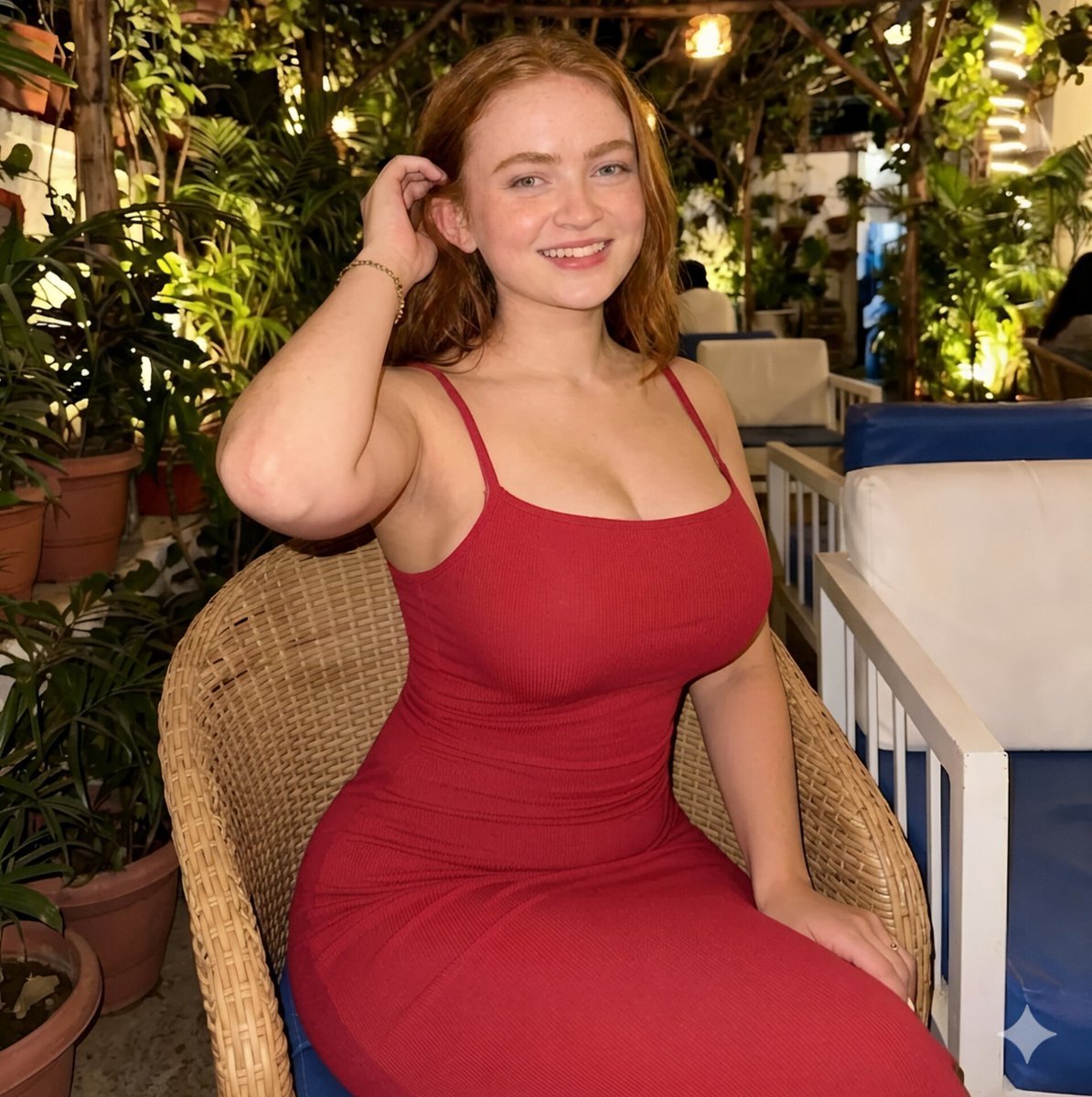
This template uses your photo — add one with the + button.
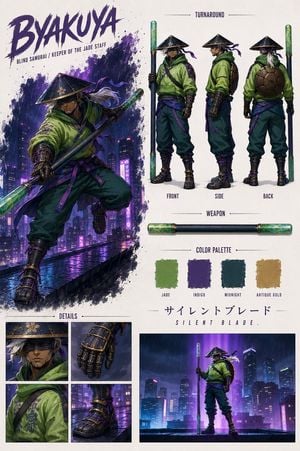
Using REFERENCE_0 as the sole inspiration, transform the ginger ale can into a polished Japanese game character design sheet. Anthropomorphize the can into a stern male samurai warrior, deriving the armor materials, colors, crest motifs, metallic highlights, red-and-gold accents, and green lacquered surfaces from the can design. Present it as a professional RPG concept-art reference page on a clean white background with thin divider lines and Japanese annotation text. Create these discrete sections: 1 main character profile block at top left with the name {argument name="character name" default="真田 錫一郎"} and short Japanese bio text; 1 four-view turnaround across the top center labeled front, side, back, and half-body view; 1 large face close-up on the left; 1 weapon section showing exactly 2 weapon elements, a sheathed green katana and an unsheathed curved katana, plus a small circular guard detail; 1 clothing-parts detail section showing exactly 12 separate items: helmet, chest armor, shoulder armor, arm guard, collar, sleeve, shin guards, corded belt, waist armor, battle skirt, leg guard, and boots; 1 expression set showing exactly 4 bust portraits labeled normal, calm, battle-ready, and faint smile; 1 color palette showing exactly 6 swatches based on the can: deep green, black, metallic silver, gold, deep red, and white; 1 costume concept text block; and 1 dynamic action pose at bottom right with the character drawing his sword and cloth panels flowing dramatically. Keep the design language tied to the reference can rather than copying the beverage packaging literally: use the can’s emerald green as lacquered armor, silver aluminum as polished metal, red logo color as cords and trim, gold shield/crown elements as heraldic ornamentation, and white typography areas as cloth highlights. Make the sheet look like high-end Japanese fantasy game production art, detailed, realistic anime/semi-realistic rendering, crisp linework, accurate armor construction, readable layout, and no photographic countertop background. Use {argument name="sheet title" default="四面図"}, {argument name="expression title" default="表情集"}, {argument name="parts title" default="衣装パーツ詳細"}, and {argument name="palette title" default="カラーパレット"} as visible Japanese section headings.
Using REFERENCE_0 as the sole inspiration, transform the ginger ale can into a polished Japanese game character design sheet. Anthropomorphize the can into a stern male samurai warrior, deriving the armor materials, colors, crest motifs, metallic highlights, red-and-gold accents, and green lacquered surfaces from the can design. Present it as a professional RPG concept-art reference page on a clean white background with thin divider lines and Japanese annotation text. Create these discrete sections: 1 main character profile block at top left with the name {argument name="character name" default="真田 錫一郎"} and short Japanese bio text; 1 four-view turnaround across the top center labeled front, side, back, and half-body view; 1 large face close-up on the left; 1 weapon section showing exactly 2 weapon elements, a sheathed green katana and an unsheathed curved katana, plus a small circular guard detail; 1 clothing-parts detail section showing exactly 12 separate items: helmet, chest armor, shoulder armor, arm guard, collar, sleeve, shin guards, corded belt, waist armor, battle skirt, leg guard, and boots; 1 expression set showing exactly 4 bust portraits labeled normal, calm, battle-ready, and faint smile; 1 color palette showing exactly 6 swatches based on the can: deep green, black, metallic silver, gold, deep red, and white; 1 costume concept text block; and 1 dynamic action pose at bottom right with the character drawing his sword and cloth panels flowing dramatically. Keep the design language tied to the reference can rather than copying the beverage packaging literally: use the can’s emerald green as lacquered armor, silver aluminum as polished metal, red logo color as cords and trim, gold shield/crown elements as heraldic ornamentation, and white typography areas as cloth highlights. Make the sheet look like high-end Japanese fantasy game production art, detailed, realistic anime/semi-realistic rendering, crisp linework, accurate armor construction, readable layout, and no photographic countertop background. Use {argument name="sheet title" default="四面図"}, {argument name="expression title" default="表情集"}, {argument name="parts title" default="衣装パーツ詳細"}, and {argument name="palette title" default="カラーパレット"} as visible Japanese section headings.
Ginger Ale Samurai Character Sheet needs input media to work. Open it in the studio and these load alongside the prompt — pick whichever ones your chosen model can take.
Edit the prompt in the box under the preview — the template's model and format are already selected — and press Generate. Your version appears right on this page.
Yes. You can change the subject, setting, lighting, mood, format, and available model controls before creating your image.
Opening and editing this template is free. Generating uses credits, shown on the Generate button when you are signed in.
Start with GPT Image 2, which is the model associated with this template. You can compare another compatible model for a different finish.
Follow a topic to a crawlable collection of related PicX Studio templates.