
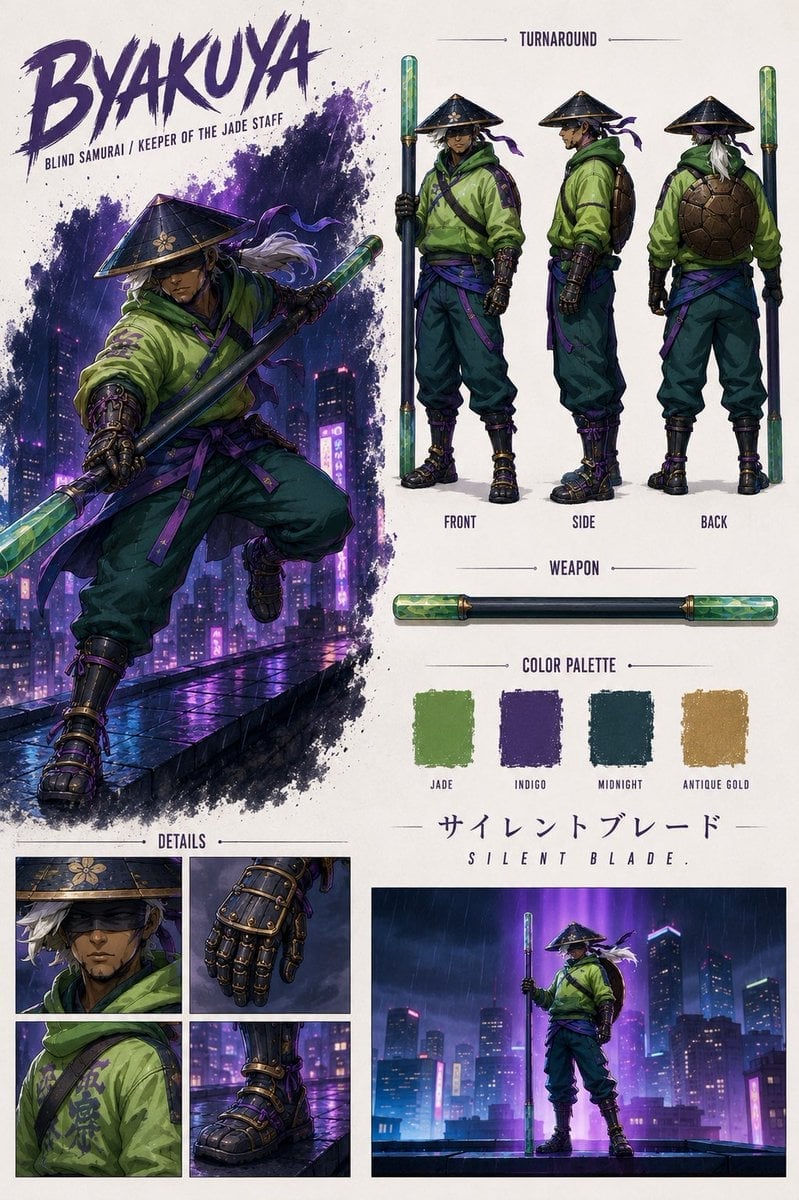
Byakuya Cyberpunk Samurai Character Sheet
A detailed prompt for generating a vertical anime concept art sheet of a blind jade-staff samurai with turnaround views, weapon render, palette, and detail panels.
- Prompt included
- Model and format preset
- Free template
The prompt behind this image
Copy the exact prompt behind Byakuya Cyberpunk Samurai Character Sheet, or open it in the studio and make it yours.
Goal: Create a polished anime concept art character sheet for {argument name="character name" default="BYAKUYA"}, a blind samurai and keeper of a jade staff, mixing cyberpunk rooftop atmosphere with traditional ronin design. Canvas: Vertical poster-style character sheet on an off-white textured paper background, approximately 2:3 aspect ratio. Use clean editorial spacing with dark purple ink accents, thin divider lines, and a premium game art book presentation. Layout: Left half dominated by a large dynamic full-body action illustration of the samurai leaping or crouching forward on a rain-slick city rooftop at night, neon skyscrapers behind him, purple light reflecting on wet concrete. Top-left has a huge rough brushstroke title reading {argument name="headline text" default="BYAKUYA"}, with the subtitle “BLIND SAMURAI / KEEPER OF THE JADE STAFF” beneath it. Right half contains a “TURNAROUND” section with exactly 3 standing character views labeled FRONT, SIDE, and BACK. Below that is a “WEAPON” section showing exactly 1 horizontal jade-ended staff. Below that is a “COLOR PALETTE” section with exactly 4 rough paint swatches labeled JADE, INDIGO, MIDNIGHT, and ANTIQUE GOLD. Bottom-left has a “DETAILS” section with exactly 4 close-up panels: conical hat and shadowed blindfolded face, armored mechanical glove, green sleeve with purple markings, and heavy strapped boot. Bottom-right contains exactly 1 cinematic wide panel of the character standing on a rainy rooftop holding the vertical glowing staff against a purple neon skyline. Character details: The samurai is a mature male with tan skin, a stern shadowed face, a dark blindfold or obscured eyes under a wide black kasa hat decorated with subtle gold floral motifs. Long white hair streams from beneath the hat. He wears a loose oversized {argument name="jacket color" default="jade green"} hooded jacket with purple straps and sash ties, dark teal baggy trousers, armored bracers, a black-and-gold mechanical glove, strapped black boots with purple and antique-gold hardware, and a turtle-shell-like brown backpack visible in the back view. His expression and posture should feel calm, dangerous, and disciplined. Weapon: A long black staff with translucent glowing jade-green crystalline caps at both ends, brass-gold collars, and subtle internal light. In the action pose, the staff should cut diagonally through the composition with strong perspective. Visual style: High-detail cinematic anime illustration, sharp inked linework, painterly texture, dramatic purple neon rim lighting, rain droplets, glossy wet reflections, splattered indigo paint behind the main figure, cyberpunk city lights, concept-art sheet clarity, moody but readable. Color emphasis should match {argument name="primary palette" default="jade green, deep indigo, midnight blue, antique gold, and neon purple"}. Text content: Include the Japanese title “サイレントブレード” above the spaced English title “S I L E N T B L A D E.” Keep all visible labels crisp and legible: TURNAROUND, FRONT, SIDE, BACK, WEAPON, COLOR PALETTE, JADE, INDIGO, MIDNIGHT, ANTIQUE GOLD, DETAILS. Constraints: Use exactly the listed sections and counts: 3 turnaround poses, 1 weapon render, 4 color swatches, 4 detail panels, and 1 bottom cinematic panel. Do not add extra characters, logos, watermarks, UI elements, or unrelated text.
How to use Byakuya Cyberpunk Samurai Character Sheet in 3 steps
- 1Upload ImagePNG, JPG or paste
Add your photo
Upload the photo the template builds on. The prompt, model and format are already set.
- 2…a portrait of your subject in softgolden-hour light, 85mm…
Personalize
Edit the subject and creative details for your destination.
- 3Generate
Generate
Press Generate — your image is created in PicX Studio, so you can compare it with the original and refine one variable at a time.
More like this
Templates with the same subject, style or setup. Open one to see its prompt.
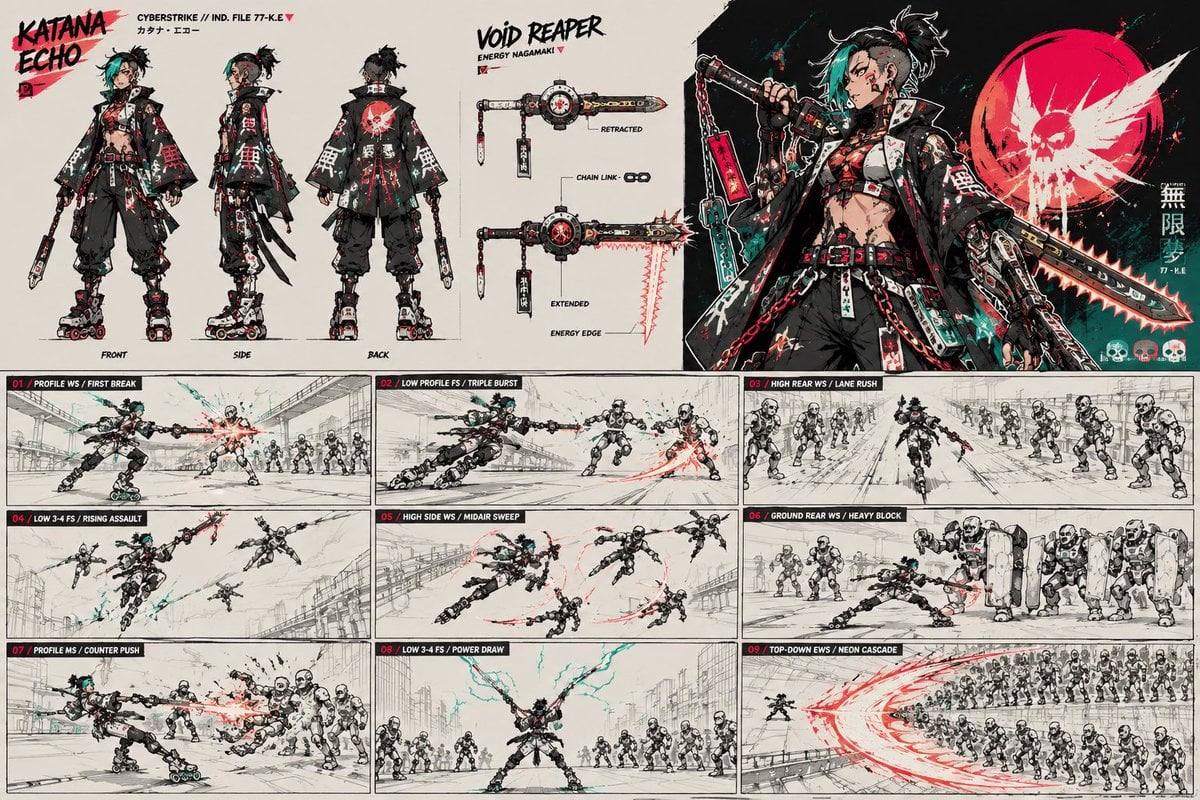
Cyberpunk Samurai Character Sheet
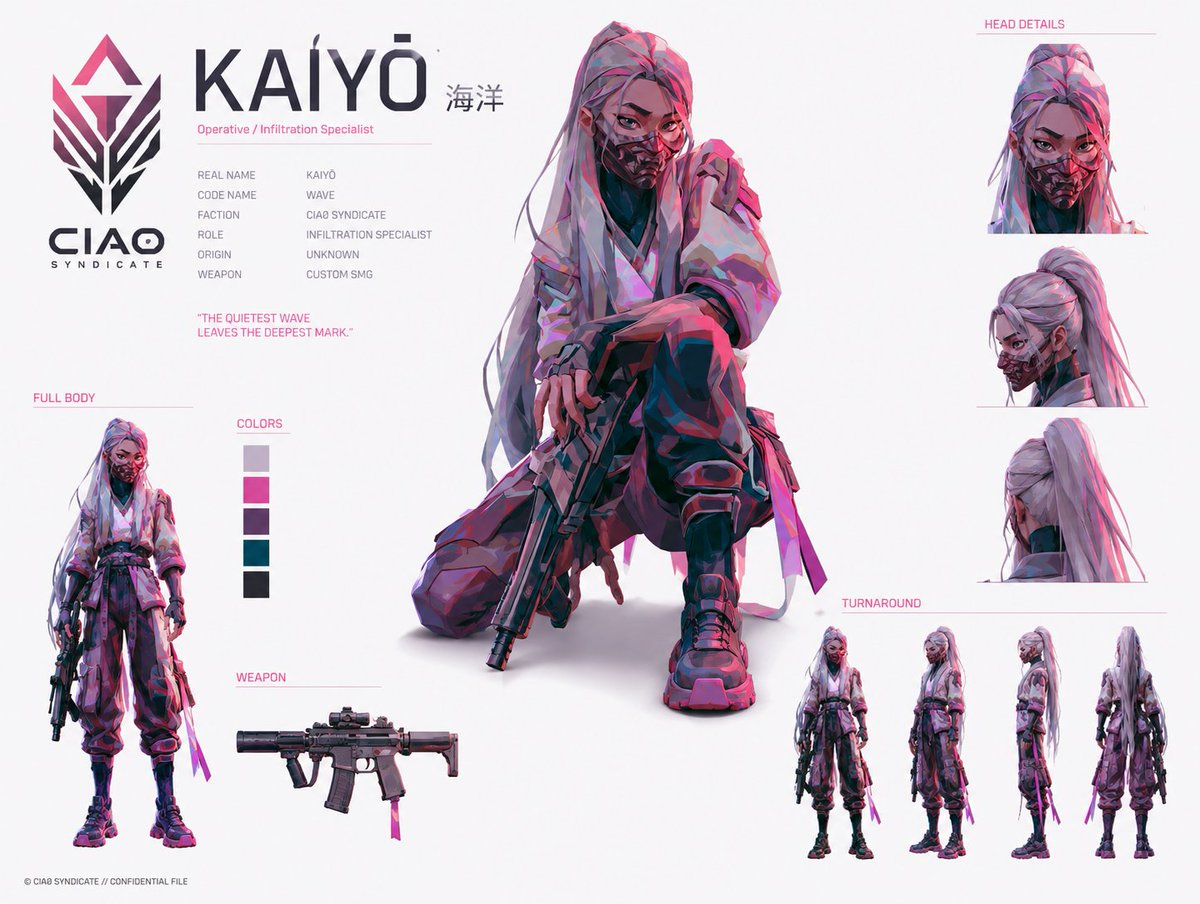
Cyberpunk Operative Character Sheet

Rainy Night Android Cyberpunk Portrait

Korean Idol Partial Shadow Editorial Portrait

Cinematic Sci-Fi Interface Side Profile

Cyberpunk Neon Profile Fashion Portrait

Cinematic Neon Light Strip Studio Portrait

Futuristic Studio Neon Ring Minimalist Portrait

Neon Violet Streetwear Fashion Portrait

Neon Night Crosswalk Candid Portrait

Red Futuristic Sport Motorcycle POV
Rainy Night Android Cyberpunk Portrait
Make it yours
Byakuya Cyberpunk Samurai Character Sheet works as-is. These are the safest ways to change it without losing the look.
Change one field
Copy a single group, rewrite it, and generate again so you can see what that field is doing.
Keep the frame, change the subject
Hold the composition and light of Byakuya Cyberpunk Samurai Character Sheet, then swap wardrobe, props or the person for a new take.
| If the result… | Why | Fix |
|---|---|---|
| The result drifts from the preview | Too many fields changed at once. | Reuse Byakuya Cyberpunk Samurai Character Sheet as-is first, then change one group — subject, light, or setting. |
| The model over-stylizes the scene | The prose prompt leaves finish and camera underspecified. | Add one camera or lighting sentence and stay on GPT Image 2. |
More GPT Image 2 templates
Other prompts made for GPT Image 2.

Six VTuber Japanese Logo Sheet

Realistic Portrait of Woman and Deer

The Vista Modular Condo Poster

AI Model Routing Comparison Infographic

2.5D Anime Art Board

Isometric Productivity Desk Scene

New York Double Exposure Poster

Four-Panel AI Landscape Comparison

Japanese Tatami Lifestyle Magazine Cover

NESCAFÉ Coffee Map Poster
More image prompts
Fresh picks from across the catalog.
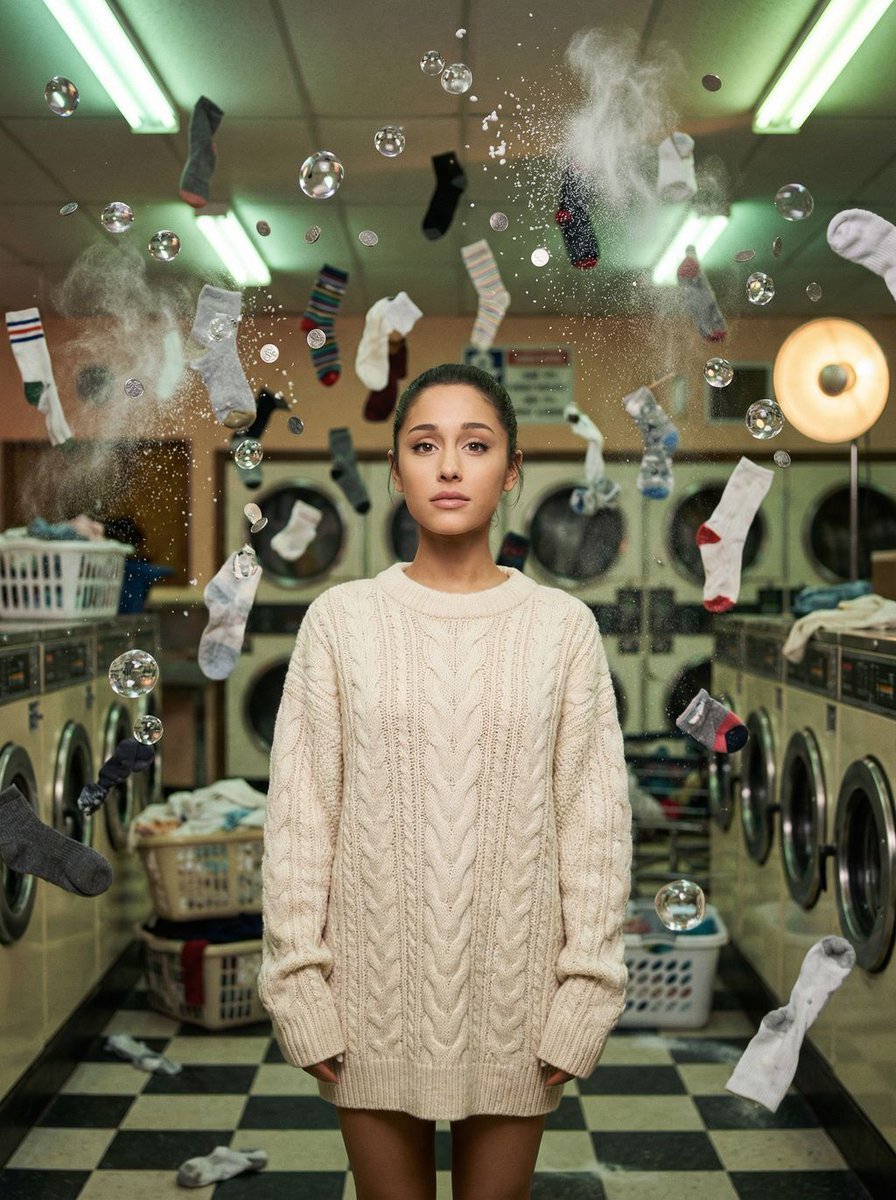
Zero-G Laundromat: Surreal Fashion Editorial
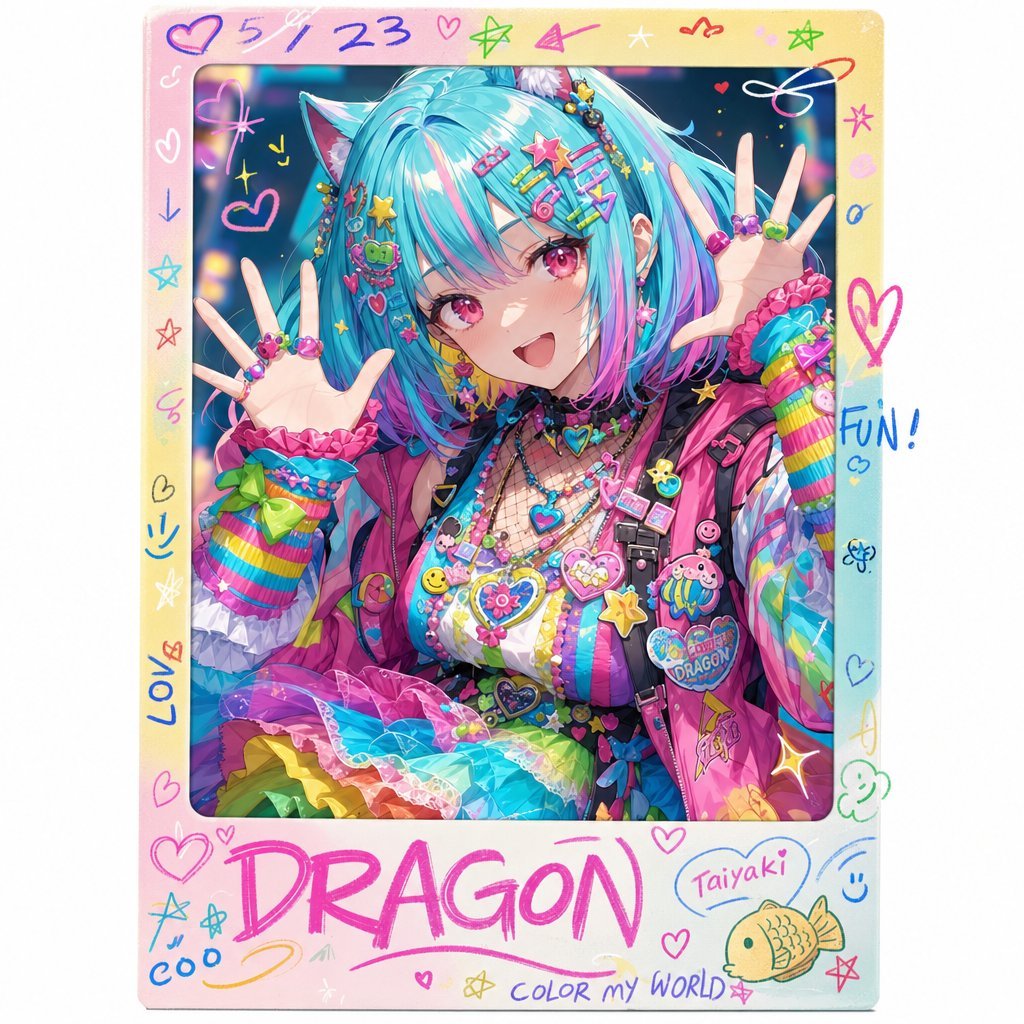
Rainbow Decora Anime Photo Card

Woman in Mall with Chanel Bag - Heart Gesture
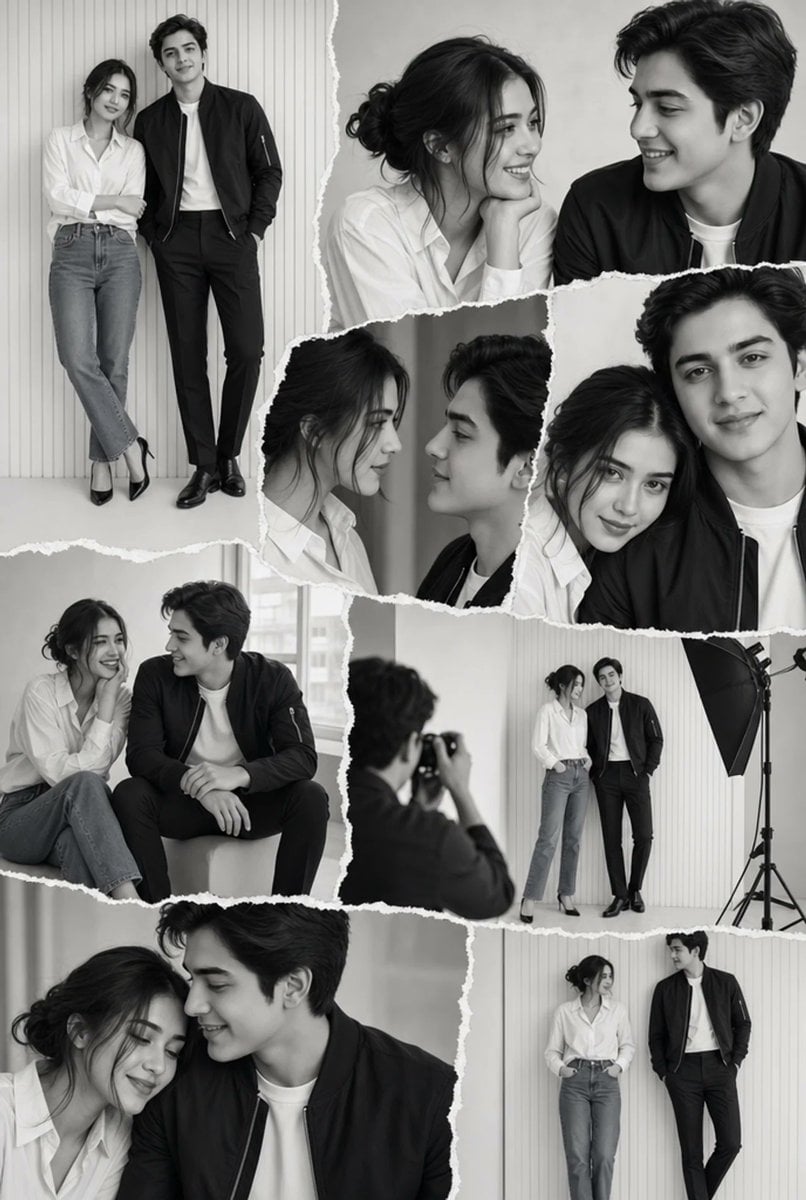
Monochrome Couple Studio Collage
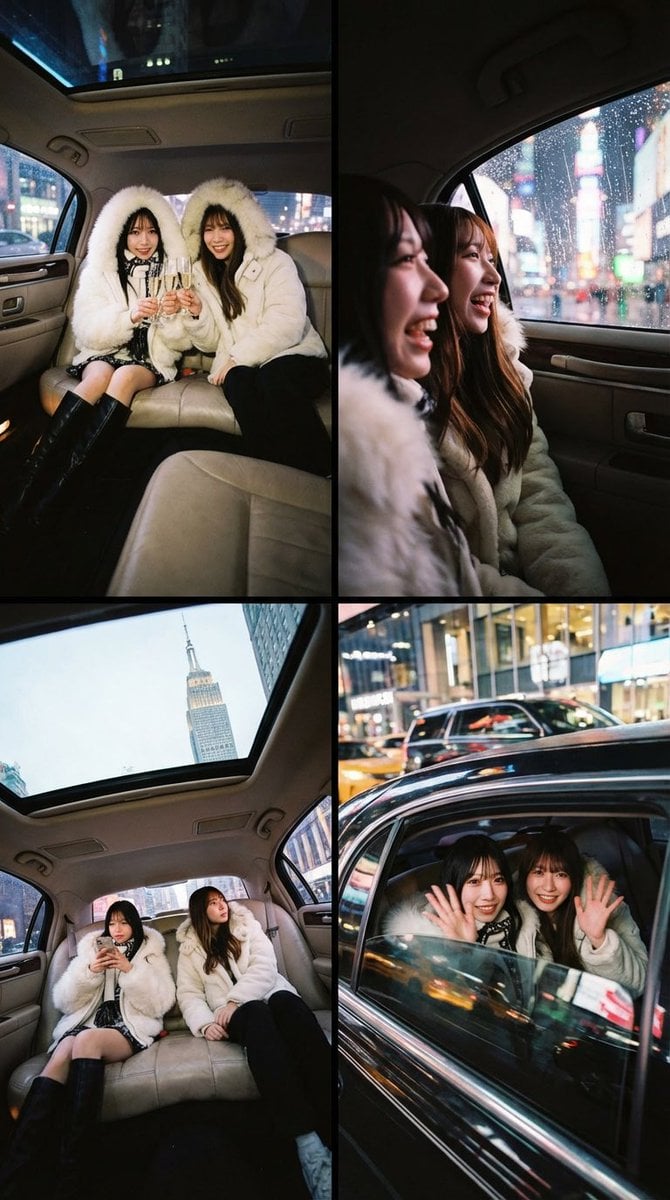
Two-Person Composition and Angle Arrangement Prompt
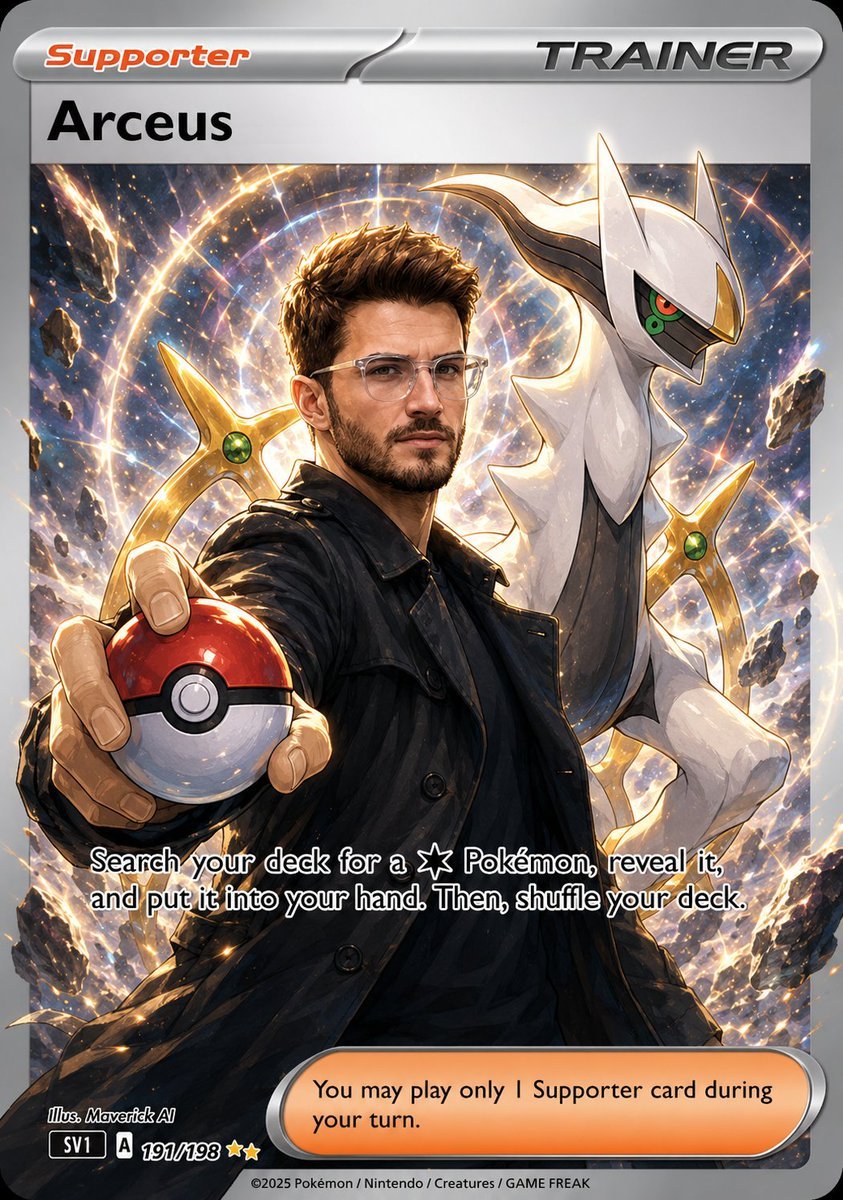
Anime Pokemon Trainer Card
Louis Vuitton Sneaker Editorial Grid Prompt
Nano Banana Pro 3D Digital Signage Prompt (Shinjuku)
Hyper-Realistic Cinematic Food Action Shot of a Gourmet Burger Mid-Bite
Cosmic Ink Dragon Roar
Browse template categories
Byakuya Cyberpunk Samurai Character Sheet questions
How do I use the Byakuya Cyberpunk Samurai Character Sheet template?
Add your photo if the template asks for one, edit the prompt if you like — the template's model and format are already selected — and press Generate. Your version opens in PicX Studio.
Can I customize the Byakuya Cyberpunk Samurai Character Sheet template?
Yes. You can change the subject, setting, lighting, mood, format, and available model controls before creating your image.
Is the Byakuya Cyberpunk Samurai Character Sheet template free?
Opening and editing this template is free. Generating uses credits, shown on the Generate button when you are signed in.
Which AI model should I use?
Start with GPT Image 2, which is the model associated with this template. You can compare another compatible model for a different finish.
Looking for something else? Browse all templates.

Your photo, any look
Thousands of ready templates for every top image and video model, from one credit balance.