
Forest to Cave Side-Scroller Map
Generates a wide hand-painted 2D beat-em-up game background showing a seamless forest-to-cave transition with a decorative tiled walkway.

- Prompt included
- Model and format preset
- Free template
The prompt behind this image
Copy the exact prompt behind Forest to Cave Side-Scroller Map, or open it in the studio and make it yours.
Create a wide horizontal 2D side-scrolling beat-em-up game background map showing a seamless transition from an enchanted forest into a dark cave. Use a very wide panoramic canvas in a {argument name="aspect ratio" default="24:5"} ratio, with no characters, no UI, and no text. The scene is a hand-painted fantasy environment with muted earthy greens, browns, ochres, and soft dusty lighting, like an old watercolor or pixel-art-inspired game stage backdrop. The foreground is a straight flat walkway made of exactly 9 large decorative stone tiles stretching across the bottom third of the image; each tile has an oval medallion containing a stylized leaf or flower motif, separated by thin grout lines, with a narrow grass strip along the very bottom edge. On the left half, show a dense forest: tall thin tree trunks repeating in vertical rows, a mossy leafy canopy hanging down from the top, vines and undergrowth at the base, and atmospheric depth fading into green shadow. At the center-right, place one massive ancient tree trunk acting as the natural transition boundary; its roots and bark merge into the cave entrance. On the right half, show a dim cavern interior with dark rock walls, stalactites hanging from the ceiling, stalagmites rising from the floor, and deep shadow fading toward black, while still aligning perfectly with the same flat walkway. Make the composition side-view and game-ready, with clean horizontal layering, parallax-friendly depth, soft vignette at the edges, and a continuous navigable floor from forest to cave. Visual style: {argument name="visual style" default="hand-painted 2D fantasy game background"}, mood: {argument name="mood" default="quiet mysterious forest-to-cave transition"}, color palette: {argument name="color palette" default="muted moss green, sepia brown, dark charcoal cave shadows, pale stone"}.
How to use Forest to Cave Side-Scroller Map in 3 steps
- 1Upload ImagePNG, JPG or paste
Add your photo
Upload the photo the template builds on. The prompt, model and format are already set.
- 2…a portrait of your subject in softgolden-hour light, 85mm…
Personalize
Edit the subject and creative details for your destination.
- 3Generate
Generate
Press Generate — your image is created in PicX Studio, so you can compare it with the original and refine one variable at a time.
More like this
Templates with the same subject, style or setup. Open one to see its prompt.
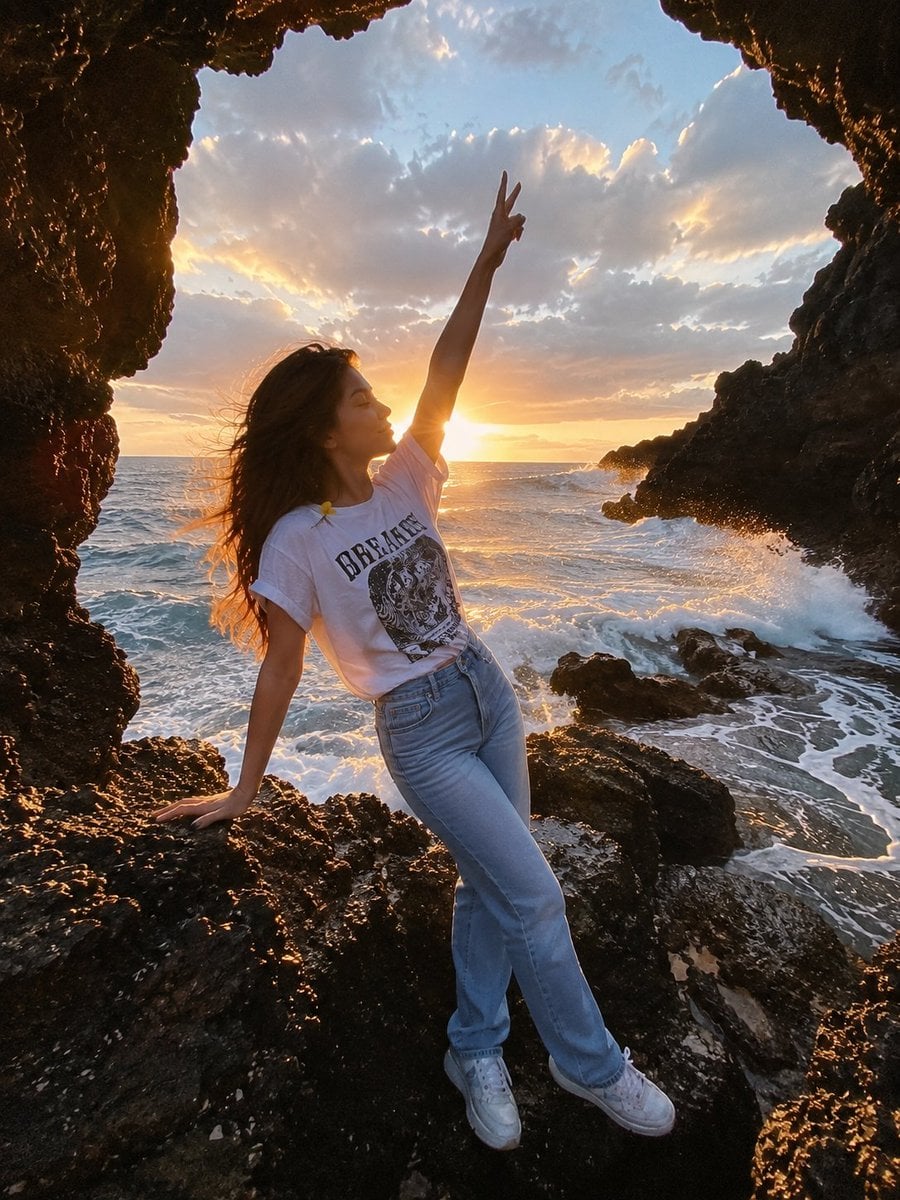
Seaside Cave Cinematic Portrait
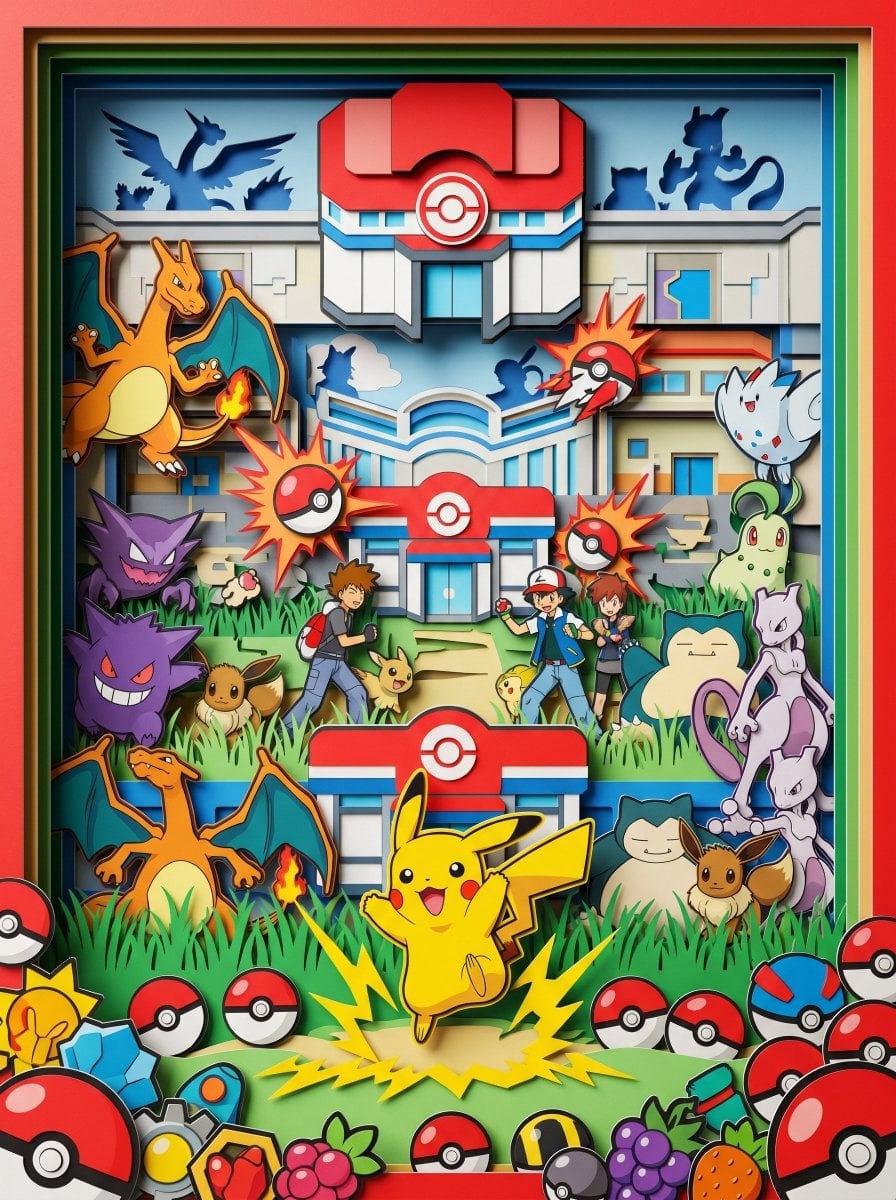
Layered Paper Cut Forest Diorama
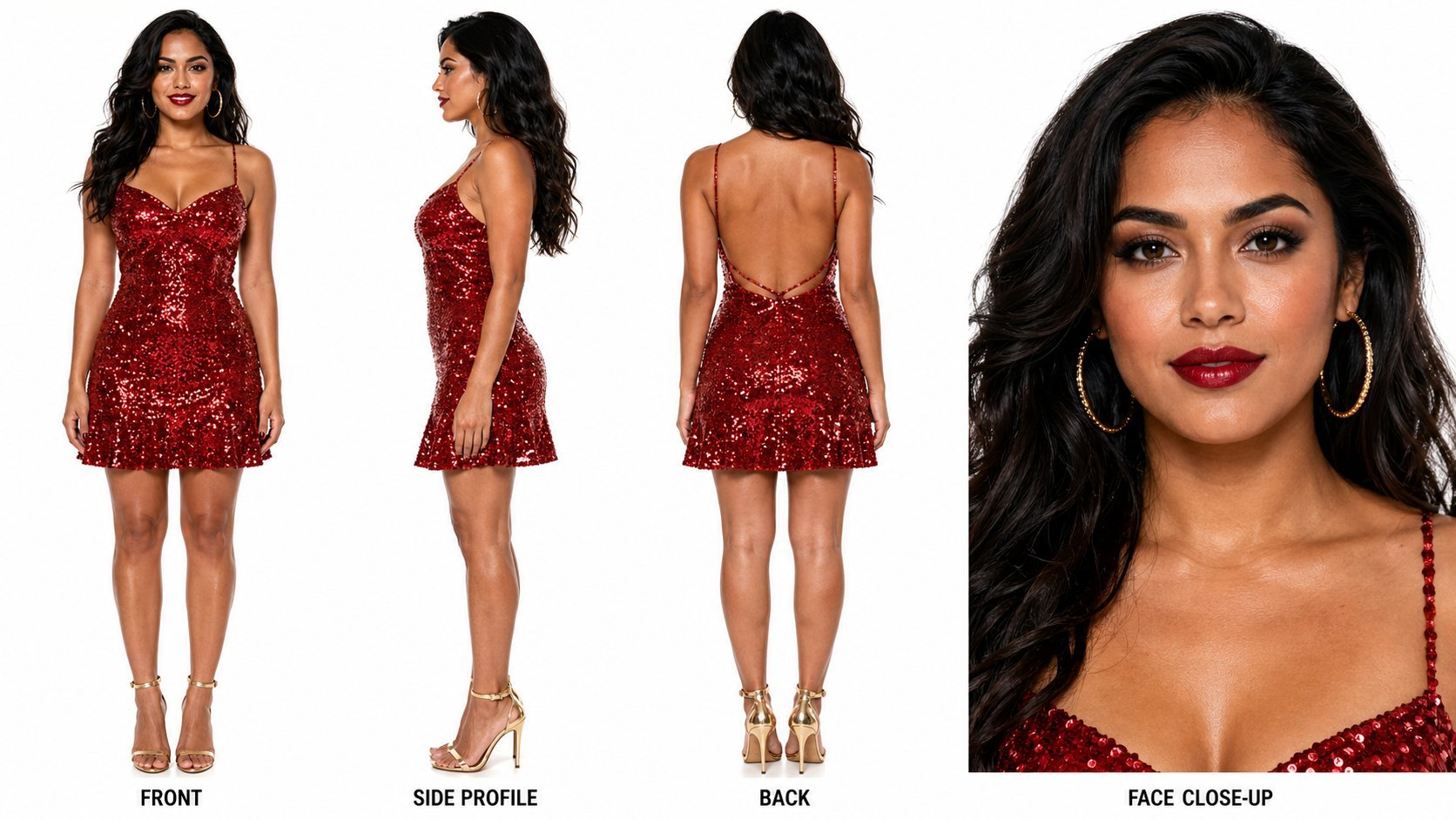
Dancer Character - Four View Reference Sheet
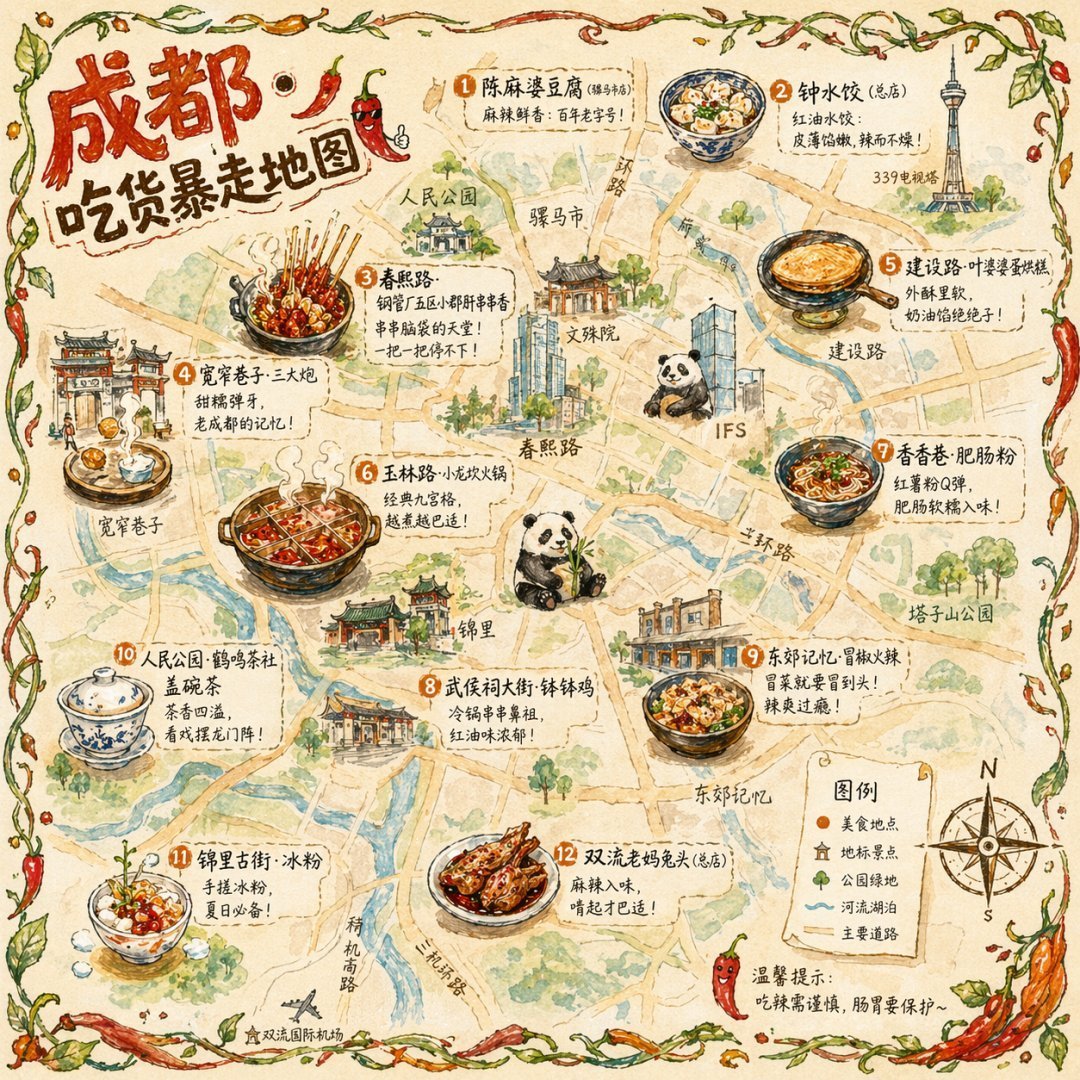
Gpt2 Illustrated City Food Map
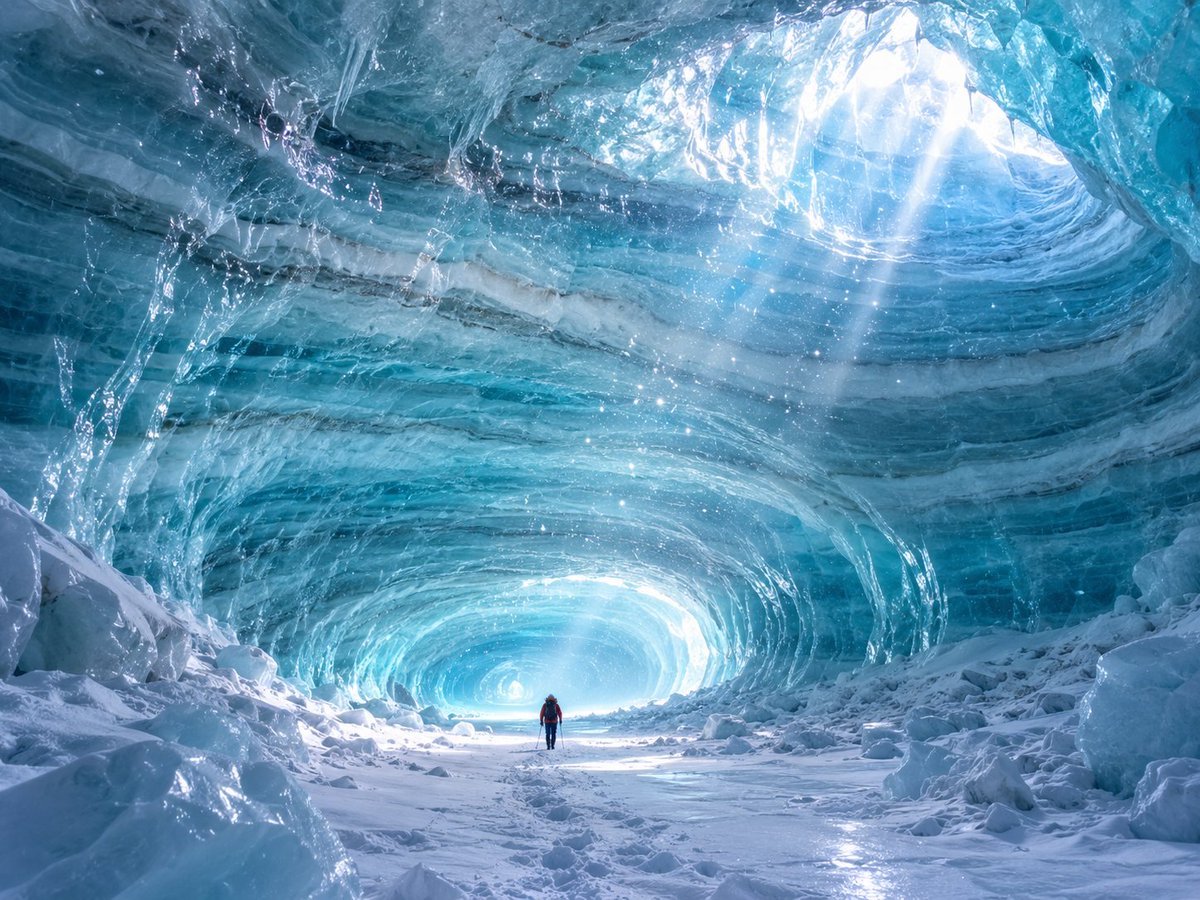
Explorer in a Vast Blue Ice Cave

Chibi Explorer Dragon Cave Poster
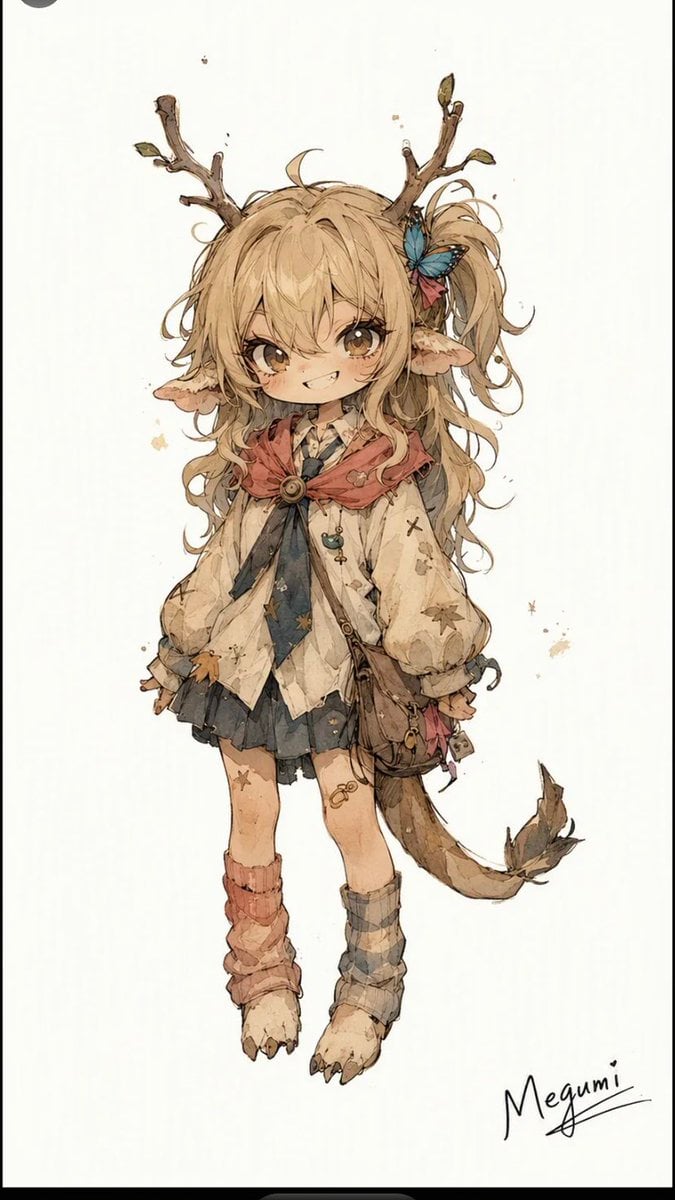
Mischievous Forest Faun Girl

Satellite Map Medieval City
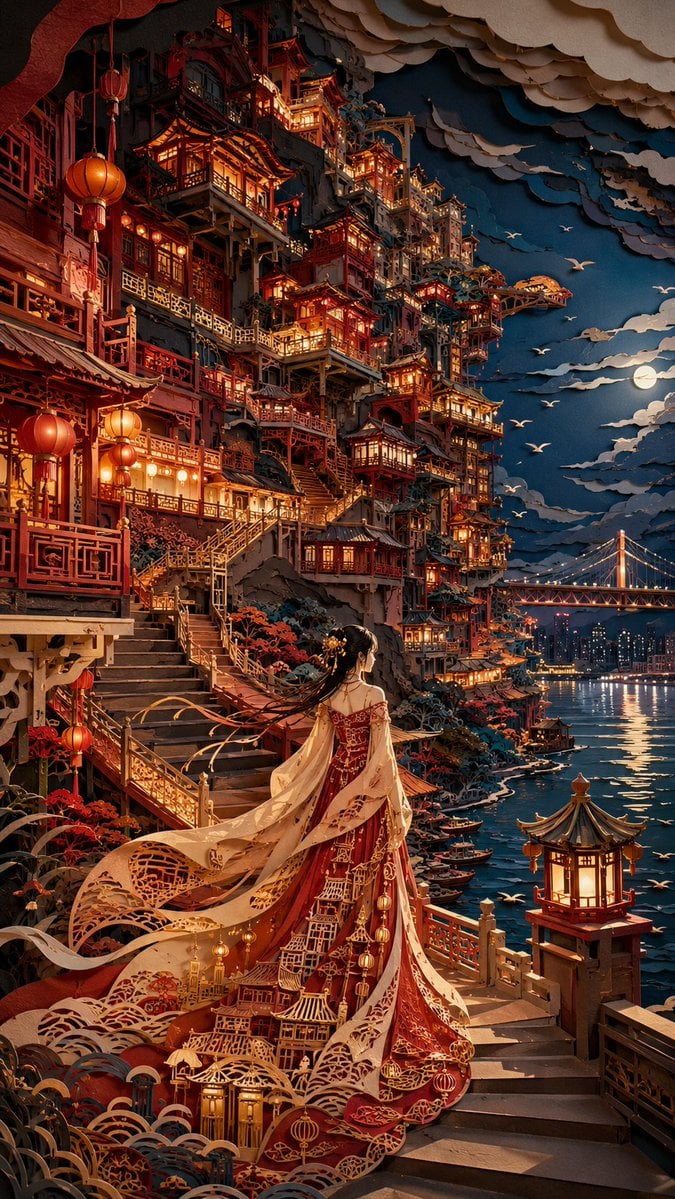
Oriental Papercut Art of Hongya Cave
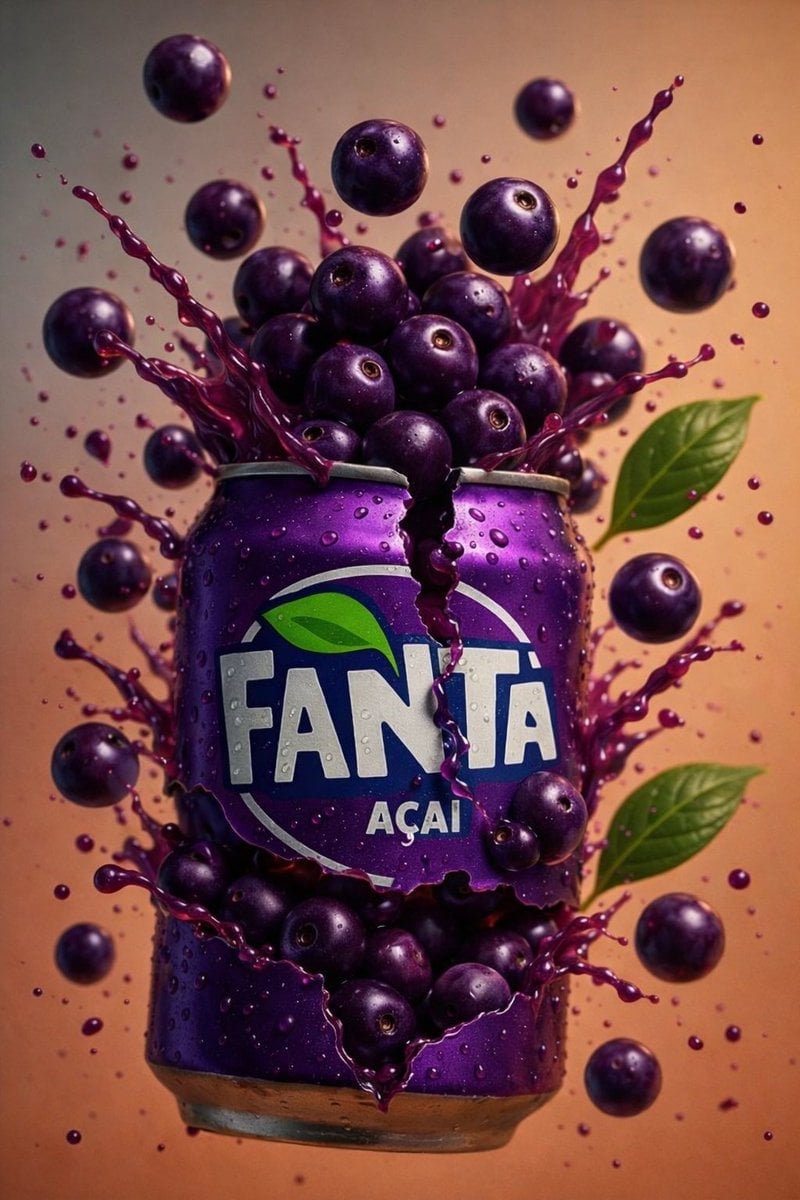
Multiple dark purple berries erupting from inside the can
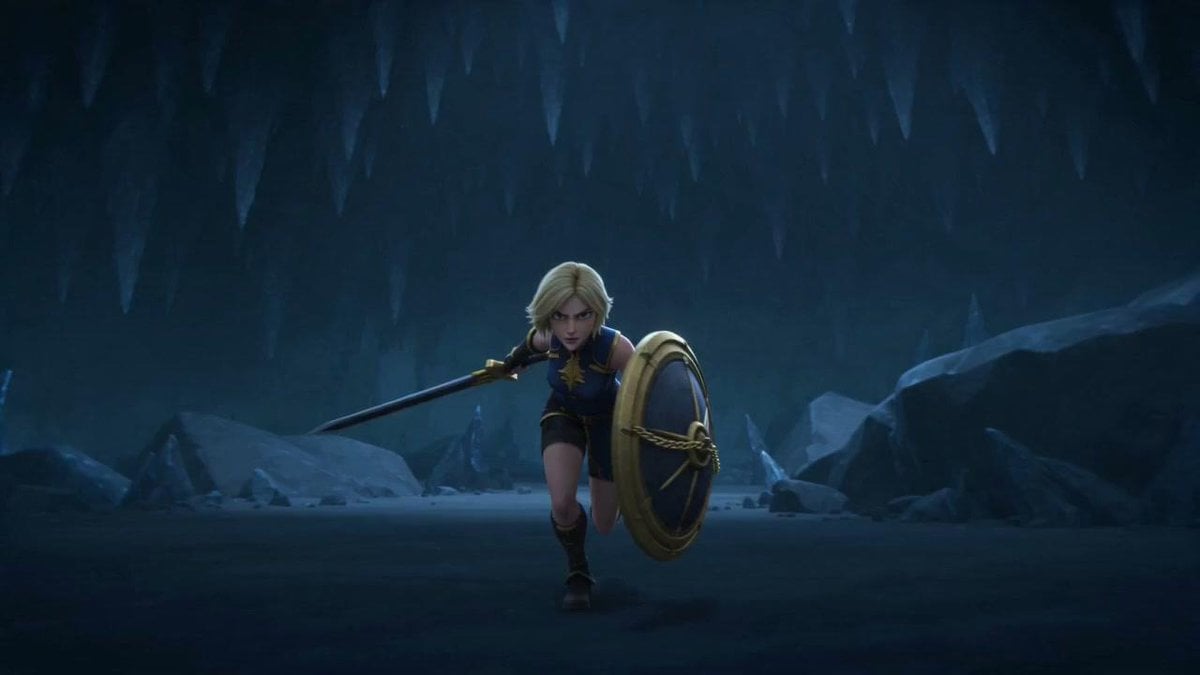
Blonde Warrior in an Icy Cavern
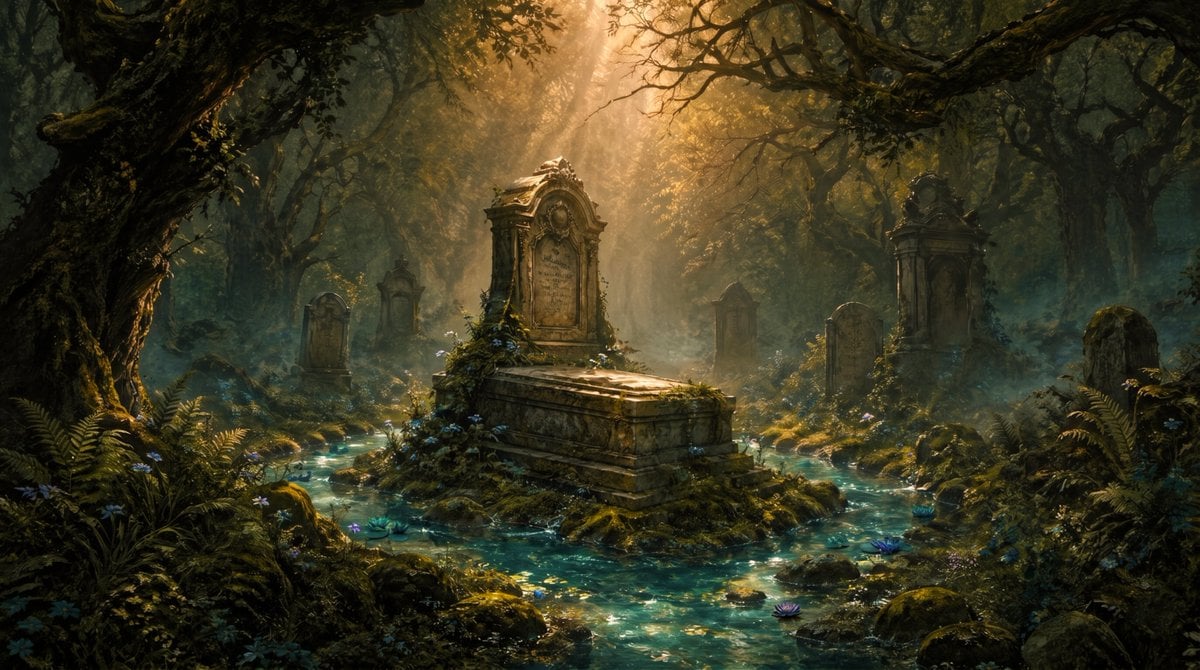
Enchanted Forest Grave Spring
Make it yours
Forest to Cave Side-Scroller Map works as-is. These are the safest ways to change it without losing the look.
Change one field
Copy a single group, rewrite it, and generate again so you can see what that field is doing.
Keep the frame, change the subject
Hold the composition and light of Forest to Cave Side-Scroller Map, then swap wardrobe, props or the person for a new take.
| If the result… | Why | Fix |
|---|---|---|
| The result drifts from the preview | Too many fields changed at once. | Reuse Forest to Cave Side-Scroller Map as-is first, then change one group — subject, light, or setting. |
| The model over-stylizes the scene | The prose prompt leaves finish and camera underspecified. | Add one camera or lighting sentence and stay on GPT Image 2. |
More GPT Image 2 templates
Other prompts made for GPT Image 2.

Six VTuber Japanese Logo Sheet

Realistic Portrait of Woman and Deer

The Vista Modular Condo Poster

AI Model Routing Comparison Infographic

2.5D Anime Art Board

Isometric Productivity Desk Scene

New York Double Exposure Poster

Four-Panel AI Landscape Comparison

Japanese Tatami Lifestyle Magazine Cover

Brutalist Cogito Chinese Typography Poster
More image prompts
Fresh picks from across the catalog.
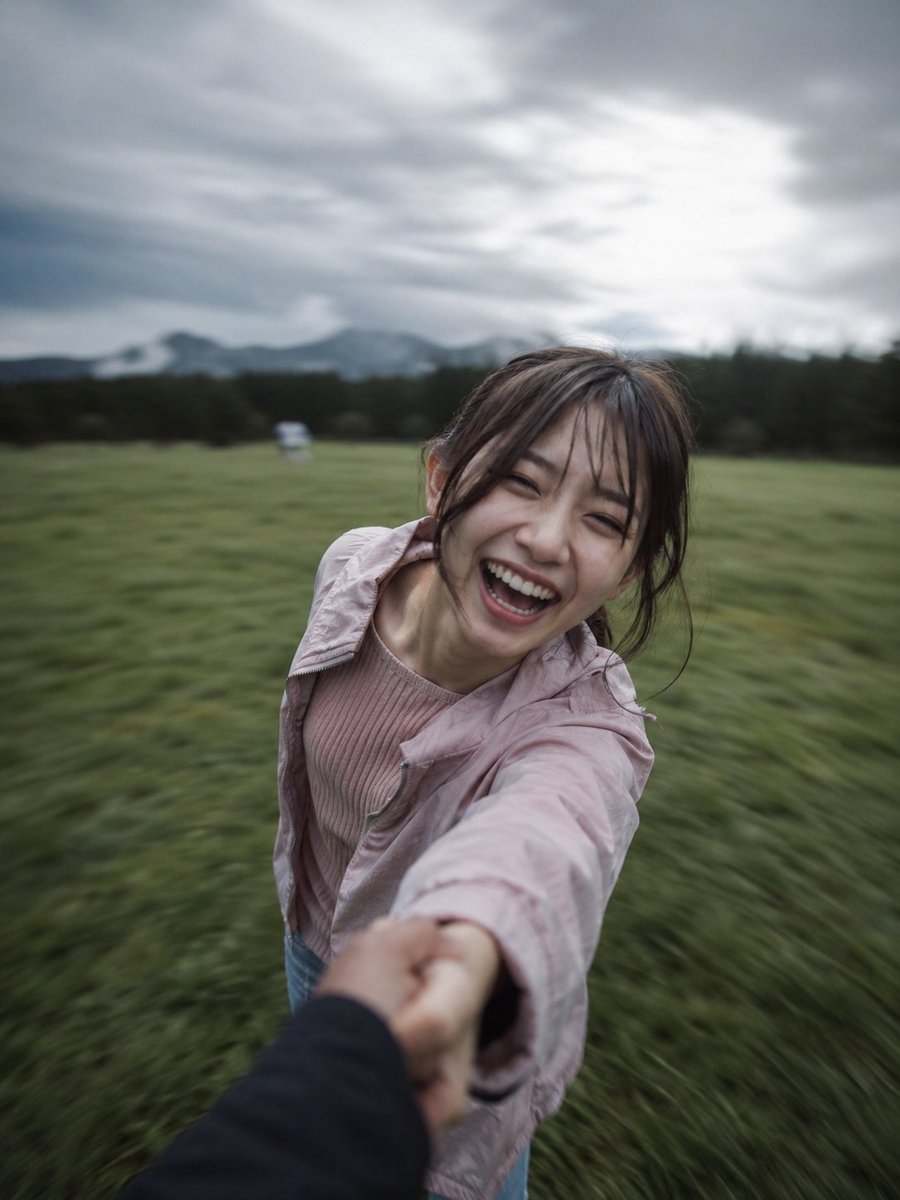
Cinematic POV Spinning Motion Photography

Photorealistic Cinematic Street Portrait with Exact Facial Reference

3x3 Storyboard Grid of a Young East Asian Woman

Thoughtful Woman Cafe Window Equations
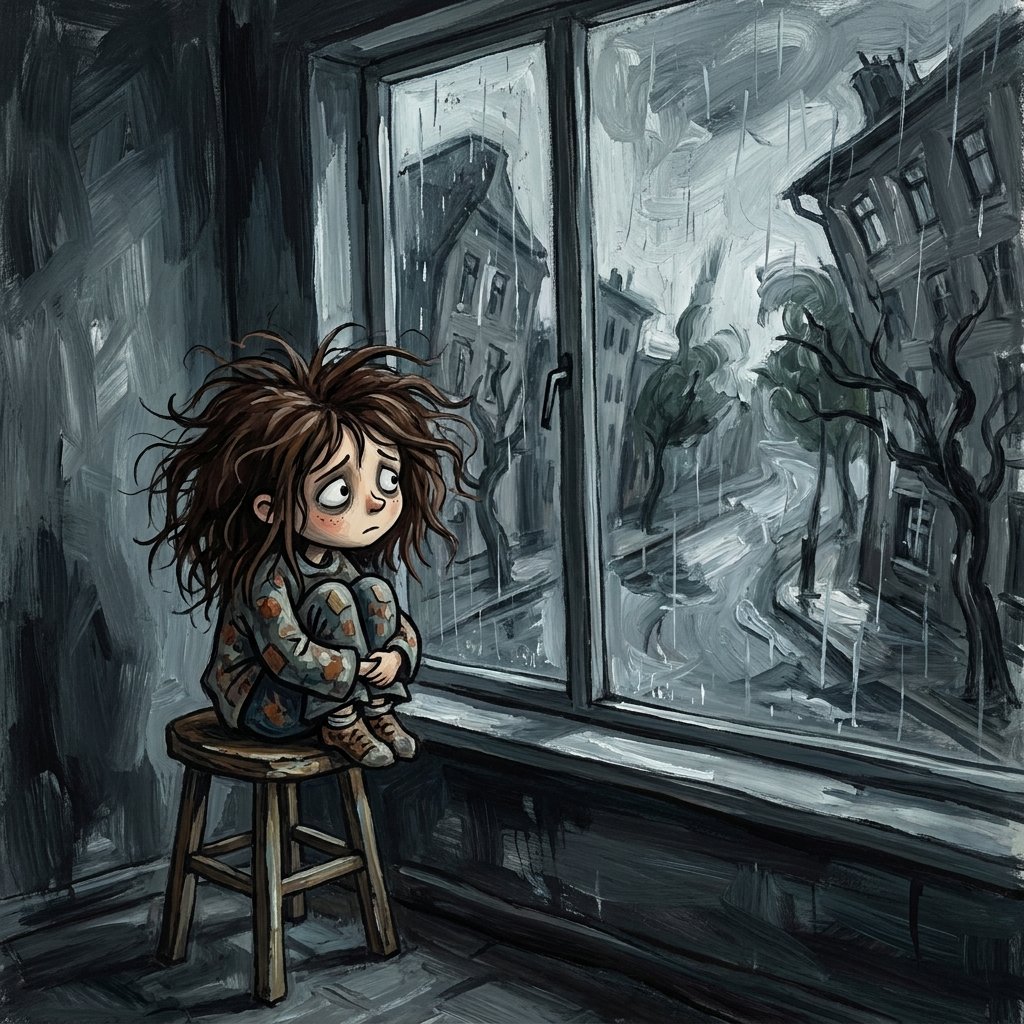
Sad Child by Rainy Window

LLM Prompt for Website Generation

European Urban Menswear Style Portrait
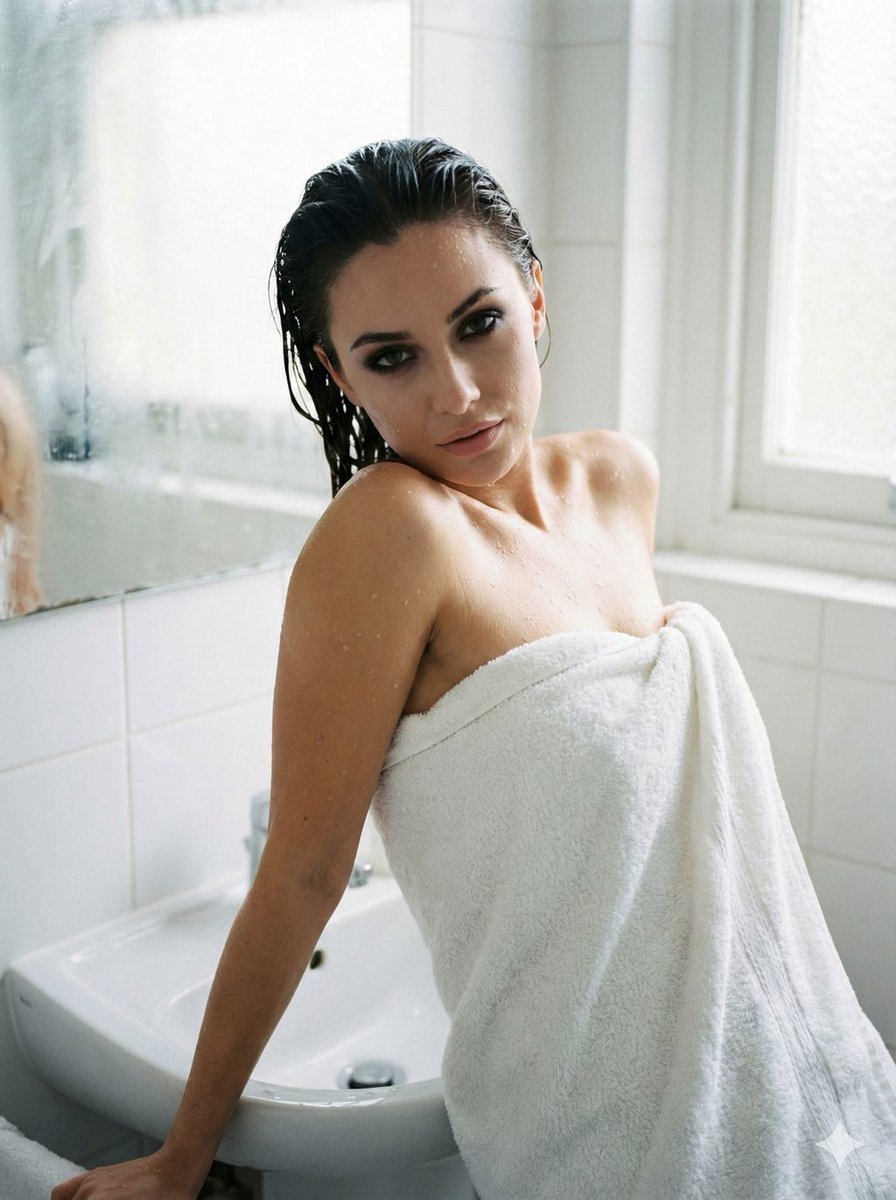
Raw Beauty Portrait in Steamy Bathroom

Low-Angle Anime Summer Hand Reach
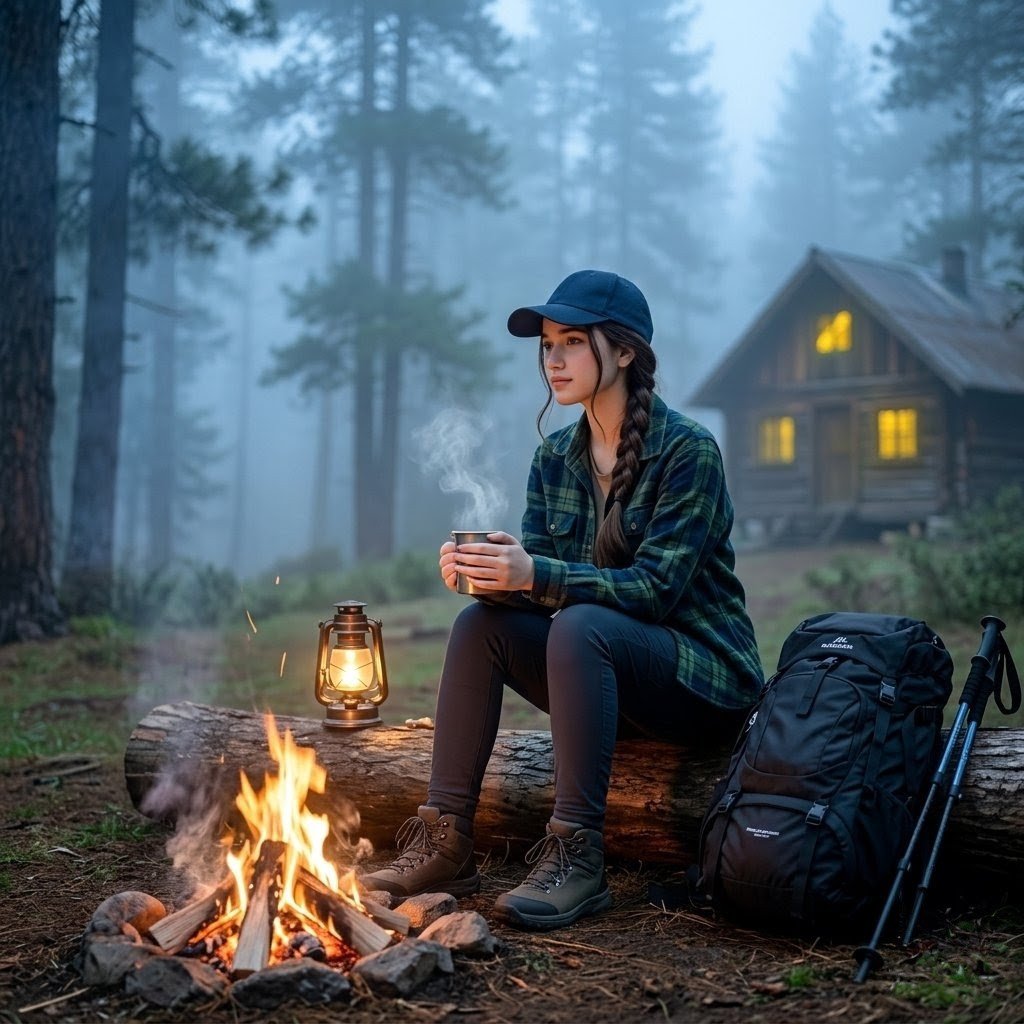
Misty Forest Camping Portrait
Browse template categories
Forest to Cave Side-Scroller Map questions
How do I use the Forest to Cave Side-Scroller Map template?
Add your photo if the template asks for one, edit the prompt if you like — the template's model and format are already selected — and press Generate. Your version opens in PicX Studio.
Can I customize the Forest to Cave Side-Scroller Map template?
Yes. You can change the subject, setting, lighting, mood, format, and available model controls before creating your image.
Is the Forest to Cave Side-Scroller Map template free?
Opening and editing this template is free. Generating uses credits, shown on the Generate button when you are signed in.
Which AI model should I use?
Start with GPT Image 2, which is the model associated with this template. You can compare another compatible model for a different finish.
Looking for something else? Browse all templates.

Your photo, any look
Thousands of ready templates for every top image and video model, from one credit balance.