
Oppressive Weather Poet Poster
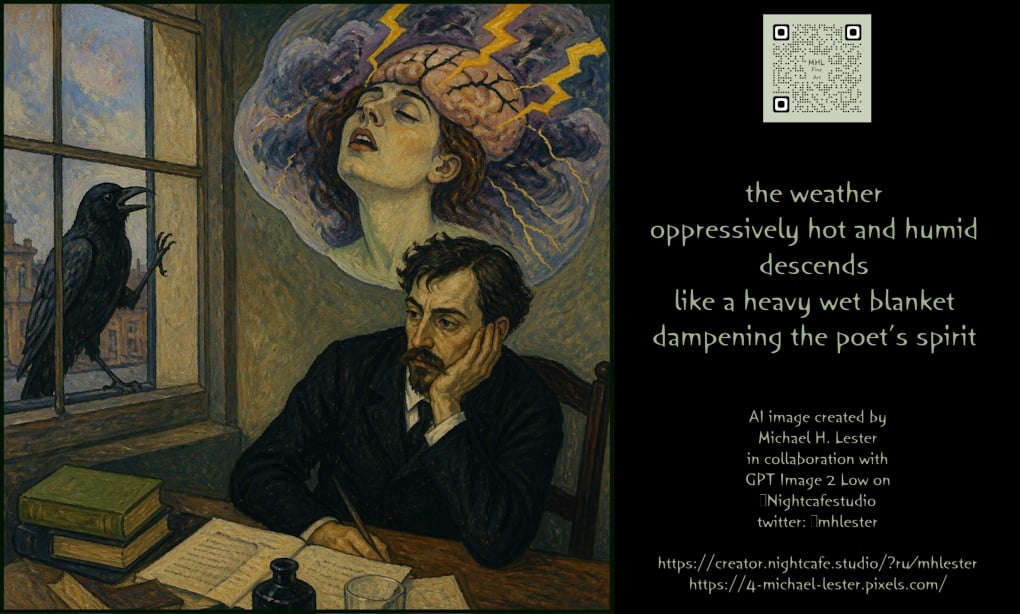
Creates a moody symbolist literary poster with a weary poet, raven, storm muse, poem text, QR code, and credits panel.
- Prompt included
- Model and format preset
- Free template
The prompt behind this image
Copy the exact prompt behind Oppressive Weather Poet Poster, or open it in the studio and make it yours.
Goal: Create a moody literary poster about oppressive summer weather and a poet’s dampened spirit. Canvas: Wide horizontal composition, approximately 16:9, divided into two main panels: a painted illustration on the left taking about 60% of the width, and a black text panel on the right taking about 40% of the width. Add a thin dark green border around the full image. Left illustration: Paint in an expressive late-19th-century symbolist / post-impressionist style with heavy brush texture, muted ochre, olive, blue-gray, and storm-yellow colors. Show an interior study at night or late afternoon. A weary male poet sits at a wooden desk, dressed in a dark suit and white shirt, leaning his head into one hand while writing with a pen in the other. His face is covered by one flat opaque brown square. Behind and above him, depict a ghostly female muse or weather spirit rising from the humid air; her face is also covered by one flat opaque brown square. Around her head, show a storm-cloud shape containing a cracked brain-like form and exactly 3 jagged yellow lightning bolts. At the far left, place a tall window with exactly 4 large panes; outside is a dull cityscape and gloomy sky. Perched on the inner windowsill is exactly 1 black raven, beak open as if calling, one claw lifted toward the glass. Desk objects: Include exactly 6 visible desk items: 1 stack of 3 closed books at the lower left, 1 spread sheet of handwritten paper in front of the poet, 1 separate loose paper, 1 black inkwell near the center front, 1 clear drinking glass at the lower right, and 1 pen held by the poet. Keep the objects painterly and slightly distorted. Right panel: Use a pure black background. At the top center, place exactly 1 pale square QR-code-like graphic. Center the poem beneath it in pale green, hand-lettered, slightly irregular serif text. Poem text must read exactly: {argument name="poem text" default="the weather\noppressively hot and humid\ndescends\nlike a heavy wet blanket\ndampening the poet’s spirit"} Credits text: Below the poem, add smaller pale green hand-lettered credits, centered, reading: AI image created by {argument name="artist name" default="Michael H. Lester"} in collaboration with {argument name="model credit" default="GPT Image 2 Low on\nNightcafestudio"} twitter: {argument name="twitter handle" default="lmhlester"} Bottom links: At the bottom of the right panel, add two centered pale green URL lines: {argument name="bottom links" default="https://creator.nightcafe.studio/?ru/mhlester\nhttps://4-michael-lester.pixels.com/"} Style constraints: Make the image feel humid, oppressive, melancholic, and poetic. Use visible brushstrokes, dark outlines, and a handmade poster aesthetic. Keep the right-side typography readable but organic. Do not add extra characters, extra birds, extra lightning bolts, extra desk objects, or additional text.
How to use Oppressive Weather Poet Poster in 3 steps
- 1Upload ImagePNG, JPG or paste
Add your photo
Upload the photo the template builds on. The prompt, model and format are already set.
- 2…a portrait of your subject in softgolden-hour light, 85mm…
Personalize
Edit the subject and creative details for your destination.
- 3Generate
Generate
Press Generate — your image is created in PicX Studio, so you can compare it with the original and refine one variable at a time.
More like this
Templates with the same subject, style or setup. Open one to see its prompt.

Japan Travel Brochure Poster

Cartoon TV Show Poster Pack

Trendy Cafe Drink Promo Poster

Urban Fashion Editorial Collage Streetwear Poster

Premium Fashion Editorial Cover Layout System

Polo Ralph Lauren Luxury American Heritage Fashion Campaign

Monochrome Halftone Editorial Fashion Poster

Retro Mirror Luxury Fashion Campaign Poster
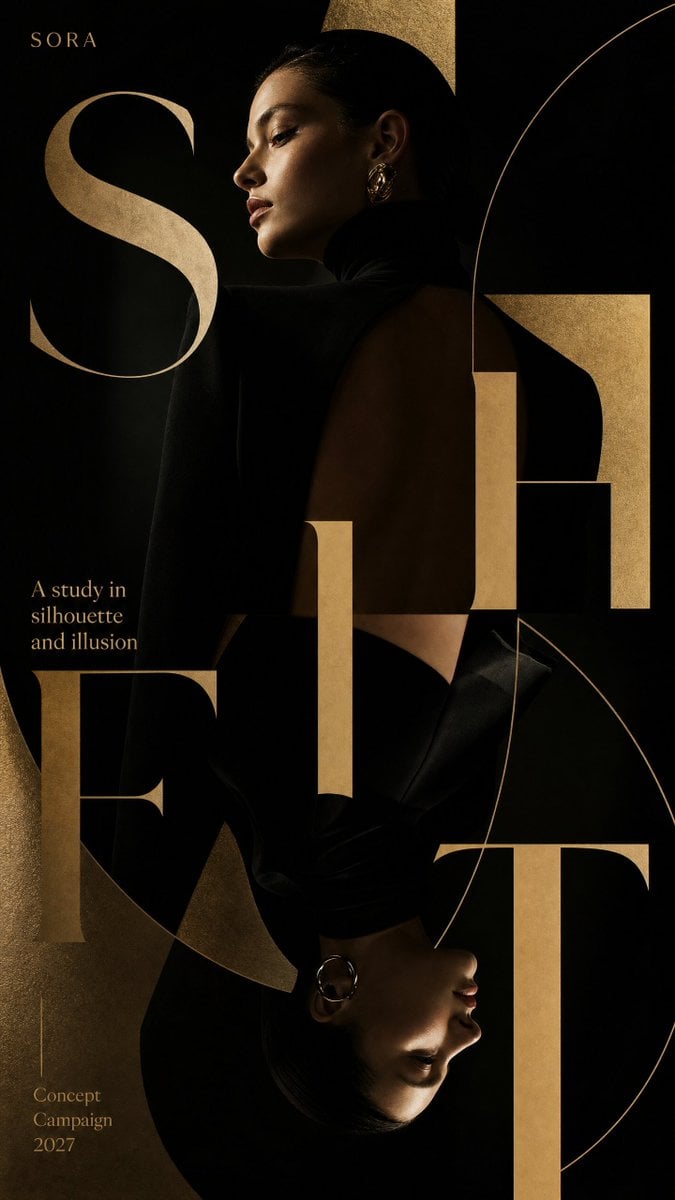
Luxury Fashion Campaign Typography Poster System
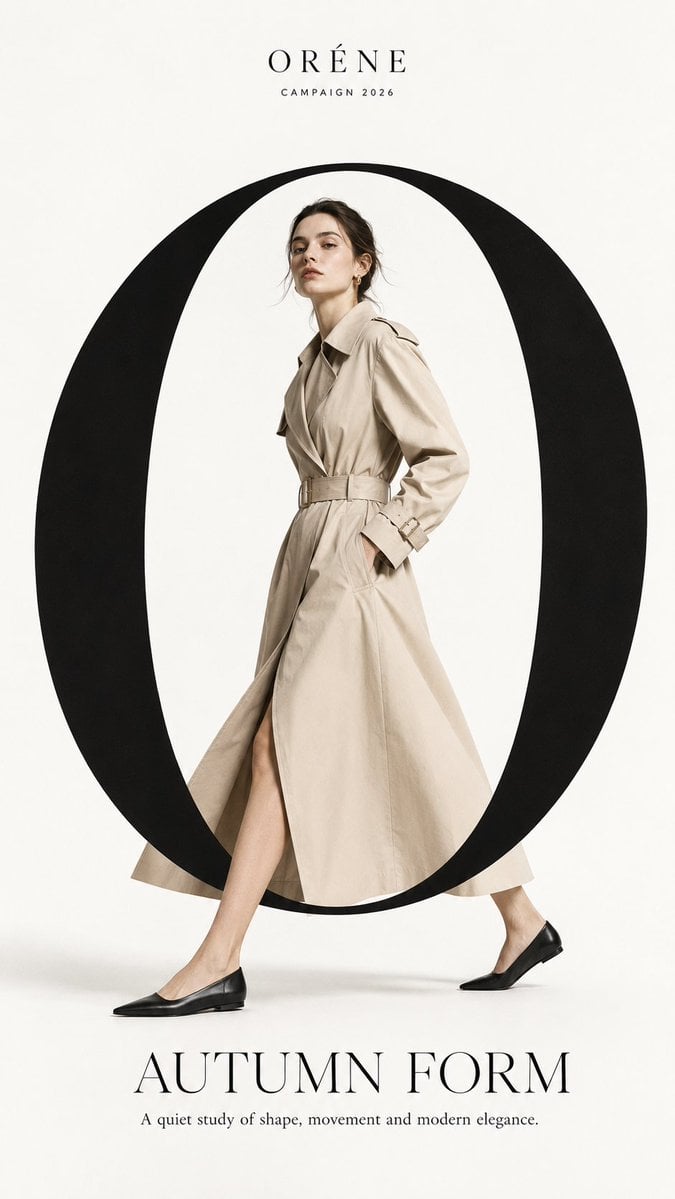
Premium Fashion Editorial Campaign Poster System
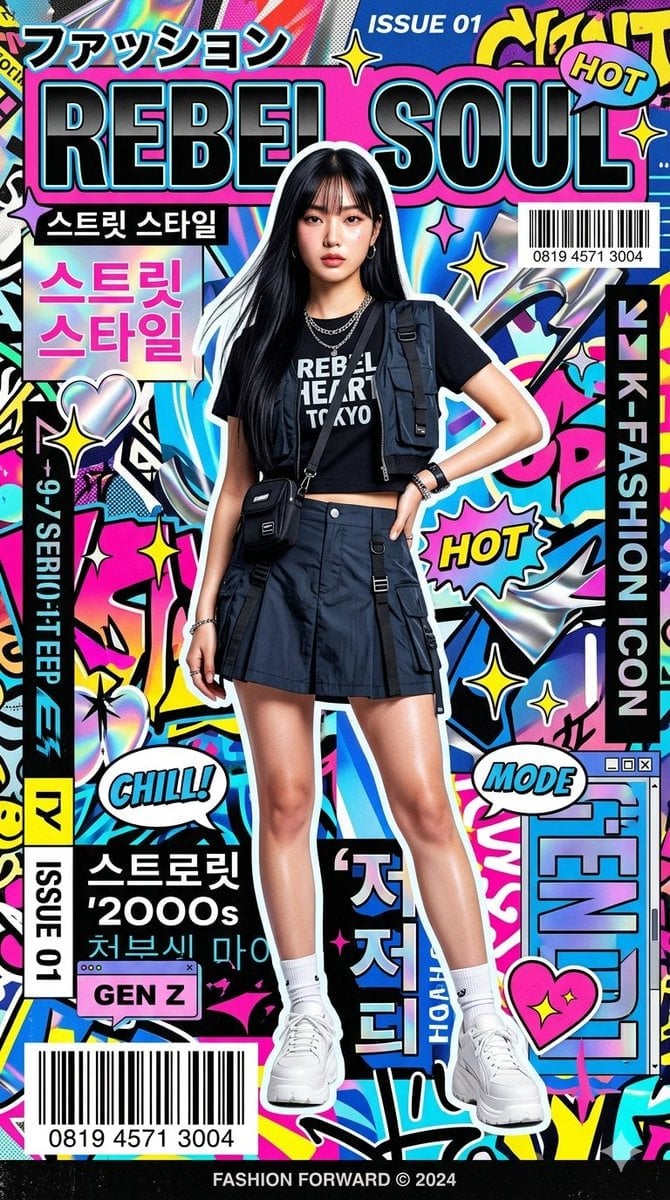
Ultra-Stylized High-Fashion Streetwear Poster
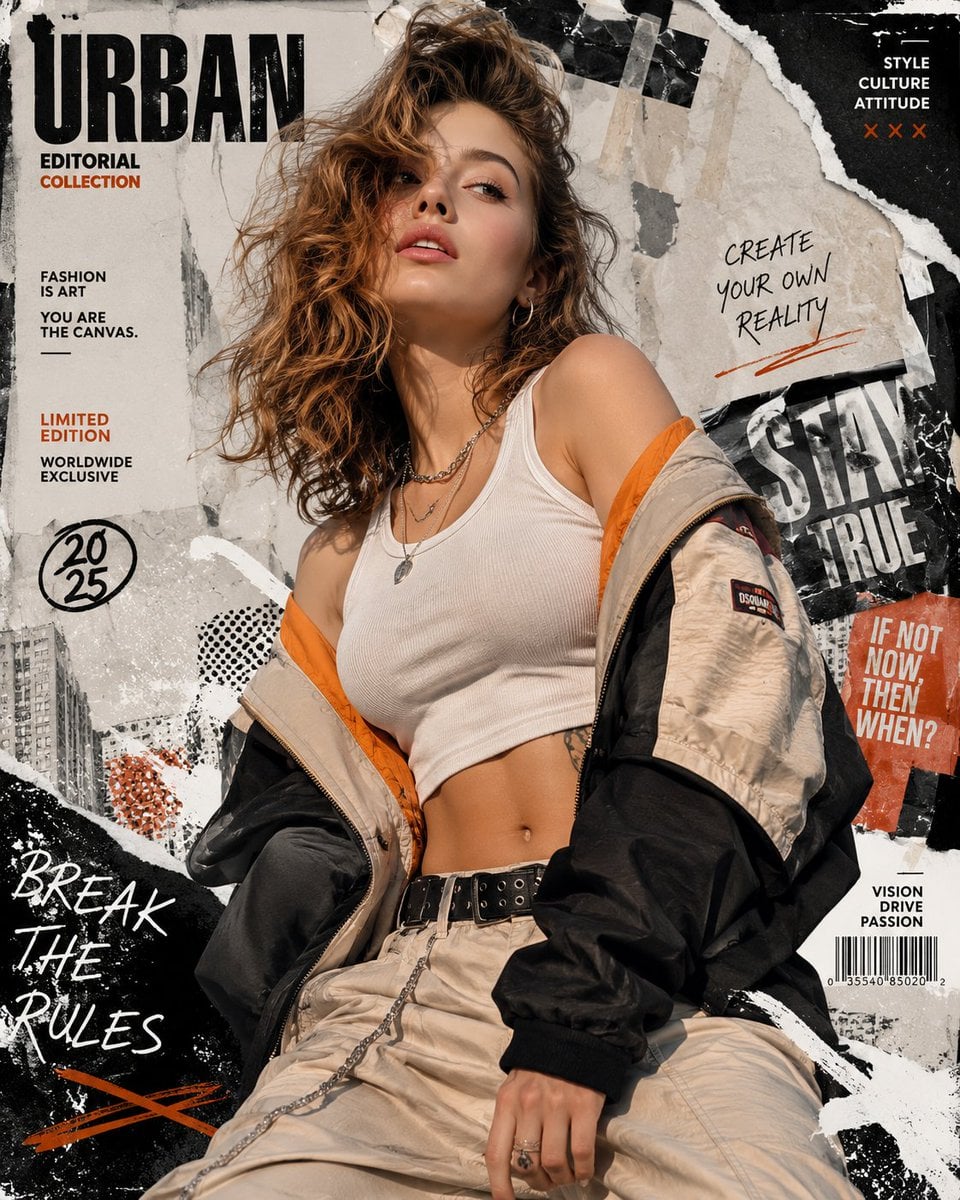
Urban Fashion Editorial Collage Poster
Make it yours
Oppressive Weather Poet Poster works as-is. These are the safest ways to change it without losing the look.
Change one field
Copy a single group, rewrite it, and generate again so you can see what that field is doing.
Keep the frame, change the subject
Hold the composition and light of Oppressive Weather Poet Poster, then swap wardrobe, props or the person for a new take.
| If the result… | Why | Fix |
|---|---|---|
| The result drifts from the preview | Too many fields changed at once. | Reuse Oppressive Weather Poet Poster as-is first, then change one group — subject, light, or setting. |
| The model over-stylizes the scene | The prose prompt leaves finish and camera underspecified. | Add one camera or lighting sentence and stay on GPT Image 2. |
More GPT Image 2 templates
Other prompts made for GPT Image 2.

Six VTuber Japanese Logo Sheet

Realistic Portrait of Woman and Deer

The Vista Modular Condo Poster

AI Model Routing Comparison Infographic

2.5D Anime Art Board

Isometric Productivity Desk Scene

New York Double Exposure Poster

Four-Panel AI Landscape Comparison

Japanese Tatami Lifestyle Magazine Cover

NESCAFÉ Coffee Map Poster
More image prompts
Fresh picks from across the catalog.
Graphic Novel Eye Close-up
Minimalist Rope Line Art Portrait
New Year's Day Special: Forbidden City in Snow
Cinematic New Year's Portrait with Typography
Pedestrian Markings as Personal Silhouette
Hyperrealistic Portrait of Man Lighting Cigarette

Japanese Eel Derby Logo
Cinematic Street Fashion Photo Prompt (Male)
Videogame Cinematic Trailer - Seedance 2.0

Close-up of a Young Japanese Woman
Browse template categories
Oppressive Weather Poet Poster questions
How do I use the Oppressive Weather Poet Poster template?
Add your photo if the template asks for one, edit the prompt if you like — the template's model and format are already selected — and press Generate. Your version opens in PicX Studio.
Can I customize the Oppressive Weather Poet Poster template?
Yes. You can change the subject, setting, lighting, mood, format, and available model controls before creating your image.
Is the Oppressive Weather Poet Poster template free?
Opening and editing this template is free. Generating uses credits, shown on the Generate button when you are signed in.
Which AI model should I use?
Start with GPT Image 2, which is the model associated with this template. You can compare another compatible model for a different finish.
Looking for something else? Browse all templates.

Your photo, any look
Thousands of ready templates for every top image and video model, from one credit balance.