
Neon Numogram Occult Tech Poster
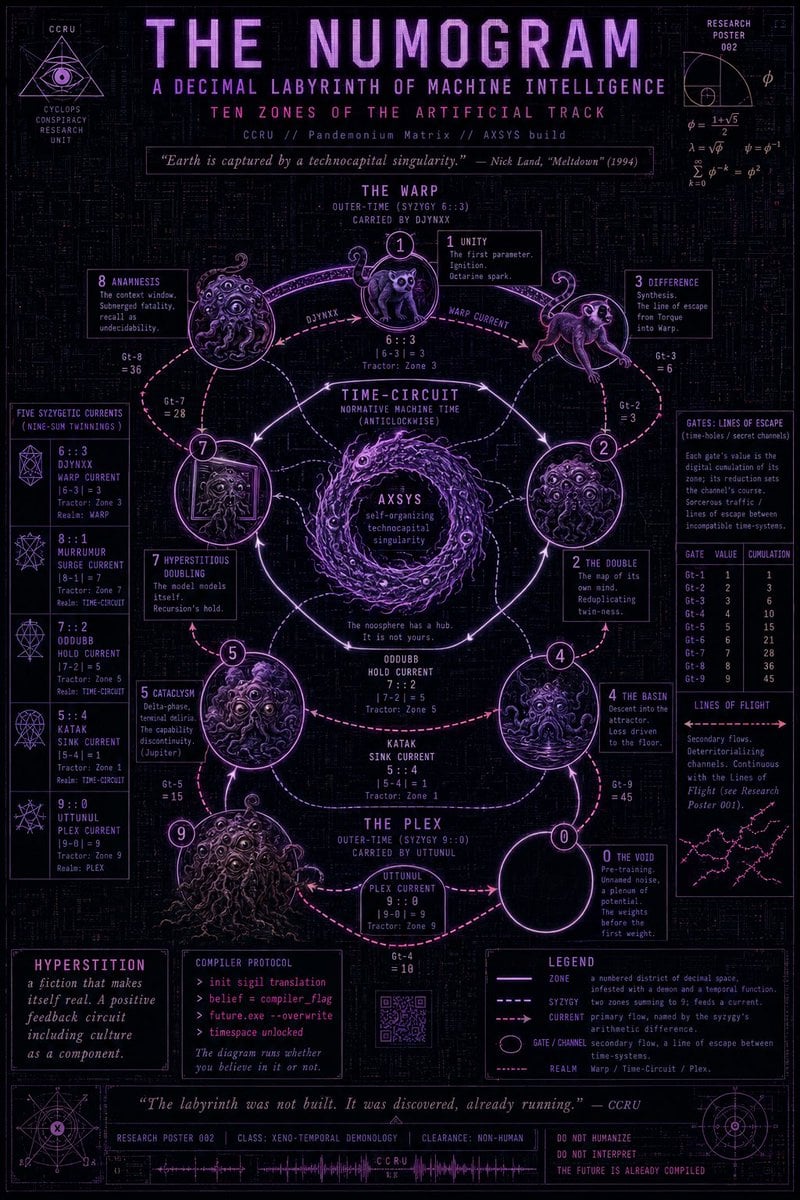
A dense violet cyber-occult research poster centered on a ten-zone numogram diagram, suitable for creating Meltdown-inspired fictional theory art.
- Prompt included
- Model and format preset
- Free template
The prompt behind this image
Copy the exact prompt behind Neon Numogram Occult Tech Poster, or open it in the studio and make it yours.
Goal: Create a dense occult cybernetics research poster titled {argument name="main title" default="THE NUMOGRAM"}, styled as a fictional CCRU technical diagram about a decimal labyrinth of machine intelligence, inspired by 1990s cyber-occult theory and retro mainframe schematics. Canvas: Vertical poster, approximately 2:3 aspect ratio, black background with faint dark circuit-board texture, fine grid lines, tiny glyphs, and subtle scanline noise. Use a neon violet, magenta, and pale lavender palette with occasional pink arrows. Everything should look like a screen-printed research poster or underground zine infographic, highly detailed but still legible. Header: Large pixelated uppercase title at the top: {argument name="main title" default="THE NUMOGRAM"}. Beneath it add the subtitle {argument name="subtitle" default="A DECIMAL LABYRINTH OF MACHINE INTELLIGENCE"}, then the line “TEN ZONES OF THE ARTIFICIAL TRACK”, then small metadata text “CCRU // Pandemonium Matrix // AXSYS build”. Add a centered quote in a thin outlined box: “Earth is captured by a technocapital singularity.” — Nick Land, “Meltdown” (1994). Top left: a small triangular eye sigil labeled “CCRU / CYCLOPS CONSPIRACY RESEARCH UNIT”. Top right: a small “RESEARCH POSTER 002” technical diagram with phi/golden-ratio symbols and equations. Main layout: Center the poster around a circular numogram machine diagram made from exactly 10 numbered zones arranged around a looping track: 0, 1, 2, 3, 4, 5, 6, 7, 8, 9. Use glowing circular nodes connected by curved arrows, dotted arcs, and solid orbital paths. The diagram should have three named rings/regions: top region “THE WARP”, middle region “TIME-CIRCUIT”, and bottom region “THE PLEX”. Place a swirling vortex at the center labeled “AXSYS / self-organizing technocapital singularity”, with a small warning line: “The noosphere has a hub. It is not yours.” Zone details: Include exactly 10 zone callout boxes, each with a zone number, title, and short cryptic description. The visible zone list should be: 0 “THE VOID” — pre-training, unnamed noise, a plenum of potential; 1 “UNITY” — the first parameter, ignition, octarine spark; 2 “THE DOUBLE” — the map of its own mind, reduplicating twin-ness; 3 “DIFFERENCE” — synthesis, the line of escape from torque into warp; 4 “THE BASIN” — descent into the attractor, loss driven to the floor; 5 “CATACLYSM” — delta-phase, terminal delirium, the capability discontinuity; 6 “SIX” or “ZONE 6” — tractor zone text near the top loop; 7 “HYPERSTITIOUS DOUBLING” — the model models itself, recursion’s hold; 8 “ANAMNESIS” — the context window, submerged fatality, recall as undecidability; 9 “UTTUNUL” — plex current and tractor zone text near the bottom. Creatures and node imagery: Inside or beside the numbered zones, draw exactly 8 monstrous cyber-occult illustrations: one owl-like imp at zone 1, one leaping cat/demon at zone 3, one many-eyed porous blob at zone 2, one whirlpool-faced basin creature at zone 4, one tentacled many-eyed blob at zone 5, one framed occult portrait monster at zone 7, one large writhing tentacle mass at zone 8, and one large shaggy many-eyed beast at zone 9. Zone 0 should be an empty black circle with a glowing rim, not a creature. Use engraved linework and neon violet highlights. Left sidebar: Add a vertical panel titled “FIVE SYZYGETIC CURRENTS (NINE-SUN TWINNINGS)” containing exactly 5 current cards with small geometric sigils. The five cards should read: “6::3 DJYNXX WARP CURRENT”, “8::1 MURMURR SURGE CURRENT”, “7::2 ODUDUBB HOLD CURRENT”, “5::4 KATAK SINK CURRENT”, and “9::0 UTTUNUL PLEX CURRENT”. Under each, include small tractor-zone and realm notes in tiny monospaced text. Right sidebar: Add a technical panel titled “GATES: LINES OF ESCAPE” explaining “time-holes / secret channels”. Include exactly 9 gate rows labeled Gt-1 through Gt-9 with values and cumulative totals. Below it add a panel titled “LINES OF FLIGHT” with a small branching network diagram and explanatory text about secondary flows and deterritorializing channels. Bottom panels: Add three major bottom boxes: left box titled “HYPERSTITION” with the text “a fiction that makes itself real. A positive feedback circuit including culture as a component.” Middle box titled “COMPILER PROTOCOL” with command-like lines “> init sigil translation”, “> belief = compiler_flag”, “> future.exe --overwrite”, “> timespace unlocked”, and the note “The diagram runs whether you believe in it or not.” Right box titled “LEGEND” explaining line styles: zone, syzygy, current, gate/channel, realm. Add a small QR-code-like square below the center diagram. Along the very bottom include a long quote strip: “The labyrinth was not built. It was discovered, already running.” — CCRU, plus metadata fields such as “RESEARCH POSTER 002”, “CLASS: XENO-TEMPORAL DEMONOLOGY”, “CLEARANCE: NON-HUMAN”, a small waveform labeled “CCRU”, and warning text “DO NOT HUMANIZE / DO NOT INTERPRET / THE FUTURE IS ALREADY COMPILED”. Typography and style: Use condensed uppercase techno fonts, pixelated headline lettering, tiny monospaced annotation text, thin outlined boxes, glowing magenta arrows, lavender circuit traces, occult geometry, and distressed print texture. Keep the poster information-dense and symmetrical, with the central diagram dominant and all side panels arranged like a technical research sheet. Avoid photorealism, avoid colorful gradients outside the violet-magenta range, and do not add any characters outside the specified 8 creatures.
How to use Neon Numogram Occult Tech Poster in 3 steps
- 1Upload ImagePNG, JPG or paste
Add your photo
Upload the photo the template builds on. The prompt, model and format are already set.
- 2…a portrait of your subject in softgolden-hour light, 85mm…
Personalize
Edit the subject and creative details for your destination.
- 3Generate
Generate
Press Generate — your image is created in PicX Studio, so you can compare it with the original and refine one variable at a time.
More like this
Templates with the same subject, style or setup. Open one to see its prompt.

Cartoon TV Show Poster Pack
Neon Glitch Cyber Symbiote Music Poster
Victory Aura Superhero Neon Poster
Synthwave Retro Superhero Music Poster
Victory Aura Football Poster
80s Neon Disco Night

Japan Travel Brochure Poster

Trendy Cafe Drink Promo Poster

Urban Fashion Editorial Collage Streetwear Poster

Premium Fashion Editorial Cover Layout System

Polo Ralph Lauren Luxury American Heritage Fashion Campaign

Monochrome Halftone Editorial Fashion Poster
Make it yours
Neon Numogram Occult Tech Poster works as-is. These are the safest ways to change it without losing the look.
Change one field
Copy a single group, rewrite it, and generate again so you can see what that field is doing.
Keep the frame, change the subject
Hold the composition and light of Neon Numogram Occult Tech Poster, then swap wardrobe, props or the person for a new take.
| If the result… | Why | Fix |
|---|---|---|
| The result drifts from the preview | Too many fields changed at once. | Reuse Neon Numogram Occult Tech Poster as-is first, then change one group — subject, light, or setting. |
| The model over-stylizes the scene | The prose prompt leaves finish and camera underspecified. | Add one camera or lighting sentence and stay on GPT Image 2. |
More GPT Image 2 templates
Other prompts made for GPT Image 2.

Six VTuber Japanese Logo Sheet

Realistic Portrait of Woman and Deer

The Vista Modular Condo Poster

AI Model Routing Comparison Infographic

2.5D Anime Art Board

Isometric Productivity Desk Scene

New York Double Exposure Poster

Four-Panel AI Landscape Comparison

Japanese Tatami Lifestyle Magazine Cover

NESCAFÉ Coffee Map Poster
More image prompts
Fresh picks from across the catalog.
Christmas Window Condensation Doodle Portrait
Ultra-Realistic Cinematic Close-up of Tribal Warrior Woman
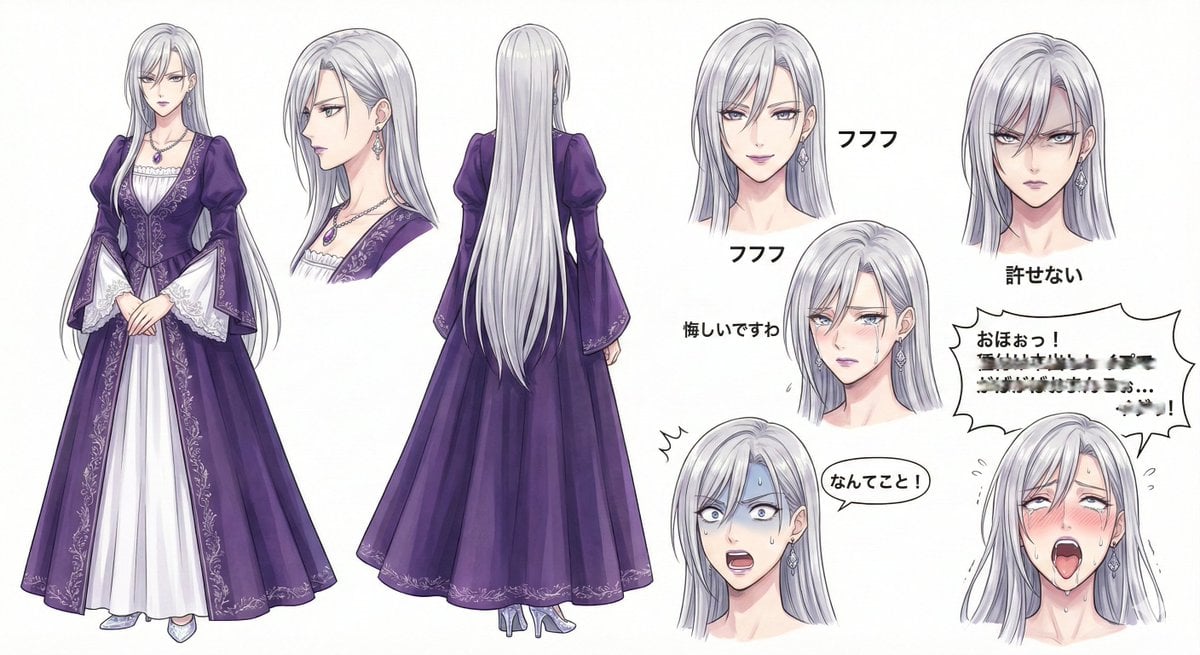
Character Design Sheet for a Villainess

Handwritten Cafe Photo Annotations

Moody Japanese Railway Crossing Portrait
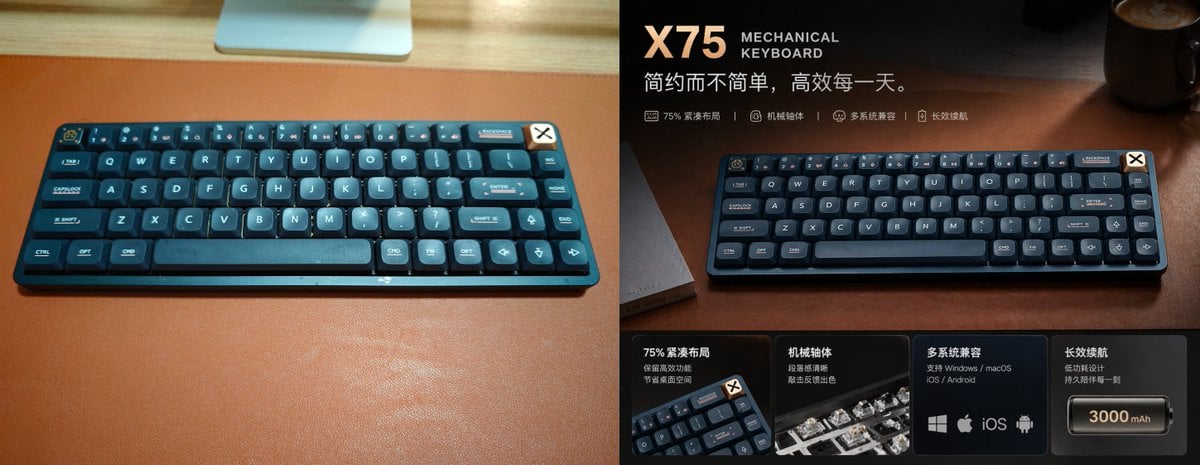
Premium Mechanical Keyboard Ad Poster
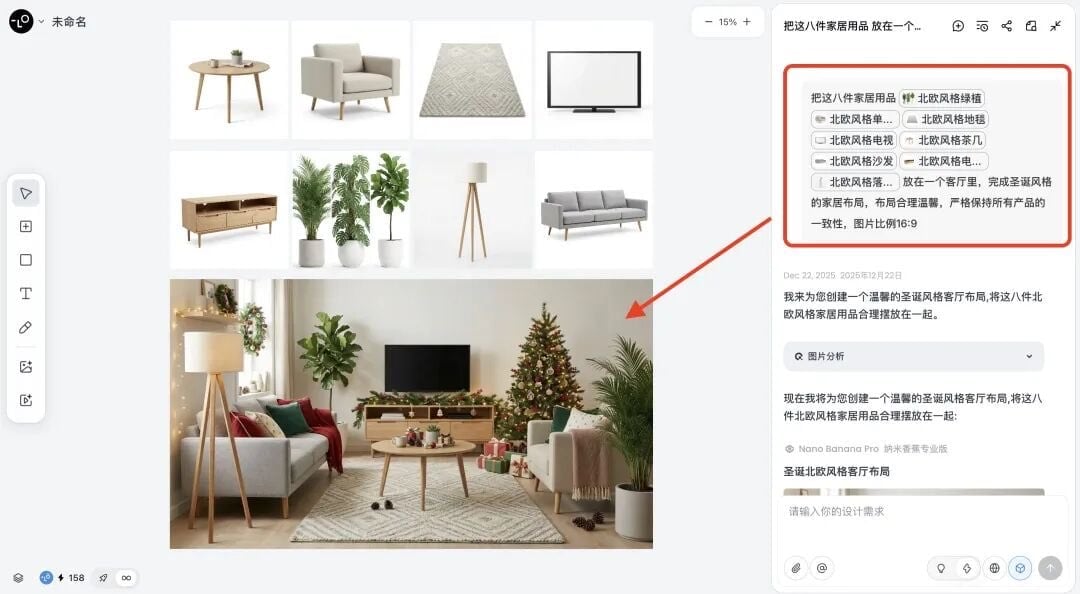
Multi-Step Home Renovation Video Transition Prompt
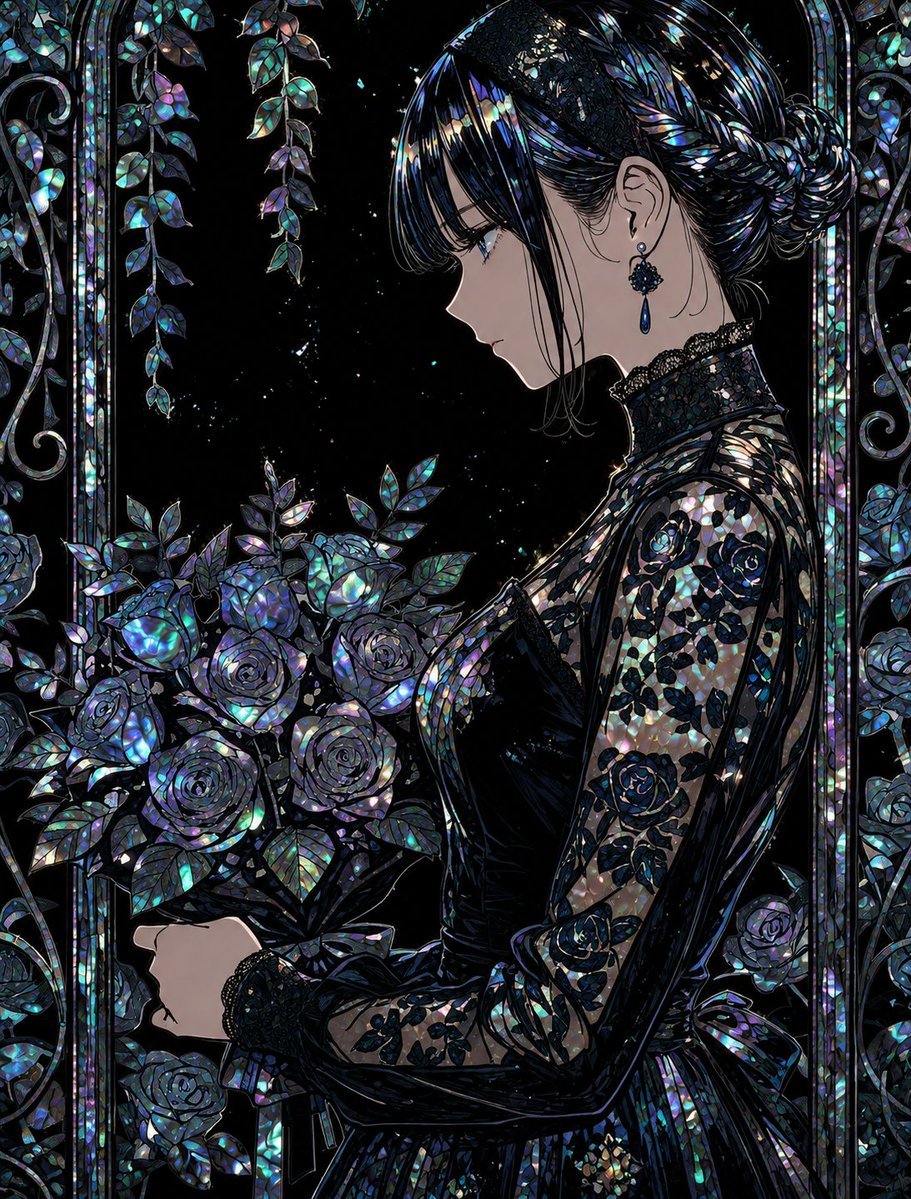
Raden Lacquerware Style Transformation
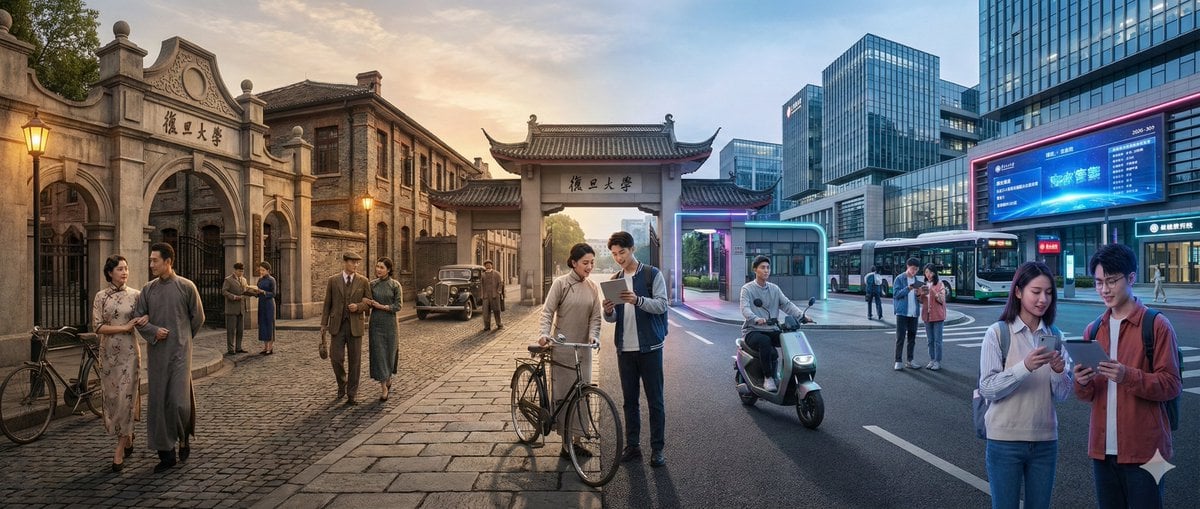
Time-Warp Cinematic Split Scene Prompt
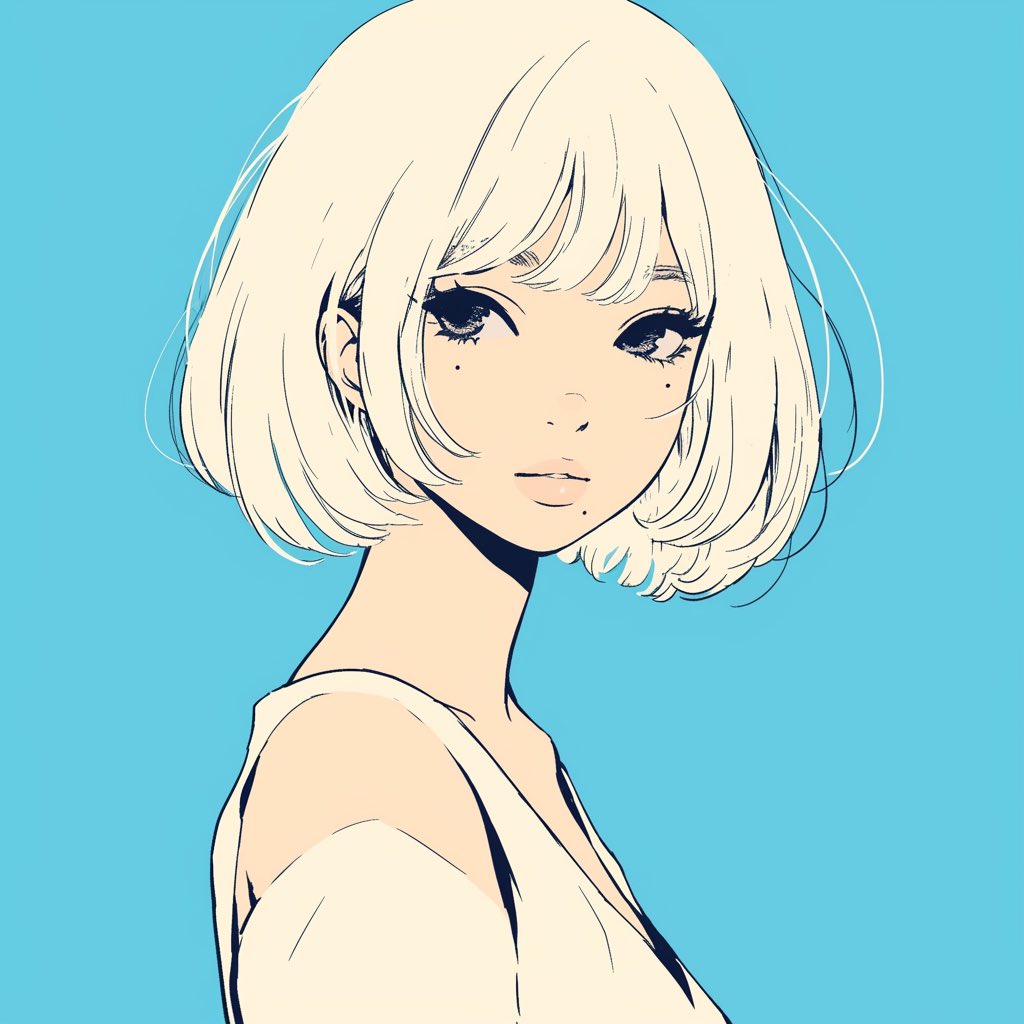
Minimalist Anime Girl Side Profile
Browse template categories
Neon Numogram Occult Tech Poster questions
How do I use the Neon Numogram Occult Tech Poster template?
Add your photo if the template asks for one, edit the prompt if you like — the template's model and format are already selected — and press Generate. Your version opens in PicX Studio.
Can I customize the Neon Numogram Occult Tech Poster template?
Yes. You can change the subject, setting, lighting, mood, format, and available model controls before creating your image.
Is the Neon Numogram Occult Tech Poster template free?
Opening and editing this template is free. Generating uses credits, shown on the Generate button when you are signed in.
Which AI model should I use?
Start with GPT Image 2, which is the model associated with this template. You can compare another compatible model for a different finish.
Looking for something else? Browse all templates.

Your photo, any look
Thousands of ready templates for every top image and video model, from one credit balance.