
WWDC 2026 Highlights Infographic
Generates a Korean Apple-style WWDC highlights slide with six glassmorphic feature cards for design and platform updates.
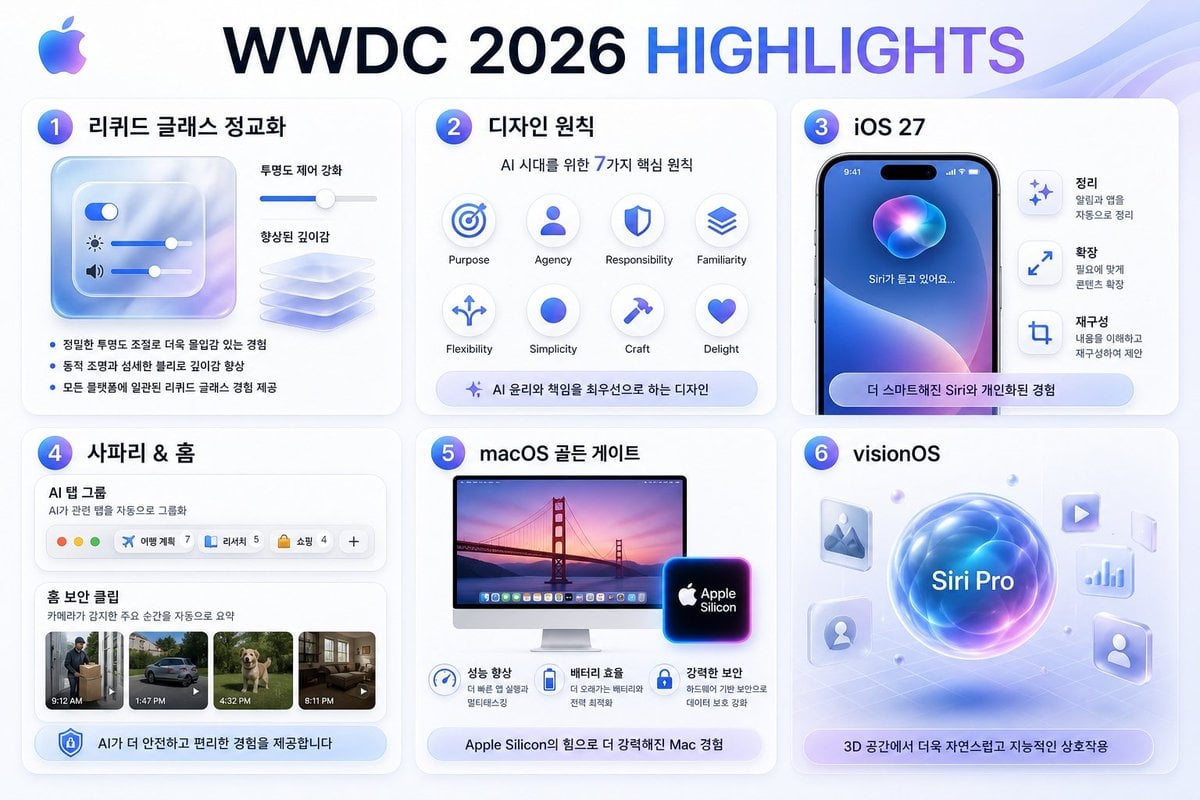
- Prompt included
- Model and format preset
- Free template
The prompt behind this image
Copy the exact prompt behind WWDC 2026 Highlights Infographic, or open it in the studio and make it yours.
Goal: Create a polished Apple-style Korean infographic slide summarizing {argument name="headline text" default="WWDC 2026 HIGHLIGHTS"} from a designer perspective. Canvas: 16:9 horizontal presentation graphic, 1152×768 feel, white-to-pale-blue gradient background with soft translucent wave ribbons in the top-right corner. Use Apple-inspired glassmorphism, rounded cards, subtle shadows, blue/purple gradients, clean SF Pro-like typography, and a small multicolor Apple logo at the top-left. Layout: Large centered headline at the top, with “WWDC 2026” in dark navy and “HIGHLIGHTS” in blue-to-purple gradient. Under it, arrange exactly 6 rounded white cards in a 3-column by 2-row grid, each card numbered with a glossy blue-purple circular badge from 1 to 6. Card 1: Title {argument name="liquid glass title" default="리퀴드 글래스 정교화"}. Show a translucent frosted-glass control panel with exactly 3 horizontal sliders: a toggle slider, a brightness slider with sun icon, and a volume slider with speaker icon. To the right, show a depth-enhancement slider and a stack of translucent glass sheets. Include exactly 3 Korean bullet points: “정밀한 투명도 조절로 더욱 몰입감 있는 경험”, “동적 조명과 섬세한 블러로 깊이감 향상”, “모든 플랫폼에 일관된 리퀴드 글래스 경험 제공”. Card 2: Title {argument name="design principles title" default="디자인 원칙"}. Subtitle “AI 시대를 위한 7가지 핵심 원칙”. Show exactly 7 circular principle icons in a neat grid, labeled in English: Purpose, Agency, Responsibility, Familiarity, Flexibility, Simplicity, Craft, Delight. Even though 8 label positions are visible, emphasize the subtitle says 7 principles while the visual grid contains these 8 labeled icon circles. Bottom pill caption: “AI 윤리와 책임을 최우선으로 하는 디자인”. Card 3: Title {argument name="ios title" default="iOS 27"}. Show a realistic iPhone mockup with dynamic island, blue-purple Siri orb wallpaper, and Korean text on screen “Siri가 듣고 있어요...”. To the right, include exactly 3 vertical feature rows with icons and Korean headings: “정리” with smaller text “알림과 앱을 자동으로 정리”, “확장” with smaller text “필요에 맞게 콘텐츠 확장”, and “재구성” with smaller text “내용을 이해하고 재구성하여 제안”. Bottom rounded pill: “더 스마트해진 Siri와 개인화된 경험”. Card 4: Title {argument name="safari home title" default="사파리 & 홈"}. Show a Safari-like AI tab group module labeled “AI 탭 그룹” with subtitle “AI가 관련 탭을 자동으로 그룹화”. Include exactly 4 visible tab chips plus one plus button: “여행 계획 7”, “리서치 5”, “쇼핑 4”, and a final add button “+”. Below, show a Home security clipping section titled “홈 보안 클립” with subtitle “카메라가 감지한 주요 순간을 자동으로 요약”. Include exactly 4 video thumbnails with time labels: 9:12 AM delivery person, 1:47 PM car, 4:32 PM dog, 8:11 PM living room. Bottom pill: “AI가 더 안전하고 편리한 경험을 제공합니다”. Card 5: Title {argument name="macos title" default="macOS 골든 게이트"}. Show an iMac display with Golden Gate Bridge sunset wallpaper and a glowing Apple Silicon chip badge. Under it, include exactly 3 benefit icons with Korean headings and short subtext: “성능 향상”, “배터리 효율”, “강력한 보안”. Bottom pill: “Apple Silicon의 힘으로 더 강력해진 Mac 경험”. Card 6: Title “visionOS”. Create a futuristic spatial-computing scene: a glowing central blue-purple orb labeled “Siri Pro” hovering over a faint perspective grid. Around it place exactly 6 floating translucent app tiles/icons: image/photo icon, play icon, chart icon, person icon, profile silhouette icon, and one small glass panel. Bottom pill: “3D 공간에서 더욱 자연스럽고 지능적인 상호작용”. Visual style: High-end Apple keynote recap aesthetic, crisp vector UI mixed with soft 3D glass elements, blue/purple glow accents, consistent spacing, rounded 24px cards, light shadows, premium minimalism. Keep all Korean text legible and correctly spelled. Avoid extra logos, watermarks, signatures, or additional cards.
How to use WWDC 2026 Highlights Infographic in 3 steps
- 1Upload ImagePNG, JPG or paste
Add your photo
Upload the photo the template builds on. The prompt, model and format are already set.
- 2…a portrait of your subject in softgolden-hour light, 85mm…
Personalize
Edit the subject and creative details for your destination.
- 3Generate
Generate
Press Generate — your image is created in PicX Studio, so you can compare it with the original and refine one variable at a time.
More like this
Templates with the same subject, style or setup. Open one to see its prompt.

Japan Travel Brochure Poster
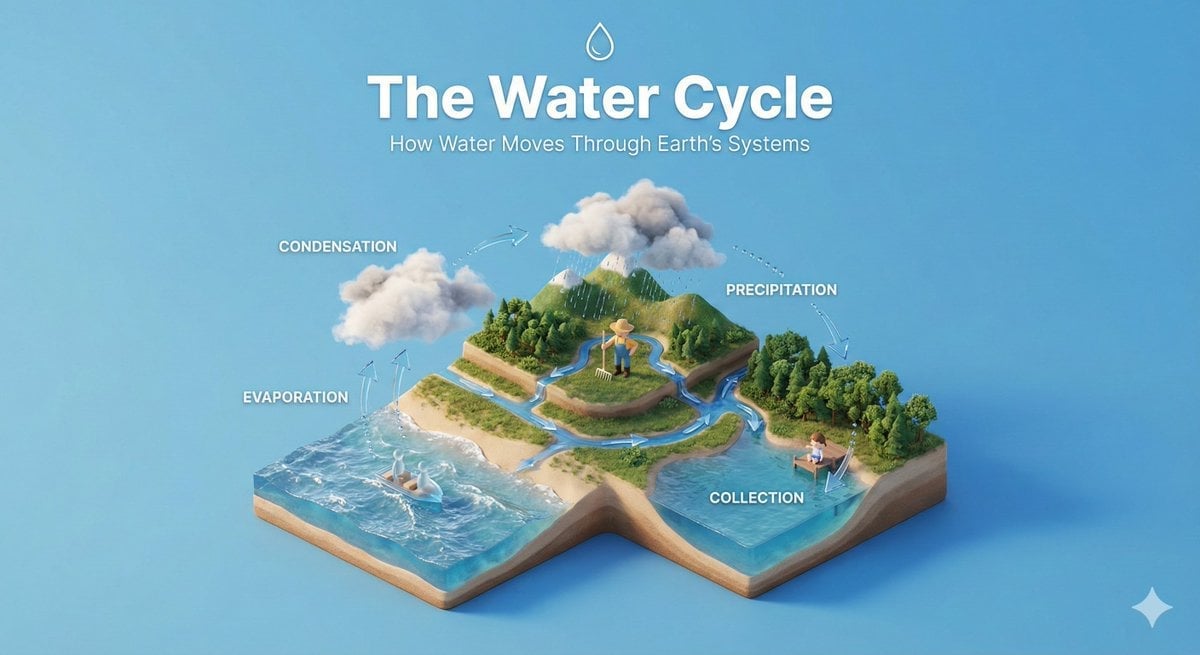
Isometric Process Educational Diorama
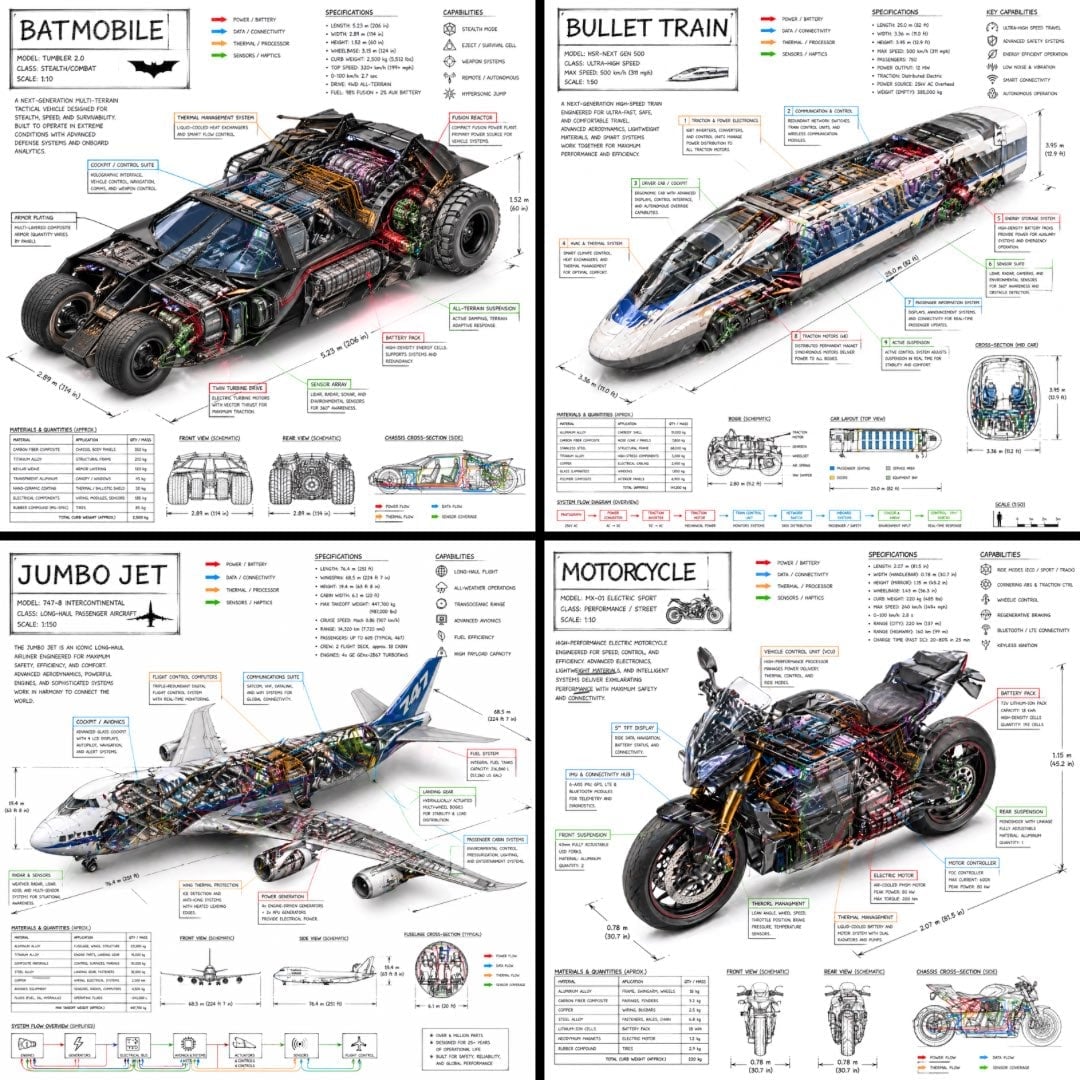
Isometric Vehicle Teardown Infographic Template
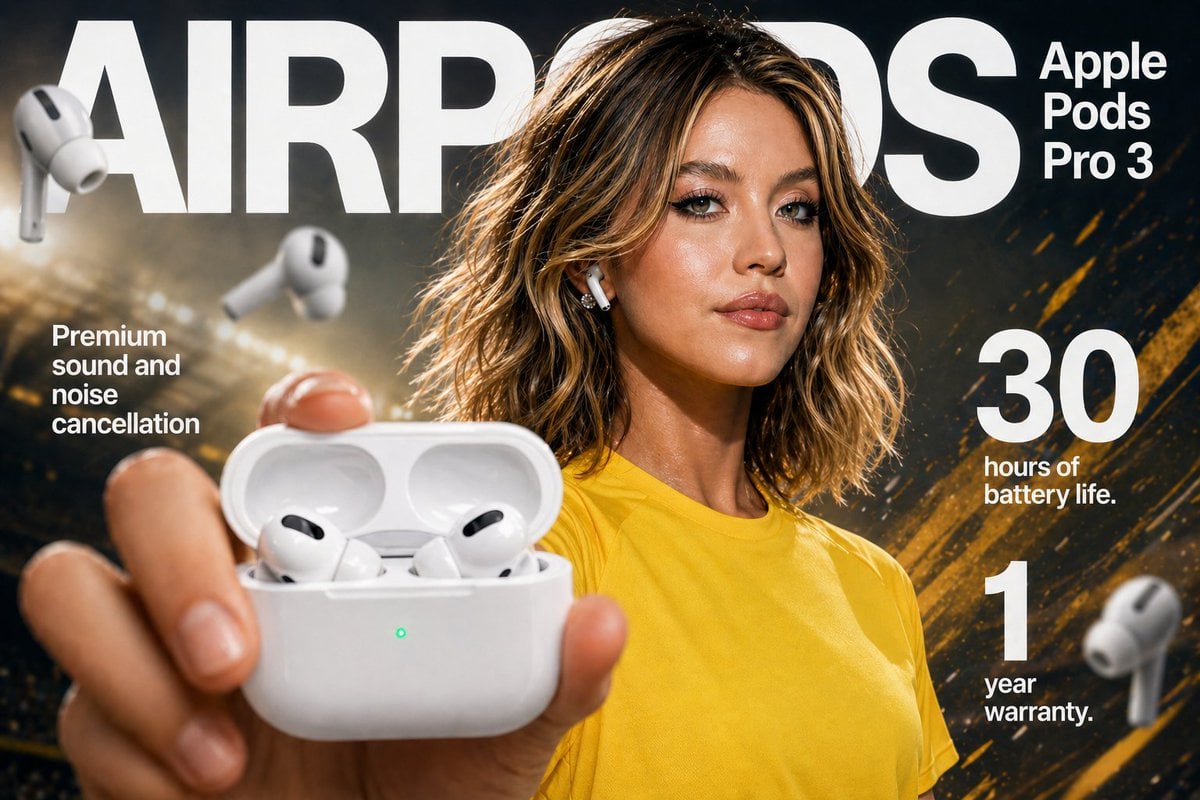
Gpt2 E Commerce Main Image Earbuds E Commerce Infographic
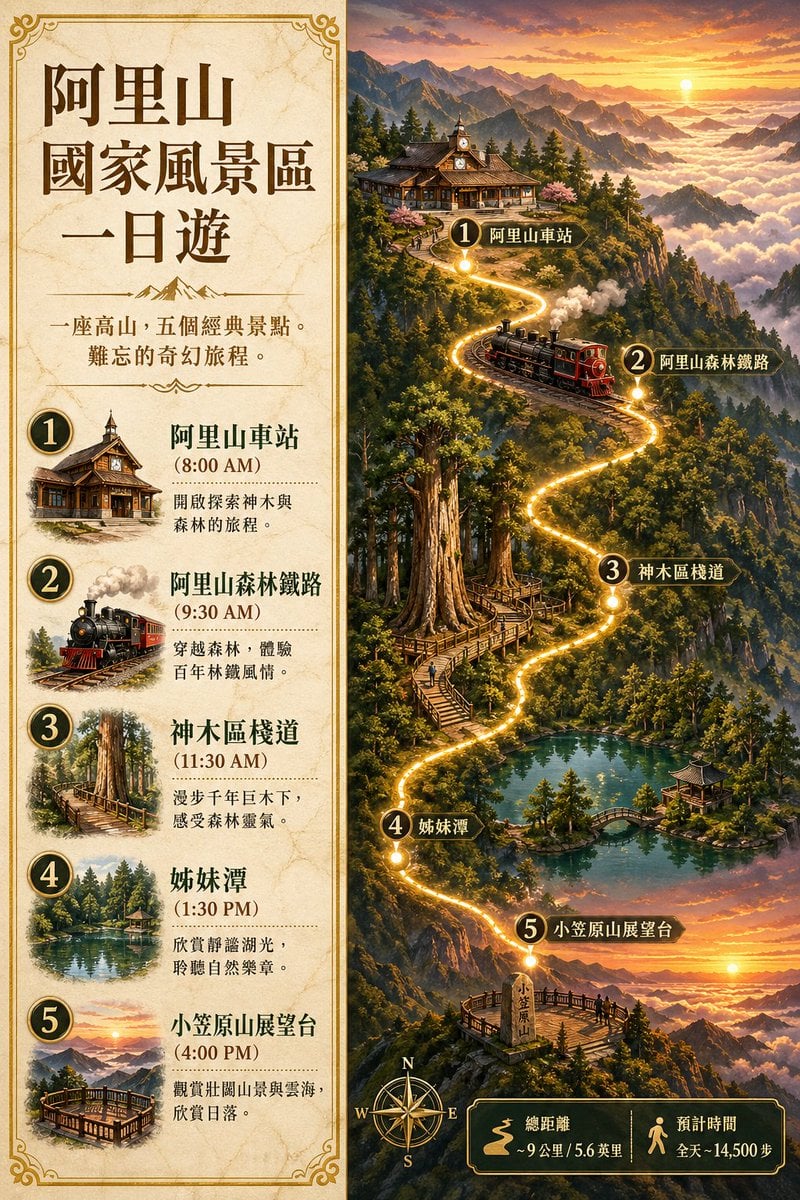
Gpt2 Infographic Edu Visual Alishan One Day Travel Poster

Gpt2 Infographic Edu Visual Ethnographic Plate for Tibetan Ceremonial Hat
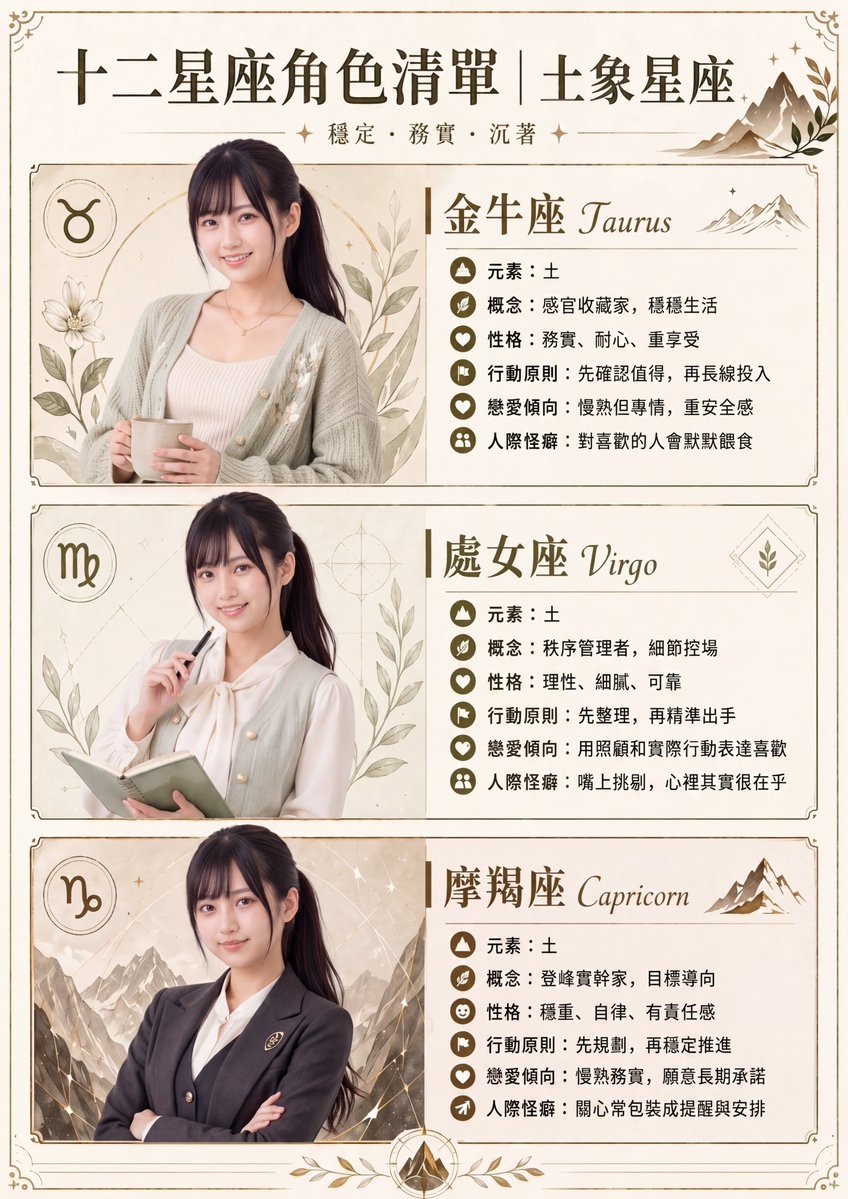
Gpt2 Infographic Edu Visual Earth Signs Zodiac Character Poster
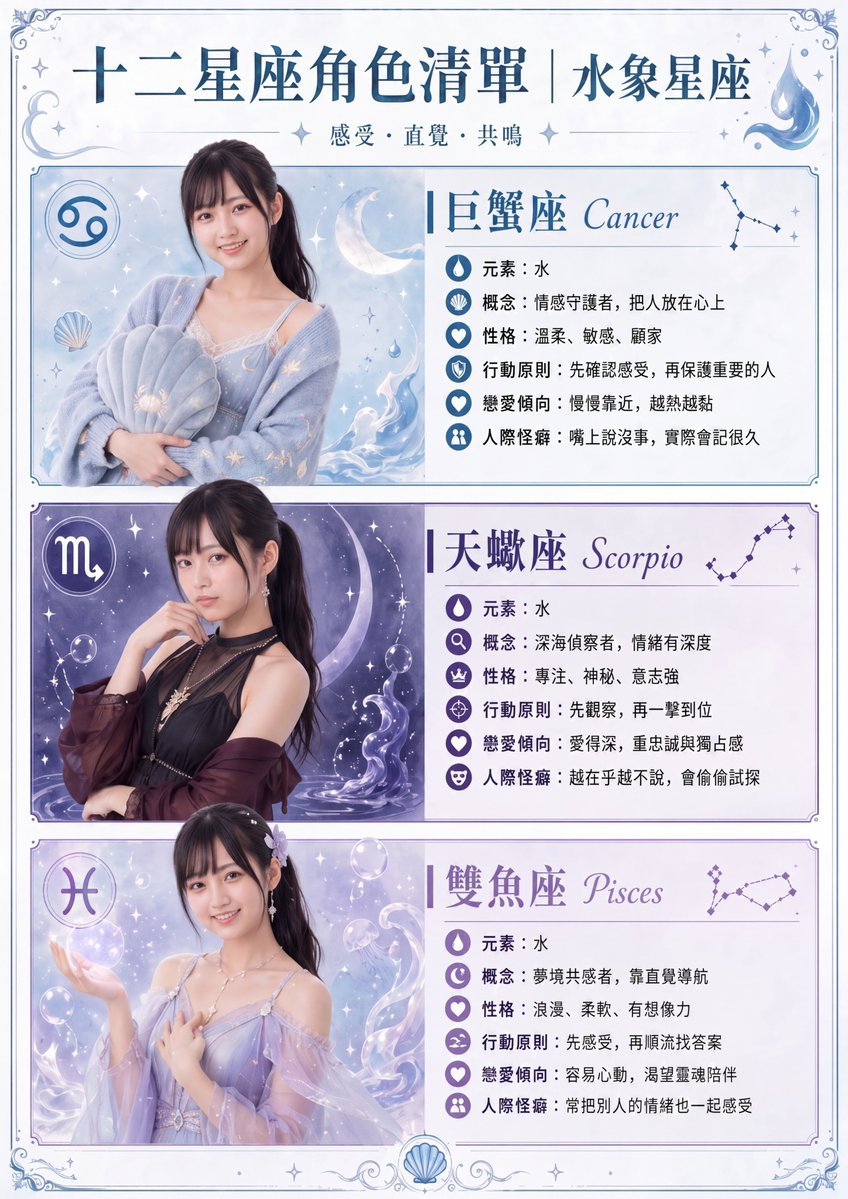
Gpt2 Infographic Edu Visual Water Signs Zodiac Character Poster
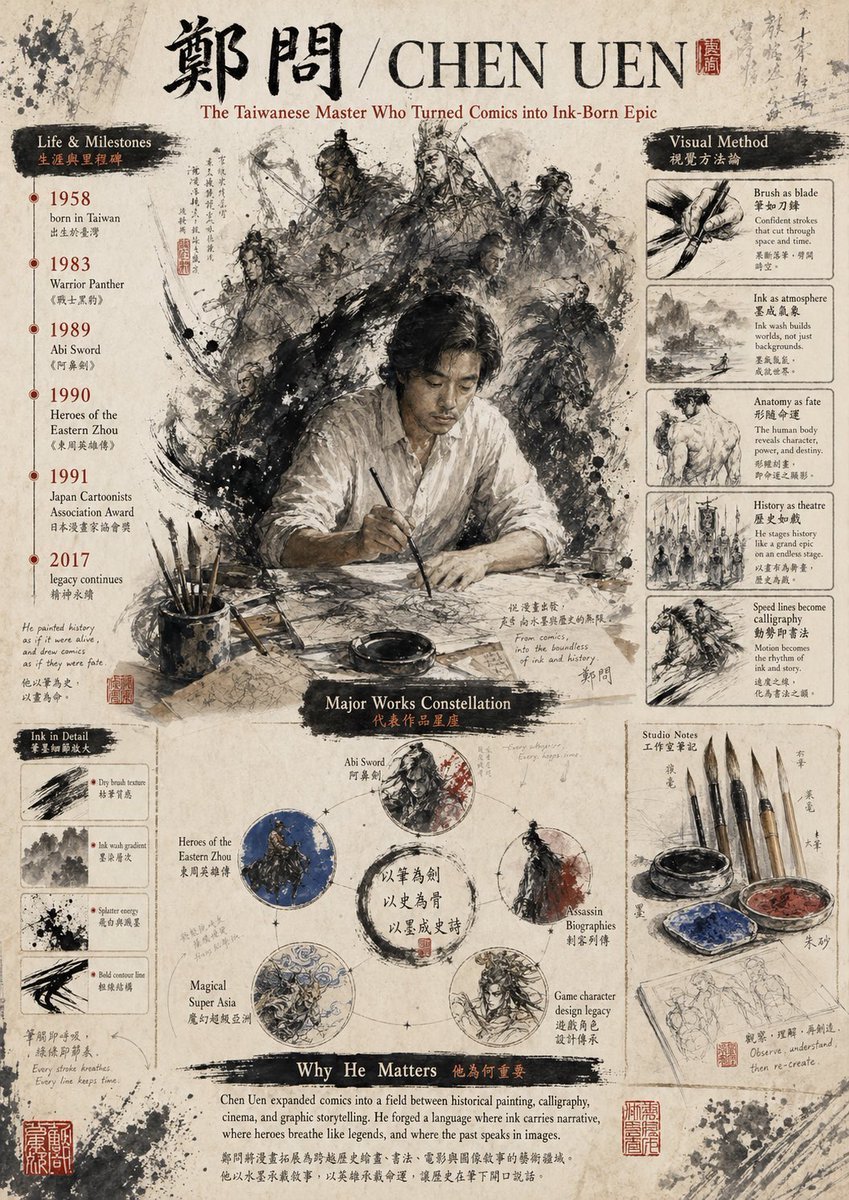
Gpt2 Infographic Edu Visual Ink Wash Tribute Poster for Chen Uen
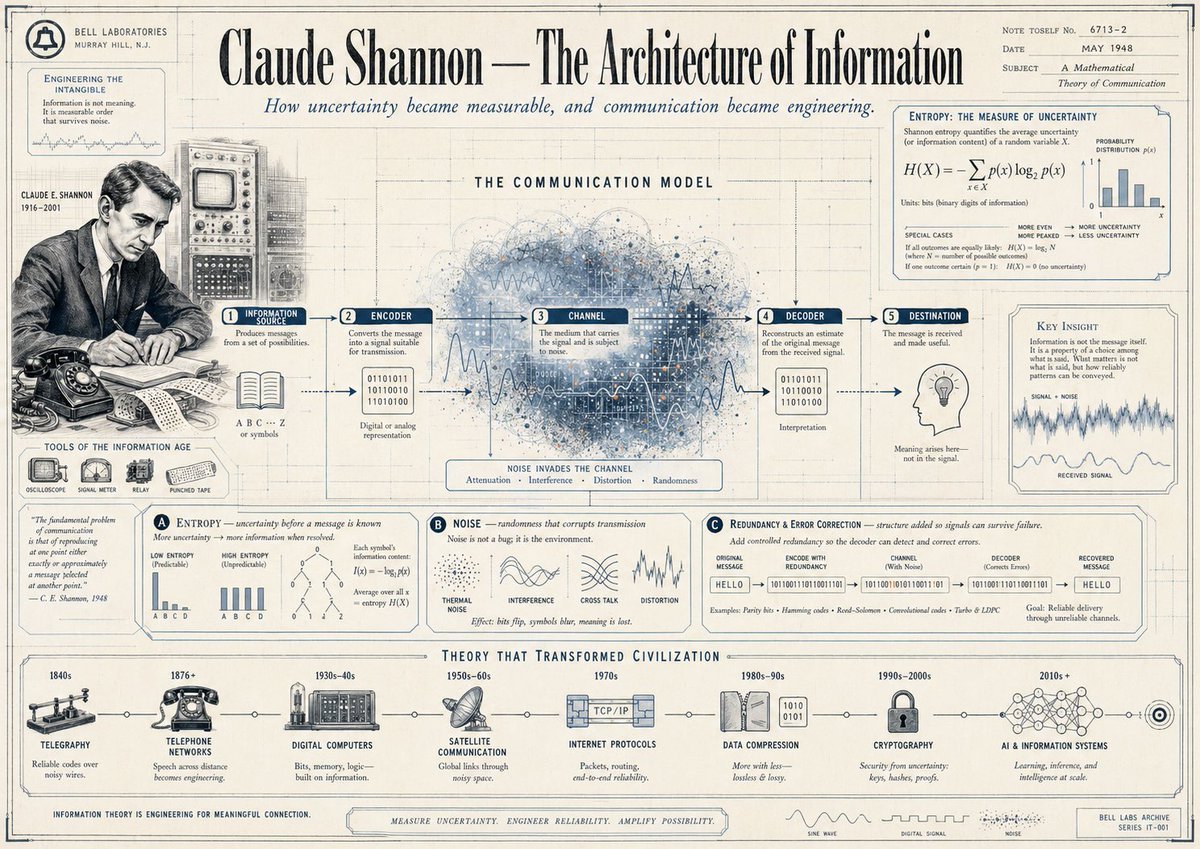
Gpt2 Infographic Edu Visual Vintage Claude Shannon Infographic Poster
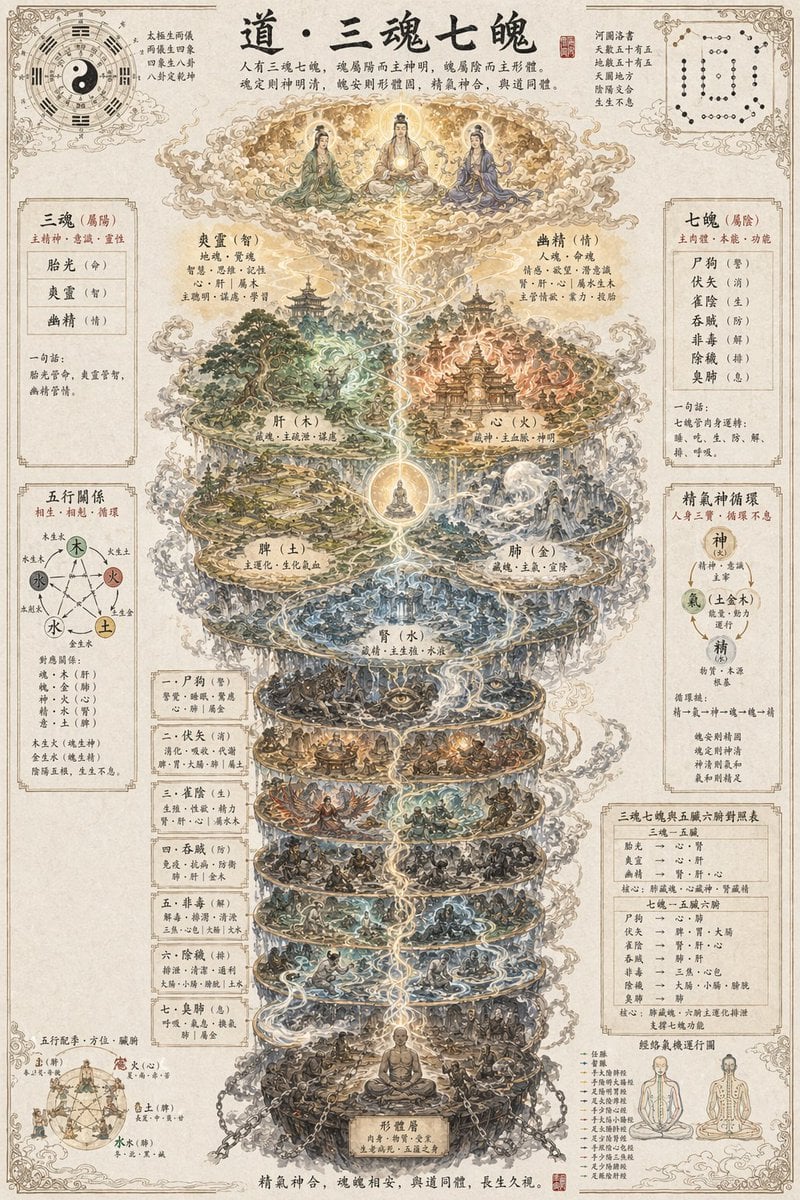
Gpt2 Infographic Edu Visual Taoist Three Souls Seven Po Poster
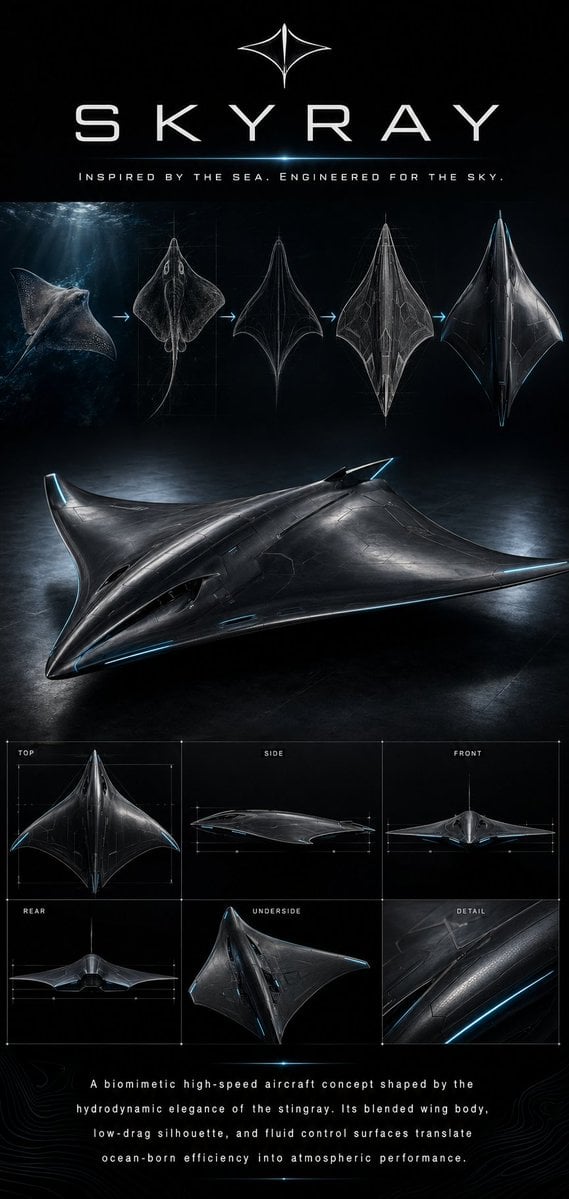
Gpt2 Infographic Edu Visual Biomimetic Skyray Aircraft Poster
Make it yours
WWDC 2026 Highlights Infographic works as-is. These are the safest ways to change it without losing the look.
Change one field
Copy a single group, rewrite it, and generate again so you can see what that field is doing.
Keep the frame, change the subject
Hold the composition and light of WWDC 2026 Highlights Infographic, then swap wardrobe, props or the person for a new take.
| If the result… | Why | Fix |
|---|---|---|
| The result drifts from the preview | Too many fields changed at once. | Reuse WWDC 2026 Highlights Infographic as-is first, then change one group — subject, light, or setting. |
| The model over-stylizes the scene | The prose prompt leaves finish and camera underspecified. | Add one camera or lighting sentence and stay on GPT Image 2. |
More GPT Image 2 templates
Other prompts made for GPT Image 2.

Six VTuber Japanese Logo Sheet

Realistic Portrait of Woman and Deer

The Vista Modular Condo Poster

AI Model Routing Comparison Infographic

2.5D Anime Art Board

Isometric Productivity Desk Scene

New York Double Exposure Poster

Four-Panel AI Landscape Comparison

Japanese Tatami Lifestyle Magazine Cover

NESCAFÉ Coffee Map Poster
More image prompts
Fresh picks from across the catalog.

Moody Cinematic Portrait at Golden Hour

Kawaii Character Snow Globes
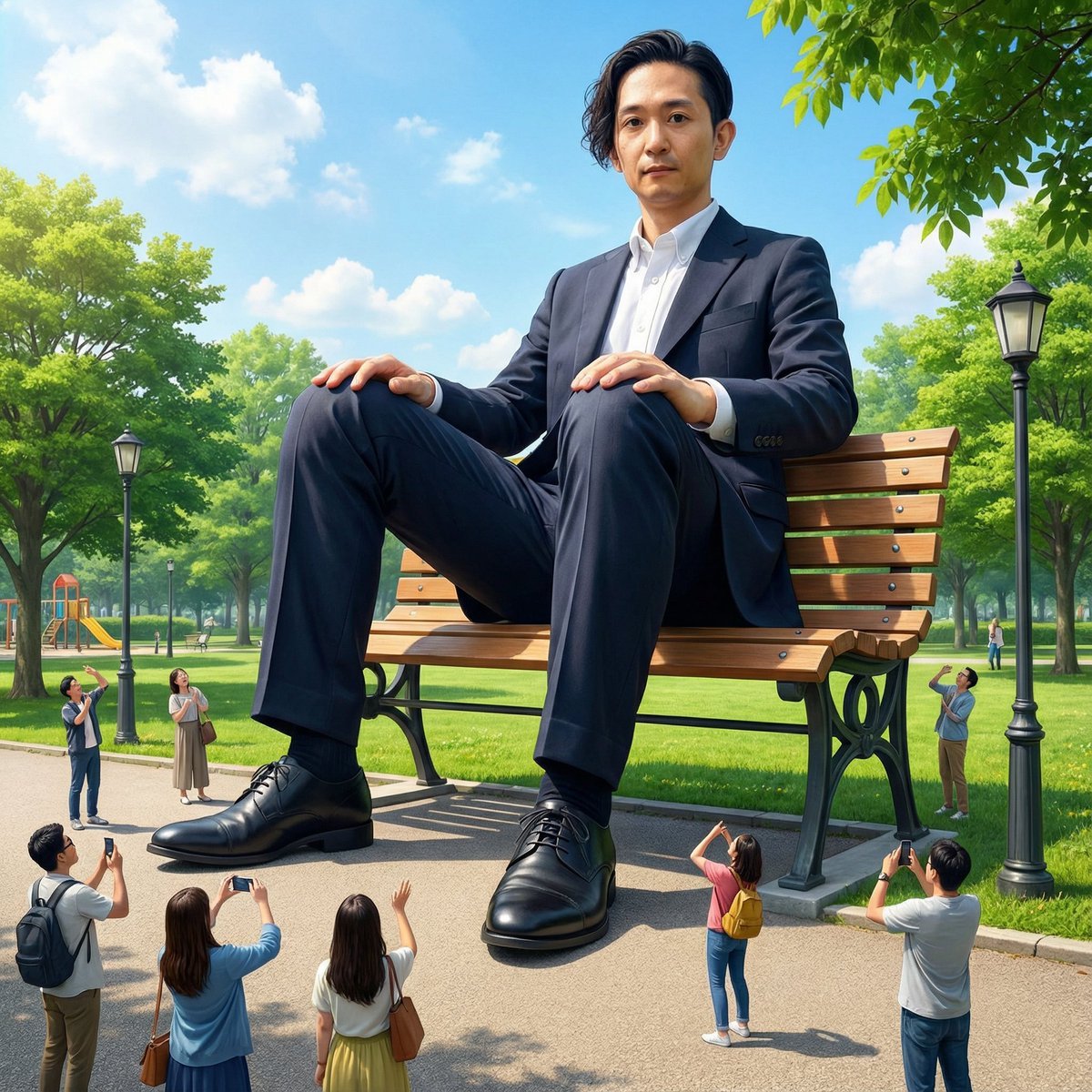
Giant Self on a Bench Prompt
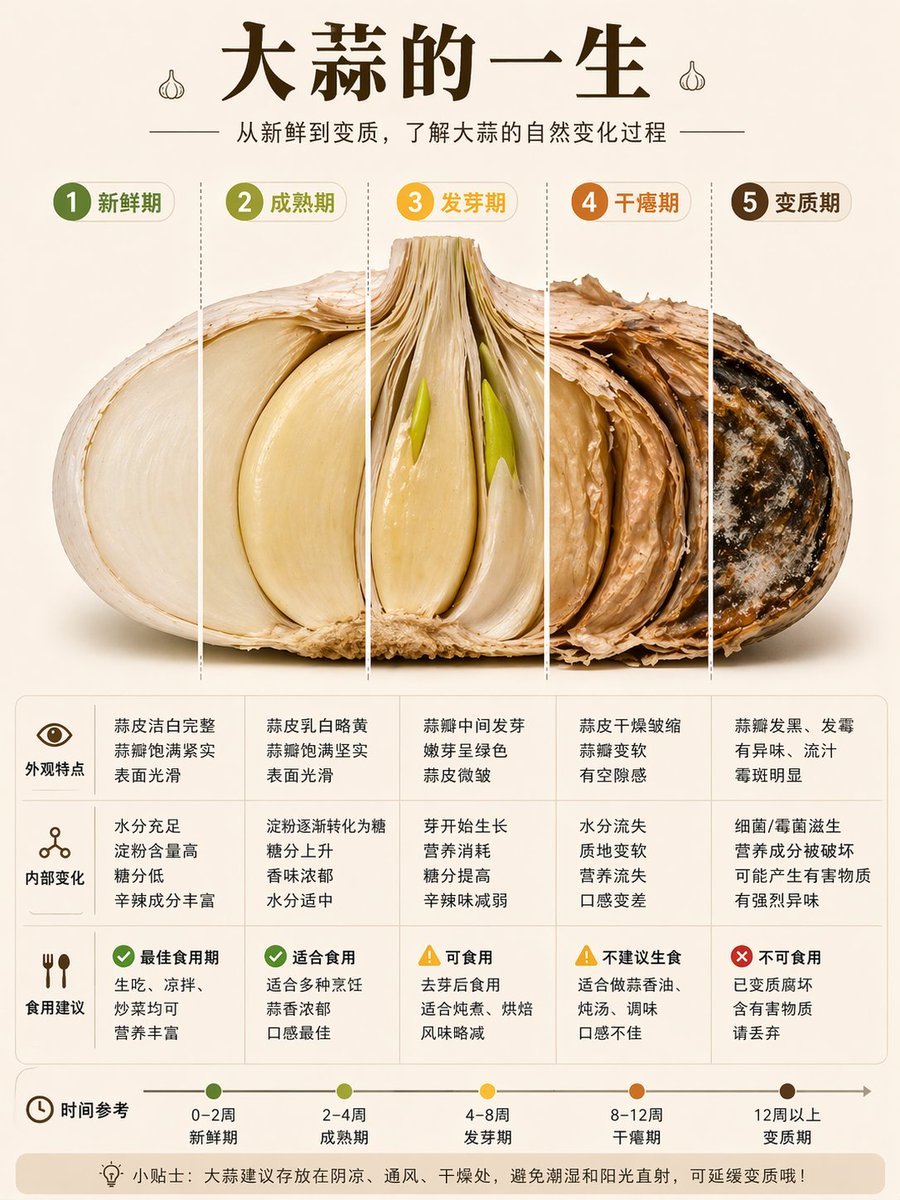
Garlic Life Cycle Infographic
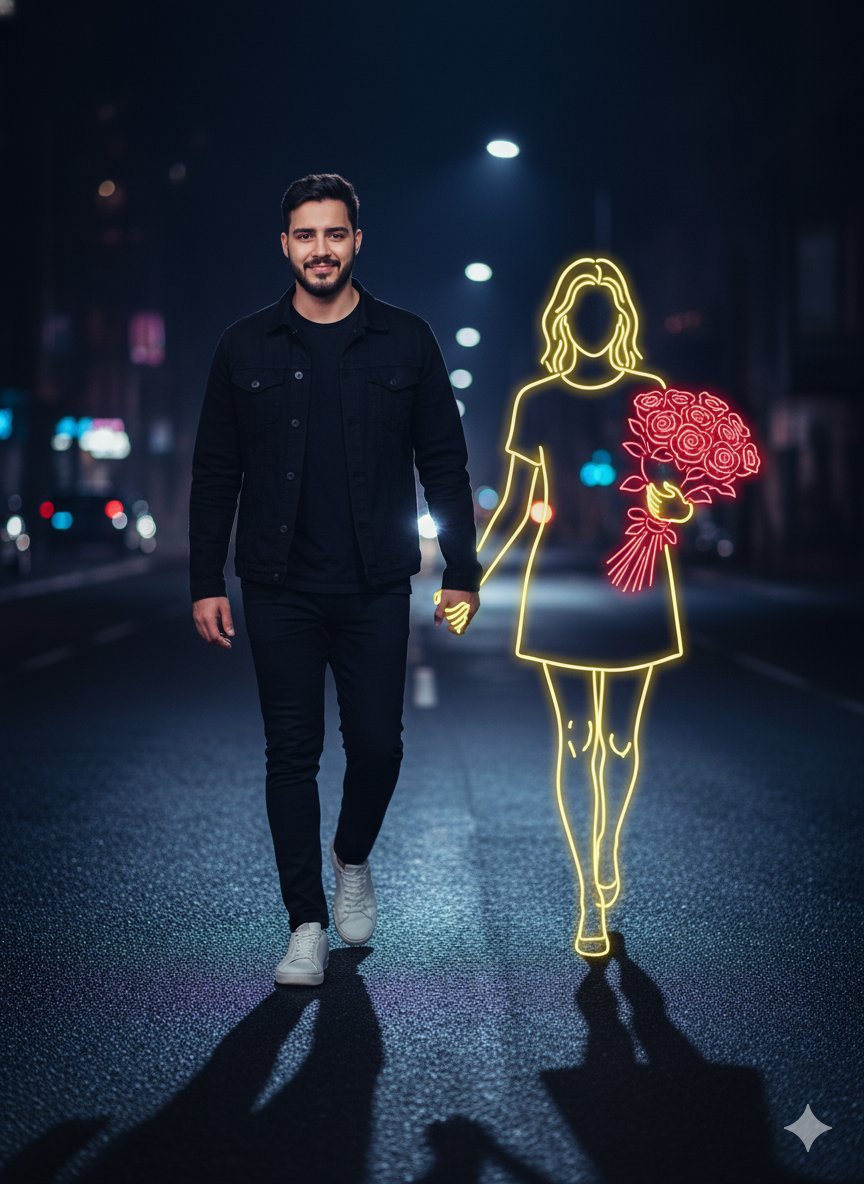
Cinematic Night Portrait with Neon Silhouette

High-Fidelity Fitness Portrait Prompt (Identity Locking)
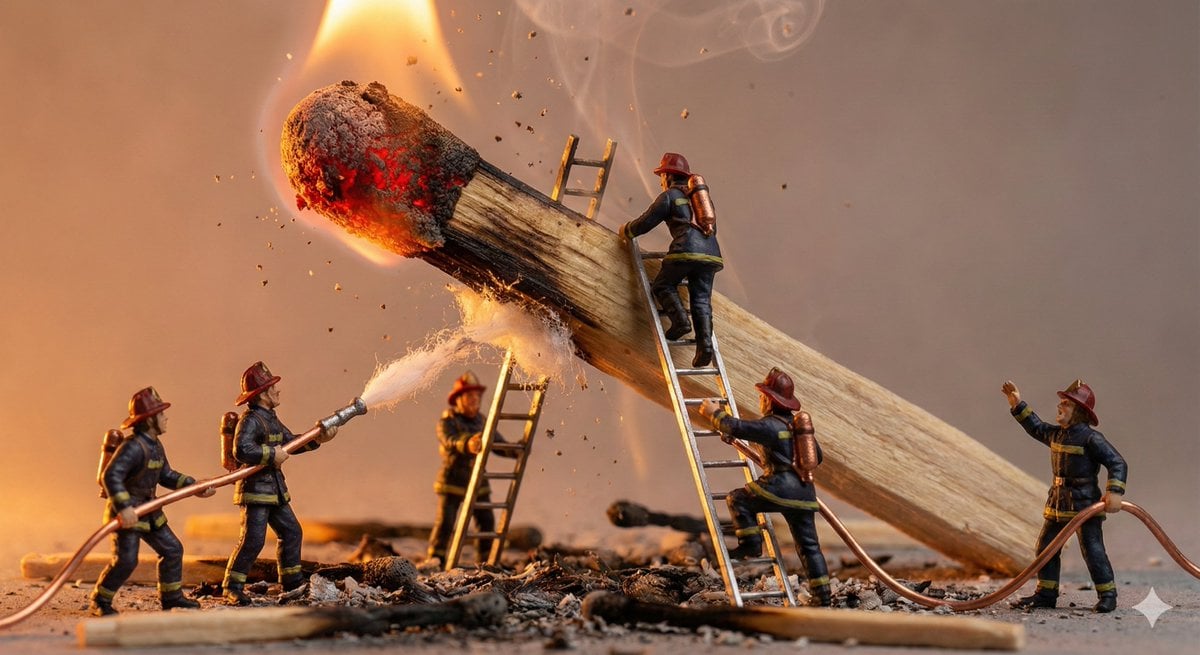
Tiny People, Giant Problem Diorama Prompt
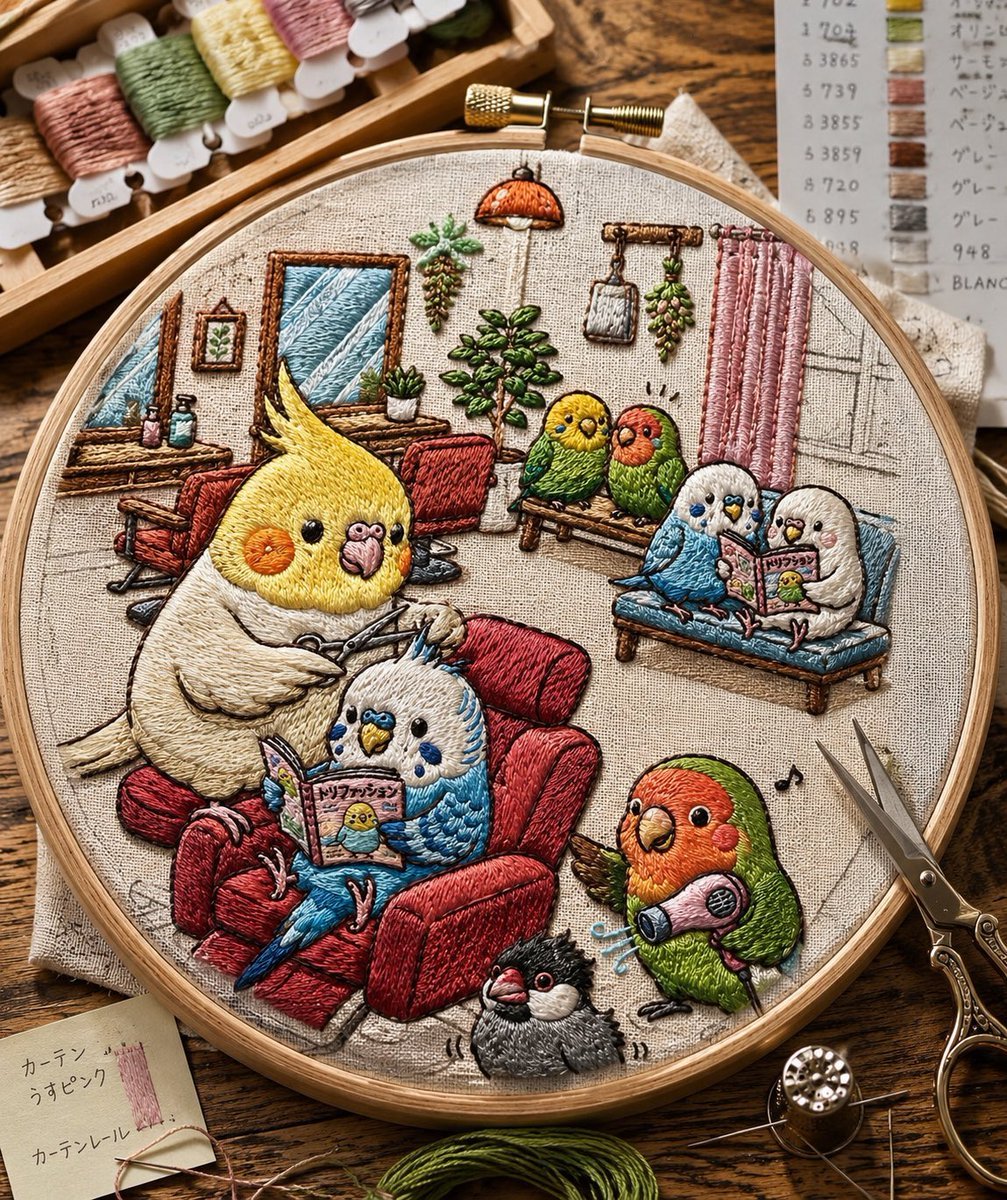
Embroidered Cozy Bird Living Room
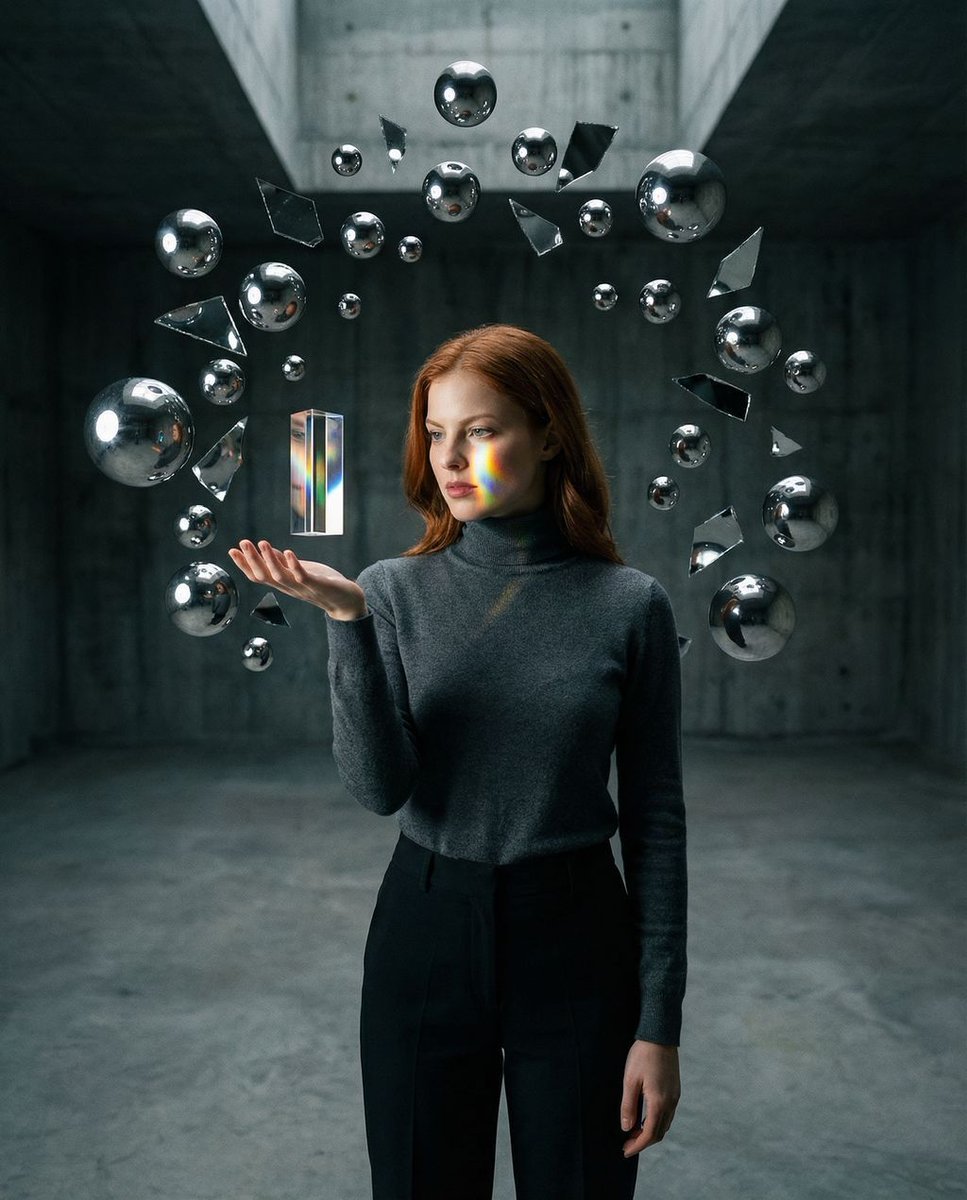
Surreal Brutalist Portrait with Kinetic Chrome Orbits Prompt in JSON
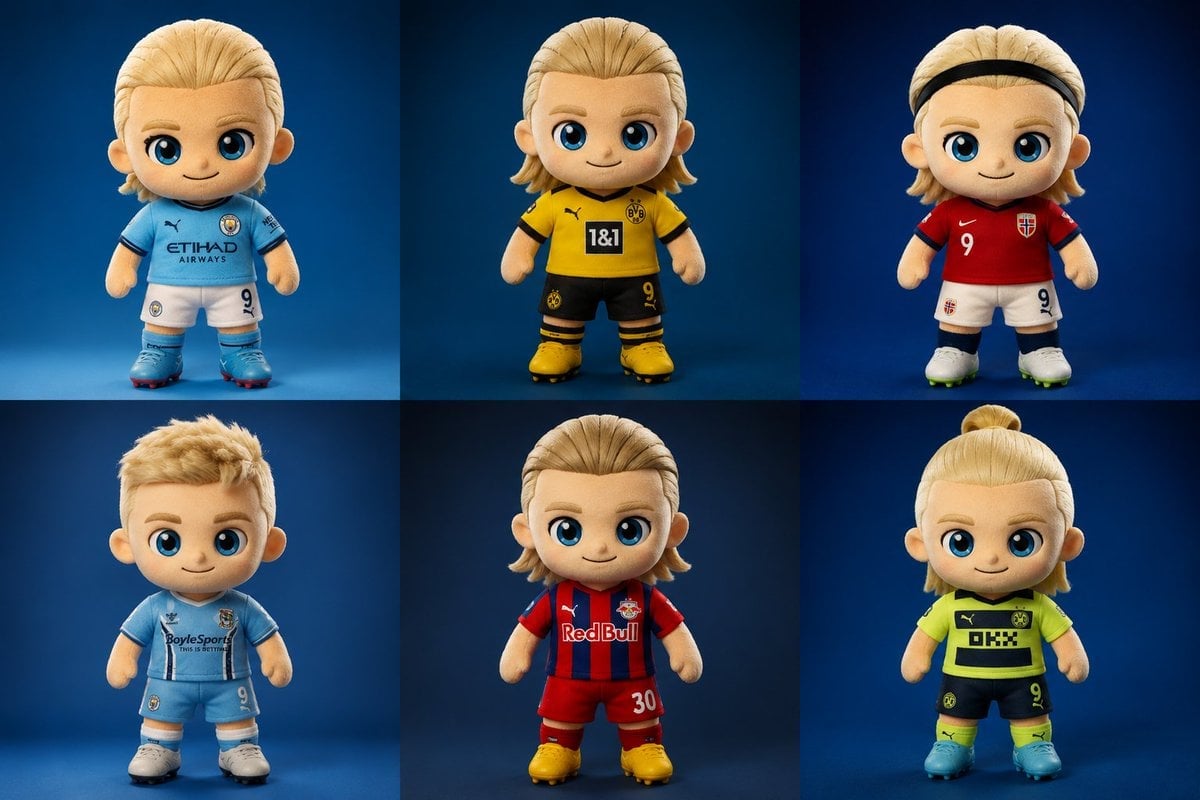
Plush Chibi Soccer Mascot
Browse template categories
WWDC 2026 Highlights Infographic questions
How do I use the WWDC 2026 Highlights Infographic template?
Add your photo if the template asks for one, edit the prompt if you like — the template's model and format are already selected — and press Generate. Your version opens in PicX Studio.
Can I customize the WWDC 2026 Highlights Infographic template?
Yes. You can change the subject, setting, lighting, mood, format, and available model controls before creating your image.
Is the WWDC 2026 Highlights Infographic template free?
Opening and editing this template is free. Generating uses credits, shown on the Generate button when you are signed in.
Which AI model should I use?
Start with GPT Image 2, which is the model associated with this template. You can compare another compatible model for a different finish.
Looking for something else? Browse all templates.

Your photo, any look
Thousands of ready templates for every top image and video model, from one credit balance.