
Cyberpunk Neuromancer Fashion Poster
A photorealistic cyberpunk editorial poster featuring a black-clad model, giant neon typography, HUD dossier details, and Neuromancer-inspired book-cover styling.
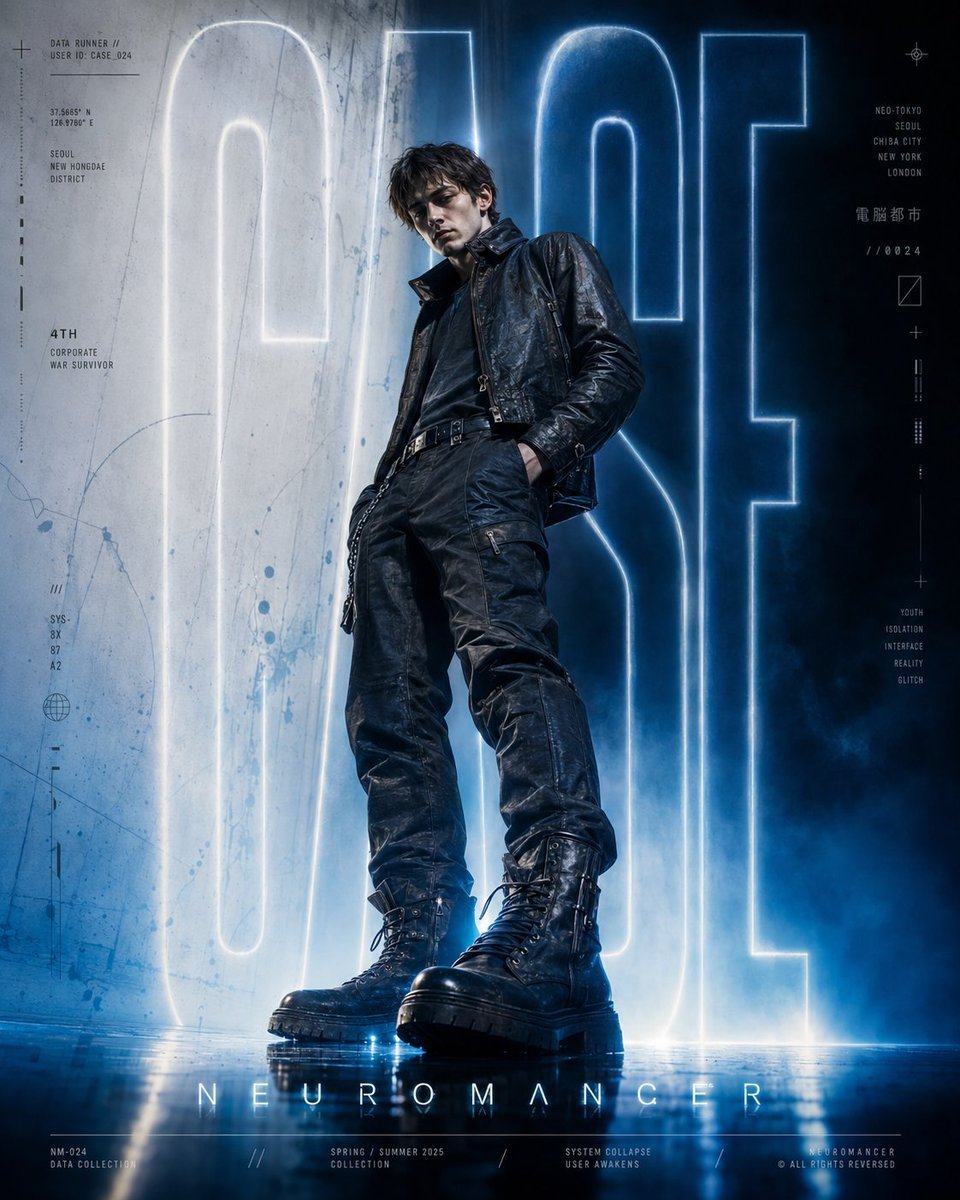
- Prompt included
- Model and format preset
- Free template
The prompt behind this image
Copy the exact prompt behind Cyberpunk Neuromancer Fashion Poster, or open it in the studio and make it yours.
Goal: Create a vertical cyberpunk fashion editorial poster for {argument name="book title" default="NEUROMANCER"}, with a full-body male model posed in front of enormous glowing letterforms spelling the title behind him. Canvas: Portrait 4:5 poster, glossy cinematic lighting, high resolution, dark blue, black, white, and electric cyan palette. Low camera angle looking upward, making the figure heroic and towering. Main subject: One young adult male cyberpunk model standing center, slightly leaning back with one hand in his pocket. His face is intentionally obscured by a soft square blur/mosaic censor block. He has messy dark hair and wears a full black futuristic outfit: 6 visible outfit pieces total — shiny cropped leather jacket with high collar, black layered shirt, belted utility pants with zipper pockets and straps, black belt with metal buckle, tall lace-up combat boots, and small hanging strap/accessory details. Wet, reflective, high-fashion material textures. Background and layout: Split background with a pale cracked concrete wall on the left and a deep smoky blue-black digital void on the right. Behind the model, use huge vertical neon-outline typography, partially hidden by the figure, forming the word from {argument name="giant background letters" default="CASE"}; the letters are white on the left and electric blue on the right, glowing strongly with bloom. Add blue fog at floor level and a wet reflective floor mirroring the boots and neon. Poster text: At the bottom center, place wide-spaced glowing title text: {argument name="bottom title text" default="NEUROMANCER"}. Add thin horizontal rule lines and tiny sci-fi footer captions. Include exactly 5 bottom footer text groups: left tiny code “NM-024 DATA COLLECTION”, center-left “//”, center “SPRING / SUMMER 2025 COLLECTION”, center-right “SYSTEM COLLAPSE USER AWAKENS”, and far-right “NEUROMANCER © ALL RIGHTS RESERVED”. Micro interface details: Add exactly 14 small HUD text/graphic elements around the margins: 1 small crosshair at top left, 1 block reading “DATA RUNNER // USER ID: CASE_024”, 1 coordinate block, 1 location block reading “SEOUL / NEW HONGDAE / DISTRICT”, 1 vertical dash scale, 1 block reading “4TH CORPORATE WAR SURVIVOR”, 1 circular schematic line graphic, 1 system-code block reading “SYS-8X 87 A2”, 1 globe icon, 1 crosshair at top right, 1 city-list block reading “NEO-TOKYO / SEOUL / CHIBA CITY / NEW YORK / LONDON”, 1 vertical Asian-character label with “//0024”, 1 small square outline icon, and 1 block reading “YOUTH / ISOLATION / INTERFACE / REALITY / GLITCH”. Keep all micro text tiny and decorative, like a futuristic data dossier. Style: Photorealistic editorial fashion photography mixed with graphic design, dystopian cyberpunk book-cover aesthetic, neon rim light, volumetric haze, scratched concrete, subtle data-chart lines, high contrast, sharp boot detail, dramatic blue glow. Avoid extra people, avoid readable brand logos, avoid changing the censored face effect.
How to use Cyberpunk Neuromancer Fashion Poster in 3 steps
- 1Upload ImagePNG, JPG or paste
Add your photo
Upload the photo the template builds on. The prompt, model and format are already set.
- 2…a portrait of your subject in softgolden-hour light, 85mm…
Personalize
Edit the subject and creative details for your destination.
- 3Generate
Generate
Press Generate — your image is created in PicX Studio, so you can compare it with the original and refine one variable at a time.
More like this
Templates with the same subject, style or setup. Open one to see its prompt.
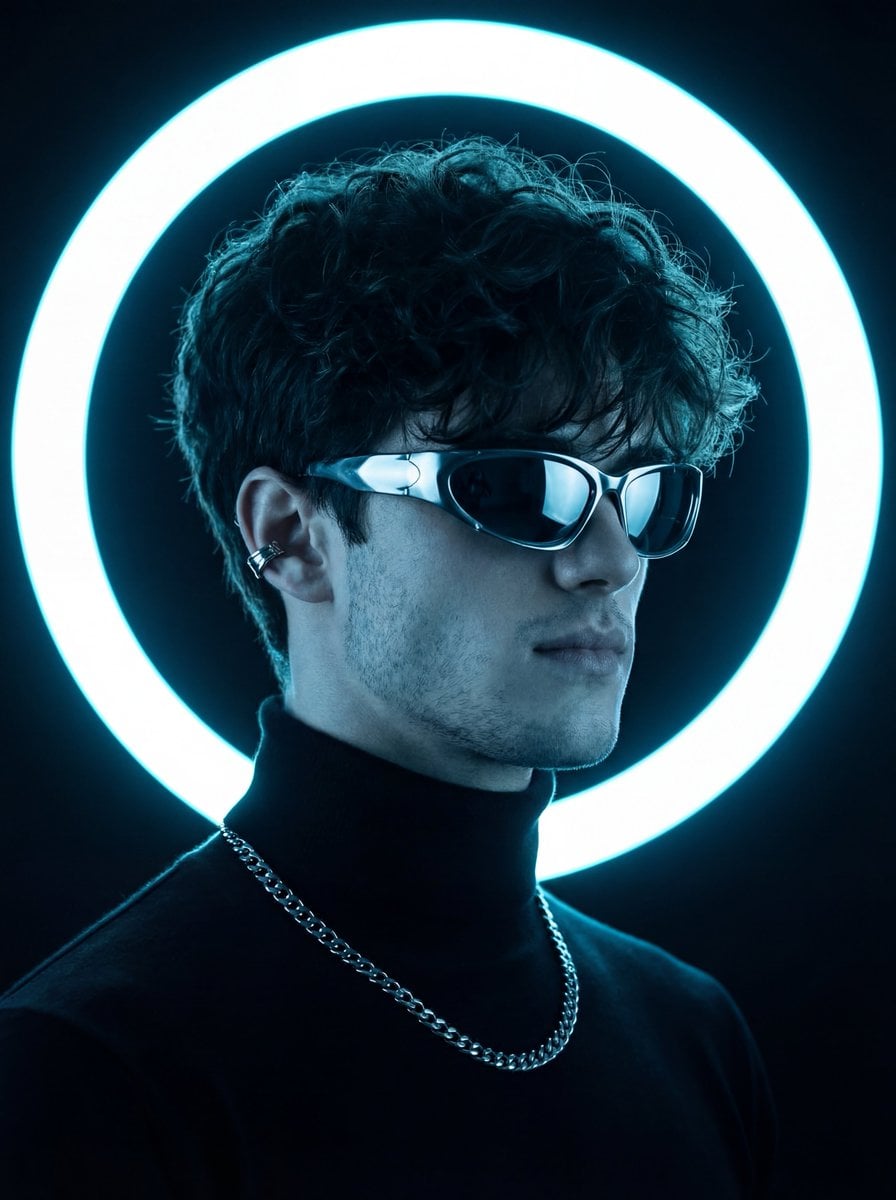
Futuristic Studio Neon Ring Minimalist Portrait
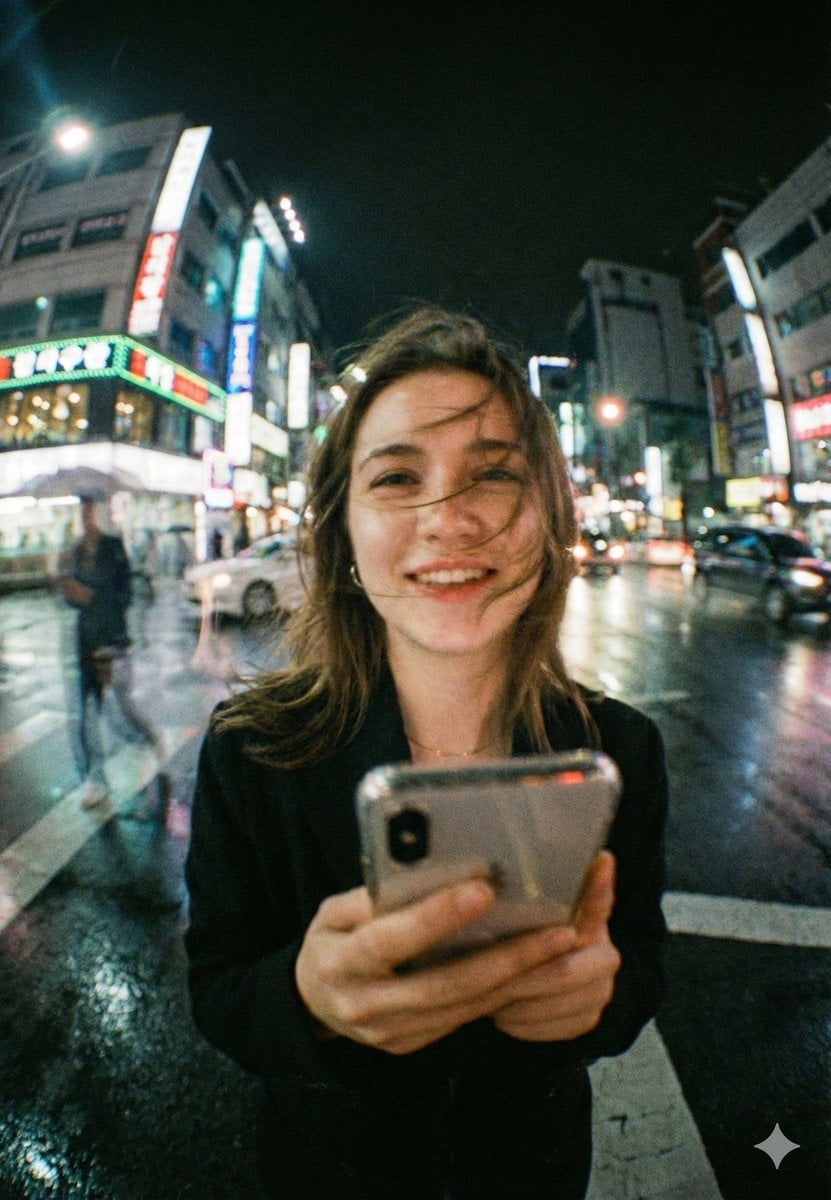
Neon Night Crosswalk Candid Portrait
Neon Night Crosswalk Candid Portrait
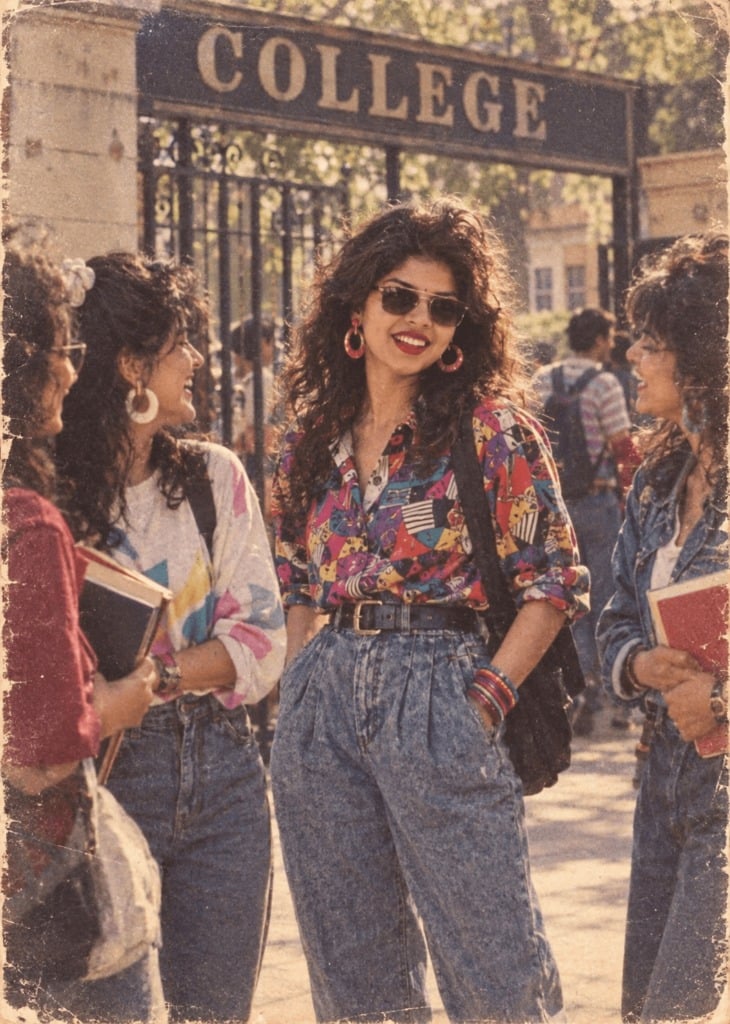
80s College Gate
1988 Mall Style
80s Polka Dot Saree

Japan Travel Brochure Poster
Obscured Cyberpunk Girl Poster
Cyberpunk Esports Courier Poster

Cartoon TV Show Poster Pack
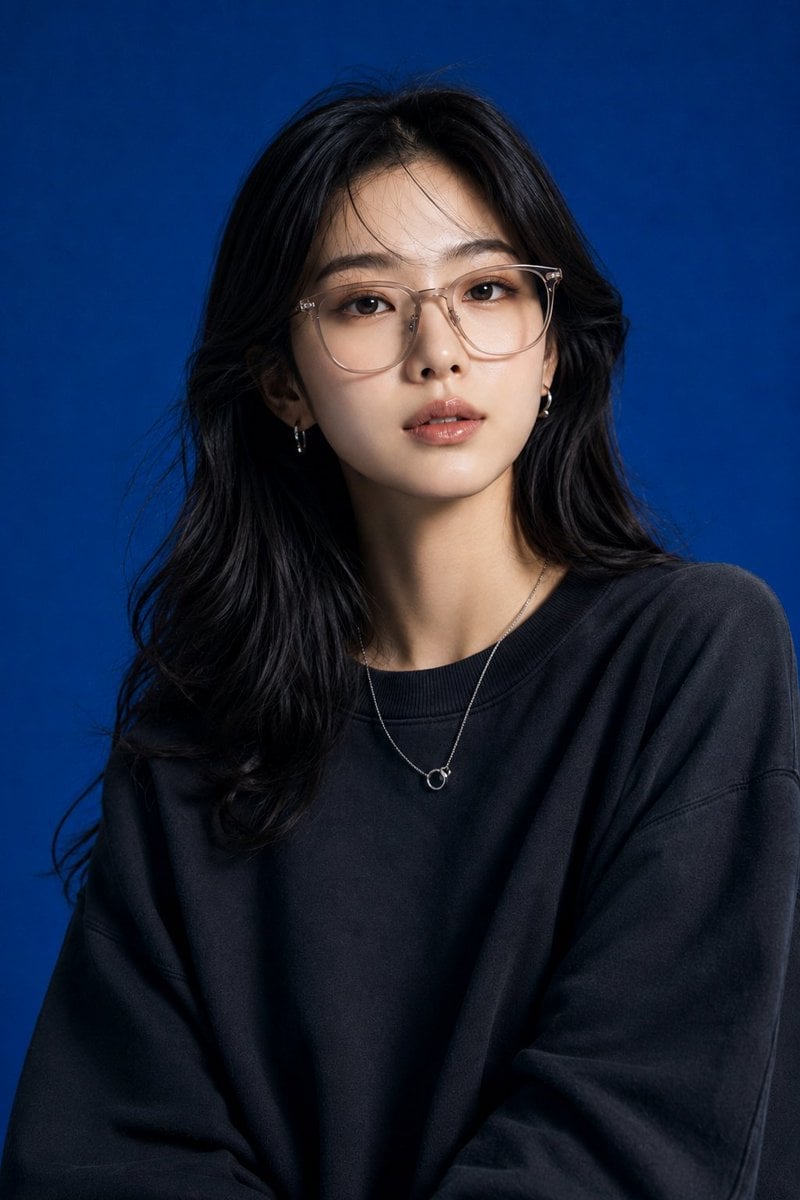
Blue Backdrop Luxury Fashion Portrait Campaign
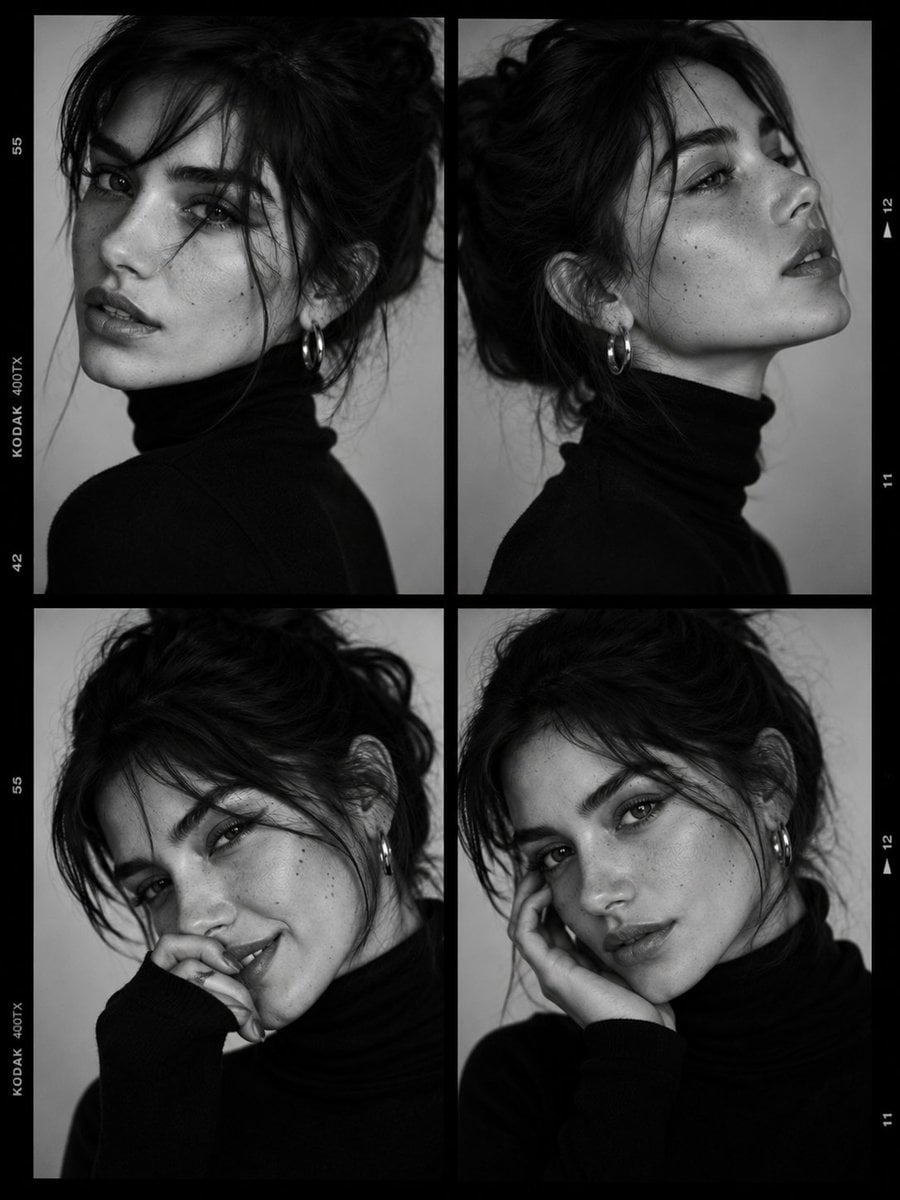
Luxury Black-and-White Fashion Contact Sheet
Make it yours
Cyberpunk Neuromancer Fashion Poster works as-is. These are the safest ways to change it without losing the look.
Change one field
Copy a single group, rewrite it, and generate again so you can see what that field is doing.
Keep the frame, change the subject
Hold the composition and light of Cyberpunk Neuromancer Fashion Poster, then swap wardrobe, props or the person for a new take.
| If the result… | Why | Fix |
|---|---|---|
| The result drifts from the preview | Too many fields changed at once. | Reuse Cyberpunk Neuromancer Fashion Poster as-is first, then change one group — subject, light, or setting. |
| The model over-stylizes the scene | The prose prompt leaves finish and camera underspecified. | Add one camera or lighting sentence and stay on GPT Image 2. |
More GPT Image 2 templates
Other prompts made for GPT Image 2.

Six VTuber Japanese Logo Sheet

Realistic Portrait of Woman and Deer

The Vista Modular Condo Poster

AI Model Routing Comparison Infographic

2.5D Anime Art Board

Isometric Productivity Desk Scene

New York Double Exposure Poster

Four-Panel AI Landscape Comparison

Japanese Tatami Lifestyle Magazine Cover

NESCAFÉ Coffee Map Poster
More image prompts
Fresh picks from across the catalog.
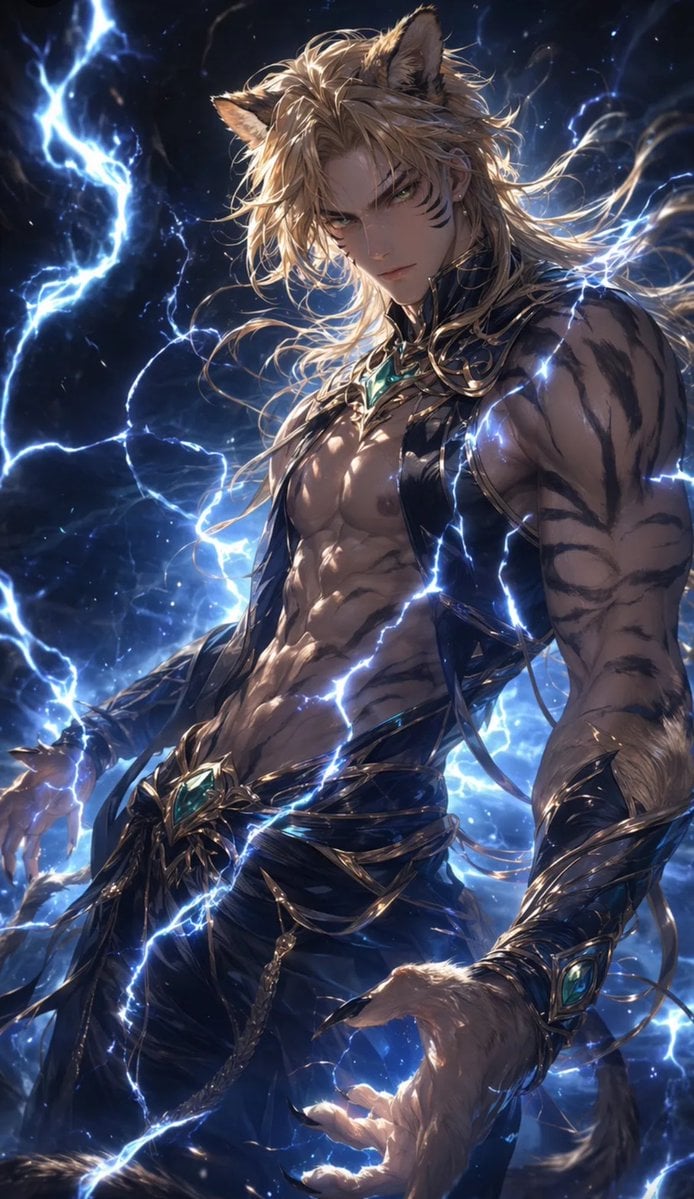
Tiger Beastman Lightning Warrior
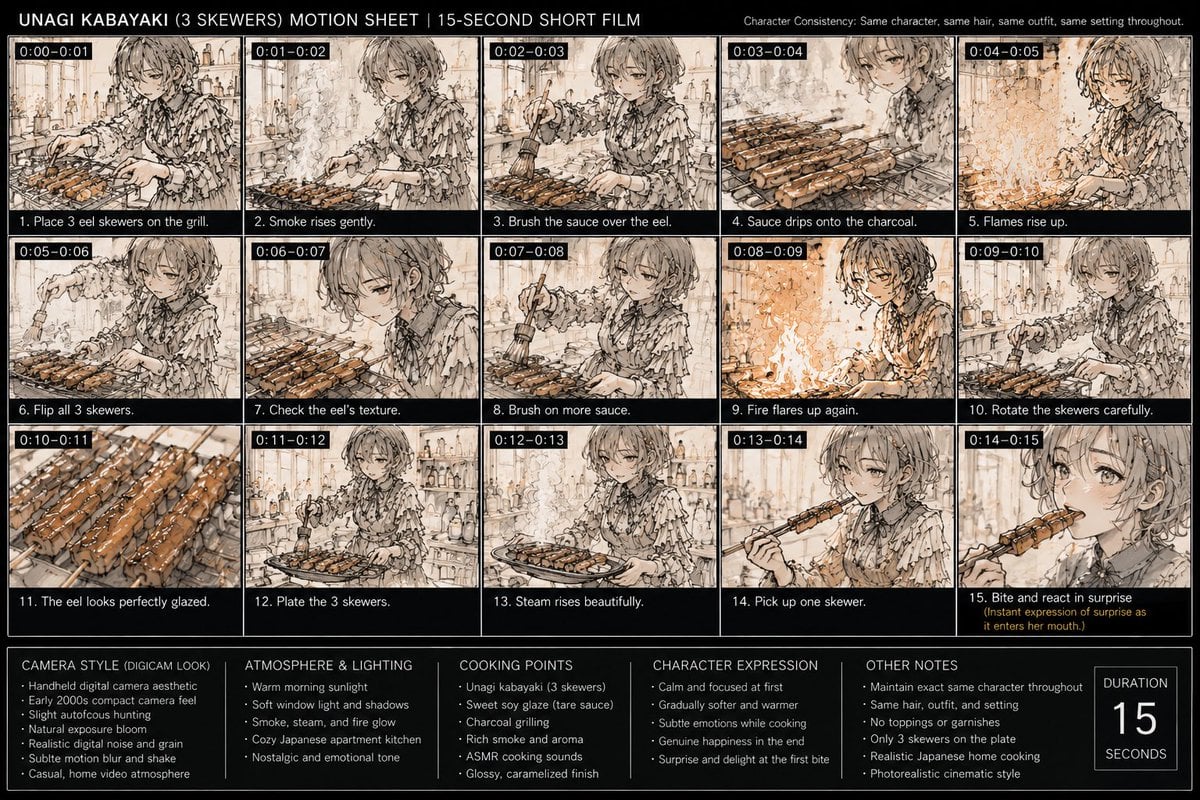
Unagi Kabayaki Motion Sheet
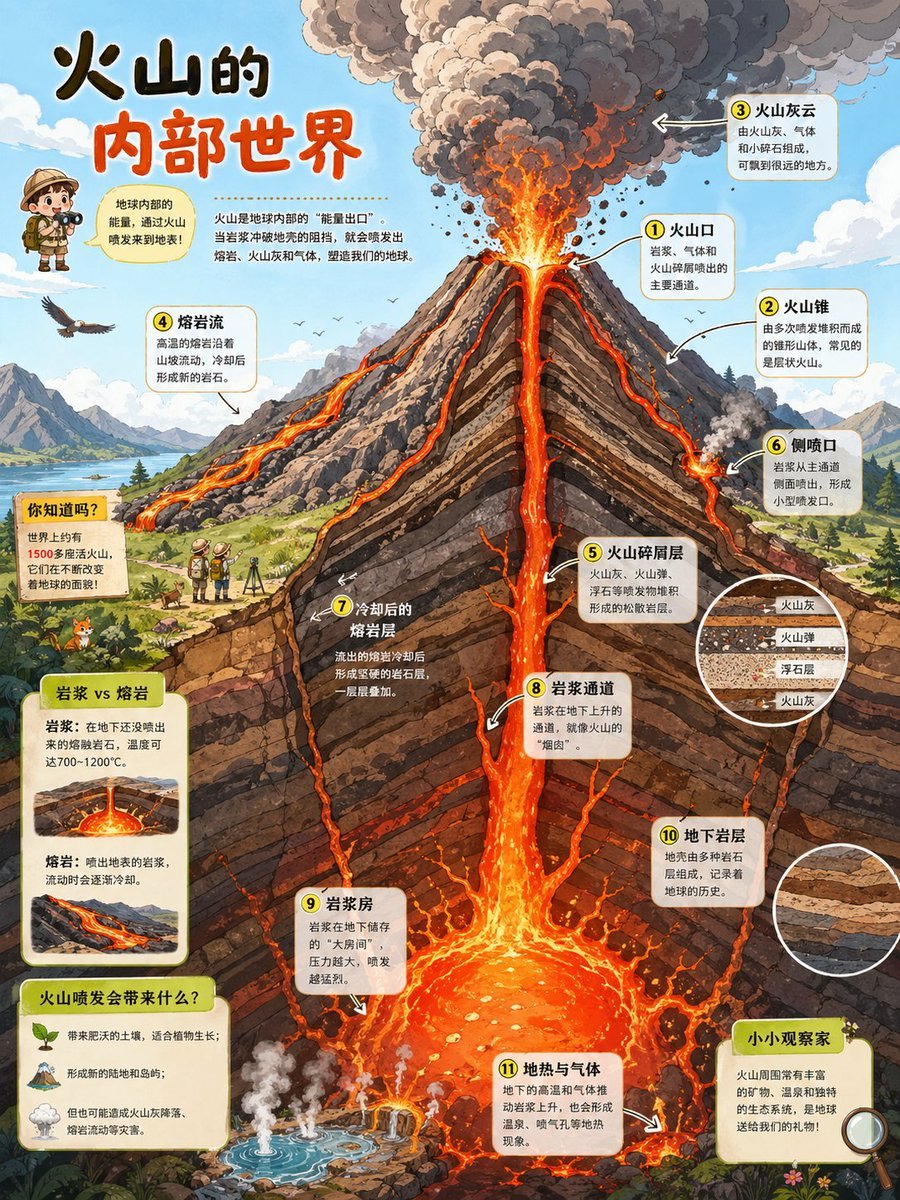
Volcano Cutaway Science Poster
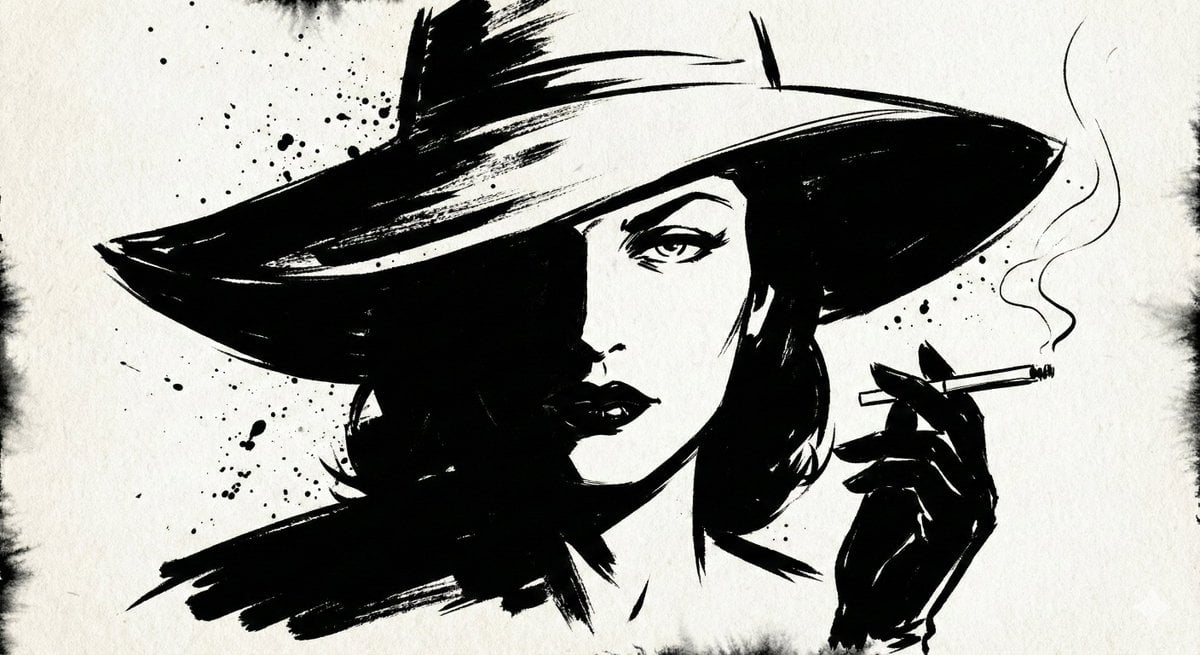
Ink Noir Splatter Portrait
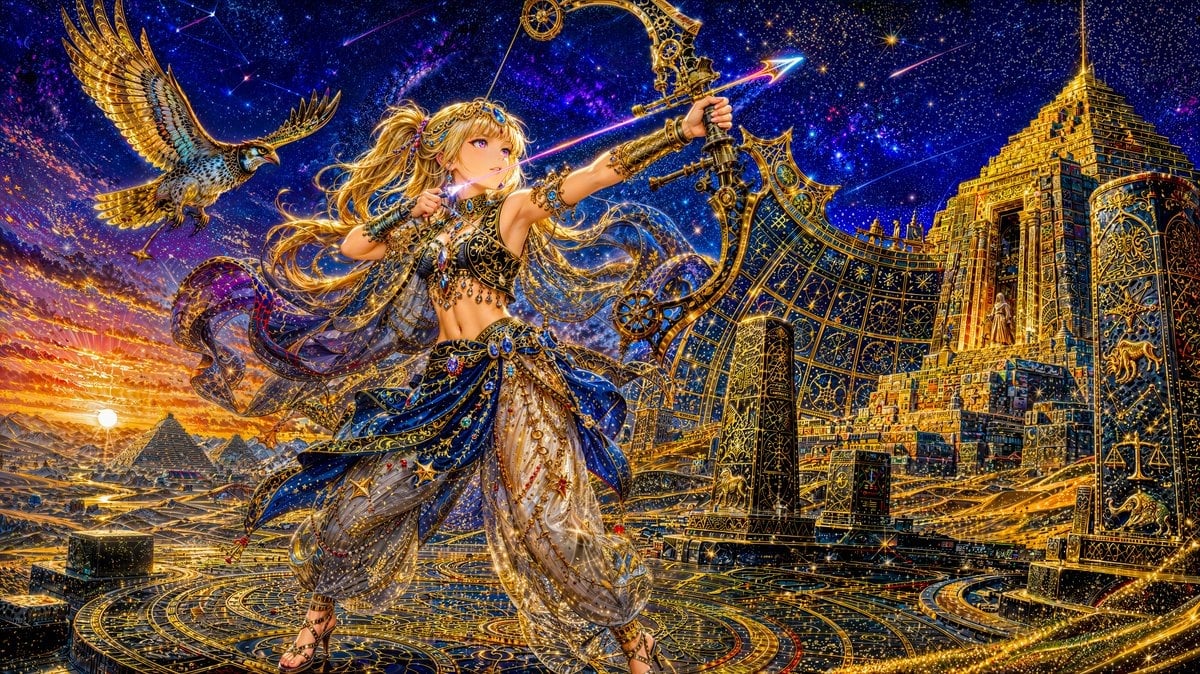
Celestial Archer in Golden Star Temple
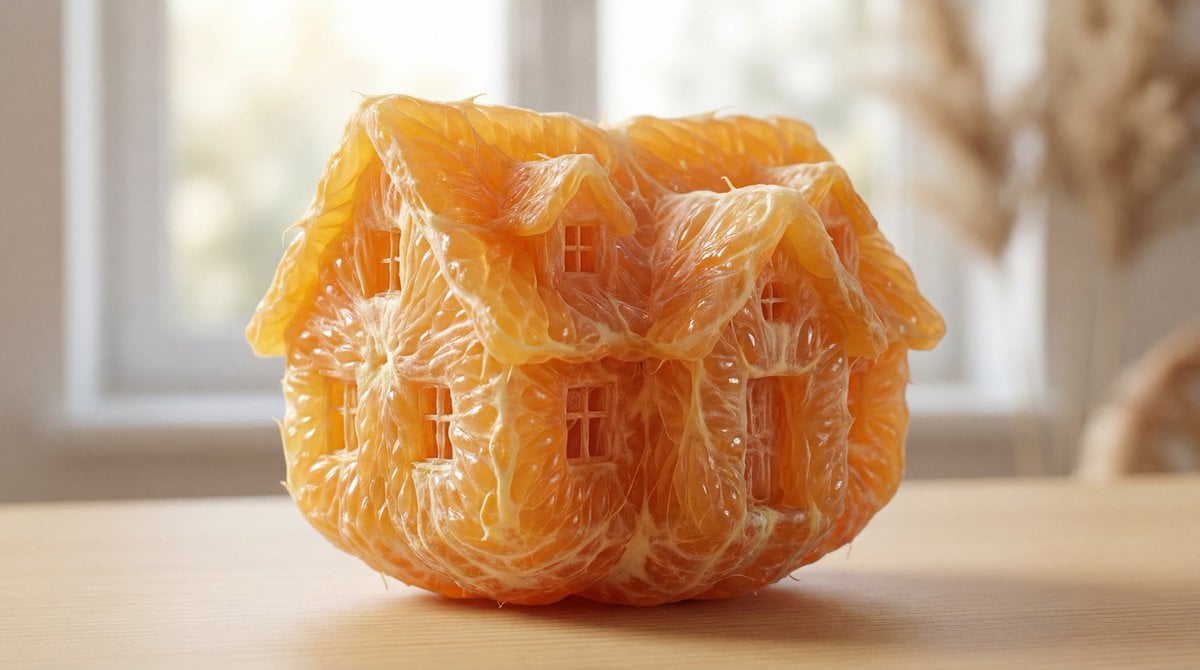
Orange Pulp Sculpture Prompt
Panel Manga: Anonymous and Mask
Anthropomorphic Fox Character in Winter Scene
Dramatic Low Angle Brand Poster
Floating Football Jersey Luxury Editorial
Browse template categories
Cyberpunk Neuromancer Fashion Poster questions
How do I use the Cyberpunk Neuromancer Fashion Poster template?
Add your photo if the template asks for one, edit the prompt if you like — the template's model and format are already selected — and press Generate. Your version opens in PicX Studio.
Can I customize the Cyberpunk Neuromancer Fashion Poster template?
Yes. You can change the subject, setting, lighting, mood, format, and available model controls before creating your image.
Is the Cyberpunk Neuromancer Fashion Poster template free?
Opening and editing this template is free. Generating uses credits, shown on the Generate button when you are signed in.
Which AI model should I use?
Start with GPT Image 2, which is the model associated with this template. You can compare another compatible model for a different finish.
Looking for something else? Browse all templates.

Your photo, any look
Thousands of ready templates for every top image and video model, from one credit balance.