
Desert Tactical Command Base
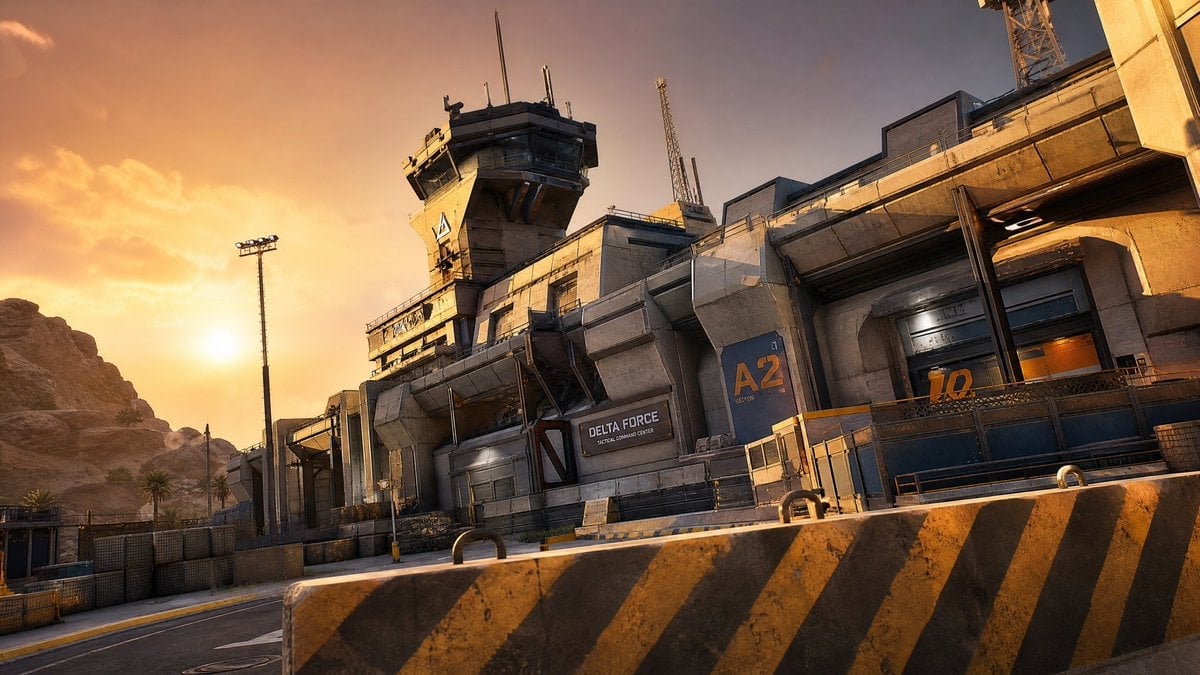
A cinematic photorealistic prompt for generating a futuristic desert military command facility at sunset.
- Prompt included
- Model and format preset
- Premium template
The prompt behind this image
Copy the exact prompt behind Desert Tactical Command Base, or open it in the studio and make it yours.
Create a cinematic photorealistic wide shot of a futuristic military command compound in a desert canyon at golden hour. The scene shows a massive concrete-and-steel tactical base stretching diagonally from center-left to upper-right, with angular brutalist architecture, weathered tan concrete, dark metal trim, industrial vents, armored doors, railings, antenna masts, floodlights, and a tall control tower near the upper center. Add exactly 4 prominent text markings on the facility: a black sign reading {argument name="facility name" default="DELTA FORCE"} with smaller text "TACTICAL COMMAND CENTER" beneath it, a large blue wall panel labeled {argument name="sector label" default="A2"} with small "SECTOR" text below, a large orange door number {argument name="door number" default="12"}, and a small triangular warning-style emblem on the control tower. In the foreground, place one large concrete road barrier spanning the lower frame, painted with diagonal black-and-yellow hazard stripes and showing grime, chips, and two metal lifting loops. Behind it, include an empty paved road curving along the base, low security fencing, bollards, stacked crates, and industrial yard details. The background has rocky desert cliffs on the left, a few sparse palm trees, and a warm orange sunset sky with the sun low near the left horizon and soft clouds. Use a slightly tilted dynamic camera angle, 16:9 aspect ratio, low-to-mid viewpoint, high-detail game cinematic realism, dramatic warm rim light, long shadows, crisp textures, realistic dust and weathering, no people, no vehicles, no watermark.
How to use Desert Tactical Command Base in 3 steps
- 1Upload ImagePNG, JPG or paste
Add your photo
Upload the photo the template builds on. The prompt, model and format are already set.
- 2…a portrait of your subject in softgolden-hour light, 85mm…
Personalize
Edit the subject and creative details for your destination.
- 3Generate
Generate
Press Generate — your image is created in PicX Studio, so you can compare it with the original and refine one variable at a time.
More like this
Templates with the same subject, style or setup. Open one to see its prompt.

Saudi Arabia Paper Cut Travel Poster
Cinematic Tactical Command Scene
Tactical Athlete Desert Magazine Layout
Chibi Tactical Police Girl with Halo
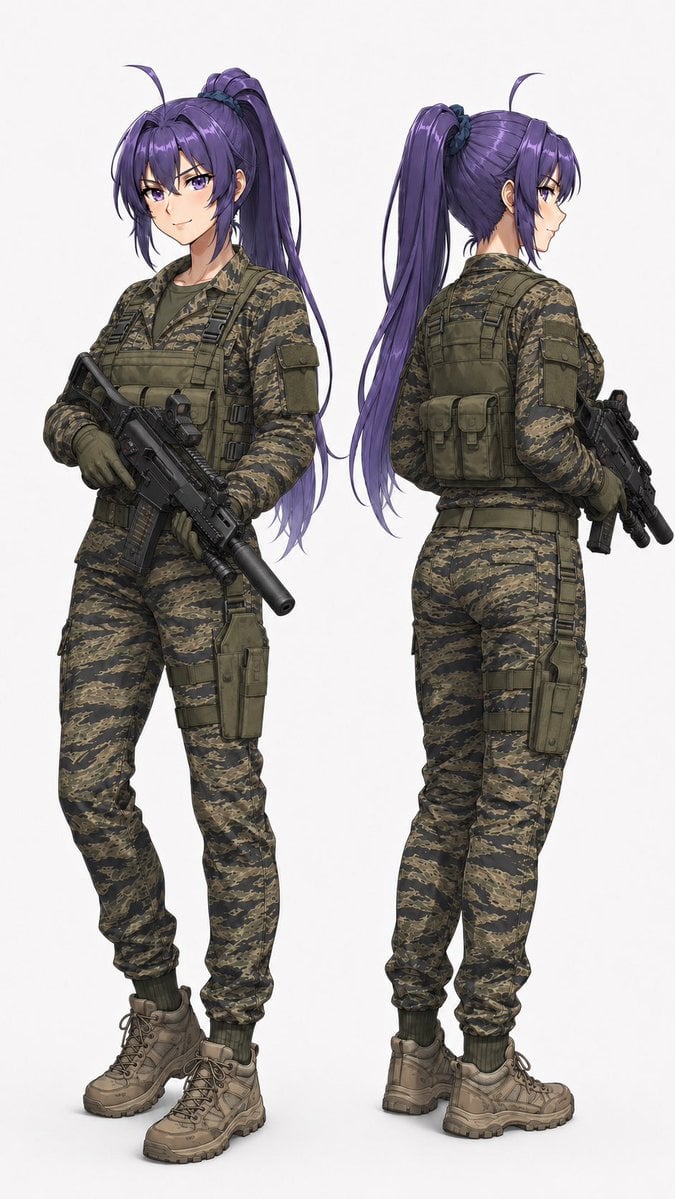
Anime Tactical Operator Character Sheet
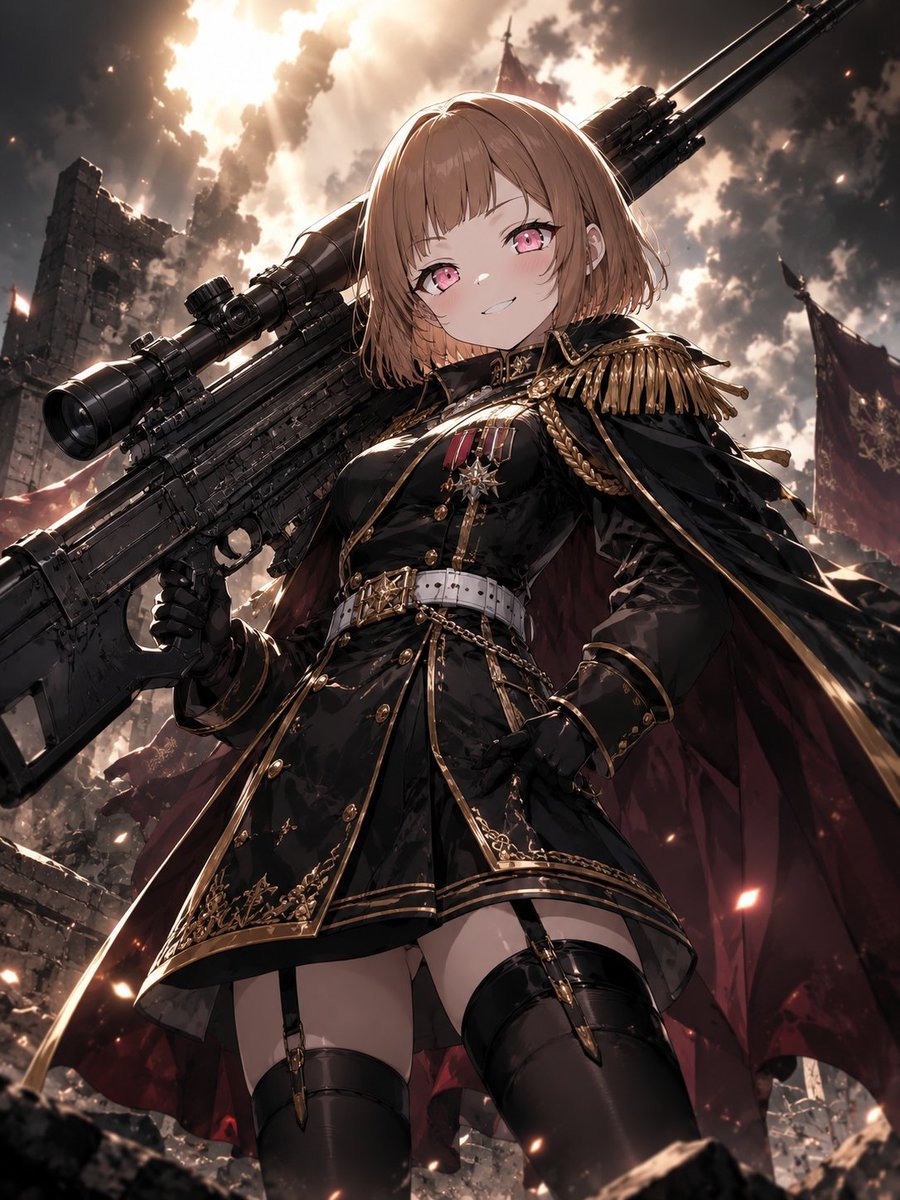
Anime Commander With Giant Sniper Rifle
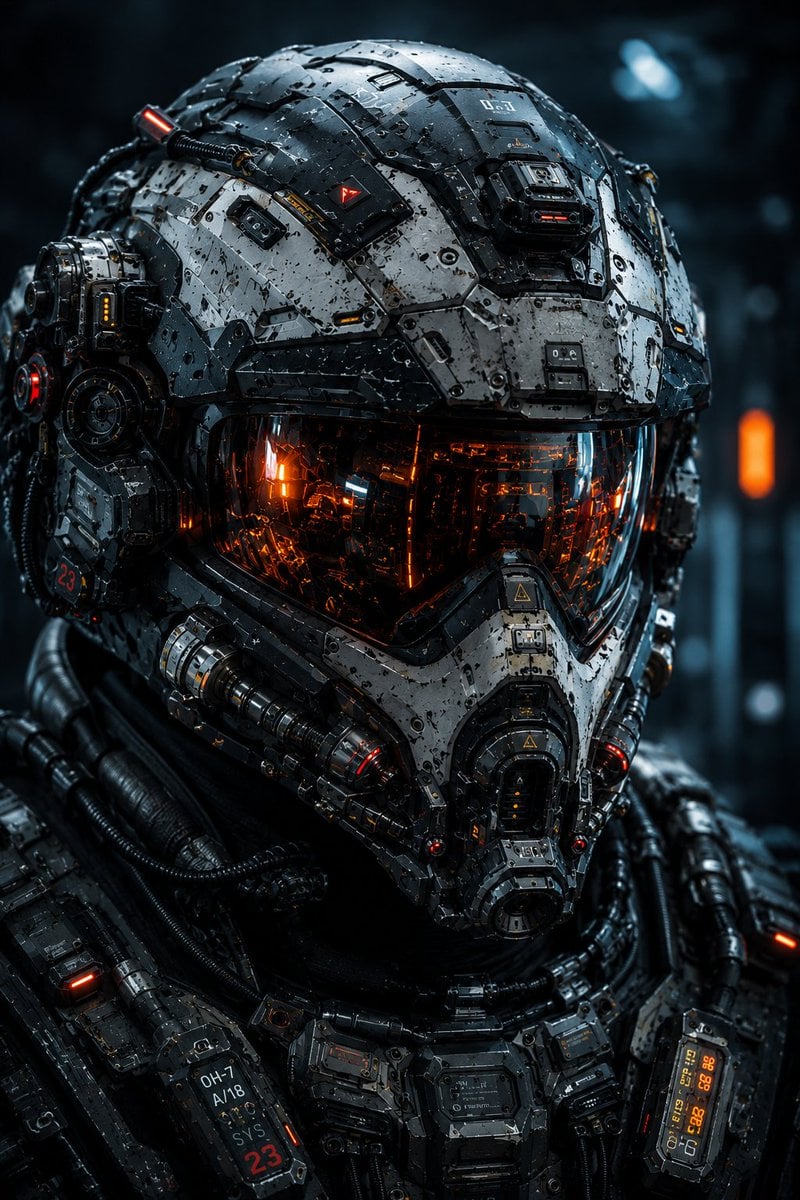
Cybernetic Tactical Soldier Portrait
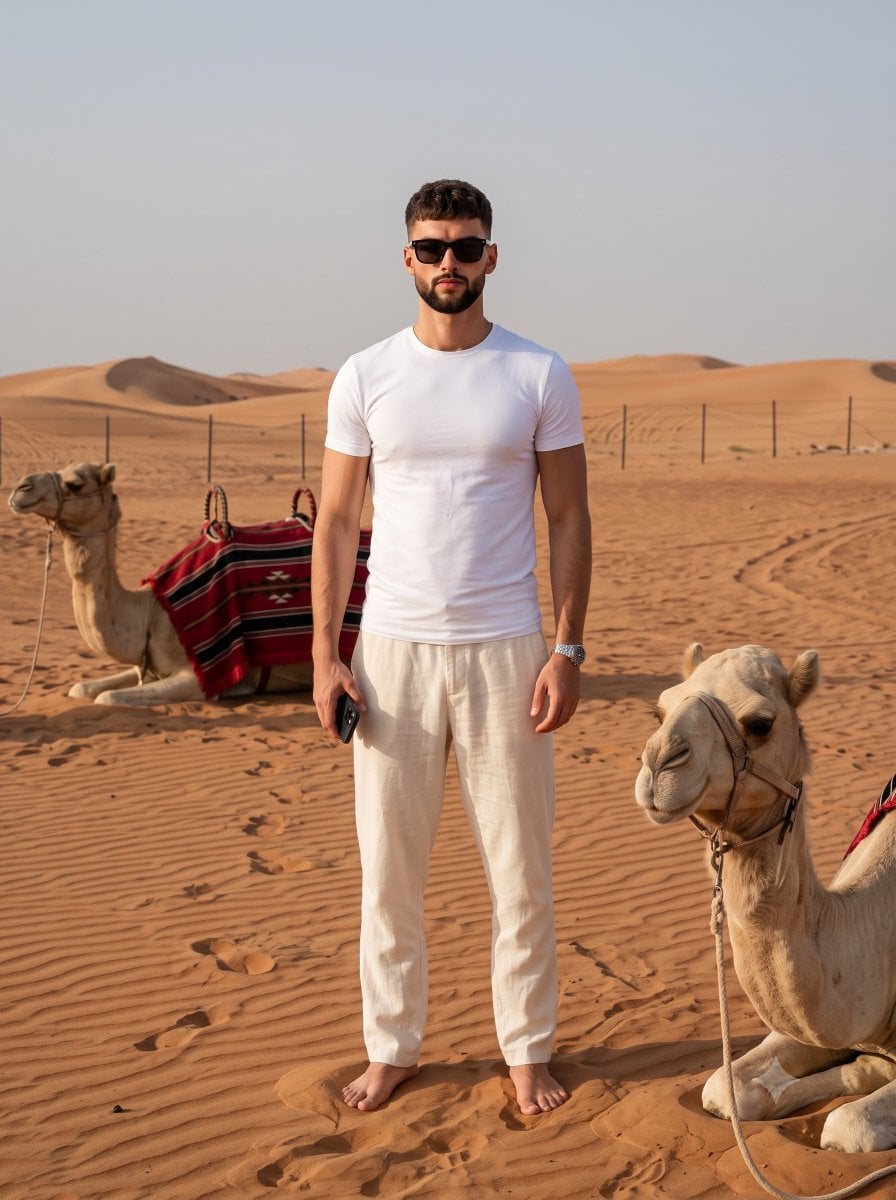
Desert Travel Lifestyle Portrait

Futuristic Anime Tactical Concept Sheet
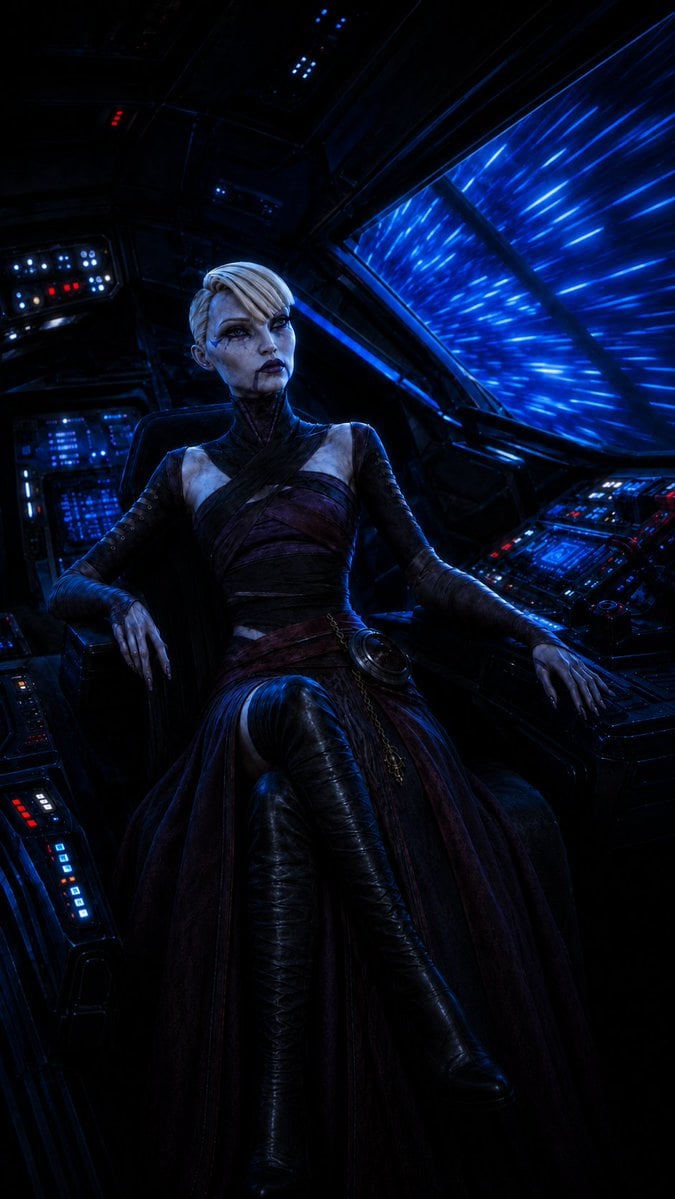
Gothic Starship Commander
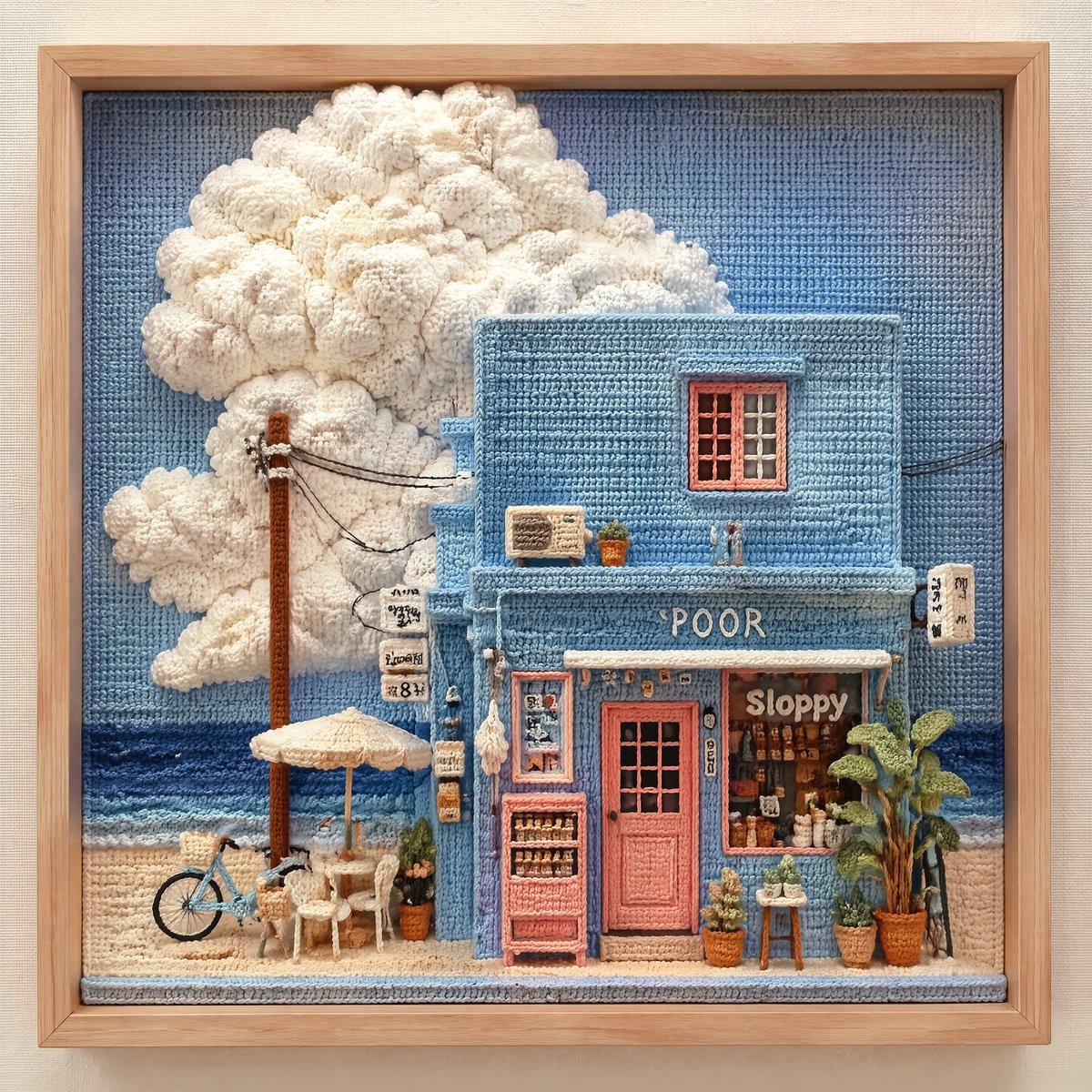
3D Tactical Crochet Art Diorama
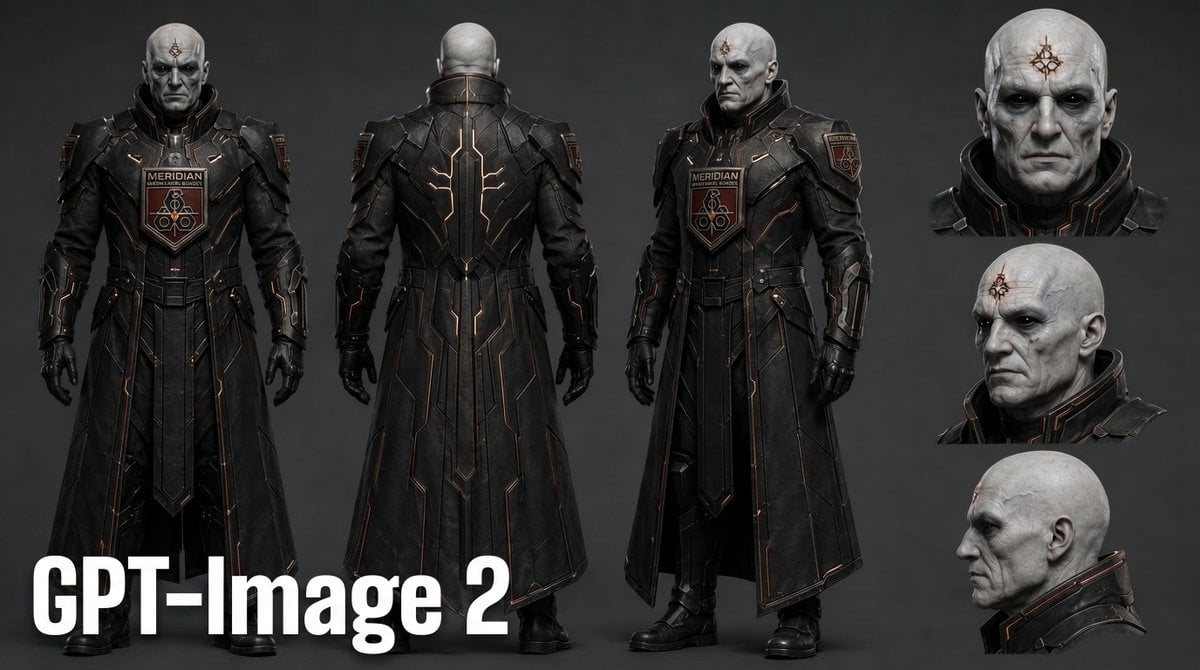
Dark Sci-Fi Commander Character Sheet
Make it yours
Desert Tactical Command Base works as-is. These are the safest ways to change it without losing the look.
Change one field
Copy a single group, rewrite it, and generate again so you can see what that field is doing.
Keep the frame, change the subject
Hold the composition and light of Desert Tactical Command Base, then swap wardrobe, props or the person for a new take.
| If the result… | Why | Fix |
|---|---|---|
| The result drifts from the preview | Too many fields changed at once. | Reuse Desert Tactical Command Base as-is first, then change one group — subject, light, or setting. |
| The model over-stylizes the scene | The prose prompt leaves finish and camera underspecified. | Add one camera or lighting sentence and stay on GPT Image 2. |
More GPT Image 2 templates
Other prompts made for GPT Image 2.

Six VTuber Japanese Logo Sheet

Realistic Portrait of Woman and Deer

The Vista Modular Condo Poster

AI Model Routing Comparison Infographic

2.5D Anime Art Board

Isometric Productivity Desk Scene

New York Double Exposure Poster

Four-Panel AI Landscape Comparison

Japanese Tatami Lifestyle Magazine Cover

NESCAFÉ Coffee Map Poster
More image prompts
Fresh picks from across the catalog.
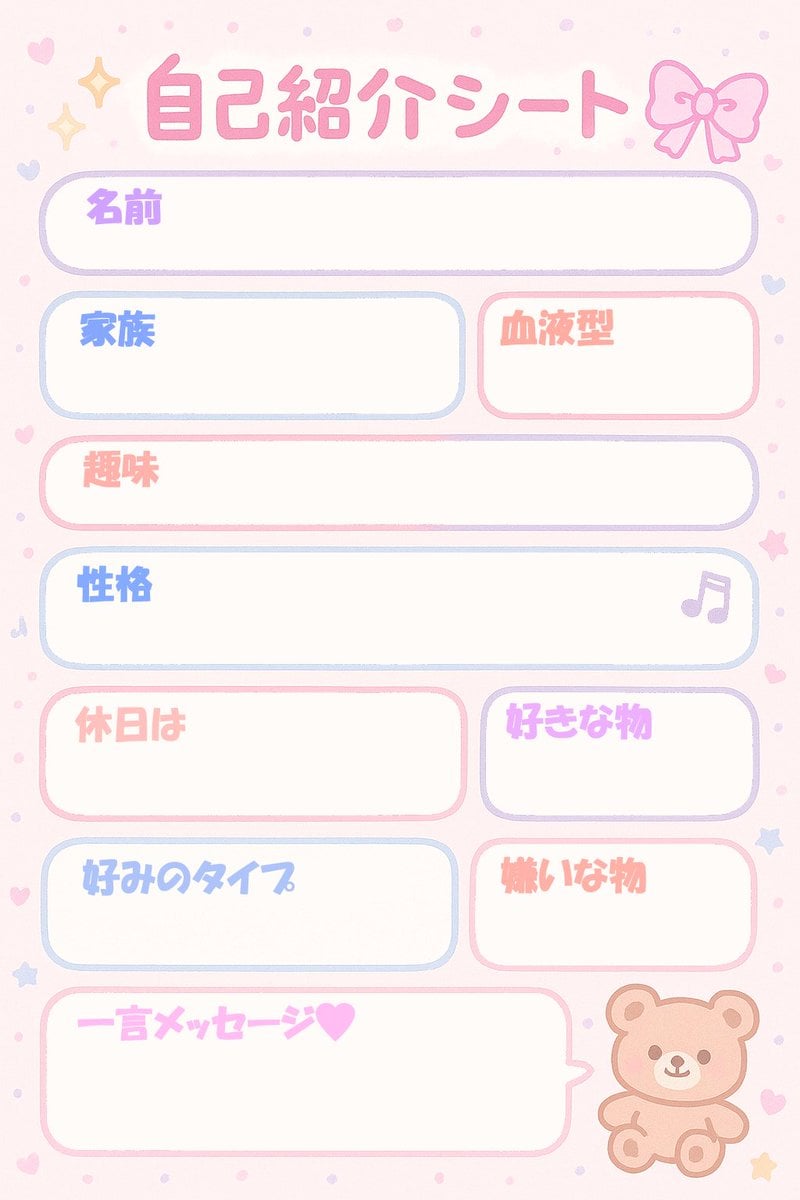
Self-Introduction Sheet Generation Prompt for Nano Banana Pro
Cozy Anime Manga Artist Studio
Magical Realism: Dragon Emerging from Canvas
Cyberpunk Samurai and Ninja Art
Luxury Earl Grey Tea Editorial Layout
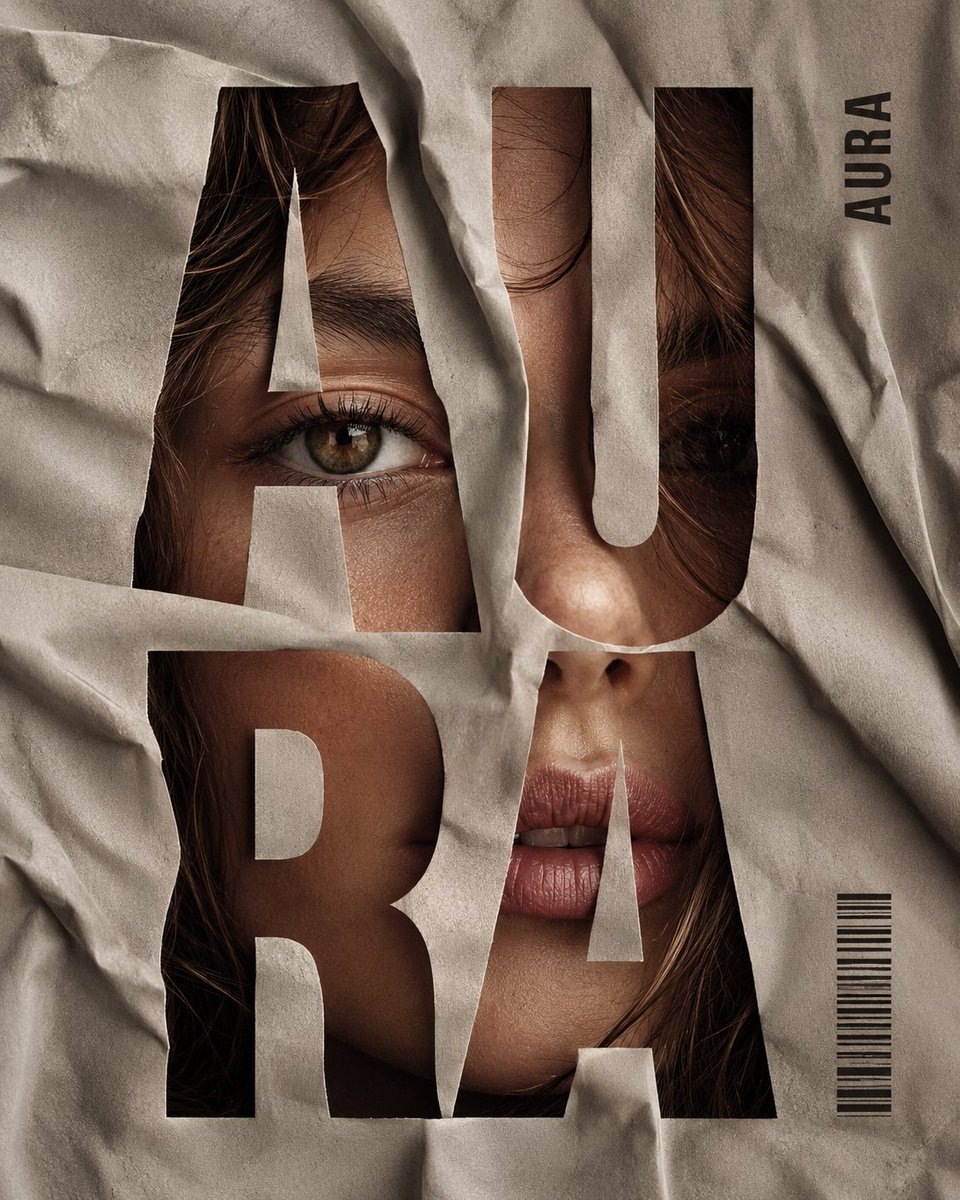
Crumpled Fabric Editorial Poster

Hanna-Barbera Style Political Figures Cartoon Portrait
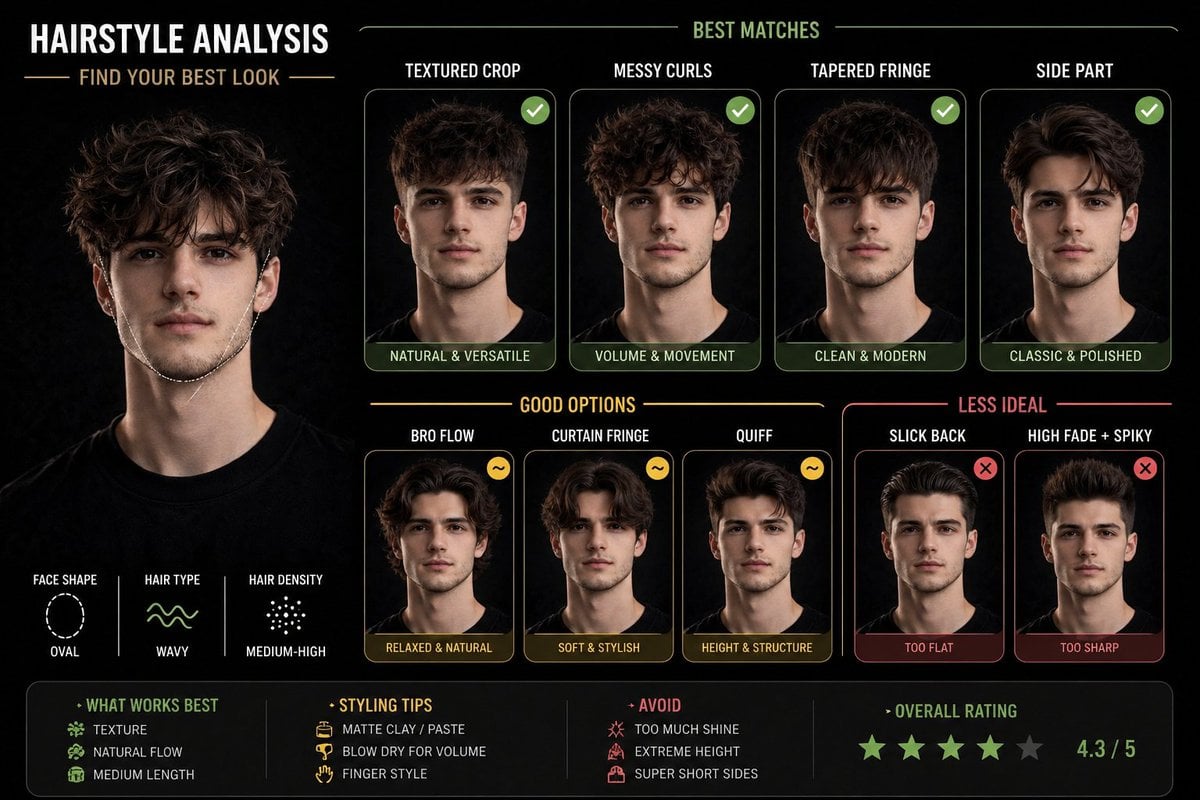
Hairstyle Suitability Analysis Chart
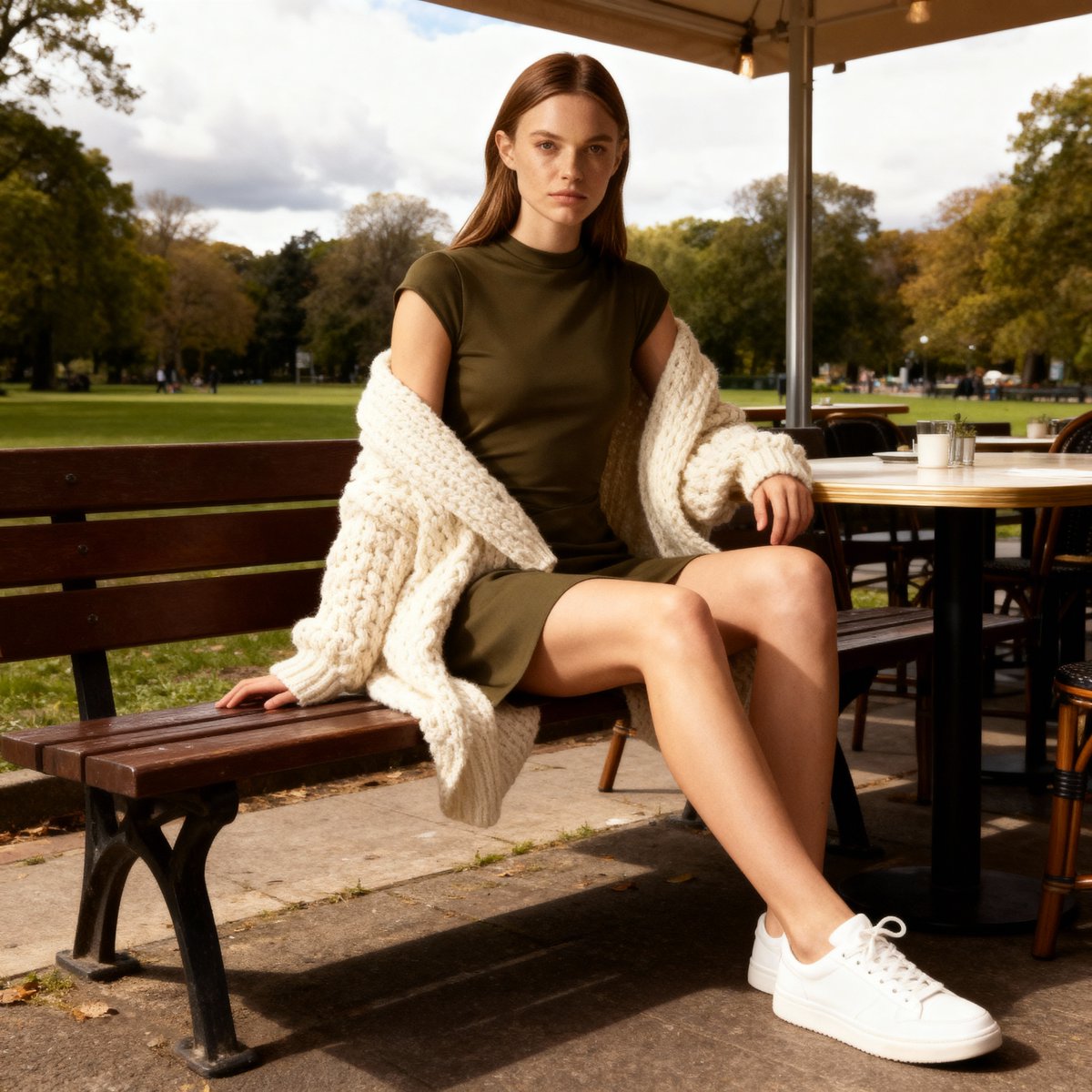
E-commerce Product Listing Prompt: Candid Lifestyle Dress Shot
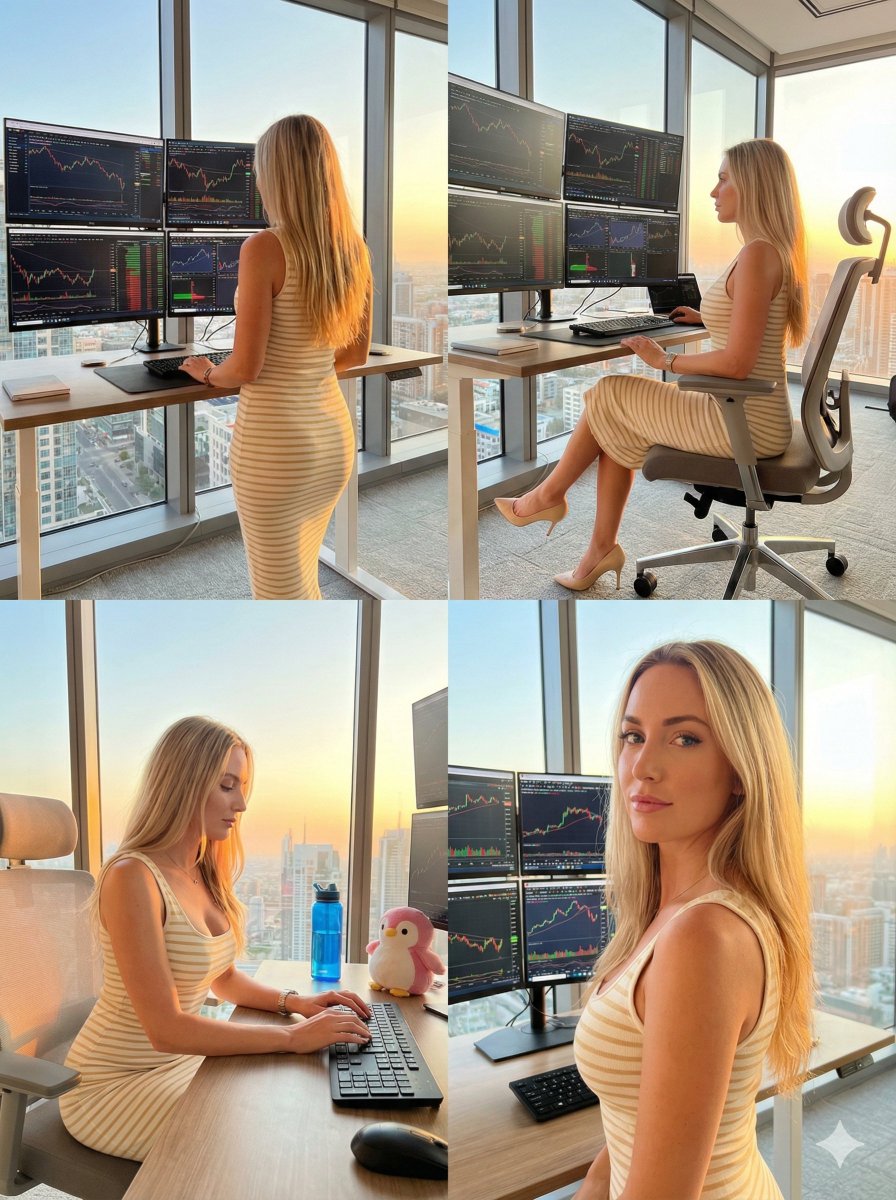
Four-Panel Trading Workspace Lifestyle Collage Prompt
Browse template categories
Desert Tactical Command Base questions
How do I use the Desert Tactical Command Base template?
Add your photo if the template asks for one, edit the prompt if you like — the template's model and format are already selected — and press Generate. Your version opens in PicX Studio.
Can I customize the Desert Tactical Command Base template?
Yes. You can change the subject, setting, lighting, mood, format, and available model controls before creating your image.
Is the Desert Tactical Command Base template free?
Opening and editing this template is free. Generating uses credits, shown on the Generate button when you are signed in.
Which AI model should I use?
Start with GPT Image 2, which is the model associated with this template. You can compare another compatible model for a different finish.
Looking for something else? Browse all templates.

Your photo, any look
Thousands of ready templates for every top image and video model, from one credit balance.