
VEYA Character Design Sheet
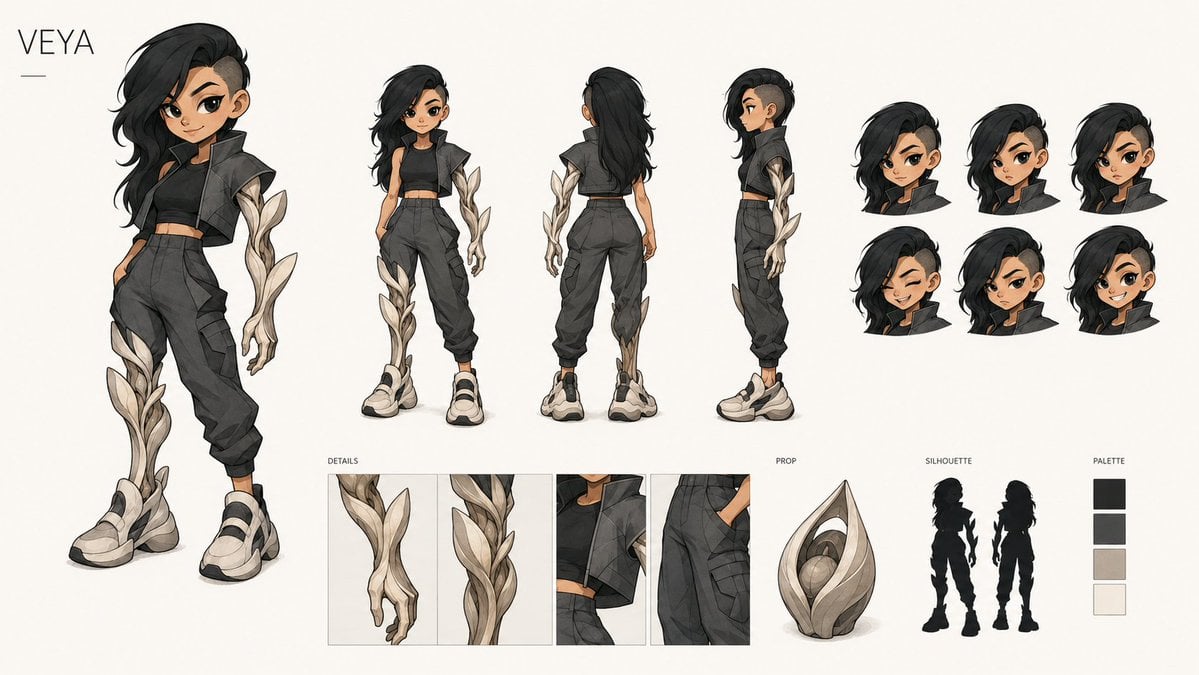
A wide anime concept art character sheet for a futuristic streetwear heroine with organic ivory armor, multiple views, details, prop, silhouettes, and palette.
- Prompt included
- Model and format preset
- Free template
The prompt behind this image
Copy the exact prompt behind VEYA Character Design Sheet, or open it in the studio and make it yours.
Goal: Create a polished anime-style character design sheet for {argument name="character name" default="VEYA"}, a futuristic streetwear heroine with organic ivory armor growths. Canvas: Wide horizontal concept art board, 16:9 aspect ratio, warm off-white background, clean margins, premium game/animation production sheet presentation. Put the name “VEYA” in thin uppercase letters at the top left with a short horizontal line beneath it. Layout: Show exactly 4 full-body character views across the upper and left area: 1 large dynamic hero pose on the far left, 1 smaller front view, 1 smaller back view, and 1 smaller side view. On the upper right, include exactly 6 cropped head bust studies arranged in a 3-by-2 grid, all showing the same hairstyle from slightly varied angles/expressions. Along the bottom, include exactly 4 labeled detail panels under the label “DETAILS”: close-up of the organic armored hand, close-up of the vine-like leg armor, close-up of the cropped jacket and neck area, and close-up of cargo pants pocket construction. To the lower middle-right, include exactly 1 object under the label “PROP”: a seed-pod-shaped ivory sculptural artifact with layered leaf forms and a glowing round core. To its right, include the label “SILHOUETTE” with exactly 2 black character silhouettes, one front-facing and one back-facing. On the far lower right, include the label “PALETTE” with exactly 4 vertical color swatches: near-black, charcoal gray, warm beige ivory, and off-white. Subject details: The character is a young adult woman with tan skin, athletic slim build, asymmetrical long {argument name="hair color" default="black"} hair swept dramatically over one side, shaved/undercut on the opposite side, and a confident urban attitude. She wears a cropped black sleeveless top, a short oversized dark cropped jacket or vest with angular shoulders, high-waisted charcoal cargo jogger pants with seams and pockets, a slim belt, and chunky cream-and-black sneakers. Add distinctive organic ivory armor shaped like twisting leaves or branches on one arm and one lower leg, with layered petal-like plates, subtle gray shadows, and elegant botanical curves. Visual style: High-end 2D concept art, clean ink lines, soft cel shading, subtle watercolor texture, muted charcoal and ivory palette, fashionable sci-fi fantasy streetwear, crisp production-design sheet, no photorealism. Faces should be simplified or softly obscured rather than highly detailed, while clothing, hair, armor, and props remain sharp and readable. Constraints: Keep the composition uncluttered and balanced; preserve all visible labels in English: “VEYA”, “DETAILS”, “PROP”, “SILHOUETTE”, and “PALETTE”. Use exactly 4 full-body views, 6 head busts, 4 detail panels, 1 prop, 2 silhouettes, and 4 palette swatches. Do not add extra characters, weapons, logos, watermarks, or background scenery.
How to use VEYA Character Design Sheet in 3 steps
- 1Upload ImagePNG, JPG or paste
Add your photo
Upload the photo the template builds on. The prompt, model and format are already set.
- 2…a portrait of your subject in softgolden-hour light, 85mm…
Personalize
Edit the subject and creative details for your destination.
- 3Generate
Generate
Press Generate — your image is created in PicX Studio, so you can compare it with the original and refine one variable at a time.
More like this
Templates with the same subject, style or setup. Open one to see its prompt.
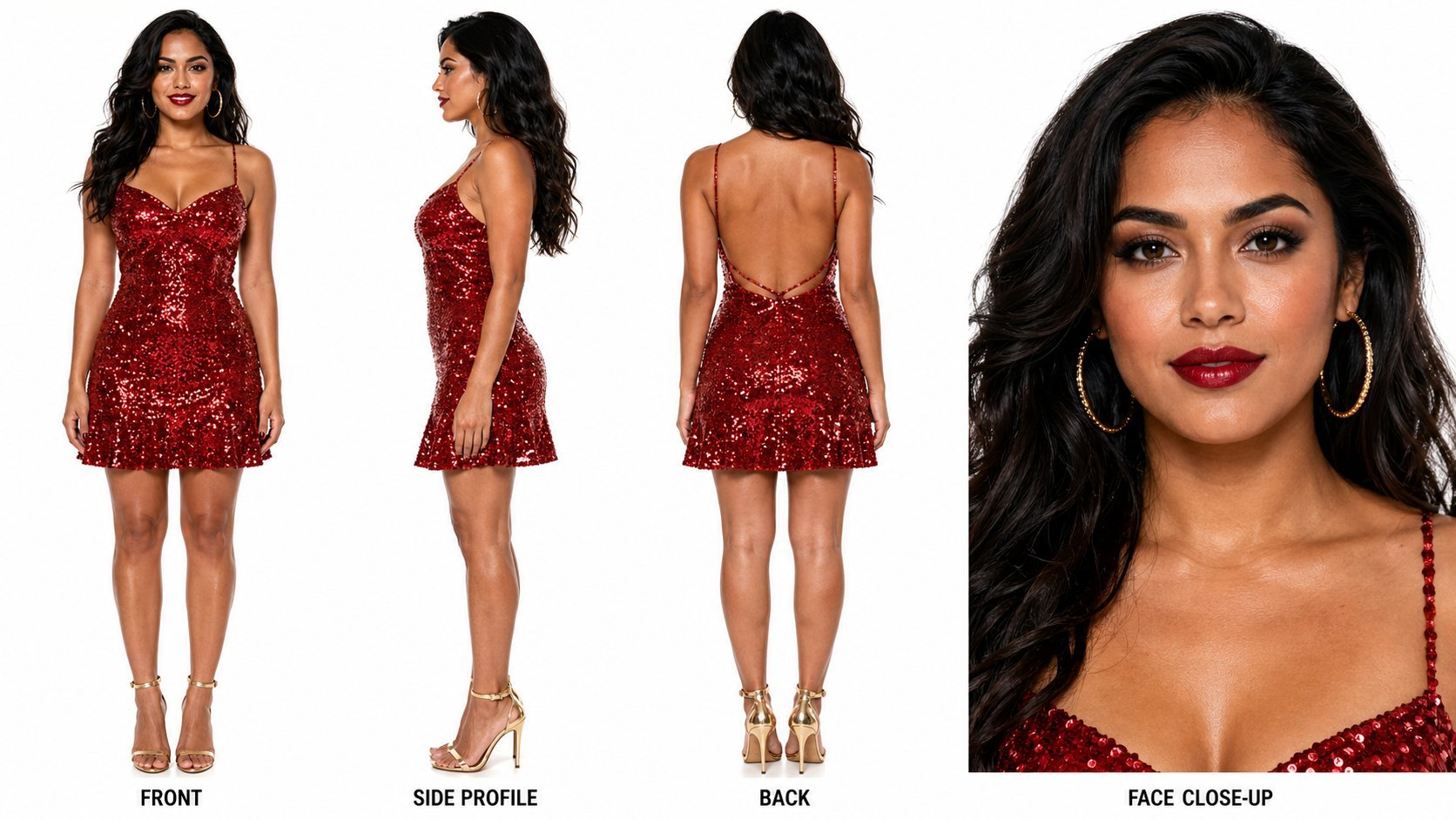
Dancer Character - Four View Reference Sheet
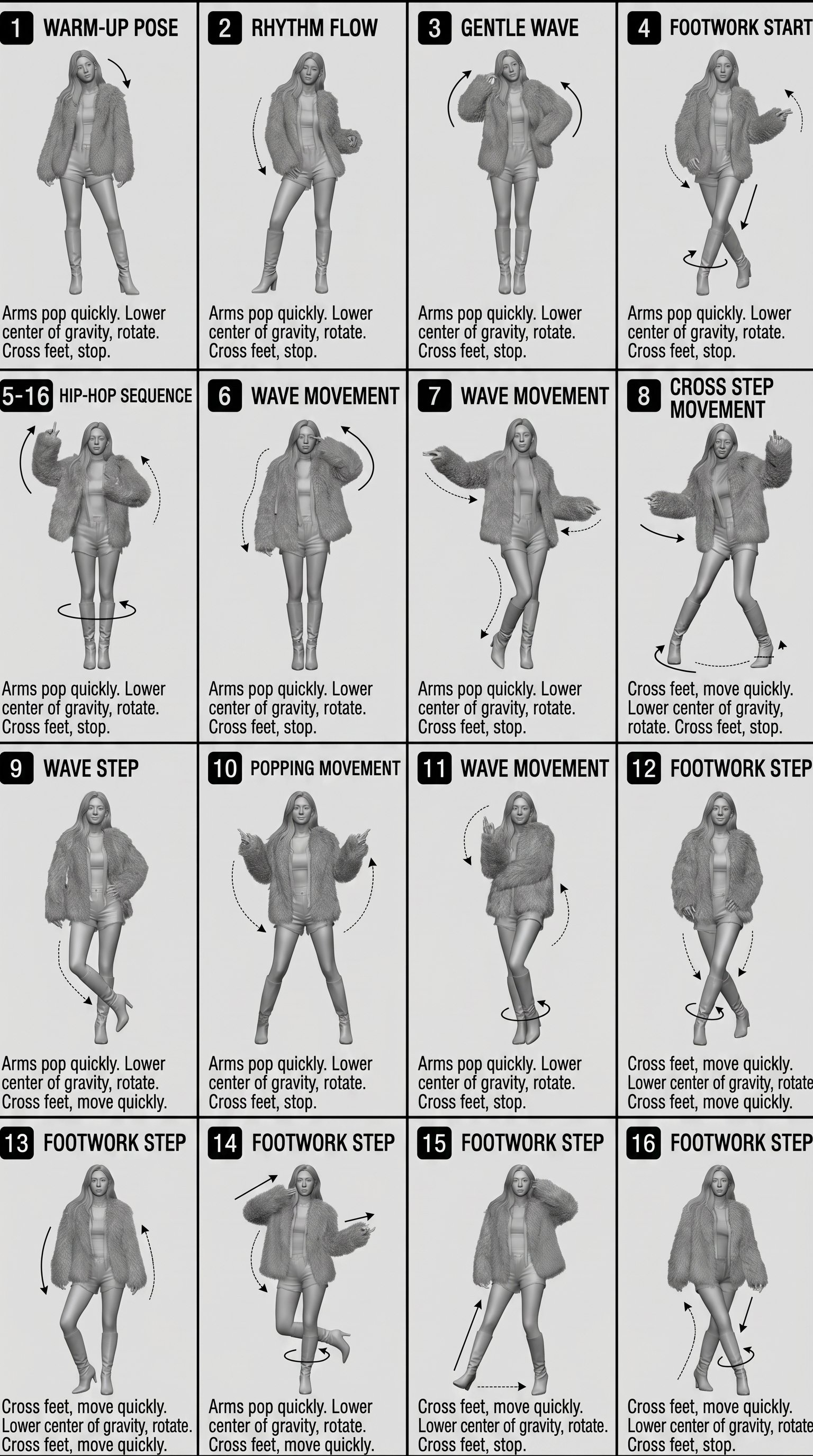
Movement Sheet - Dance Reference (Seedance 2.0)
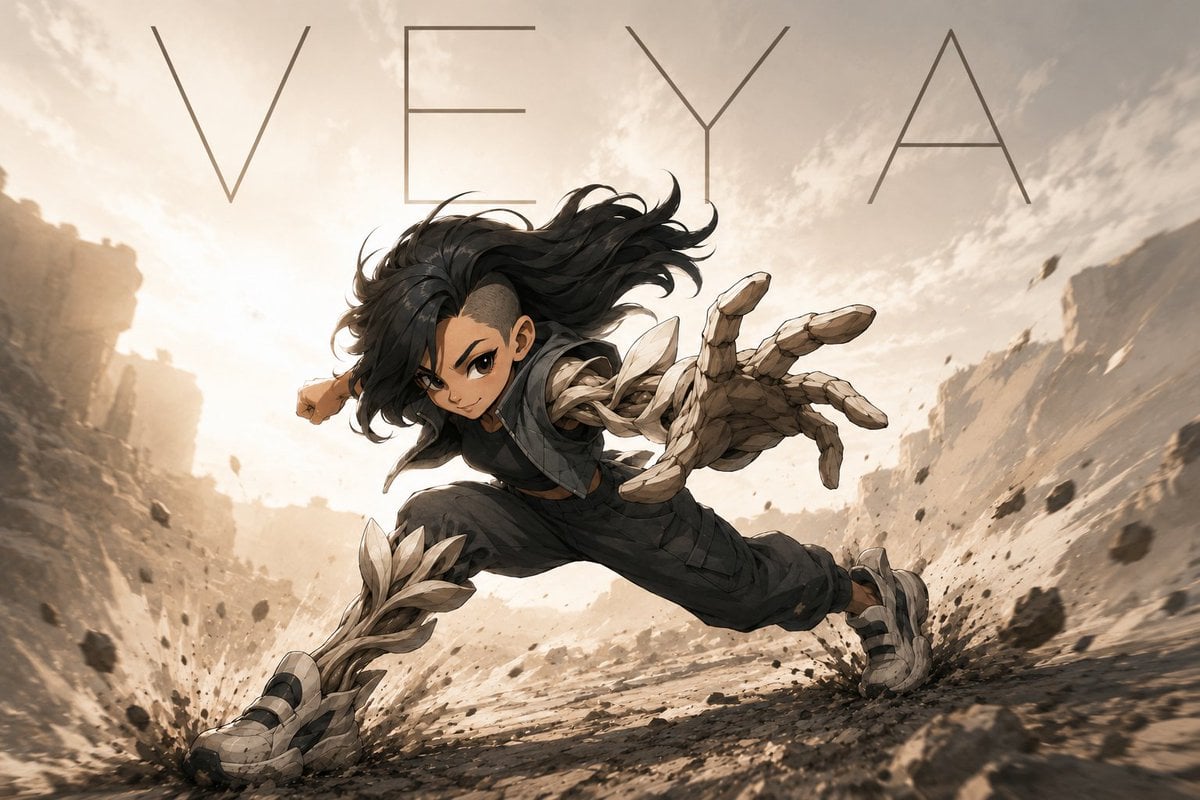
VEYA Anime Canyon Action Poster

Six VTuber Japanese Logo Sheet
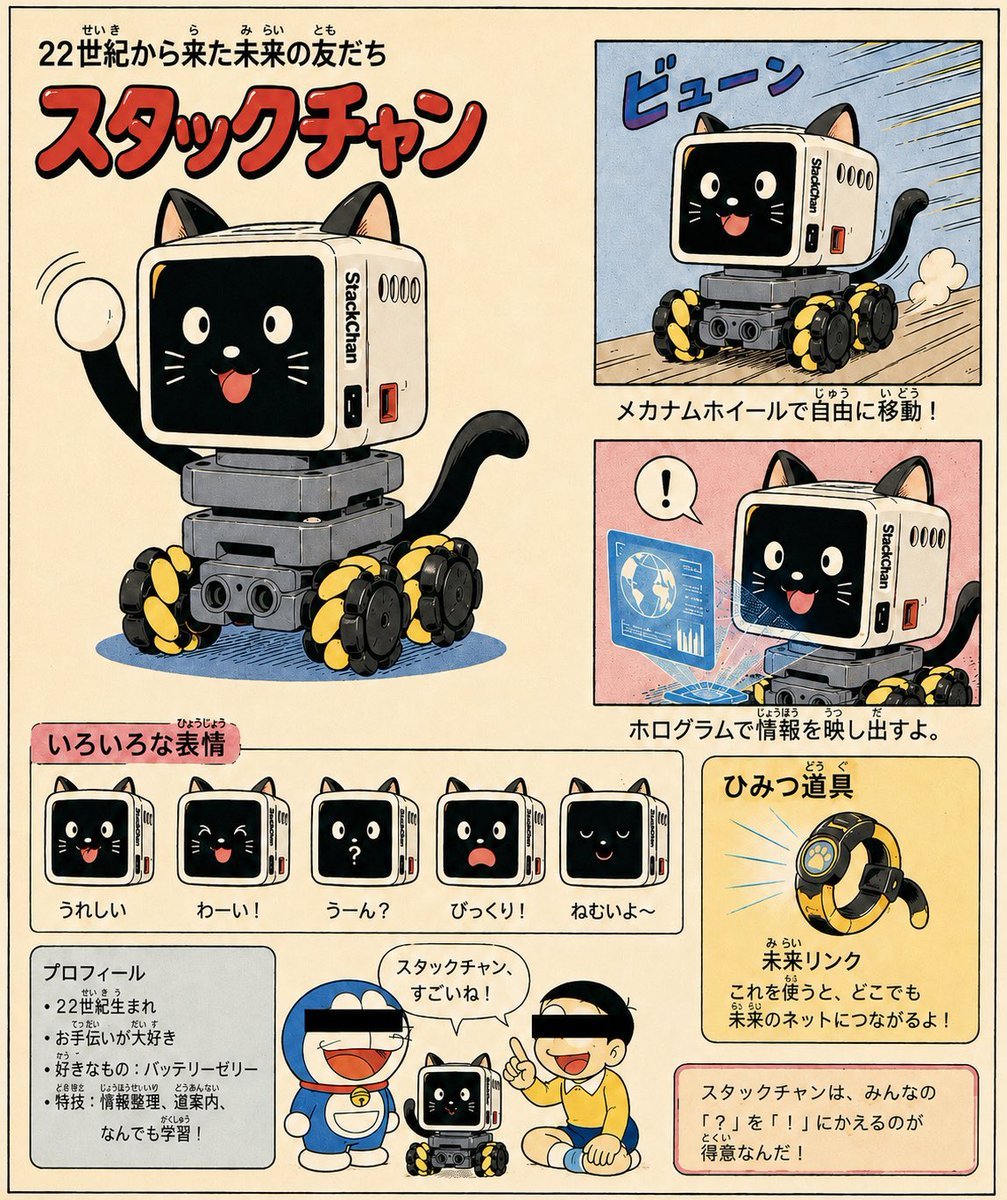
Retro Manga StackChan Concept Sheet
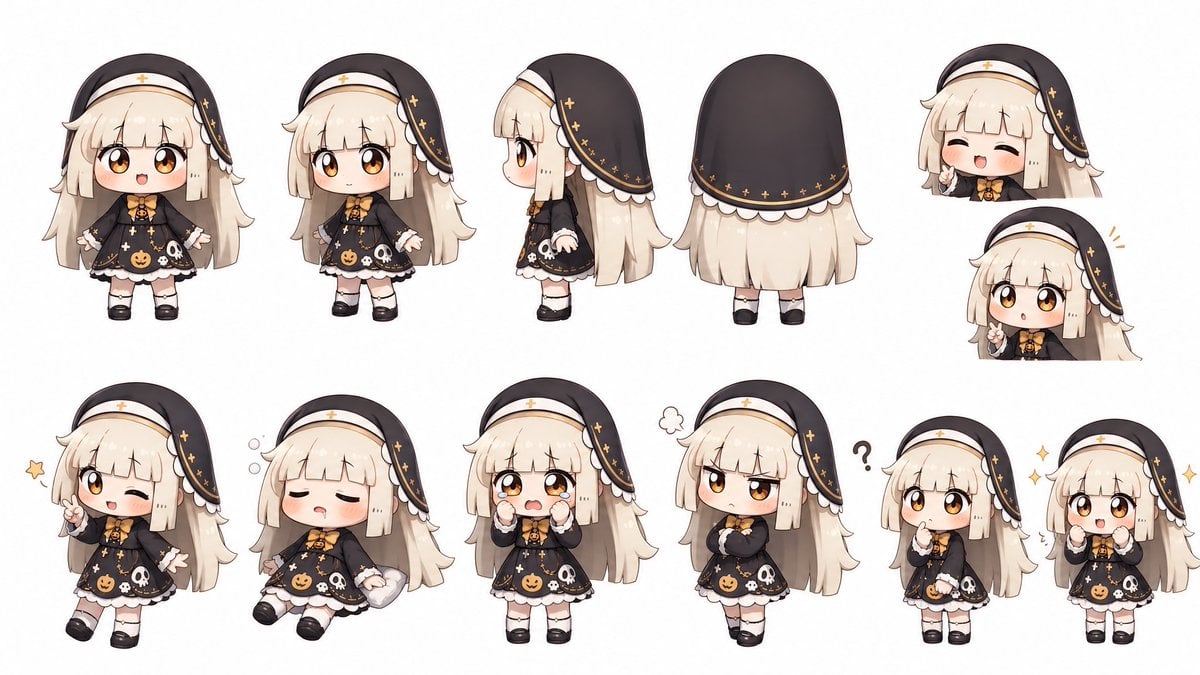
Halloween Nun Chibi Character Sheet
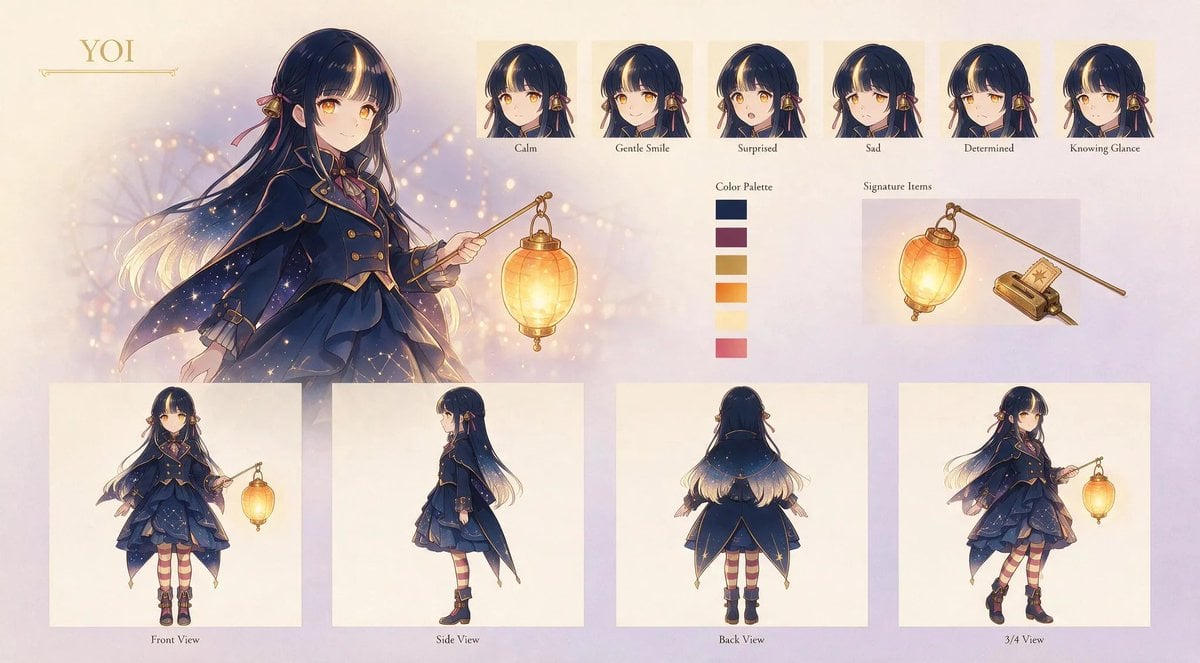
Anime Lantern Girl Character Sheet
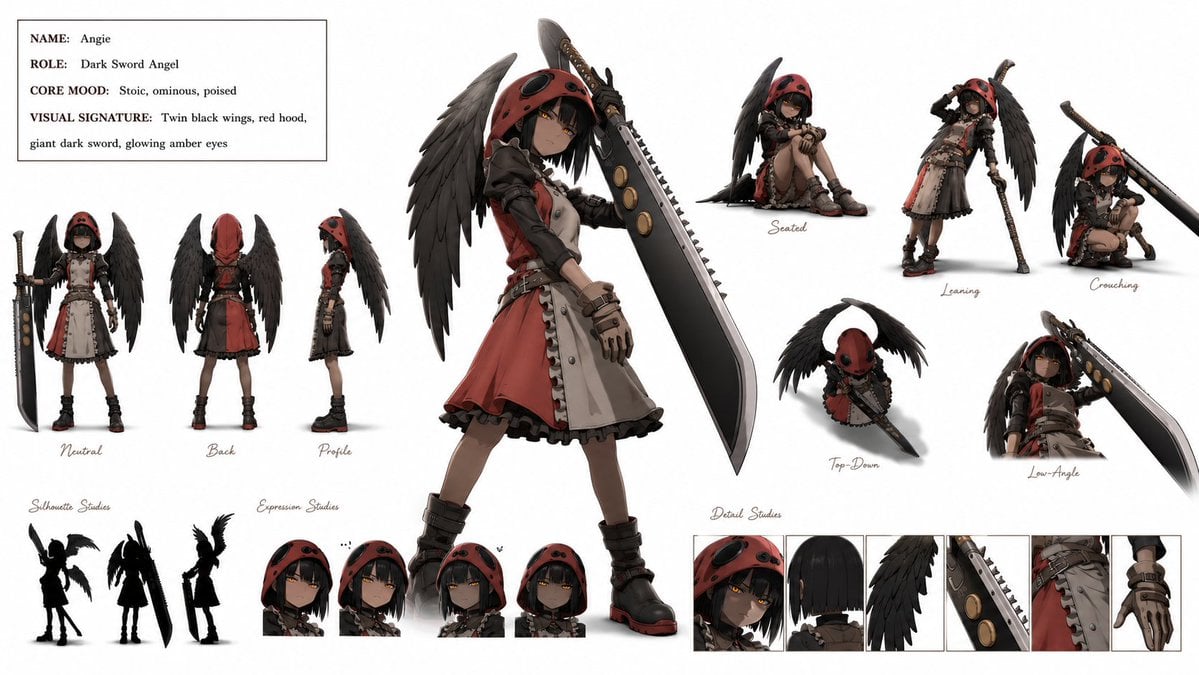
Dark Sword Angel Character Sheet

Mental Peace Sheet Music Poster
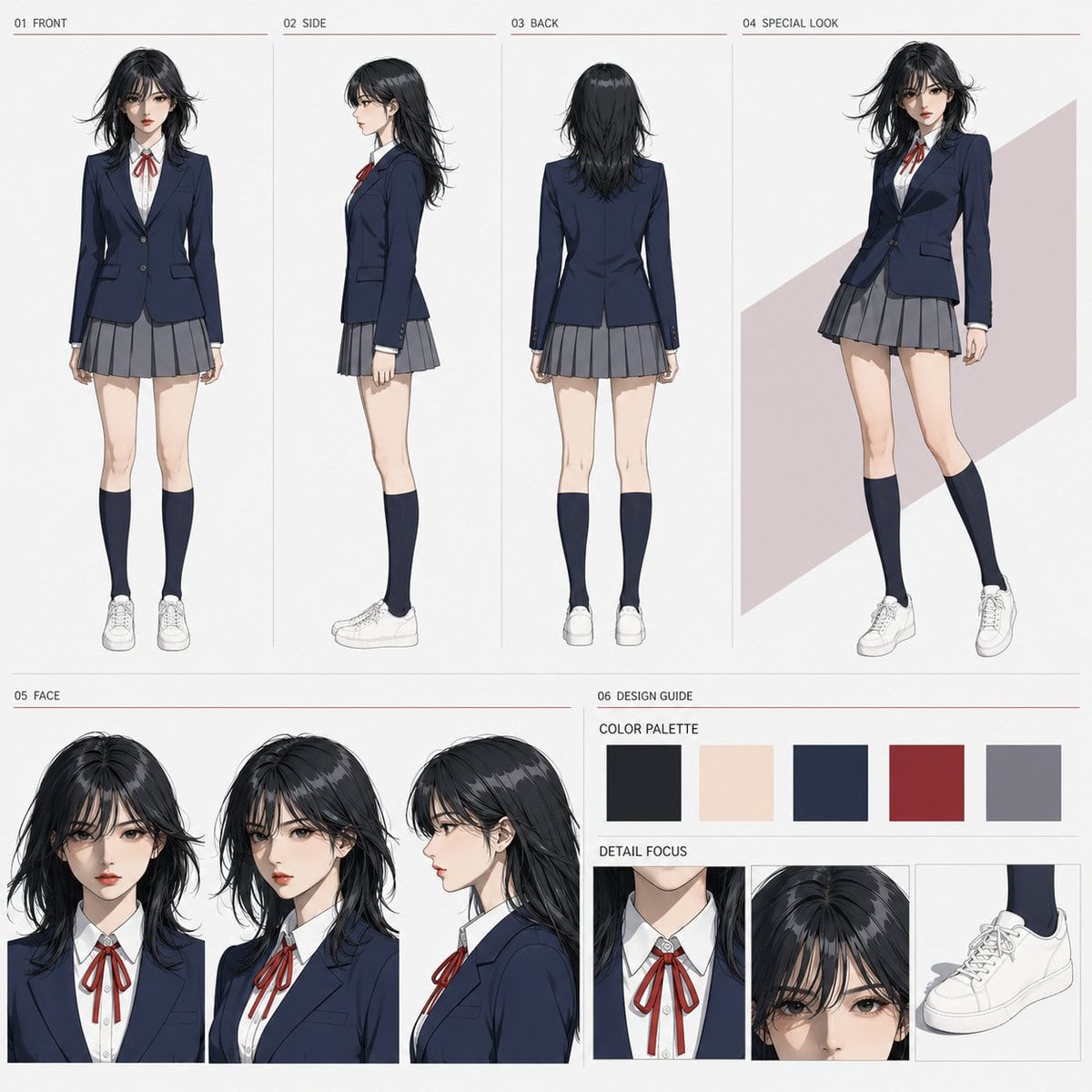
Anime Character Sheet Reference Prompt
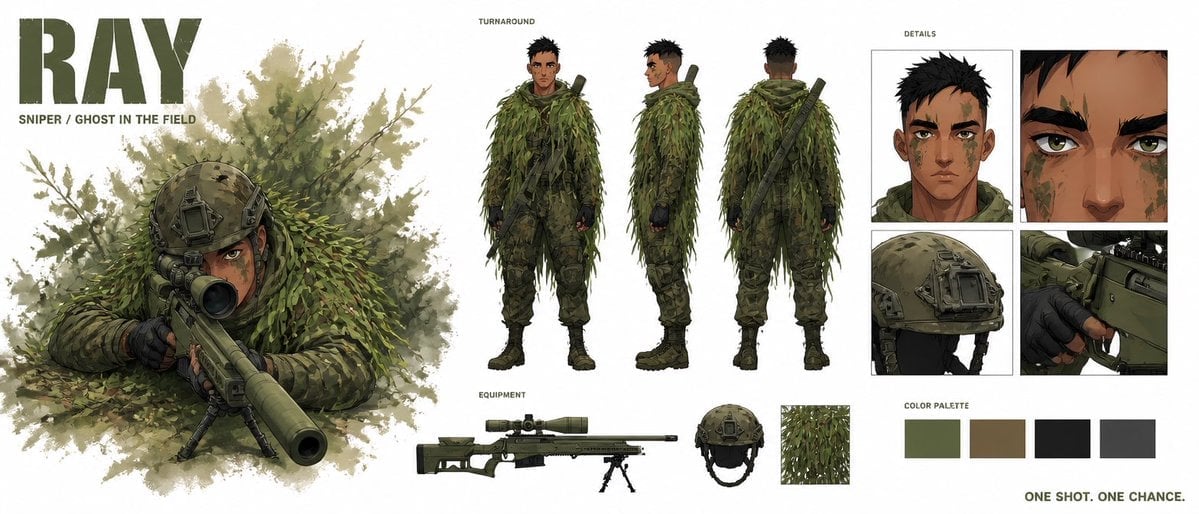
Cinematic Sniper Character Bible Sheet
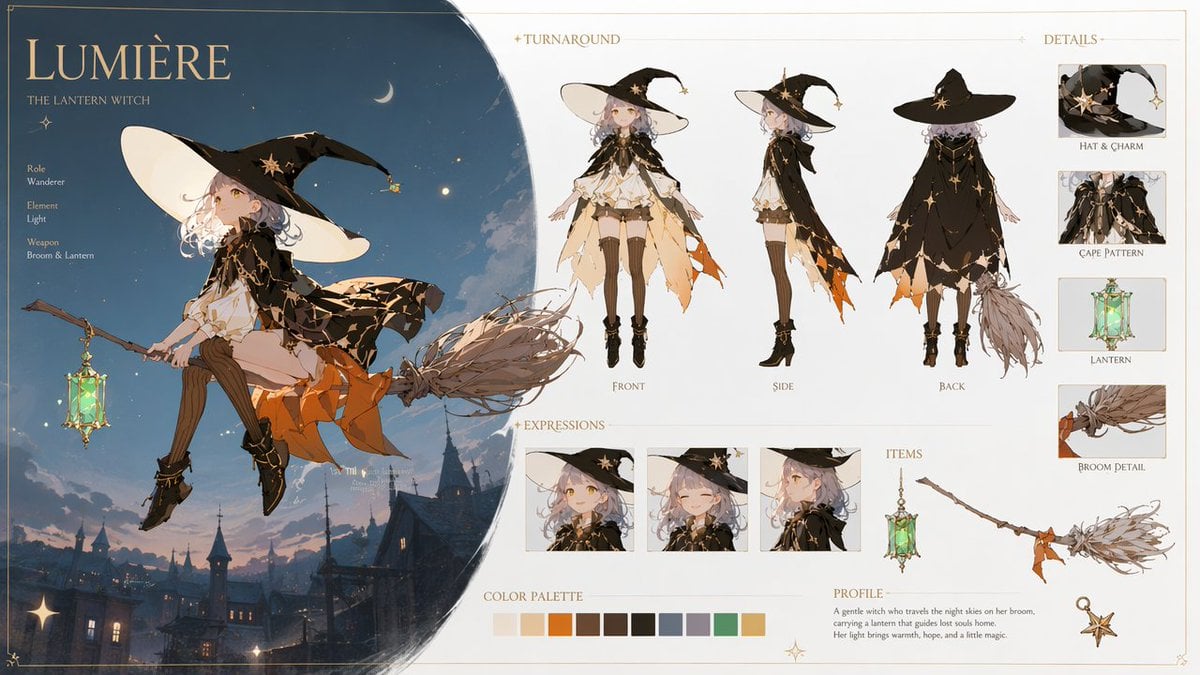
Lumière Lantern Witch Character Sheet
Make it yours
VEYA Character Design Sheet works as-is. These are the safest ways to change it without losing the look.
Change one field
Copy a single group, rewrite it, and generate again so you can see what that field is doing.
Keep the frame, change the subject
Hold the composition and light of VEYA Character Design Sheet, then swap wardrobe, props or the person for a new take.
| If the result… | Why | Fix |
|---|---|---|
| The result drifts from the preview | Too many fields changed at once. | Reuse VEYA Character Design Sheet as-is first, then change one group — subject, light, or setting. |
| The model over-stylizes the scene | The prose prompt leaves finish and camera underspecified. | Add one camera or lighting sentence and stay on GPT Image 2. |
More GPT Image 2 templates
Other prompts made for GPT Image 2.

Realistic Portrait of Woman and Deer

The Vista Modular Condo Poster

AI Model Routing Comparison Infographic

2.5D Anime Art Board

Isometric Productivity Desk Scene

New York Double Exposure Poster

Four-Panel AI Landscape Comparison

Japanese Tatami Lifestyle Magazine Cover

NESCAFÉ Coffee Map Poster

Brutalist Cogito Chinese Typography Poster
More image prompts
Fresh picks from across the catalog.
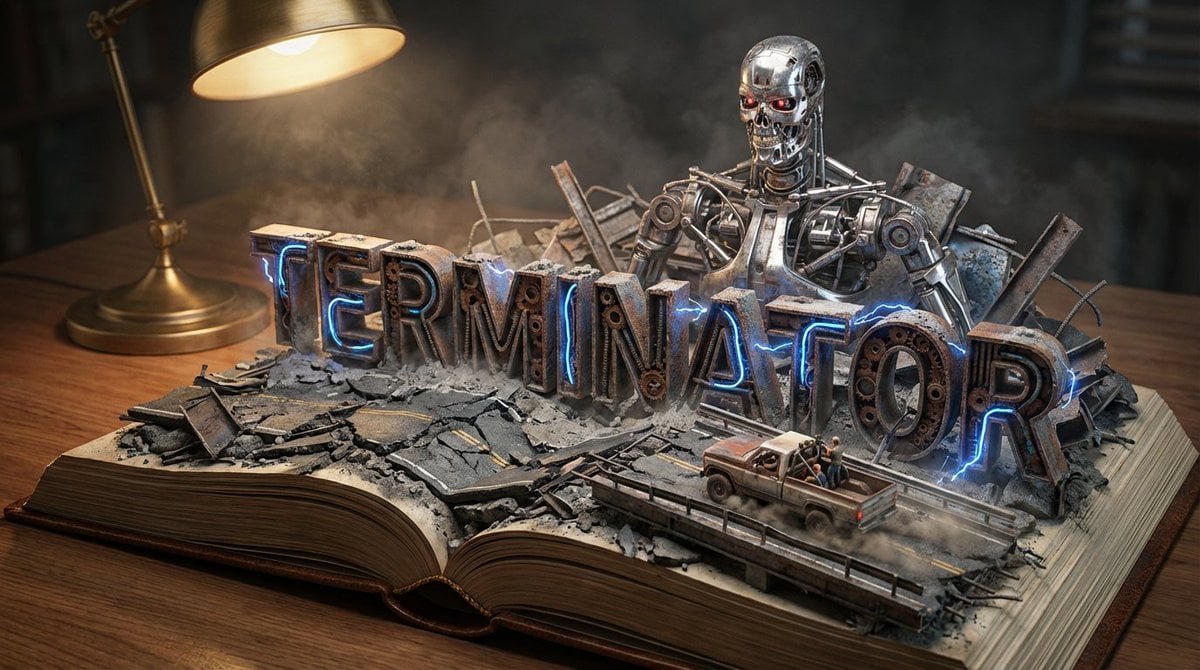
Pop-Up Book Diorama Generator Prompt
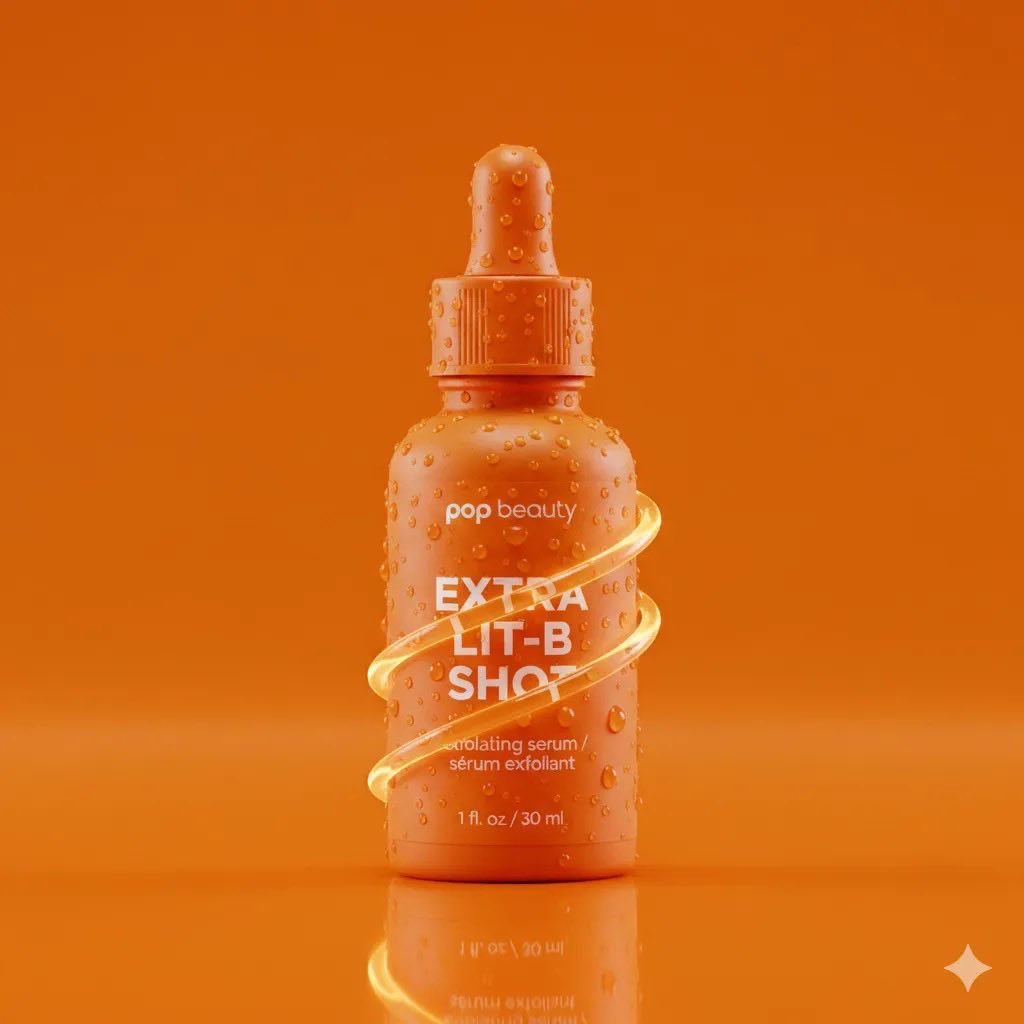
Product Photography Prompt: Orange Serum Bottle
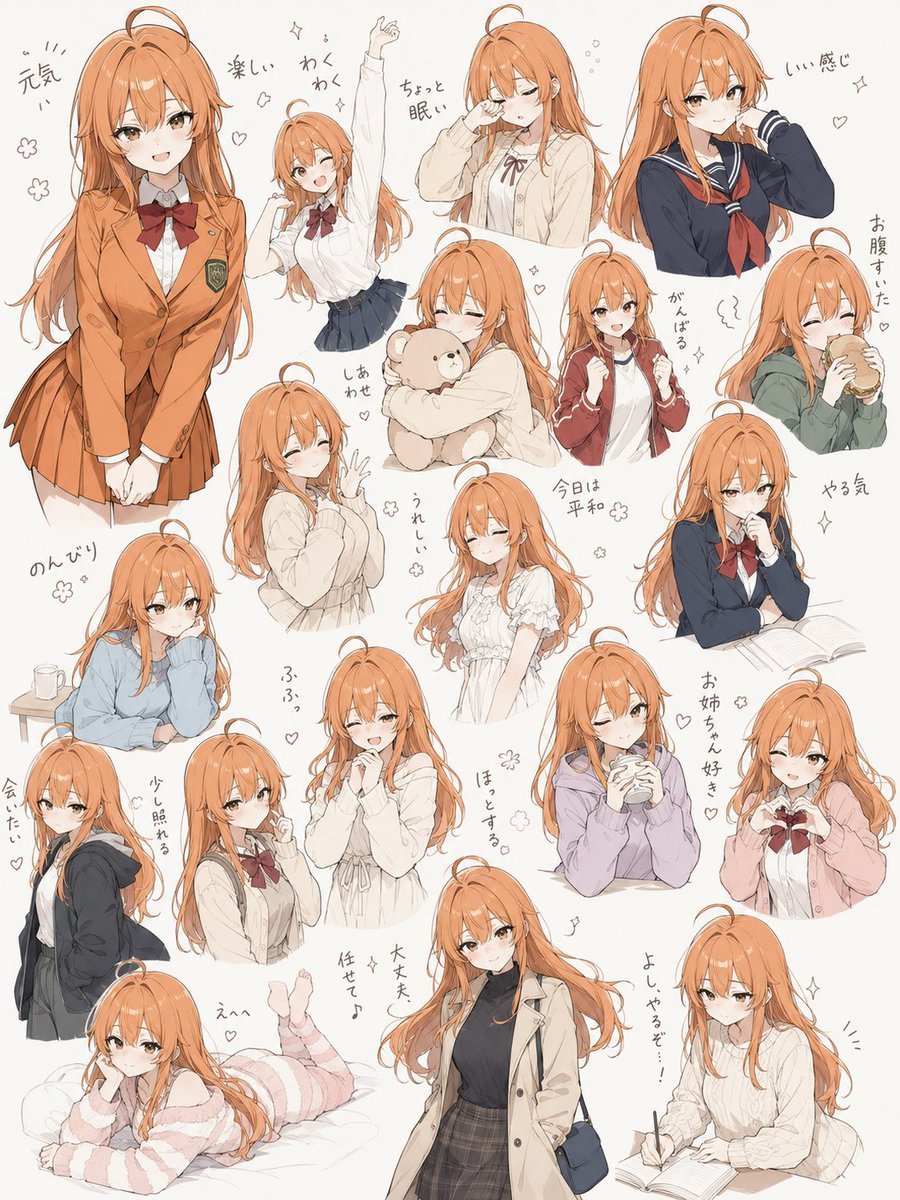
Hand-Drawn Character Sticker Sheet Prompt
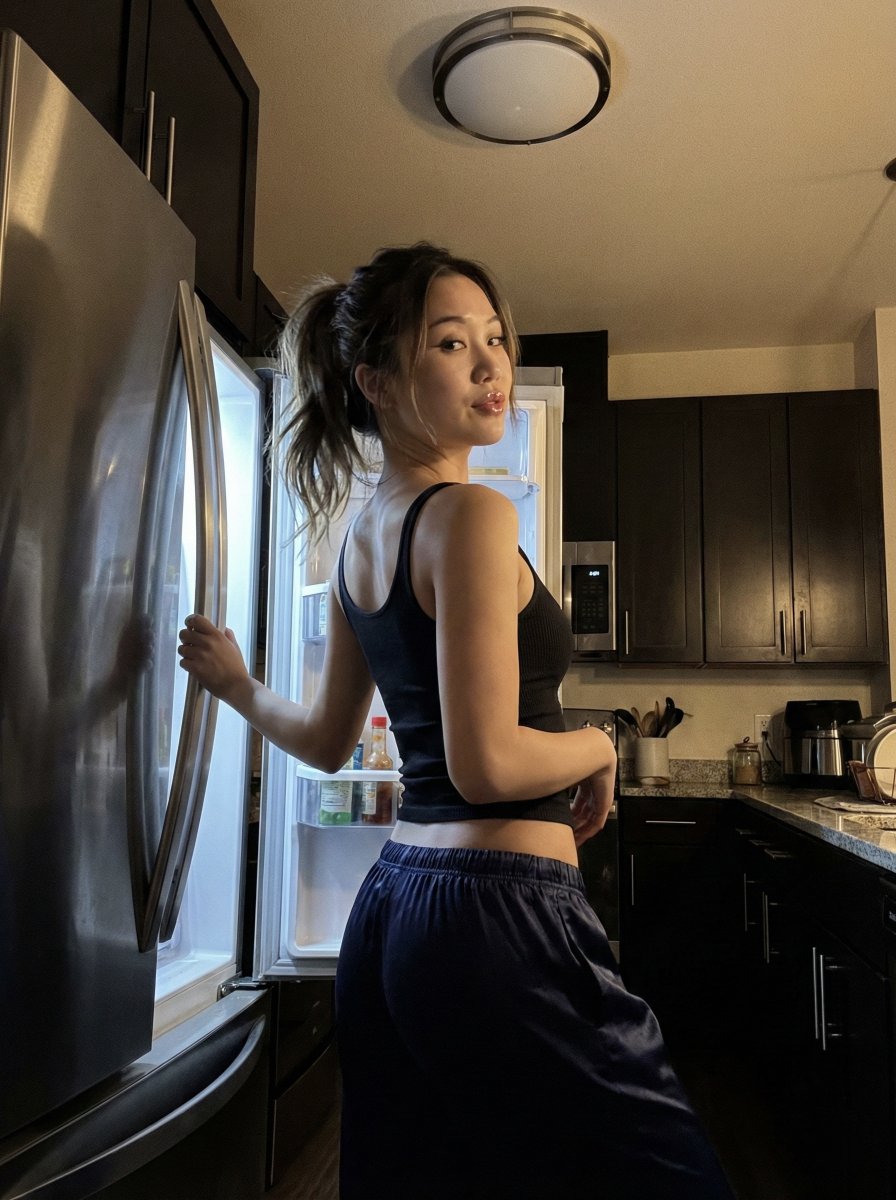
Late Night iPhone Candid in Kitchen
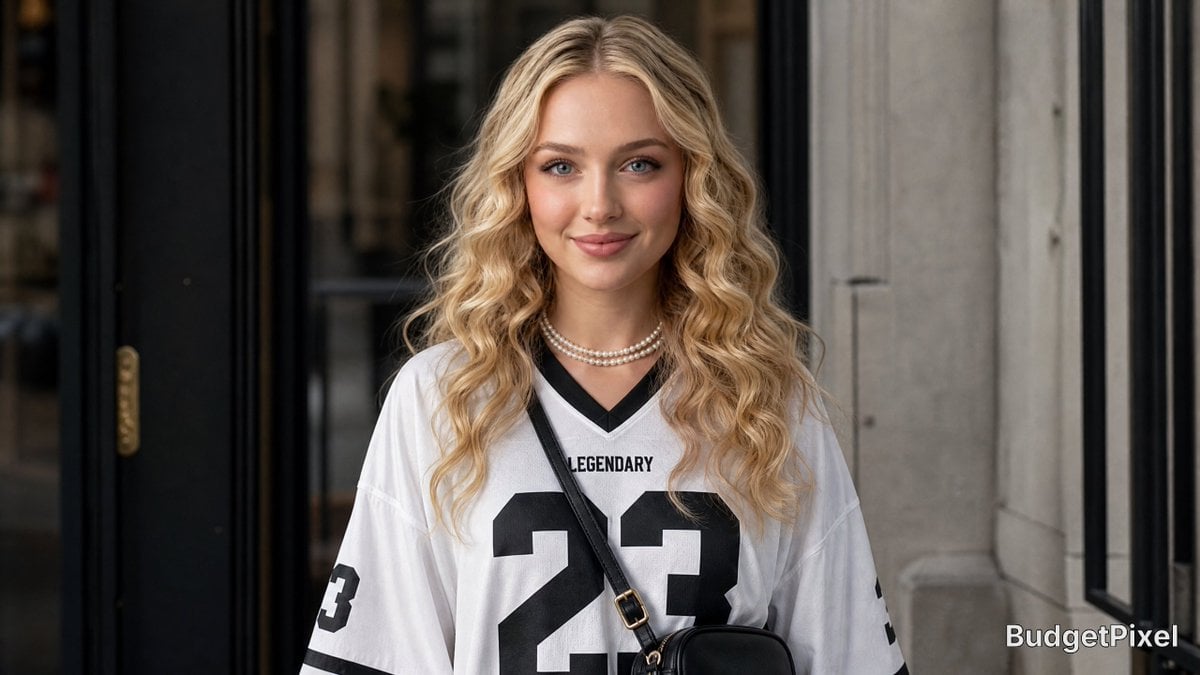
Blonde Character Portrait Prompt
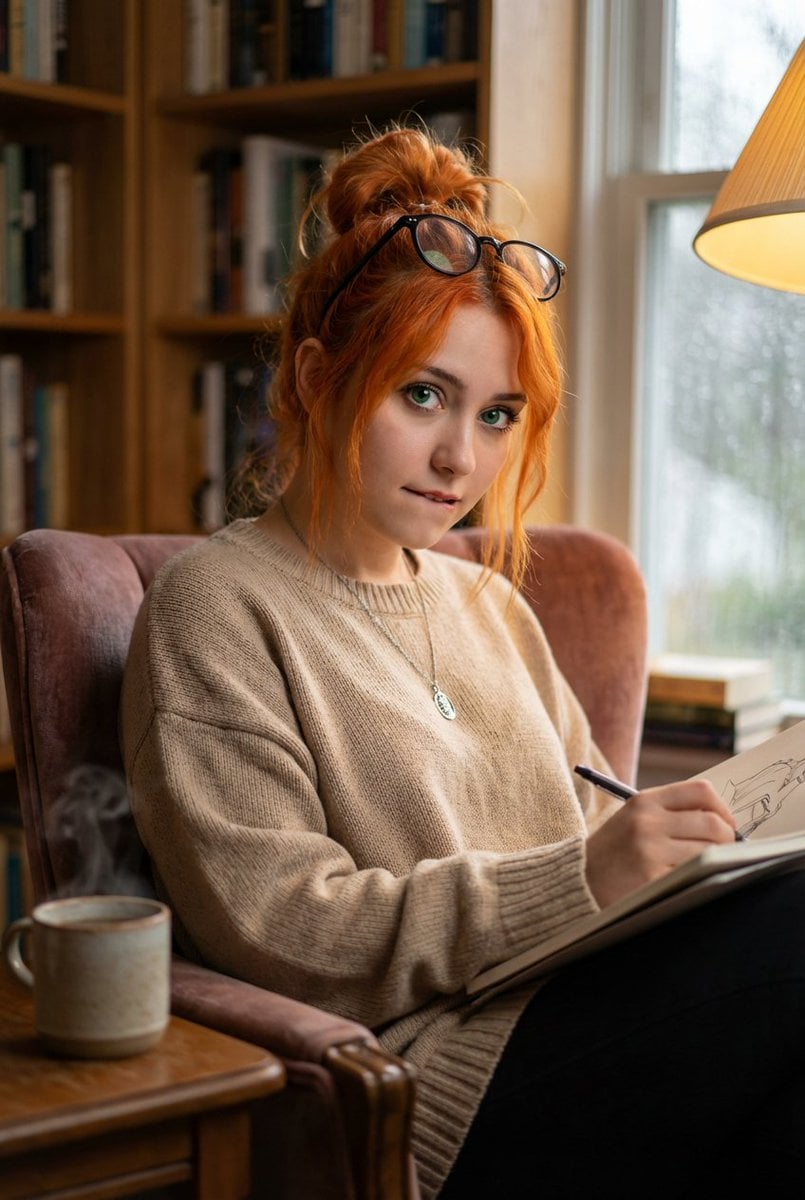
Consistent Character Portrait: Alev in a Cozy Library (JSON)

Business Presentation Icon Set
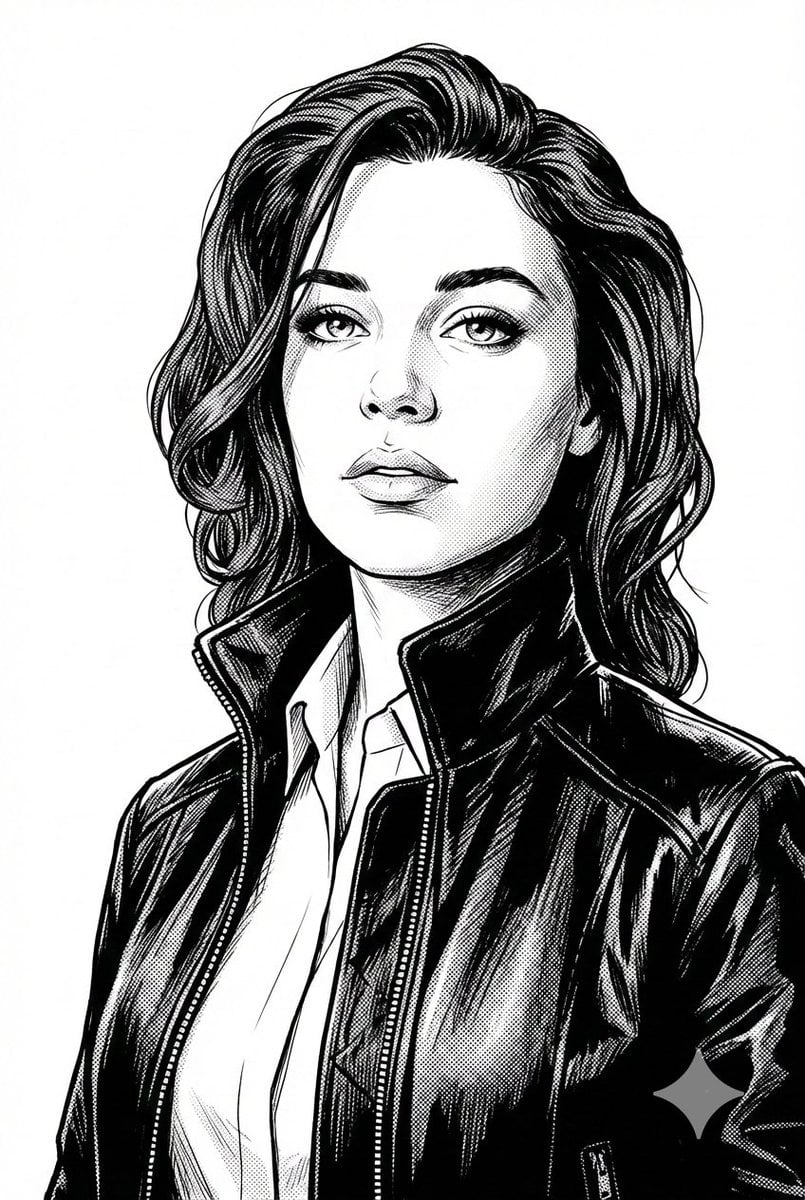
Black and White Digital Illustration Portrait
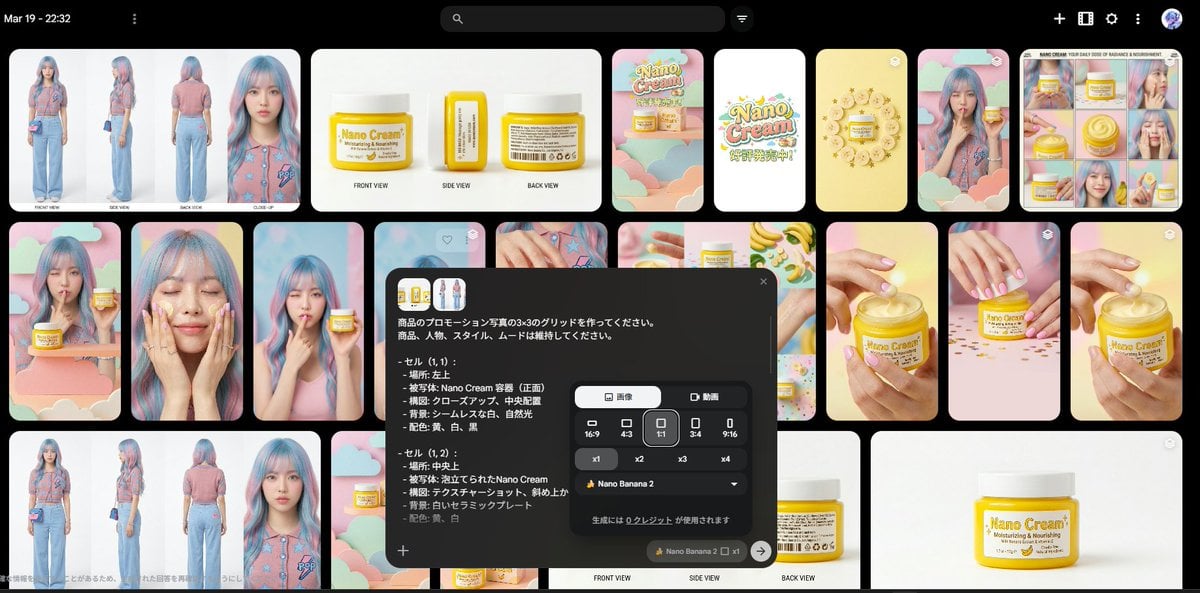
Nano Banana 2 Grid Photo Generation Prompt
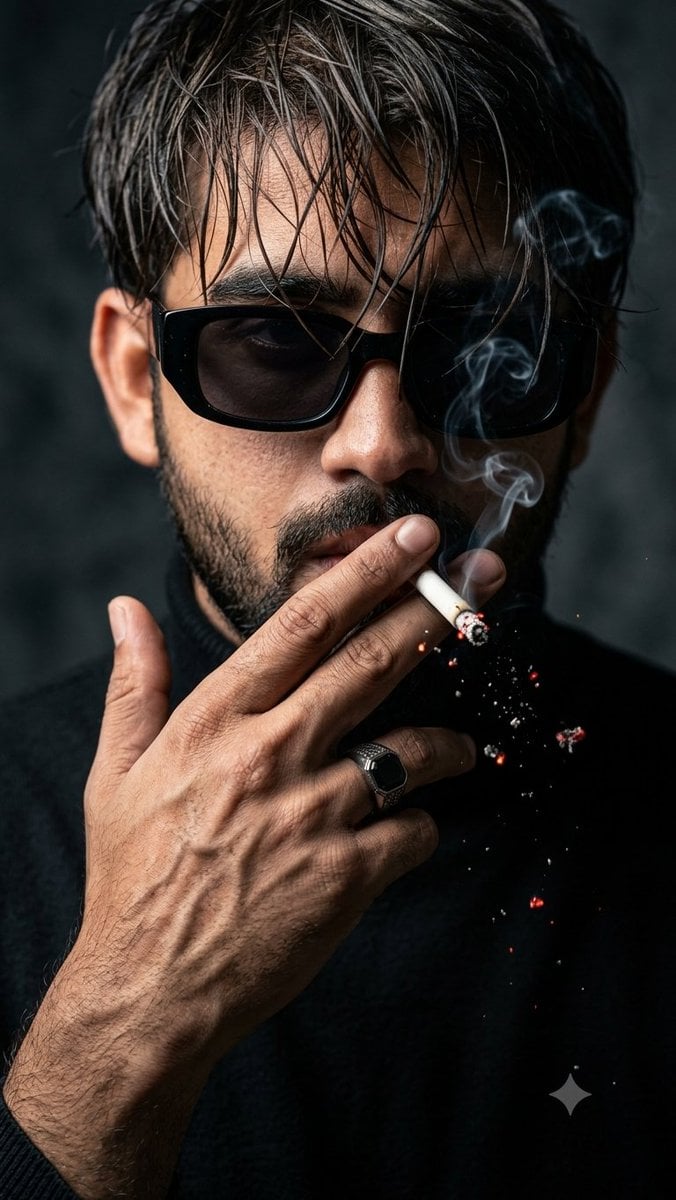
Cinematic Close-up Portrait with Smoke
Browse template categories
VEYA Character Design Sheet questions
How do I use the VEYA Character Design Sheet template?
Add your photo if the template asks for one, edit the prompt if you like — the template's model and format are already selected — and press Generate. Your version opens in PicX Studio.
Can I customize the VEYA Character Design Sheet template?
Yes. You can change the subject, setting, lighting, mood, format, and available model controls before creating your image.
Is the VEYA Character Design Sheet template free?
Opening and editing this template is free. Generating uses credits, shown on the Generate button when you are signed in.
Which AI model should I use?
Start with GPT Image 2, which is the model associated with this template. You can compare another compatible model for a different finish.
Looking for something else? Browse all templates.

Your photo, any look
Thousands of ready templates for every top image and video model, from one credit balance.