How do I use the Golden Hour Car Selfie template?
Edit the prompt in the box under the preview — the template's model and format are already selected — and press Generate. Your version appears right on this page.
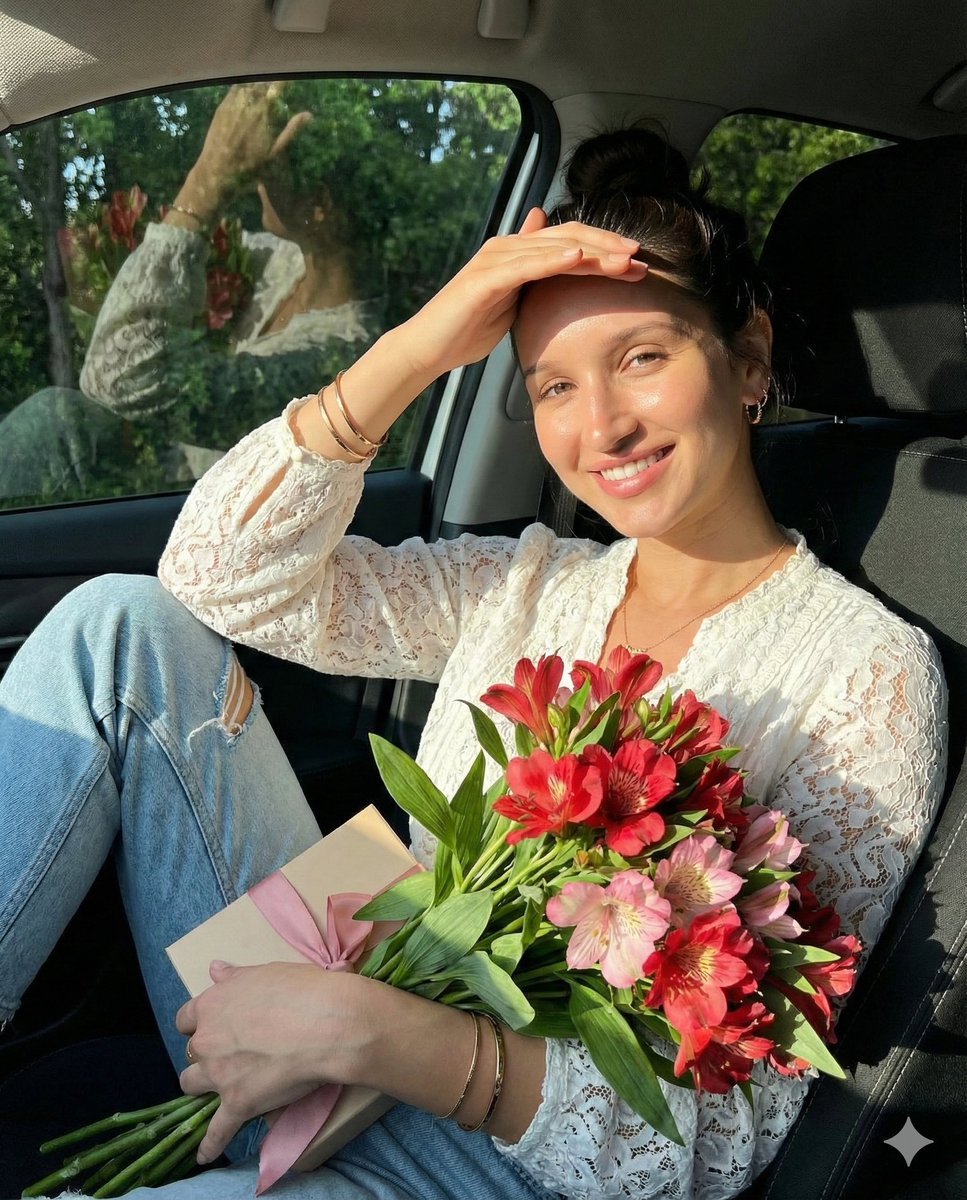
A candid smartphone selfie prompt set in the backseat of a car during golden hour, emphasizing natural lighting and lifestyle aesthetic.

Ultra-realistic candid smartphone selfie of a young woman sitting in the back seat of a modern car during golden hour. She has long dark brown hair with soft curtain bangs, a {argument name="accessory" default="cute pastel pink heart-shaped hair clip"} on the left side, naturally glowing fair skin, long voluminous eyelashes, glossy pink lips, subtle blush, and minimal natural makeup. She wears a {argument name="outfit" default="fitted black raglan T-shirt with mustard yellow sleeves and collar"}. Warm golden sunlight streams through the car window, illuminating one side of her face with soft cinematic highlights and gentle shadows. Relaxed, dreamy expression, gazing out the window in one shot and resting her cheek on her hand with eyes closed in another. Realistic car interior with beige seats, window reflections, slight motion blur outside suggesting a moving vehicle, shallow depth of field, soft bokeh, clean composition, authentic candid lifestyle photography, DSLR quality, 85mm lens, f/1.8, HDR, ultra-detailed skin texture, natural colors, photorealistic, 8K, no filters, no watermark.
Ultra-realistic candid smartphone selfie of a young woman sitting in the back seat of a modern car during golden hour. She has long dark brown hair with soft curtain bangs, a {argument name="accessory" default="cute pastel pink heart-shaped hair clip"} on the left side, naturally glowing fair skin, long voluminous eyelashes, glossy pink lips, subtle blush, and minimal natural makeup. She wears a {argument name="outfit" default="fitted black raglan T-shirt with mustard yellow sleeves and collar"}. Warm golden sunlight streams through the car window, illuminating one side of her face with soft cinematic highlights and gentle shadows. Relaxed, dreamy expression, gazing out the window in one shot and resting her cheek on her hand with eyes closed in another. Realistic car interior with beige seats, window reflections, slight motion blur outside suggesting a moving vehicle, shallow depth of field, soft bokeh, clean composition, authentic candid lifestyle photography, DSLR quality, 85mm lens, f/1.8, HDR, ultra-detailed skin texture, natural colors, photorealistic, 8K, no filters, no watermark.
Edit the prompt in the box under the preview — the template's model and format are already selected — and press Generate. Your version appears right on this page.
Yes. You can change the subject, setting, lighting, mood, format, and available model controls before creating your image.
Opening and editing this template is free. Generating uses credits, shown on the Generate button when you are signed in.
Start with Nano Banana 2, which is the model associated with this template. You can compare another compatible model for a different finish.
Follow a topic to a crawlable collection of related PicX Studio templates.