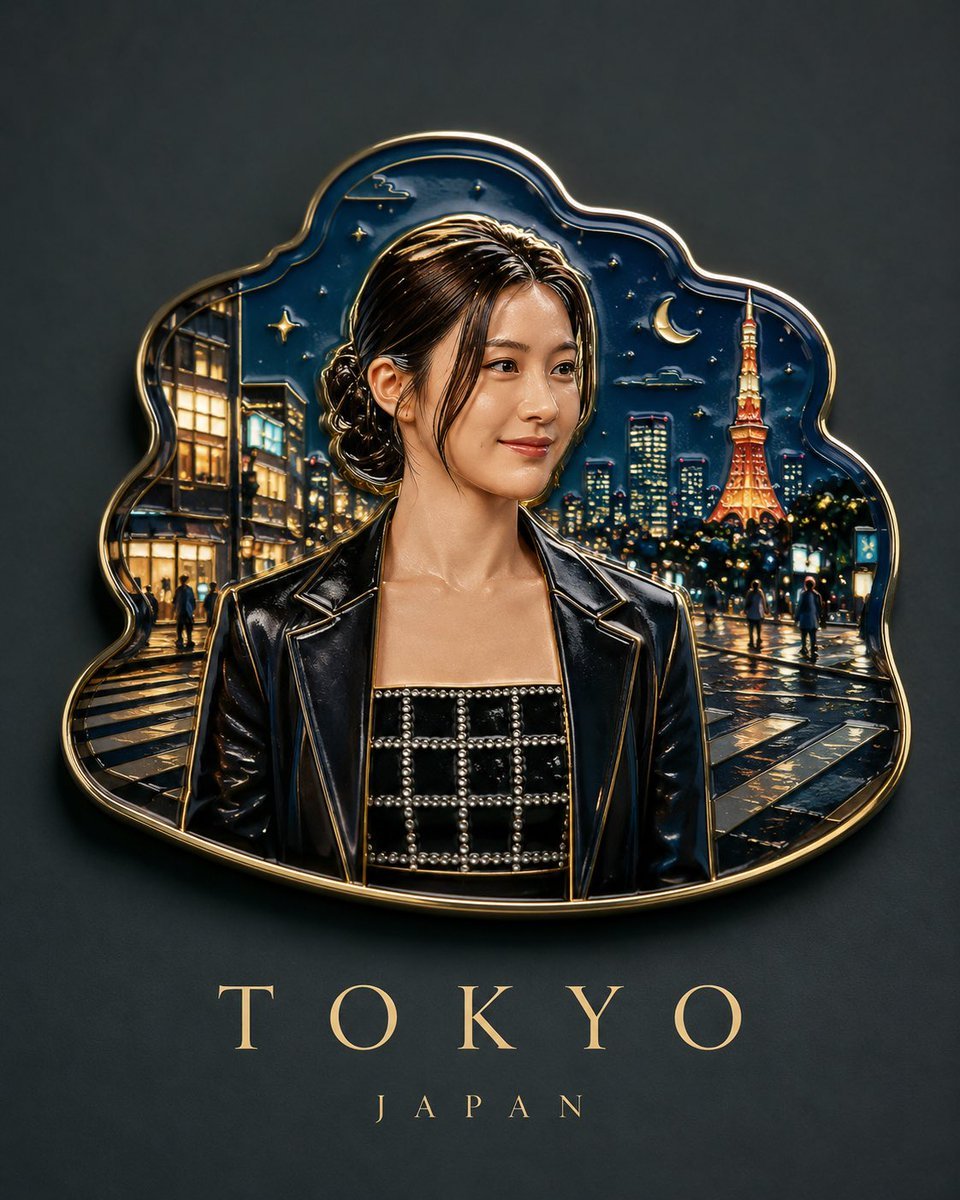
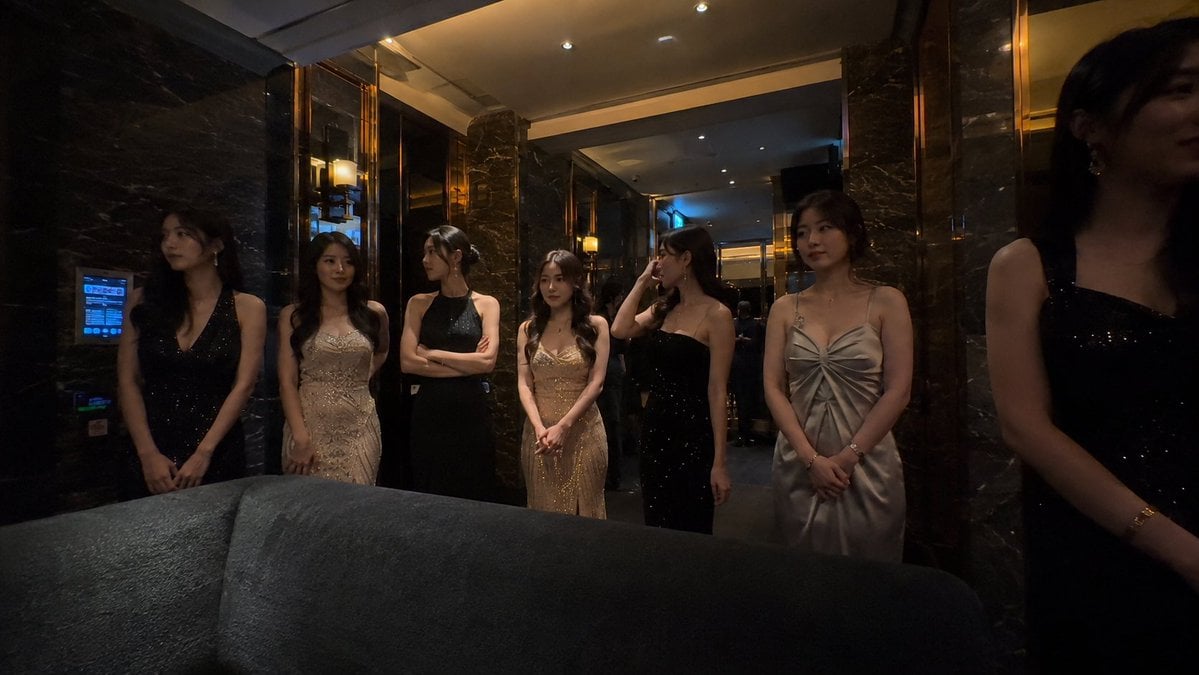
How do I use the High-Angle Korean Street Style Portrait template?
Edit the prompt in the box under the preview — the template's model and format are already selected — and press Generate. Your version appears right on this page.
Captures a dramatic low-angle fashion portrait with vibrant colors and Korean street style aesthetic.

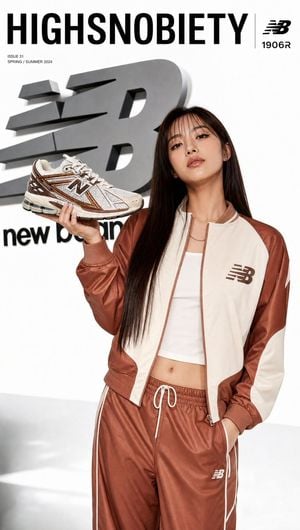
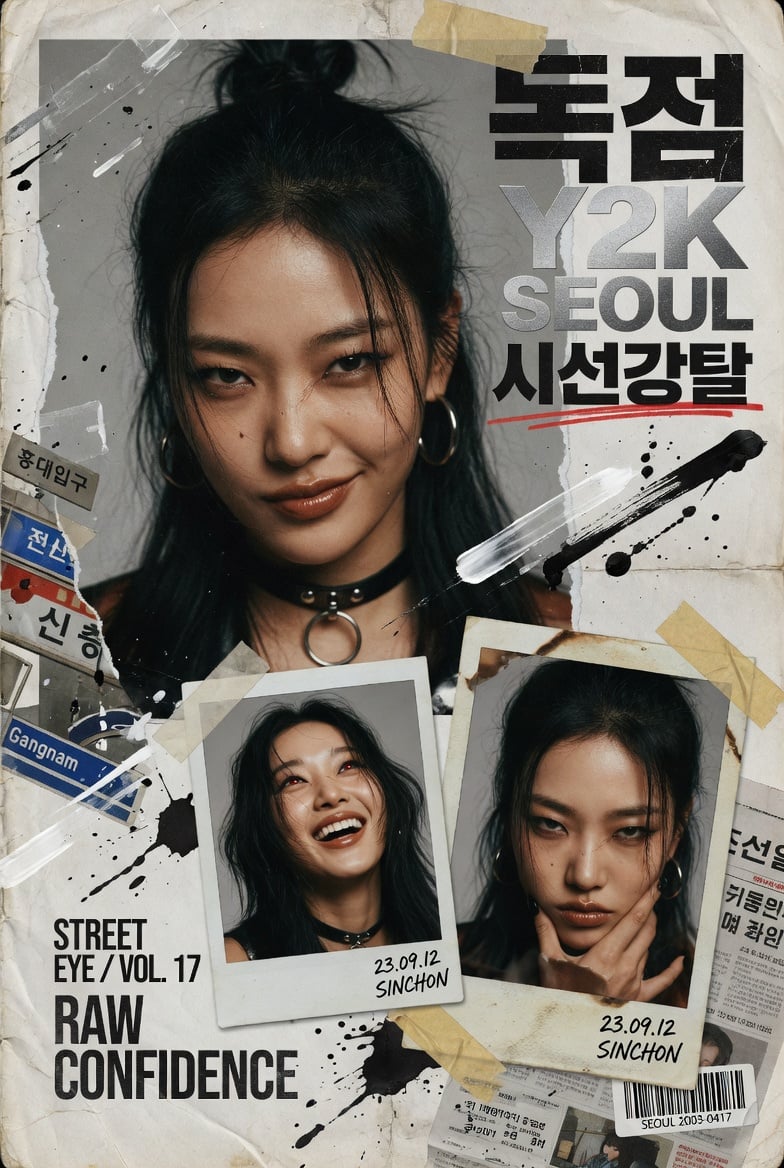
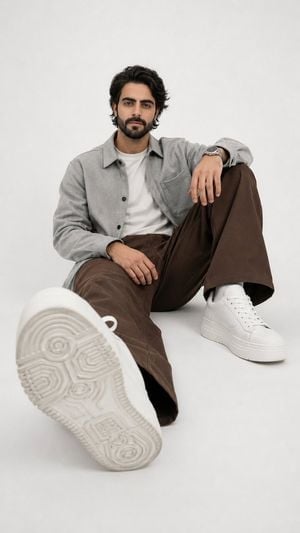
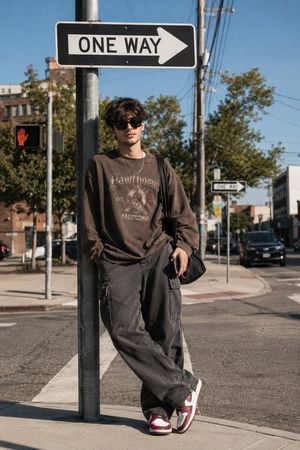
Fashion lifestyle portrait shot from extreme ground-level low angle looking dramatically upward, young East Asian woman with {argument name="hair style" default="short wavy bob haircut"}, wind-blown hair with one strand crossing face while one eye makes sharp direct eye contact with camera, {argument name="makeup" default="bold red lipstick"} as single makeup accent, wearing fitted white t-shirt tucked into {argument name="skirt" default="high-waisted pink denim mini skirt"}, delicate gold chain necklace, standing against urban chain-link fence with building wall edge visible, vast deep electric blue sky dominating upper two-thirds of frame making her tower dramatically against it, utility pole visible at edge of background, strong directional midday sunlight, saturated electric blue sky color grade, pink skirt warmed slightly for contrast pop, vertical 4:5 composition, Korean street style editorial photography --ar 4:5 --v 6
Fashion lifestyle portrait shot from extreme ground-level low angle looking dramatically upward, young East Asian woman with {argument name="hair style" default="short wavy bob haircut"}, wind-blown hair with one strand crossing face while one eye makes sharp direct eye contact with camera, {argument name="makeup" default="bold red lipstick"} as single makeup accent, wearing fitted white t-shirt tucked into {argument name="skirt" default="high-waisted pink denim mini skirt"}, delicate gold chain necklace, standing against urban chain-link fence with building wall edge visible, vast deep electric blue sky dominating upper two-thirds of frame making her tower dramatically against it, utility pole visible at edge of background, strong directional midday sunlight, saturated electric blue sky color grade, pink skirt warmed slightly for contrast pop, vertical 4:5 composition, Korean street style editorial photography --ar 4:5 --v 6
Edit the prompt in the box under the preview — the template's model and format are already selected — and press Generate. Your version appears right on this page.
Yes. You can change the subject, setting, lighting, mood, format, and available model controls before creating your image.
Opening and editing this template is free. Generating uses credits, shown on the Generate button when you are signed in.
Start with Nano Banana 2, which is the model associated with this template. You can compare another compatible model for a different finish.
Follow a topic to a crawlable collection of related PicX Studio templates.