How do I use the Professional Office Woman Portrait template?
Edit the prompt in the box under the preview — the template's model and format are already selected — and press Generate. Your version appears right on this page.
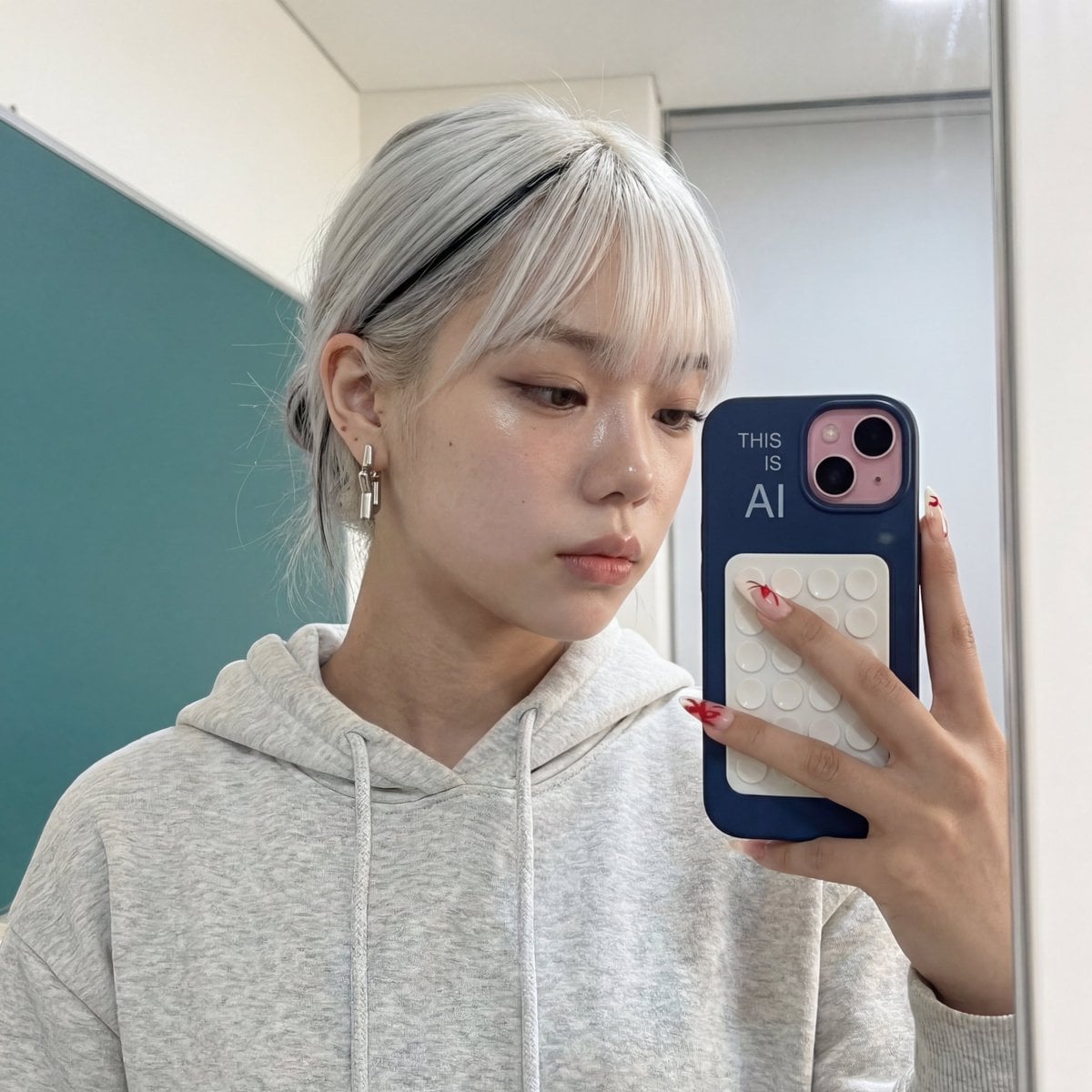
A prompt for a sharp, professional photo of a young woman in a modern office environment, including specific details on clothing and background elements.

A confident young woman in her late 20s standing full-body in a modern professional {argument name="location" default="office"}, photorealistic, highly detailed. She has fair skin, striking {argument name="eye color" default="green"} eyes, and {argument name="hair color" default="dark brown"} hair styled in a stylish messy updo bun with soft loose strands framing her face. She is smiling subtly with a friendly, professional expression. She is wearing a tailored cream-colored blazer over a sage green satin button-up shirt, grey high-waisted tailored trousers with a slim fit, a black leather belt with a silver buckle, and black leather loafers. She carries a brown leather shoulder bag over her left shoulder and holds a tablet (iPad) and some documents/folders in her right hand. She wears a silver watch on her left wrist. The background features a contemporary office interior with warm wood-paneled walls, polished light wood flooring, recessed ceiling lights, potted green plants, a large monitor displaying business charts and graphs, and modern bookshelves. Soft natural and artificial lighting creates a clean, professional atmosphere. Sharp focus, cinematic composition, 8k photorealistic quality.
A confident young woman in her late 20s standing full-body in a modern professional {argument name="location" default="office"}, photorealistic, highly detailed. She has fair skin, striking {argument name="eye color" default="green"} eyes, and {argument name="hair color" default="dark brown"} hair styled in a stylish messy updo bun with soft loose strands framing her face. She is smiling subtly with a friendly, professional expression. She is wearing a tailored cream-colored blazer over a sage green satin button-up shirt, grey high-waisted tailored trousers with a slim fit, a black leather belt with a silver buckle, and black leather loafers. She carries a brown leather shoulder bag over her left shoulder and holds a tablet (iPad) and some documents/folders in her right hand. She wears a silver watch on her left wrist. The background features a contemporary office interior with warm wood-paneled walls, polished light wood flooring, recessed ceiling lights, potted green plants, a large monitor displaying business charts and graphs, and modern bookshelves. Soft natural and artificial lighting creates a clean, professional atmosphere. Sharp focus, cinematic composition, 8k photorealistic quality.
Edit the prompt in the box under the preview — the template's model and format are already selected — and press Generate. Your version appears right on this page.
Yes. You can change the subject, setting, lighting, mood, format, and available model controls before creating your image.
Opening and editing this template is free. Generating uses credits, shown on the Generate button when you are signed in.
Start with Nano Banana 2, which is the model associated with this template. You can compare another compatible model for a different finish.
Follow a topic to a crawlable collection of related PicX Studio templates.