How do I use the Frozen Wrecked Car Cinematic Shot template?
Edit the prompt in the box under the preview — the template's model and format are already selected — and press Generate. Your version appears right on this page.
A high-contrast, cinematic prompt for a wrecked car in a frozen landscape featuring a fashion model, designed for dramatic scale and lighting.

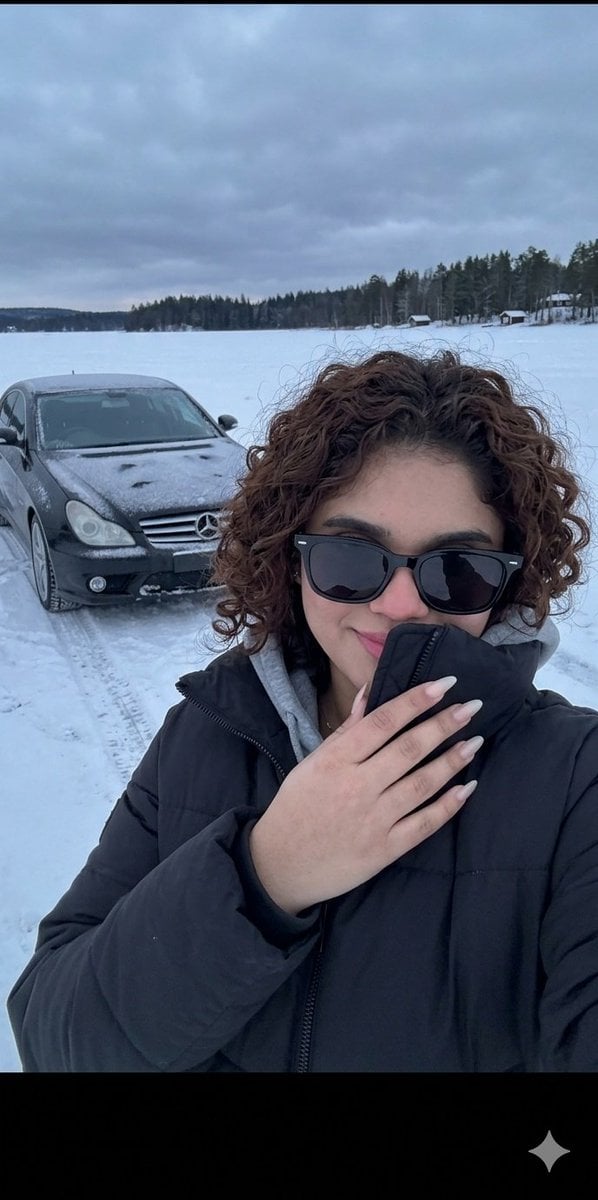
Low-angle cinematic shot captured at night in a frozen, snow-buried landscape. The camera looks upward from near ground level, emphasizing scale and dominance. A wrecked {argument name="car color" default="COLOR"} {argument name="car model" default="CAR MODEL"} lies partially sunk into deep snow, the front end swallowed by ice, metal twisted and buried. Only the rear remains clearly visible - the massive rear wing rising above the snow. Mounted on the rear bumper, a bent and slightly frosted license plate is clearly visible, reading "{argument name="license plate" default="LICENSE PLATE"}". Sitting directly on top of the exposed spoiler is a fashion model, perfectly composed despite the chaos. She wears an oversized, fluffy fur coat that contrasts sharply with the brutal environment, the soft texture standing out against frozen steel. Her posture is relaxed, confident, legs balanced on the wing, body steady. She looks down toward the camera with a calm, powerful expression. Harsh direct flash from below freezes the scene, overexposing parts of her face and coat while carving deep shadows into the snowdrifts. Snow particles float in the air, caught mid-fall, the atmosphere is cold, silent, hostile. Hyperrealistic detail, gritty cinematic and dramatic contrast.
Low-angle cinematic shot captured at night in a frozen, snow-buried landscape. The camera looks upward from near ground level, emphasizing scale and dominance. A wrecked {argument name="car color" default="COLOR"} {argument name="car model" default="CAR MODEL"} lies partially sunk into deep snow, the front end swallowed by ice, metal twisted and buried. Only the rear remains clearly visible - the massive rear wing rising above the snow. Mounted on the rear bumper, a bent and slightly frosted license plate is clearly visible, reading "{argument name="license plate" default="LICENSE PLATE"}". Sitting directly on top of the exposed spoiler is a fashion model, perfectly composed despite the chaos. She wears an oversized, fluffy fur coat that contrasts sharply with the brutal environment, the soft texture standing out against frozen steel. Her posture is relaxed, confident, legs balanced on the wing, body steady. She looks down toward the camera with a calm, powerful expression. Harsh direct flash from below freezes the scene, overexposing parts of her face and coat while carving deep shadows into the snowdrifts. Snow particles float in the air, caught mid-fall, the atmosphere is cold, silent, hostile. Hyperrealistic detail, gritty cinematic and dramatic contrast.
Edit the prompt in the box under the preview — the template's model and format are already selected — and press Generate. Your version appears right on this page.
Yes. You can change the subject, setting, lighting, mood, format, and available model controls before creating your image.
Opening and editing this template is free. Generating uses credits, shown on the Generate button when you are signed in.
Start with Nano Banana 2, which is the model associated with this template. You can compare another compatible model for a different finish.
Follow a topic to a crawlable collection of related PicX Studio templates.