How do I use the Blonde Woman Tropical Beach Fashion template?
Choose the primary action to open PicX Studio with the available template settings. Review the model and format, personalize the creative direction, and generate when ready.
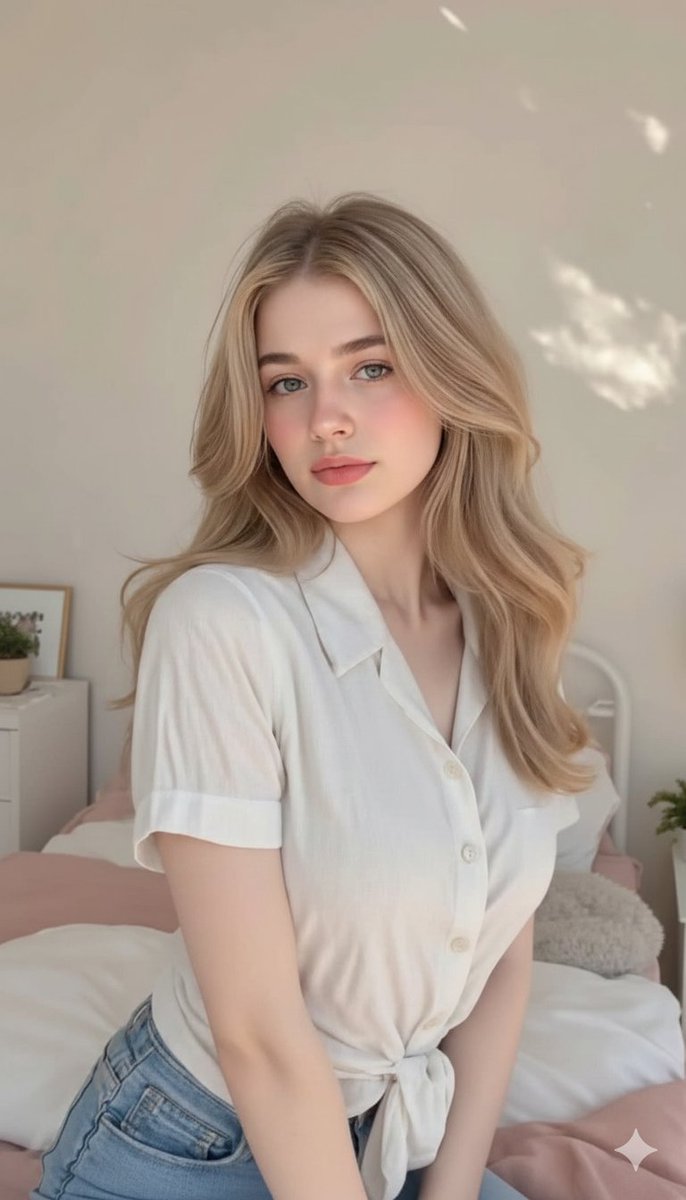
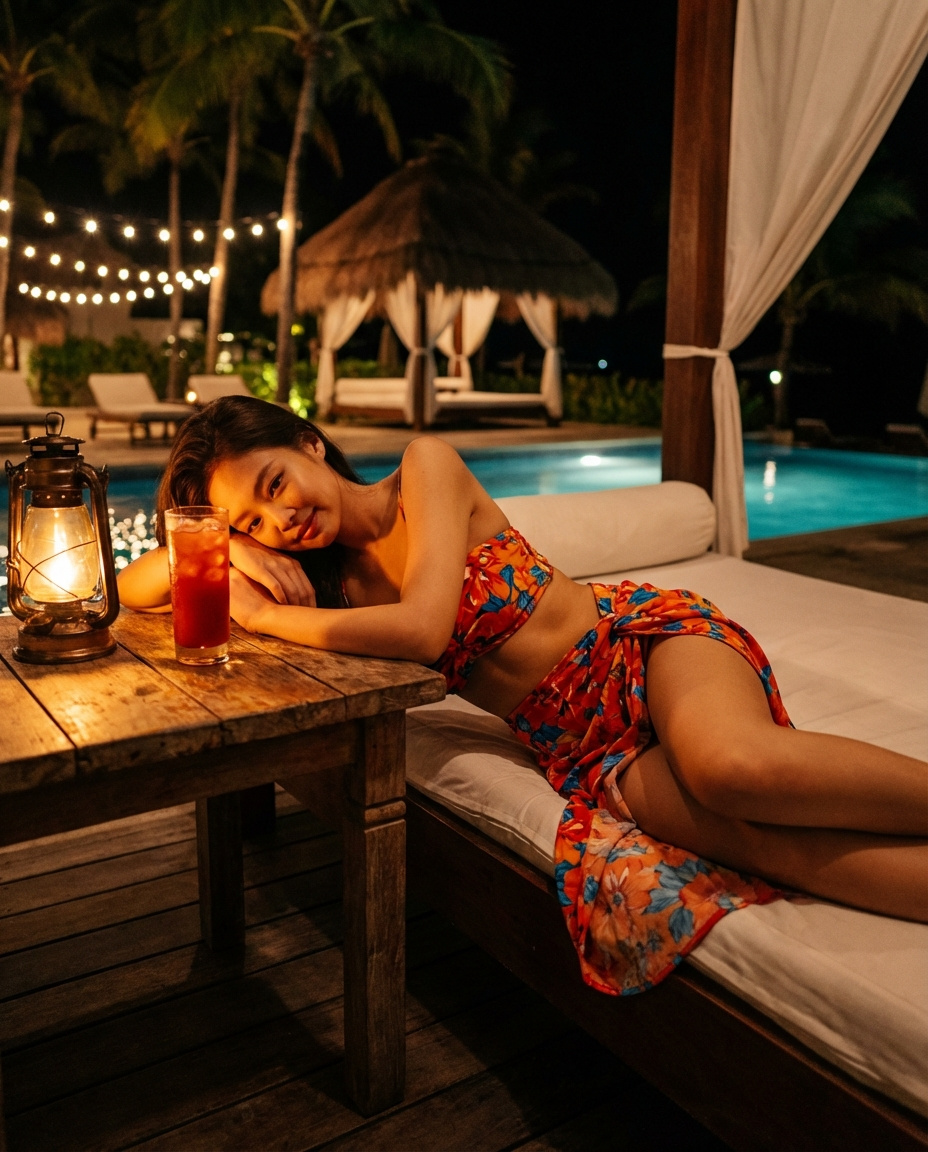
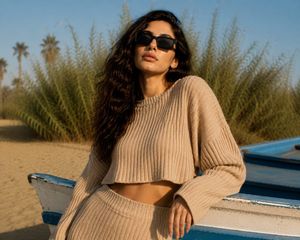
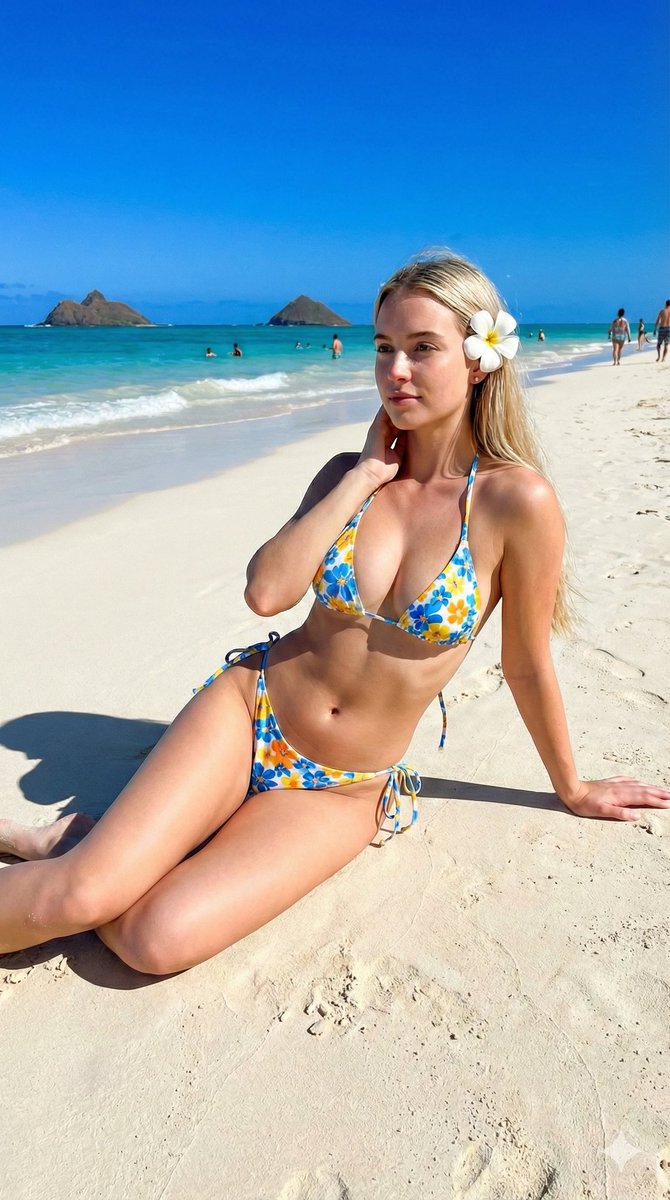
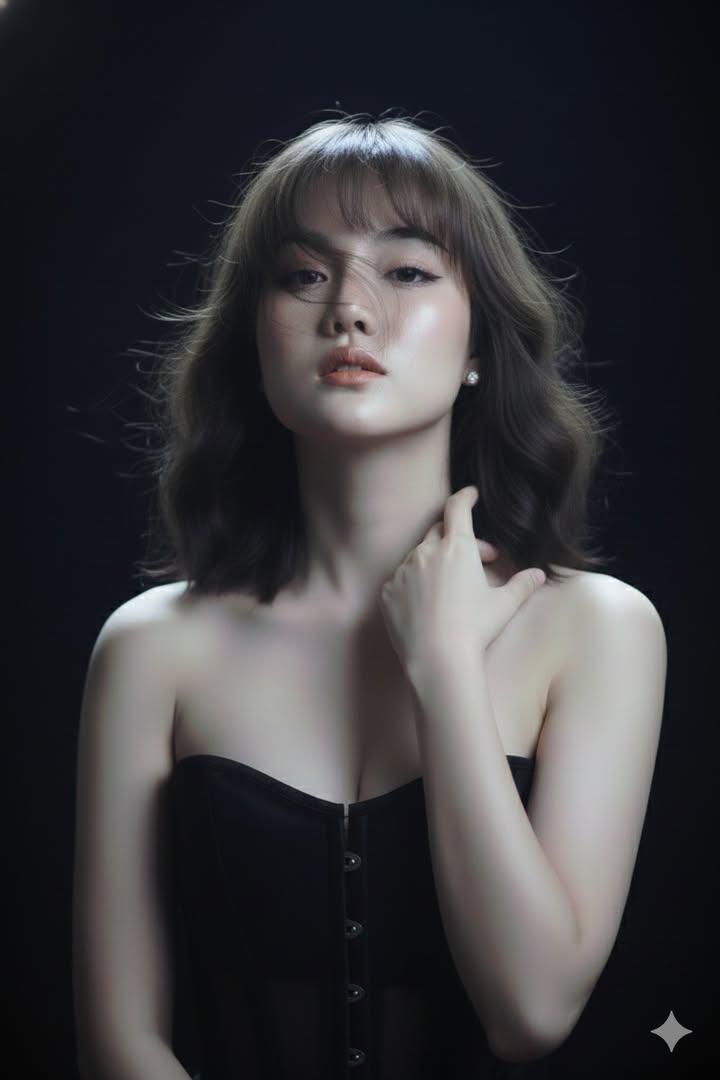
An editorial fashion portrait of a young woman lounging in a tropical beach cabana.
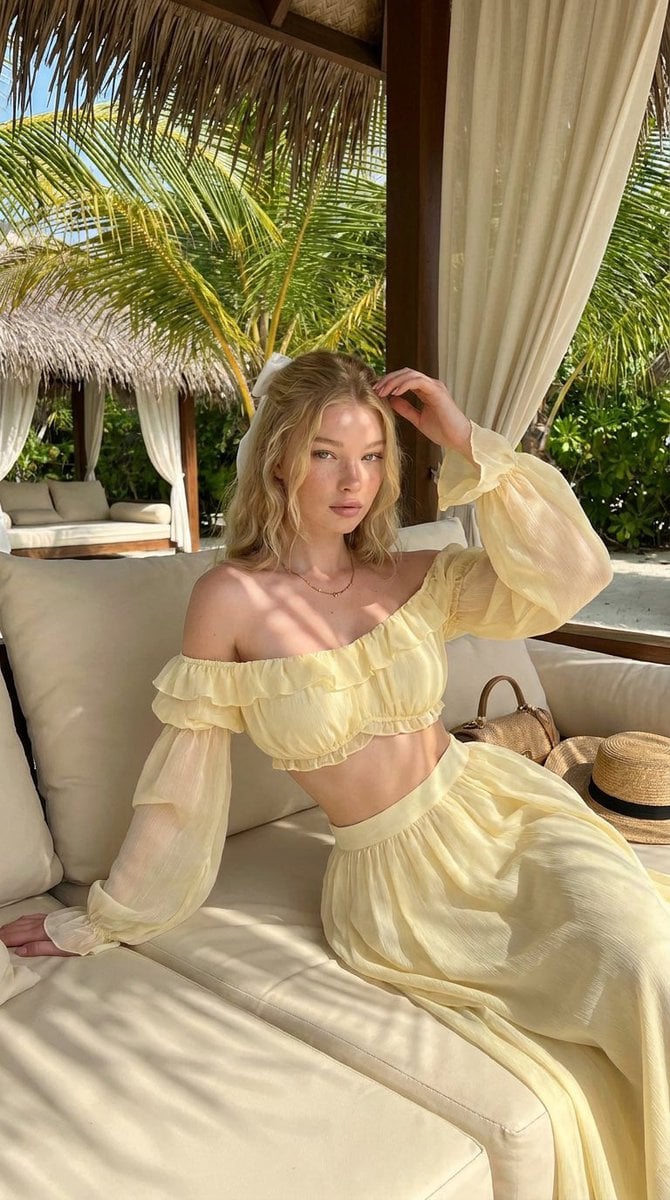
A photorealistic fashion portrait of a young blonde woman lounging in a tropical beach cabana, wearing a soft pastel yellow off-shoulder ruffled crop top with sheer long sleeves and a matching flowing maxi skirt. Sun-dappled natural light filters through palm leaves, creating soft shadow patterns across her skin and outfit. Luxury resort setting with white draped cabanas, palm trees, woven straw accessories, and a serene island atmosphere. Editorial vacation fashion photography, high detail, warm golden tones, realistic skin texture, shallow depth of field, elegant summer aesthetic. Negative prompt: blurry, low resolution, distorted anatomy, extra fingers, malformed hands, unrealistic face, oversaturated colors, cartoon, anime, CGI, watermark, text, logo, bad proportions. Size: 1024x1792. Style: photorealistic. Camera: fashion editorial portrait, 85mm, f/2.0. Lighting: natural sunlight with palm leaf shadows. Composition: vertical portrait, centered subject, luxury resort editorial framing.
Choose the primary action to open PicX Studio with the available template settings. Review the model and format, personalize the creative direction, and generate when ready.
Yes. You can change the subject, setting, lighting, mood, format, and available model controls before creating your image.
This template is free to open and customize. Generation usage is shown in PicX Studio before you create.
Start with Nano Banana 2, which is the model associated with this template. You can compare another compatible model for a different finish.
Follow a topic to a crawlable collection of related PicX Studio templates.