How do I use the Colosseum Travel Fashion Portrait template?
Choose the primary action to open PicX Studio with the available template settings. Review the model and format, personalize the creative direction, and generate when ready.
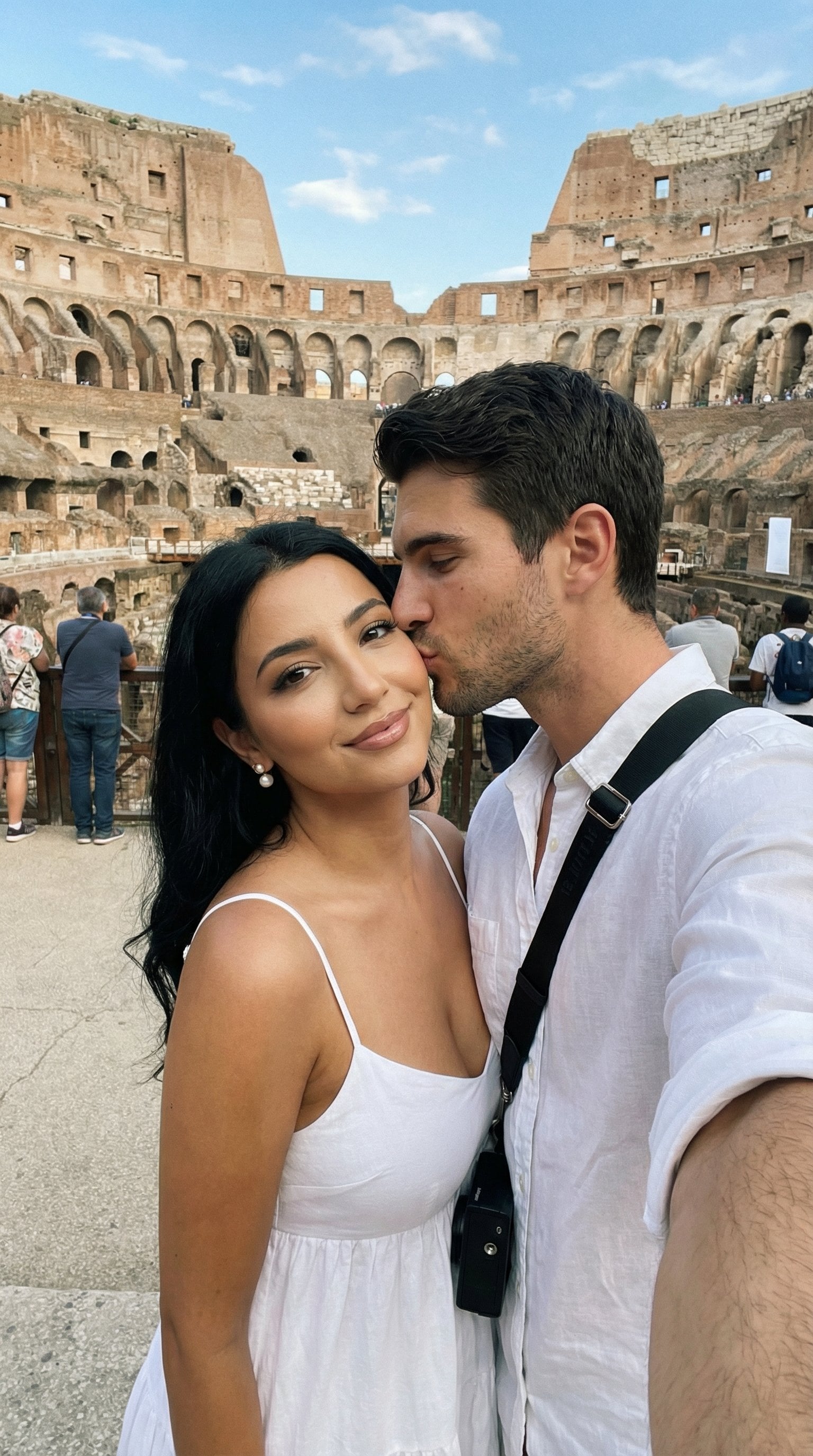
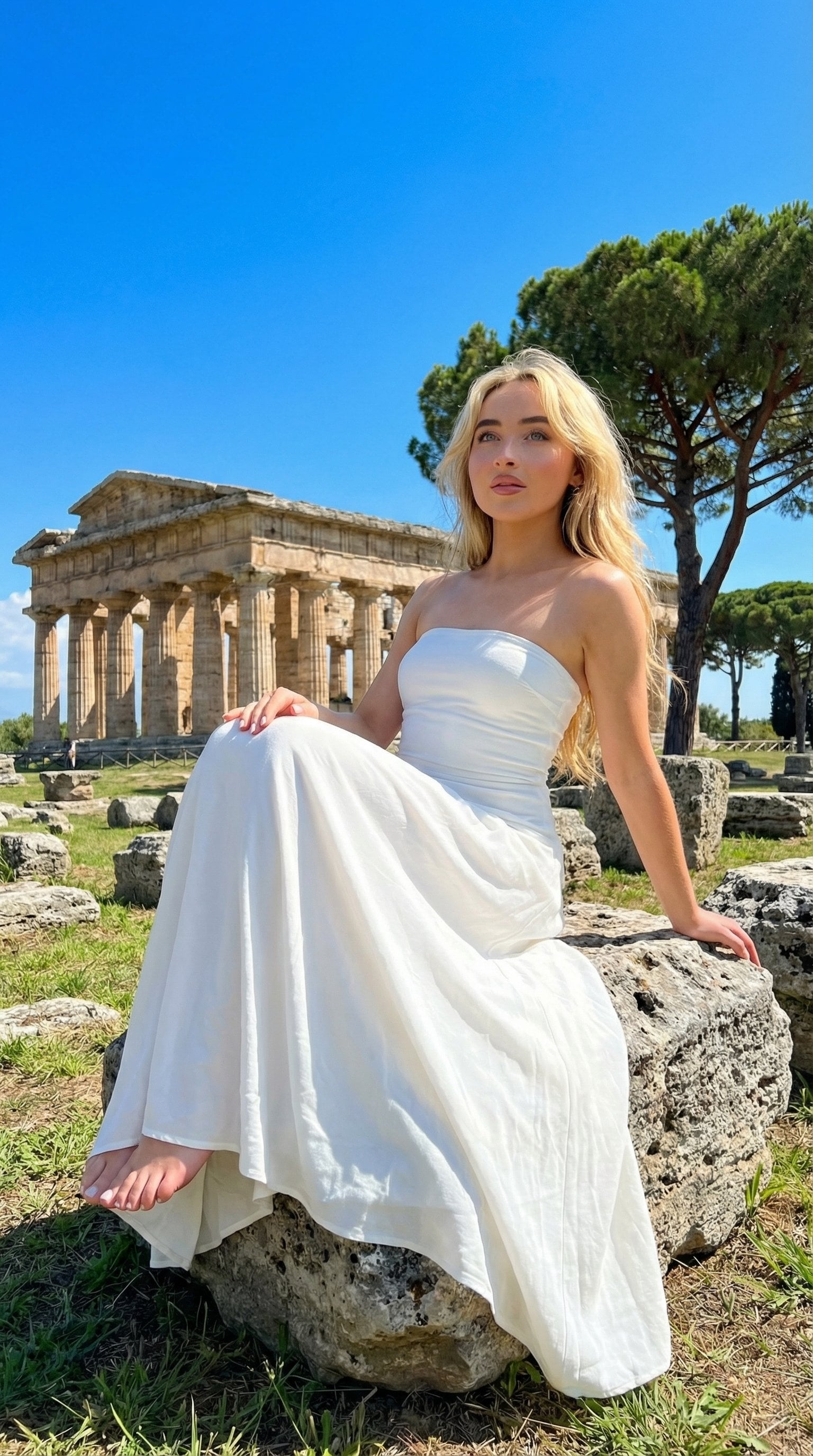
An energetic streetwear fashion editorial prompt featuring a model at the Colosseum in Rome, shot from an extreme low-angle perspective.

{ "type": "image_prompt", "description": { "subject": { "identity": "{argument name="name" default="[NAME]"}", "expression": "Confident and playful", "hair": { "style": "Casual space buns", "details": "Loose wavy strands flowing in the wind" }, "face": { "eyes": "Sharp winged eyeliner with long eyelashes", "action": "Blowing a large {argument name="prop" default="vibrant pink bubblegum bubble"}" }, "accessories": { "jewelry": [ "Layered chunky gold chain necklaces", "Gold hoop earrings", "Gold chain bracelet on left wrist", "Multiple gold rings" ] } }, "clothing": { "top": "Fitted blue cropped tank top with white trim", "pants": "Green pants", "belt": "Wide white belt with large metallic gold letters spelling 'ITALIA'", "jacket": "White jacket tied around the waist", "bag": "Colorful backpack with green, white, and red pattern resting on the right shoulder" }, "pose": { "camera_interaction": "Looking slightly downward toward the lens", "body_position": "Leaning forward in a dynamic low-angle pose", "left_arm": "Extended assertively toward the camera", "hand_gesture": "Peace sign (V)", "posture": "Relaxed, energetic, and expressive" }, "environment": { "location": "{argument name="location" default="The Colosseum in Rome"}", "sky": "Bright blue sky filled with fluffy white clouds", "sun_position": "Upper-right corner" }, "lighting": { "type": "Strong natural daylight", "direction": "Direct sunlight from the upper-right", "effects": [ "Authentic lens flare", "Golden rim lighting on hair, shoulders, and fingers", "High contrast", "Deep sharp shadows under chin and top" ] }, "technical": { "style": "Streetwear lifestyle fashion editorial photography", "camera_angle": "Extreme low-angle (worm's-eye view)", "lens": "12mm ultra wide-angle lens", "purpose": "Exaggerate foreground hand perspective and create immersive depth", "focus": "Sharp focus on face and foreground hand", "quality": { "resolution": "High-resolution photography", "details": [ "Realistic skin textures", "Detailed fabric textures", "Highly detailed metallic jewelry", "Excellent backlight exposure contr" ]}}}}
Choose the primary action to open PicX Studio with the available template settings. Review the model and format, personalize the creative direction, and generate when ready.
Yes. You can change the subject, setting, lighting, mood, format, and available model controls before creating your image.
This template is free to open and customize. Generation usage is shown in PicX Studio before you create.
Start with Nano Banana 2, which is the model associated with this template. You can compare another compatible model for a different finish.
Follow a topic to a crawlable collection of related PicX Studio templates.