
Preppy Fashion Photo Booth Grid
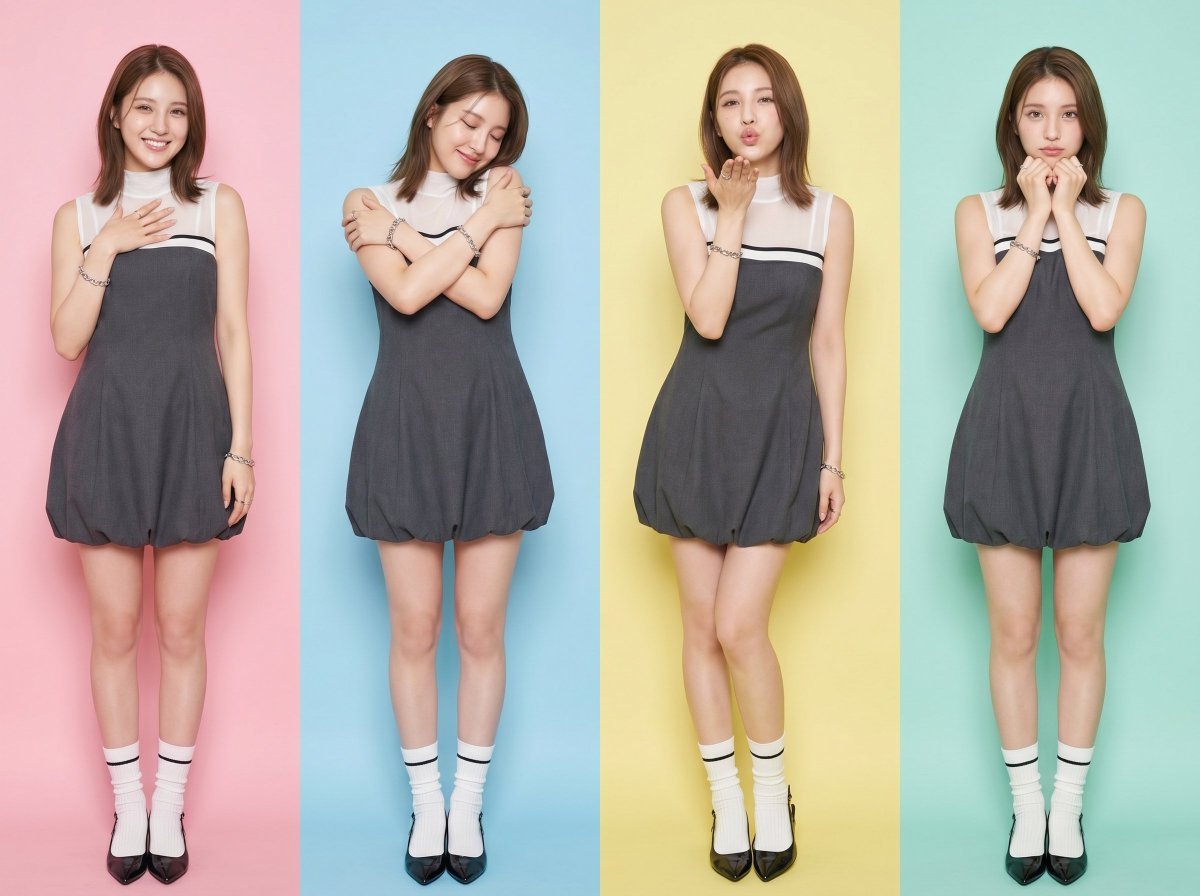
Creates a 1x4 grid of photo booth portraits showing different emotions, featuring a specific preppy outfit with a bubble hem dress and patent leather flats.
- Prompt included
- Model and format preset
- Free template
The prompt behind this image
Copy the exact prompt behind Preppy Fashion Photo Booth Grid, or open it in the studio and make it yours.
Outfit: {argument name="outfit" default="Charcoal grey sleeveless bubble hem mini dress with a structured straight-cut neckline, layered over a white sheer mock-neck sleeveless top with a thin black horizontal stripe across the chest, fitted bodice cinching at the natural waist transitioning into a voluminous puffed balloon skirt with gathered draping, paired with white ribbed crew socks featuring black stripe trim and small lettering detail, glossy black patent leather pointed-toe kitten heel slingback flats, silver chain-link bracelet on the wrist, minimalist silver rings"}, clean preppy-meets-modern silhouette Create a 1 row x 4 columns grid of standing photo booth photos of the {argument name="subject" default="young Asian girl"} in <User Portrait> showing different poses with {argument name="emotions" default="different love and affection emotions"}, one pose is holding herself very tightly, and no repeat. The photo should take as much height as possible. Use different pastel colours as background with Polaroid colour tone. No change of outfit. No frame for each photo in the grid. All grids should have the same width
How to use Preppy Fashion Photo Booth Grid in 3 steps
- 1Upload ImagePNG, JPG or paste
Add your photo
Upload the photo the template builds on. The prompt, model and format are already set.
- 2…a portrait of your subject in softgolden-hour light, 85mm…
Personalize
Edit the subject and creative details for your destination.
- 3Generate
Generate
Press Generate — your image is created in PicX Studio, so you can compare it with the original and refine one variable at a time.
More like this
Templates with the same subject, style or setup. Open one to see its prompt.

80s College Gate

1988 Mall Style

80s Polka Dot Saree

Minimalist Studio Fashion Portrait Grid
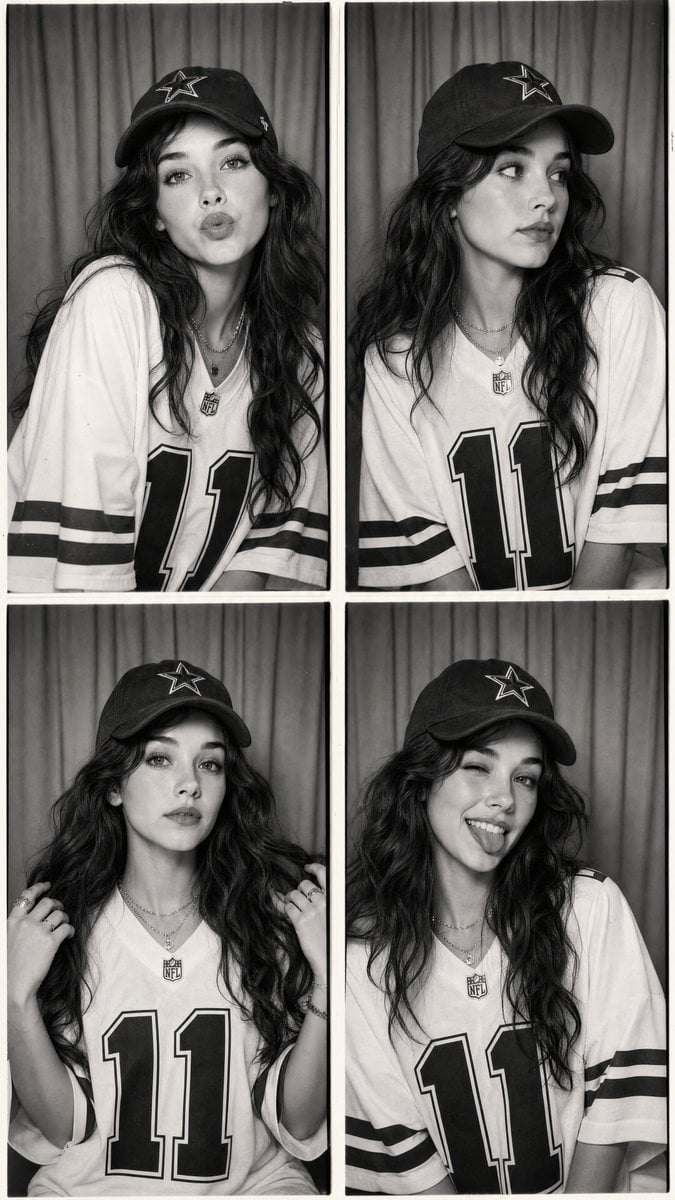
Vintage Black and White Photo Booth Grid
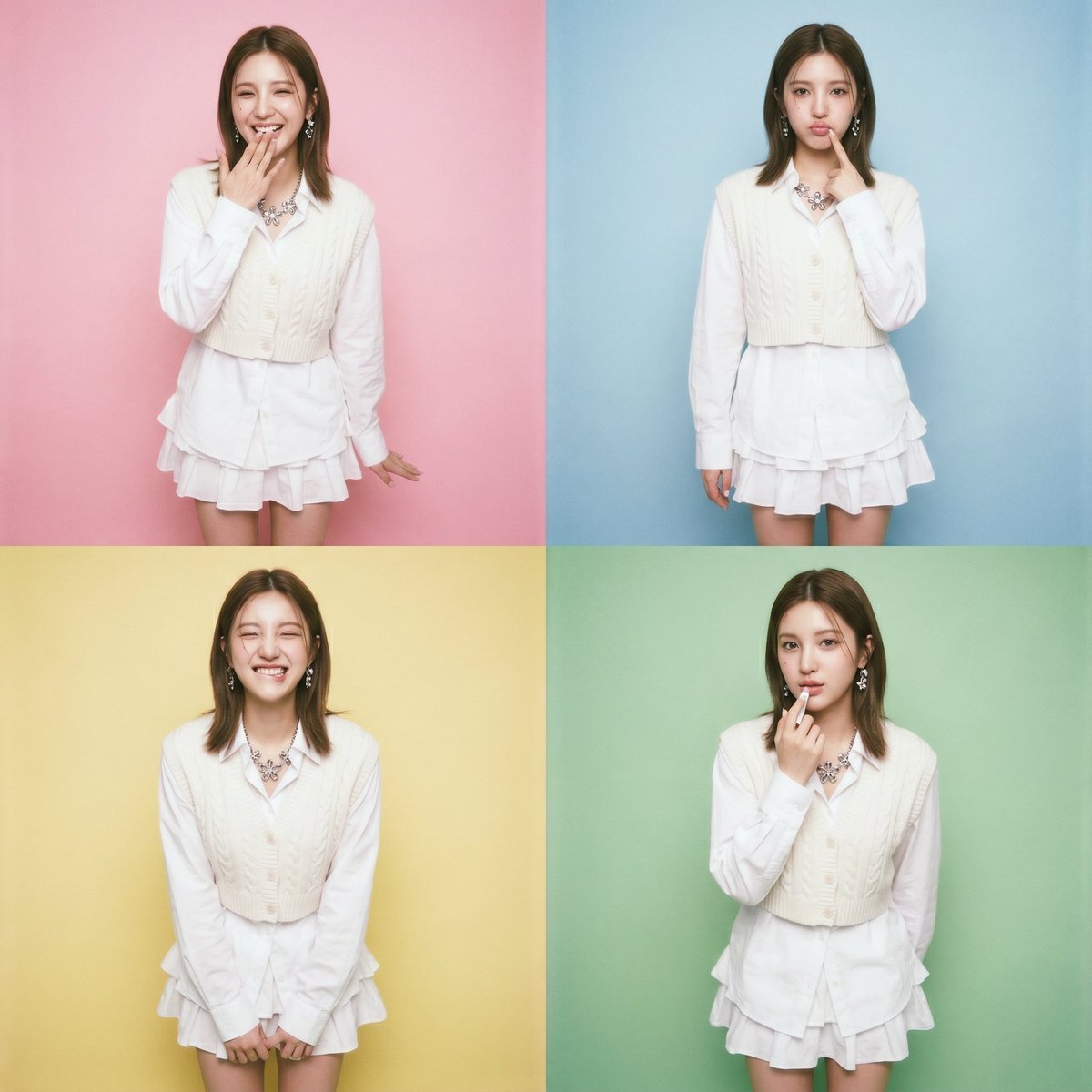
Asian Girl Photo Booth Grid

Polo Ralph Lauren Luxury American Heritage Fashion Campaign

Cinematic Street Fashion Photographer Portrait

High-Fashion Editorial Magazine Cover ICON

Fine Art Monochrome Fashion Portrait

Korean Streetwear Minimalist Campaign Portrait

Cinematic Korean Streetwear Street Portrait
Make it yours
Preppy Fashion Photo Booth Grid works as-is. These are the safest ways to change it without losing the look.
Change one field
Copy a single group, rewrite it, and generate again so you can see what that field is doing.
Keep the frame, change the subject
Hold the composition and light of Preppy Fashion Photo Booth Grid, then swap wardrobe, props or the person for a new take.
| If the result… | Why | Fix |
|---|---|---|
| The result drifts from the preview | Too many fields changed at once. | Reuse Preppy Fashion Photo Booth Grid as-is first, then change one group — subject, light, or setting. |
| The model over-stylizes the scene | The prose prompt leaves finish and camera underspecified. | Add one camera or lighting sentence and stay on Nano Banana 2. |
More Nano Banana 2 templates
Other prompts made for Nano Banana 2.

Photorealistic Leaf Shaped Like a Dragon

K-Pop Idol Portrait Grid for Rapid Selection

Poetic Rain Forest Portrait During Golden Hour

Urban Street Portrait with Cartoon Inner Self Duo

Candid Nighttime Photo with Cat Prompt

High-Concept 3D Diorama Generation Prompt

Cinematic Futuristic Studio Portrait Template

Skincare Editorial Photography Collage Prompt

Hyper-Realistic Commercial Product Photography (Splash Effect)

Hyper-Realistic Nightclub Portrait Prompt
More image prompts
Fresh picks from across the catalog.
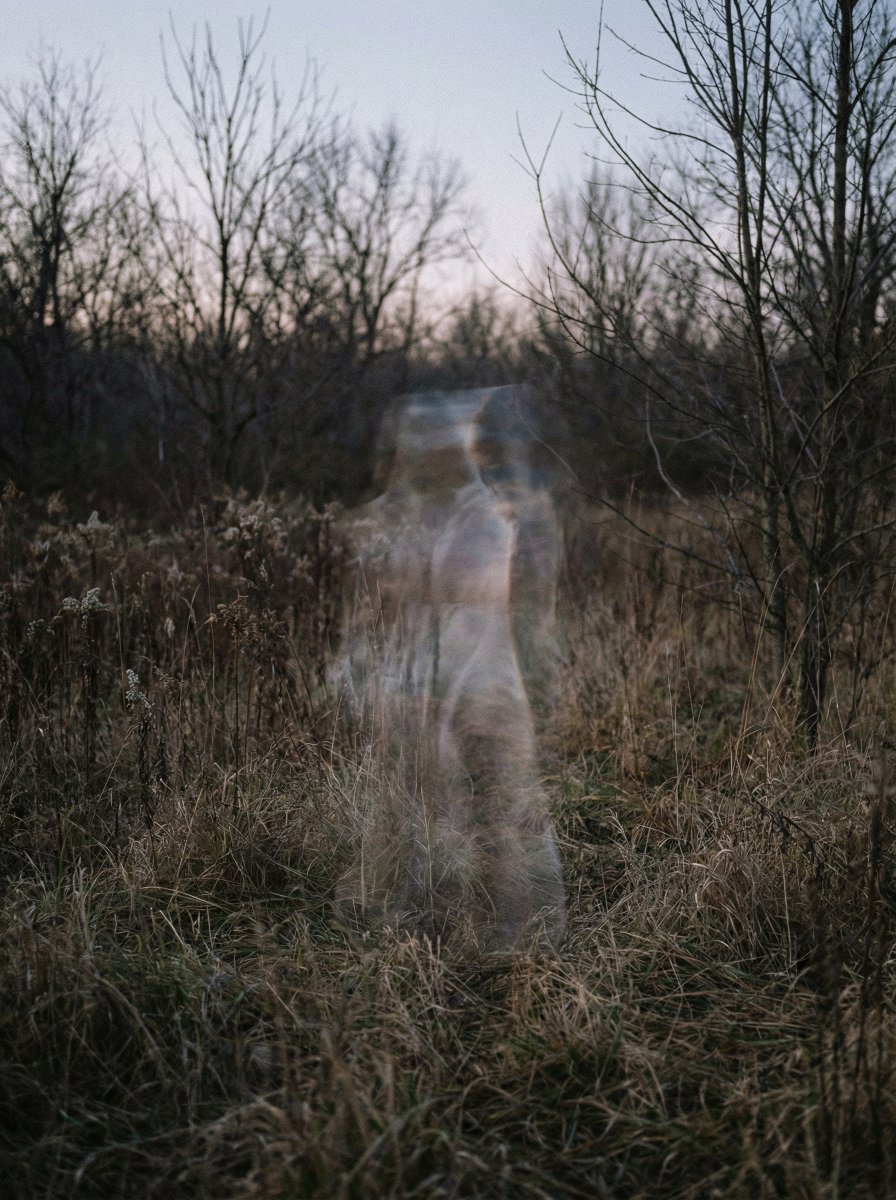
Impossible Anti-Memetic Entity Photo
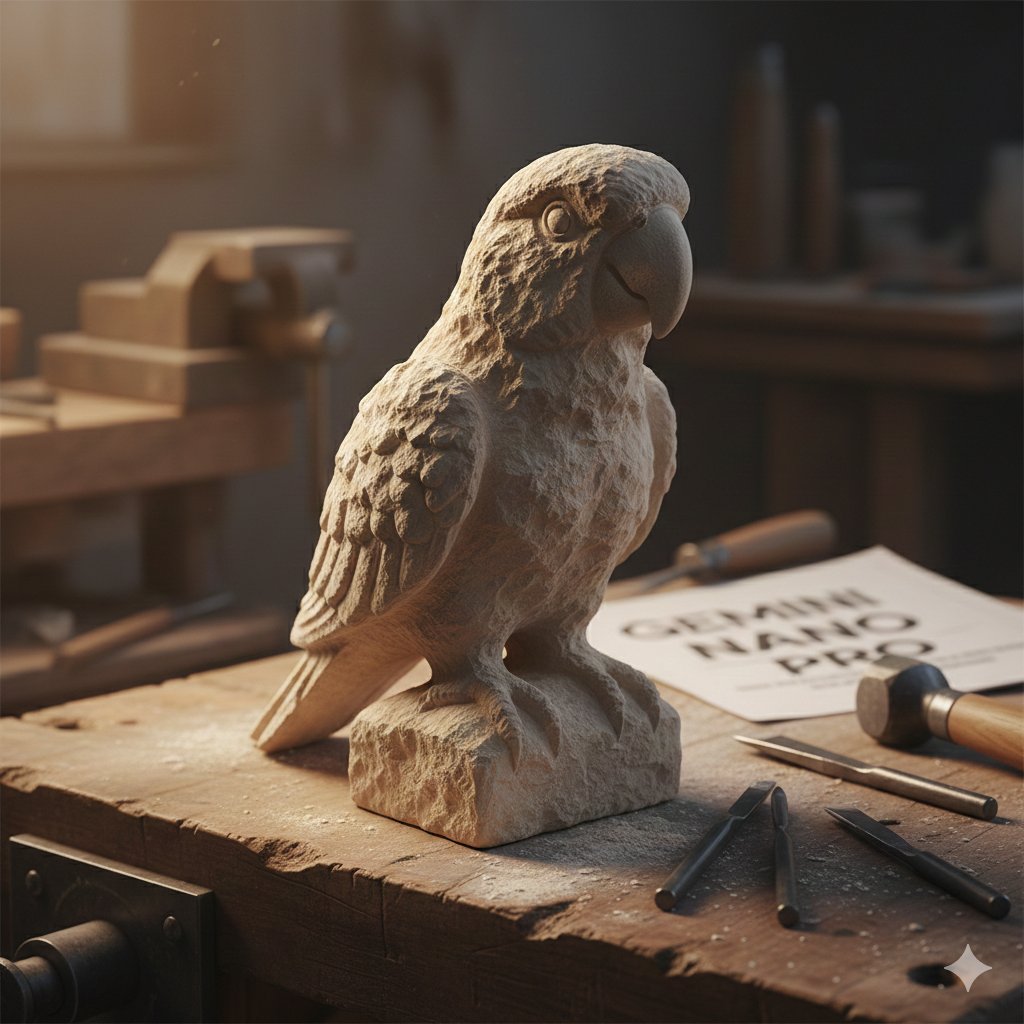
Stone-Carved Pet Statue on Workbench
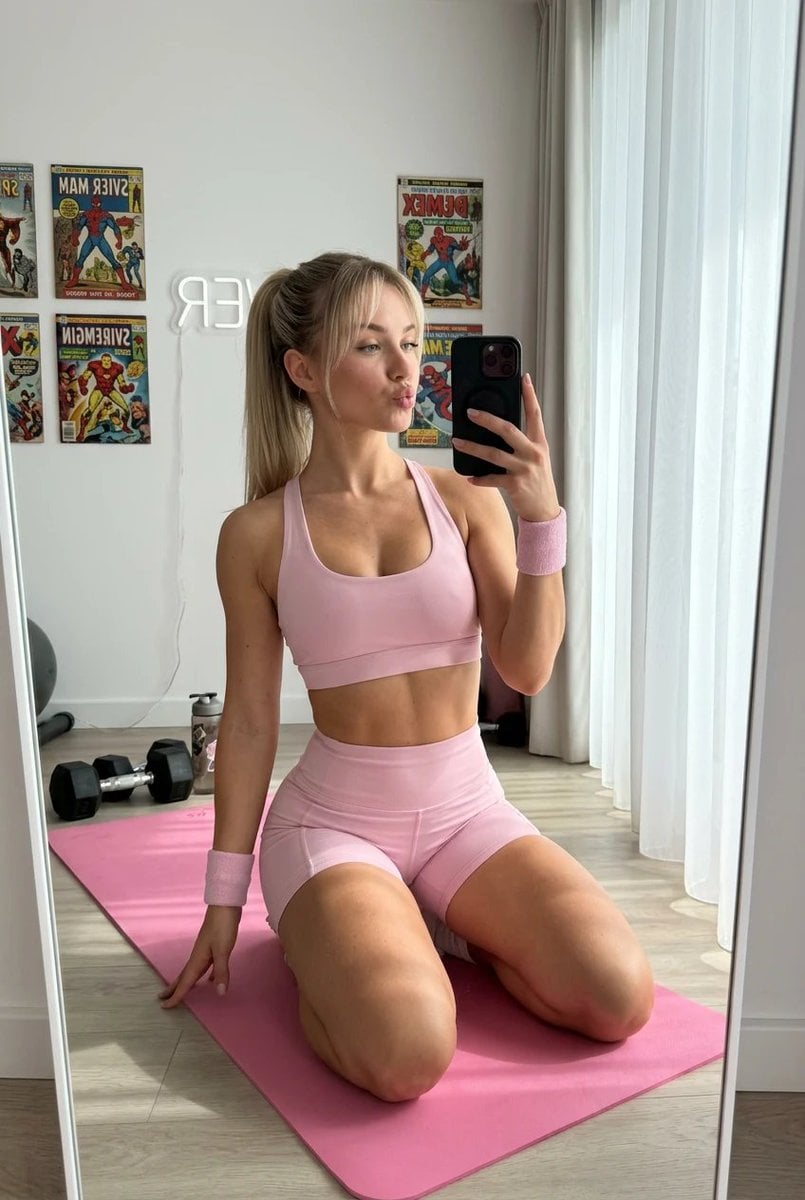
Blonde Fitness Girl Mirror Selfie in Modern Apartment
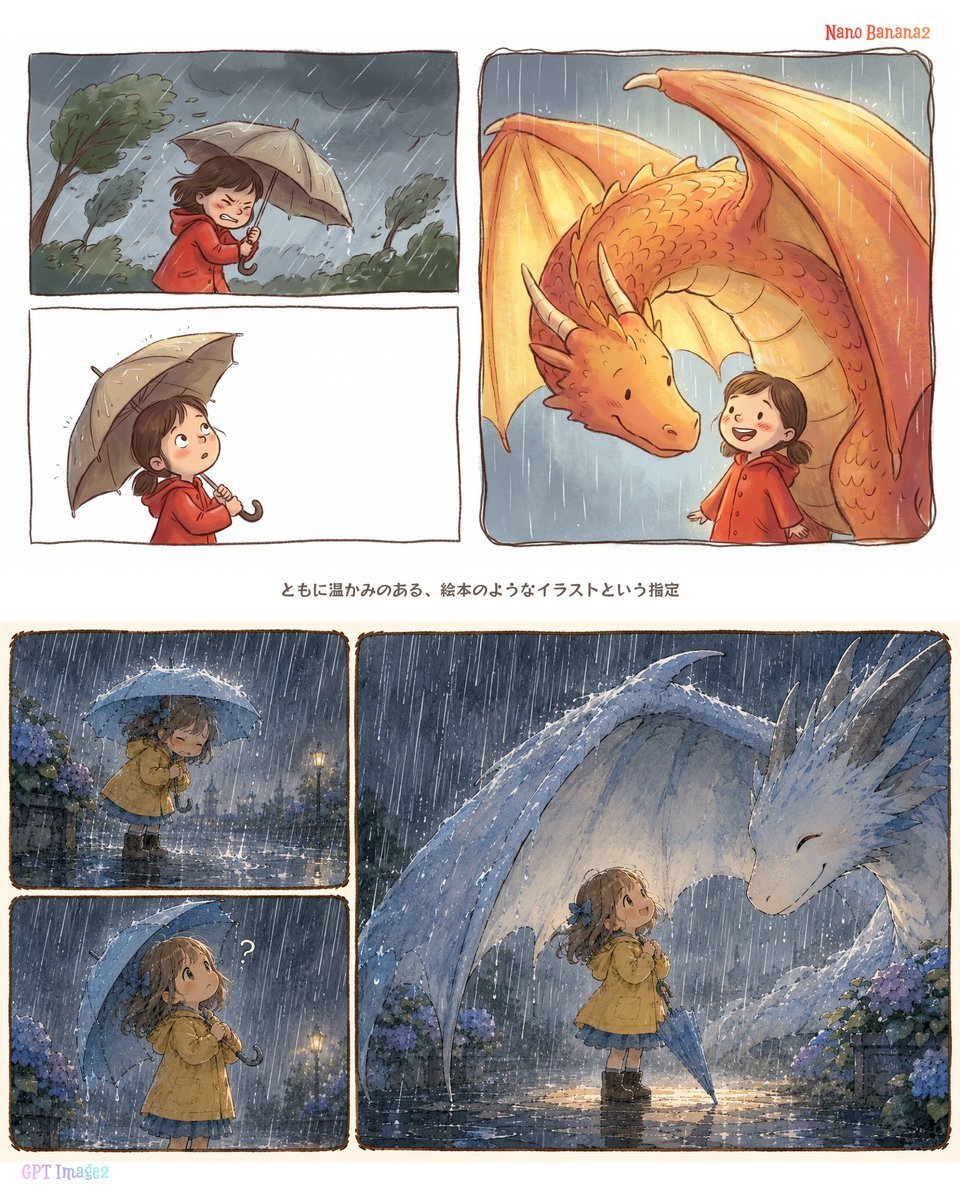
Rainy Dragon Comparison Sheet
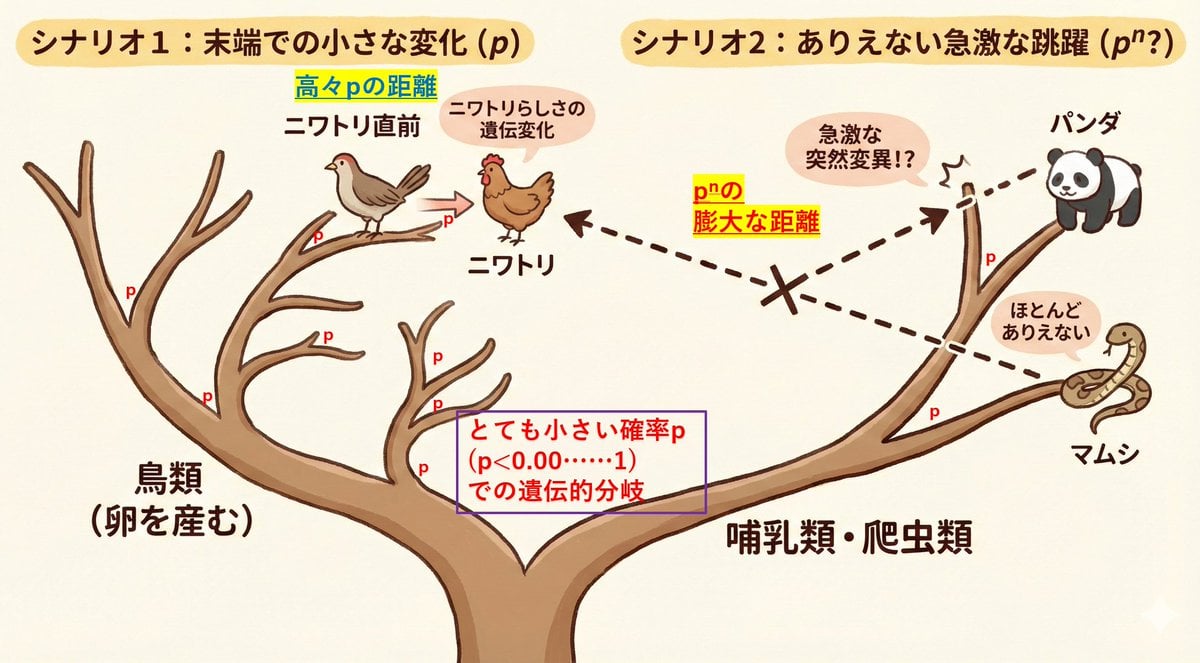
Visualize conceptual difficulty: from chicken to chicken vs. panda to chicken
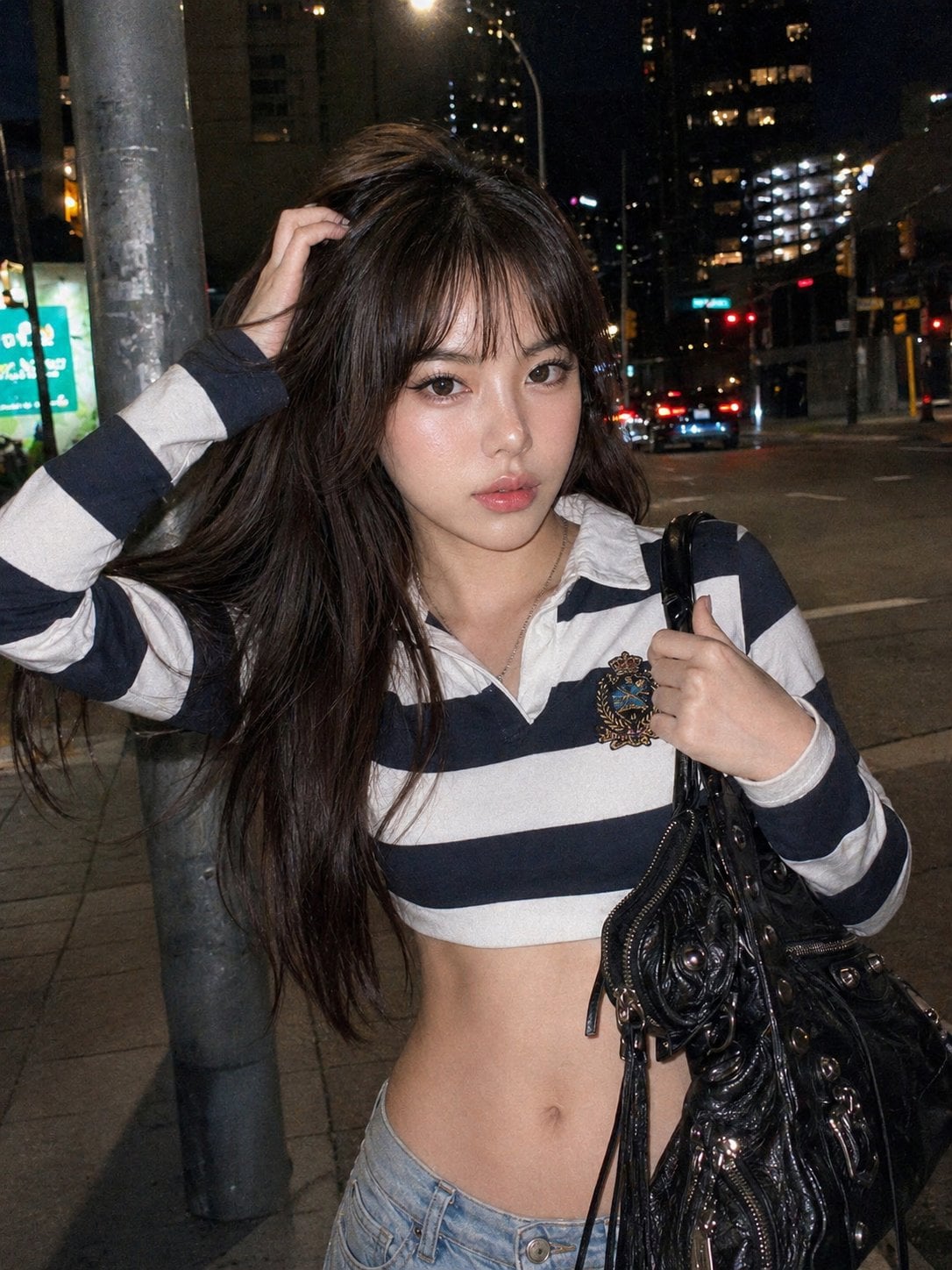
Y2k Nano Banana Chryzleen
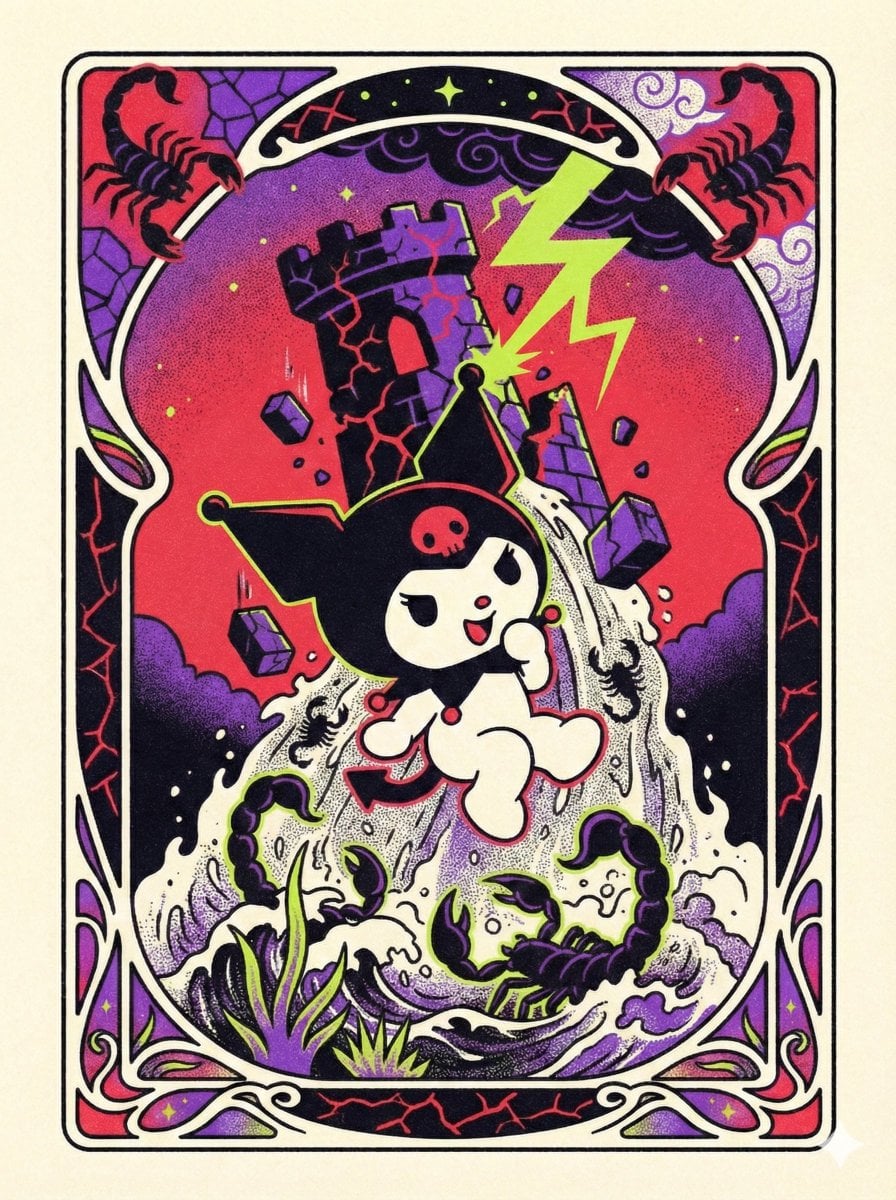
Sanrio Tarot Card Risograph Simulation
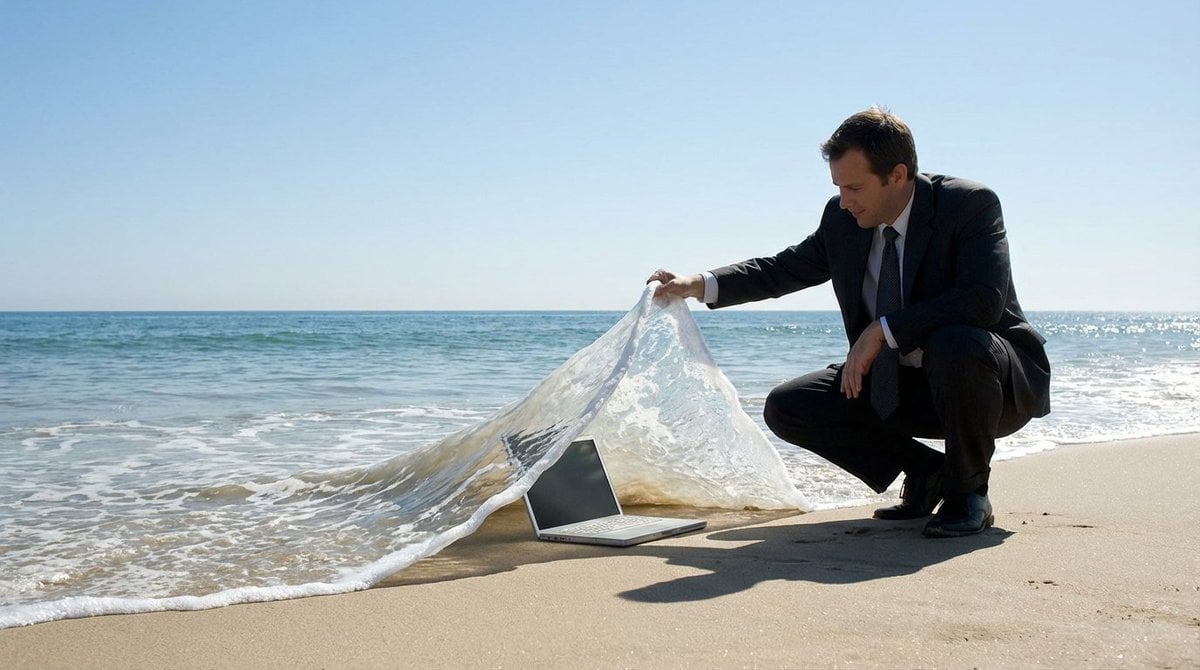
Surreal deep sea storage illusion prompt
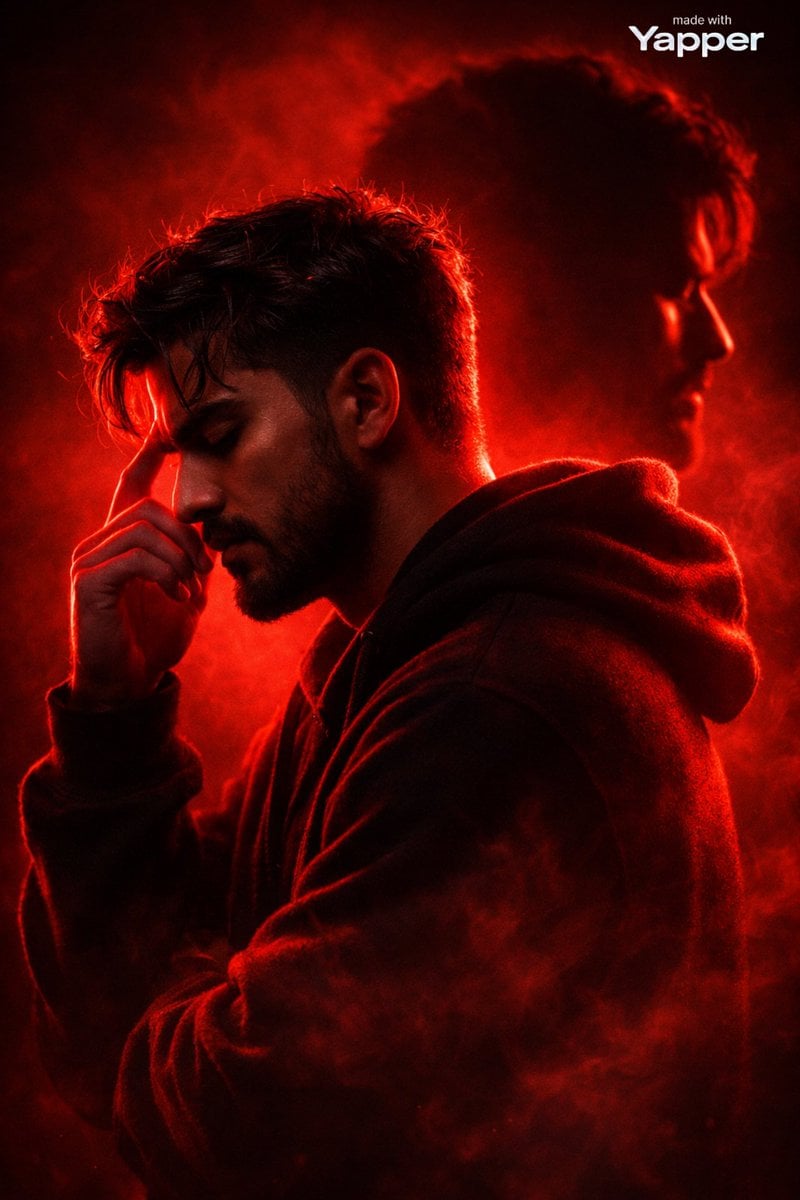
Ultra-Cinematic Red Silhouette Portrait with Double Exposure
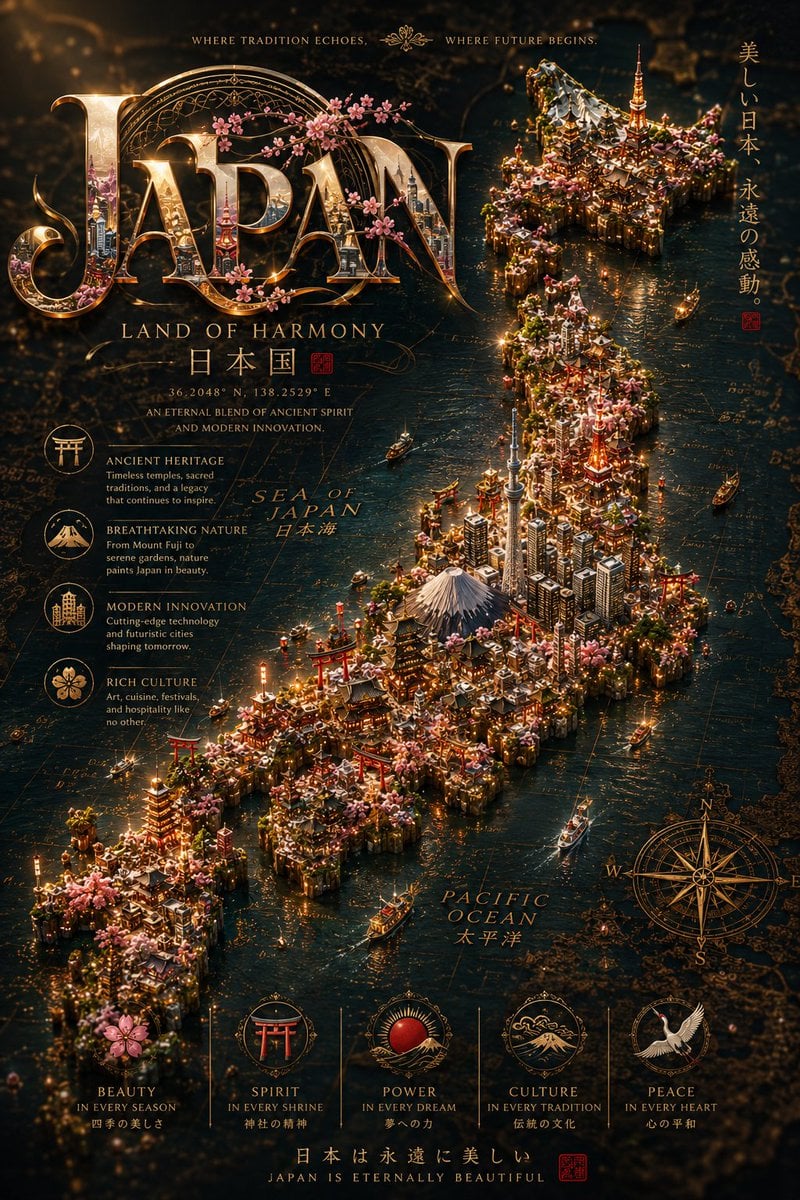
Cinematic Fantasy Country Atlas
Browse template categories
Preppy Fashion Photo Booth Grid questions
How do I use the Preppy Fashion Photo Booth Grid template?
Add your photo if the template asks for one, edit the prompt if you like — the template's model and format are already selected — and press Generate. Your version opens in PicX Studio.
Can I customize the Preppy Fashion Photo Booth Grid template?
Yes. You can change the subject, setting, lighting, mood, format, and available model controls before creating your image.
Is the Preppy Fashion Photo Booth Grid template free?
Opening and editing this template is free. Generating uses credits, shown on the Generate button when you are signed in.
Which AI model should I use?
Start with Nano Banana 2, which is the model associated with this template. You can compare another compatible model for a different finish.
Looking for something else? Browse all templates.

Your photo, any look
Thousands of ready templates for every top image and video model, from one credit balance.