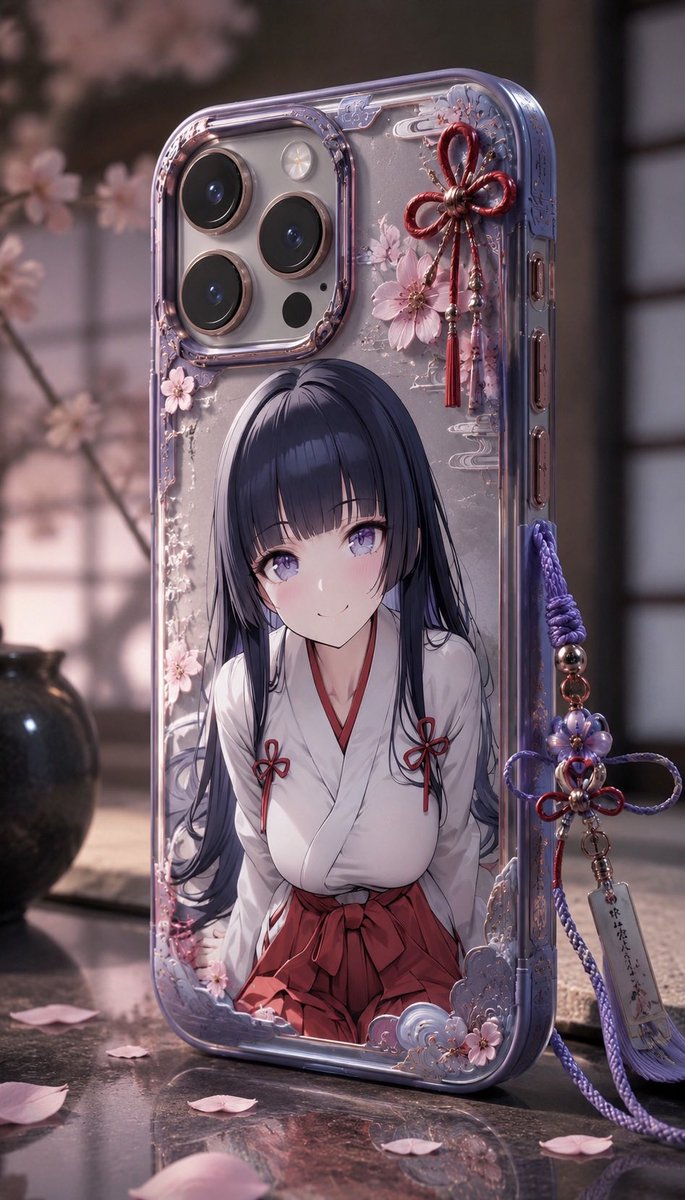
How do I use the Maximalist Fashion Magazine Cover template?
Choose the primary action to open PicX Studio with the available template settings. Review the model and format, personalize the creative direction, and generate when ready.
A maximalist magazine cover prompt titled 'EMA’Z' featuring a model with orange curly hair and an eclectic ensemble.
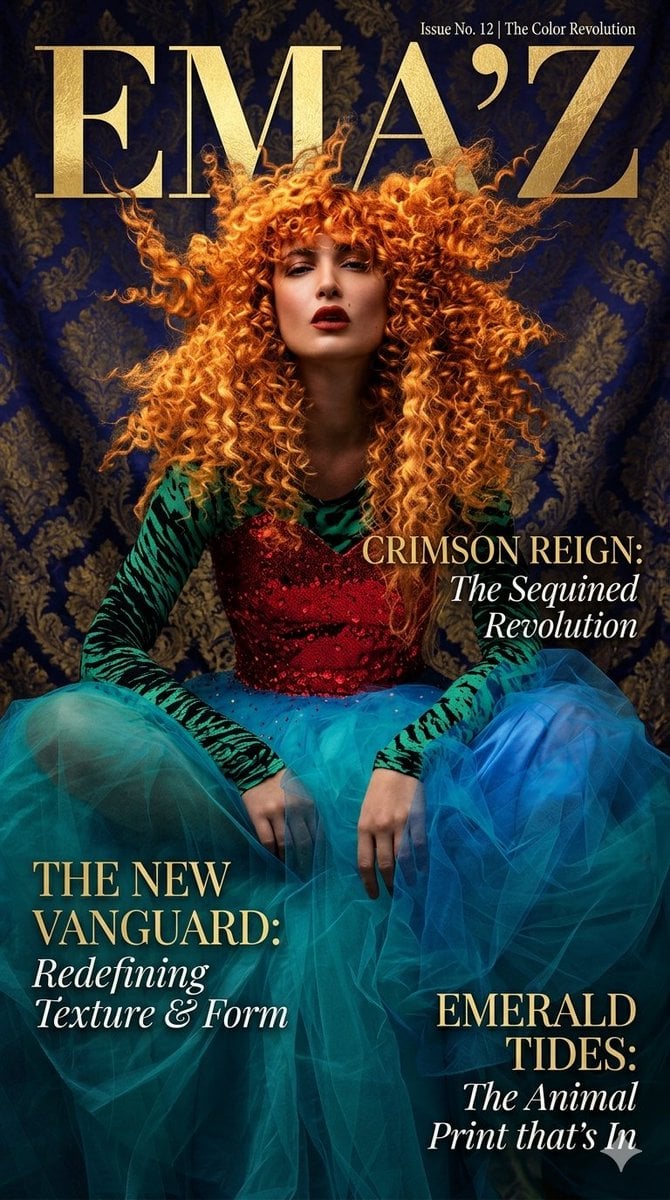
A high-fashion magazine cover titled "{argument name="title" default="EMA’Z"}" featuring a model with voluminous, vibrant {argument name="hair color" default="orange"} curly hair. She wears a bold, eclectic ensemble consisting of a red sequined bodice, green tiger-print sleeves, and a layered blue tulle skirt. She is posed against a {argument name="background" default="dark blue damask backdrop"}, with elegant gold serif typography highlighting headlines like "Crimson Reign" and "Emerald Tides," creating a maximalist aesthetic centered on "The Color Revolution."
Choose the primary action to open PicX Studio with the available template settings. Review the model and format, personalize the creative direction, and generate when ready.
Yes. You can change the subject, setting, lighting, mood, format, and available model controls before creating your image.
This template is free to open and customize. Generation usage is shown in PicX Studio before you create.
Start with Nano Banana 2, which is the model associated with this template. You can compare another compatible model for a different finish.
Follow a topic to a crawlable collection of related PicX Studio templates.