How do I use the Cinematic Night Rain Portrait template?
Choose the primary action to open PicX Studio with the available template settings. Review the model and format, personalize the creative direction, and generate when ready.
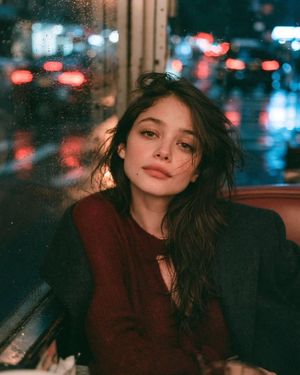
A moody, photorealistic portrait prompt set in an urban environment at night after rain, featuring wet textures and high-contrast lighting.

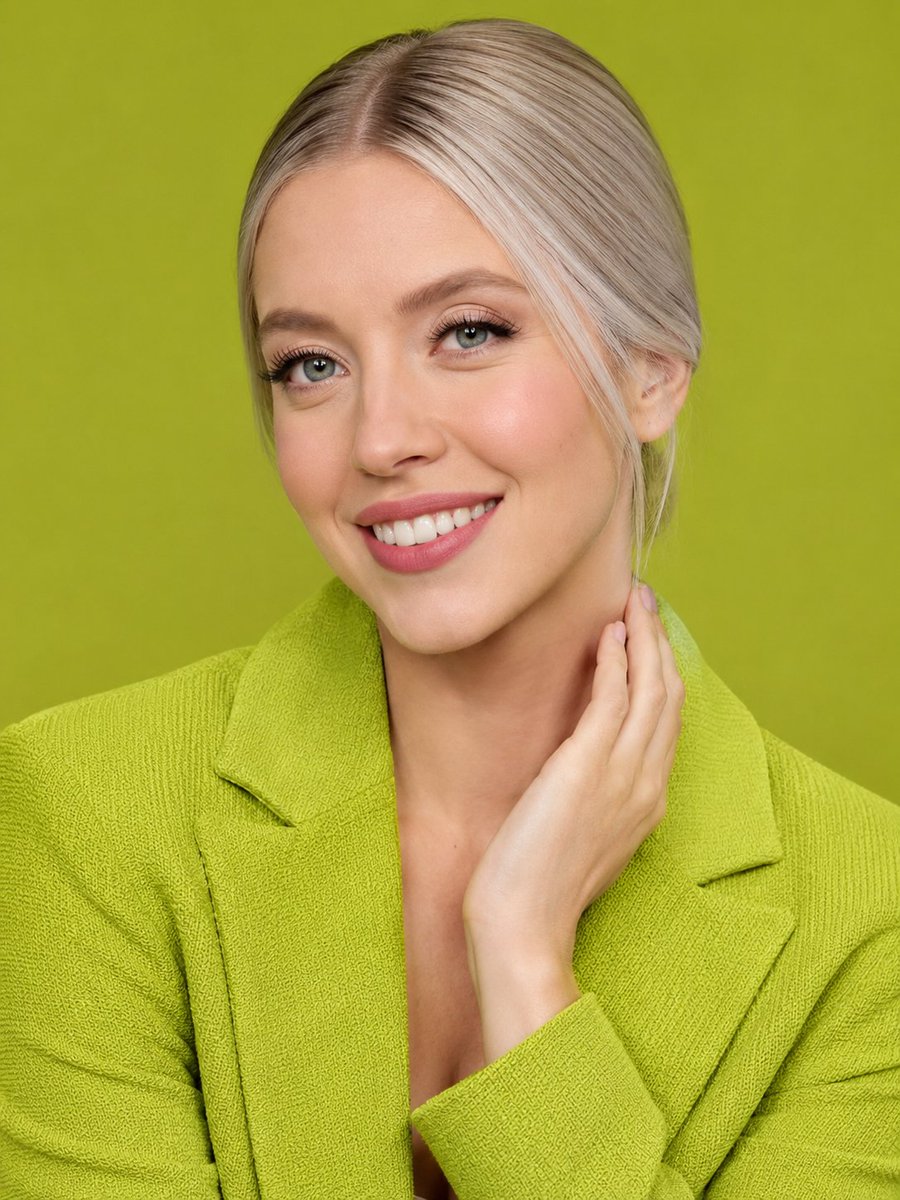
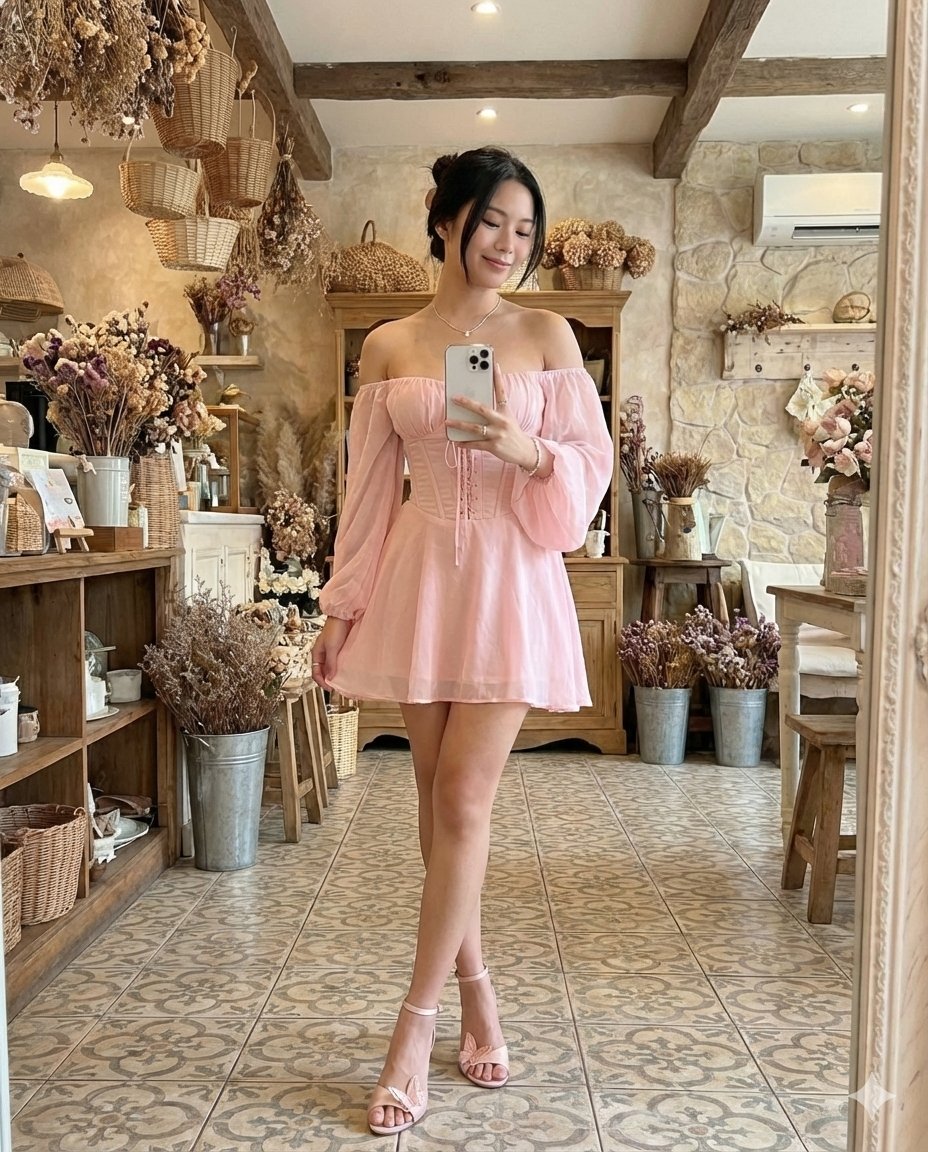
A hyper-realistic, photorealistic medium-shot portrait of {argument name="subject" default="[NAME]"} on an urban street at night right after the rain. She has a curvy, fit, and well-proportioned figure, styled with slightly messy, wet-looking hair with strands partially covering one side of her face. Her delicate facial features are accented by subtle makeup, defined eyebrows, and a striking bright red lipstick. She has a calm expression, looking discreetly off-camera. She is wearing a {argument name="dress style" default="short, plain white dress featuring a corset-style bodice"} with thick straps, a delicate lace trim around a sweetheart neckline, a front tie detail at the bust, and a gently pleated, flared skirt, paired with white strappy high heels. She is standing gracefully with her legs crossed at the calves, leaning slightly back against a dark gray metallic structural beam with a crisscross lattice pattern. Both hands are raised near her upper torso, gently holding the black curved handle of a large, transparent umbrella. The scene is illuminated by high-contrast cinematic night lighting, with a strong backlight and rim light highlighting her hair and the edges of the clear umbrella, while soft, diffused artificial light brightens her face and stark white dress. The ground is highly reflective, wet cobblestone showing bright specular highlights. The background is softly blurred into a beautiful bokeh of warm golden streetlights and distant red and cyan neon signs, creating a moody, romantic, and atmospheric neo-noir vibe.
Choose the primary action to open PicX Studio with the available template settings. Review the model and format, personalize the creative direction, and generate when ready.
Yes. You can change the subject, setting, lighting, mood, format, and available model controls before creating your image.
This template is free to open and customize. Generation usage is shown in PicX Studio before you create.
Start with Nano Banana 2, which is the model associated with this template. You can compare another compatible model for a different finish.
Follow a topic to a crawlable collection of related PicX Studio templates.