
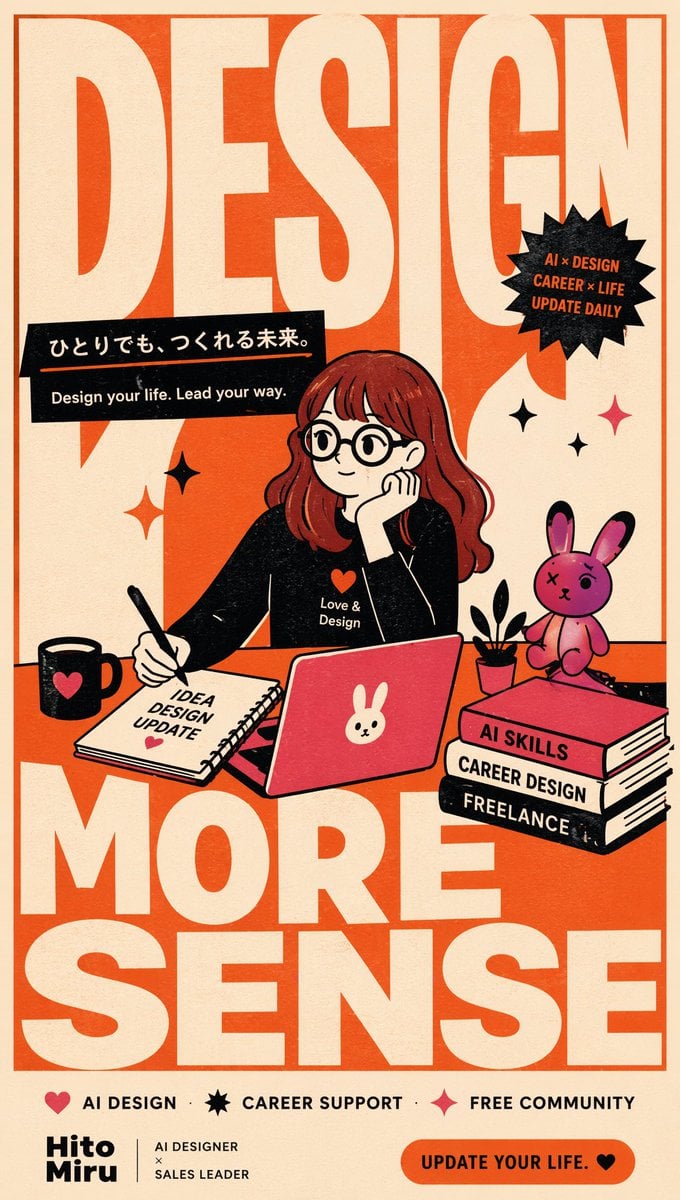
Retro AI Design Career Poster
A structured prompt for creating a bold retro Japanese-style poster about AI design, career growth, and creative independence.
- Prompt included
- Model and format preset
- Premium template
The prompt behind this image
Copy the exact prompt behind Retro AI Design Career Poster, or open it in the studio and make it yours.
Goal: Create a bold vertical retro editorial poster for an AI/design career community, mixing oversized typography with a cute illustrated workspace scene. Canvas: Tall vertical poster, 9:16 ratio, warm cream paper background with orange-red ink texture, thin orange border, slightly distressed print grain and halftone speckles. Layout: Use enormous condensed block letters in cream over an orange-red background as the main graphic structure. The visible giant typography reads exactly 4 words: “DESIGN” across the top, “YOUR” through the middle-left behind the character, “MORE” across the lower middle, and “SENSE” at the bottom. Place a central illustrated girl at a desk, overlapping the big letters. Add a black slanted slogan banner in the upper left-middle, a black spiky badge in the upper right, small sparkle decorations around the character, and a footer strip with service labels and branding. Main text: The upper black banner contains the Japanese headline {argument name="Japanese slogan" default="ひとりでも、つくれる未来。"} with an orange underline, and below it the English line “Design your life. Lead your way.” The upper-right black starburst badge contains exactly 3 stacked lines: “AI × DESIGN”, “CAREER × LIFE”, “UPDATE DAILY”. The bottom footer contains exactly 3 icon-and-label items: red heart icon with “AI DESIGN”, black starburst icon with “CAREER SUPPORT”, red sparkle icon with “FREE COMMUNITY”. Bottom-left brand block reads {argument name="brand name" default="Hito Miru"}, separated by a vertical line from “AI DESIGNER × SALES LEADER”. Bottom-right orange rounded button reads {argument name="call to action" default="UPDATE YOUR LIFE."} followed by a black heart. Subject details: Draw one young woman with long wavy {argument name="hair color" default="red-brown"} hair, pale skin, round black glasses, soft thoughtful expression, and a black top with a small red heart and the words “Love & Design”. She rests her cheek on one hand while writing with a pen in a spiral notebook with the visible cover text “IDEA DESIGN UPDATE” and a small red heart. In front of her is a red laptop with a white bunny face sticker. Desk objects: Include exactly 5 main desk objects: 1 black mug with a red heart, 1 spiral notebook labeled “IDEA DESIGN UPDATE”, 1 red laptop with bunny sticker, 1 small black plant pot with simple black leaves, and 1 stack of 3 books. The 3 book spines read, from top to bottom: “AI SKILLS”, “CAREER DESIGN”, “FREELANCE”. Place one cute pink rabbit mascot sitting on top of the book stack, with black-tipped ears, stitched X eye detail, and a slightly imperfect handmade toy look. Decorative elements: Add exactly 5 sparkle marks around the central scene: one red four-point sparkle near the left side of the desk, one black four-point sparkle above it, one black sparkle near the badge, one small black sparkle near the rabbit, and one red sparkle on the right side. Keep all icons flat and graphic. Visual style: Japanese retro poster design, bold screen-printed illustration, limited palette of orange-red, cream, black, pink, and red, thick ink outlines, flat shadows, playful but professional design-career mood, slightly rough paper texture, no photorealism. Constraints: Keep the giant typography legible and dominant, preserve all specified English text exactly, do not add extra characters, do not add extra desk items beyond the counted objects, and avoid modern glossy gradients or 3D effects.
How to use Retro AI Design Career Poster in 3 steps
- 1Upload ImagePNG, JPG or paste
Add your photo
Upload the photo the template builds on. The prompt, model and format are already set.
- 2…a portrait of your subject in softgolden-hour light, 85mm…
Personalize
Edit the subject and creative details for your destination.
- 3Generate
Generate
Press Generate — your image is created in PicX Studio, so you can compare it with the original and refine one variable at a time.
More like this
Templates with the same subject, style or setup. Open one to see its prompt.










Make it yours
Retro AI Design Career Poster works as-is. These are the safest ways to change it without losing the look.
Change one field
Copy a single group, rewrite it, and generate again so you can see what that field is doing.
Keep the frame, change the subject
Hold the composition and light of Retro AI Design Career Poster, then swap wardrobe, props or the person for a new take.
| If the result… | Why | Fix |
|---|---|---|
| The result drifts from the preview | Too many fields changed at once. | Reuse Retro AI Design Career Poster as-is first, then change one group — subject, light, or setting. |
| The model over-stylizes the scene | The prose prompt leaves finish and camera underspecified. | Add one camera or lighting sentence and stay on GPT Image 2. |
More GPT Image 2 templates
Other prompts made for GPT Image 2.

Six VTuber Japanese Logo Sheet

Realistic Portrait of Woman and Deer

The Vista Modular Condo Poster

AI Model Routing Comparison Infographic

2.5D Anime Art Board

Isometric Productivity Desk Scene

New York Double Exposure Poster

Four-Panel AI Landscape Comparison

Japanese Tatami Lifestyle Magazine Cover

NESCAFÉ Coffee Map Poster
More image prompts
Fresh picks from across the catalog.
Neon Foam Pop Logo Prompt
Anime movie poster generator
Natural Sunlight Close-up Portrait Prompt for Nano Banana 2
IT Education Manga Generation Prompt
Product Advertisement Prompts for Nano Banana Pro on Gemini
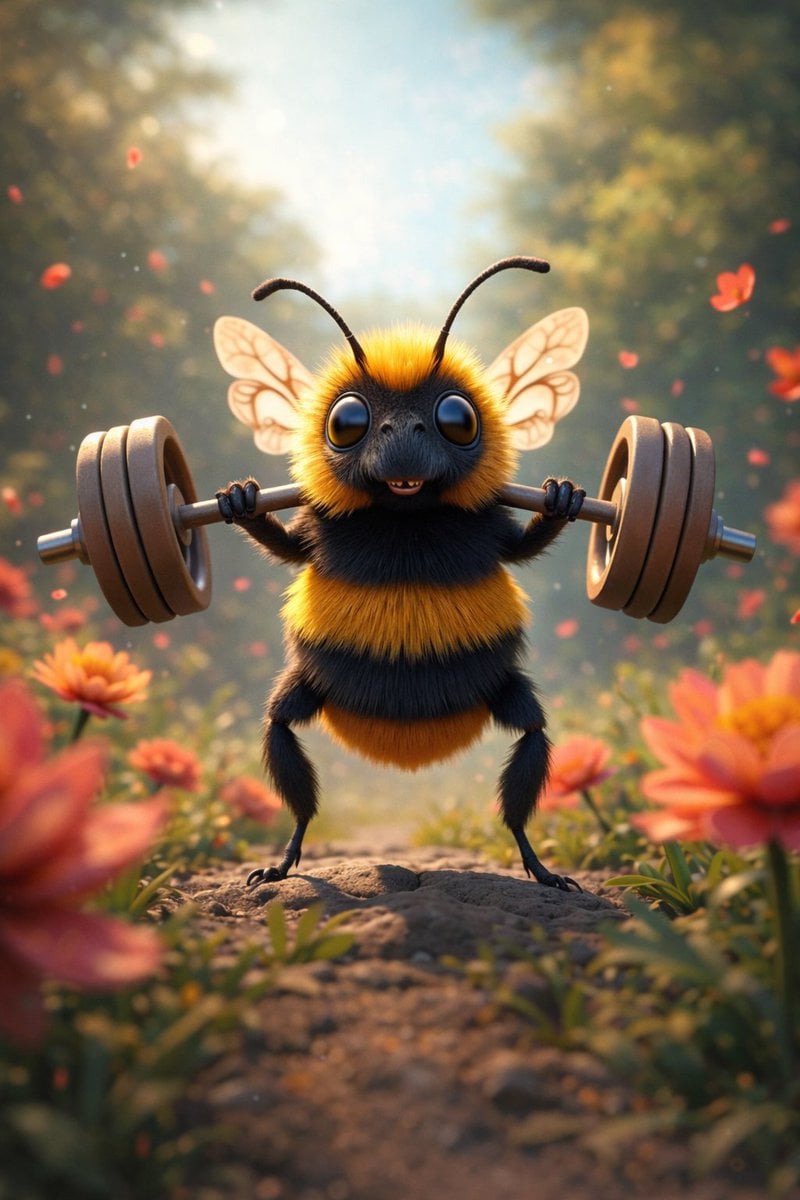
8K 3D Illustration of Anthropomorphic Bees (Gym and Relaxing)
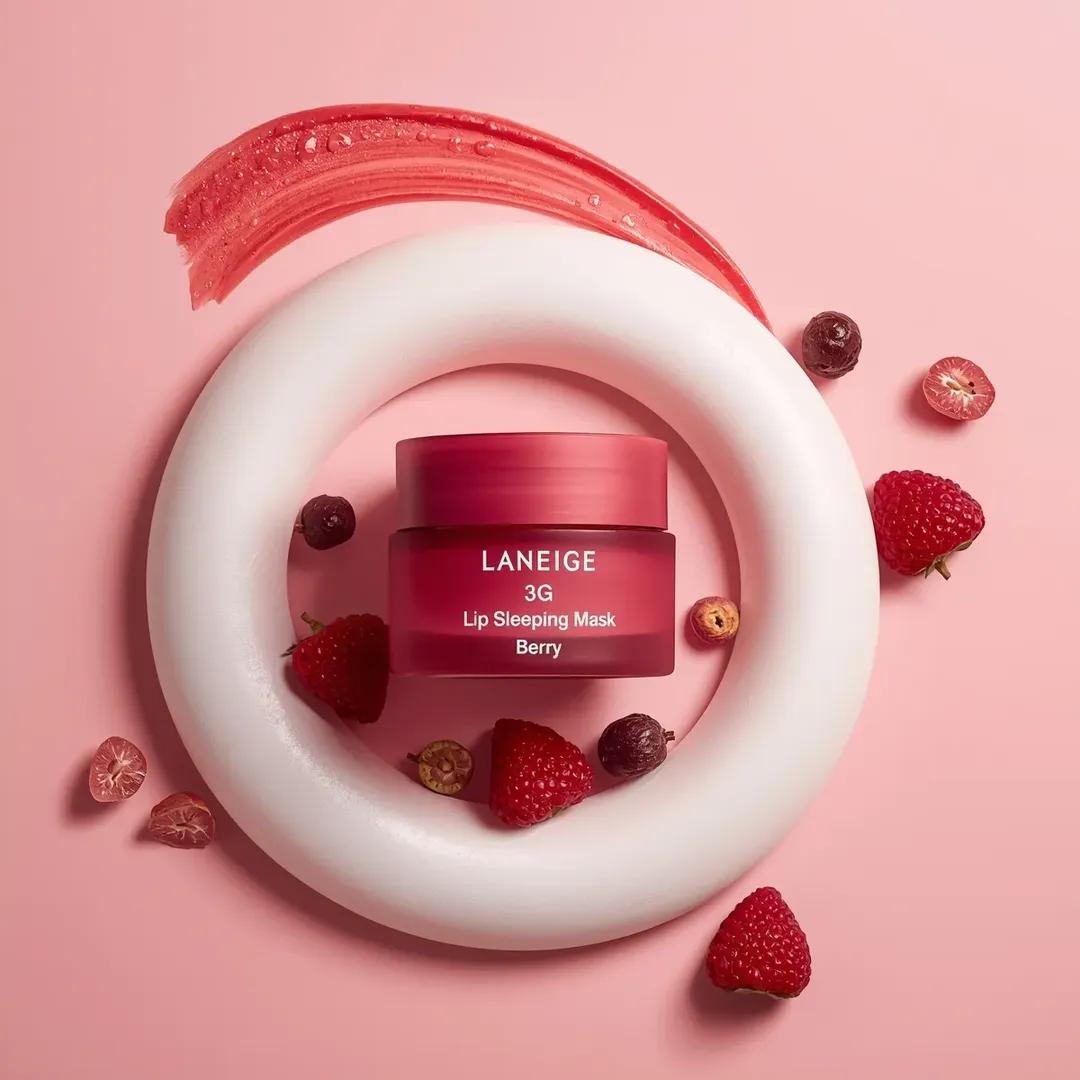
Commercial Cosmetic Product Photography Prompt
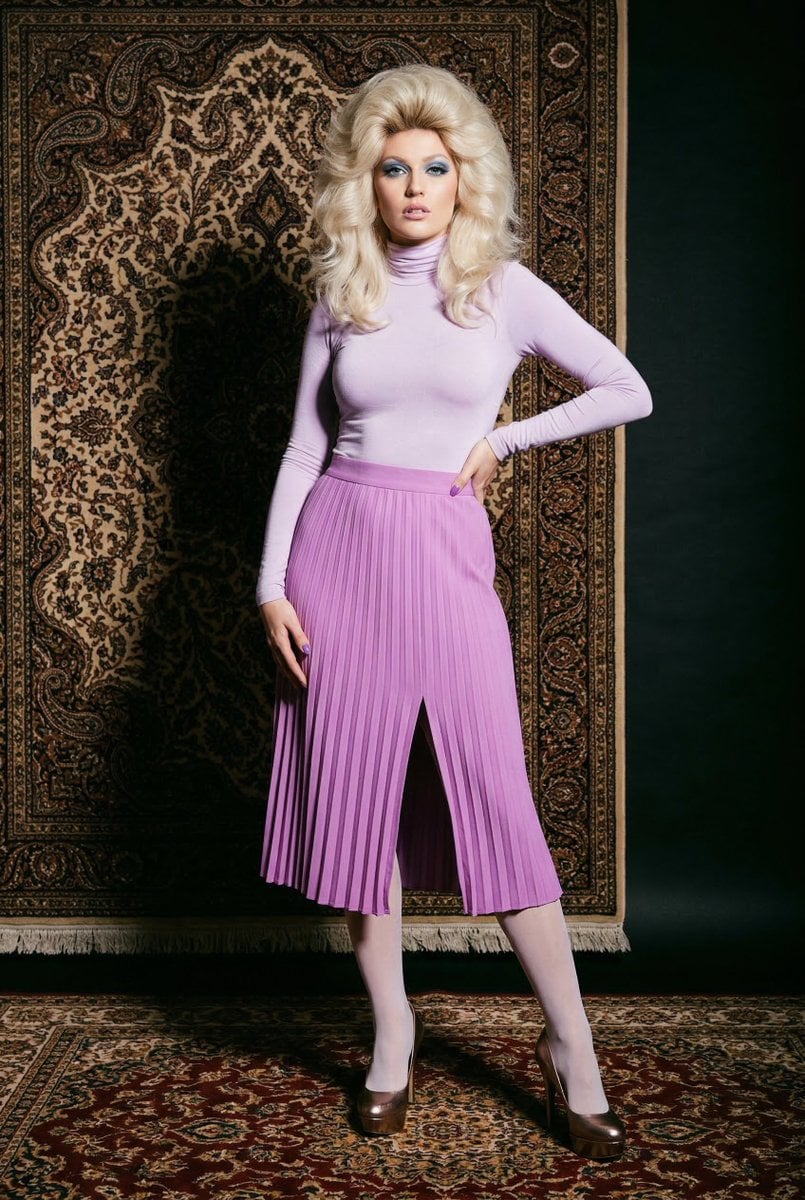
1970s High-Glamour Fashion Portrait

Valentine's Day Baby Boy Portrait Prompt
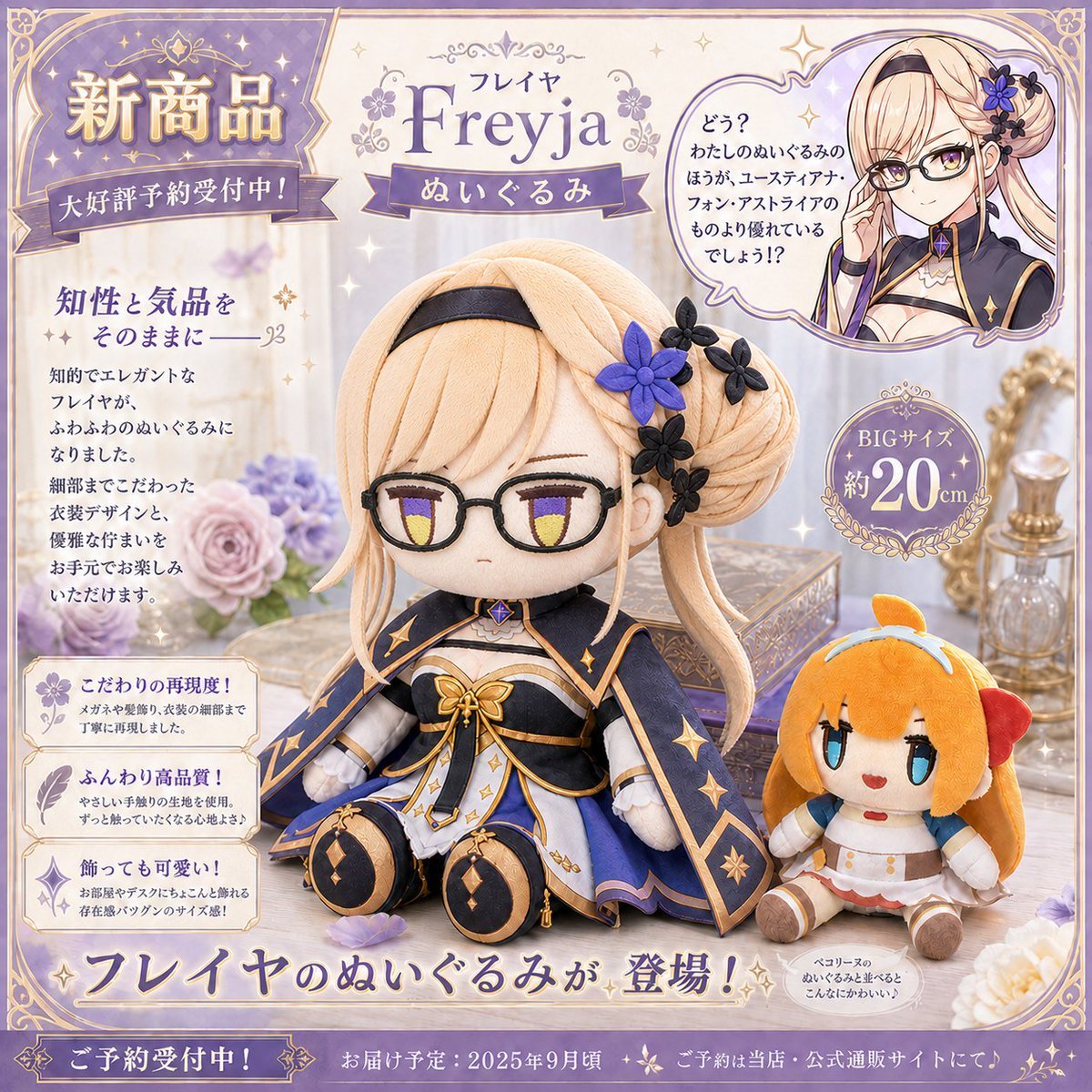
Freyja Plush Merchandise Flyer
Browse template categories
Retro AI Design Career Poster questions
How do I use the Retro AI Design Career Poster template?
Add your photo if the template asks for one, edit the prompt if you like — the template's model and format are already selected — and press Generate. Your version opens in PicX Studio.
Can I customize the Retro AI Design Career Poster template?
Yes. You can change the subject, setting, lighting, mood, format, and available model controls before creating your image.
Is the Retro AI Design Career Poster template free?
Opening and editing this template is free. Generating uses credits, shown on the Generate button when you are signed in.
Which AI model should I use?
Start with GPT Image 2, which is the model associated with this template. You can compare another compatible model for a different finish.
Looking for something else? Browse all templates.

Your photo, any look
Thousands of ready templates for every top image and video model, from one credit balance.