
Japanese Chore Quest App Ad
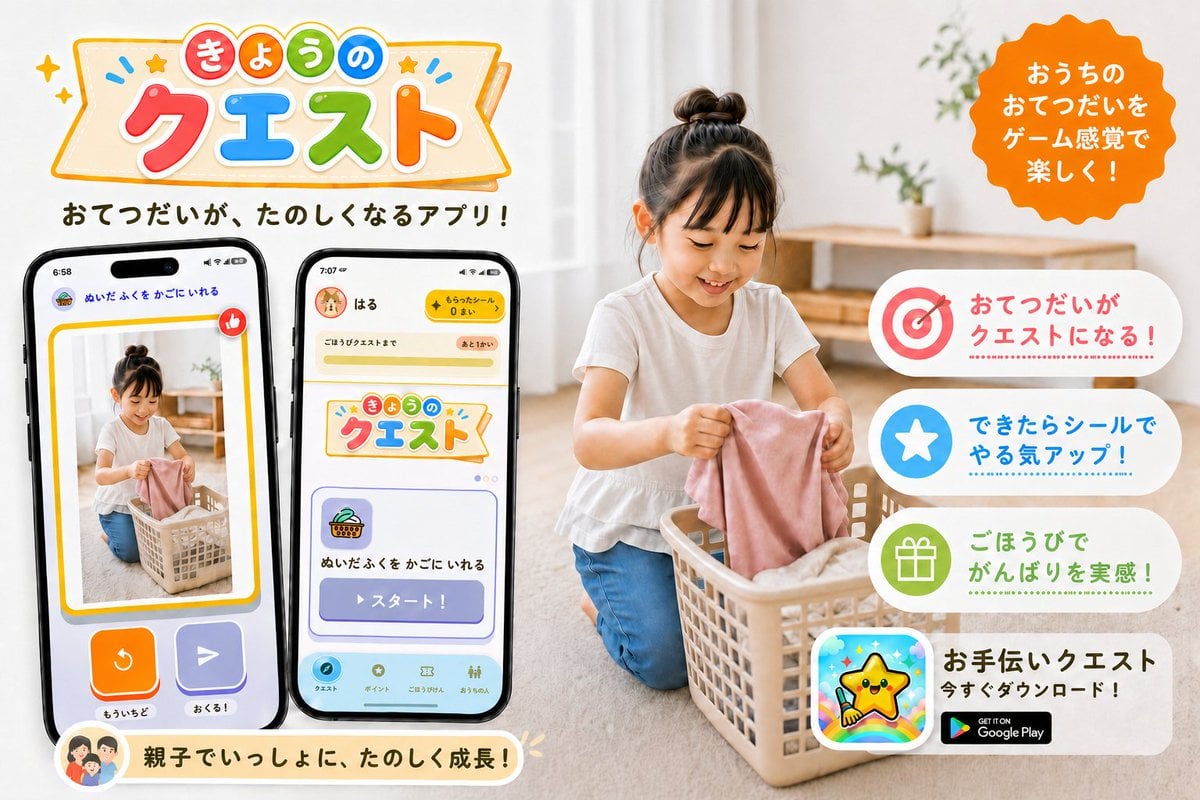
A bright Japanese promotional banner for a gamified family chore app, suitable for social media or app launch marketing.
- Prompt included
- Model and format preset
- Premium template
The prompt behind this image
Copy the exact prompt behind Japanese Chore Quest App Ad, or open it in the studio and make it yours.
Goal: Create a cheerful Japanese promotional app banner for a family chore-help app called {argument name="app name" default="きょうのクエスト"}, showing household chores turned into fun game-like quests. Canvas: Horizontal 3:2 social media ad, bright white and warm beige home interior, clean commercial design, high-resolution photorealistic lifestyle photo combined with colorful app UI mockups and playful vector graphics. Layout: Left half contains the large app logo at the top, a short Japanese tagline below it, and exactly 2 large smartphone mockups angled slightly toward each other. Right half contains a photorealistic child doing laundry in a basket, with a bright orange scalloped speech-badge near the top right and exactly 4 rounded white feature cards stacked vertically along the right side. Bottom left has one cream-colored rounded message ribbon with a small family avatar icon. Main subject: A young child with a top bun hairstyle, wearing a white short-sleeve shirt and blue pants, kneeling on a light wood floor and putting a pink cloth into a beige laundry basket. The home background is softly blurred, with sheer curtains, natural daylight, a simple wooden shelf, and small green plants. Keep the child face softly obscured or neutral, not the focus. Logo and headline text: At the top left, create a playful banner logo with colorful rounded Japanese characters. Use a cream ribbon sign with orange outline, tiny stars, sparkles, and blue accent marks. The logo text reads 「きょうの クエスト」, with 「きょうの」 in small colored circles and 「クエスト」 in large red, blue, green, and orange letters. Under the logo, add the tagline 「おてつだいが、たのしくなるアプリ!」 in bold dark brown rounded Japanese type. Phone mockups: Include exactly 2 black-framed smartphones. Phone 1 on the far left shows a reward/confirmation-style screen with a photo of the child doing laundry inside a yellow border, a red thumbs-up icon, two large bottom buttons in orange and purple, and small Japanese labels including 「ぬいたふくを かごにいれる」, 「もういちど」, and 「おくる!」. Phone 2 to its right shows the app home/quest screen with a yellow top bar, a user name 「はる」, a coin counter, the same app logo card, a quest card with basket icon, and a large purple button labeled 「スタート!」; include a bottom navigation bar with small rounded icons. Right-side callouts: Add an orange scalloped circular badge at the top right with white Japanese text: 「おうちのおてつだいをゲーム感覚で楽しく!」. Stack exactly 4 rounded feature cards on the right, each with a large icon on the left and Japanese copy on the right: 1) target icon in red/pink with text 「おてつだいがクエストになる!」, 2) white star in blue circle with text 「できたらシールでやる気アップ!」, 3) gift icon in green circle with text 「ごほうびでがんばりを実感!」, 4) app icon showing a smiling yellow star mascot over a rainbow background, with bold text 「お手伝いクエスト」, smaller text 「今すぐダウンロード!」, and a black Google Play badge. Bottom ribbon: Add one rounded cream ribbon near the bottom left under the phones with a small circular family illustration icon and the Japanese message 「親子でいっしょに、たのしく成長!」. Visual style: Friendly, family-oriented, colorful, polished Japanese app PR graphic. Use rounded fonts, soft shadows, sticker-like icons, pastel accents, clean spacing, and a warm natural photo background. Make all UI elements crisp and readable, with no extra feature cards, no extra phones, no watermark, and no unrelated English text except the Google Play badge.
How to use Japanese Chore Quest App Ad in 3 steps
- 1Upload ImagePNG, JPG or paste
Add your photo
Upload the photo the template builds on. The prompt, model and format are already set.
- 2…a portrait of your subject in softgolden-hour light, 85mm…
Personalize
Edit the subject and creative details for your destination.
- 3Generate
Generate
Press Generate — your image is created in PicX Studio, so you can compare it with the original and refine one variable at a time.
More like this
Templates with the same subject, style or setup. Open one to see its prompt.
Minecraft Japanese Research Lab Exploration
Japanese NEWT Travel App Poster
Japanese AI Keyboard App Poster
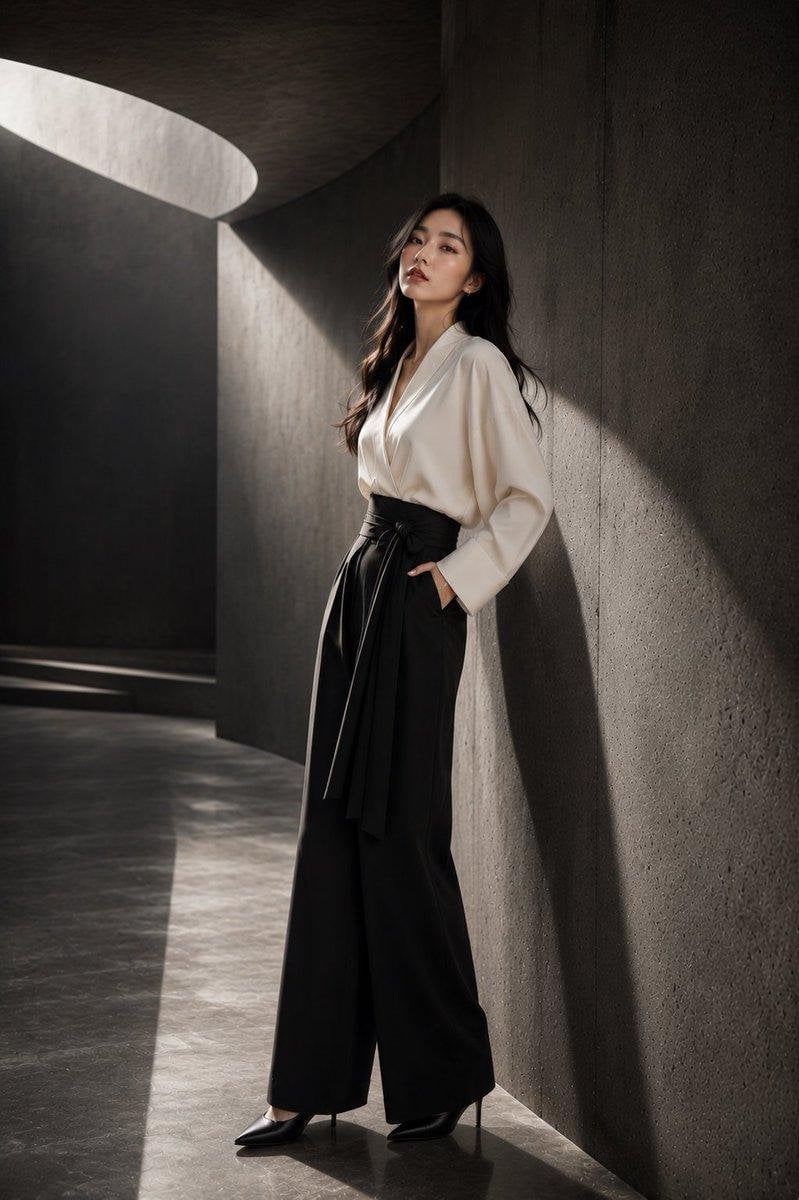
Japanese Architectural Concrete Studio Fashion Campaign
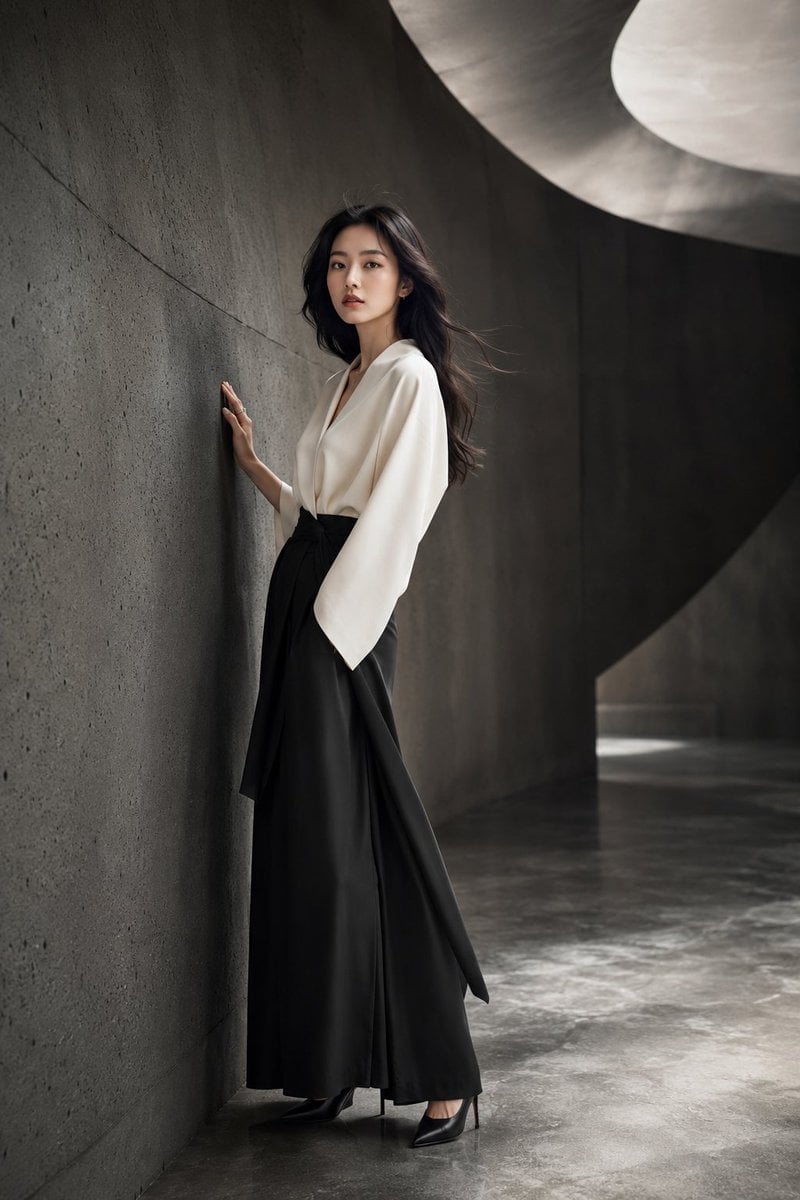
Japanese Minimalist Concrete Studio Fashion Editorial

Blue Backdrop Luxury Fashion Portrait Campaign
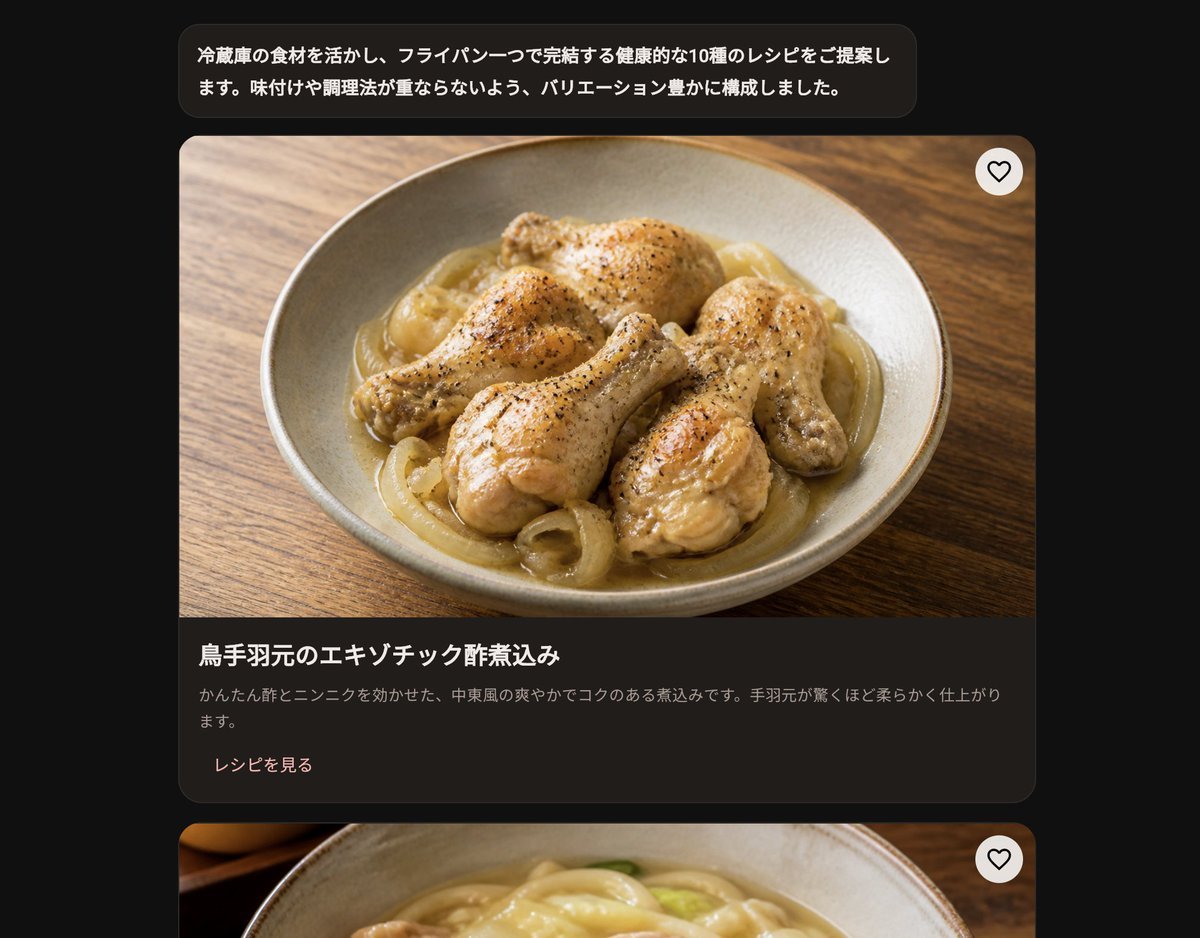
Dark Japanese Recipe App UI
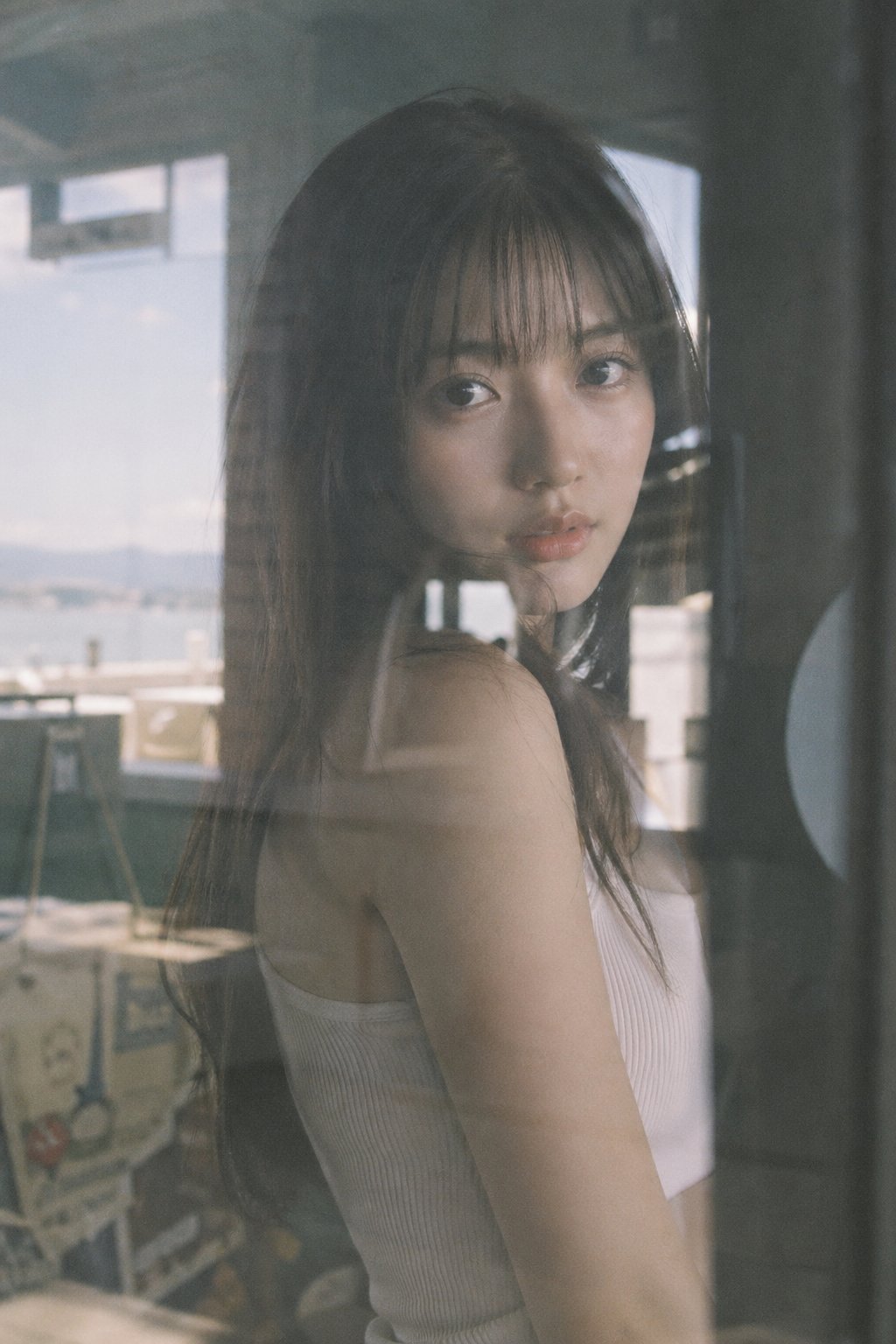
Japanese Film Reflection Idol
Low-Poly Fantasy Quest Screenshot
Foxy App Icon Exploration Board

Six VTuber Japanese Logo Sheet
Subway Good Vibes App Card Portrait
Make it yours
Japanese Chore Quest App Ad works as-is. These are the safest ways to change it without losing the look.
Change one field
Copy a single group, rewrite it, and generate again so you can see what that field is doing.
Keep the frame, change the subject
Hold the composition and light of Japanese Chore Quest App Ad, then swap wardrobe, props or the person for a new take.
| If the result… | Why | Fix |
|---|---|---|
| The result drifts from the preview | Too many fields changed at once. | Reuse Japanese Chore Quest App Ad as-is first, then change one group — subject, light, or setting. |
| The model over-stylizes the scene | The prose prompt leaves finish and camera underspecified. | Add one camera or lighting sentence and stay on GPT Image 2. |
More GPT Image 2 templates
Other prompts made for GPT Image 2.

Realistic Portrait of Woman and Deer

The Vista Modular Condo Poster

AI Model Routing Comparison Infographic

2.5D Anime Art Board

Isometric Productivity Desk Scene

New York Double Exposure Poster

Four-Panel AI Landscape Comparison

NESCAFÉ Coffee Map Poster

Brutalist Cogito Chinese Typography Poster

Cinematic Luxury Terrace Portrait
More image prompts
Fresh picks from across the catalog.
Cinematic Street Portrait of Woman in Puffer Jacket (3 Variations)

Premium Sports Magazine Cover Portrait
East Asian Woman Underground Film Aesthetic
Museum Papercraft Anime Portrait
Anime PR Representative at Industrial Expo
Ethereal Portrait with Playful Wink
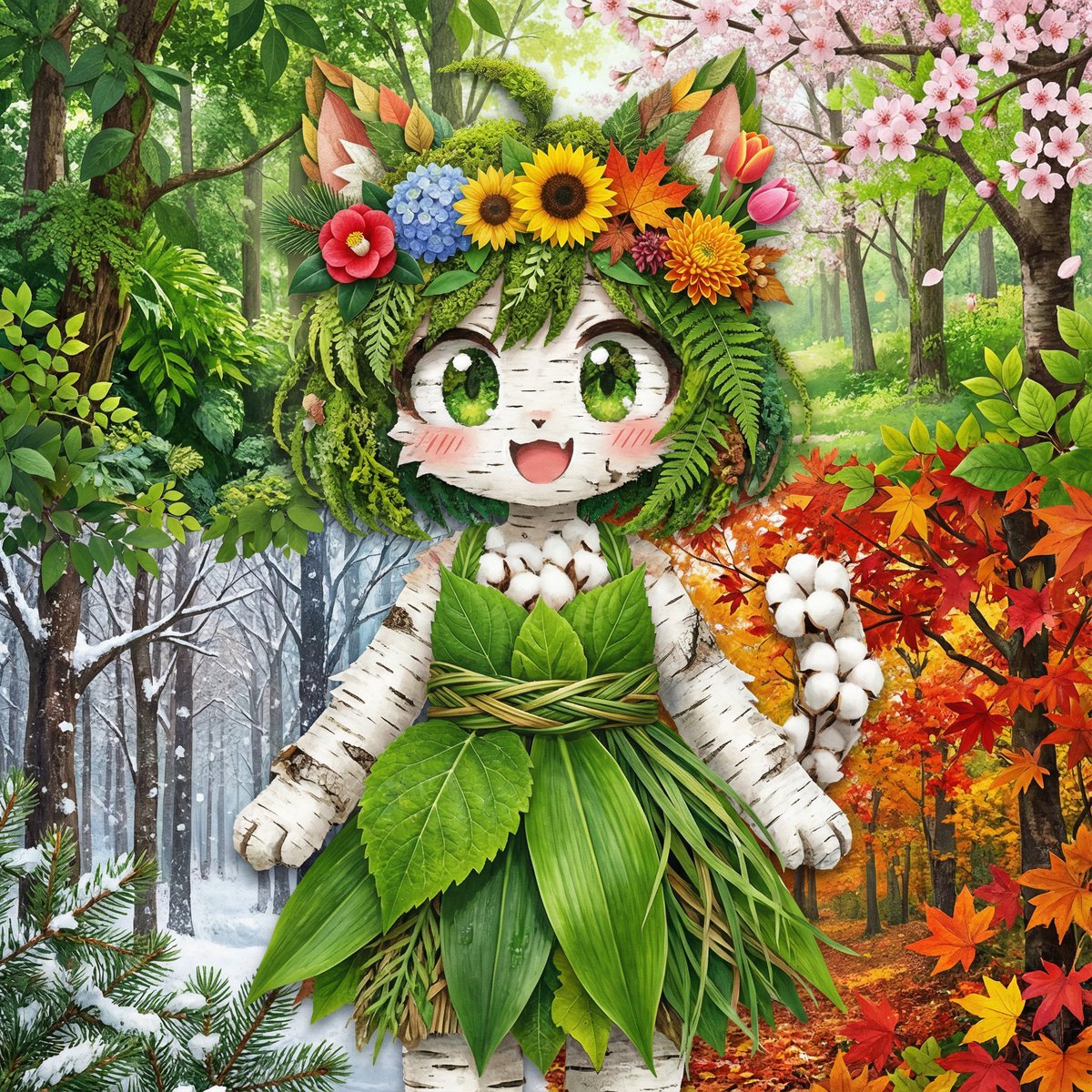
Seasonal forest collage character prompt for Nano Banana Pro
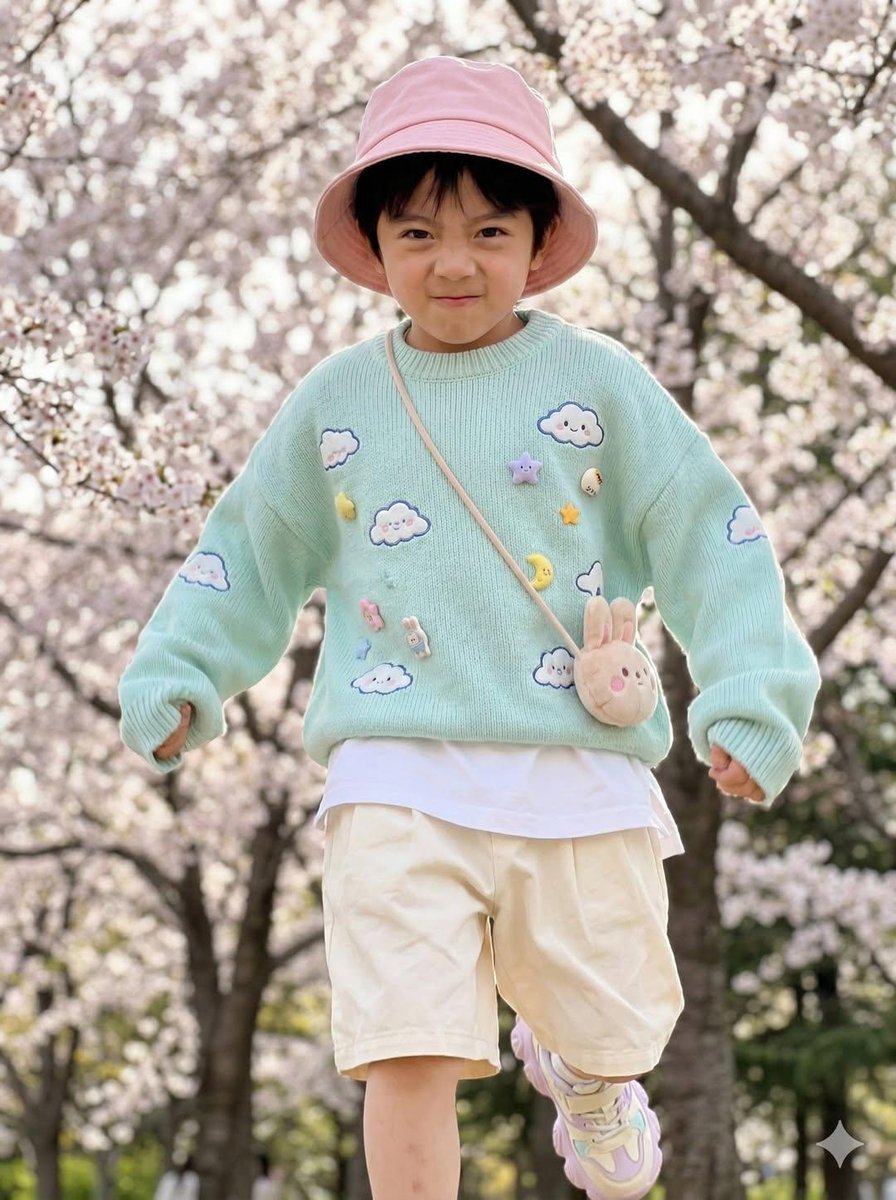
Hyper-Realistic Child Fashion Snapshot in Spring Garden
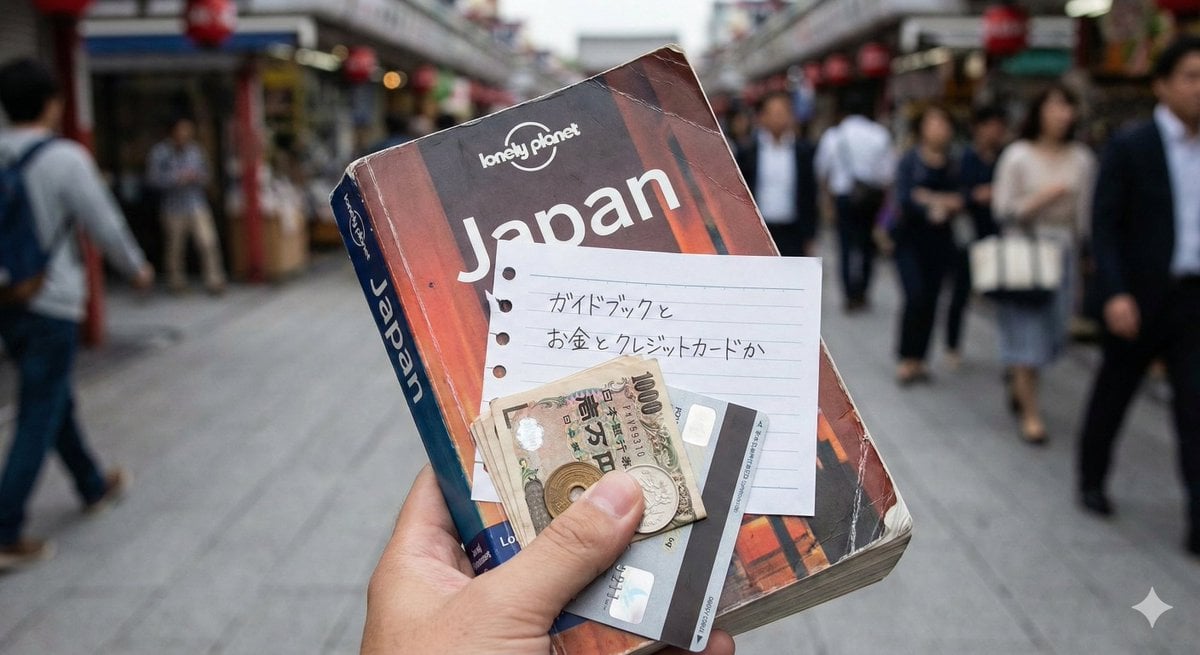
Japanese Text Generation Test Prompt
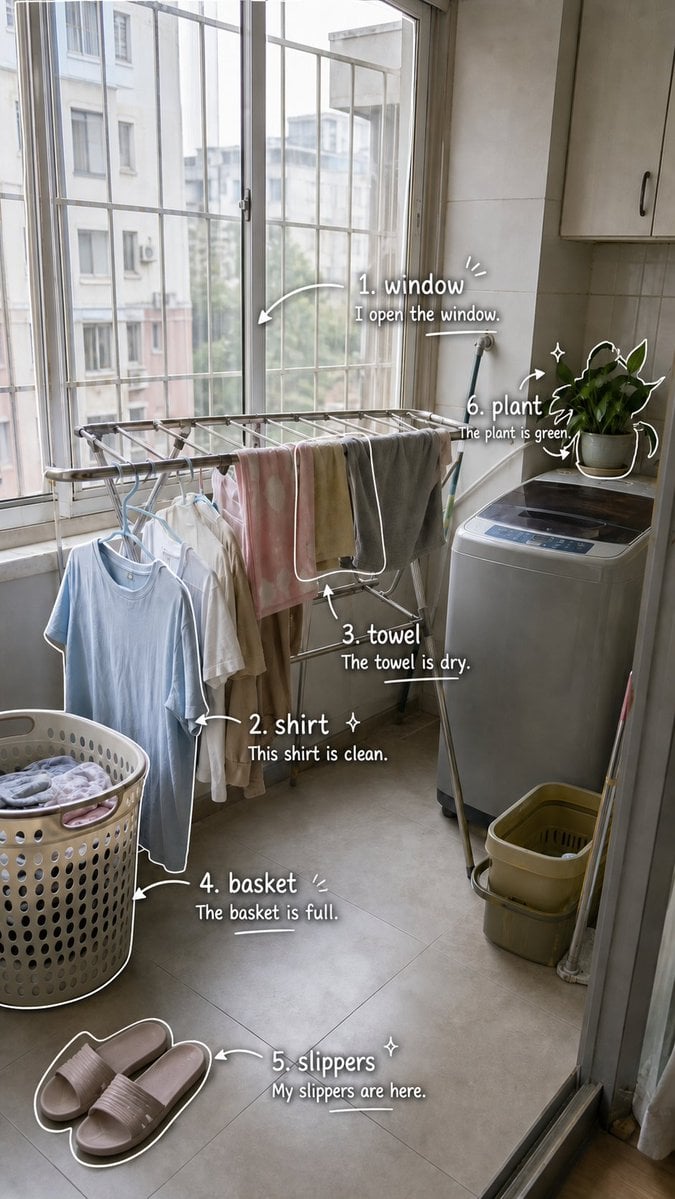
Laundry Balcony Vocabulary Journal
Browse template categories
Japanese Chore Quest App Ad questions
How do I use the Japanese Chore Quest App Ad template?
Add your photo if the template asks for one, edit the prompt if you like — the template's model and format are already selected — and press Generate. Your version opens in PicX Studio.
Can I customize the Japanese Chore Quest App Ad template?
Yes. You can change the subject, setting, lighting, mood, format, and available model controls before creating your image.
Is the Japanese Chore Quest App Ad template free?
Opening and editing this template is free. Generating uses credits, shown on the Generate button when you are signed in.
Which AI model should I use?
Start with GPT Image 2, which is the model associated with this template. You can compare another compatible model for a different finish.
Looking for something else? Browse all templates.

Your photo, any look
Thousands of ready templates for every top image and video model, from one credit balance.