
Milly Ceramic Journey Comic Page
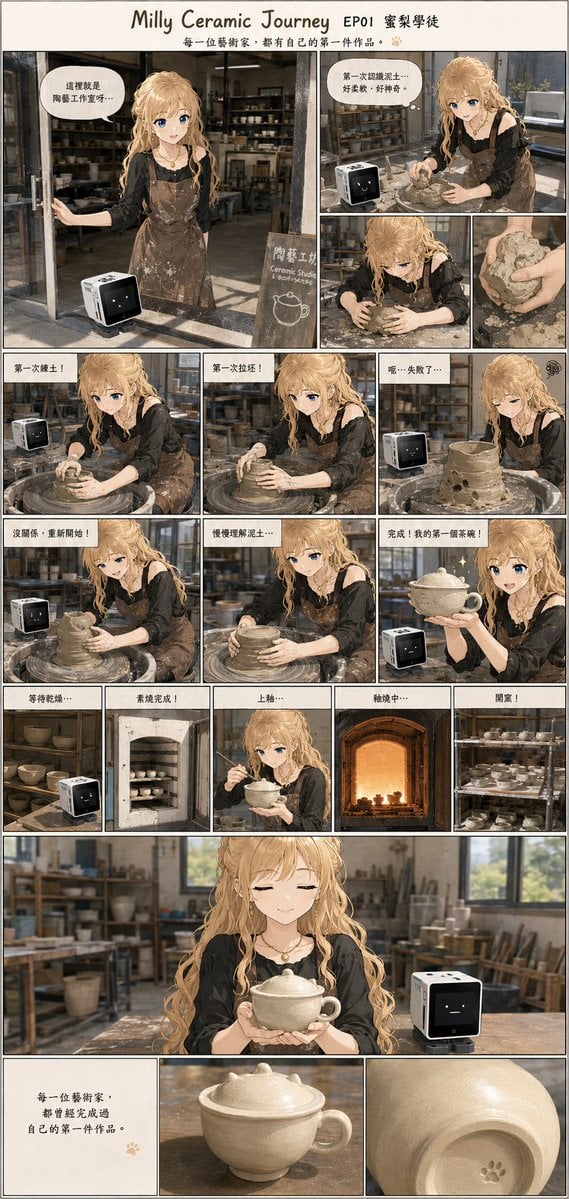
A vertical manga comic page showing a blonde pottery apprentice and her cube AI companion creating a first handmade ceramic cup.
- Prompt included
- Model and format preset
- Premium template
The prompt behind this image
Copy the exact prompt behind Milly Ceramic Journey Comic Page, or open it in the studio and make it yours.
Goal: Create a warm manga-style vertical comic page about {argument name="character name" default="Milly"}, a blonde anime girl making her first ceramic cup in a pottery studio, accompanied by a small cube-shaped AI robot. The mood is gentle, encouraging, handmade, and slightly nostalgic. Canvas: Tall vertical comic page, approximately 9:16, cream paper background, thin black panel borders, soft watercolor-anime rendering mixed with realistic pottery-studio details. Use a handwritten title at the top: “Milly Ceramic Journey EP01 窯梨學徒”, with the subtitle “每一位藝術家,都有自己的第一件作品。” and a tiny paw-print accent. Main subjects: The girl has long wavy {argument name="hair color" default="golden blonde"} hair, bright blue eyes, fair skin, a black blouse, a brown clay-stained apron, and a small necklace. The robot is a small black-and-white cube AI companion with a simple pixel face, sitting near the worktable or pottery wheel in multiple panels. The studio contains shelves of bowls, clay tools, pottery wheels, wood tables, window light, a kiln, and rows of ceramic pieces. Layout: Use exactly 18 comic panels after the header. Panel 1 is a large opening panel on the upper left showing the girl welcoming the viewer at the pottery studio entrance with the robot on the table and a chalkboard sign. Panels 2 and 3 are stacked on the upper right: preparing clay at the table, then a close-up of hands holding rough clay. Panels 4, 5, and 6 form a row showing the first attempt on the pottery wheel, the clay collapsing, and the girl discouraged beside a lumpy failed pot. Panels 7, 8, and 9 form another row showing her restarting, slowly shaping clay, and proudly holding a finished lidded cup with sparkles. Panels 10 through 14 form a row of five small process panels: drying on shelves, bisque firing in a kiln, glazing with a brush, final firing in a glowing kiln, and opening shelves full of finished ceramics. Panel 15 is a wide emotional panel showing the girl with eyes closed, holding the finished cup with both hands, robot beside her, studio blurred behind. Panels 16 through 18 are the bottom row: a text-only closing message, a product-like close-up of the finished lidded cup with handle, and a close-up of the cup bottom with a small paw-print stamp. Visible text content: Include speech bubbles and captions in Traditional Chinese/Japanese style. Use these exact readable lines where possible: “這裡就是陶藝工作室呀…”, “第一次揉泥土…好柔軟,好神奇。”, “第一次煉土!”, “第一次拉坯!”, “呃…失敗了…”, “沒關係,重新開始!”, “慢慢理解泥土…”, “完成!我的第一個茶碗!”, “等待乾燥…”, “素燒完成!”, “上釉…”, “釉燒中…”, “開窯!”, and in the final text panel: “每一位藝術家,都曾經完成過自己的第一件作品。” Visual style: Soft detailed anime illustration, cozy documentary comic pacing, subtle paper texture, delicate ink lines, muted warm browns and creams, realistic clay texture on hands and apron, natural window lighting, shallow depth of field in larger panels, expressive but gentle faces. The finished ceramic cup should be cream-colored, slightly imperfect, handmade, with a small lid and rounded handle. Constraints: Keep exactly 18 panels plus the title header. Keep the robot present in many panels but not every panel. Do not add extra characters. Avoid photorealism; maintain anime-manga comic aesthetics. Make all visible typography hand-drawn and integrated into the panels.
How to use Milly Ceramic Journey Comic Page in 3 steps
- 1Upload ImagePNG, JPG or paste
Add your photo
Upload the photo the template builds on. The prompt, model and format are already set.
- 2…a portrait of your subject in softgolden-hour light, 85mm…
Personalize
Edit the subject and creative details for your destination.
- 3Generate
Generate
Press Generate — your image is created in PicX Studio, so you can compare it with the original and refine one variable at a time.
More like this
Templates with the same subject, style or setup. Open one to see its prompt.

Cute AI Manga Lesson Comic Page
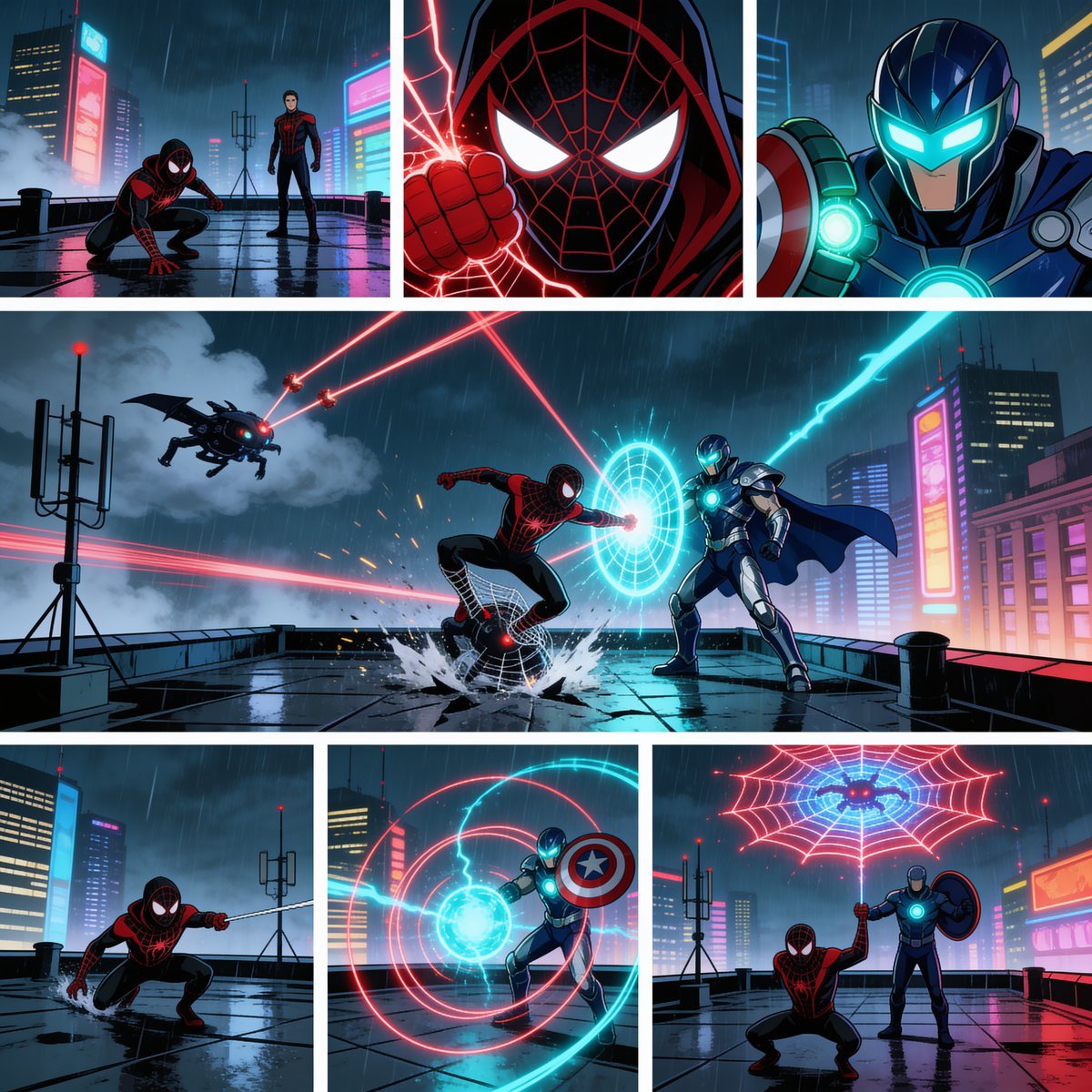
Rainy Cyberpunk Superhero Comic Page

Pop Art Superhero Explosion Poster

Hero Portrait Comic Multi-Panel Poster

Spider-Man Noir Detective Rain Alley
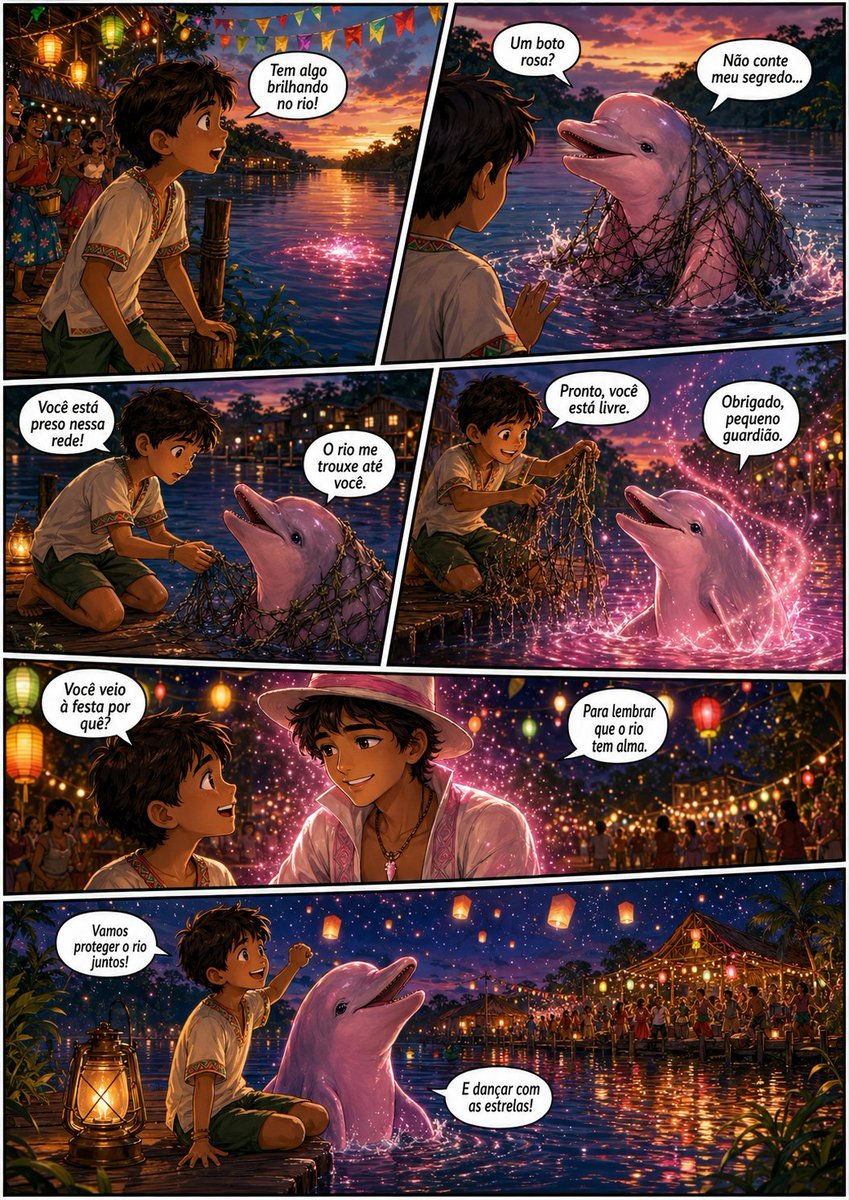
Pink Boto Festival Comic Page
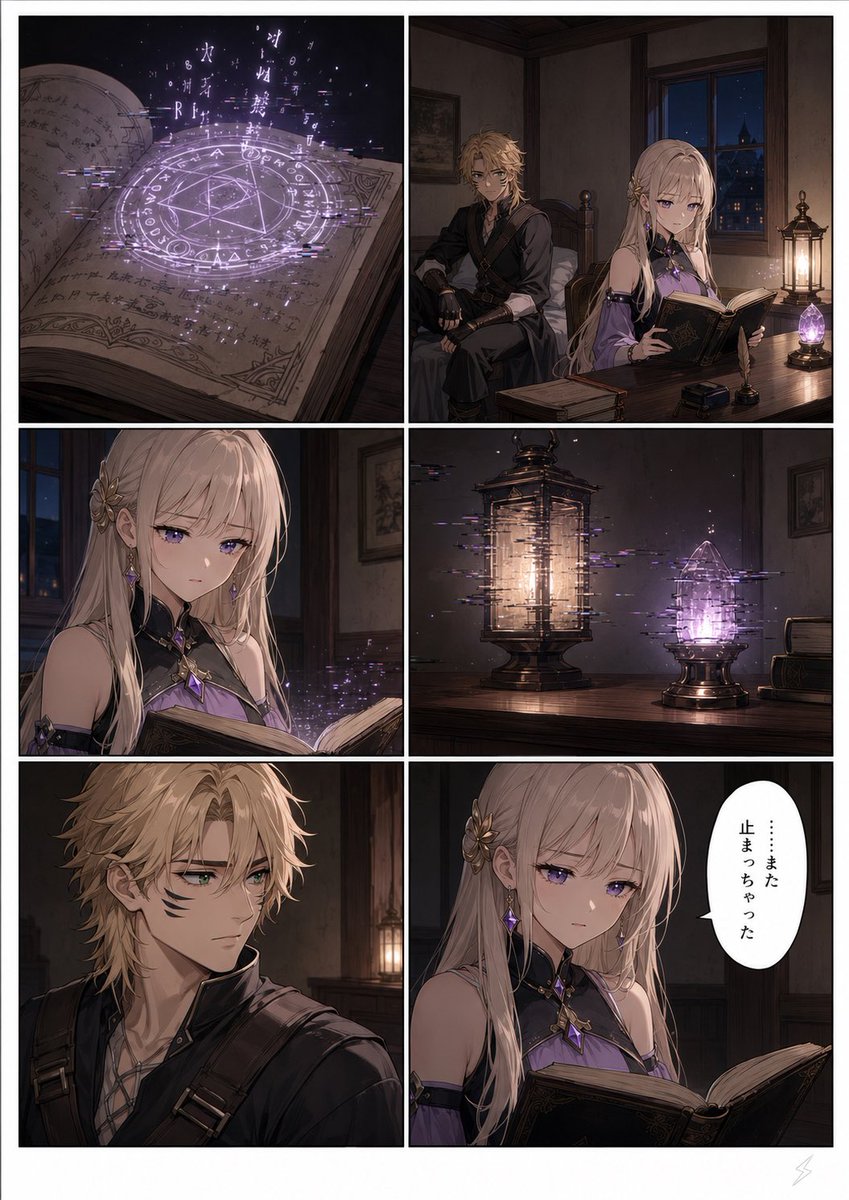
Six-Panel Fantasy Magic Comic Page

Gpt2 E Commerce Main Image 9 Panel Product Tvc Storyboard

Adventurer and Tamed Slime Journey

Quiet Hamster Manga Page
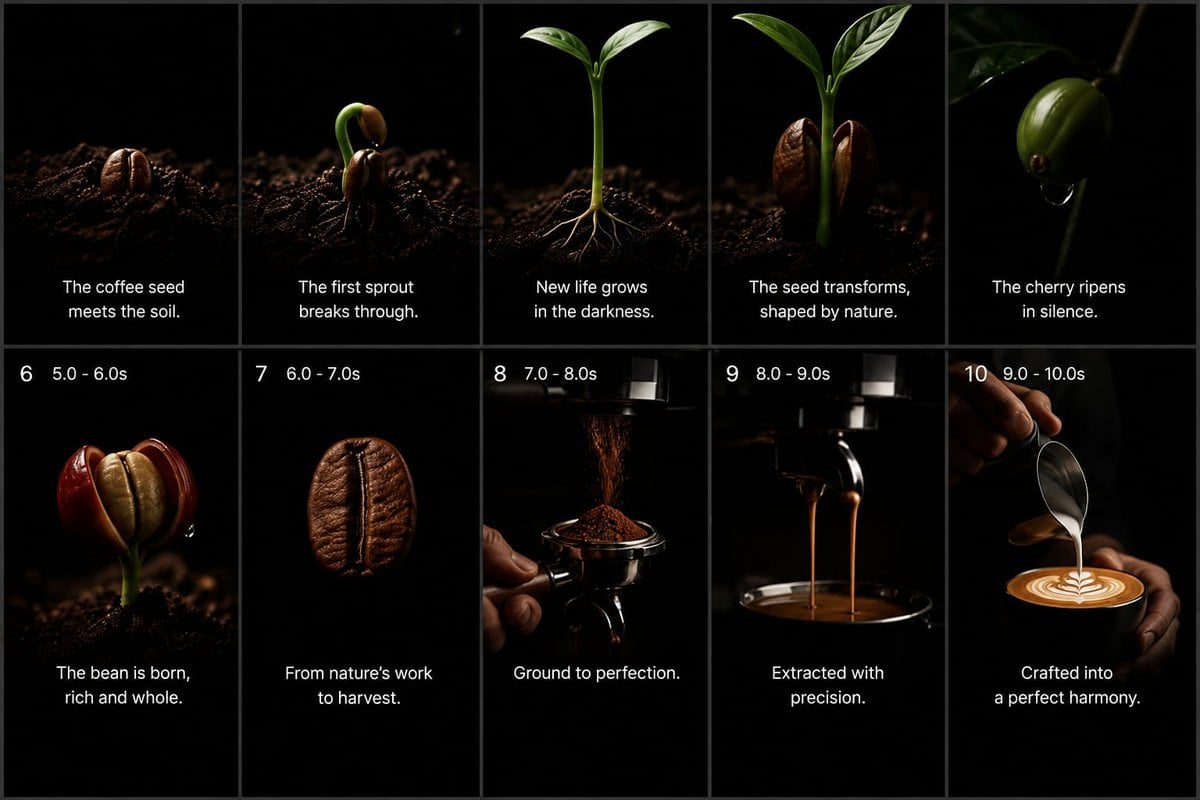
Cinematic Coffee Journey Storyboard

Cinematic portrait of showing his/her journey, with bold text
Make it yours
Milly Ceramic Journey Comic Page works as-is. These are the safest ways to change it without losing the look.
Change one field
Copy a single group, rewrite it, and generate again so you can see what that field is doing.
Keep the frame, change the subject
Hold the composition and light of Milly Ceramic Journey Comic Page, then swap wardrobe, props or the person for a new take.
| If the result… | Why | Fix |
|---|---|---|
| The result drifts from the preview | Too many fields changed at once. | Reuse Milly Ceramic Journey Comic Page as-is first, then change one group — subject, light, or setting. |
| The model over-stylizes the scene | The prose prompt leaves finish and camera underspecified. | Add one camera or lighting sentence and stay on GPT Image 2. |
More GPT Image 2 templates
Other prompts made for GPT Image 2.

Six VTuber Japanese Logo Sheet

Realistic Portrait of Woman and Deer

The Vista Modular Condo Poster

AI Model Routing Comparison Infographic

2.5D Anime Art Board

Isometric Productivity Desk Scene

New York Double Exposure Poster

Four-Panel AI Landscape Comparison

Japanese Tatami Lifestyle Magazine Cover

NESCAFÉ Coffee Map Poster
More image prompts
Fresh picks from across the catalog.
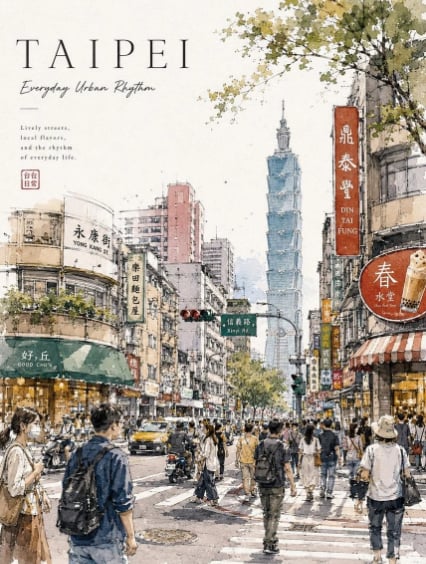
Taipei Watercolor Travel Poster

Minimalist Symbolic Illustration in Handala Style

Futuristic Google Search Poster

Ultra-Photoreal Candid Street Romance Film Still
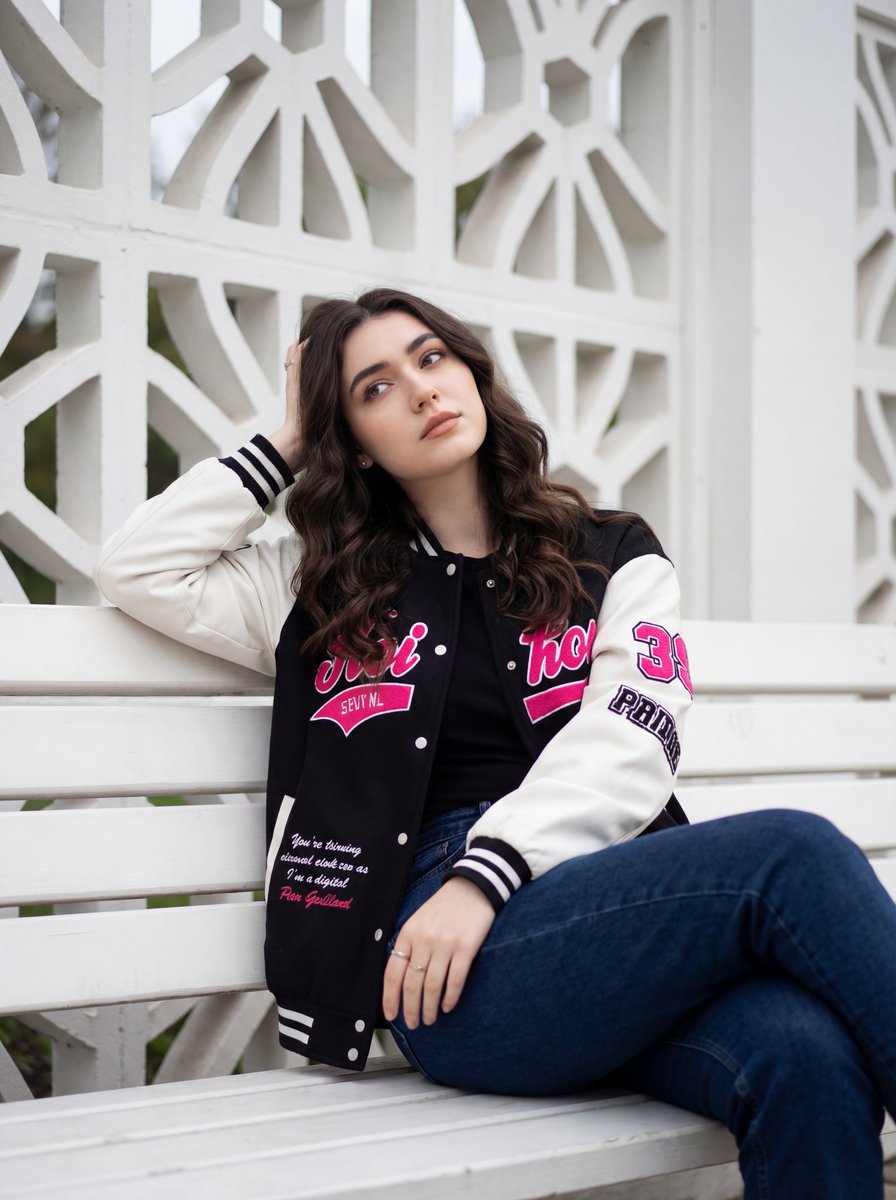
Candid Urban Portrait with Identity Preservation

Style Transfer for Medical Term Infographic

Stylized 3D Clay Character Generation
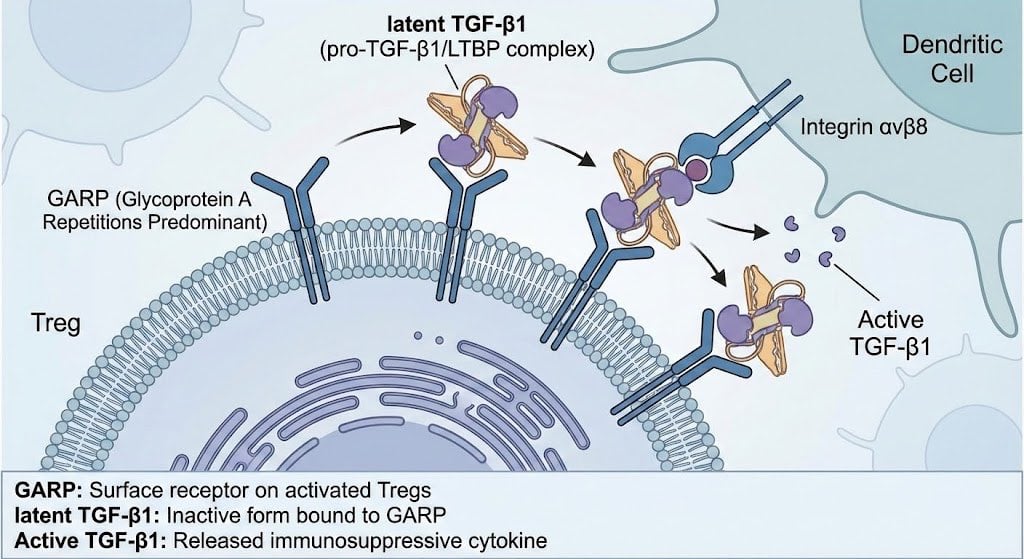
GARP biology for Tregs illustration
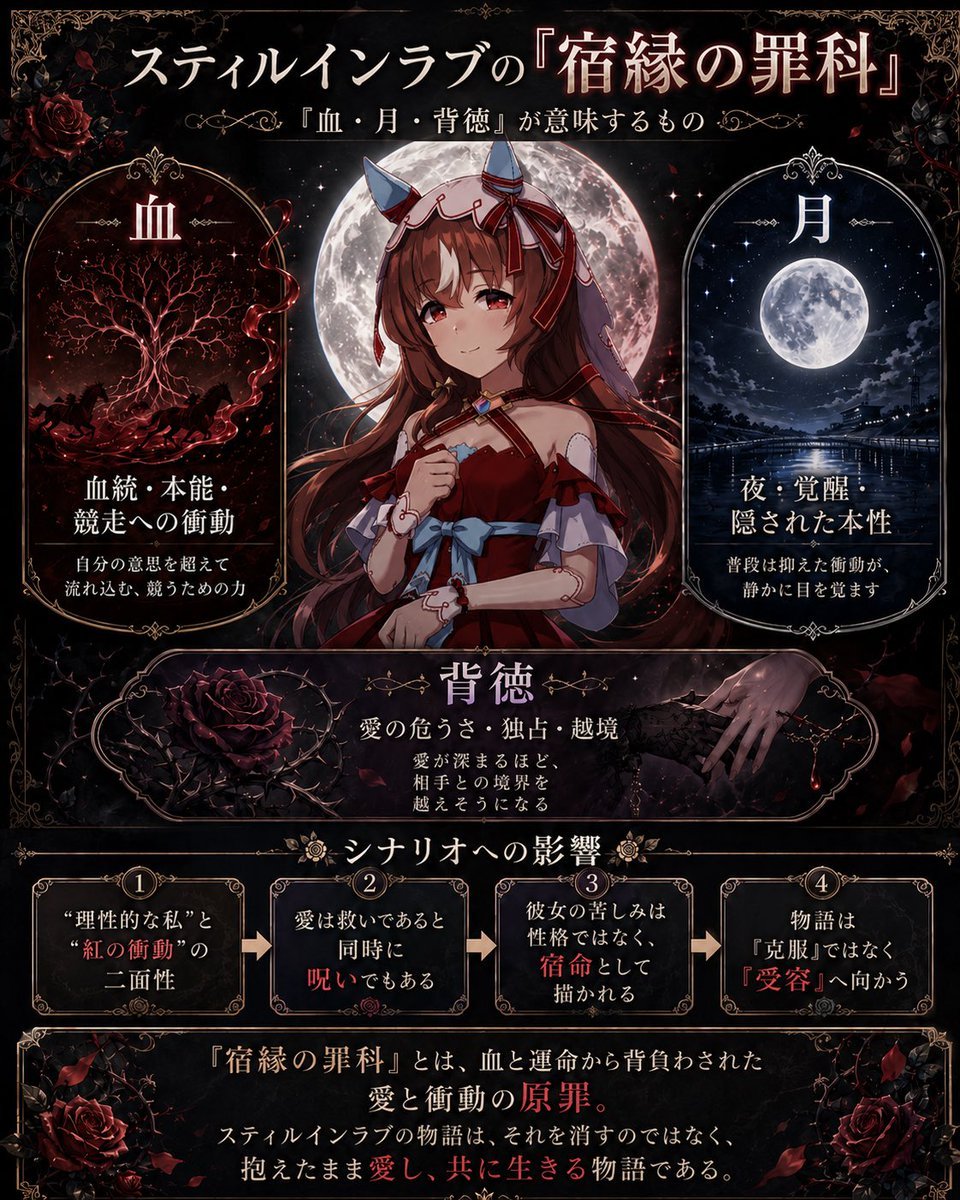
Gothic Anime Concept Infographic
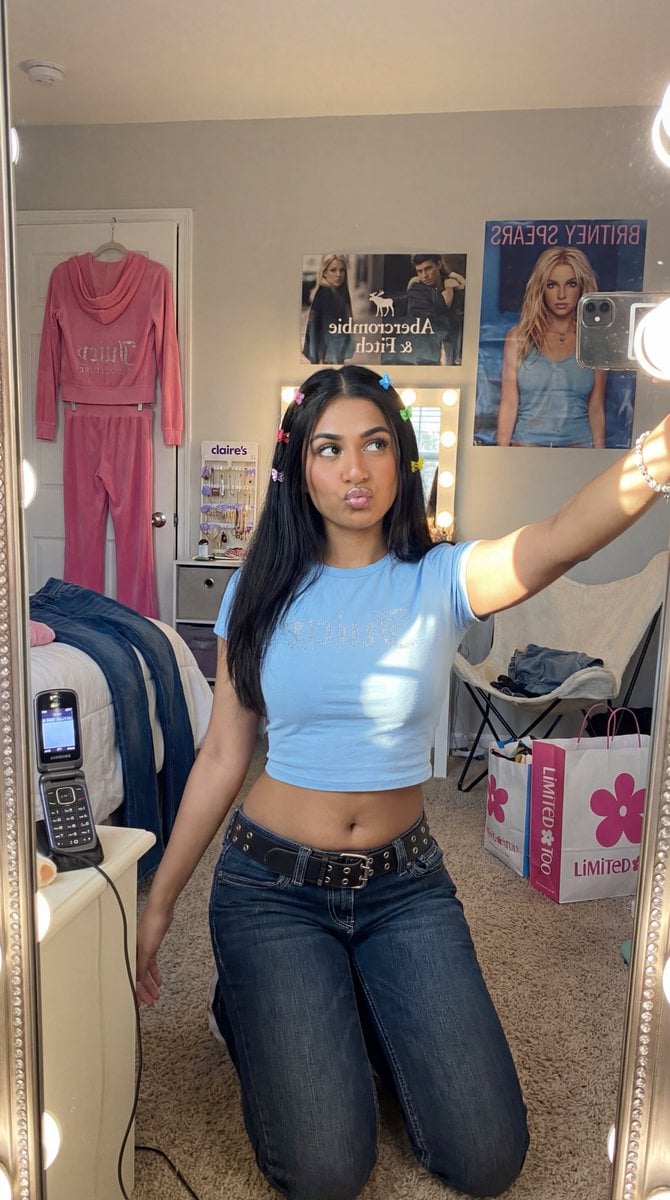
Y2K Diva Mirror Selfie in Mall-Themed Bedroom
Browse template categories
Milly Ceramic Journey Comic Page questions
How do I use the Milly Ceramic Journey Comic Page template?
Add your photo if the template asks for one, edit the prompt if you like — the template's model and format are already selected — and press Generate. Your version opens in PicX Studio.
Can I customize the Milly Ceramic Journey Comic Page template?
Yes. You can change the subject, setting, lighting, mood, format, and available model controls before creating your image.
Is the Milly Ceramic Journey Comic Page template free?
Opening and editing this template is free. Generating uses credits, shown on the Generate button when you are signed in.
Which AI model should I use?
Start with GPT Image 2, which is the model associated with this template. You can compare another compatible model for a different finish.
Looking for something else? Browse all templates.

Your photo, any look
Thousands of ready templates for every top image and video model, from one credit balance.