
BIWA Fashion Character Sheet
A wide editorial character sheet for a minimalist dark-fashion wanderer, useful for concept art, animation, game design, or AI video character development.
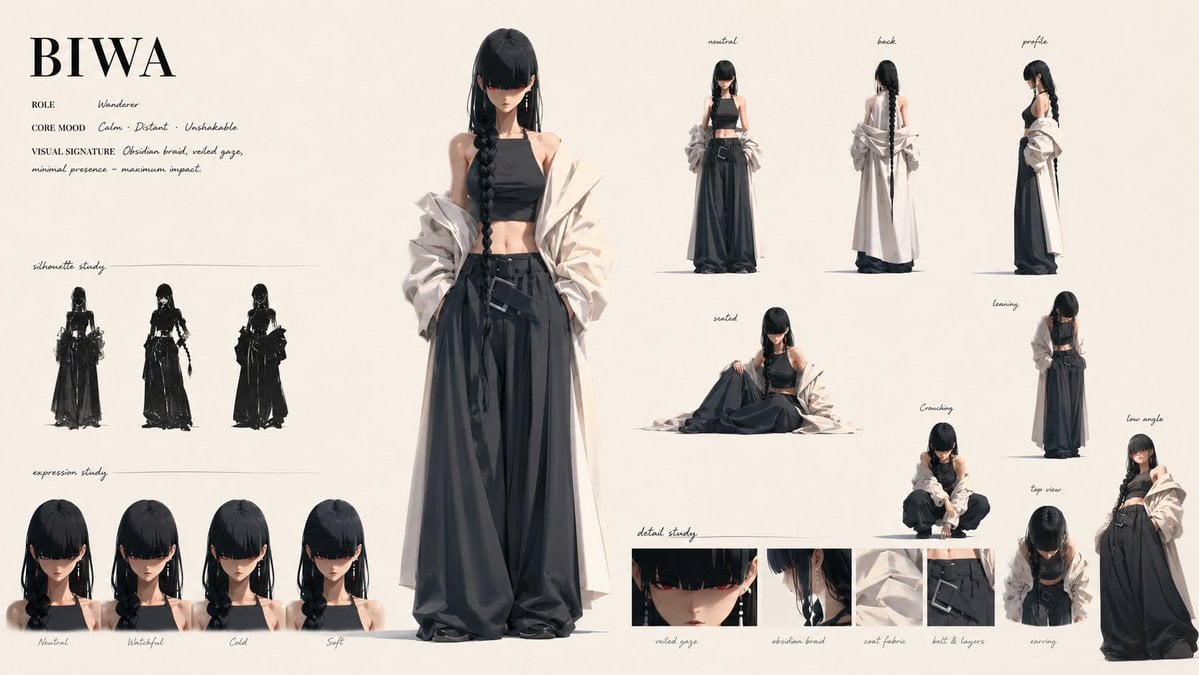
- Prompt included
- Model and format preset
- Premium template
The prompt behind this image
Copy the exact prompt behind BIWA Fashion Character Sheet, or open it in the studio and make it yours.
Goal: Create a polished fashion character sheet for {argument name="character name" default="BIWA"}, a quiet wandering anime-inspired female character with a restrained high-fashion silhouette. Canvas: Wide horizontal character design sheet, 16:9 aspect ratio, warm off-white paper background, clean editorial spacing, thin hand-drawn divider lines, elegant black serif title typography and small handwritten annotation labels. Character concept: A slim young woman with very pale skin, long straight {argument name="hair color" default="black"} hair, heavy bangs covering the eyes, and one very long thick side braid falling over the front of her body. Her visible expression is calm, distant, and unreadable. She wears a black cropped halter top, very wide black layered hakama-like trousers with belts and dangling straps, soft black shoes hidden under the fabric, long earrings, and an oversized off-white crumpled outer coat worn off the shoulders with sculptural sleeves. Overall mood: {argument name="core mood" default="calm, distant, unshakable"}. Visual signature: obsidian braid, veiled gaze, minimal presence, maximum impact. Layout: Place one large full-body hero figure slightly left of center, facing forward, occupying most of the height. In the upper left, show the character name in large serif letters, with three small metadata lines: Role: Wanderer; Core Mood: calm, distant, unshakable; Visual Signature: obsidian braid, veiled gaze, minimal presence, maximum impact. Around the hero figure, arrange multiple smaller studies and poses like a professional character sheet. Required visible elements and exact counts: Include 1 large central full-body hero pose. Include 3 black silhouette studies on the left labeled silhouette study, showing front, alternate front, and side/back massing. Include 4 bust expression studies along the lower left labeled expression study, with captions: Neutral, Watchful, Cold, Soft. Include 4 full-body turnaround views across the upper right labeled: neutral, back, profile, plus one additional front-facing standing view if needed to complete the turnaround row. Include 5 pose studies on the right and middle-right: seated, leaning, crouching, top view, and low angle. Include 5 detail-study panels along the bottom center/right labeled: veiled gaze, obsidian braid, coat fabric, belt and layers, earrings. Style: High-end 2D/3D hybrid concept art, soft cinematic lighting, delicate painterly rendering, realistic fabric folds, subtle shadows under each figure, monochrome black-and-cream wardrobe, refined Japanese street-fashion and dark fantasy influence. Keep the linework clean and the sheet uncluttered, with small handwritten labels in black ink. Constraints: Use only the character sheet content described above, no extra characters, no props beyond clothing and accessories, no watermark, no logo, no decorative border. Make all labels legible and in English. Preserve the quiet minimalist mood and emphasize the contrast between black clothing, pale skin, and the off-white oversized coat.
How to use BIWA Fashion Character Sheet in 3 steps
- 1Upload ImagePNG, JPG or paste
Add your photo
Upload the photo the template builds on. The prompt, model and format are already set.
- 2…a portrait of your subject in softgolden-hour light, 85mm…
Personalize
Edit the subject and creative details for your destination.
- 3Generate
Generate
Press Generate — your image is created in PicX Studio, so you can compare it with the original and refine one variable at a time.
More like this
Templates with the same subject, style or setup. Open one to see its prompt.
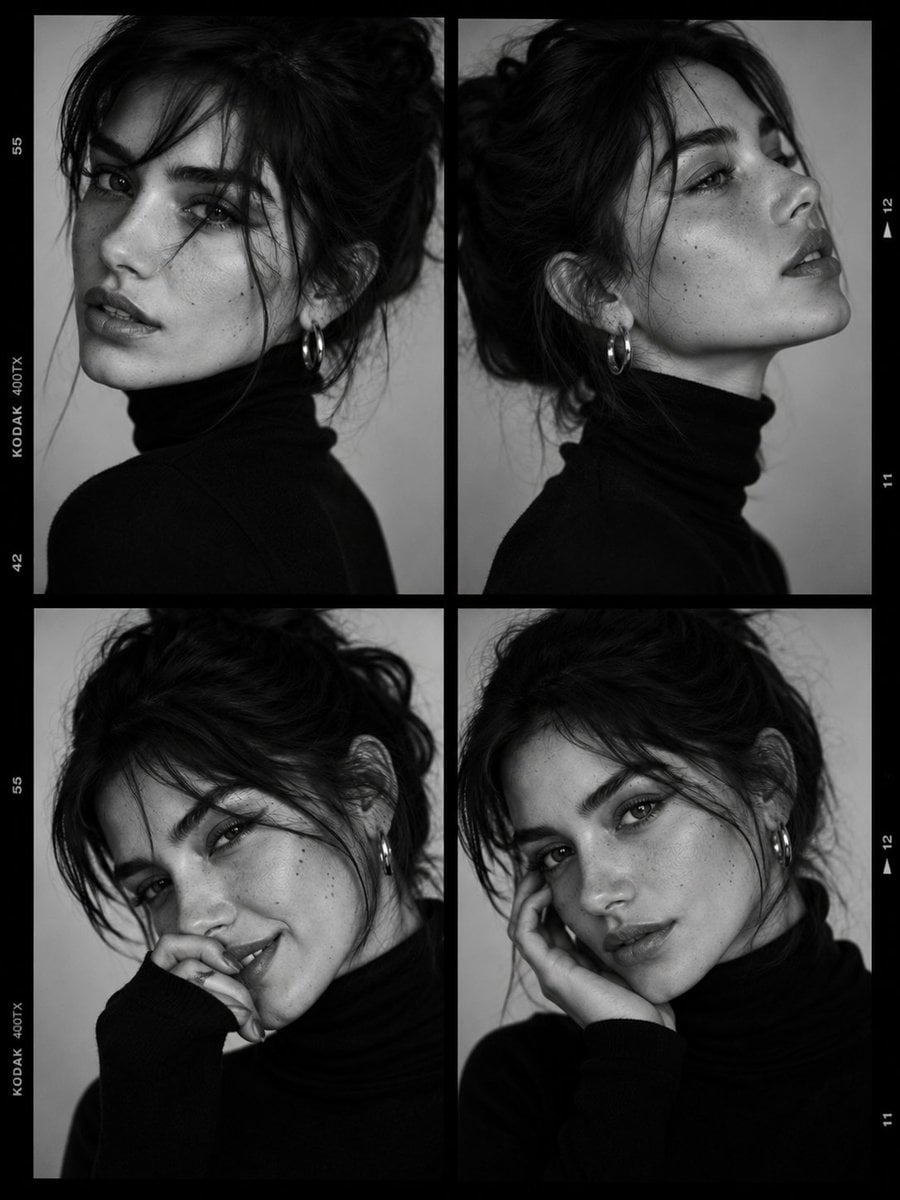
Luxury Black-and-White Fashion Contact Sheet

80s College Gate

1988 Mall Style

80s Polka Dot Saree

Polo Ralph Lauren Luxury American Heritage Fashion Campaign
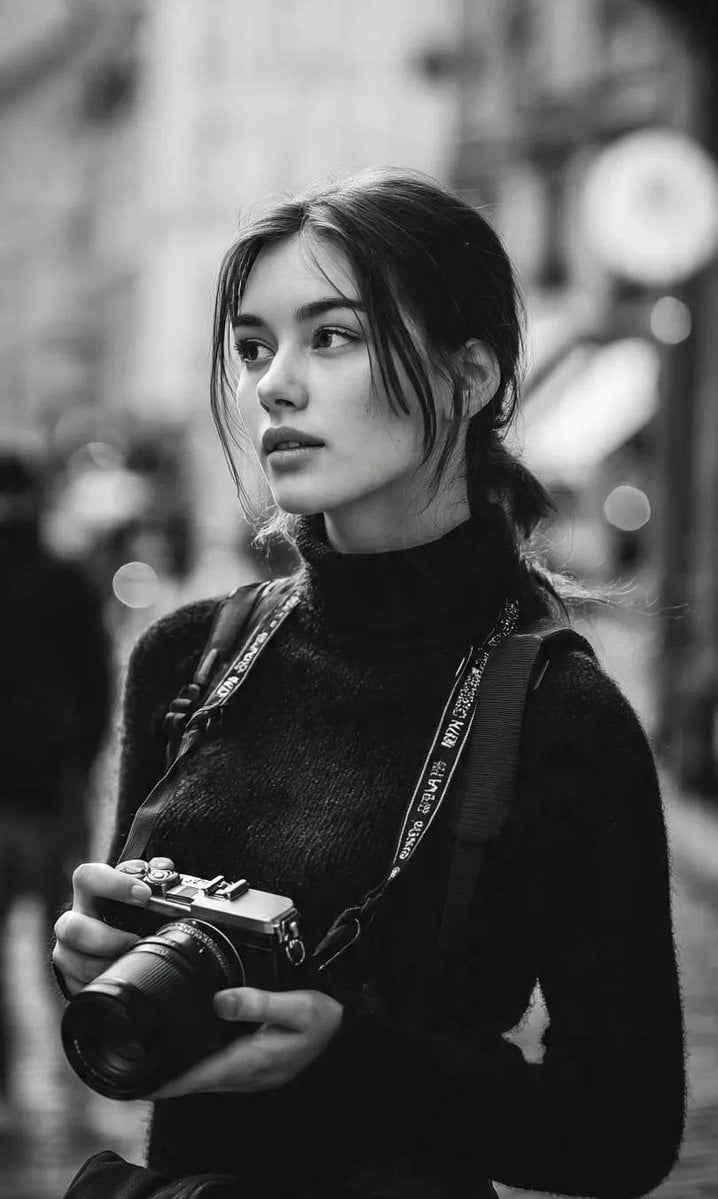
Cinematic Street Fashion Photographer Portrait
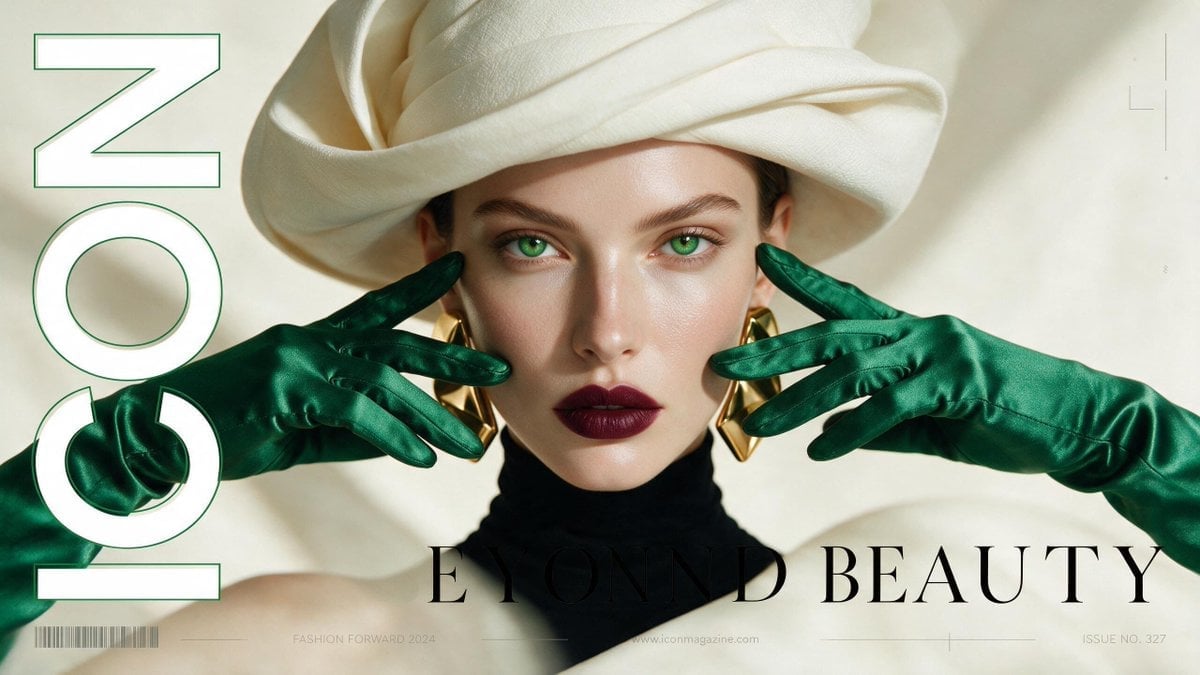
High-Fashion Editorial Magazine Cover ICON
Fine Art Monochrome Fashion Portrait
Korean Streetwear Minimalist Campaign Portrait
Cinematic Korean Streetwear Street Portrait
Korean Model Floating Magazine Pages Campaign

Blue Backdrop Luxury Fashion Portrait Campaign
Make it yours
BIWA Fashion Character Sheet works as-is. These are the safest ways to change it without losing the look.
Change one field
Copy a single group, rewrite it, and generate again so you can see what that field is doing.
Keep the frame, change the subject
Hold the composition and light of BIWA Fashion Character Sheet, then swap wardrobe, props or the person for a new take.
| If the result… | Why | Fix |
|---|---|---|
| The result drifts from the preview | Too many fields changed at once. | Reuse BIWA Fashion Character Sheet as-is first, then change one group — subject, light, or setting. |
| The model over-stylizes the scene | The prose prompt leaves finish and camera underspecified. | Add one camera or lighting sentence and stay on GPT Image 2. |
More GPT Image 2 templates
Other prompts made for GPT Image 2.

Six VTuber Japanese Logo Sheet

Realistic Portrait of Woman and Deer

The Vista Modular Condo Poster

AI Model Routing Comparison Infographic

2.5D Anime Art Board

Isometric Productivity Desk Scene

New York Double Exposure Poster

Four-Panel AI Landscape Comparison

Japanese Tatami Lifestyle Magazine Cover

NESCAFÉ Coffee Map Poster
More image prompts
Fresh picks from across the catalog.
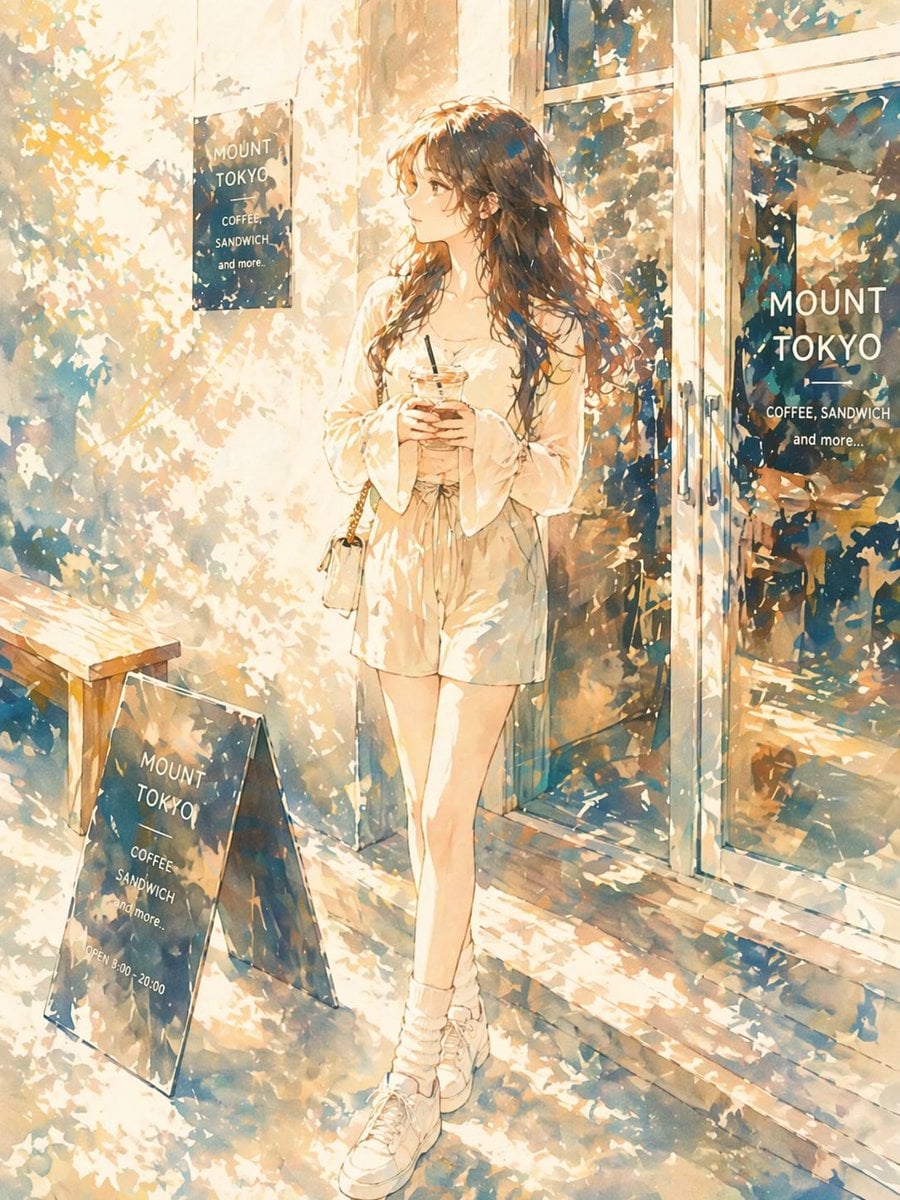
Sunlit Anime Girl Outside Cafe
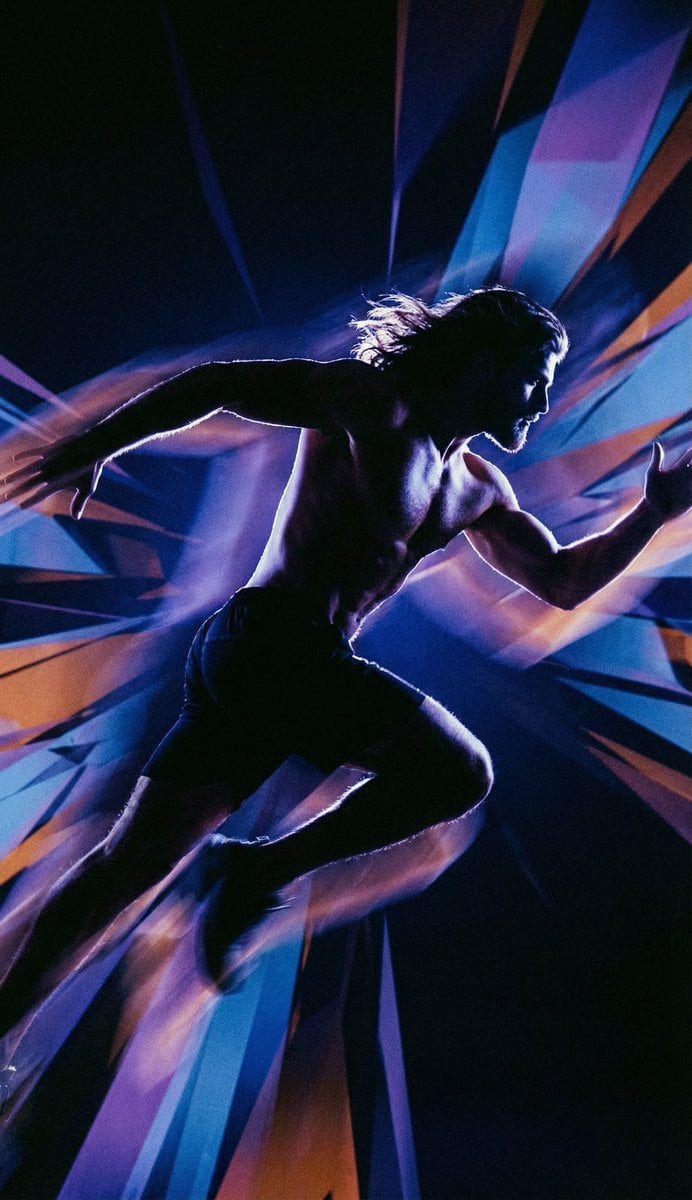
Inspired Prompt from LudovicCreator
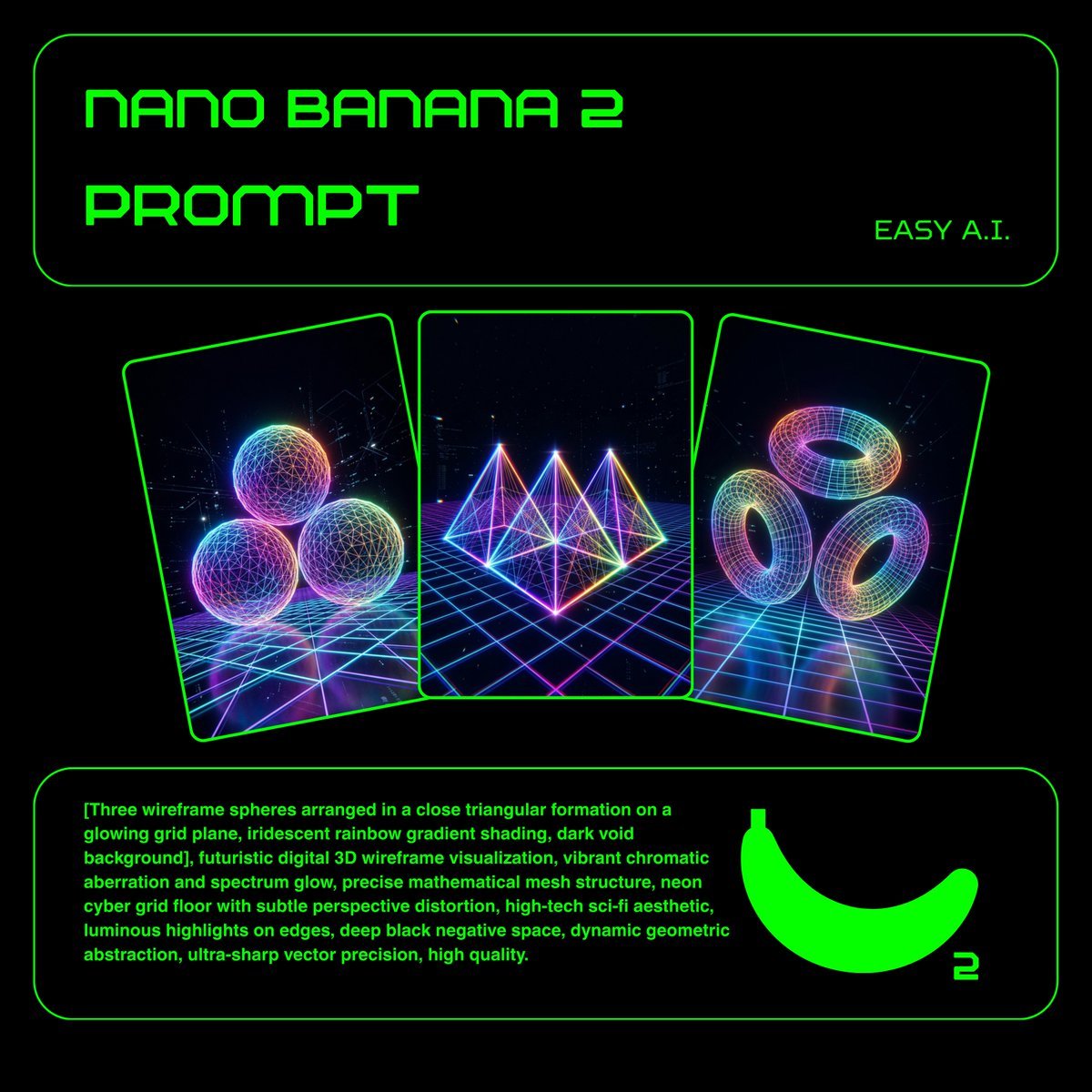
Neon Wireframe 3D Prompt Template
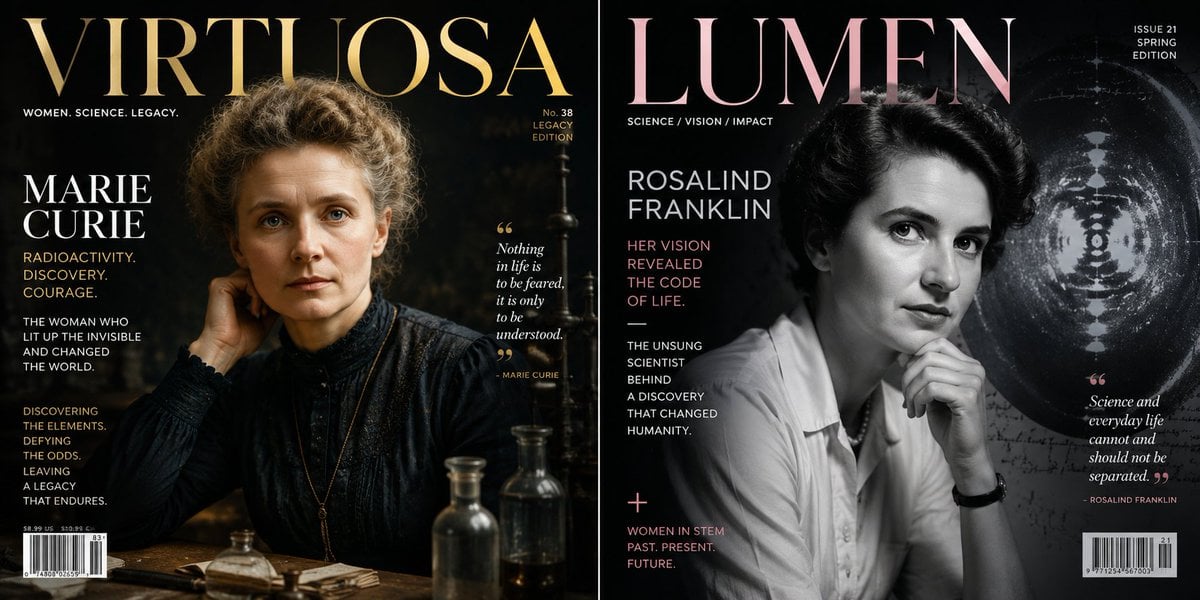
Historical Figure Magazine Cover Generator
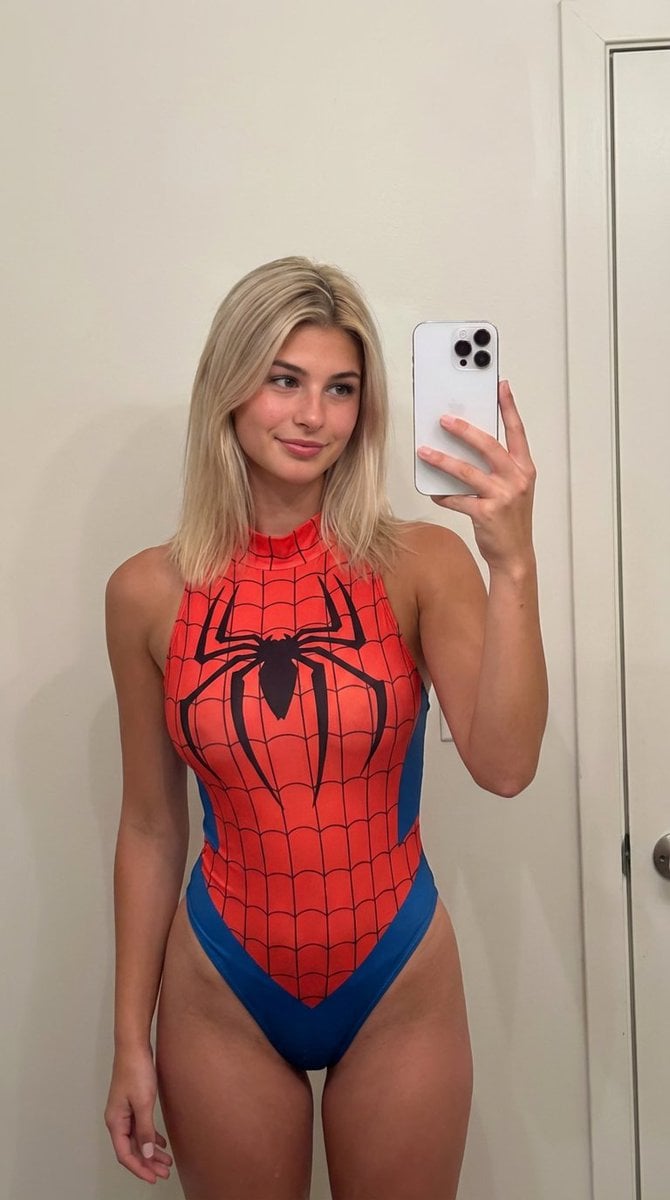
AI Girlfriend Prompt for Nano Banana Pro
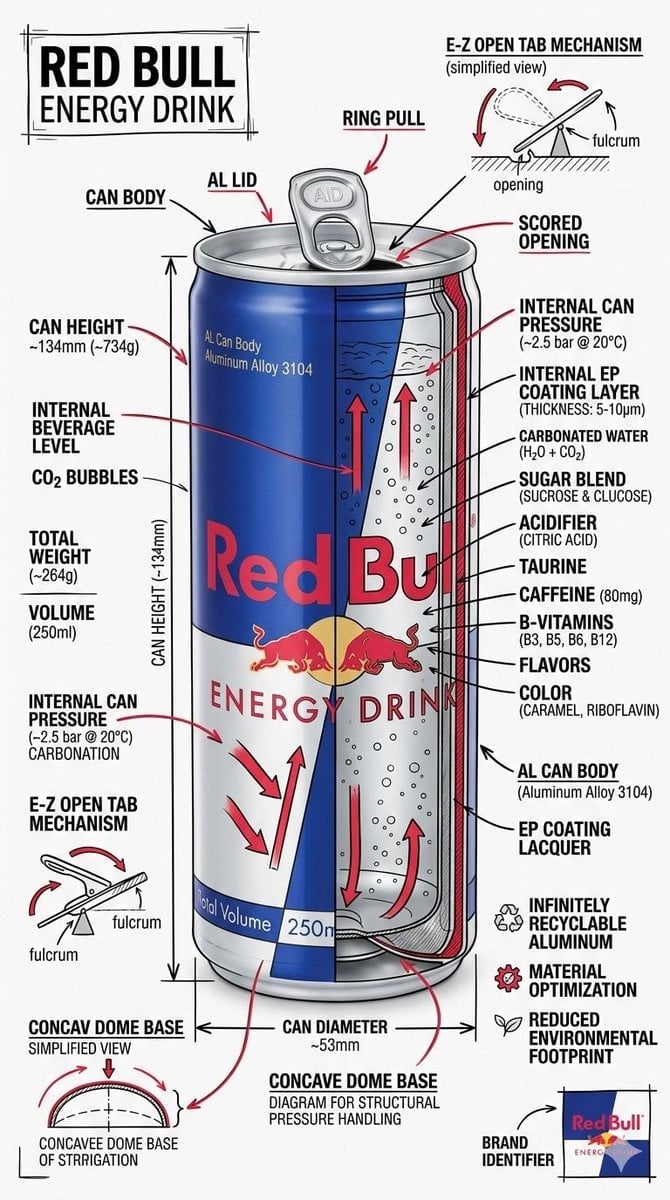
Technical Infographic Schematic for a Product/Beverage
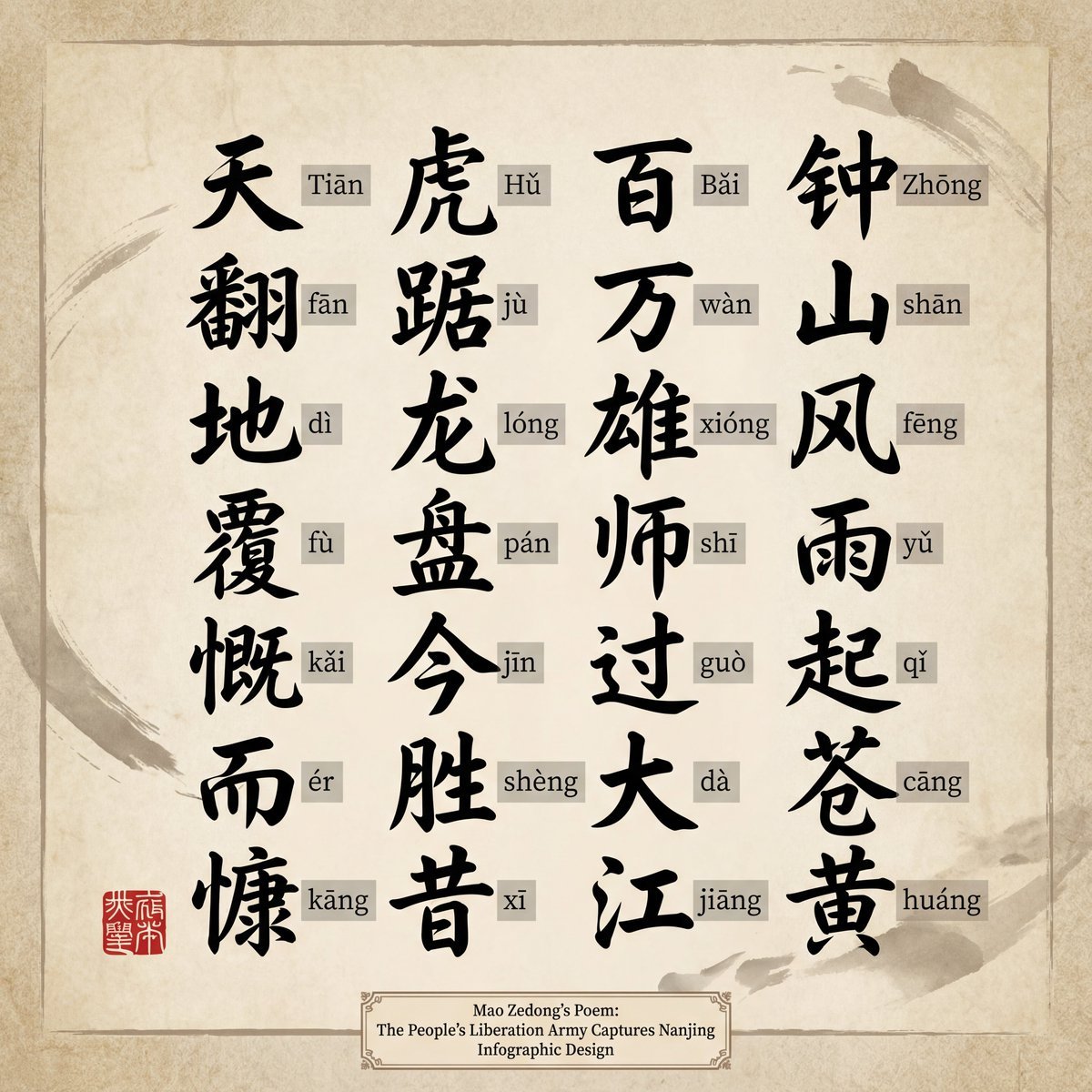
Upscaling to 4K Prompt for Clear Chinese Text
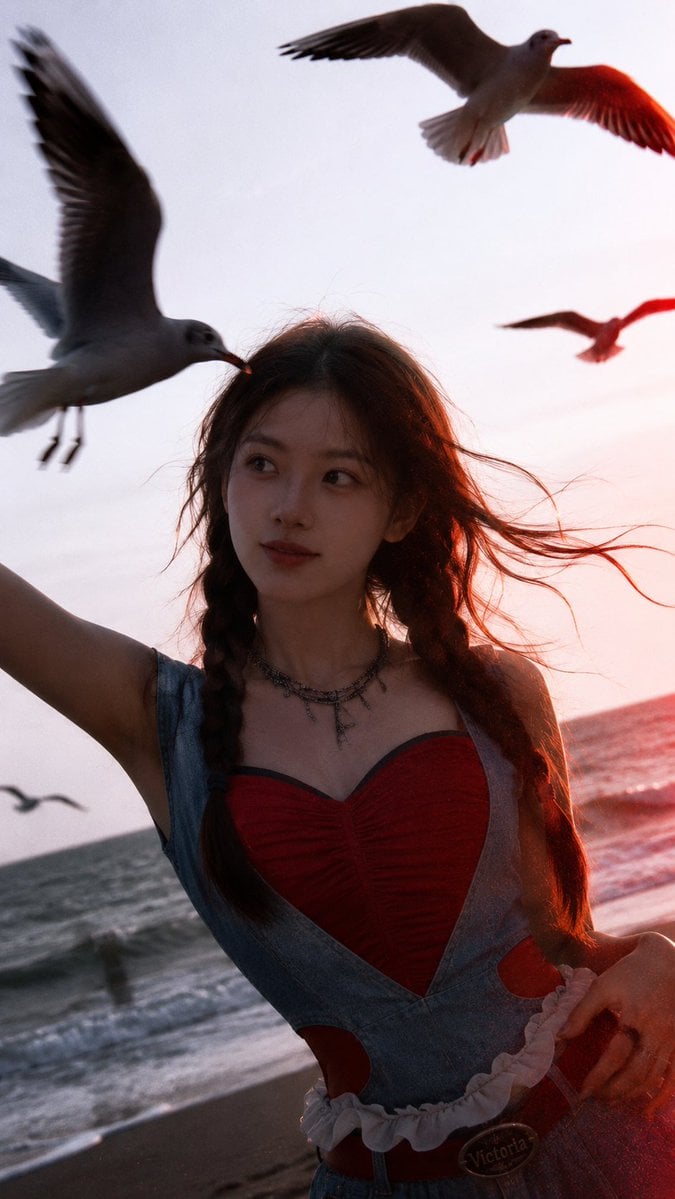
Cinematic Seaside Sunset Portrait
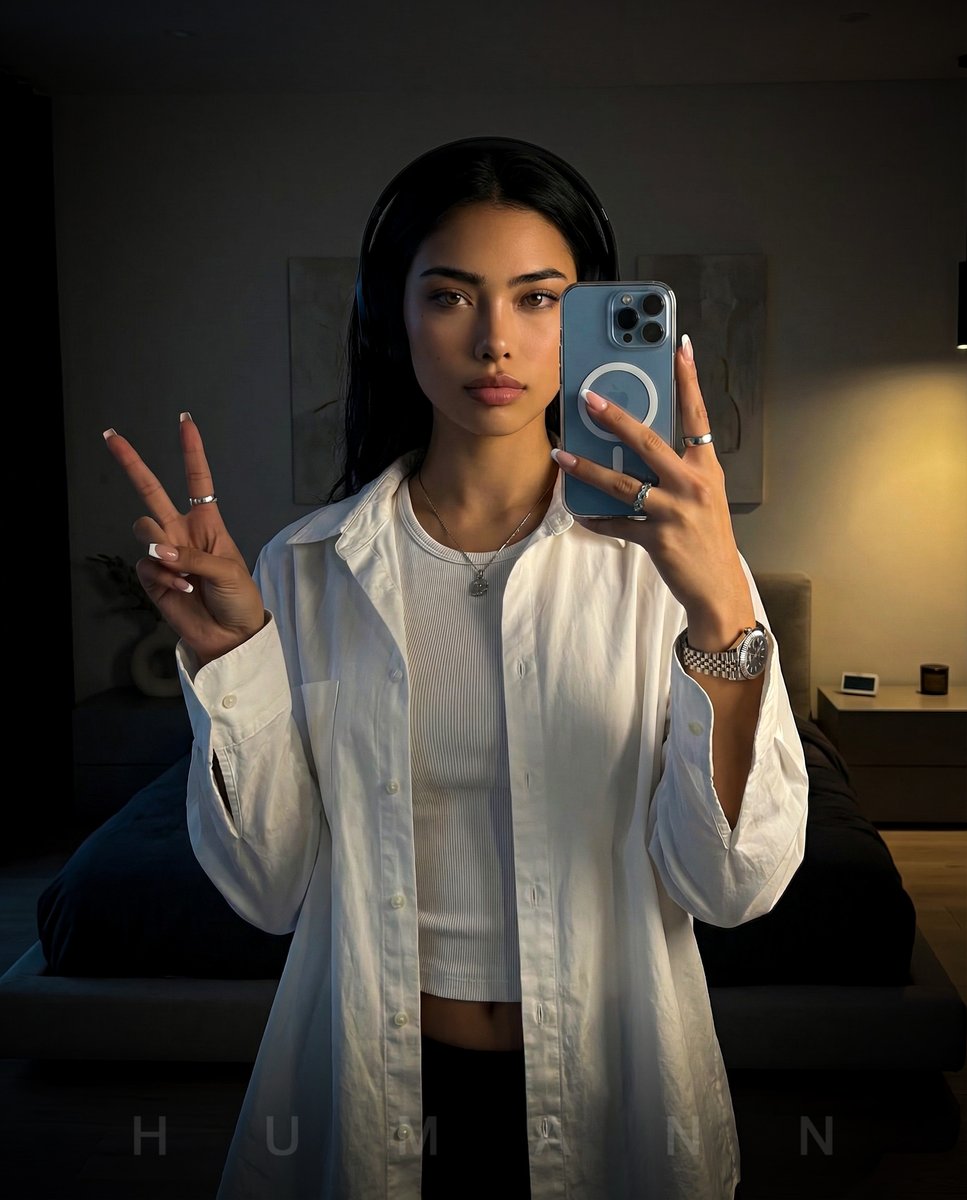
Nano Banana - Peace Sign Bedroom Selfie
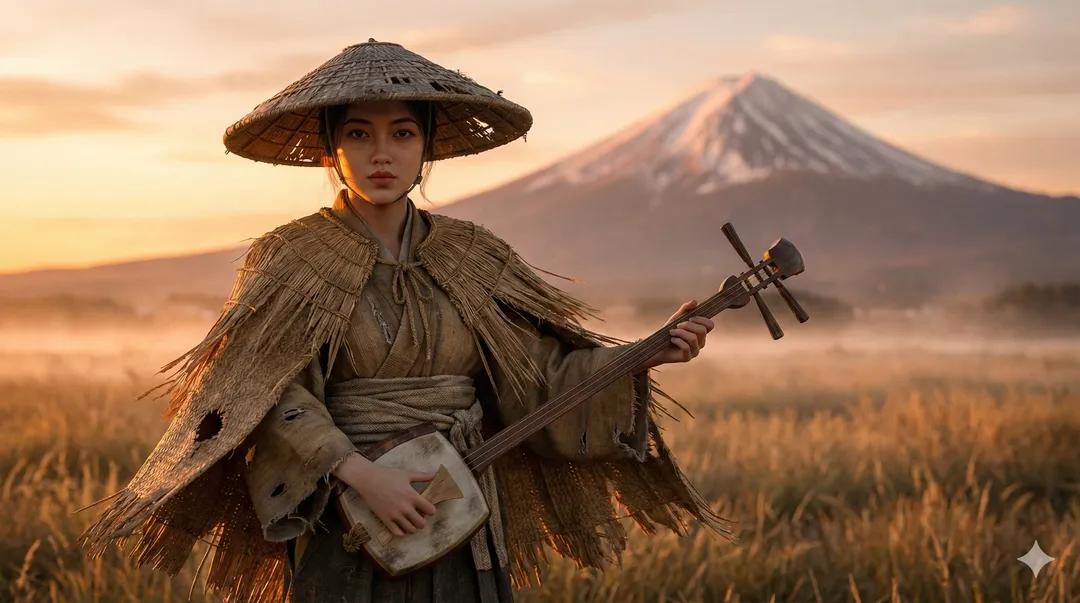
Ultra-Realistic Ronin Musician Portrait at Sunset
Browse template categories
BIWA Fashion Character Sheet questions
How do I use the BIWA Fashion Character Sheet template?
Add your photo if the template asks for one, edit the prompt if you like — the template's model and format are already selected — and press Generate. Your version opens in PicX Studio.
Can I customize the BIWA Fashion Character Sheet template?
Yes. You can change the subject, setting, lighting, mood, format, and available model controls before creating your image.
Is the BIWA Fashion Character Sheet template free?
Opening and editing this template is free. Generating uses credits, shown on the Generate button when you are signed in.
Which AI model should I use?
Start with GPT Image 2, which is the model associated with this template. You can compare another compatible model for a different finish.
Looking for something else? Browse all templates.

Your photo, any look
Thousands of ready templates for every top image and video model, from one credit balance.