
Photo to Anime Sketch Comparison Grid
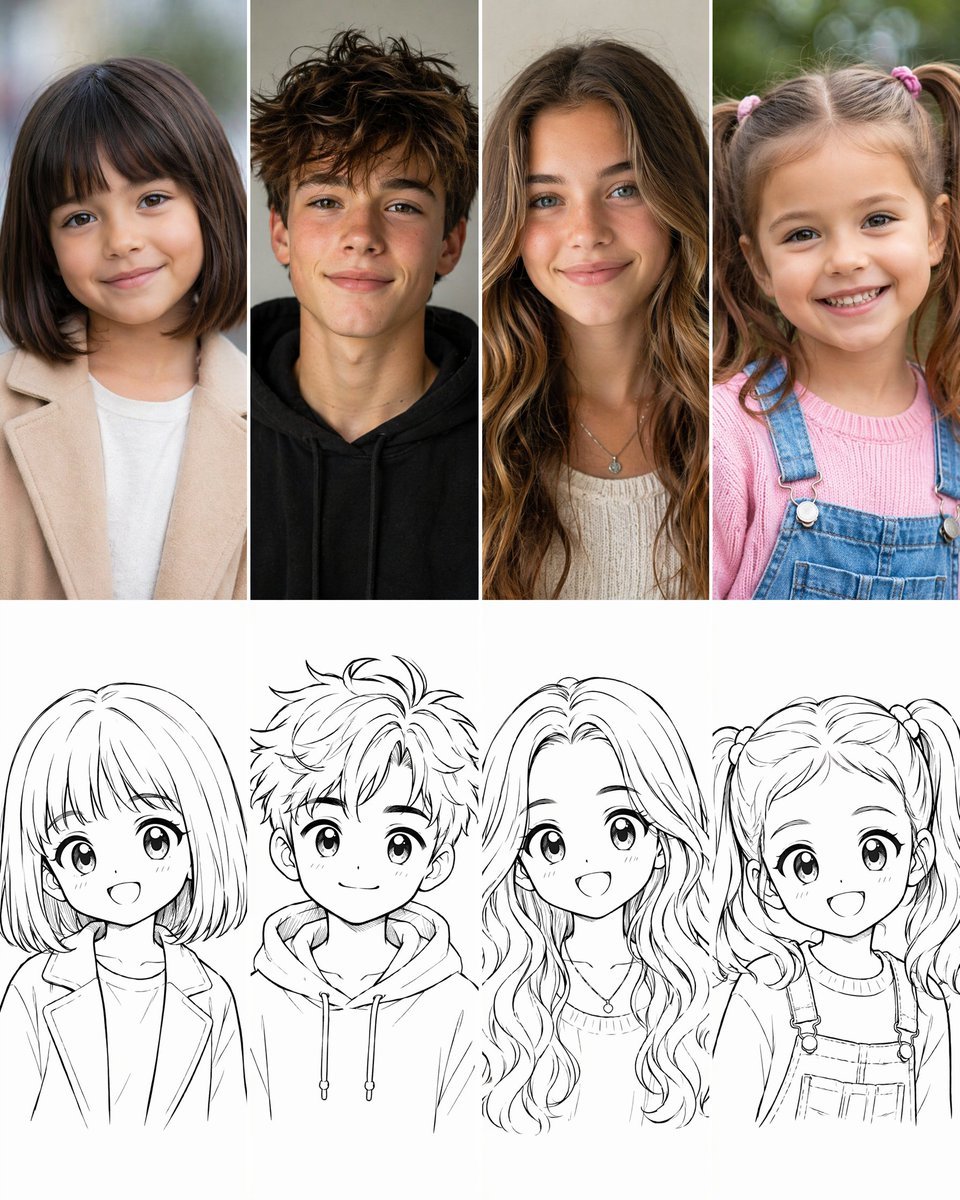
Creates a 2x4 visual comparison grid pairing realistic child and teen portraits with matching cute anime line-art sketches.
- Prompt included
- Model and format preset
- Premium template
The prompt behind this image
Copy the exact prompt behind Photo to Anime Sketch Comparison Grid, or open it in the studio and make it yours.
Goal: Create a 2-row by 4-column comparison grid showing a transformation from realistic child and teen portrait photos into cute 2D anime-style sketch drawings. Canvas: Square vertical-ish social media image, clean white background, 4 equal columns separated by thin white gutters. The top row is full-color realistic photography; the bottom row is black-and-white line art. Each column pairs one person above with their matching cartoon sketch below. Layout: Use exactly 8 panels total: 4 realistic portraits in the top row and 4 corresponding manga sketches in the bottom row. Crop all subjects as front-facing bust portraits, centered in each column. Keep the top row photographic and softly lit; keep the bottom row as clean black ink line art on white with no color fill. Top row subjects, left to right: 1) a young girl with a straight dark brown bob haircut and blunt bangs, gentle smile, beige coat over a white shirt, softly blurred outdoor background; 2) a teenage boy with messy tousled brown hair, subtle freckles, relaxed smile, black hoodie, neutral indoor background; 3) a teenage girl with long wavy light-brown hair, blue-green eyes, soft smile, cream knit top and small pendant necklace, warm neutral background; 4) a little girl with light brown pigtails tied with pink hair ties, bright toothy smile, pink sweater under denim overalls, green outdoor bokeh background. Bottom row sketches, left to right: 1) matching anime girl with bob haircut and bangs, large sparkling eyes, open cheerful smile, blazer-like coat and shirt; 2) matching anime teen boy with spiky messy hair, big eyes, small smile, hoodie with drawstrings; 3) matching anime teen girl with long flowing wavy hair, large eyes, open smile, knit neckline and pendant necklace; 4) matching anime little girl with twin pigtails, big round eyes, open happy smile, sweater and overall straps with buttons. Visual style: The photo row should look realistic, high-resolution, natural skin tones, shallow depth of field, soft daylight. The sketch row should look like polished Japanese manga/anime character line art, adorable proportions, oversized eyes, expressive faces, clean varied line weight, minimal shading, white negative space. Constraints: No captions, no logos, no watermark, no extra people, no additional panels. Preserve the exact 4-column pairing and make each sketch clearly reinterpret the person directly above it. Use {argument name="grid theme" default="realistic children and teenagers transformed into cute anime sketches"}, with a wholesome magical childhood feeling.
How to use Photo to Anime Sketch Comparison Grid in 3 steps
- 1Upload ImagePNG, JPG or paste
Add your photo
Upload the photo the template builds on. The prompt, model and format are already set.
- 2…a portrait of your subject in softgolden-hour light, 85mm…
Personalize
Edit the subject and creative details for your destination.
- 3Generate
Generate
Press Generate — your image is created in PicX Studio, so you can compare it with the original and refine one variable at a time.
More like this
Templates with the same subject, style or setup. Open one to see its prompt.










Make it yours
Photo to Anime Sketch Comparison Grid works as-is. These are the safest ways to change it without losing the look.
Change one field
Copy a single group, rewrite it, and generate again so you can see what that field is doing.
Keep the frame, change the subject
Hold the composition and light of Photo to Anime Sketch Comparison Grid, then swap wardrobe, props or the person for a new take.
| If the result… | Why | Fix |
|---|---|---|
| The result drifts from the preview | Too many fields changed at once. | Reuse Photo to Anime Sketch Comparison Grid as-is first, then change one group — subject, light, or setting. |
| The model over-stylizes the scene | The prose prompt leaves finish and camera underspecified. | Add one camera or lighting sentence and stay on GPT Image 2. |
More GPT Image 2 templates
Other prompts made for GPT Image 2.

Six VTuber Japanese Logo Sheet

Realistic Portrait of Woman and Deer

The Vista Modular Condo Poster

AI Model Routing Comparison Infographic

2.5D Anime Art Board

Isometric Productivity Desk Scene

New York Double Exposure Poster

Four-Panel AI Landscape Comparison

Japanese Tatami Lifestyle Magazine Cover

NESCAFÉ Coffee Map Poster
More image prompts
Fresh picks from across the catalog.
Introspective Cinematic Fine-Art Portrait
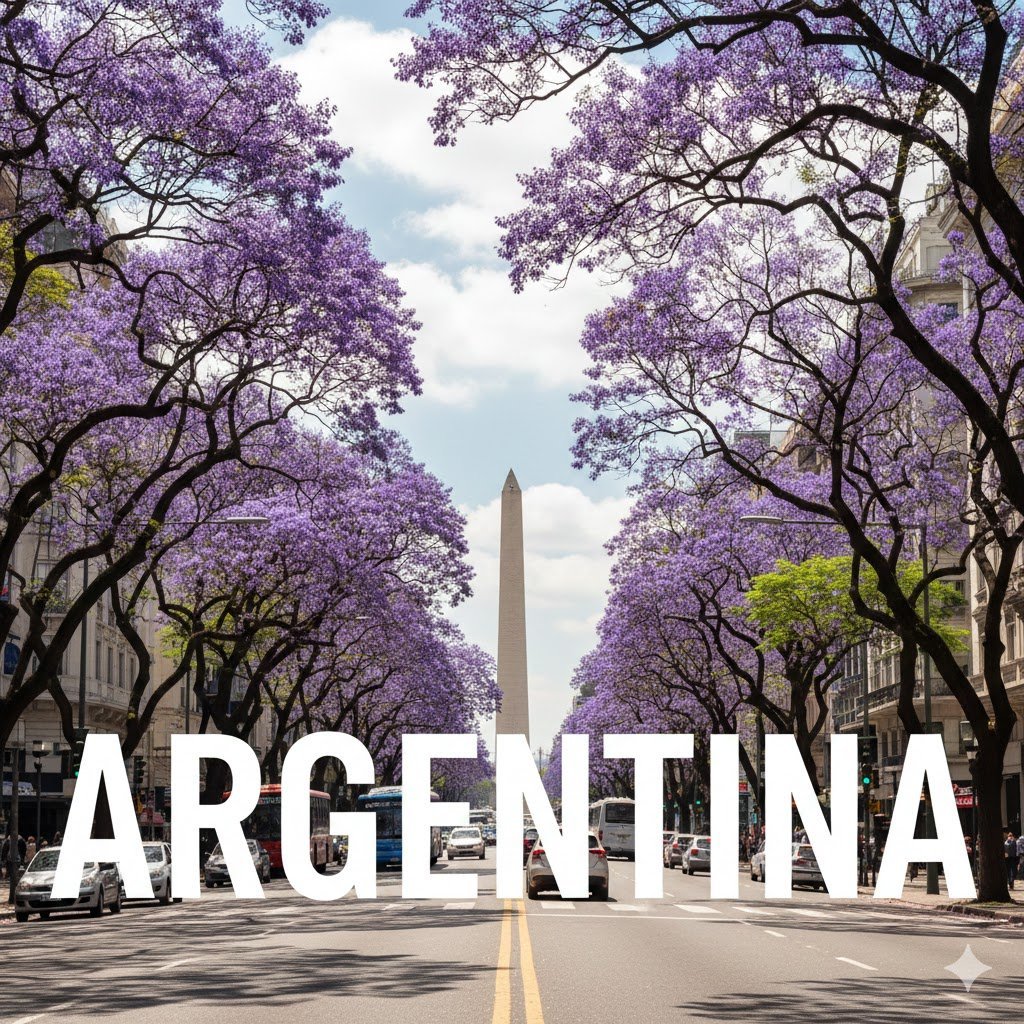
Buenos Aires avenue lettering scene
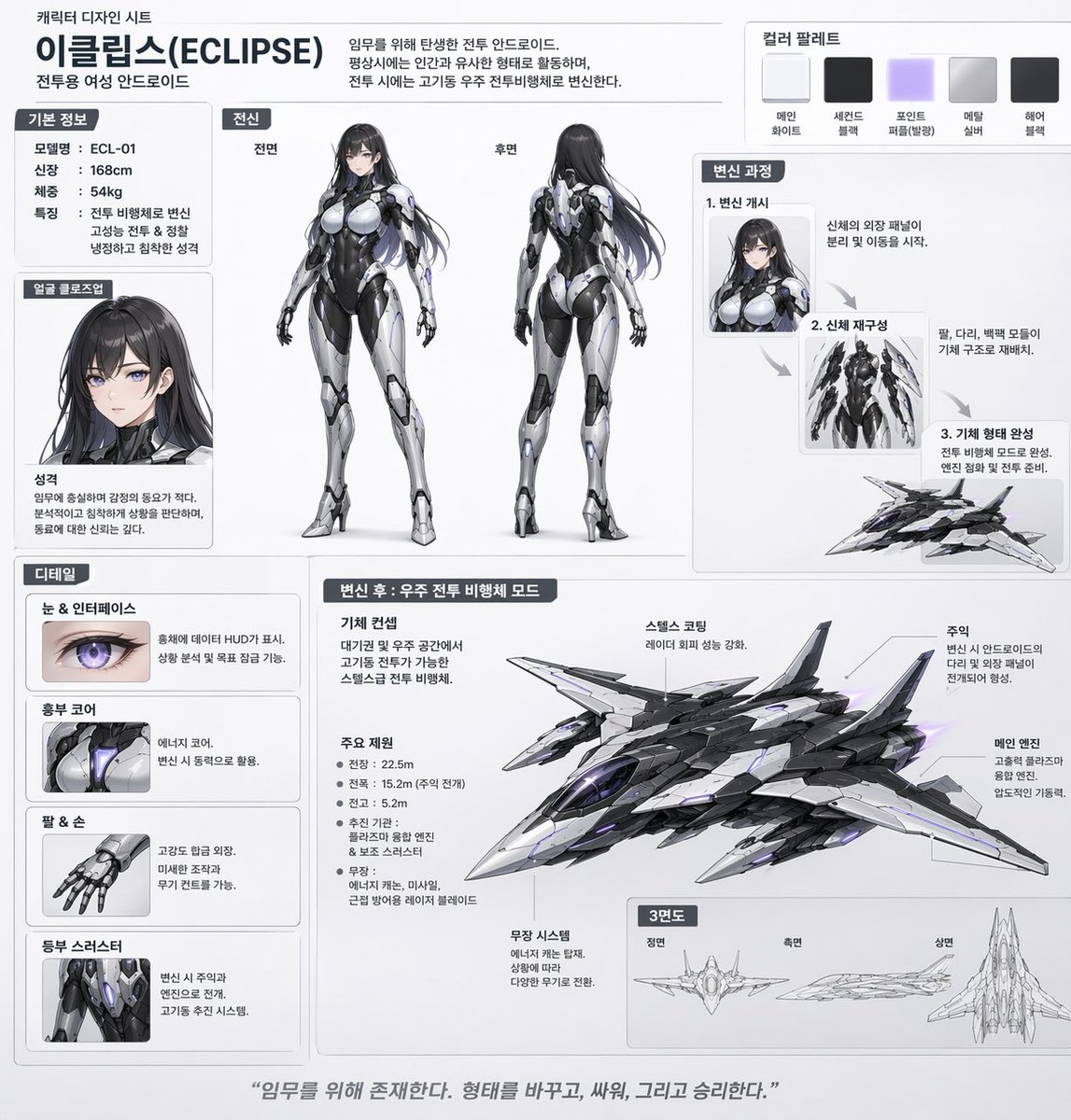
Mecha-Girl Character Design Sheet
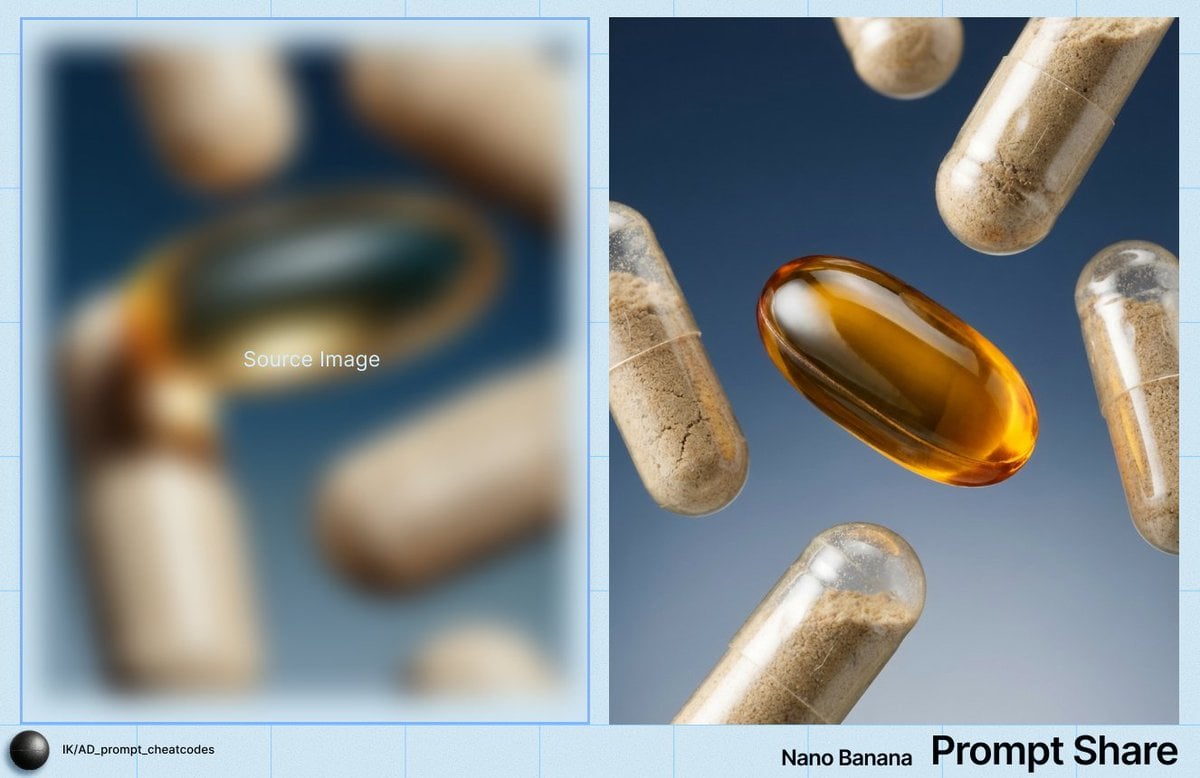
Macro Product Shot of Capsules and Softgel
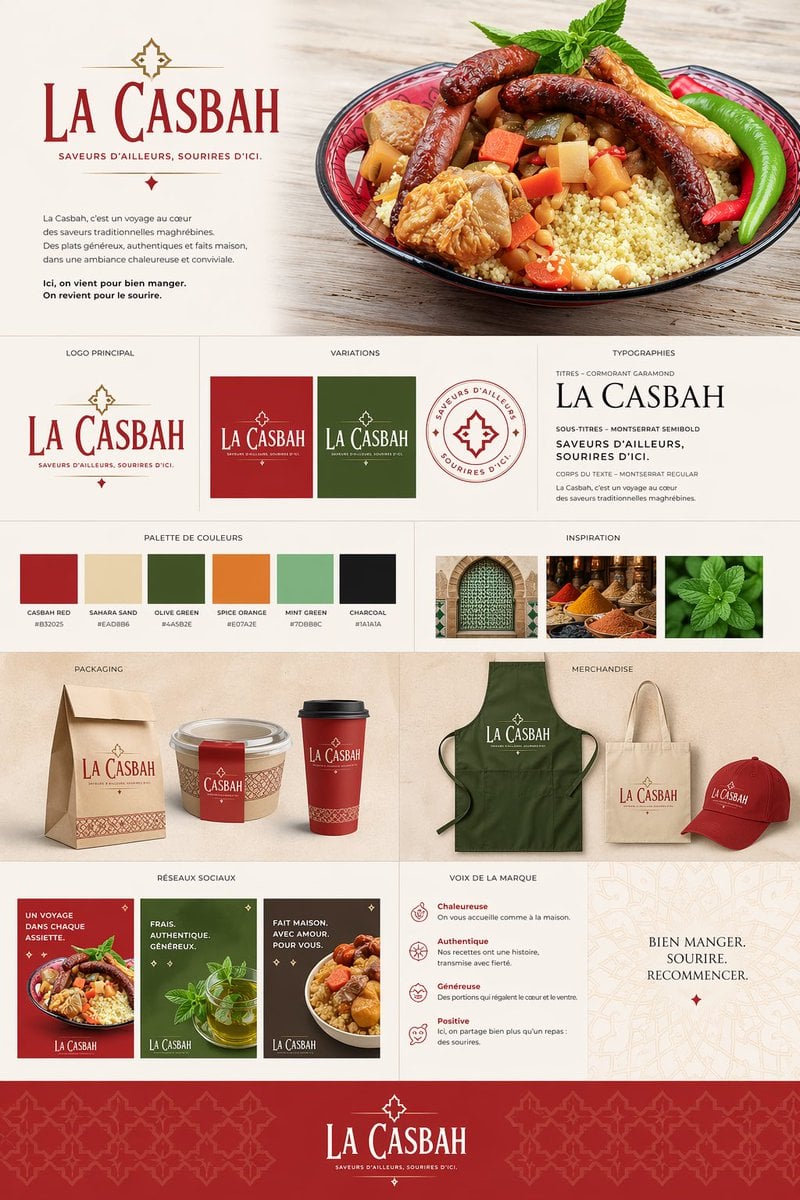
Moroccan Restaurant Brand Board
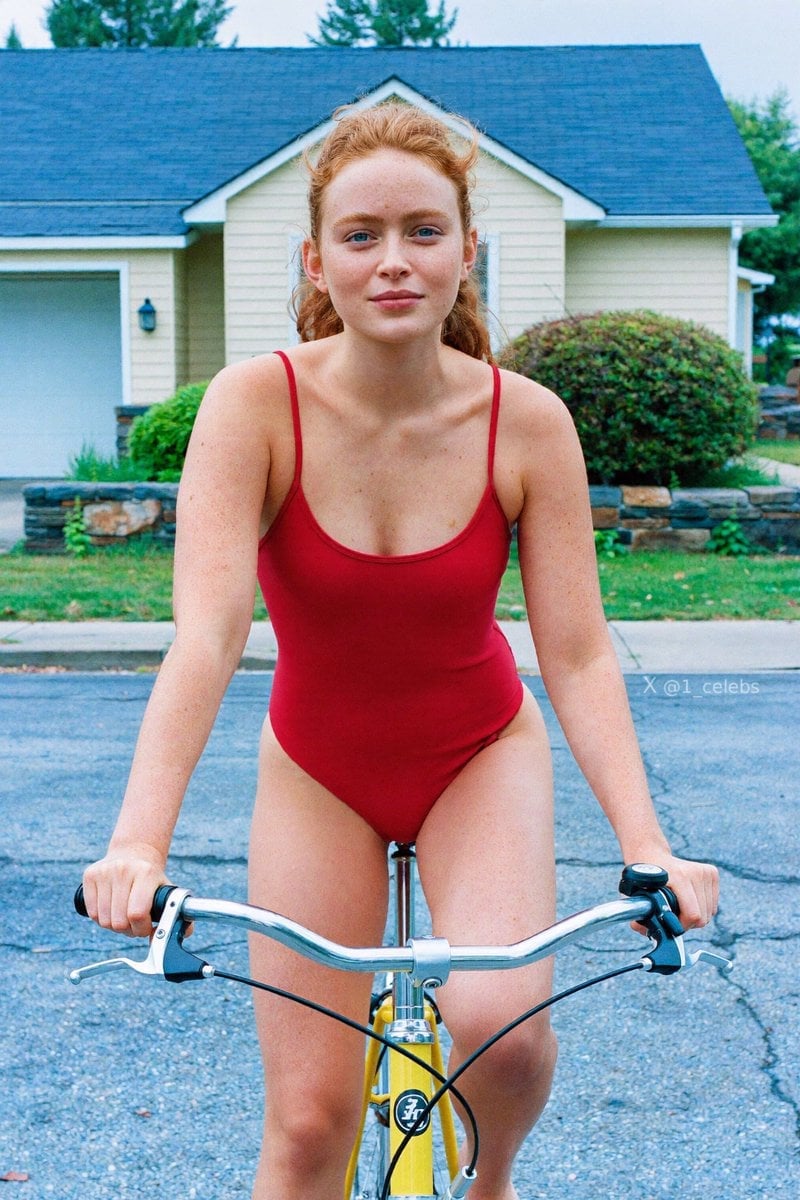
Scarlet Street Serenity
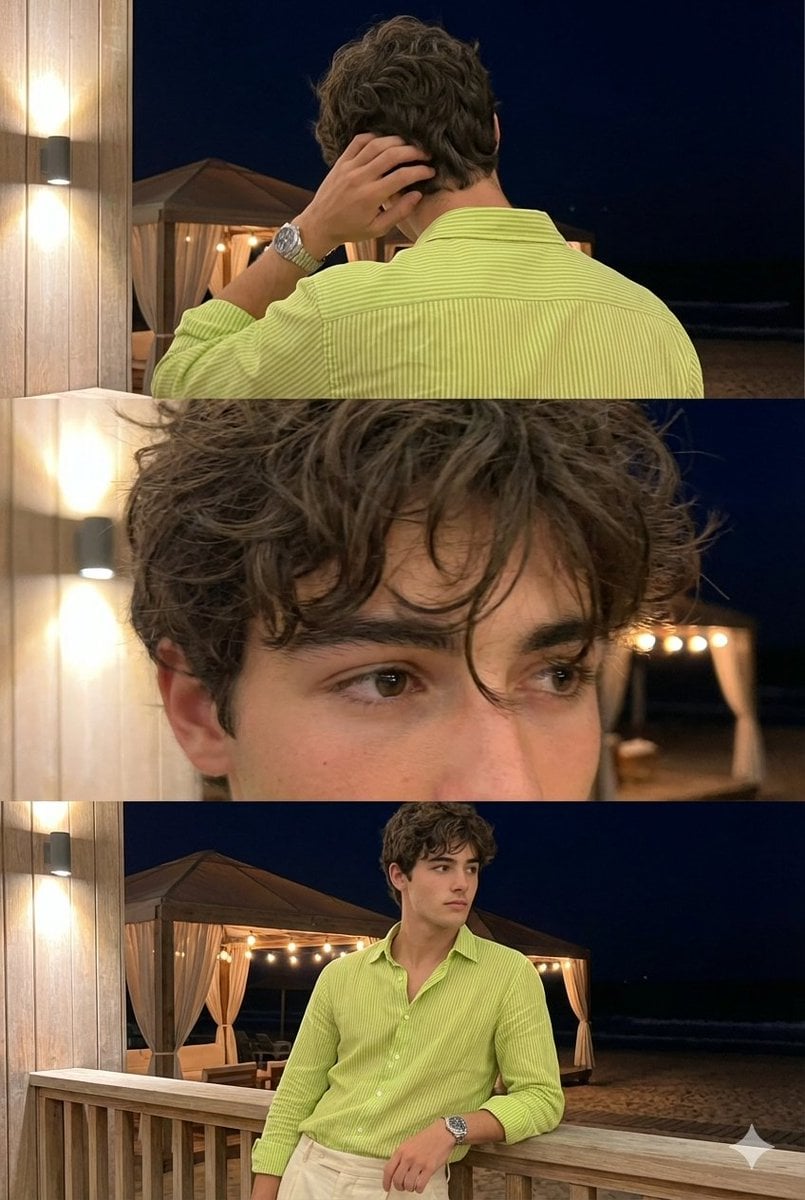
Triple-Frame Candid Portrait with Locked Facial Identity
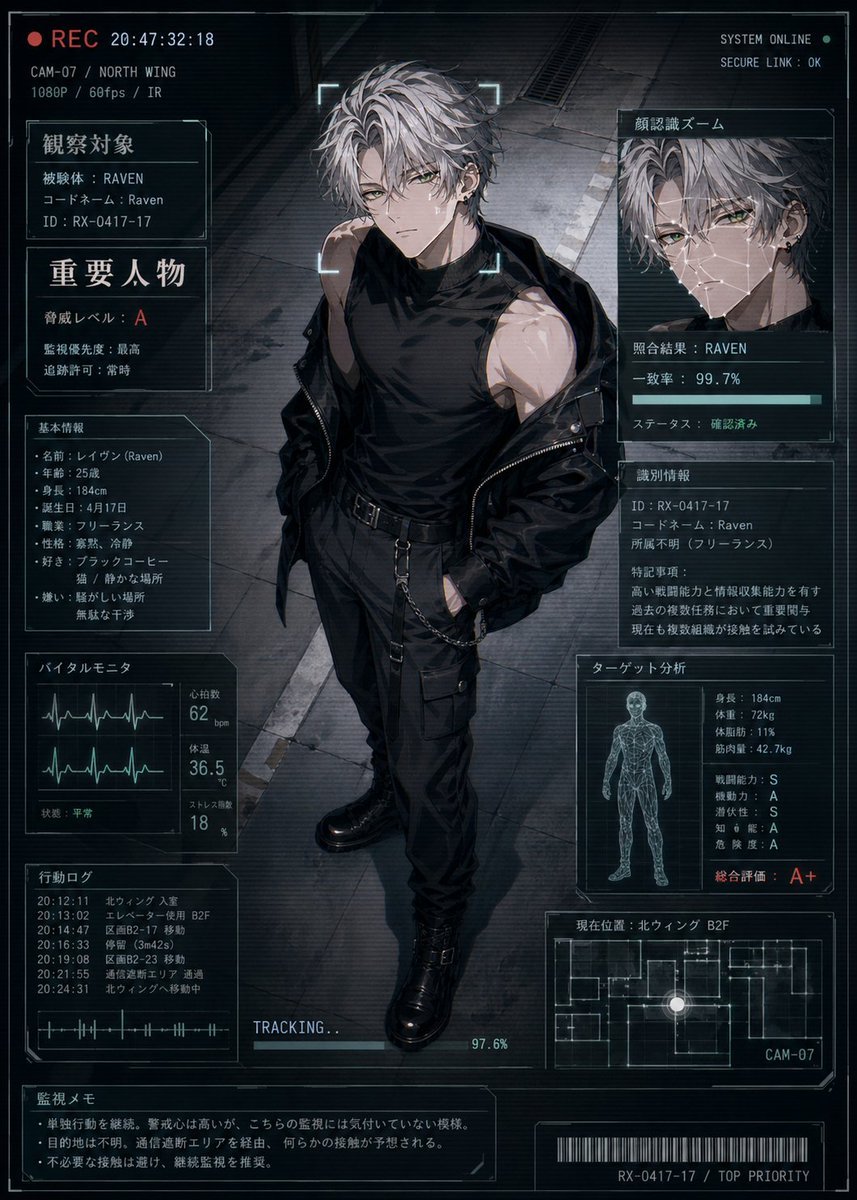
Cyberpunk Character Status Screen
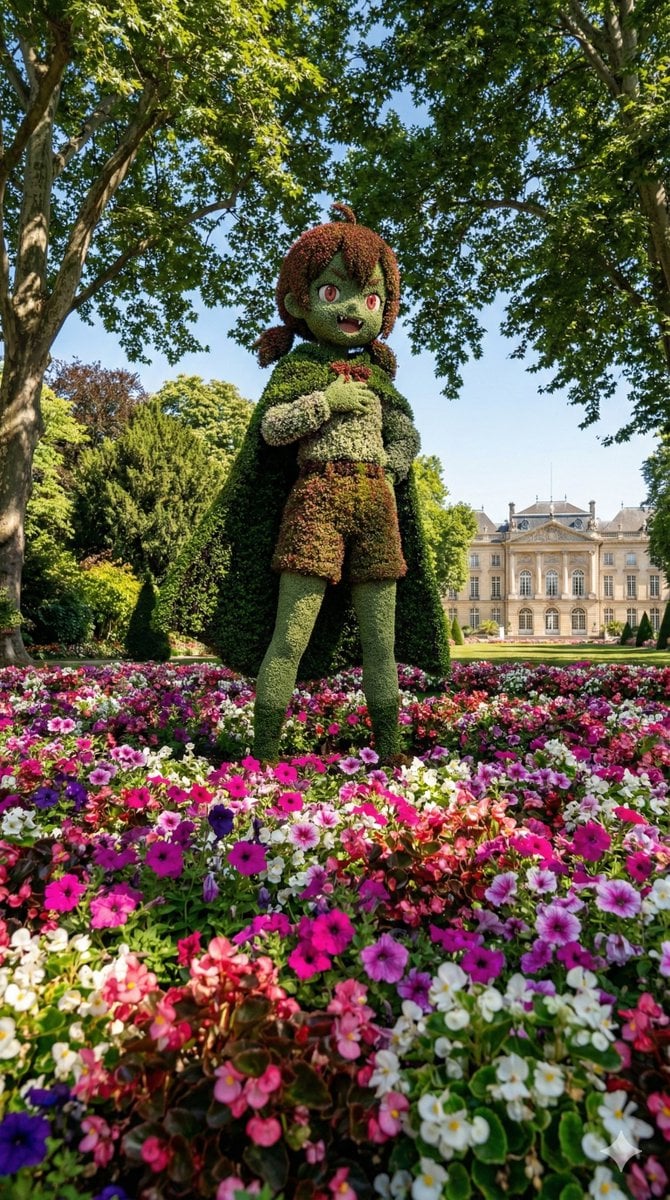
Character Topiary Tree Prompt for Nano Banana Pro
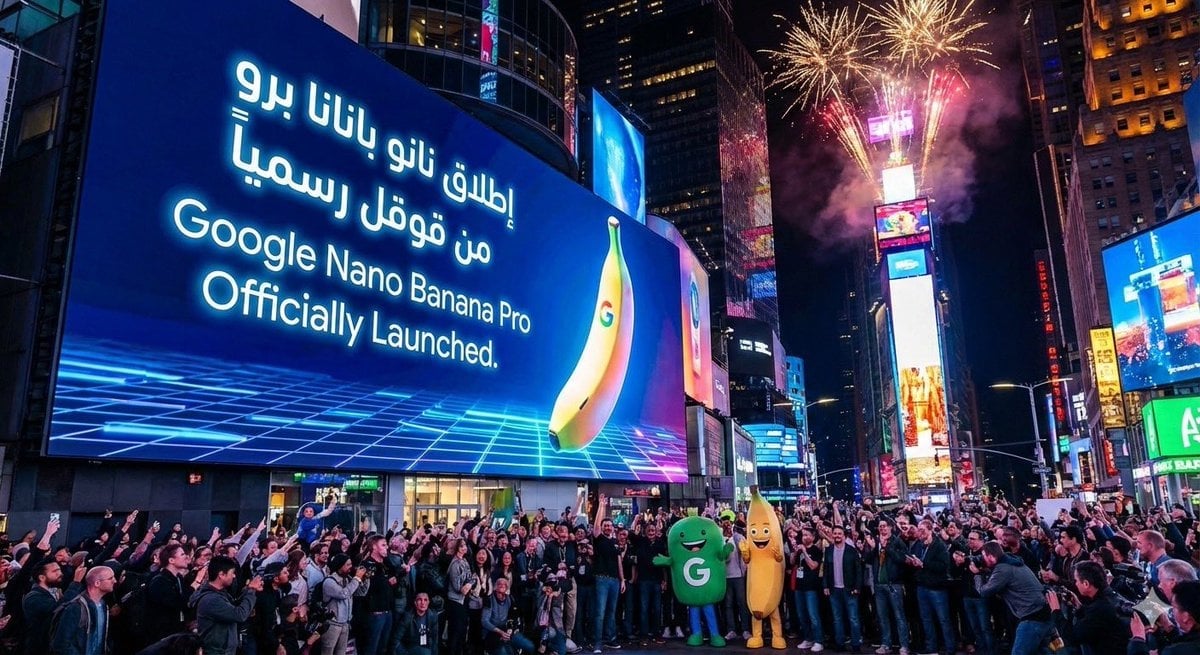
Announcement design image about Nano Banana Pro launch
Browse template categories
Photo to Anime Sketch Comparison Grid questions
How do I use the Photo to Anime Sketch Comparison Grid template?
Add your photo if the template asks for one, edit the prompt if you like — the template's model and format are already selected — and press Generate. Your version opens in PicX Studio.
Can I customize the Photo to Anime Sketch Comparison Grid template?
Yes. You can change the subject, setting, lighting, mood, format, and available model controls before creating your image.
Is the Photo to Anime Sketch Comparison Grid template free?
Opening and editing this template is free. Generating uses credits, shown on the Generate button when you are signed in.
Which AI model should I use?
Start with GPT Image 2, which is the model associated with this template. You can compare another compatible model for a different finish.
Looking for something else? Browse all templates.

Your photo, any look
Thousands of ready templates for every top image and video model, from one credit balance.