
Cute Travel Vlog Thumbnail
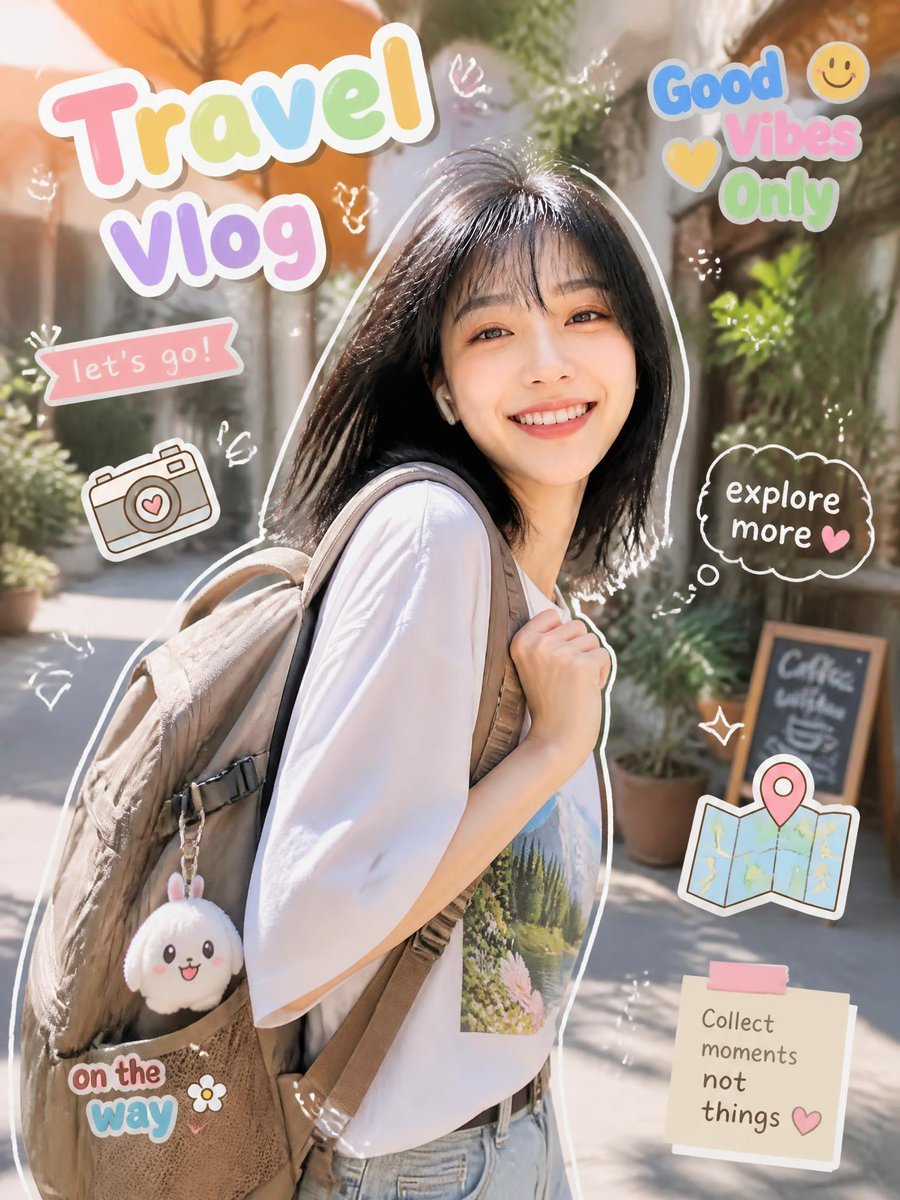
Generates a cheerful vertical travel vlog cover with a smiling backpacker, pastel sticker typography, and kawaii travel doodles for social posts or video thumbnails.
- Prompt included
- Model and format preset
- Premium template
The prompt behind this image
Copy the exact prompt behind Cute Travel Vlog Thumbnail, or open it in the studio and make it yours.
Goal: Create a bright vertical travel vlog thumbnail/collage featuring a smiling young woman traveler in a sunny outdoor alley, surrounded by cute scrapbook stickers and hand-drawn doodles. Canvas: Vertical 3:4 social media image, high-resolution, warm daylight, shallow depth of field. Background is a charming pedestrian street or café alley with plants, terracotta umbrellas, soft bokeh, and a small chalkboard sign in the distance. Main subject: A cheerful {argument name="character description" default="young East Asian woman with shoulder-length black hair and bangs"} stands slightly right of center, turned three-quarters toward the camera, smiling warmly. She wears a loose white T-shirt with a small nature print on the chest, light blue jeans, and a large beige backpack over one shoulder. Add a cute plush keychain hanging from the backpack. Put a thick white cutout outline around the subject, like a sticker. Layout and text stickers: Use exactly 6 main text stickers: 1) large top-left title reading {argument name="main title" default="Travel Vlog"} in oversized rounded pastel bubble letters with a thick white border; 2) top-right stacked sticker reading {argument name="top right phrase" default="Good Vibes Only"} with a yellow heart and yellow smiley face; 3) small pink ribbon banner on the left reading {argument name="banner text" default="let's go!"}; 4) dark cloud speech bubble on the right reading "explore more" with a small pink heart; 5) bottom-left sticker reading "on the way" in playful blue and pink bubble letters with a small white flower; 6) bottom-right sticky note reading {argument name="note text" default="Collect moments not things"} with a pink tape strip and a small heart. Decorative elements: Include exactly 3 illustrated travel icons: a cute line-art camera with a heart on the lens on the left, a folded map with a pink location pin on the lower right, and the backpack plush charm. Add multiple small white hand-drawn sparkles, arrows, hearts, squiggles, and doodle marks scattered around the subject, keeping them light and airy. Visual style: Photorealistic lifestyle portrait blended with kawaii sticker graphics, pastel colors, glossy scrapbook aesthetic, soft white outlines, playful vlog thumbnail design, warm golden sunlight, cheerful vacation mood. Constraints: Keep all text legible and in English, preserve the exact 6 main text stickers and 3 illustrated travel icons, avoid extra large words, avoid watermarks or logos, and make the subject the clear focal point.
How to use Cute Travel Vlog Thumbnail in 3 steps
- 1Upload ImagePNG, JPG or paste
Add your photo
Upload the photo the template builds on. The prompt, model and format are already set.
- 2…a portrait of your subject in softgolden-hour light, 85mm…
Personalize
Edit the subject and creative details for your destination.
- 3Generate
Generate
Press Generate — your image is created in PicX Studio, so you can compare it with the original and refine one variable at a time.
More like this
Templates with the same subject, style or setup. Open one to see its prompt.

Minecraft Homage Illustrious Style

Japan Travel Brochure Poster
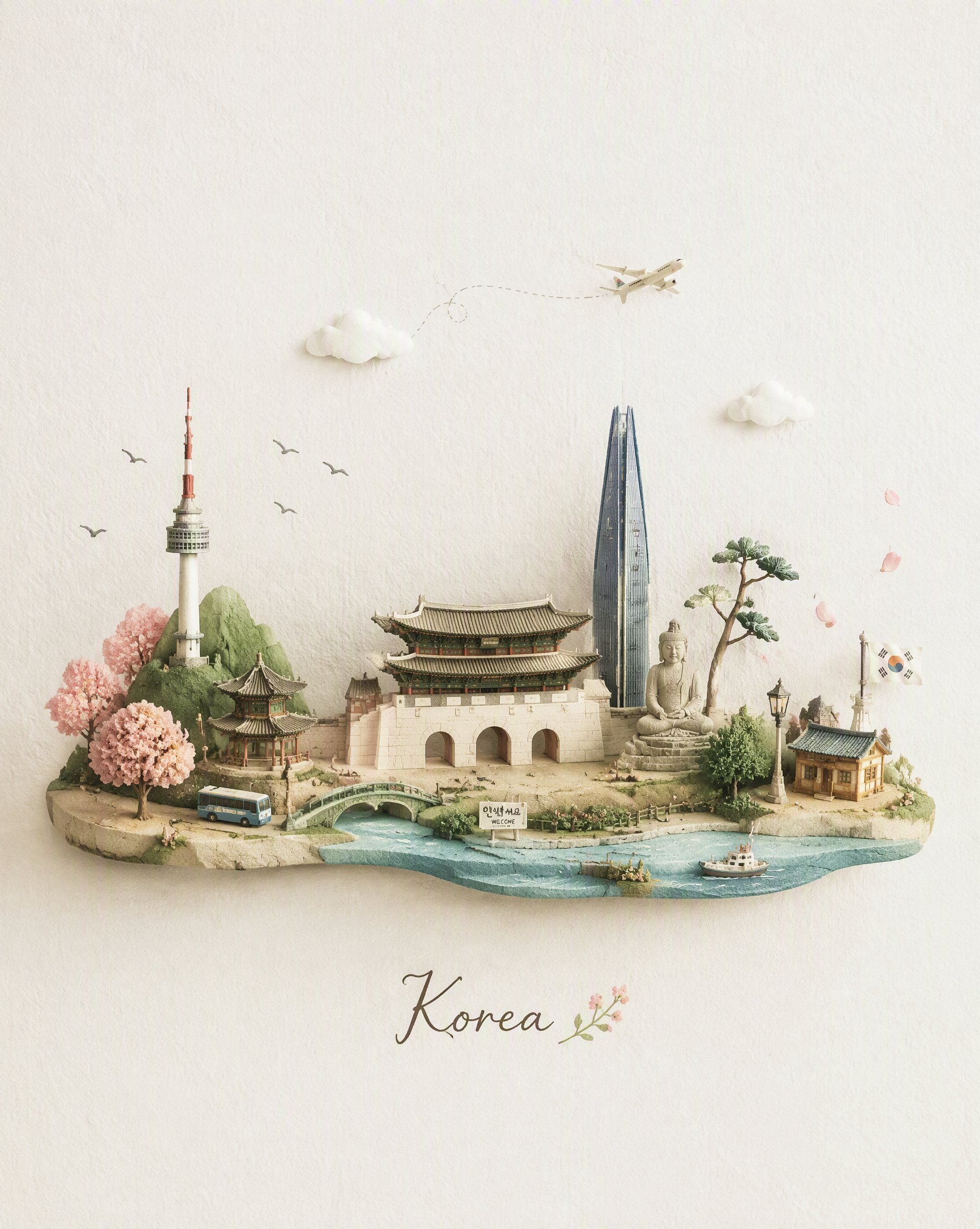
Miniature Travel Diorama Postcard
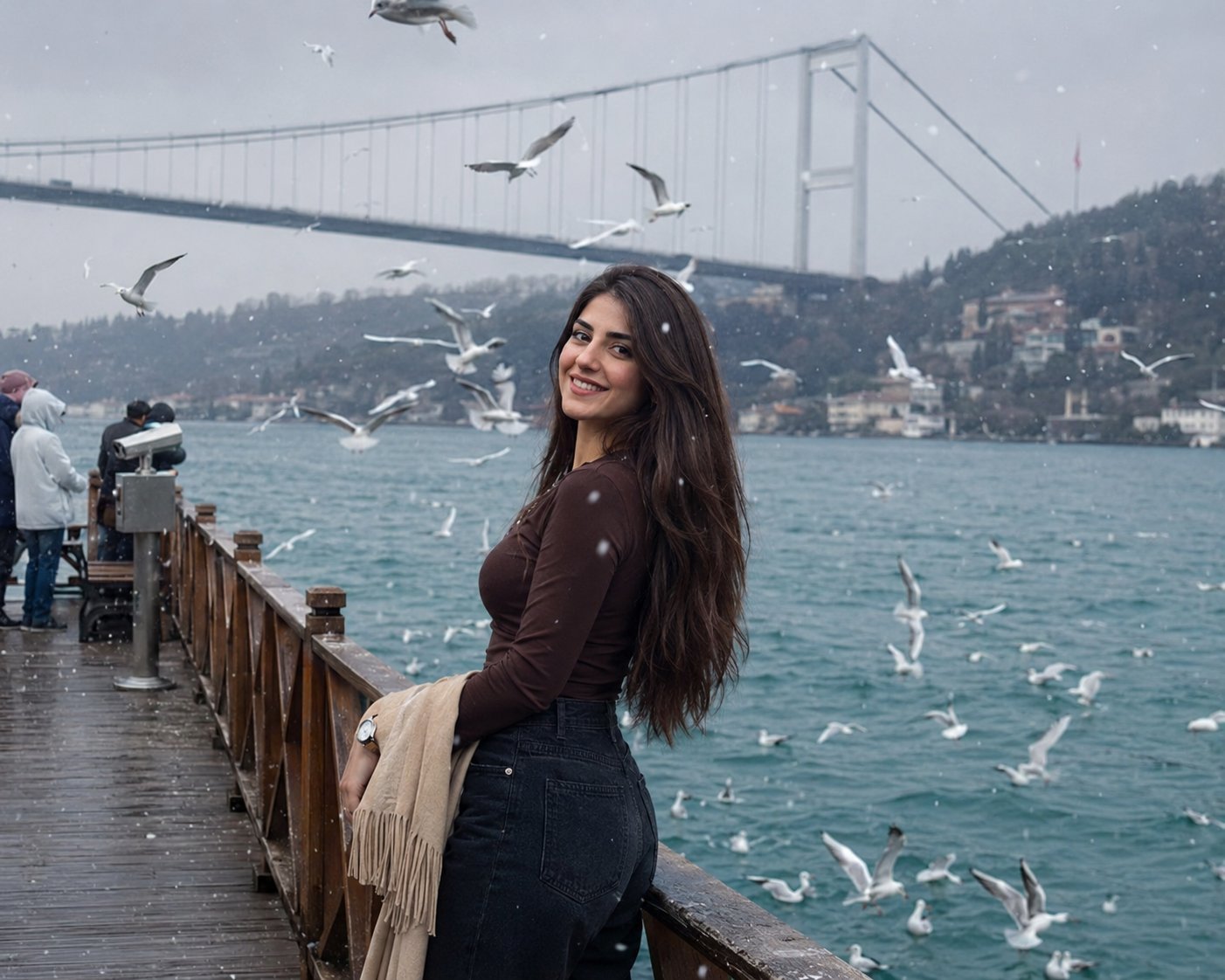
Boardwalk Fashion Portrait
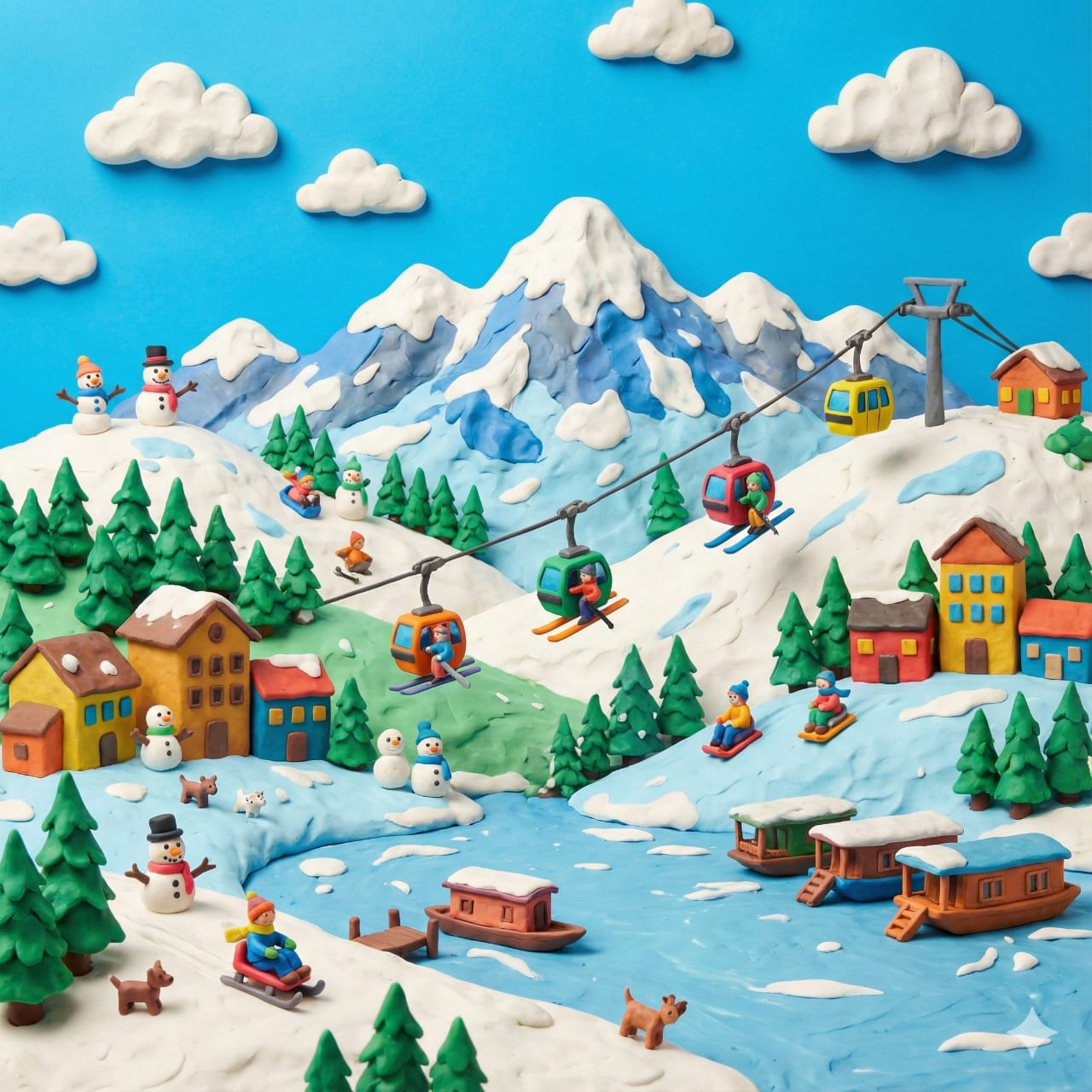
Clay Miniature Landmark Travel Diorama

Cute Dog Travel Diary Doodles
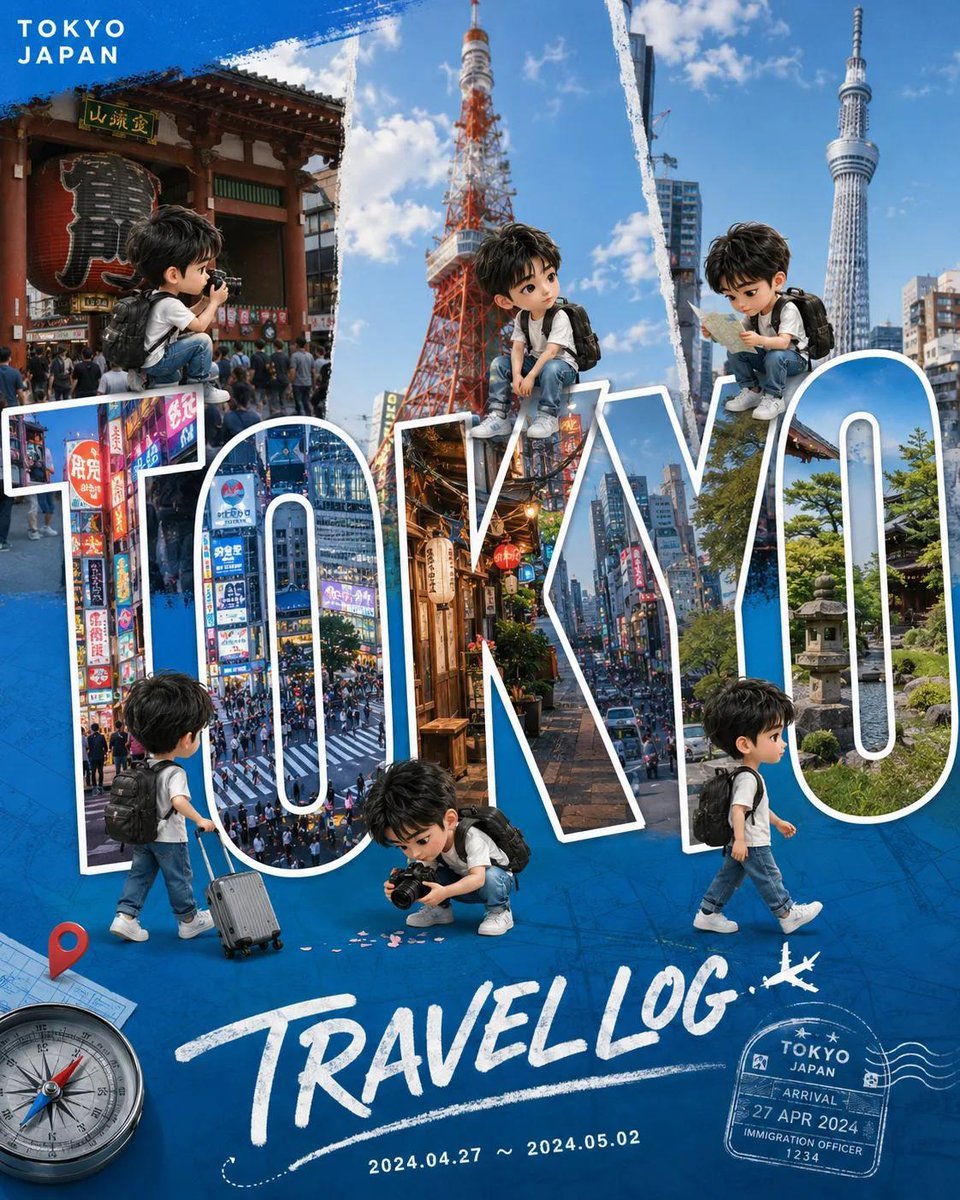
Chibi Travel Vlog Poster Design
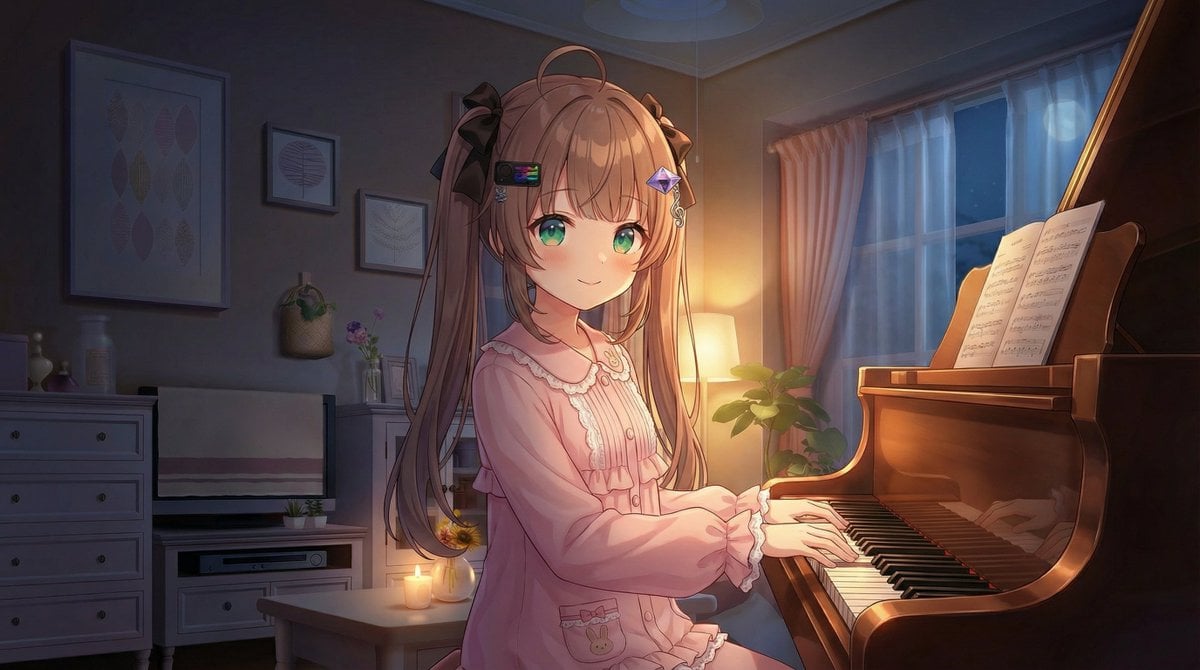
Vlogger Thumbnail Image Generation Prompt

Travel Poster Graphic Collage

untitled
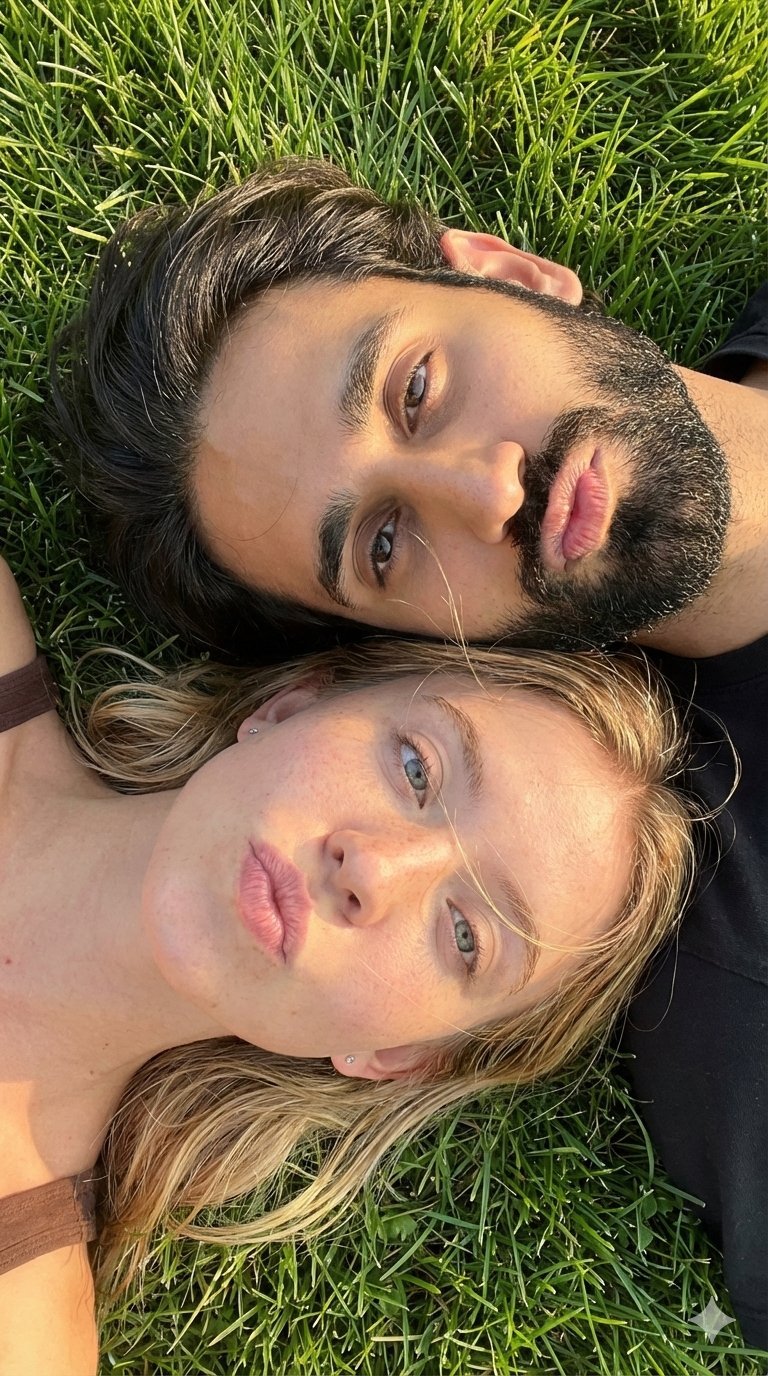
9 Grid Travel Profile Photo Series
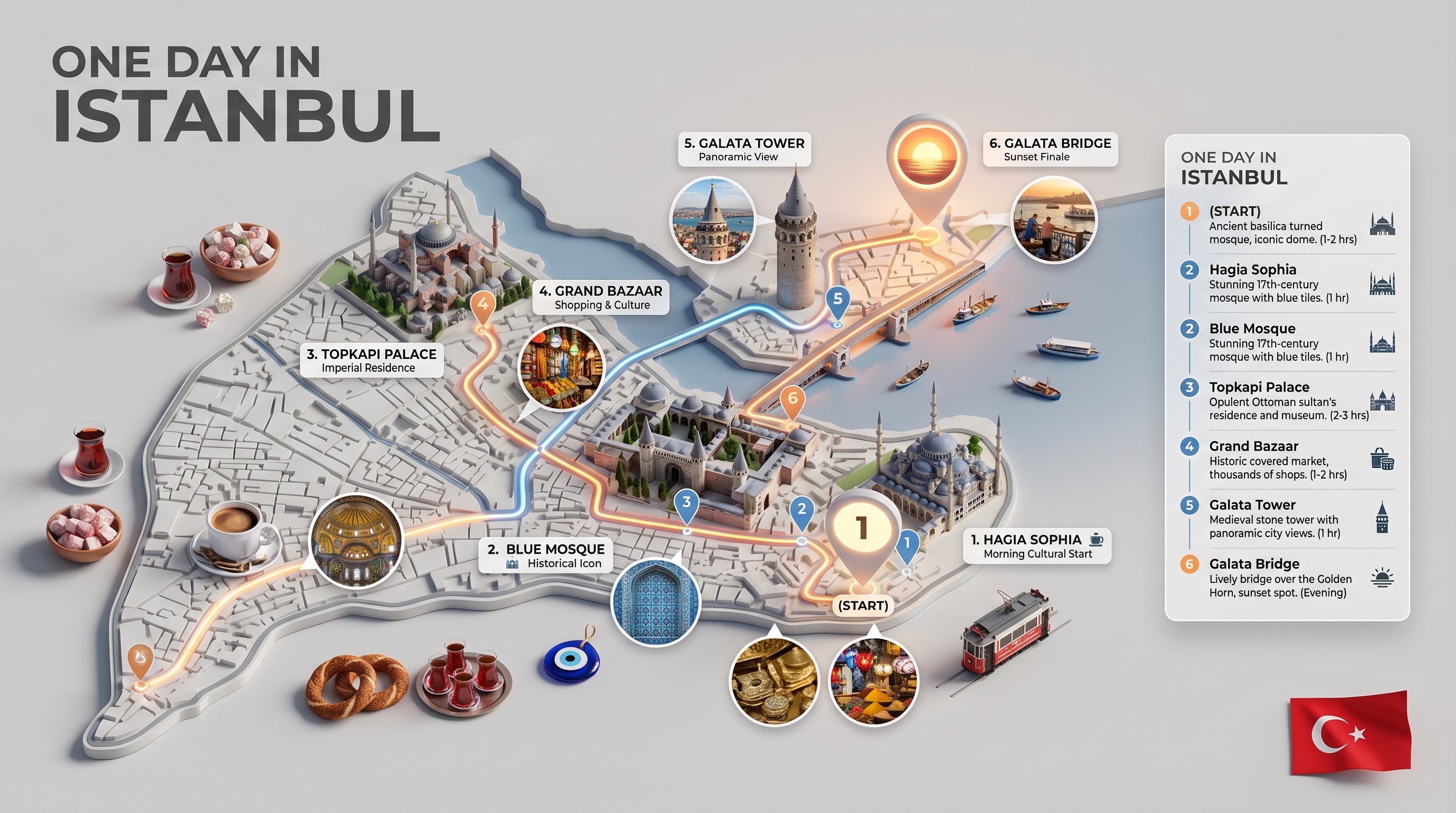
Nano Banana — One Day In [CITY] Travel Route
Make it yours
Cute Travel Vlog Thumbnail works as-is. These are the safest ways to change it without losing the look.
Change one field
Copy a single group, rewrite it, and generate again so you can see what that field is doing.
Keep the frame, change the subject
Hold the composition and light of Cute Travel Vlog Thumbnail, then swap wardrobe, props or the person for a new take.
| If the result… | Why | Fix |
|---|---|---|
| The result drifts from the preview | Too many fields changed at once. | Reuse Cute Travel Vlog Thumbnail as-is first, then change one group — subject, light, or setting. |
| The model over-stylizes the scene | The prose prompt leaves finish and camera underspecified. | Add one camera or lighting sentence and stay on GPT Image 2. |
More GPT Image 2 templates
Other prompts made for GPT Image 2.

Six VTuber Japanese Logo Sheet

Realistic Portrait of Woman and Deer

The Vista Modular Condo Poster

AI Model Routing Comparison Infographic

2.5D Anime Art Board

Isometric Productivity Desk Scene

New York Double Exposure Poster

Four-Panel AI Landscape Comparison

Japanese Tatami Lifestyle Magazine Cover

NESCAFÉ Coffee Map Poster
More image prompts
Fresh picks from across the catalog.

Abstract Background Generation (Reference-Based)
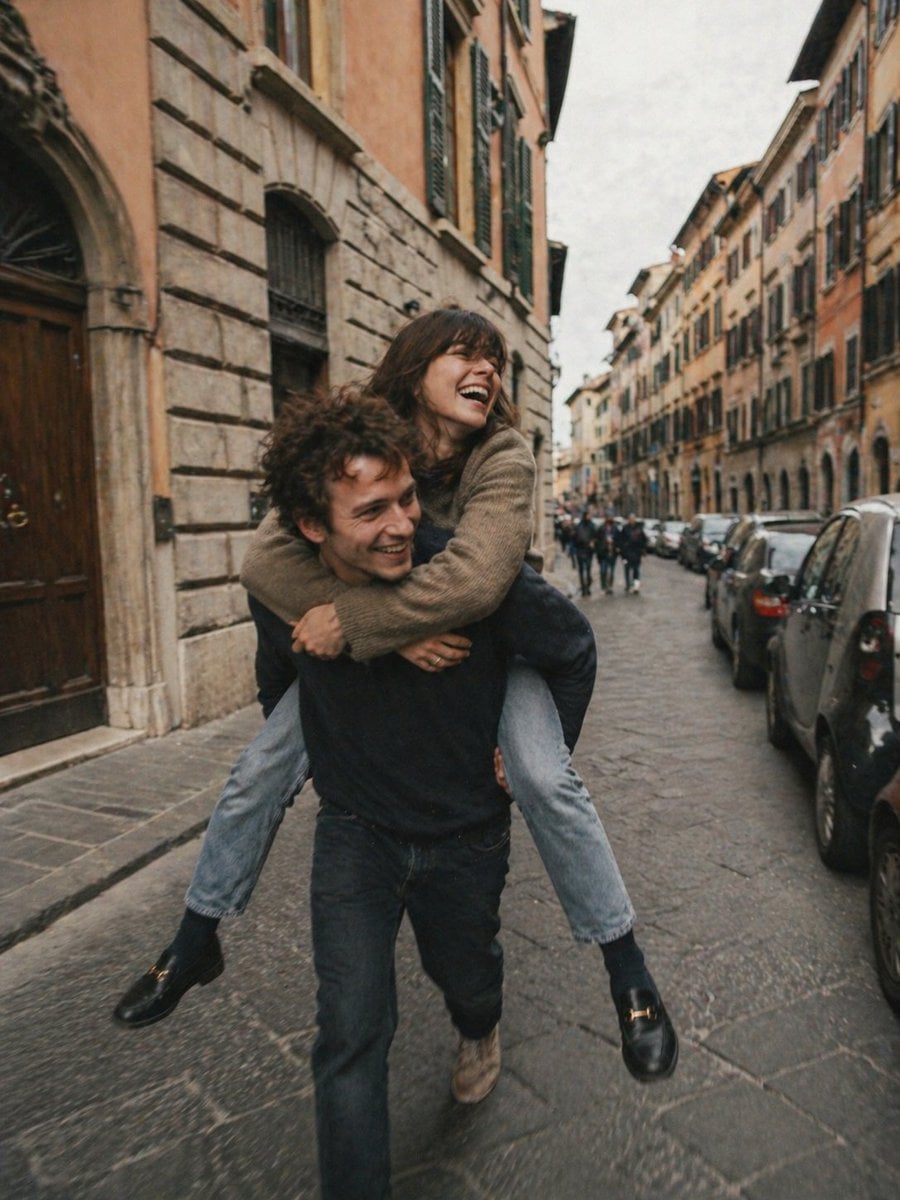
Candid European Street Photography
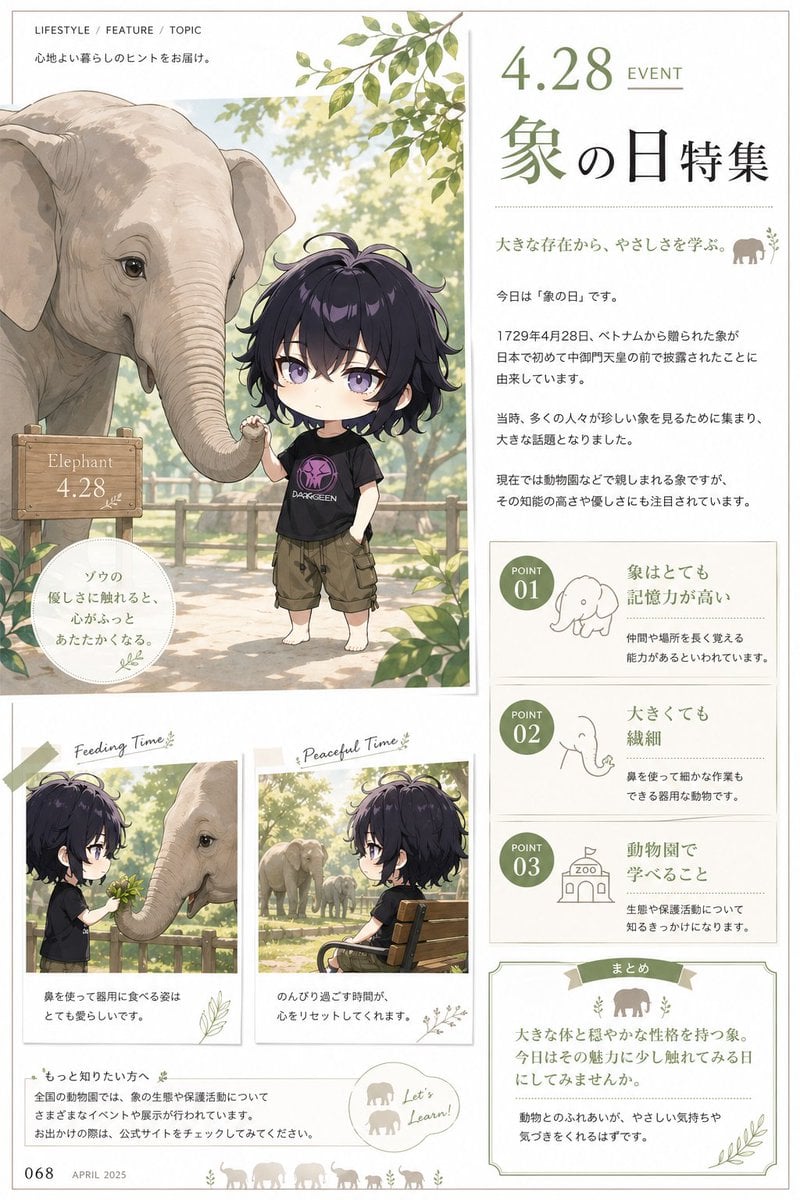
Elephant Day Magazine Feature
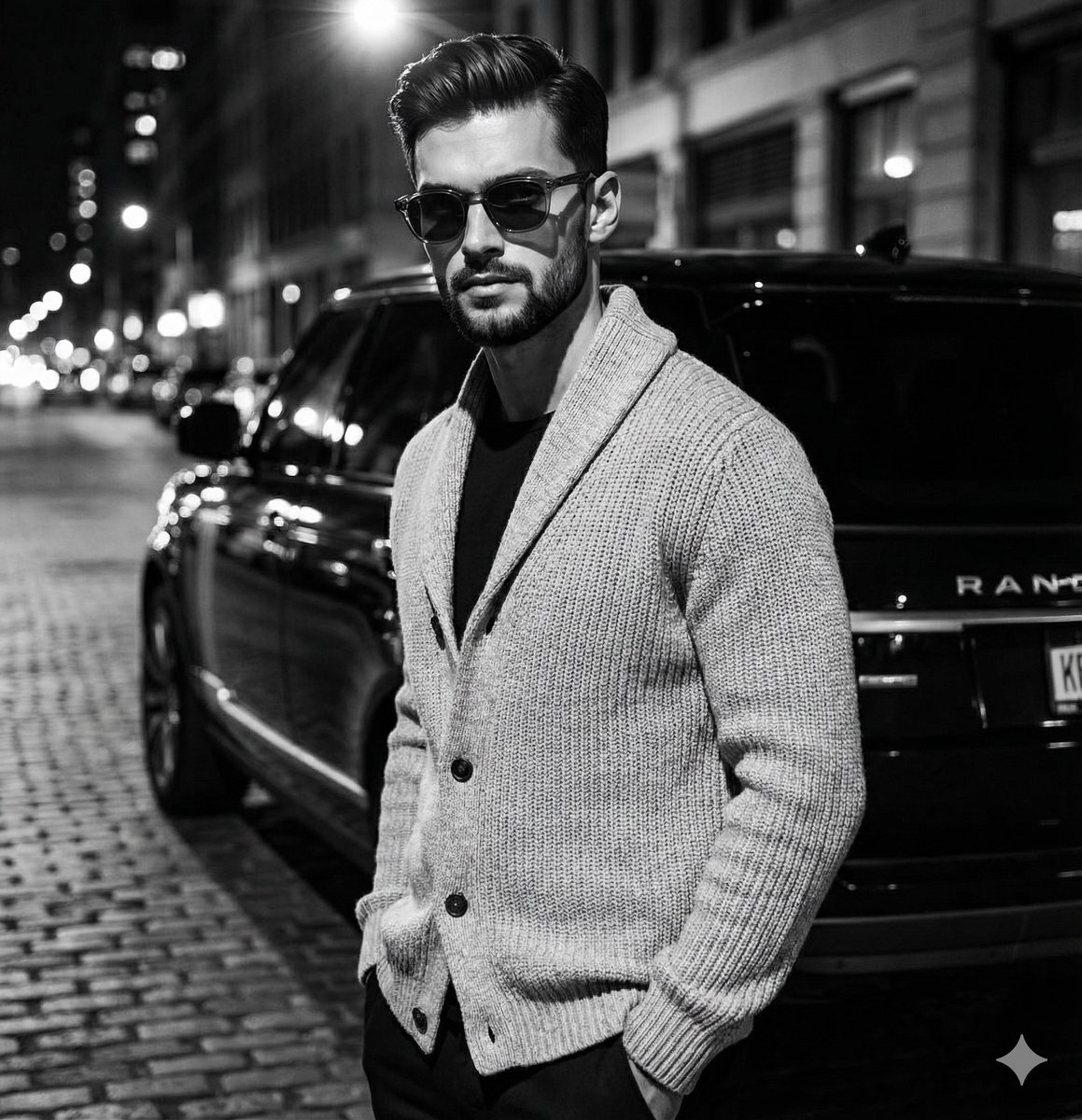
High-Contrast Black and White Fashion Editorial
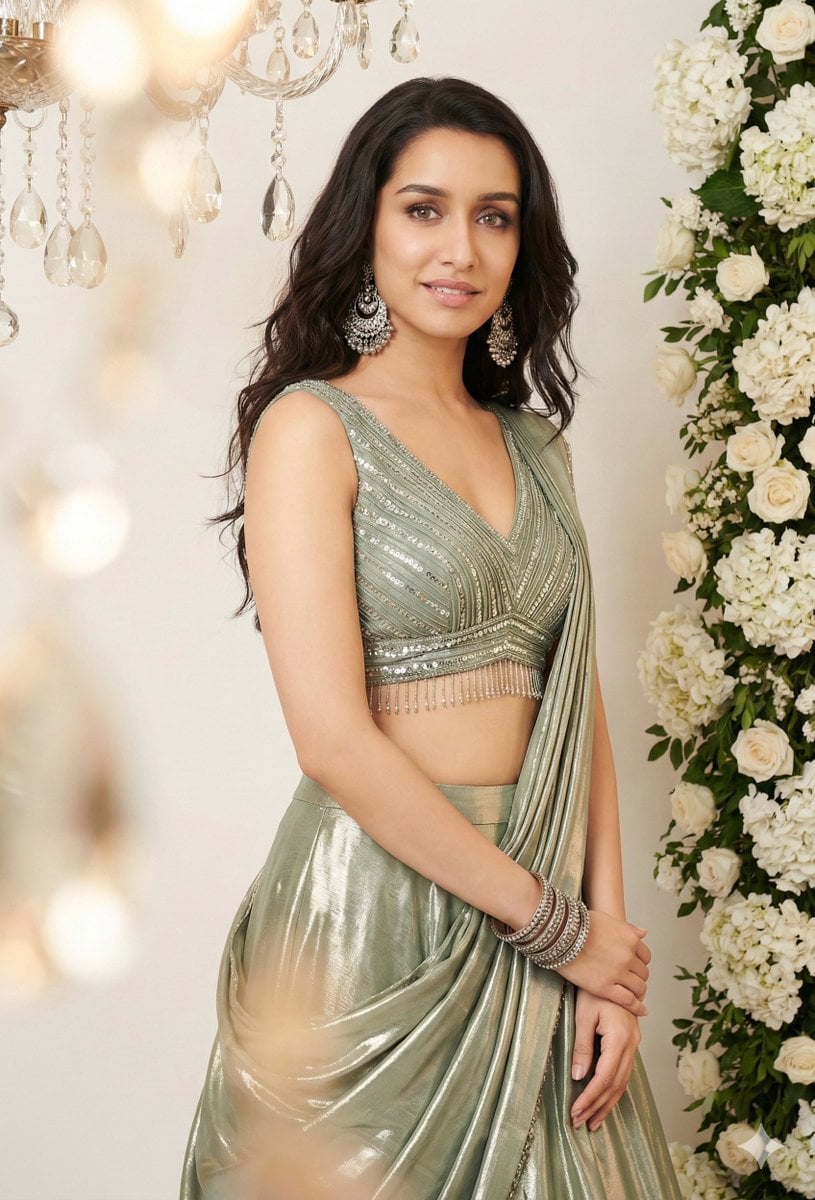
Indian Saree Fashion Portraits (Two Prompts)
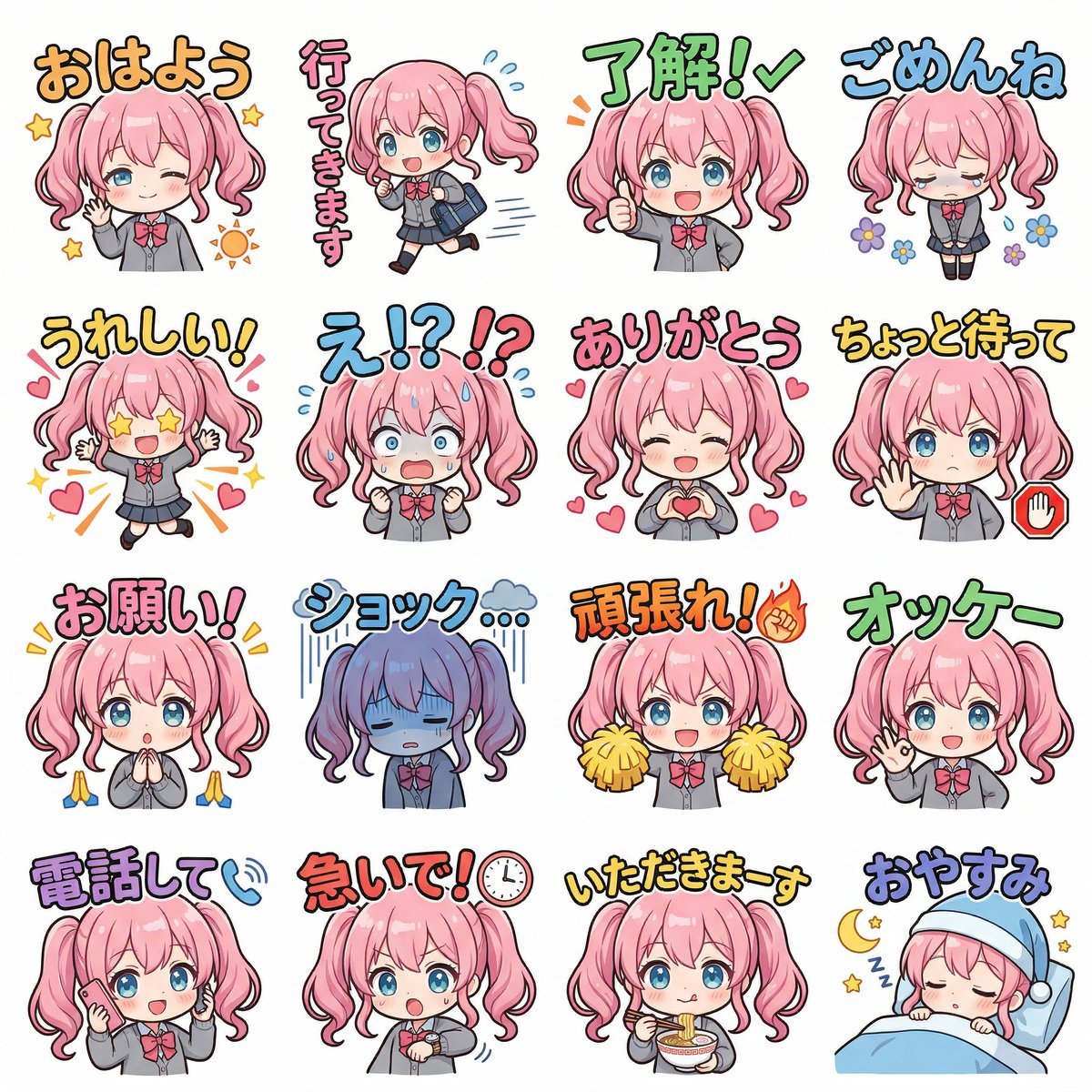
Creating LINE Stickers with Nano Banana 2
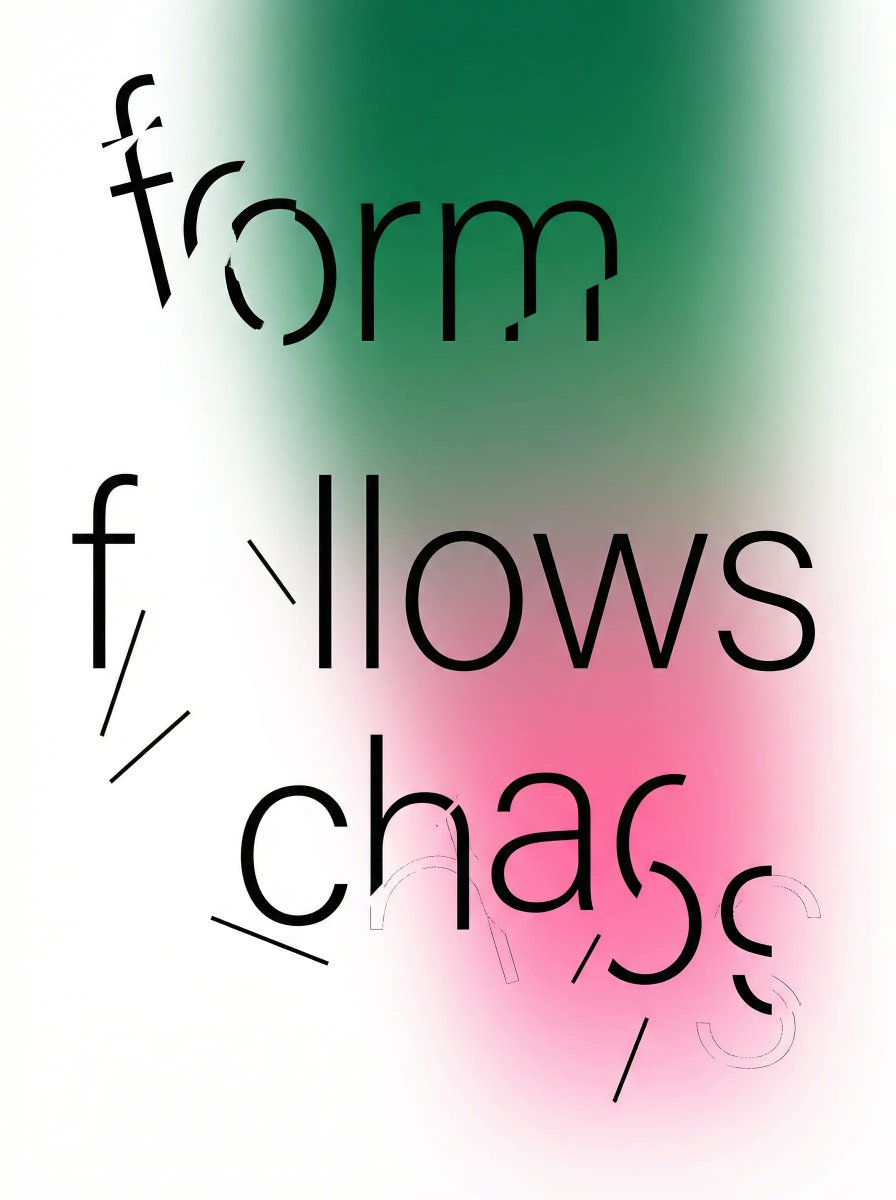
Fragmented Typography Poster Prompt (Minimalist Chaos)
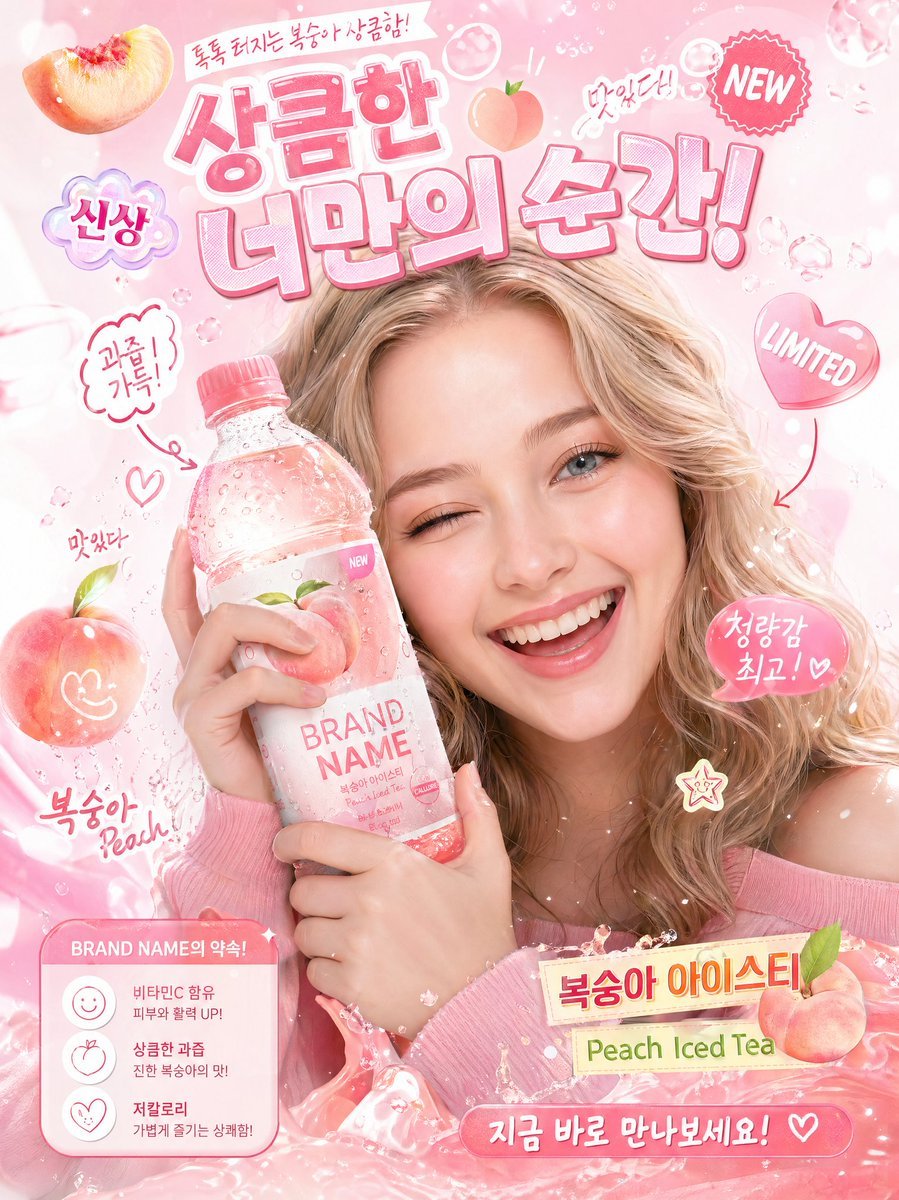
Korean-Style Interactive Beverage Poster
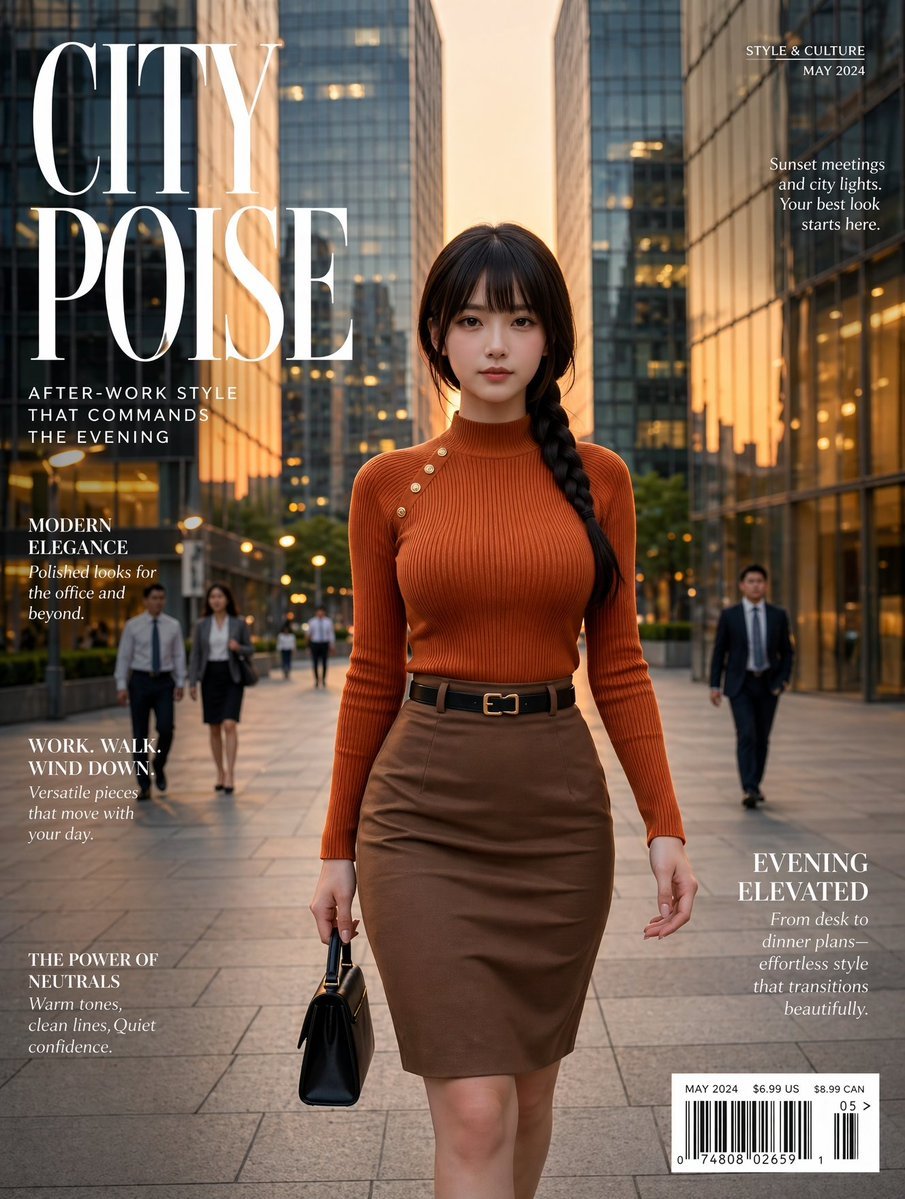
Elegant City Fashion Magazine Cover
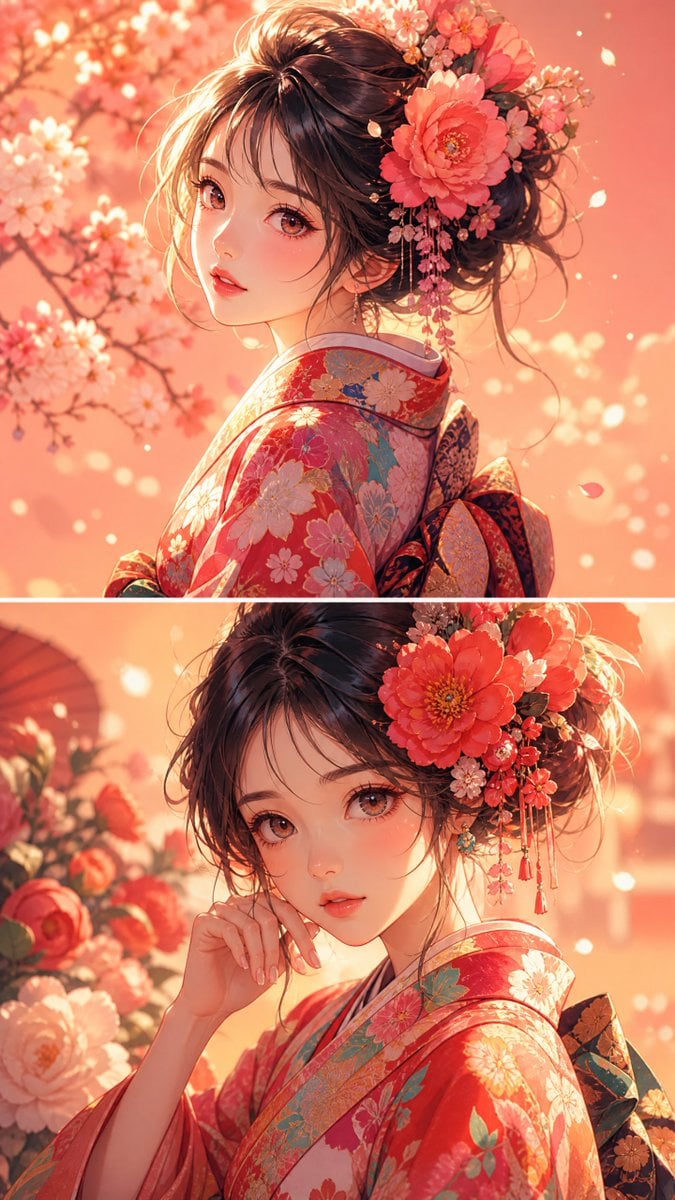
Anime Girl Floral Kimono Portrait
Browse template categories
Cute Travel Vlog Thumbnail questions
How do I use the Cute Travel Vlog Thumbnail template?
Add your photo if the template asks for one, edit the prompt if you like — the template's model and format are already selected — and press Generate. Your version opens in PicX Studio.
Can I customize the Cute Travel Vlog Thumbnail template?
Yes. You can change the subject, setting, lighting, mood, format, and available model controls before creating your image.
Is the Cute Travel Vlog Thumbnail template free?
Opening and editing this template is free. Generating uses credits, shown on the Generate button when you are signed in.
Which AI model should I use?
Start with GPT Image 2, which is the model associated with this template. You can compare another compatible model for a different finish.
Looking for something else? Browse all templates.

Your photo, any look
Thousands of ready templates for every top image and video model, from one credit balance.