
Shimmering Blue Fish School
A detailed watercolor-and-ink marine art prompt for generating a sparkling school of blue fish with one coral accent fish.
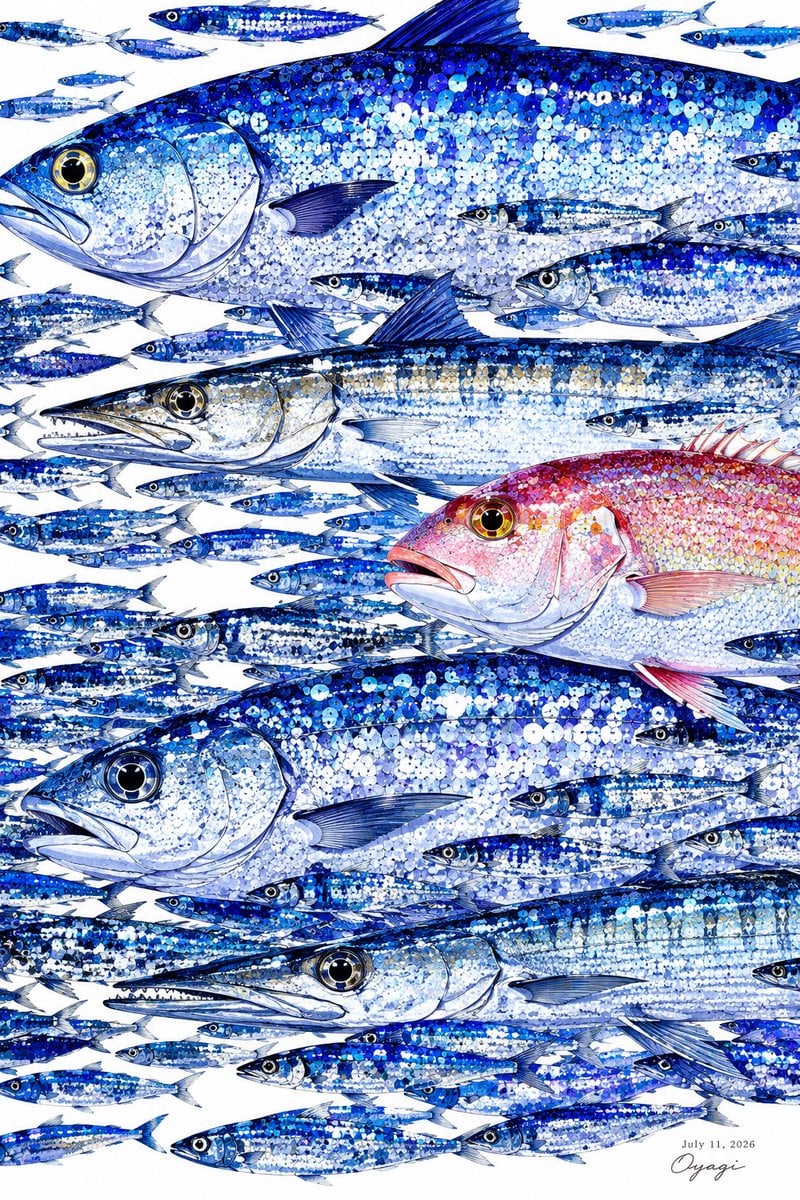
- Prompt included
- Model and format preset
- Premium template
The prompt behind this image
Copy the exact prompt behind Shimmering Blue Fish School, or open it in the studio and make it yours.
Goal: Create a highly detailed vertical marine illustration of a crowded school of fish, like a shimmering watercolor-and-ink poster on a clean white background. Canvas: Portrait orientation, 2:3 ratio, edge-to-edge composition with no frame. Leave small white gaps between fish, and add a tiny date and artist signature in the bottom-right corner. Subject details: Show exactly 55 fish total: 5 large feature fish and 50 smaller baitfish. The 5 large fish are: 1 huge blue tuna-like fish across the top with a tall dorsal fin and large golden eye, partially cropped at the right edge; 1 long silver-and-blue barracuda-like predator across the middle-left with pointed snout and visible teeth; 1 pink-red snapper-like fish on the right-center with golden eye and rosy fins; 1 large deep-blue tuna-like fish across the lower middle with round black eye and pale belly; 1 long silver-blue barracuda-like predator along the lower section with sharp jaw and teeth. The 50 smaller fish are slim sardine or mackerel shapes, mostly swimming horizontally left-to-right or right-to-left, distributed densely between and around the larger fish, with a few partially cropped at the edges. Visual style: Intricate watercolor illustration mixed with fine pen-and-ink linework, bright reflective scales rendered as hundreds of circular sequin-like dots, metallic sparkle, crisp anatomical fish outlines, transparent fins, detailed eyes, and layered blue shadows. Use a luminous ocean palette dominated by {argument name="main color palette" default="cobalt blue, ultramarine, icy white, silver, and pale cyan"}, with one contrasting fish in {argument name="accent fish color" default="pink, coral red, and warm gold"}. The overall feeling should be refreshing, summery, humid, and bright, like a decorative AI art print. Text content: In the bottom-right corner, add the small printed date {argument name="date text" default="July 11, 2026"} and a delicate handwritten signature {argument name="signature" default="Oyagi"}. Keep the text tiny and unobtrusive. Constraints: No humans, no scenery, no water surface, no bubbles, no border, no extra typography. Maintain dense fish layering but keep every fish clearly outlined against white negative space.
How to use Shimmering Blue Fish School in 3 steps
- 1Upload ImagePNG, JPG or paste
Add your photo
Upload the photo the template builds on. The prompt, model and format are already set.
- 2…a portrait of your subject in softgolden-hour light, 85mm…
Personalize
Edit the subject and creative details for your destination.
- 3Generate
Generate
Press Generate — your image is created in PicX Studio, so you can compare it with the original and refine one variable at a time.
More like this
Templates with the same subject, style or setup. Open one to see its prompt.

Monochrome Portrait Jersey Accent Poster
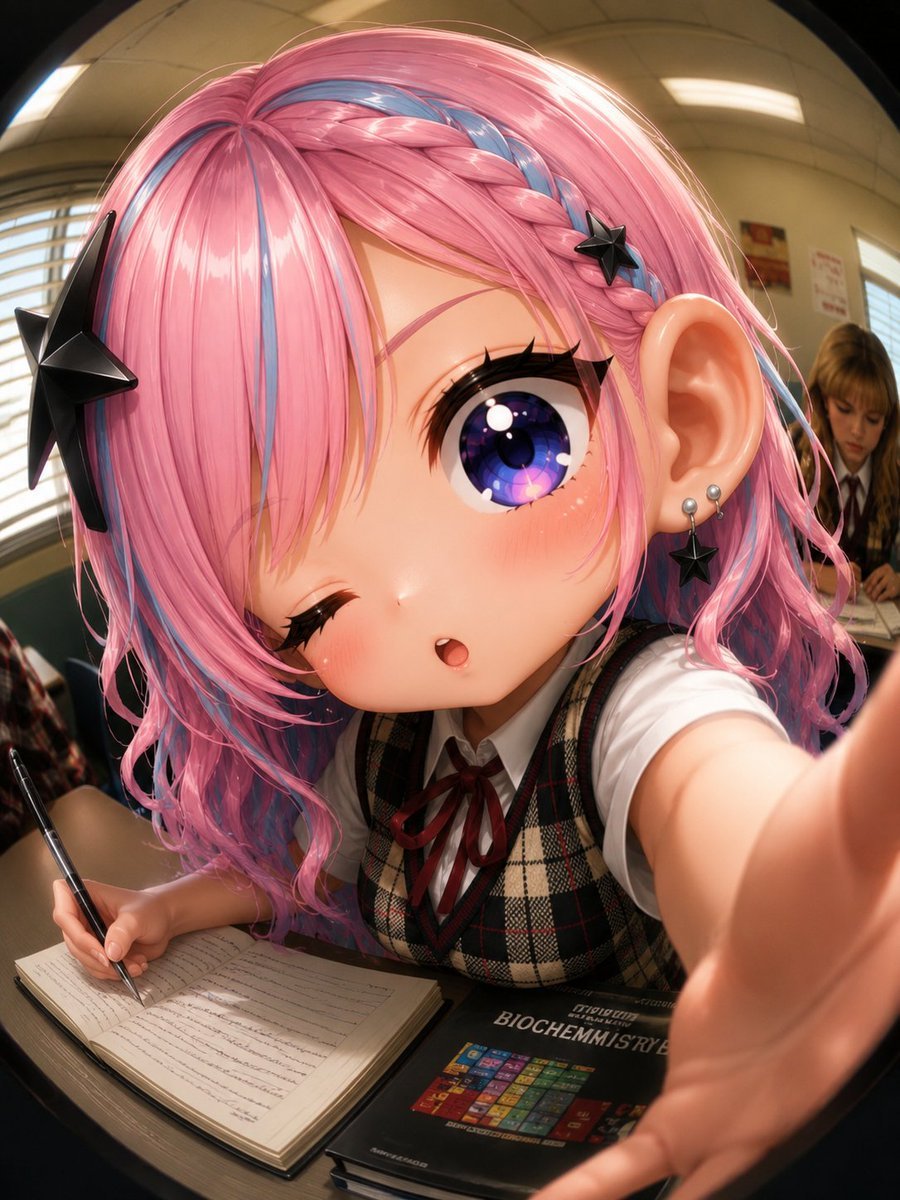
Fisheye Anime Schoolgirl Selfie
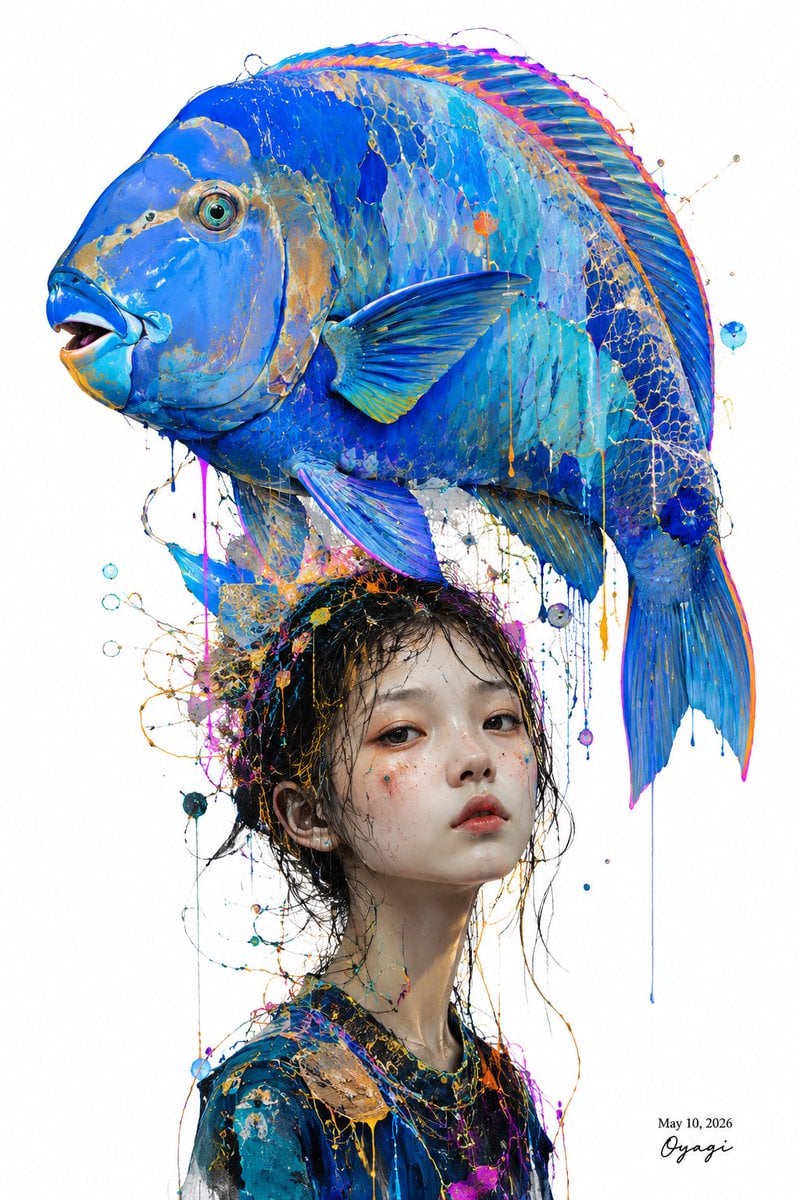
Surreal Blue Fish Hat Portrait
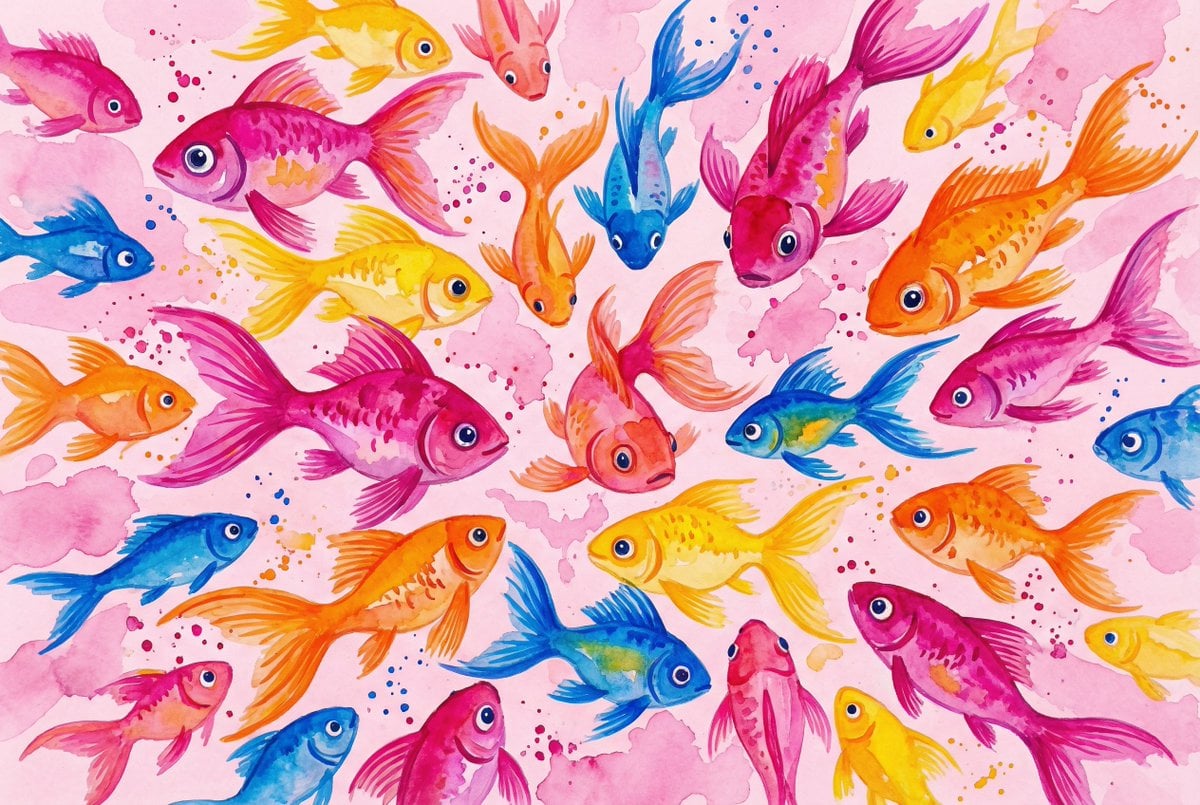
Watercolor School of Stylized Fish
Cosmetic Tube Product — Nano Banana 2
Nano Banana - Evening Champagne Blue
Anime Girl at Goldfish Festival Stall
Seaside School Band Rehearsal
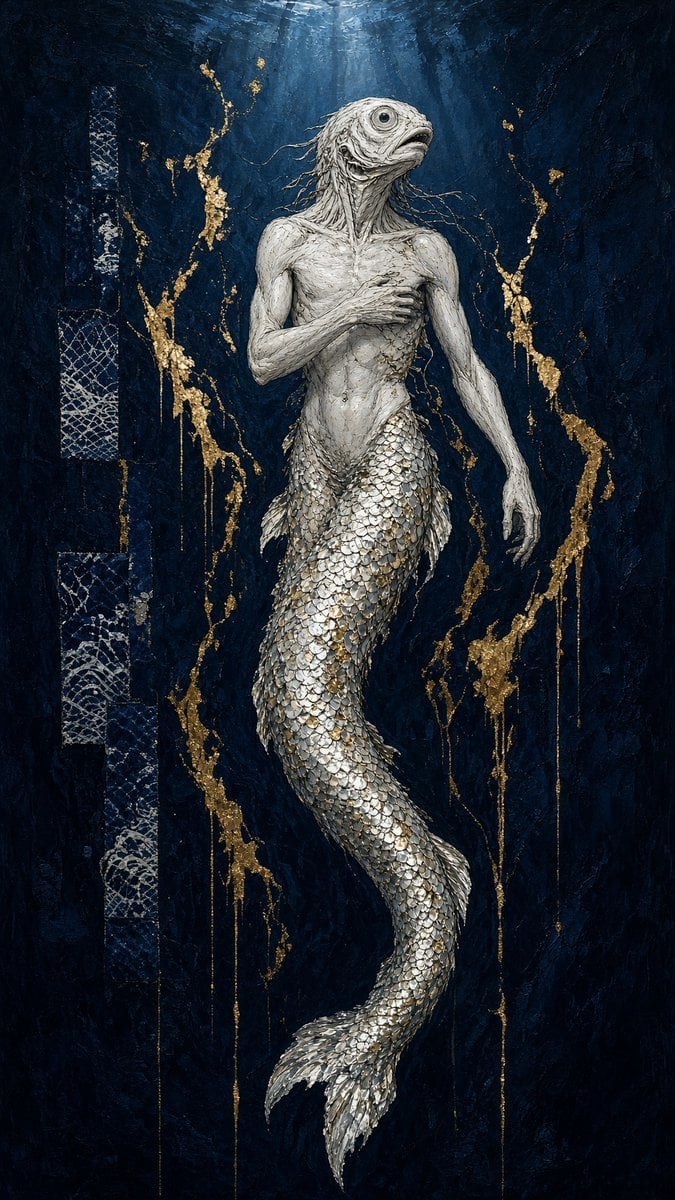
Dark Fantasy Fish-Headed Mermaid
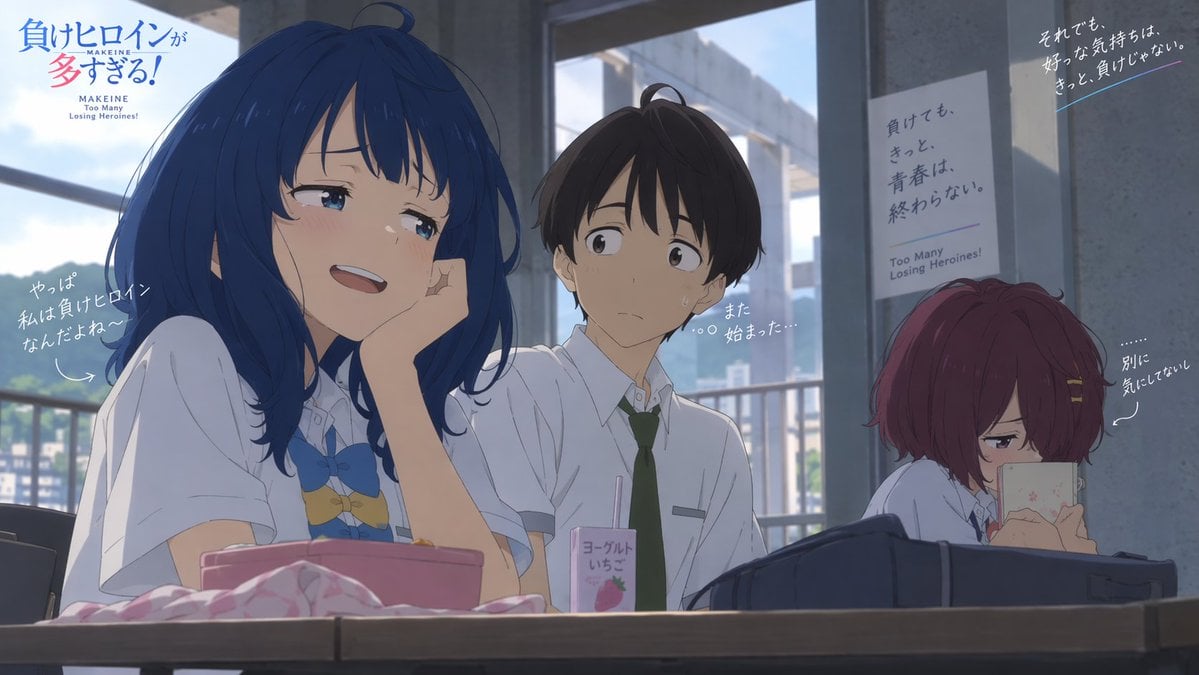
Anime School Rom-Com Key Visual
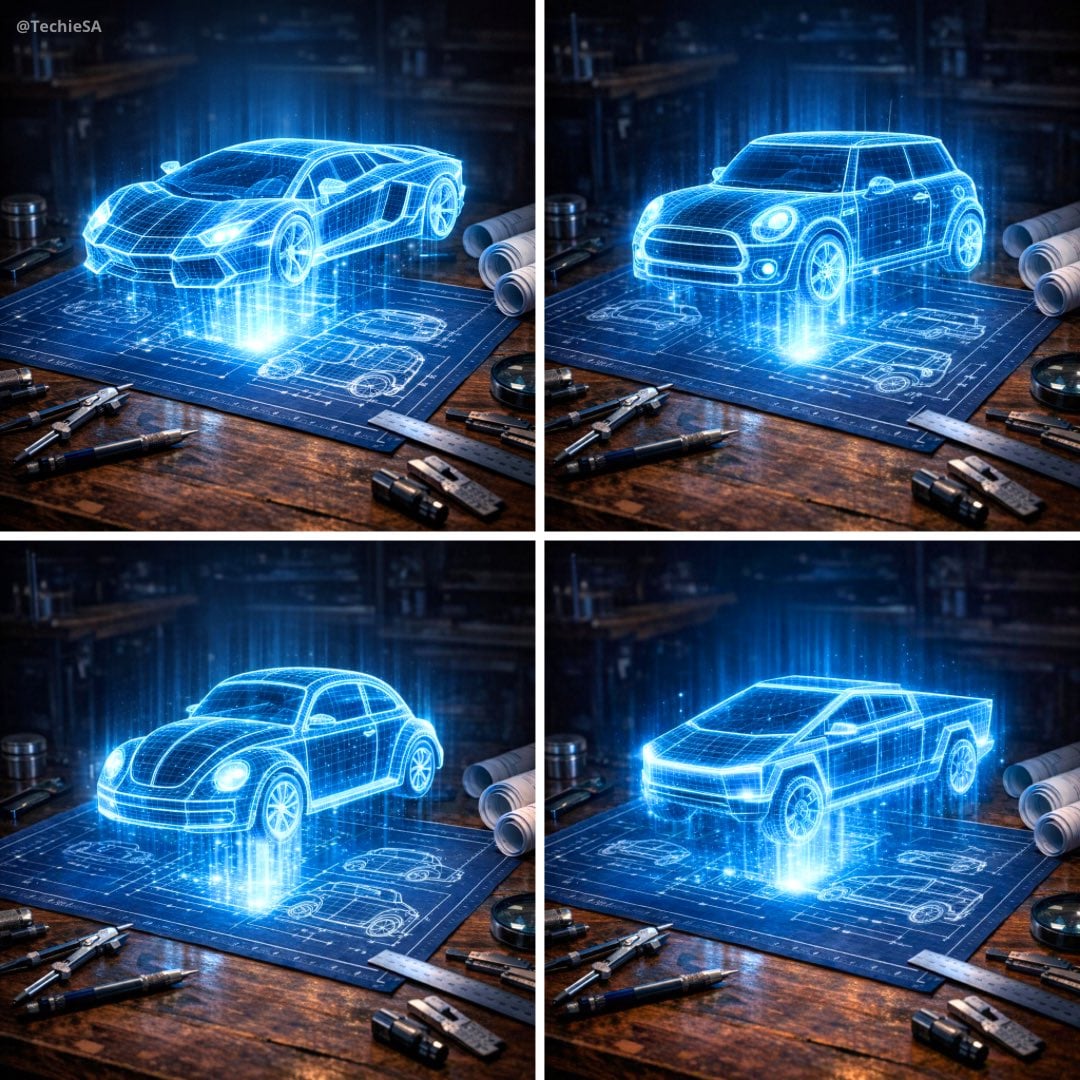
Holographic Car Blueprint Wireframe
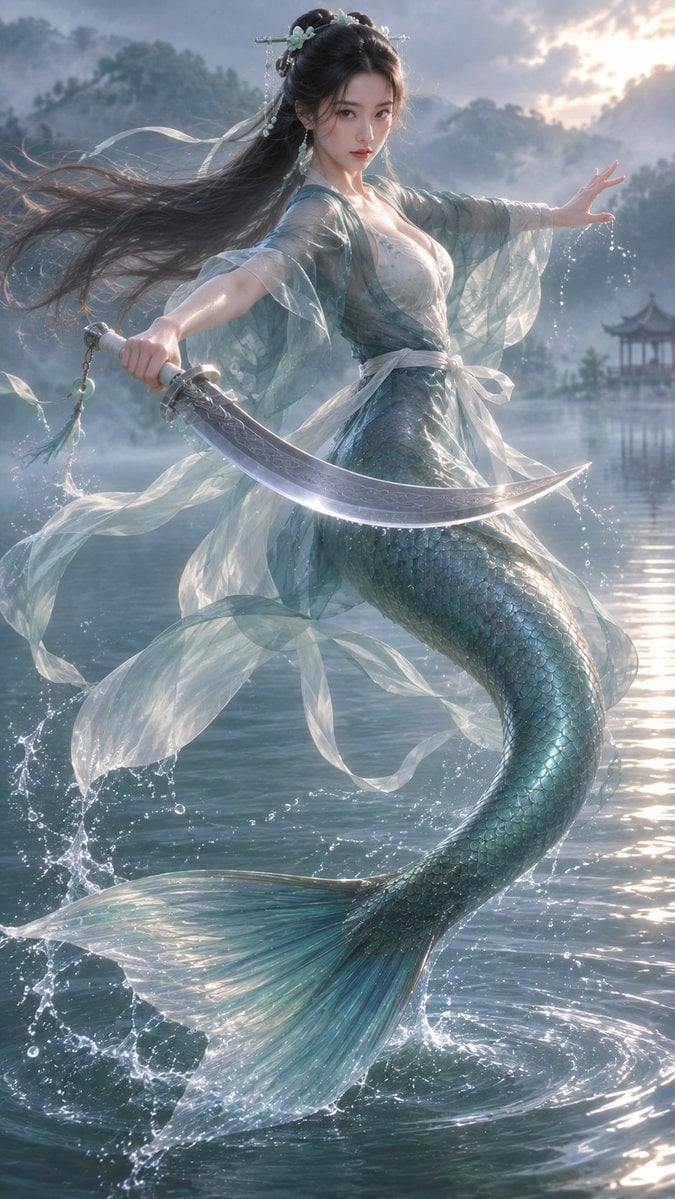
Oriental Mythical Fish Spirit
Make it yours
Shimmering Blue Fish School works as-is. These are the safest ways to change it without losing the look.
Change one field
Copy a single group, rewrite it, and generate again so you can see what that field is doing.
Keep the frame, change the subject
Hold the composition and light of Shimmering Blue Fish School, then swap wardrobe, props or the person for a new take.
| If the result… | Why | Fix |
|---|---|---|
| The result drifts from the preview | Too many fields changed at once. | Reuse Shimmering Blue Fish School as-is first, then change one group — subject, light, or setting. |
| The model over-stylizes the scene | The prose prompt leaves finish and camera underspecified. | Add one camera or lighting sentence and stay on GPT Image 2. |
More GPT Image 2 templates
Other prompts made for GPT Image 2.

Six VTuber Japanese Logo Sheet

Realistic Portrait of Woman and Deer

The Vista Modular Condo Poster

AI Model Routing Comparison Infographic

2.5D Anime Art Board

Isometric Productivity Desk Scene

New York Double Exposure Poster

Four-Panel AI Landscape Comparison

Japanese Tatami Lifestyle Magazine Cover

NESCAFÉ Coffee Map Poster
More image prompts
Fresh picks from across the catalog.
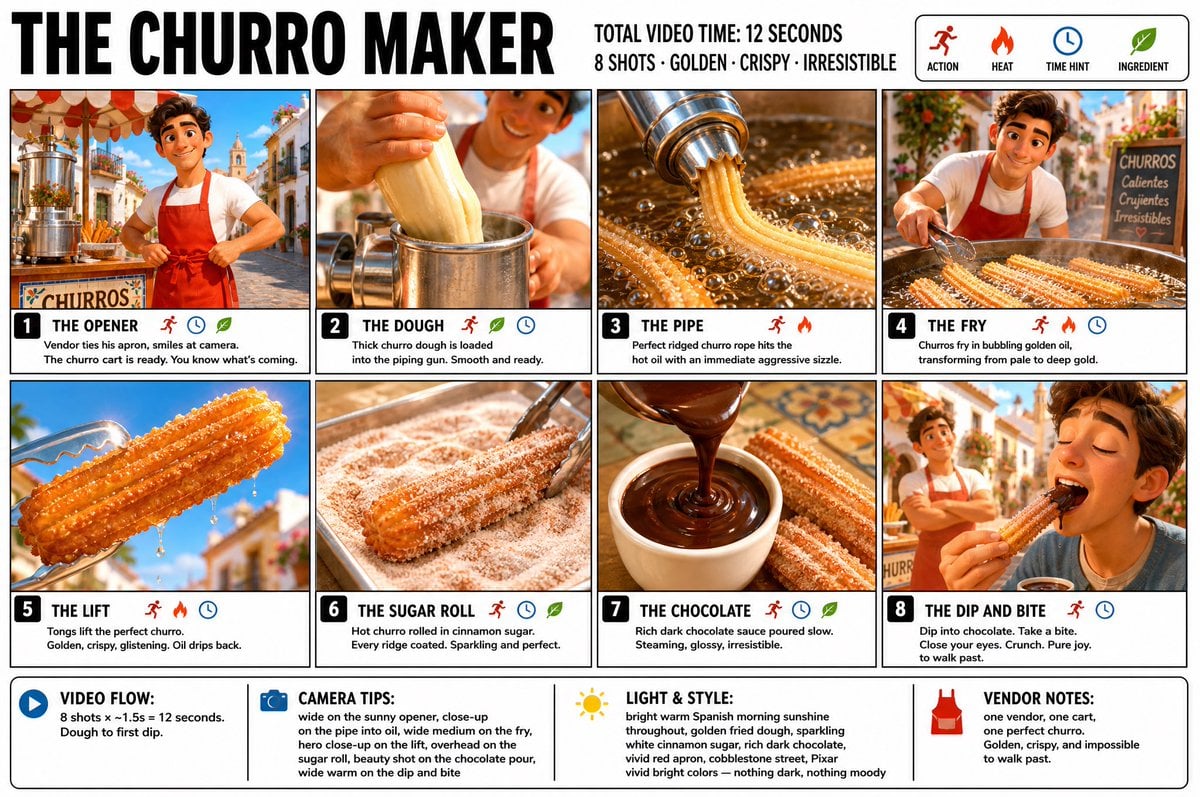
Churro Maker Infographic Storyboard

Cat with Toy Car at Go-Kart Track
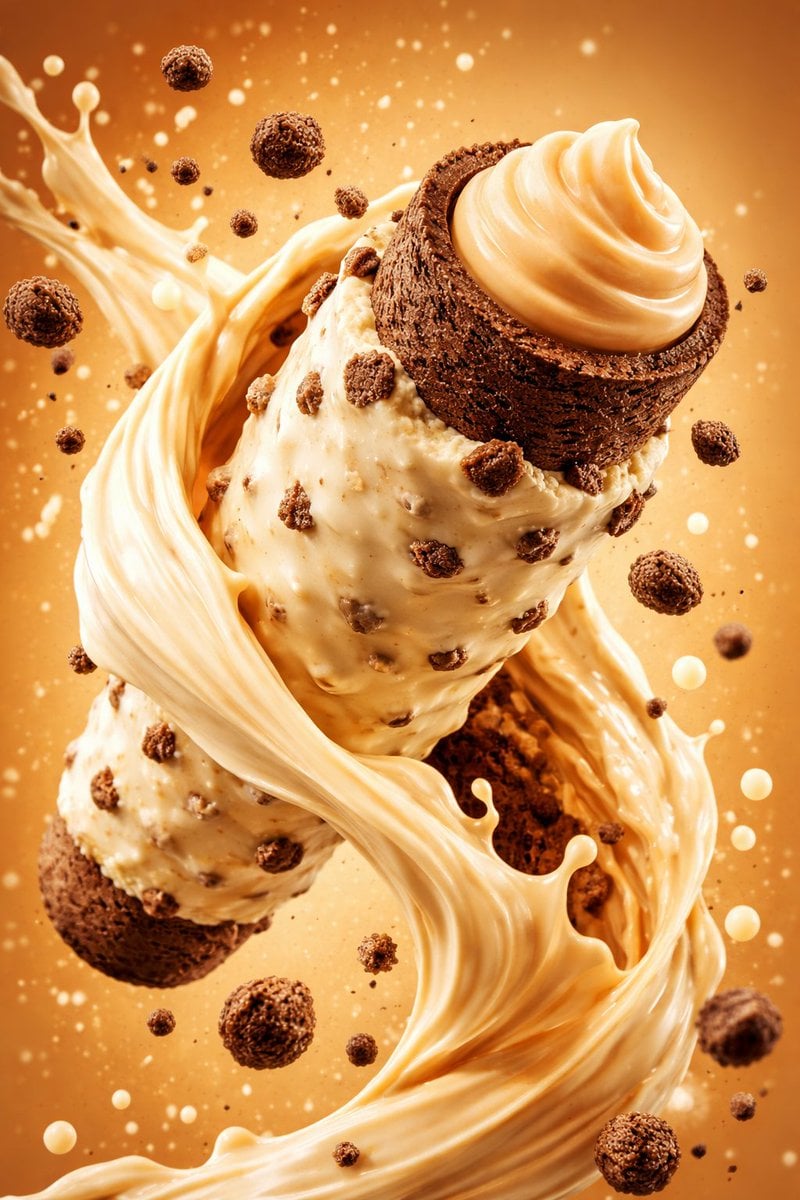
Hyper-Realistic Commercial Food Photography Prompt for Gemini Nano Banana Pro

Replace women with specific celebrities
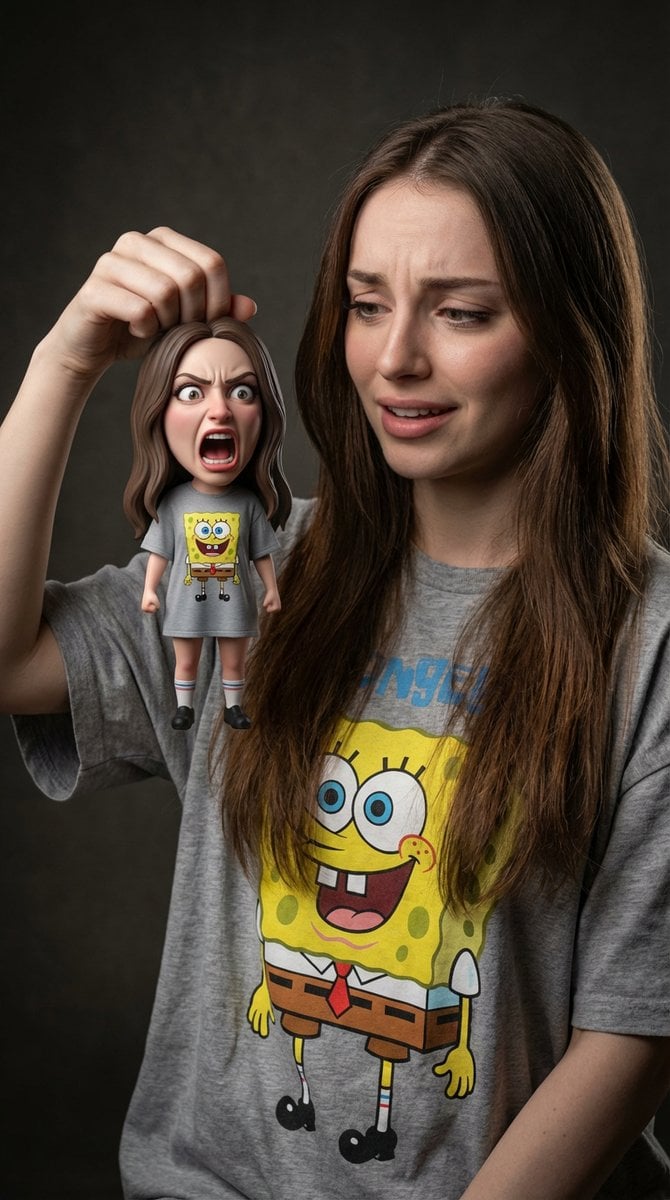
Life-Size Holding Miniature Self Prompt
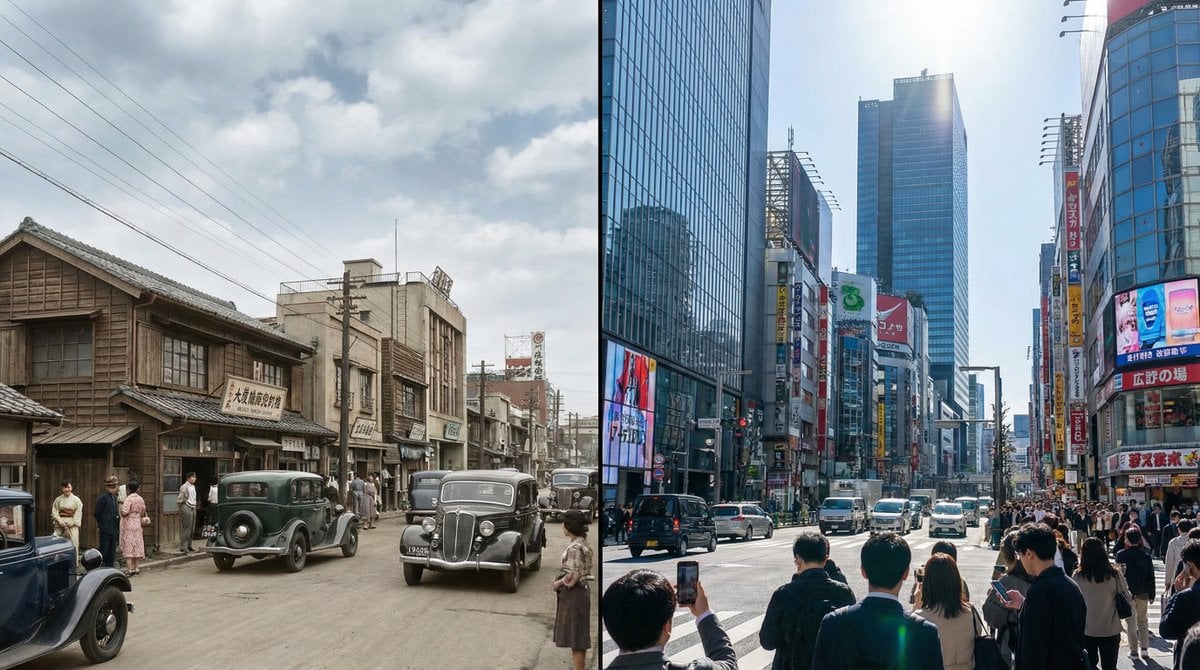
Split-screen time-lapse of same location by coordinates
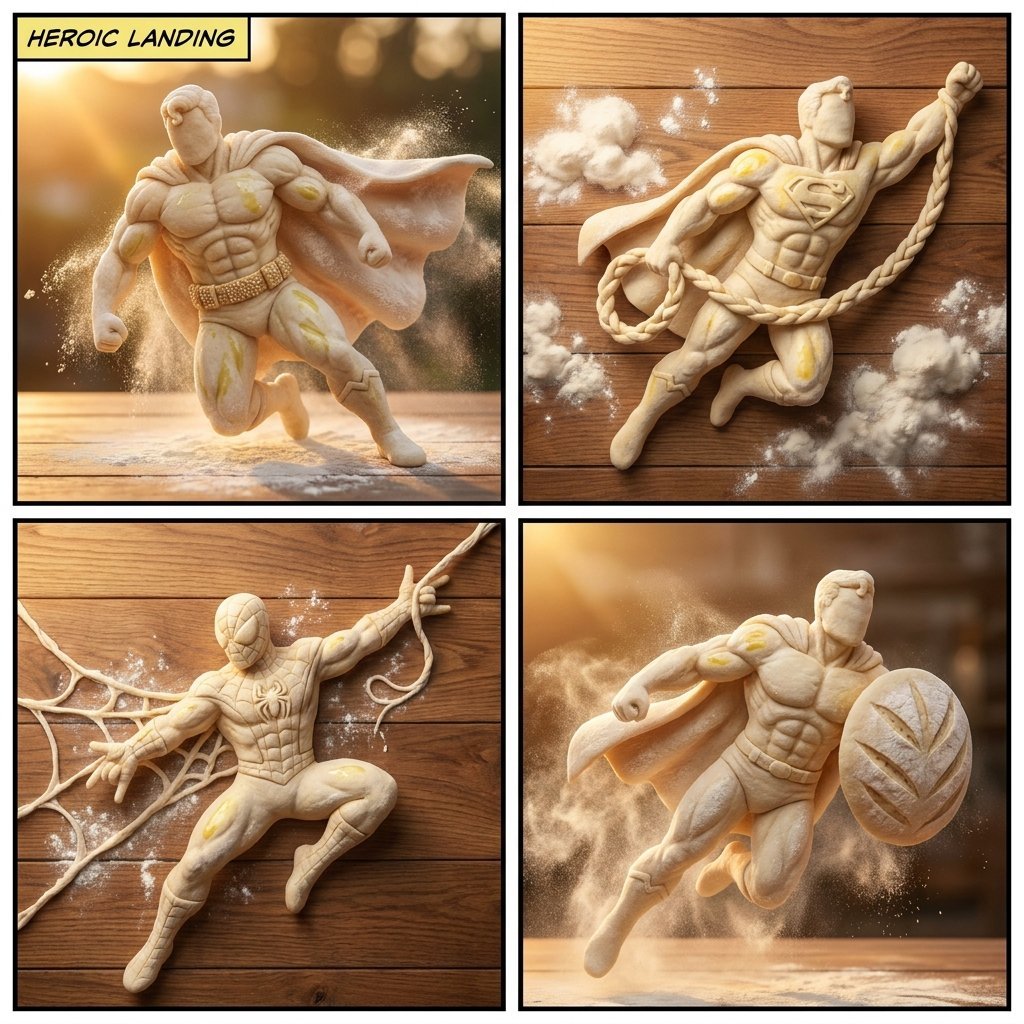
Bread Dough Superheroes
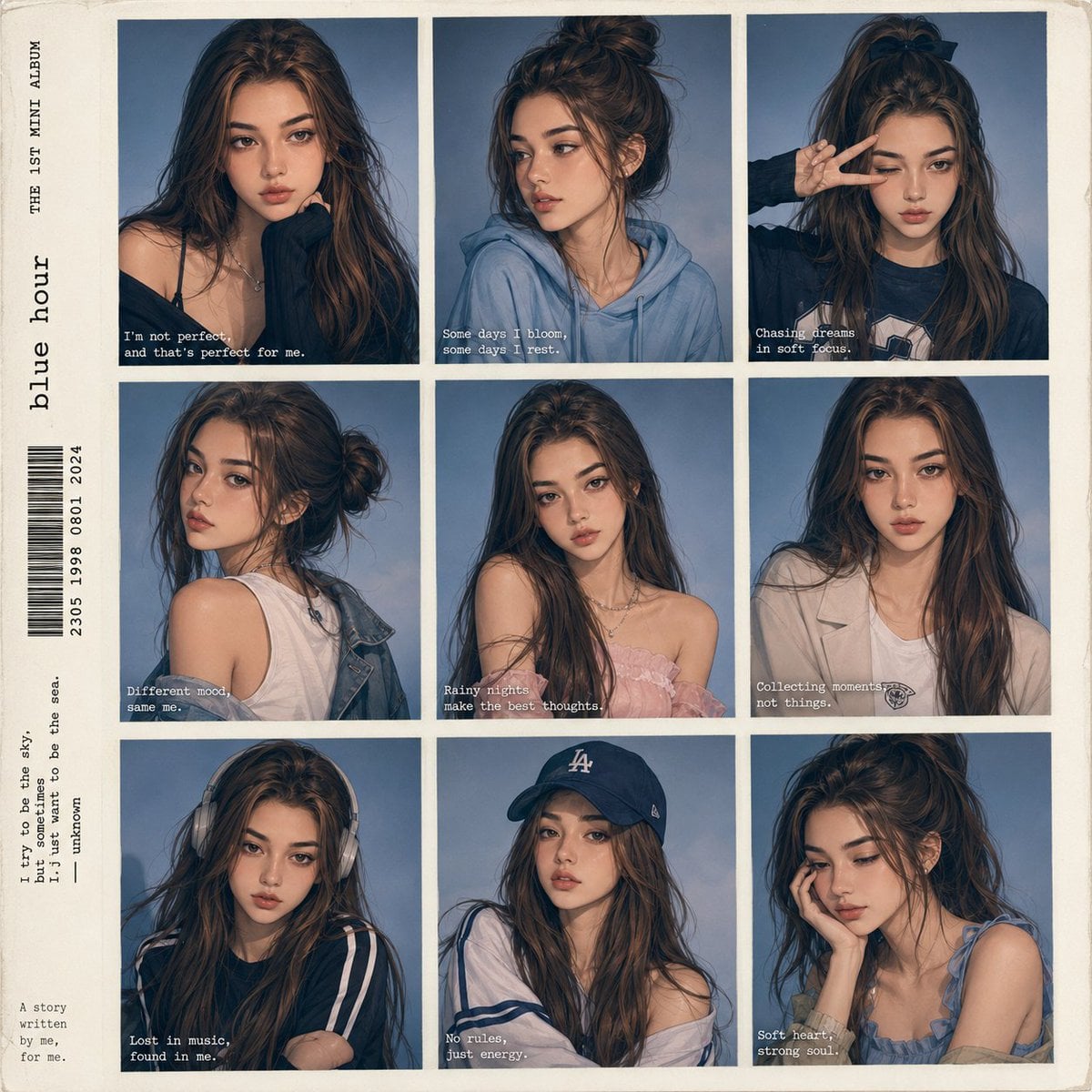
Anime Style K-Pop Collage
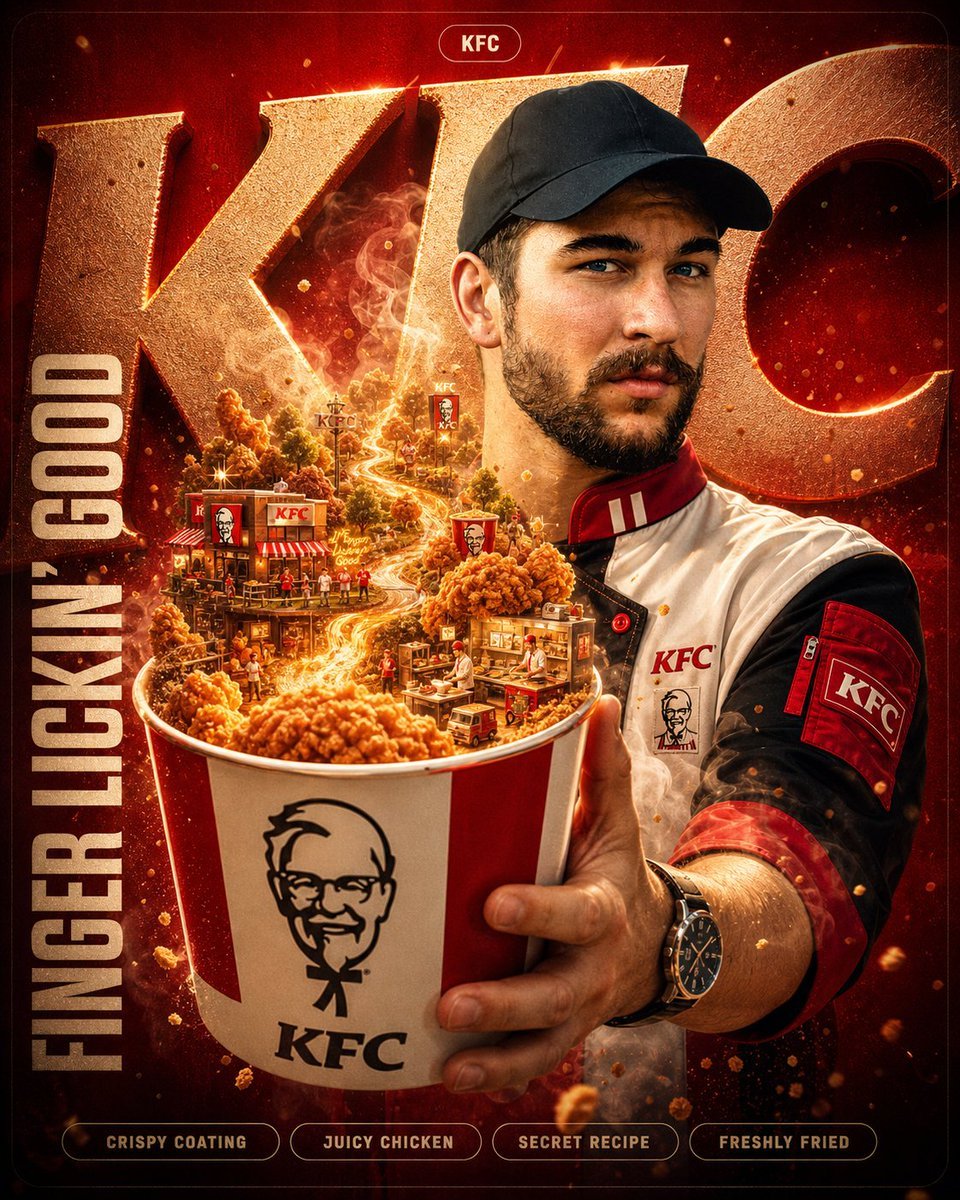
Unreal Commercial Poster Generator
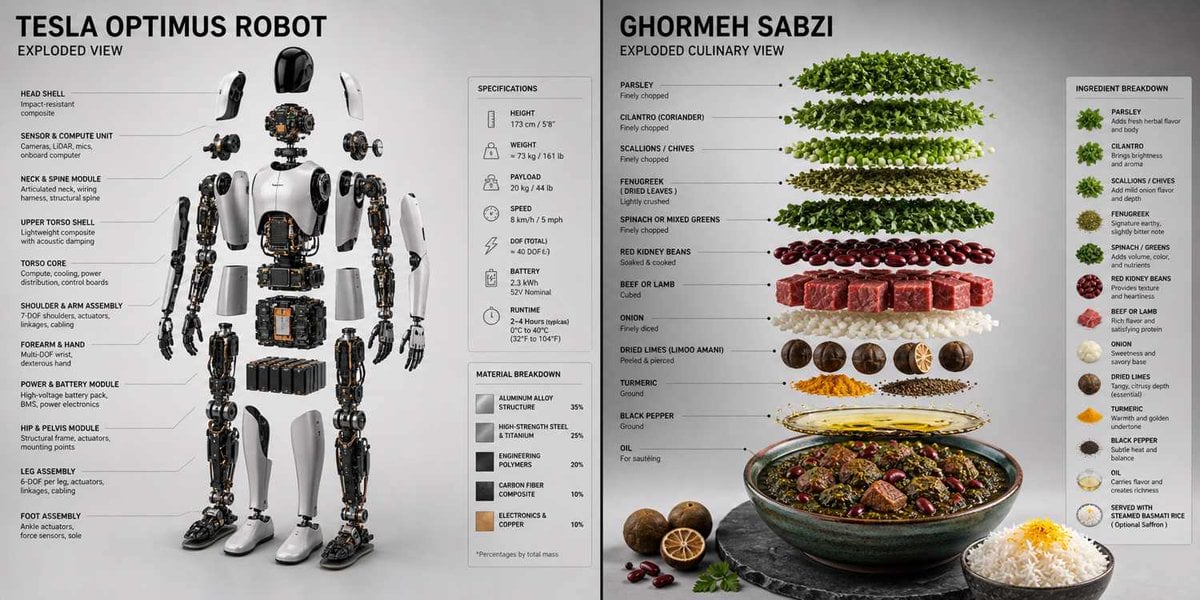
Technical 3D Exploded View
Browse template categories
Shimmering Blue Fish School questions
How do I use the Shimmering Blue Fish School template?
Add your photo if the template asks for one, edit the prompt if you like — the template's model and format are already selected — and press Generate. Your version opens in PicX Studio.
Can I customize the Shimmering Blue Fish School template?
Yes. You can change the subject, setting, lighting, mood, format, and available model controls before creating your image.
Is the Shimmering Blue Fish School template free?
Opening and editing this template is free. Generating uses credits, shown on the Generate button when you are signed in.
Which AI model should I use?
Start with GPT Image 2, which is the model associated with this template. You can compare another compatible model for a different finish.
Looking for something else? Browse all templates.

Your photo, any look
Thousands of ready templates for every top image and video model, from one credit balance.