
Four-Model Earbud Product Comparison
Creates a 2x2 studio comparison image of white wireless earbuds generated in four distinct AI model styles for e-commerce evaluation.
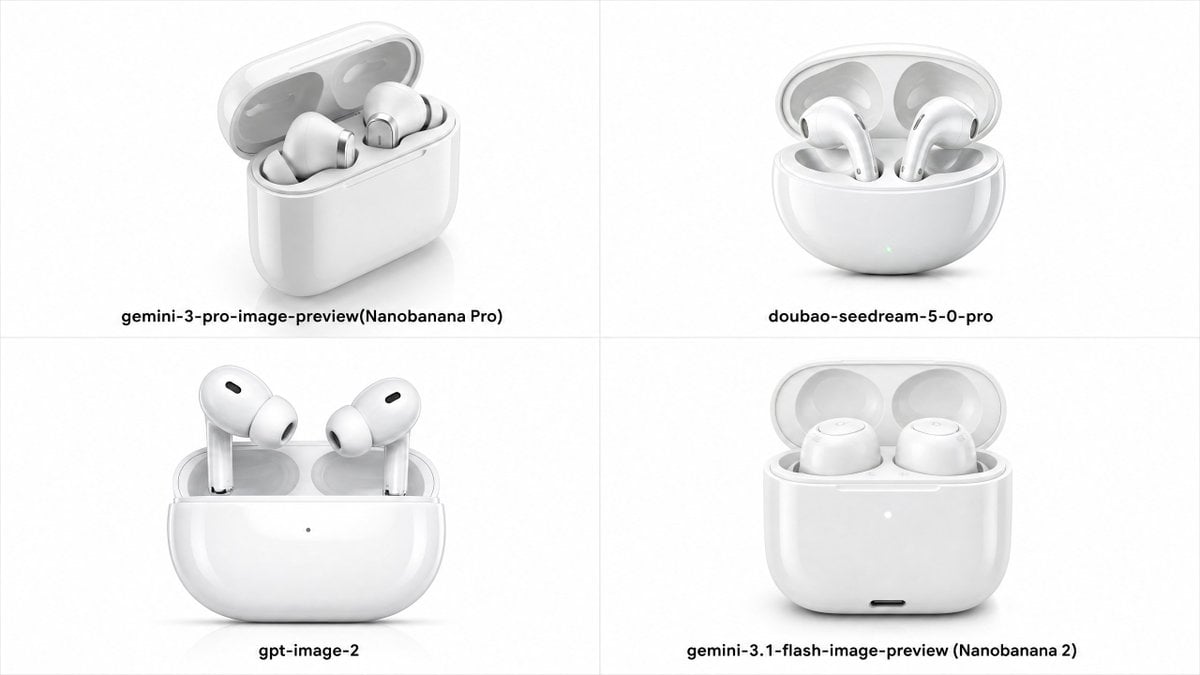
- Prompt included
- Model and format preset
- Premium template
The prompt behind this image
Copy the exact prompt behind Four-Model Earbud Product Comparison, or open it in the studio and make it yours.
Goal: Create a clean comparison grid showing the same e-commerce product rendered by four AI image models: a glossy white true wireless earbud charging case with the lid open, on a white studio background. Canvas: Wide 16:9 image, divided into exactly 4 equal quadrants by thin light-gray vertical and horizontal divider lines. Minimal white background, soft shadows under each product, high-key product photography look. Layout: Arrange exactly 4 product renders in a 2 × 2 grid, each centered in its quadrant with a bold black model label beneath it. Keep generous whitespace and align all labels near the lower part of each quadrant. Quadrants and labels: 1. Top-left: white rounded rectangular charging case open at a three-quarter angle, two earbuds resting inside, semi-transparent lid, soft reflections. Label: “{argument name="top left label" default="gemini-3-pro-image-preview(Nanobanana Pro)"}”. 2. Top-right: rounded pill-shaped white charging case open, two AirPods-style stem earbuds inside, subtle green indicator dot on the front. Label: “{argument name="top right label" default="doubao-seedream-5-0-pro"}”. 3. Bottom-left: front-facing glossy white charging case with open lid, two stem earbuds standing upright, small black oval speaker vents on the buds, tiny dot indicator on the case front. Label: “{argument name="bottom left label" default="gpt-image-2"}”. 4. Bottom-right: front-facing glossy white charging case with open translucent lid, two rounded earbuds sitting low inside without long stems, small white indicator dot and tiny black charging port on the front. Label: “{argument name="bottom right label" default="gemini-3.1-flash-image-preview (Nanobanana 2)"}”. Visual style: premium e-commerce main image, realistic white plastic and silicone materials, polished surfaces, subtle gray reflections, soft studio lighting, crisp product structure, shallow contact shadows, no decorative props. Constraints: Use exactly 4 quadrants and exactly 4 labels; do not add logos, watermarks, extra text, hands, packaging, or colored backgrounds. Keep all products white and centered, with the bottom-left render corresponding to {argument name="highlighted model" default="gpt-image-2"}.
How to use Four-Model Earbud Product Comparison in 3 steps
- 1Upload ImagePNG, JPG or paste
Add your photo
Upload the photo the template builds on. The prompt, model and format are already set.
- 2…a portrait of your subject in softgolden-hour light, 85mm…
Personalize
Edit the subject and creative details for your destination.
- 3Generate
Generate
Press Generate — your image is created in PicX Studio, so you can compare it with the original and refine one variable at a time.
More like this
Templates with the same subject, style or setup. Open one to see its prompt.

Premium Vertical Product Campaign Poster
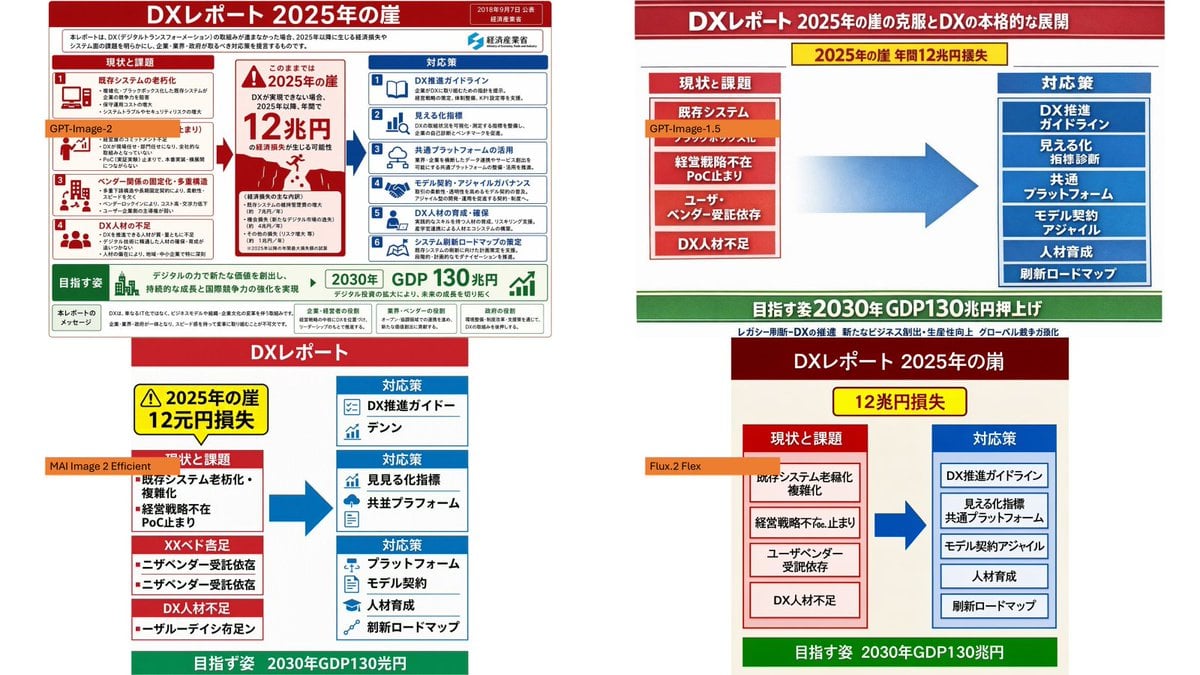
Four-Panel DX Report Model Comparison

AI Model Routing Comparison Infographic

Four-Panel AI Landscape Comparison

Four-Panel Anime Face Comparison

Fantasy Model Comparison Grid

Four-Panel AI Landscape Comparison
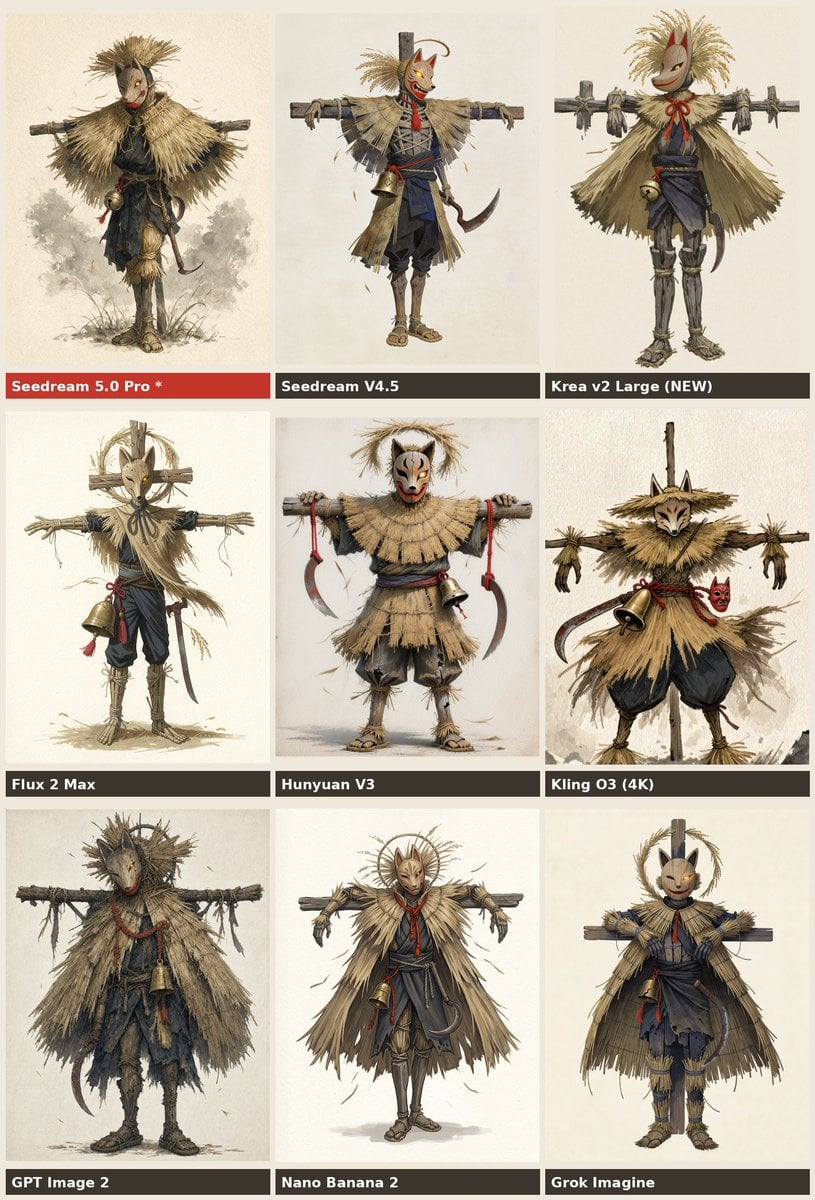
Nine-Model Scarecrow Yokai Comparison

A k.pop idol on the stage with mic

Trendy Cafe Drink Promo Poster

Minimalist Skincare Product Water Stone Still

Giant Forced Perspective Street Product Selfie
Make it yours
Four-Model Earbud Product Comparison works as-is. These are the safest ways to change it without losing the look.
Change one field
Copy a single group, rewrite it, and generate again so you can see what that field is doing.
Keep the frame, change the subject
Hold the composition and light of Four-Model Earbud Product Comparison, then swap wardrobe, props or the person for a new take.
| If the result… | Why | Fix |
|---|---|---|
| The result drifts from the preview | Too many fields changed at once. | Reuse Four-Model Earbud Product Comparison as-is first, then change one group — subject, light, or setting. |
| The model over-stylizes the scene | The prose prompt leaves finish and camera underspecified. | Add one camera or lighting sentence and stay on GPT Image 2. |
More GPT Image 2 templates
Other prompts made for GPT Image 2.

Six VTuber Japanese Logo Sheet

Realistic Portrait of Woman and Deer

The Vista Modular Condo Poster

2.5D Anime Art Board

Isometric Productivity Desk Scene

New York Double Exposure Poster

Japanese Tatami Lifestyle Magazine Cover

NESCAFÉ Coffee Map Poster

Brutalist Cogito Chinese Typography Poster

Cinematic Luxury Terrace Portrait
More image prompts
Fresh picks from across the catalog.
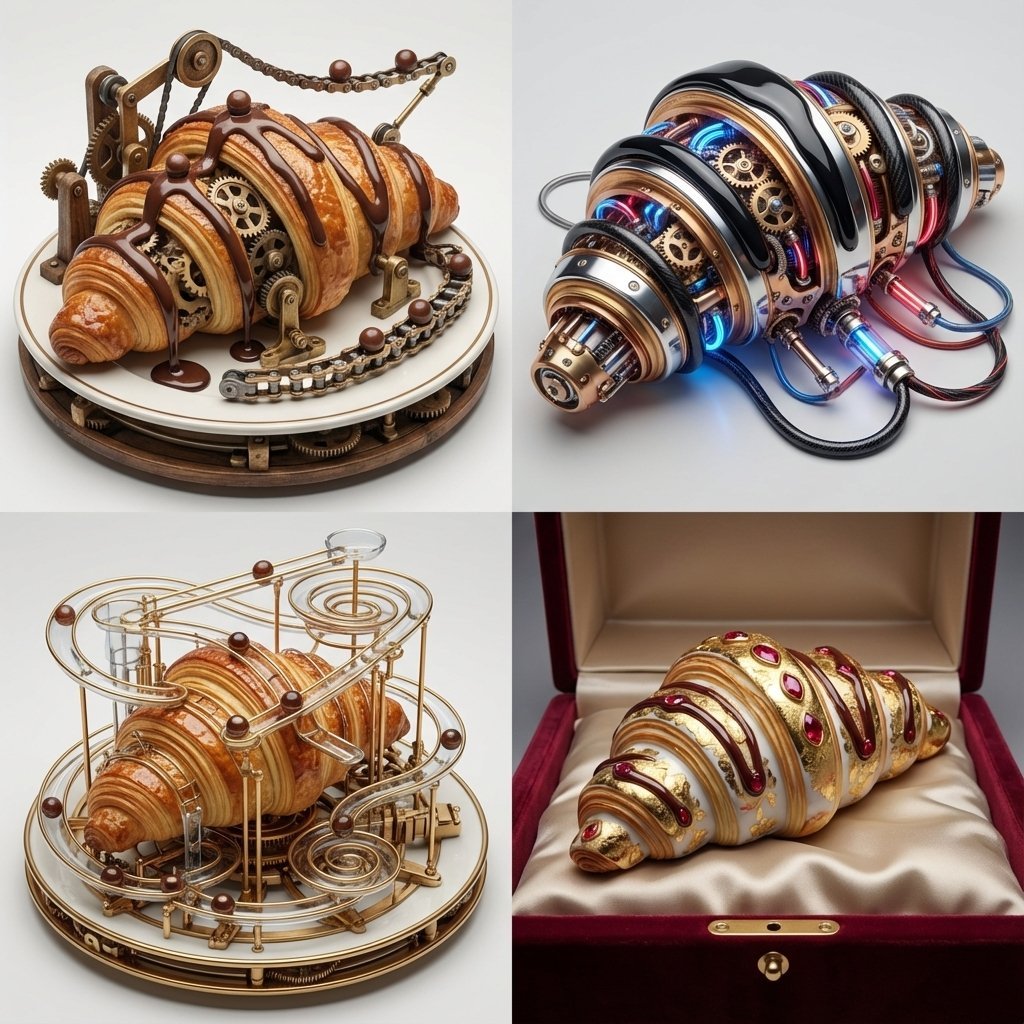
Michelin-Star Chef Fantasy Food Re-imagination Grid
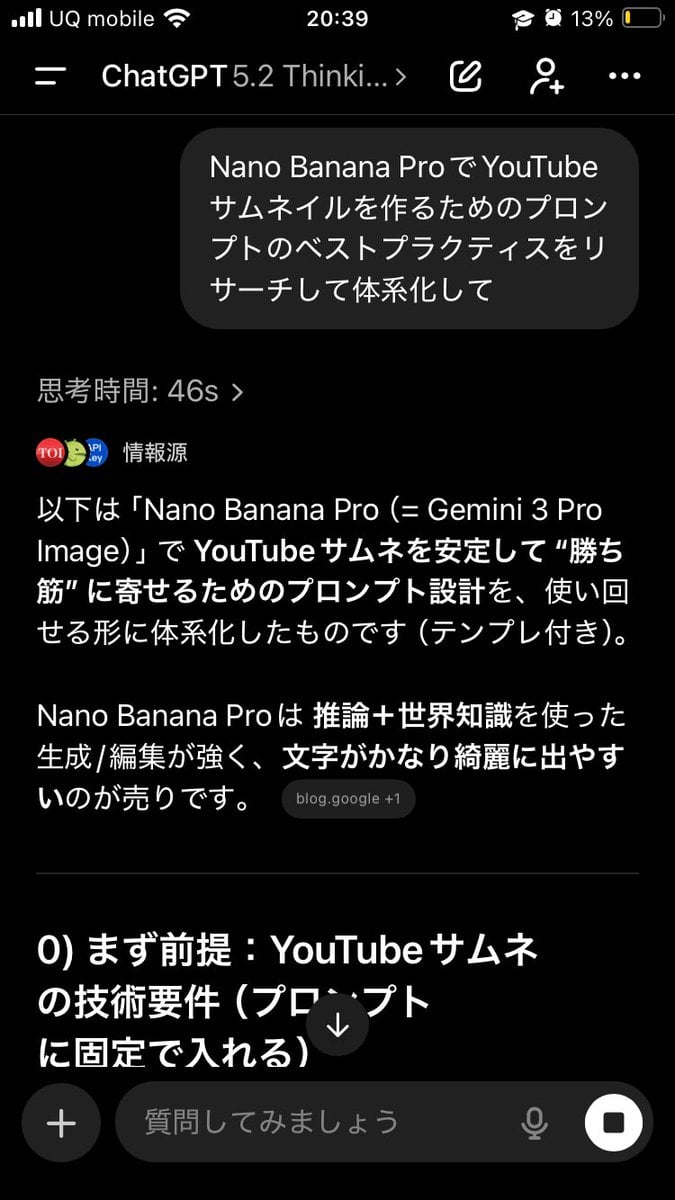
Advanced Two-Step Prompting Strategy for Nano Banana Pro Thumbnails

Character Archive — Blueprint Concept Sheet
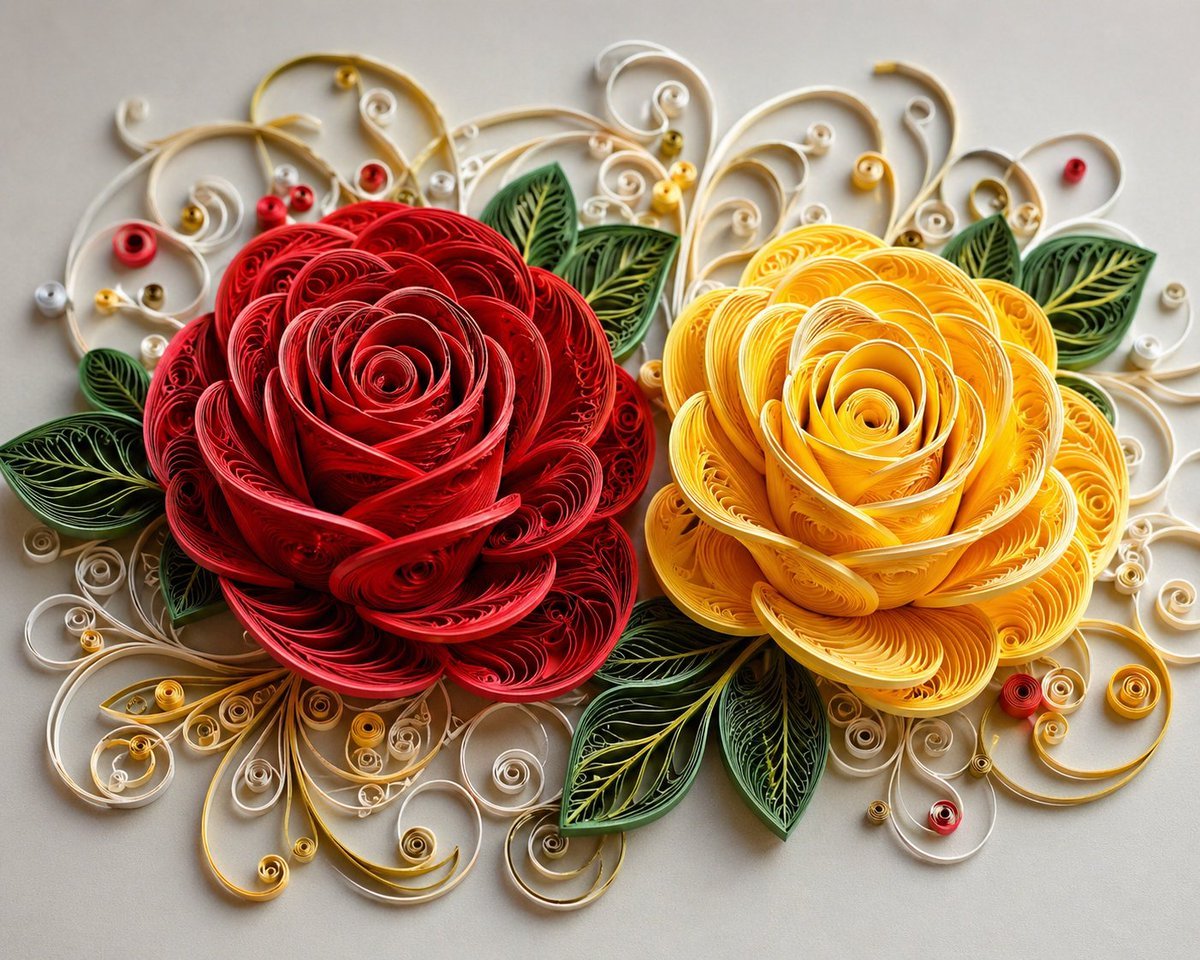
3D Paper Quilling Floral Art
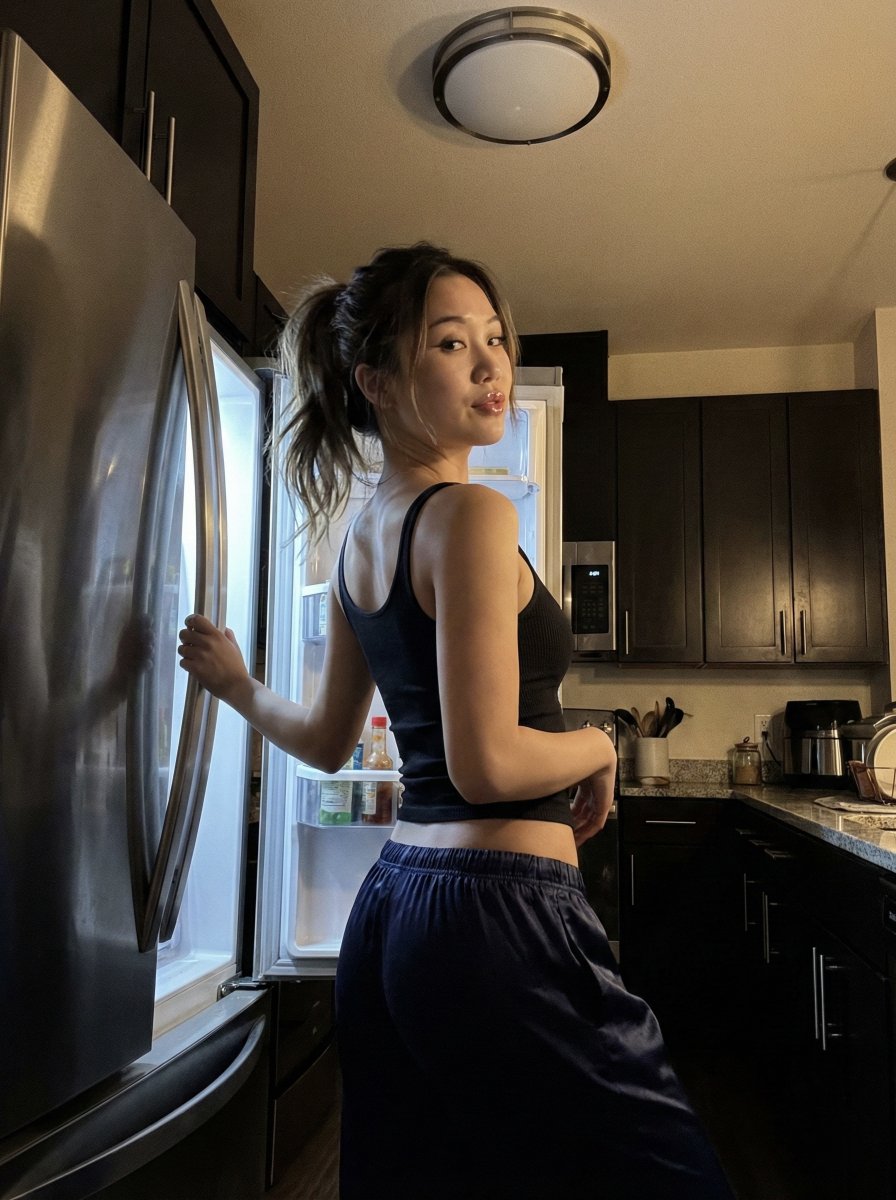
Late Night iPhone Candid in Kitchen
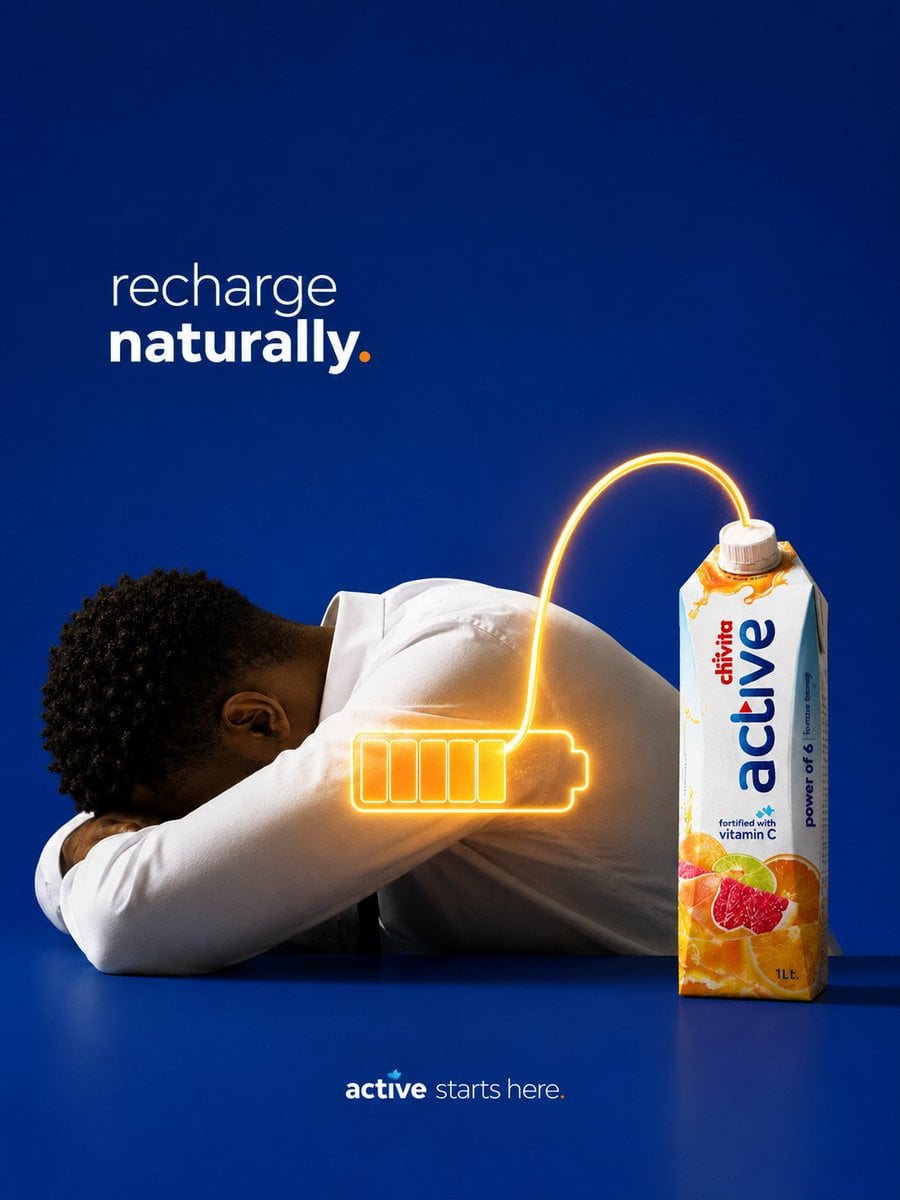
Recharge Naturally Juice Ad
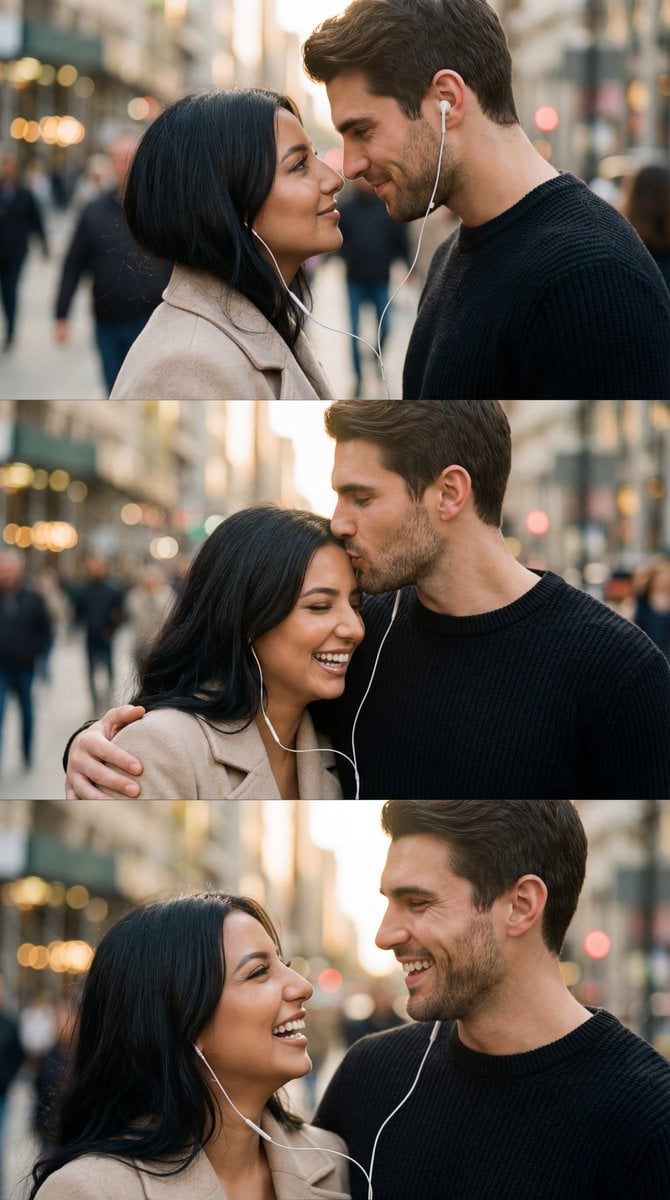
Romantic Cinematic Triptych with Shared Earphones
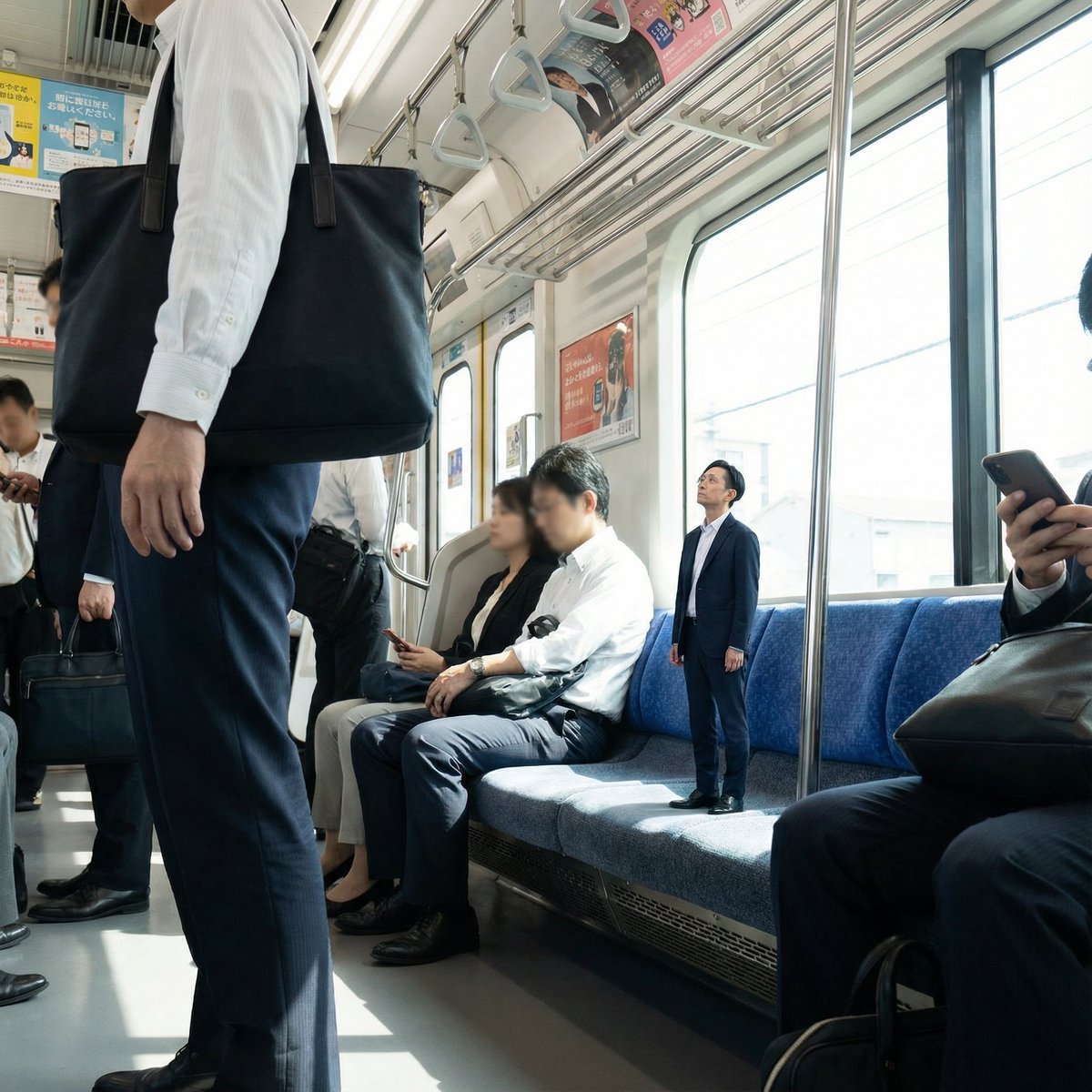
Miniature Person in Train Prompt
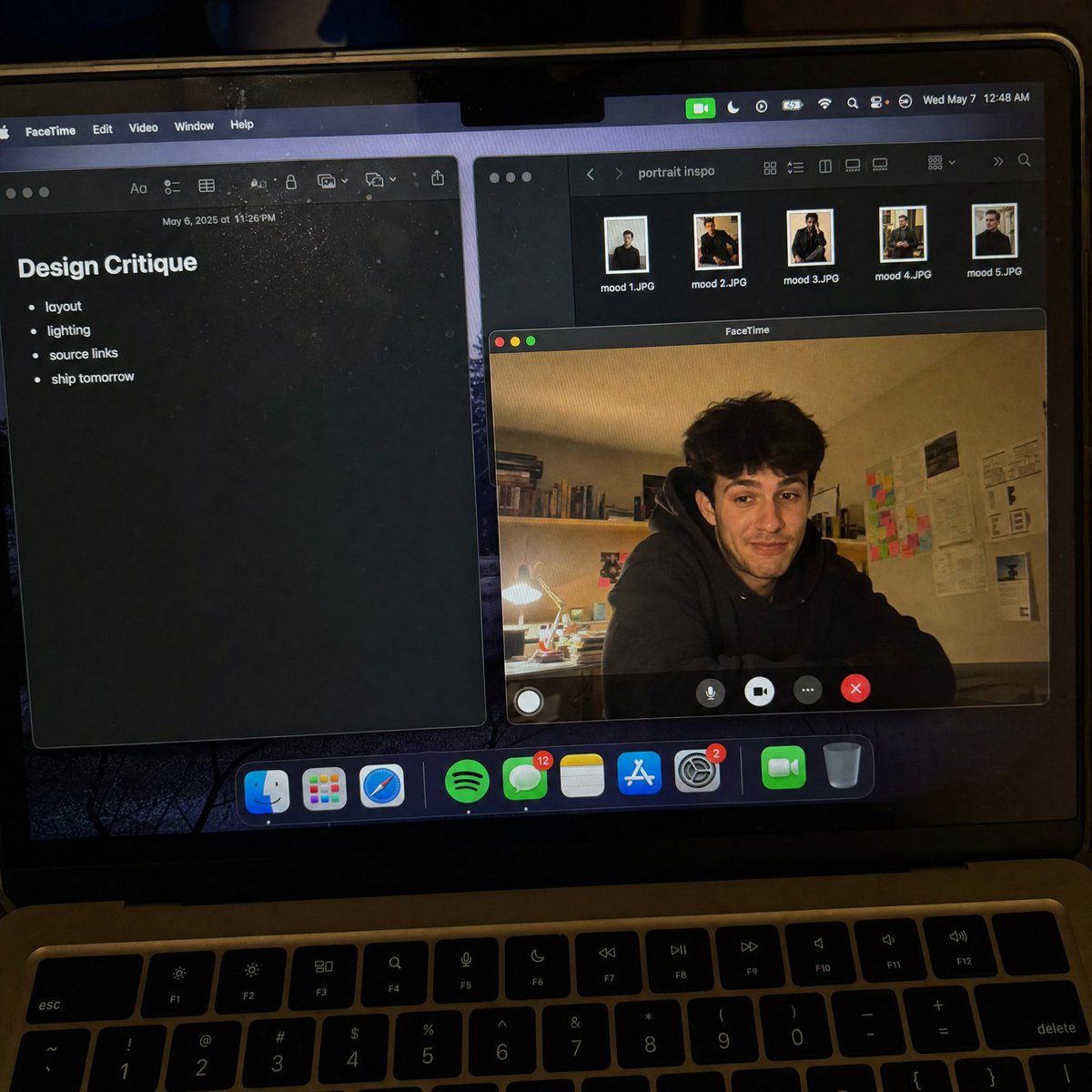
Handheld Laptop Screen POV
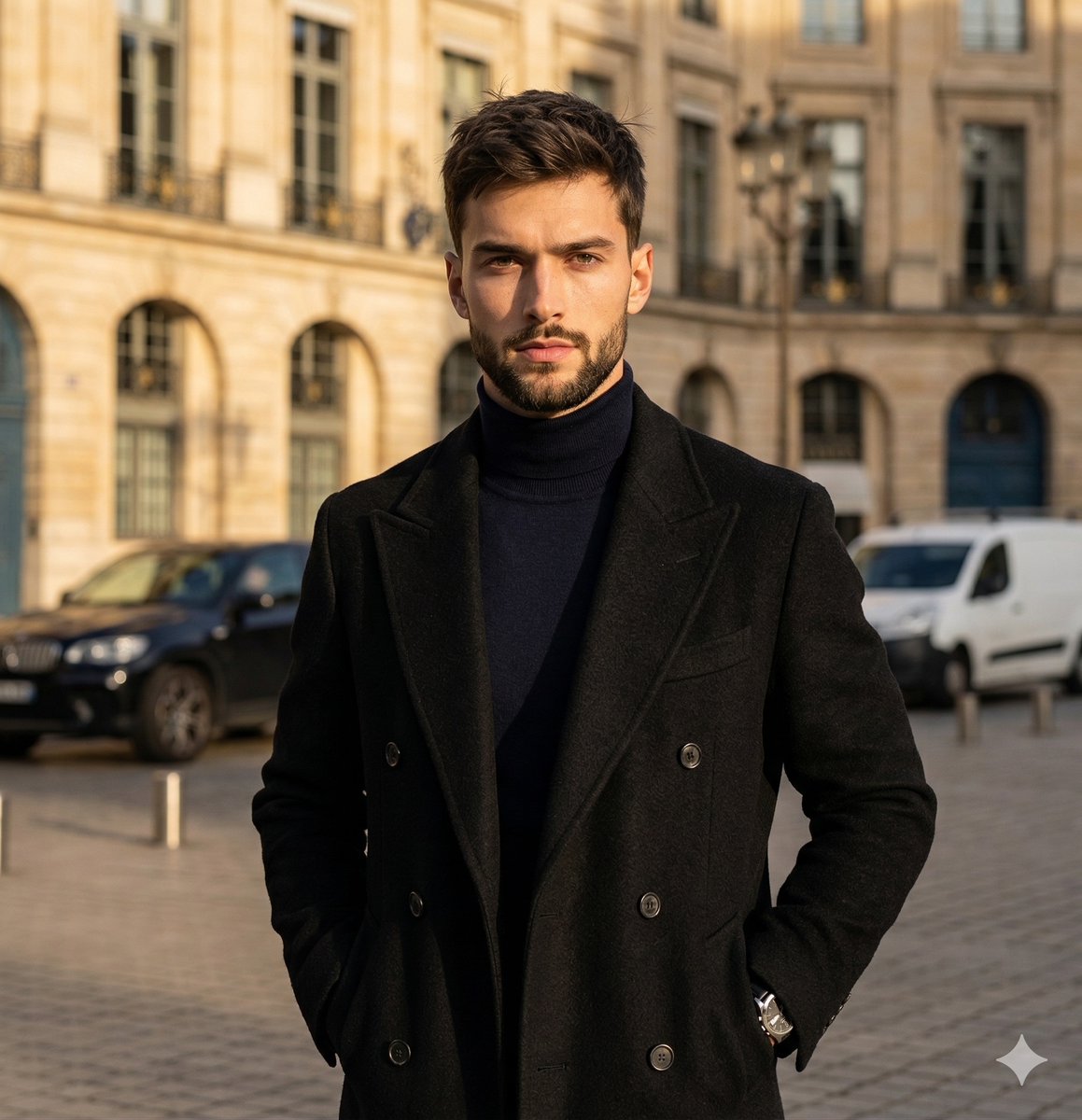
High-Contrast Street Fashion Editorial Portrait
Browse template categories
Four-Model Earbud Product Comparison questions
How do I use the Four-Model Earbud Product Comparison template?
Add your photo if the template asks for one, edit the prompt if you like — the template's model and format are already selected — and press Generate. Your version opens in PicX Studio.
Can I customize the Four-Model Earbud Product Comparison template?
Yes. You can change the subject, setting, lighting, mood, format, and available model controls before creating your image.
Is the Four-Model Earbud Product Comparison template free?
Opening and editing this template is free. Generating uses credits, shown on the Generate button when you are signed in.
Which AI model should I use?
Start with GPT Image 2, which is the model associated with this template. You can compare another compatible model for a different finish.
Looking for something else? Browse all templates.

Your photo, any look
Thousands of ready templates for every top image and video model, from one credit balance.