
Japanese Pricing Comparison Thumbnail
Generates a high-impact Japanese social media thumbnail comparing a crossed-out high subscription price with a cheaper monthly plan.

- Prompt included
- Model and format preset
- Premium template
The prompt behind this image
Copy the exact prompt behind Japanese Pricing Comparison Thumbnail, or open it in the studio and make it yours.
Goal: Create a bold Japanese YouTube/X thumbnail about subscription pricing being too expensive, using a dramatic comparison between a crossed-out high monthly fee and a cheaper monthly fee. Canvas: Vertical 3:4 thumbnail, 768×1024 style, optimized for mobile readability. Use a dark navy-to-deep-purple gradient background with a subtle spotlight glow behind the person. Keep all main text inside safe margins and make it extremely large, high-contrast, and legible. Layout: At the very top, place exactly 2 hanging price tags suspended by thin strings: left tag is red, tilted slightly, with the text {argument name="old price text" default="月15,000円"} in bold white and a thick white diagonal strike-through line; right tag is neon green, tilted slightly, glowing, with the text {argument name="new price text" default="月3,000円"} in bold white. Below the tags, center a huge white headline with black shadow: {argument name="headline text" default="その課金、まだ早い"}. Under the headline, add one bright yellow rectangular banner spanning nearly the full width, with bold black text: {argument name="subheadline text" default="月3,000円で足りる21の使い方"}. Subject details: In the lower half, show a realistic studio-cutout portrait of a smiling young Japanese woman with long black hair and bangs, wearing a beige knit sweater. She faces the camera, raises her left hand open toward the viewer in a clear “stop/wait” gesture, and holds a gold credit card in her right hand. Use natural skin tones, clean beauty lighting, and a crisp cutout edge. Decorative elements: Add exactly 3 small floating gold yen coins with embossed yen symbols: one on the left upper-middle area, one near the lower-left edge, and one on the right-middle area. Add exactly 2 white speech/chat bubbles with three dark dots: one on the left side near the raised hand and one on the right side near the headline/shoulder area. Do not add extra coins, bubbles, icons, logos, or watermarks. Visual style: High-impact Japanese social media thumbnail, glossy 3D accents, strong drop shadows, neon glow on the green tag, clean compositing, sharp typography, saturated colors, professional viral-cover design. Make the text accurate and not garbled.
How to use Japanese Pricing Comparison Thumbnail in 3 steps
- 1Upload ImagePNG, JPG or paste
Add your photo
Upload the photo the template builds on. The prompt, model and format are already set.
- 2…a portrait of your subject in softgolden-hour light, 85mm…
Personalize
Edit the subject and creative details for your destination.
- 3Generate
Generate
Press Generate — your image is created in PicX Studio, so you can compare it with the original and refine one variable at a time.
More like this
Templates with the same subject, style or setup. Open one to see its prompt.
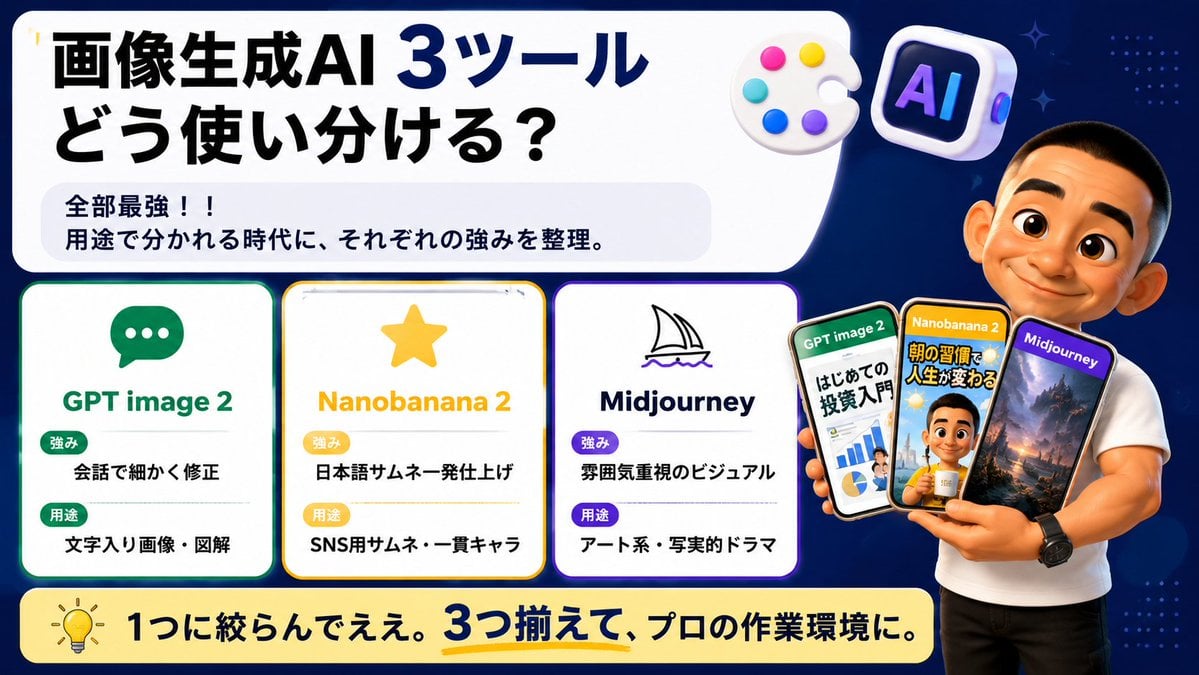
Japanese AI Tool Comparison Thumbnail

Minecraft Japanese Research Lab Exploration

Japanese Architectural Concrete Studio Fashion Campaign

Japanese Minimalist Concrete Studio Fashion Editorial

Blue Backdrop Luxury Fashion Portrait Campaign

Japanese SNS Automation Thumbnail
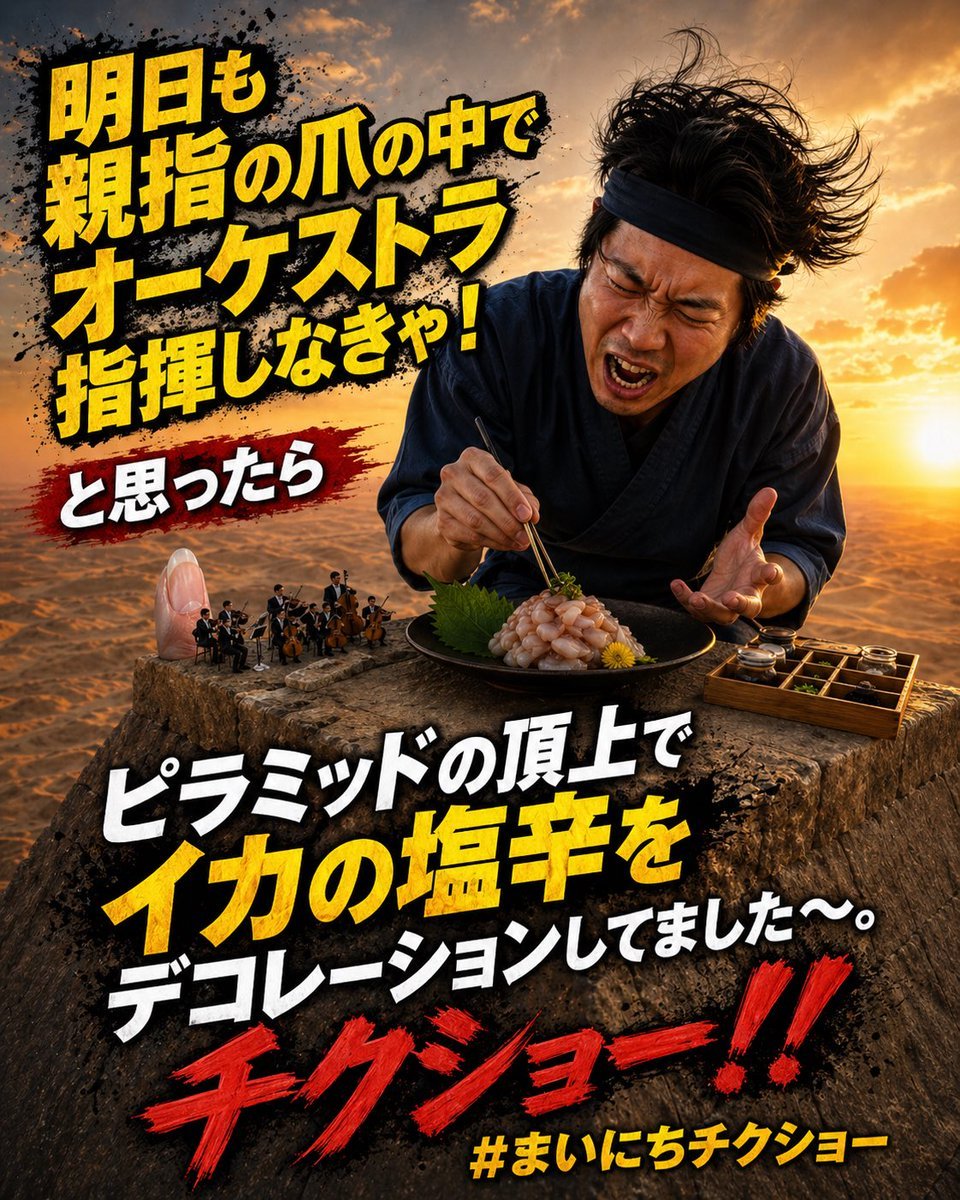
Surreal Japanese Meme Thumbnail at Pyramid

Explosive Japanese X Monetization Thumbnail

Japanese X Monetization Thumbnail

Japanese Udemy Course Sale Thumbnail
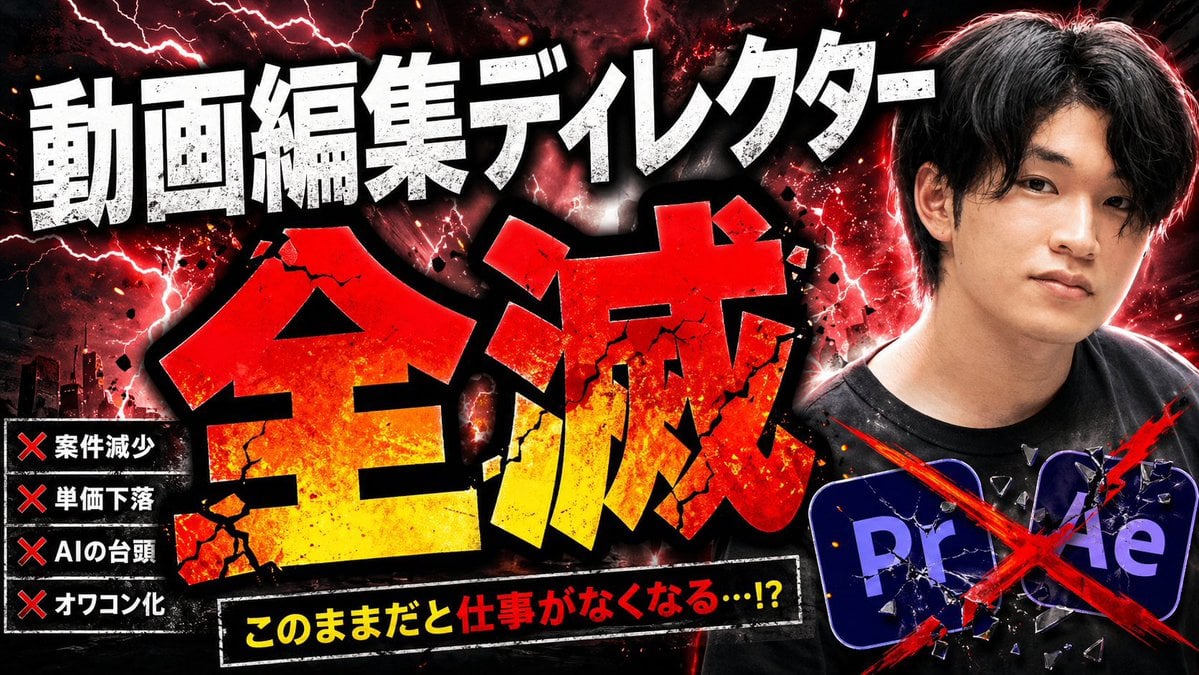
Explosive Japanese AI Threat Thumbnail
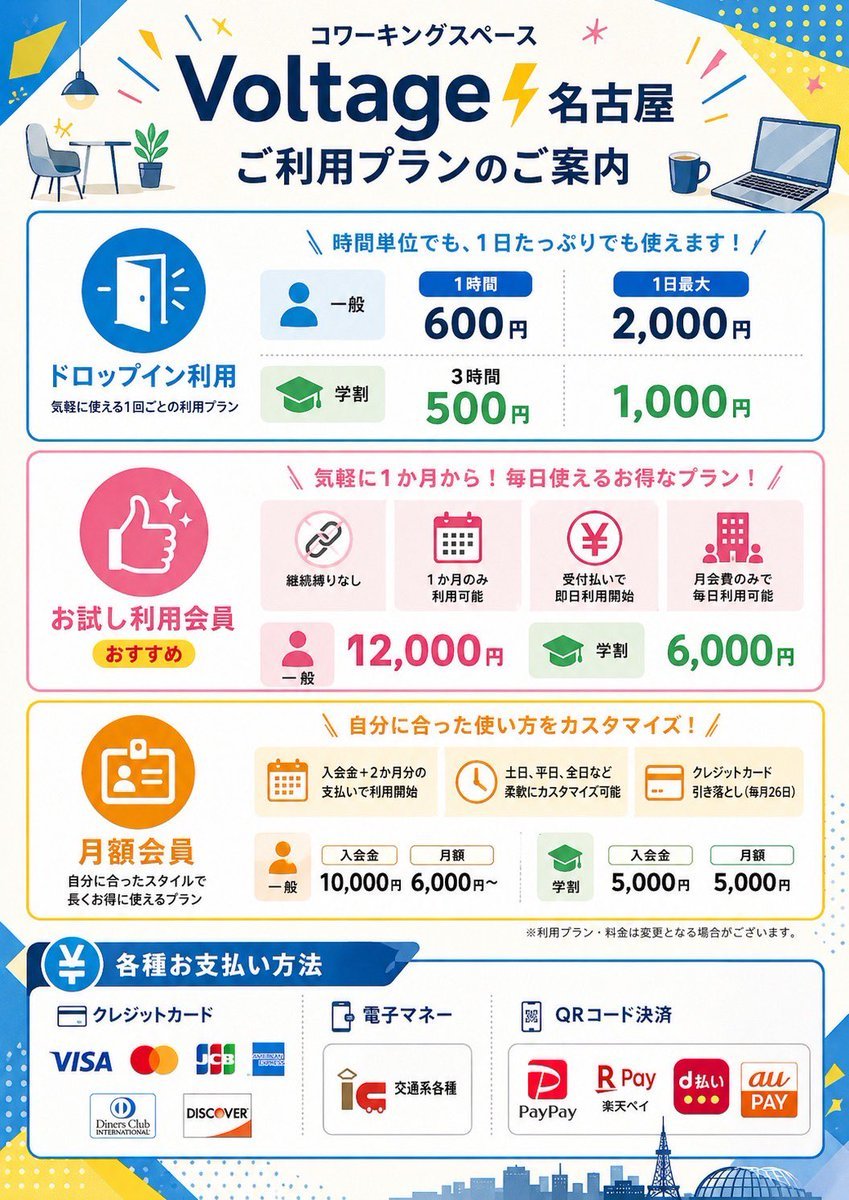
Japanese Coworking Pricing Flyer
Make it yours
Japanese Pricing Comparison Thumbnail works as-is. These are the safest ways to change it without losing the look.
Change one field
Copy a single group, rewrite it, and generate again so you can see what that field is doing.
Keep the frame, change the subject
Hold the composition and light of Japanese Pricing Comparison Thumbnail, then swap wardrobe, props or the person for a new take.
| If the result… | Why | Fix |
|---|---|---|
| The result drifts from the preview | Too many fields changed at once. | Reuse Japanese Pricing Comparison Thumbnail as-is first, then change one group — subject, light, or setting. |
| The model over-stylizes the scene | The prose prompt leaves finish and camera underspecified. | Add one camera or lighting sentence and stay on GPT Image 2. |
More GPT Image 2 templates
Other prompts made for GPT Image 2.

Realistic Portrait of Woman and Deer

The Vista Modular Condo Poster

2.5D Anime Art Board

Isometric Productivity Desk Scene

New York Double Exposure Poster

NESCAFÉ Coffee Map Poster

Brutalist Cogito Chinese Typography Poster

Cinematic Luxury Terrace Portrait

Superhero Era Transformation Split Portrait

Three AI Deities Fantasy Poster
More image prompts
Fresh picks from across the catalog.
Fidelity-Locked Edit Base Pose Variation
Glamorous Luxury Interior Fashion Shot
Japanese Suburb in 2000s Old Footage Style

Moonlit Celestial Kimono Dancer

Industrial Humanoid Robot Blueprint
Chagall-style painting of Sacré-Cœur Basilica
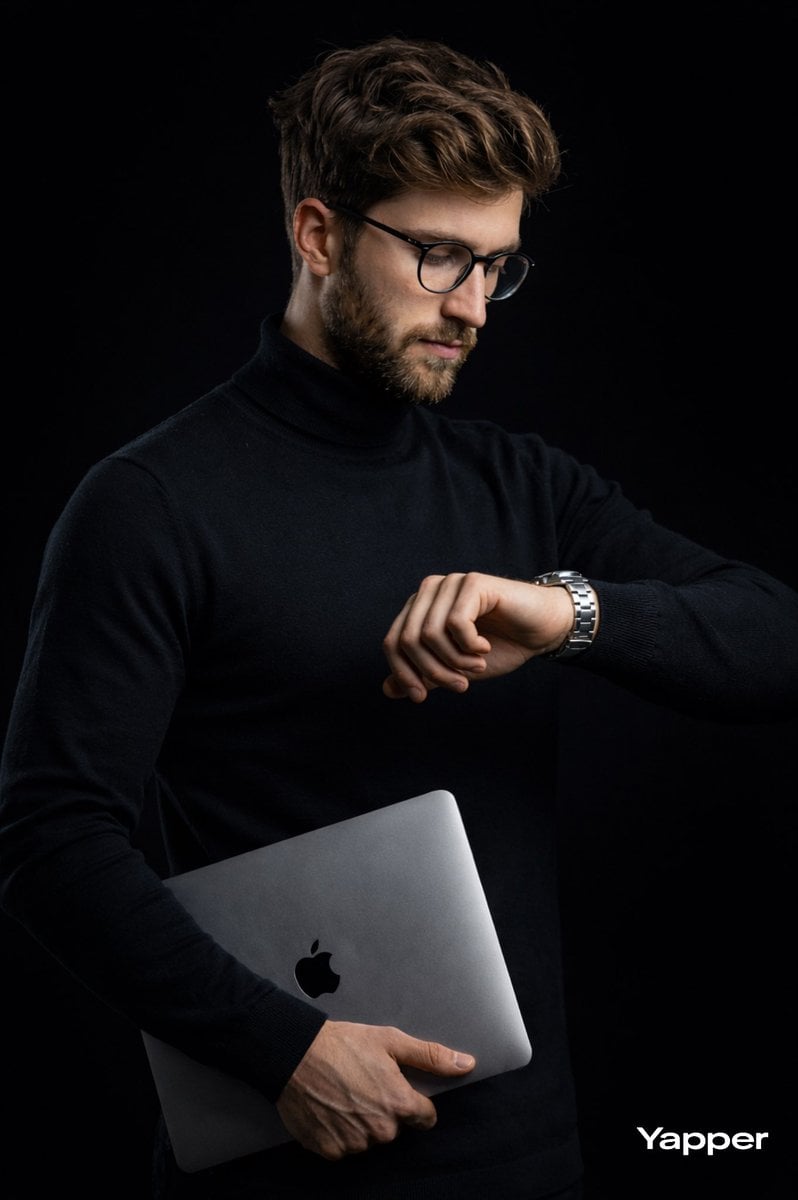
Cinematic Studio Portrait of Man with Watch
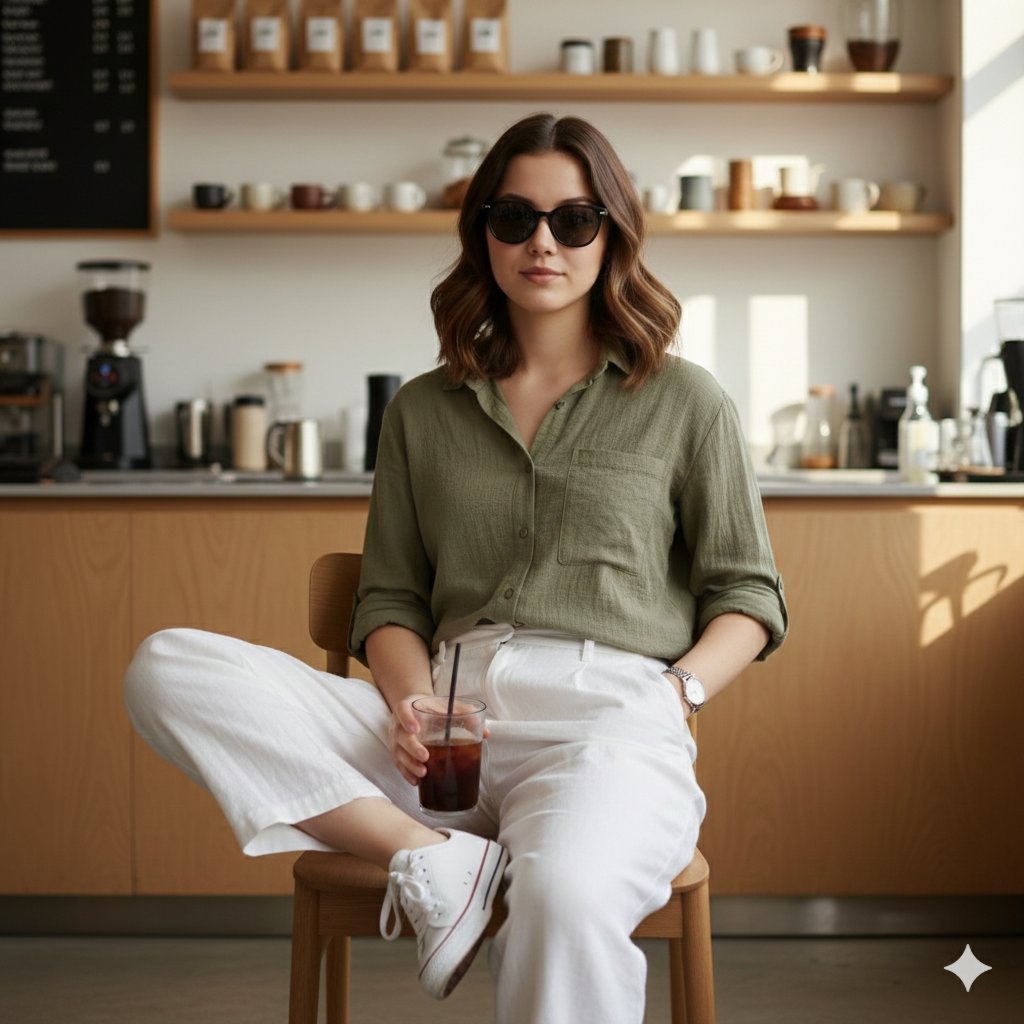
Fashion Editorial Reconstruction Image Generation Prompt
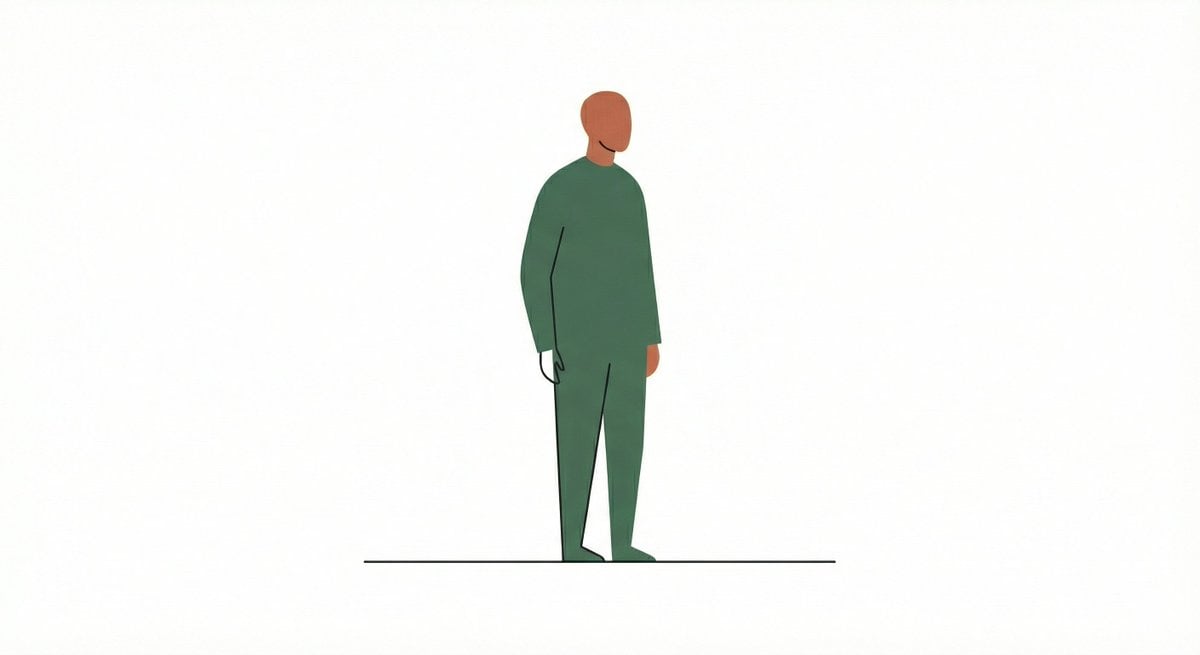
Line and Shape Hybrid Illustration Prompt

Moody Dual-Tone Selfie Portrait
Browse template categories
Japanese Pricing Comparison Thumbnail questions
How do I use the Japanese Pricing Comparison Thumbnail template?
Add your photo if the template asks for one, edit the prompt if you like — the template's model and format are already selected — and press Generate. Your version opens in PicX Studio.
Can I customize the Japanese Pricing Comparison Thumbnail template?
Yes. You can change the subject, setting, lighting, mood, format, and available model controls before creating your image.
Is the Japanese Pricing Comparison Thumbnail template free?
Opening and editing this template is free. Generating uses credits, shown on the Generate button when you are signed in.
Which AI model should I use?
Start with GPT Image 2, which is the model associated with this template. You can compare another compatible model for a different finish.
Looking for something else? Browse all templates.

Your photo, any look
Thousands of ready templates for every top image and video model, from one credit balance.