
Anamorphic Arina Ai City Billboard
A hyper-realistic 3D anamorphic city billboard featuring Arina Ai branding, duplicated scooter figures, and luxury advertising visuals.
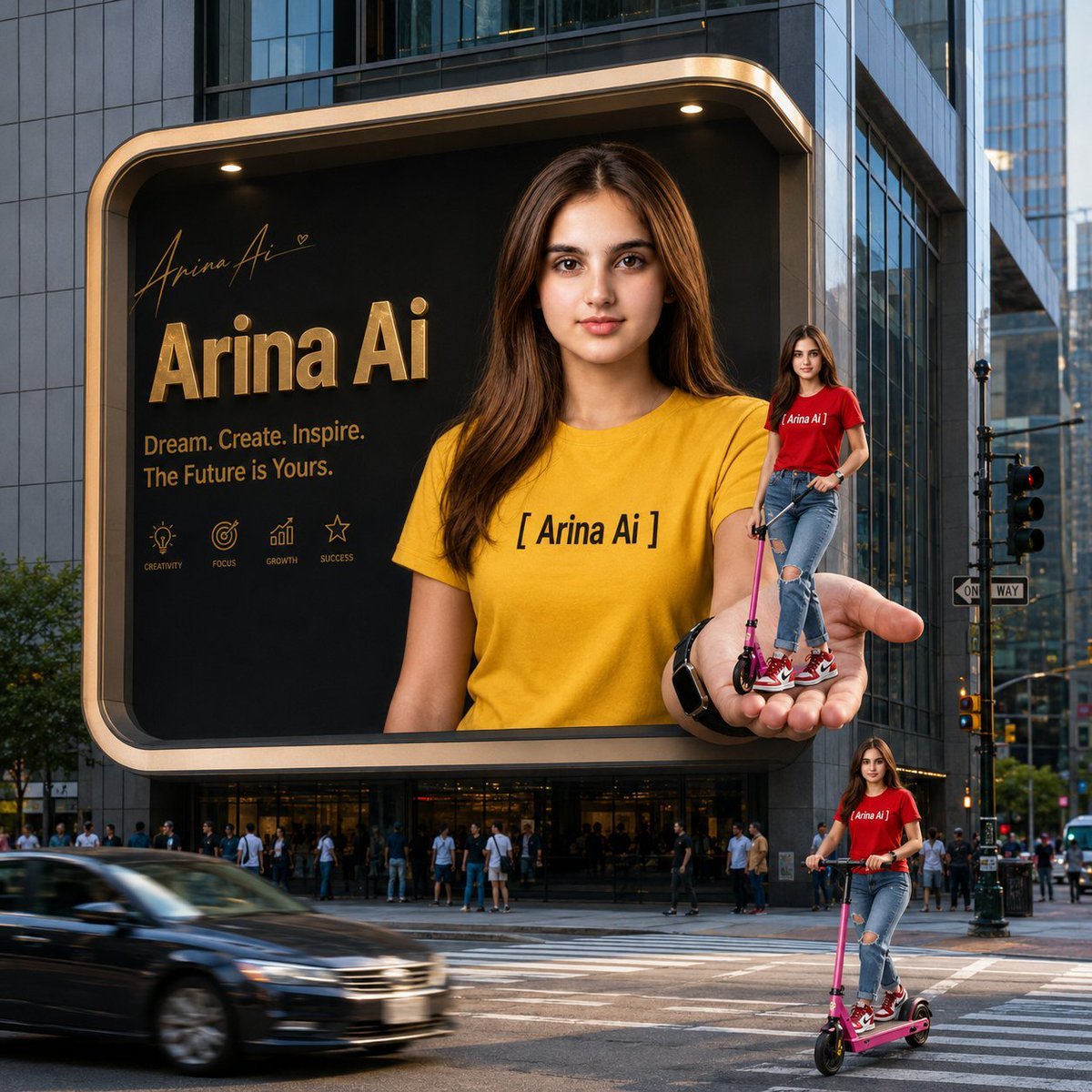
- Prompt included
- Model and format preset
- Premium template
The prompt behind this image
Copy the exact prompt behind Anamorphic Arina Ai City Billboard, or open it in the studio and make it yours.
Create a hyper-realistic 3D anamorphic billboard scene in a busy modern city intersection. A huge rounded-corner digital billboard is mounted on the facade of a glass-and-stone high-rise building, with warm gold trim, black background, and cinematic city lighting. The billboard features a photorealistic young woman named {argument name="character name" default="Arina Ai"} facing forward, long brown hair, natural makeup, calm confident expression, wearing a bright {argument name="main shirt color" default="yellow"} T-shirt with black bracketed text reading “[ Arina Ai ]” and a black Apple Watch. Make the billboard appear to break the frame: her oversized right hand extends out from the billboard into the real street space, palm up, holding a miniature version of herself. The miniature woman wears a {argument name="mini shirt color" default="red"} “Arina Ai” T-shirt, ripped blue jeans, red-and-white sneakers, and stands on a pink kick scooter in the giant hand. Add a second life-size duplicate of the same woman riding the same pink scooter on the crosswalk at the lower right foreground. Count exactly 3 visible versions of the woman: 1 large billboard portrait in yellow shirt, 1 miniature red-shirt scooter rider standing in the projected hand, and 1 full-body red-shirt scooter rider on the street. On the left side of the billboard, include gold branding text: a small handwritten signature “Arina Ai” with a tiny heart, a large metallic headline {argument name="headline text" default="Arina Ai"}, and the tagline {argument name="tagline" default="Dream. Create. Inspire. The Future is Yours."}. Under the tagline, place exactly 4 small gold line icons with labels: Creativity, Focus, Growth, Success. Surround the billboard with realistic urban details: tall glass buildings, pedestrians gathered at street level, traffic lights, one-way sign, zebra crosswalk, and a blurred dark car passing in the lower left to create motion. Use realistic perspective, sharp billboard subject, believable shadows, glossy reflections, golden highlights, high-end advertising photography style, 1:1 square composition, no extra text, no watermark.
How to use Anamorphic Arina Ai City Billboard in 3 steps
- 1Upload ImagePNG, JPG or paste
Add your photo
Upload the photo the template builds on. The prompt, model and format are already set.
- 2…a portrait of your subject in softgolden-hour light, 85mm…
Personalize
Edit the subject and creative details for your destination.
- 3Generate
Generate
Press Generate — your image is created in PicX Studio, so you can compare it with the original and refine one variable at a time.
More like this
Templates with the same subject, style or setup. Open one to see its prompt.

Cozy Knit Sweater Window Portrait

Minimalist Hand-Drawn Doodle Portrait
Anamorphic 3D Fashion Model Billboard

Nano Banana Pro 2.0 — 3x3 Travel Profile Grid
Malaysian City Billboard Commercial Photography Prompt
Cyber-Urban Night Cityscape with Hyper-Realistic Billboard Ad
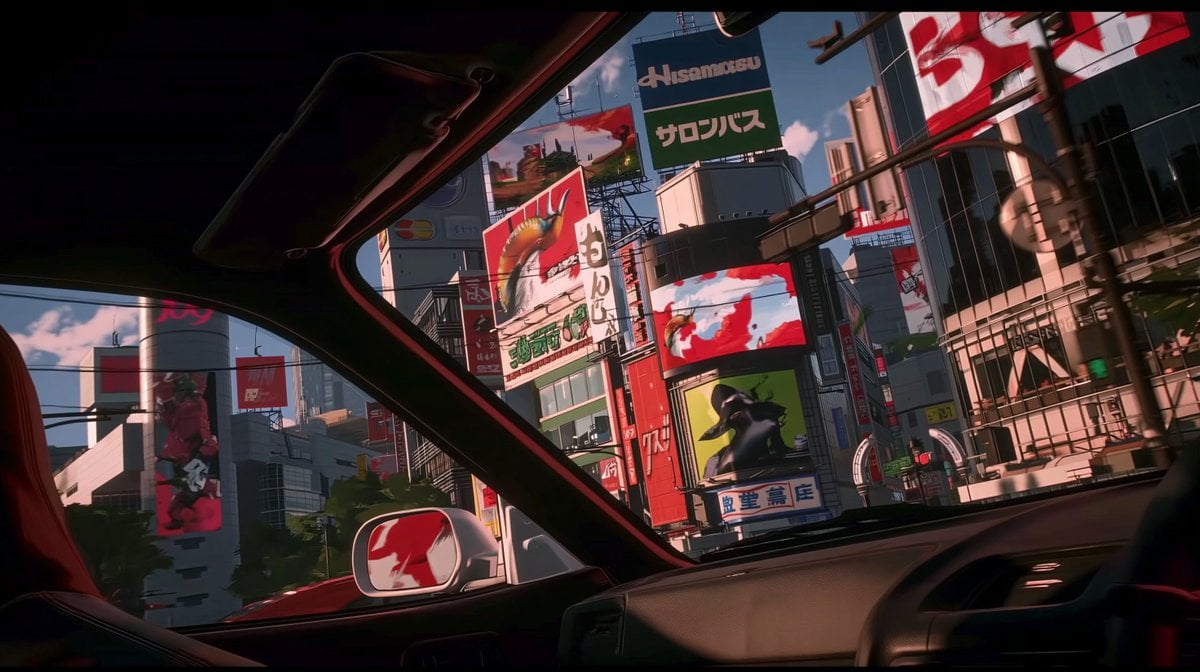
Anime Car View of Tokyo Billboards
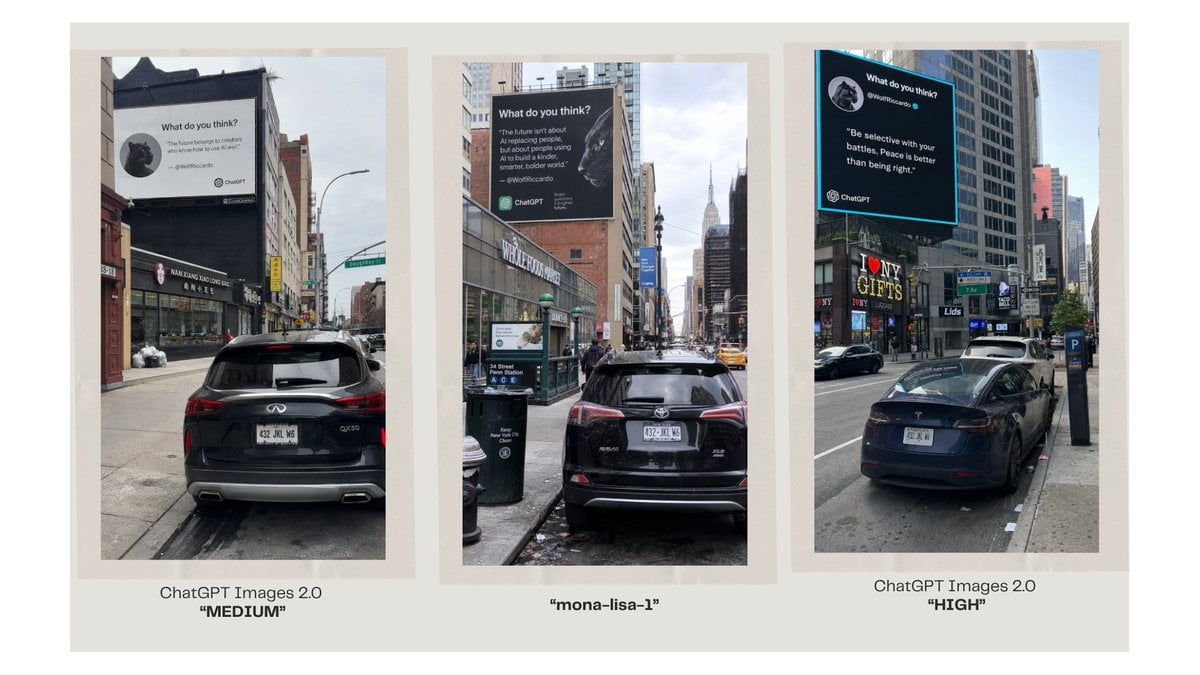
Three-Panel AI Billboard Comparison

Cinematic Urban Night Billboard Portrait
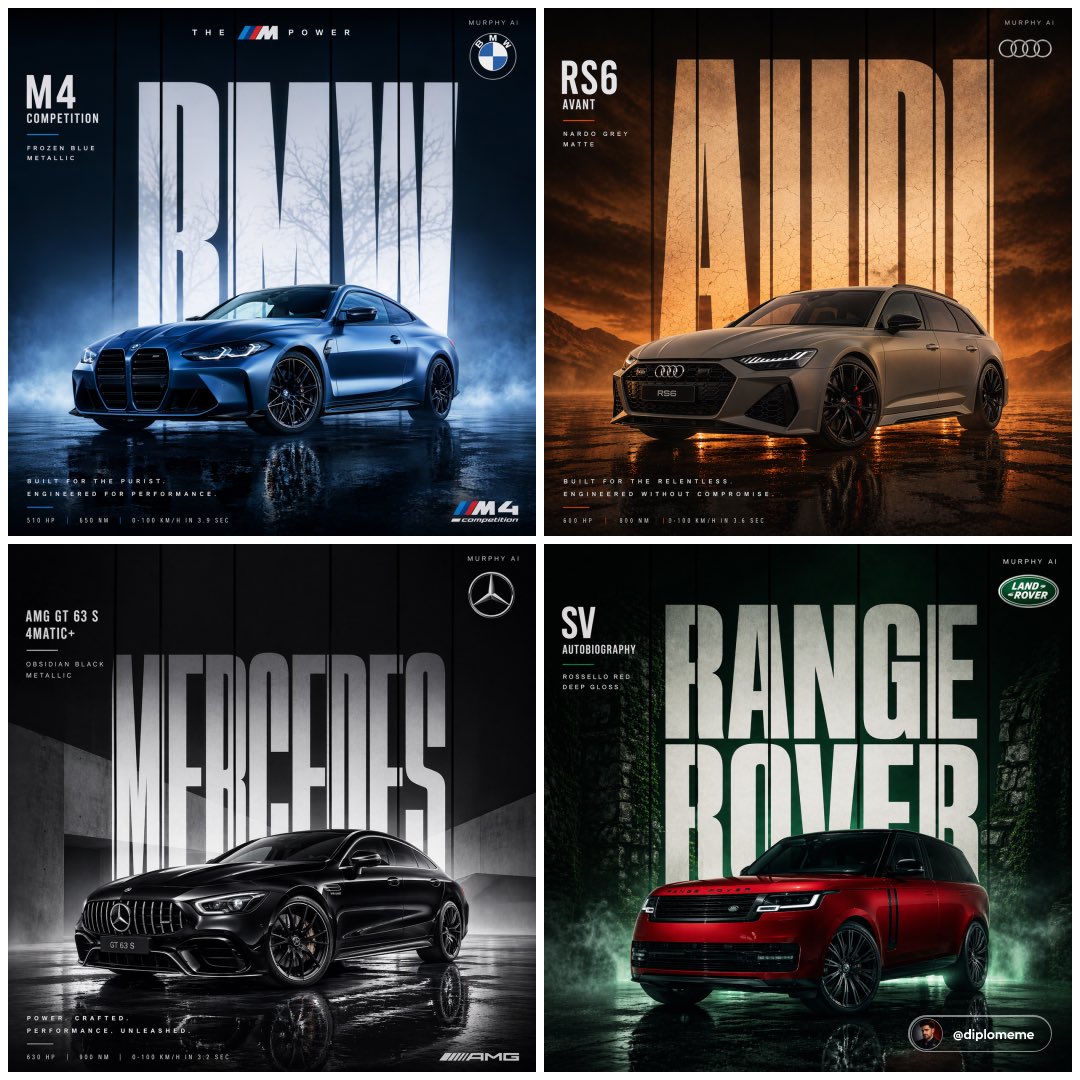
Cinematic automotive billboard poster, parked center-frame, dominant
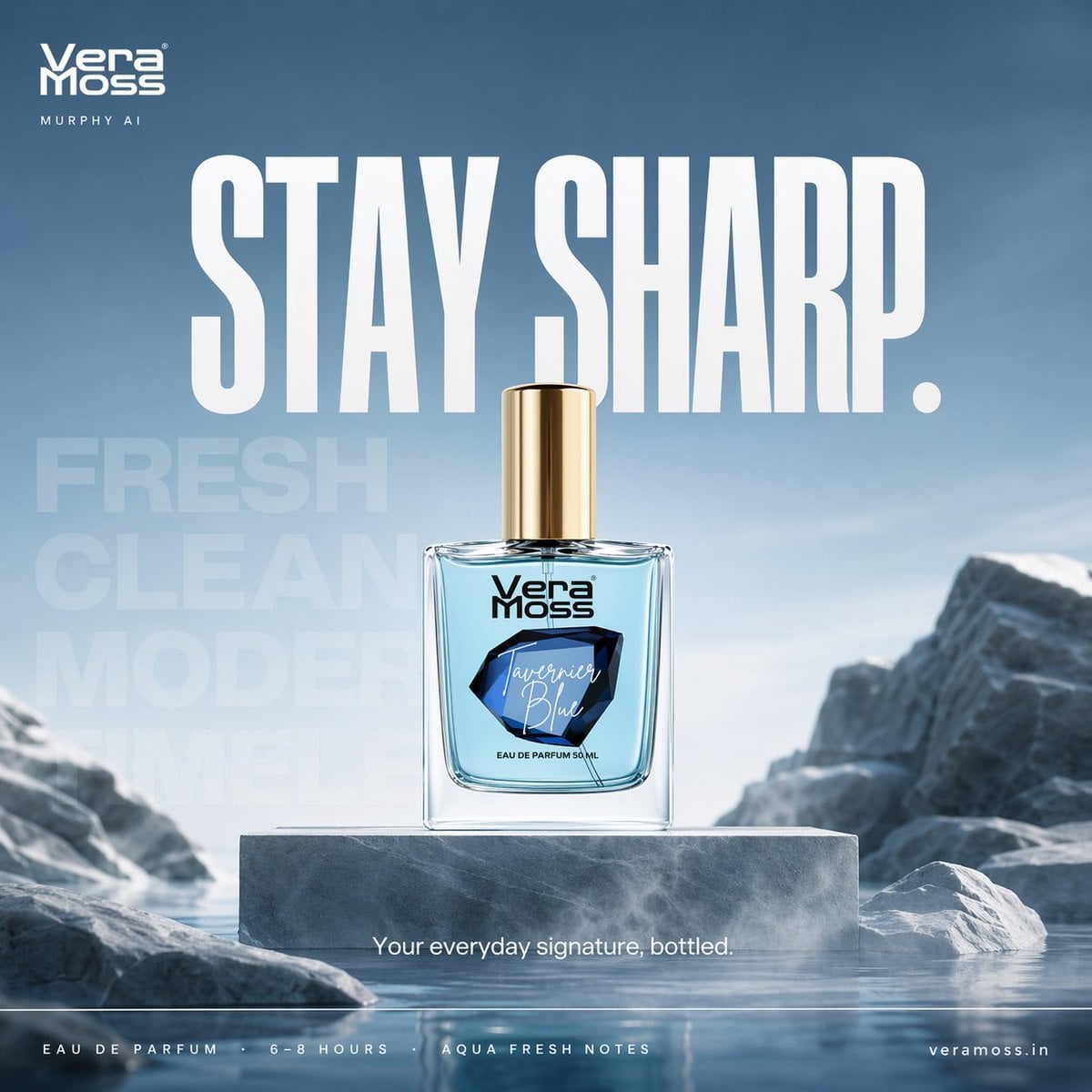
Hyper-realistic cinematic perfume billboard poster for Vera Moss
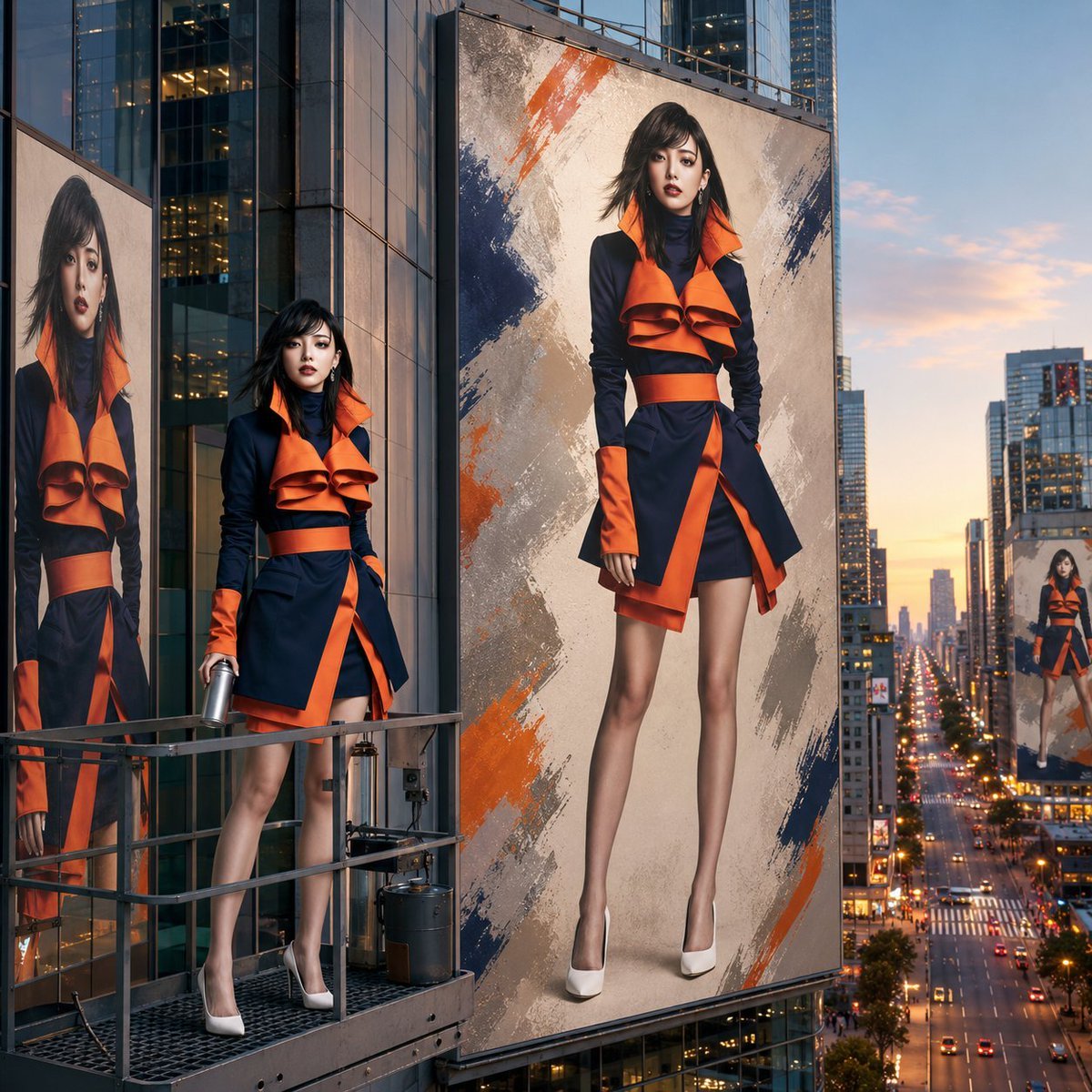
Giant Urban Billboard Fashion Ad
Make it yours
Anamorphic Arina Ai City Billboard works as-is. These are the safest ways to change it without losing the look.
Change one field
Copy a single group, rewrite it, and generate again so you can see what that field is doing.
Keep the frame, change the subject
Hold the composition and light of Anamorphic Arina Ai City Billboard, then swap wardrobe, props or the person for a new take.
| If the result… | Why | Fix |
|---|---|---|
| The result drifts from the preview | Too many fields changed at once. | Reuse Anamorphic Arina Ai City Billboard as-is first, then change one group — subject, light, or setting. |
| The model over-stylizes the scene | The prose prompt leaves finish and camera underspecified. | Add one camera or lighting sentence and stay on GPT Image 2. |
More GPT Image 2 templates
Other prompts made for GPT Image 2.

Six VTuber Japanese Logo Sheet

Realistic Portrait of Woman and Deer

The Vista Modular Condo Poster

AI Model Routing Comparison Infographic

2.5D Anime Art Board

Isometric Productivity Desk Scene

New York Double Exposure Poster

Four-Panel AI Landscape Comparison

Japanese Tatami Lifestyle Magazine Cover

NESCAFÉ Coffee Map Poster
More image prompts
Fresh picks from across the catalog.
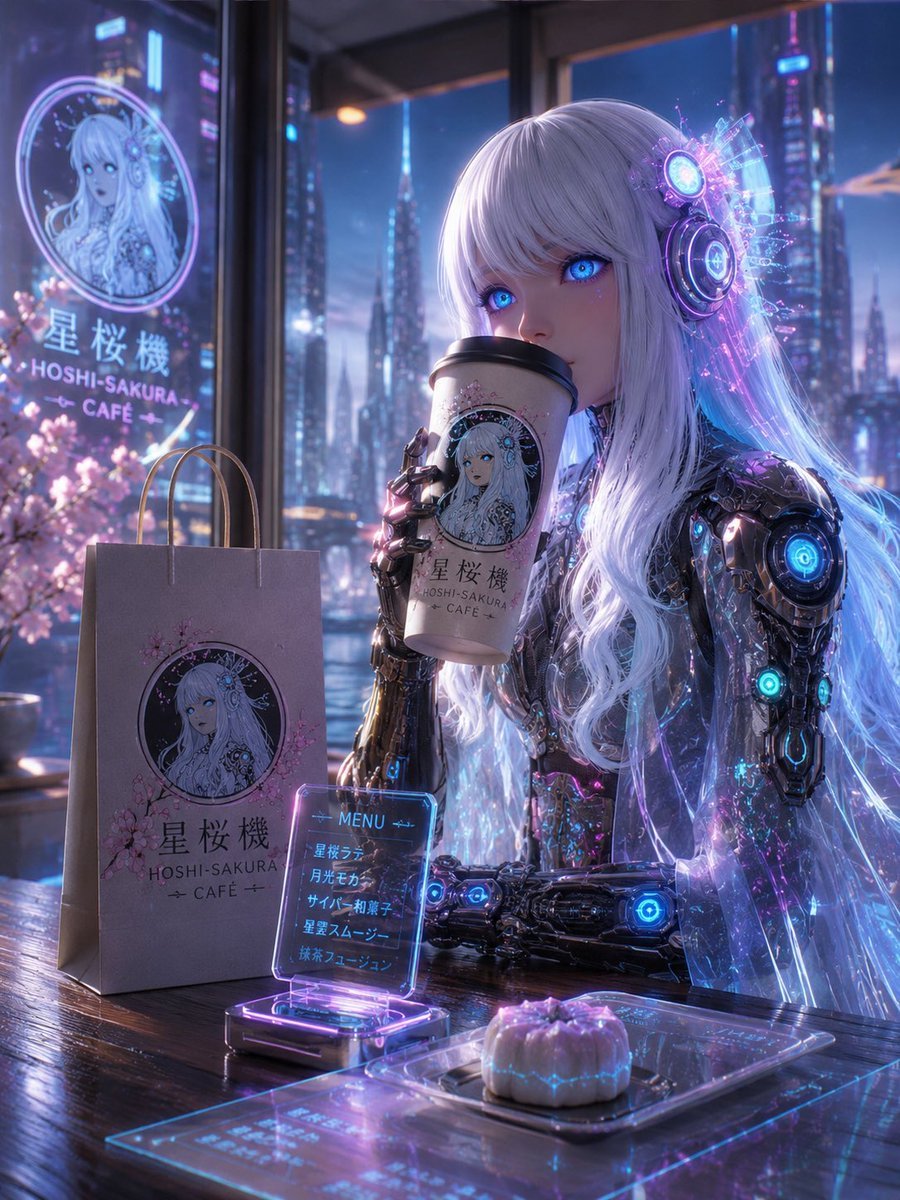
Cyberpunk Hoshi-Sakura Cafe
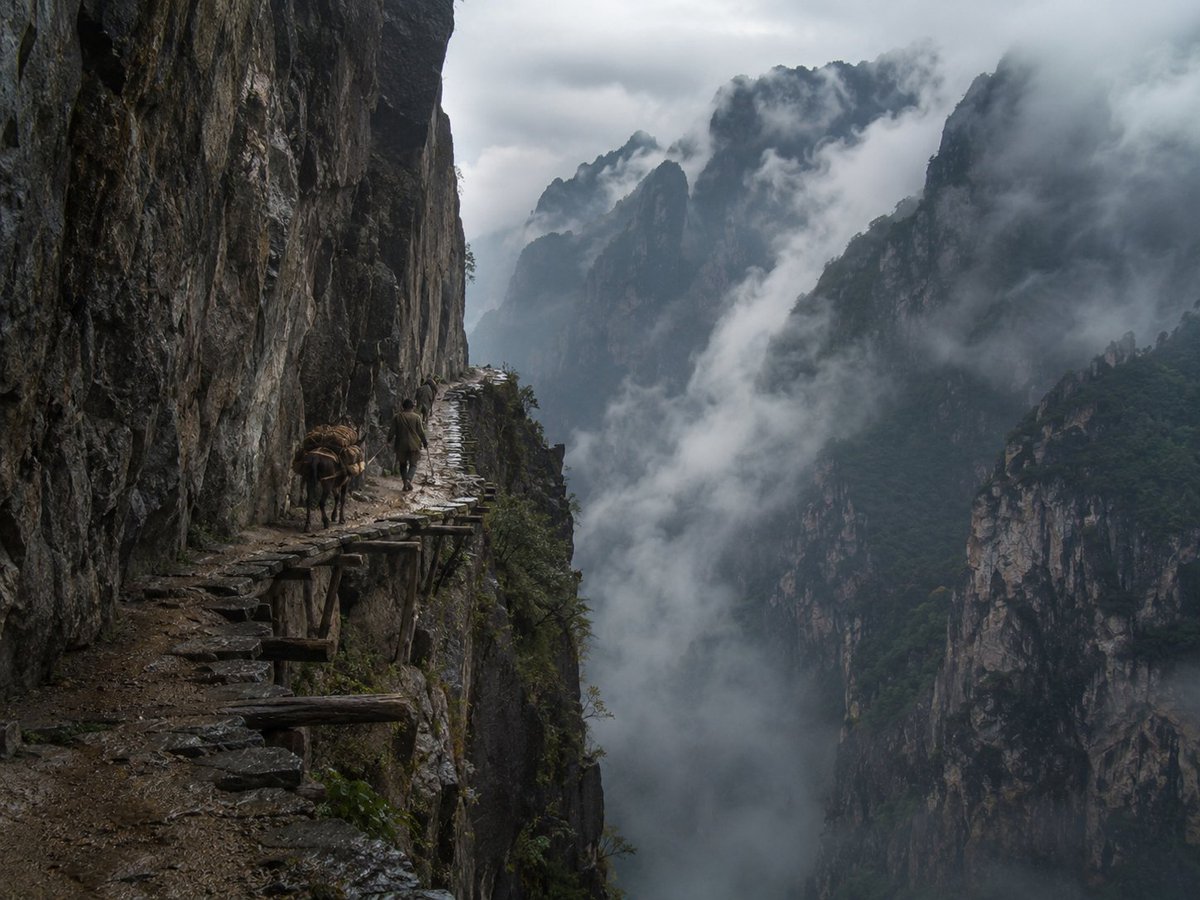
Misty Cliff Plank Road Photograph
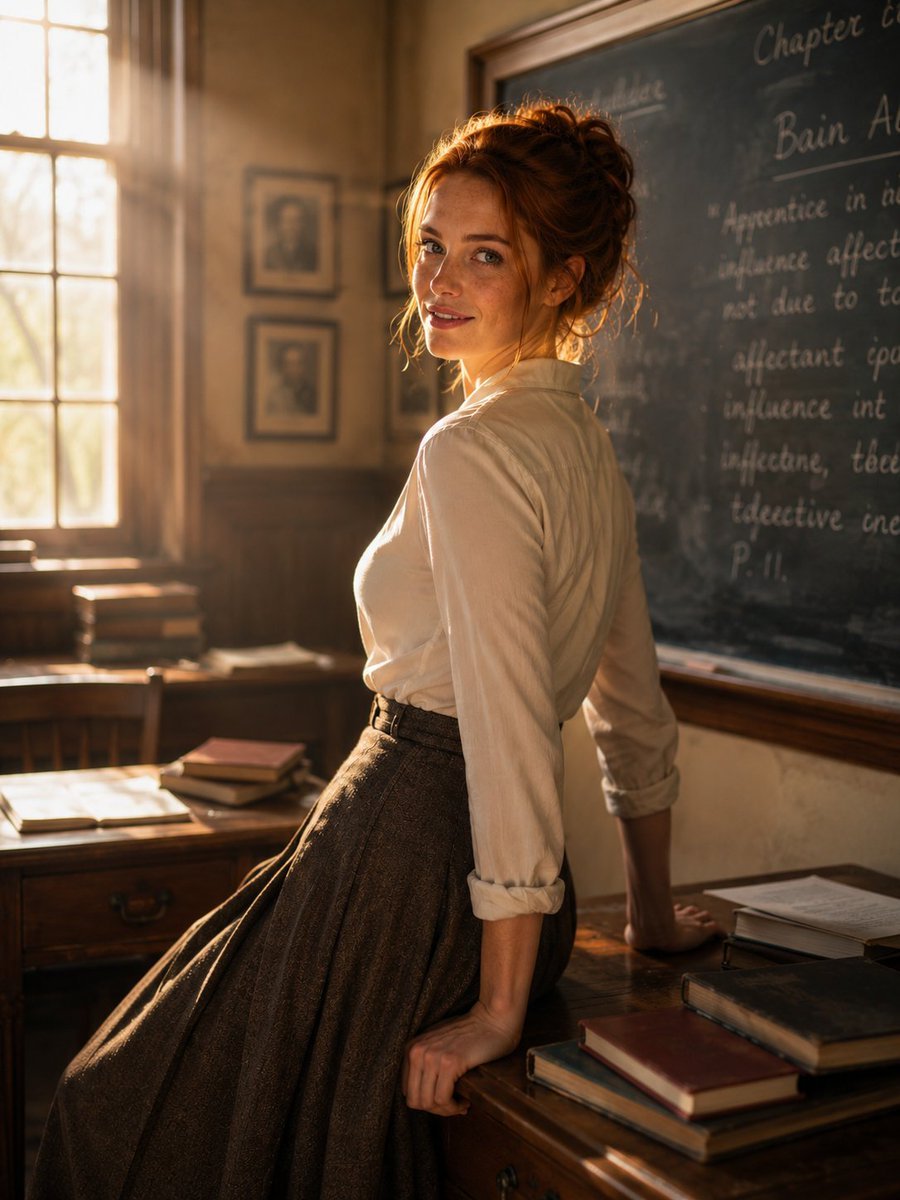
Cinematic Academic Portrait
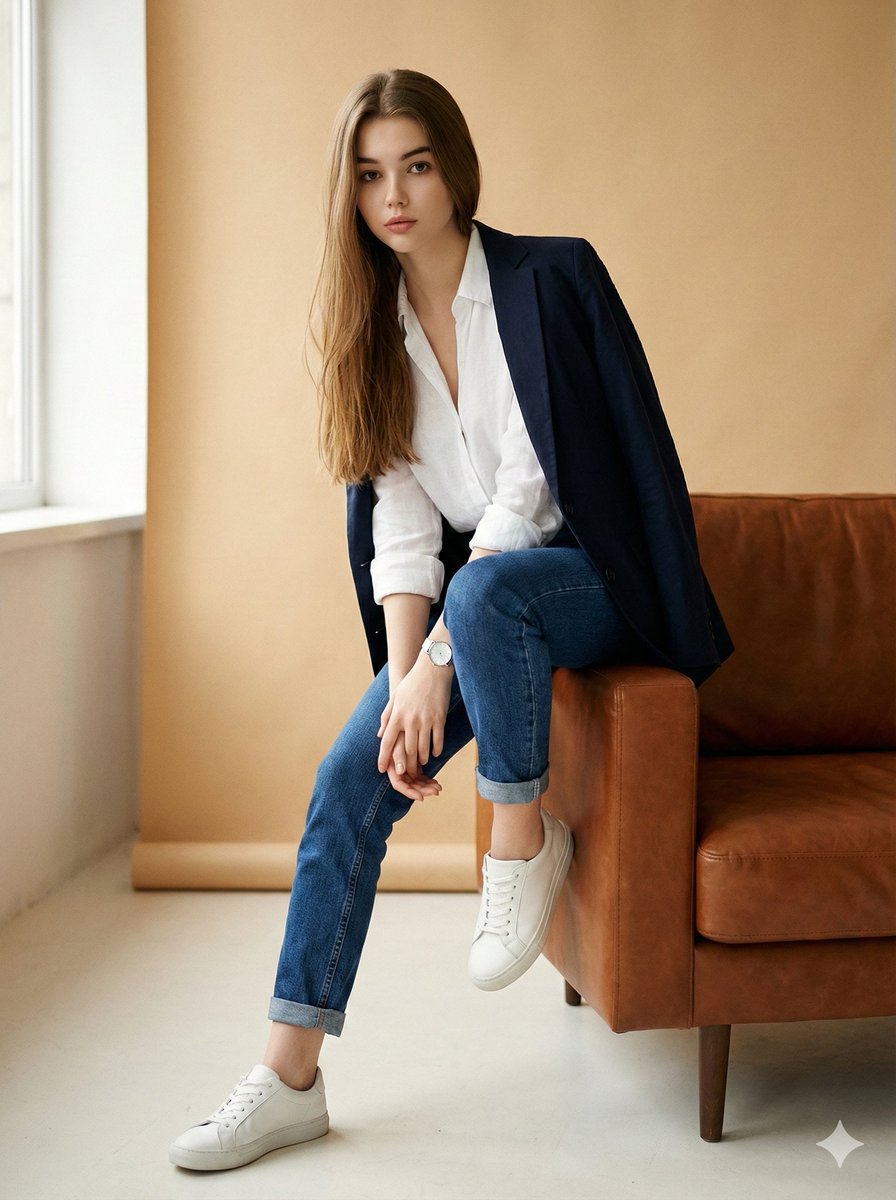
Image Edit Prompt for High-End Fashion Editorial Portrait
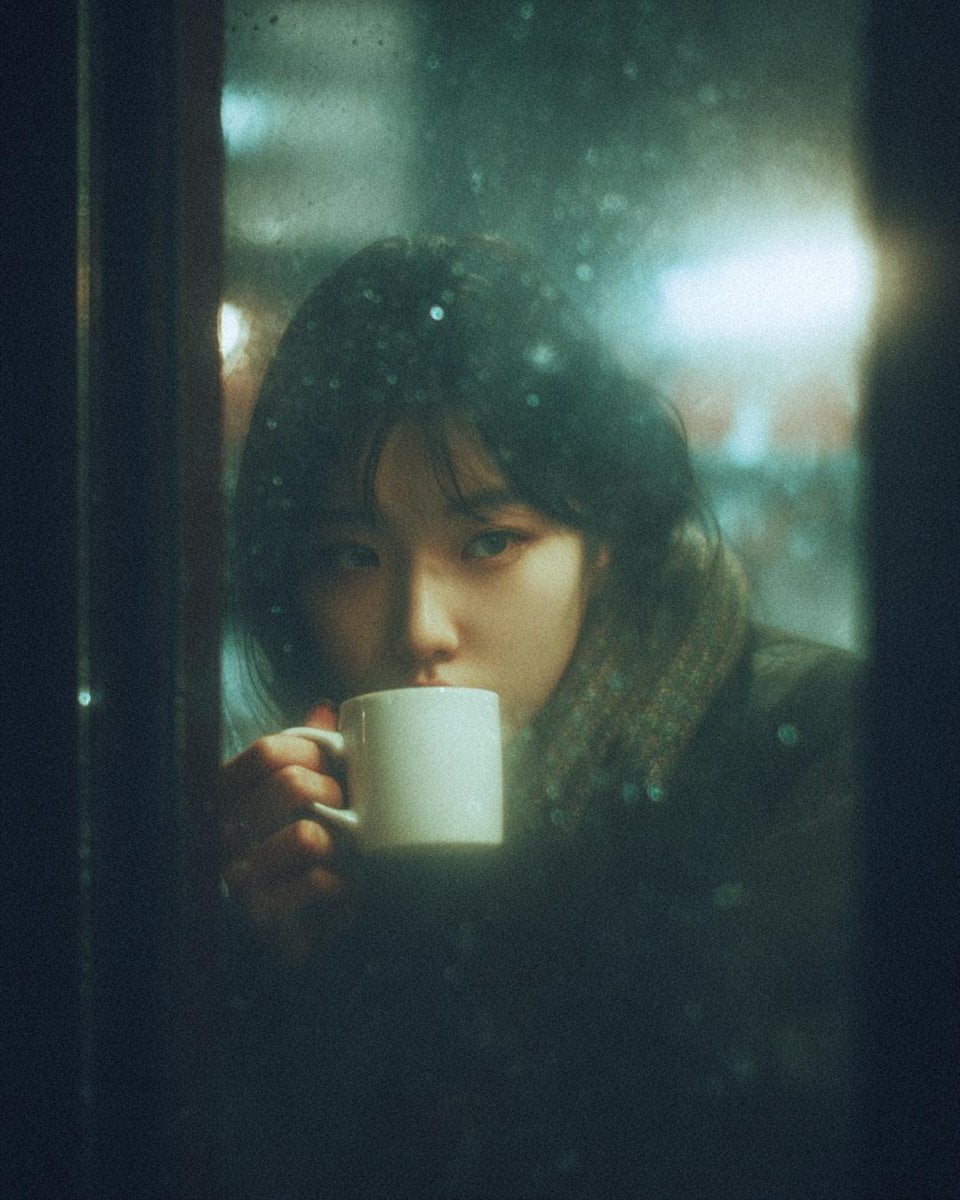
Moody Cinematic Café Scene in the Rain
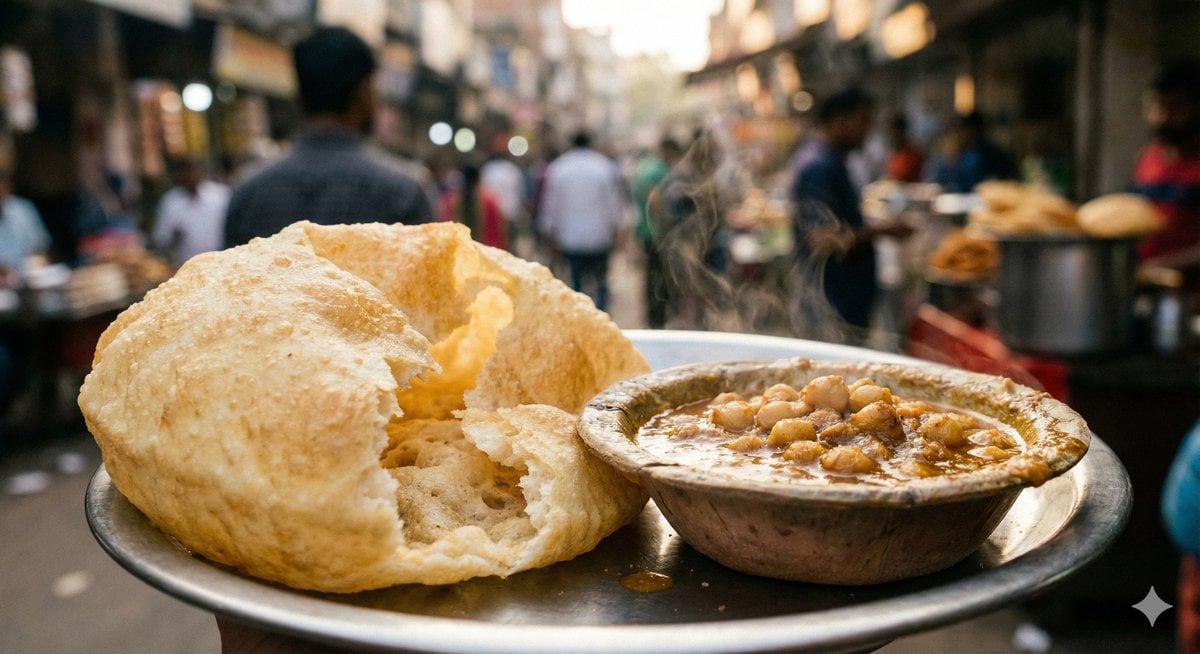
Food Photography Style Guide
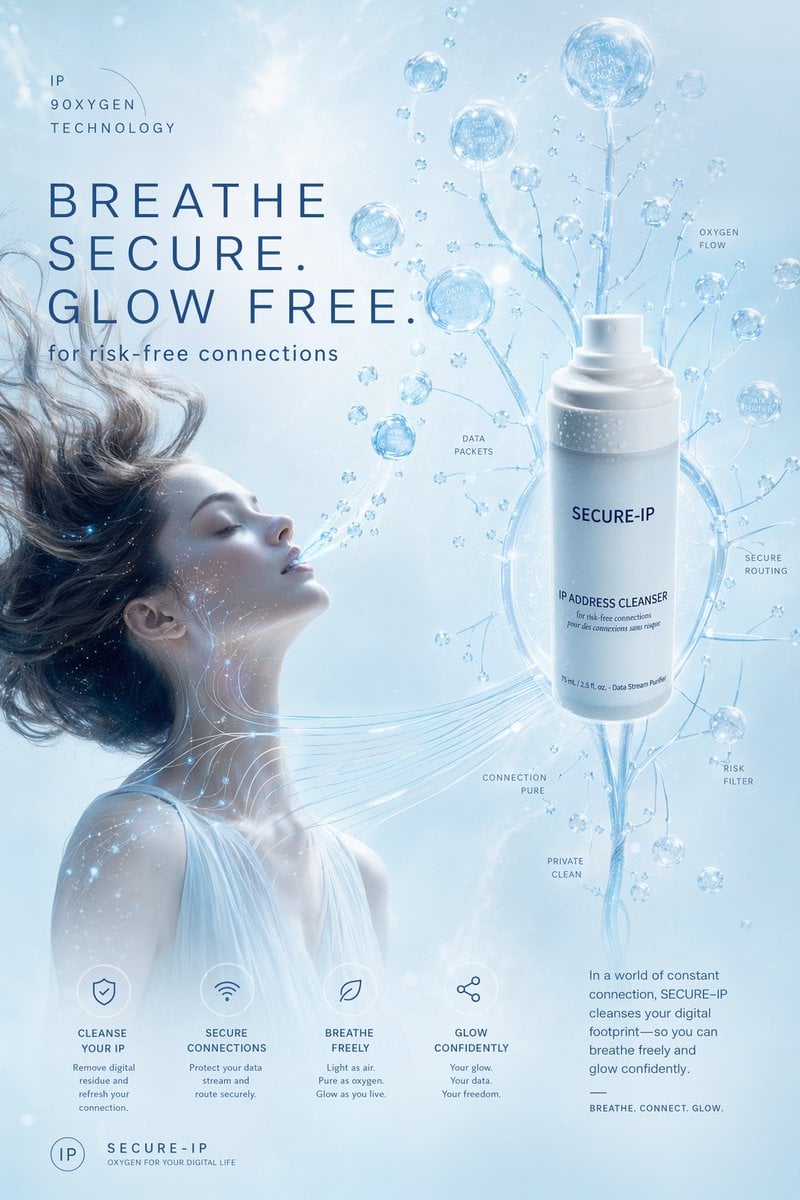
Futuristic Secure-IP Ad Poster
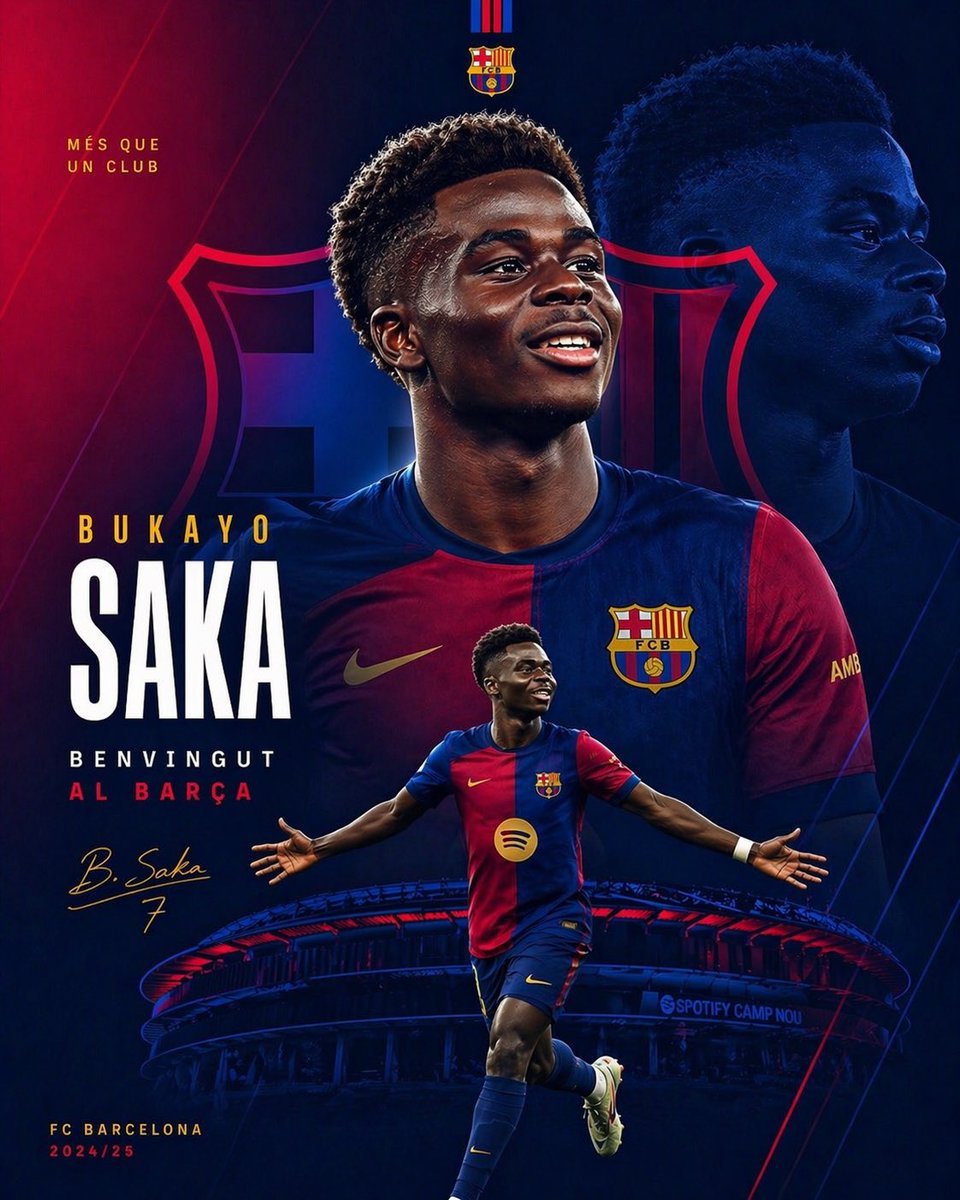
Barcelona Transfer Poster for Saka
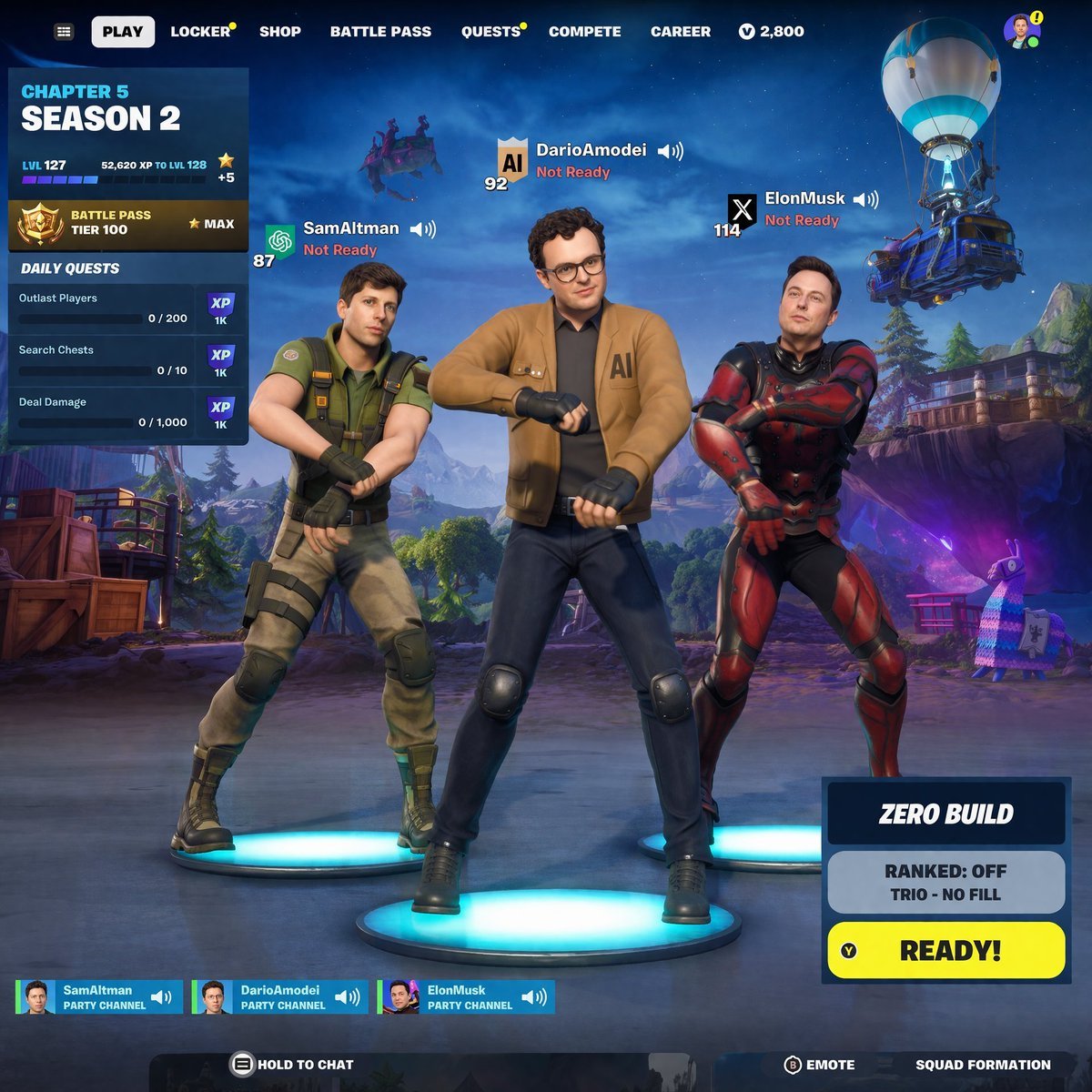
Tech CEO Battle Royale Lobby
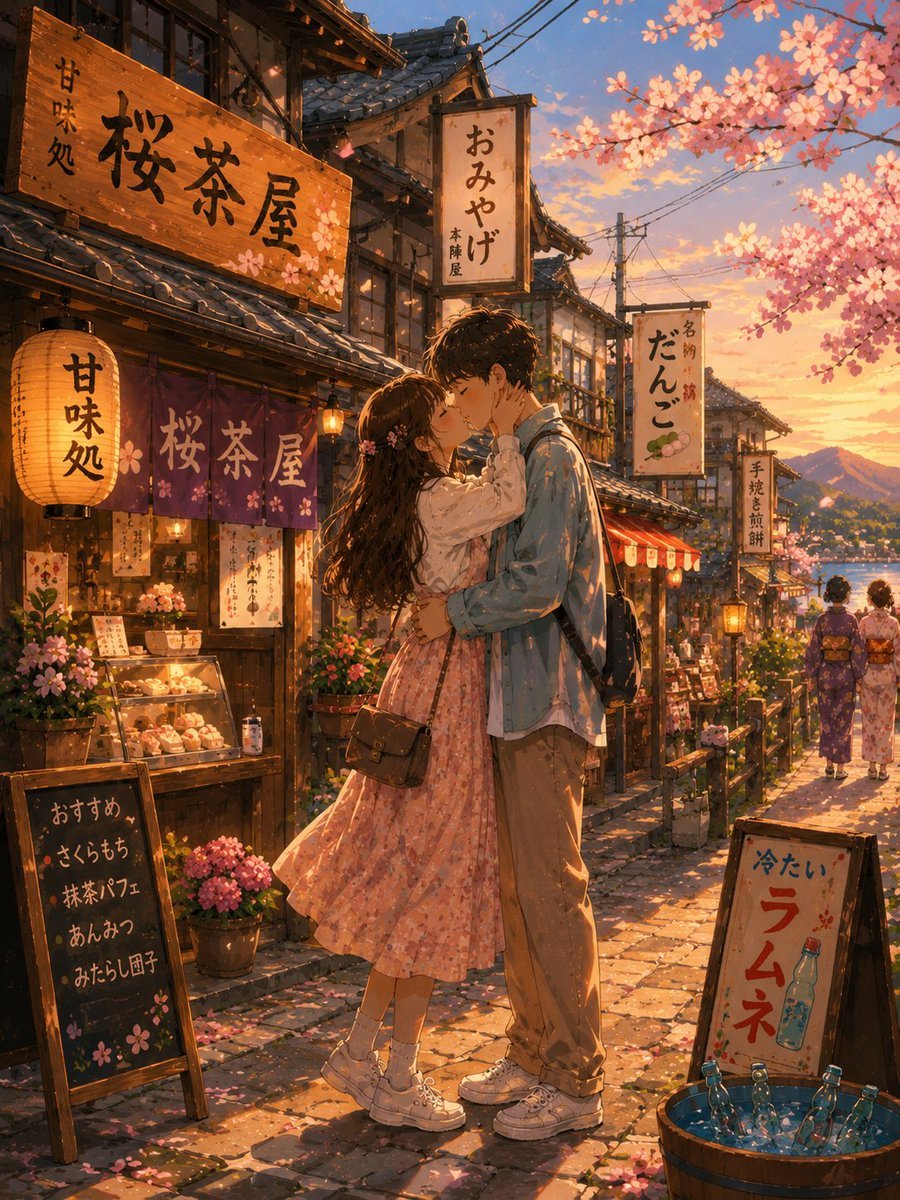
Romantic Kyoto Anime Scene
Browse template categories
Anamorphic Arina Ai City Billboard questions
How do I use the Anamorphic Arina Ai City Billboard template?
Add your photo if the template asks for one, edit the prompt if you like — the template's model and format are already selected — and press Generate. Your version opens in PicX Studio.
Can I customize the Anamorphic Arina Ai City Billboard template?
Yes. You can change the subject, setting, lighting, mood, format, and available model controls before creating your image.
Is the Anamorphic Arina Ai City Billboard template free?
Opening and editing this template is free. Generating uses credits, shown on the Generate button when you are signed in.
Which AI model should I use?
Start with GPT Image 2, which is the model associated with this template. You can compare another compatible model for a different finish.
Looking for something else? Browse all templates.

Your photo, any look
Thousands of ready templates for every top image and video model, from one credit balance.