
Cozy Flower Selfie
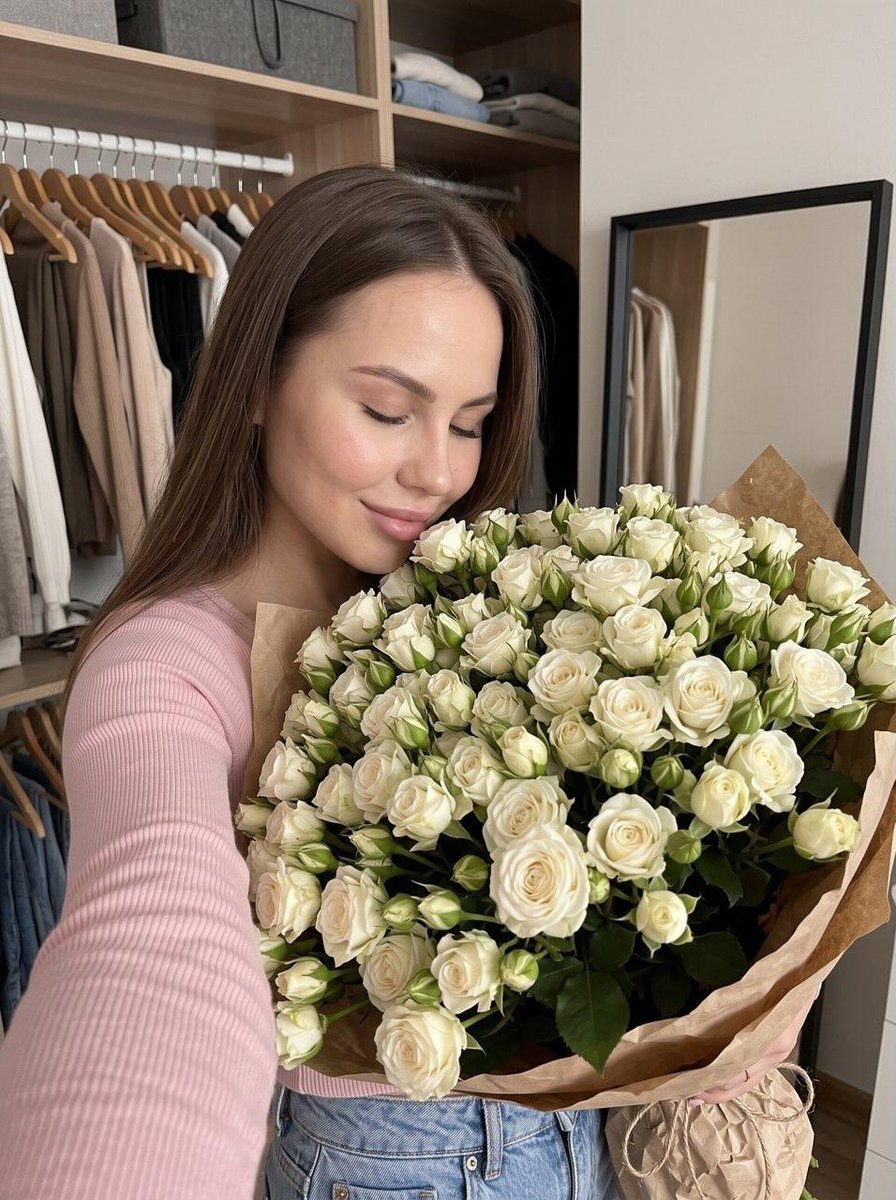
A natural, home-style photography prompt for a woman with a large bouquet of white roses, capturing a cozy lifestyle moment.
- Prompt included
- Model and format preset
- Free template
The prompt behind this image
Copy the exact prompt behind Cozy Flower Selfie, or open it in the studio and make it yours.
Do not change the facial features. Photo aspect ratio 3:4. A vertical home-style photograph with a “cozy moment” aesthetic, taken with a front camera/selfie camera from a close distance. A {argument name="subject" default="young woman"} with fair skin and long straight hair is standing in a room that looks like a walk-in closet. She is slightly leaning toward a huge bouquet of {argument name="flowers" default="white spray roses"} and smiling softly with a closed-mouth smile and closed eyes, as if she is smelling the flowers or enjoying their fragrance. Her facial expression is warm, happy, gentle, and content. The main focus of the frame is a very large bouquet of white roses (many dozens of buds), dense and full like a flower cloud, with green leaves. The bouquet is wrapped in kraft paper. The flowers fill almost the entire lower and right side of the frame, creating the feeling of a beautiful gift and a special celebration. Outfit: a {argument name="clothing" default="light pink top"}; the sleeve and shoulder are visible in the foreground. A small part of light blue jeans is visible at the bottom. Composition: the camera is positioned slightly lower and closer to the hand, so part of the sleeve appears in the lower-left corner, creating the natural feeling of a spontaneous selfie. Background: an open wardrobe/closet area with a clothing rail and wooden hangers holding clothes; shelves with items are visible above. On the right wall, there is a large rectangular mirror with a black frame, with minimal reflections. Lighting: soft warm-neutral indoor lighting with no harsh shadows. The details of the roses are clearly visible; the petals look matte and creamy white. Overall aesthetic: natural everyday atmosphere, “someone gifted me flowers” feeling, strong sense of comfort, happiness, and warmth. Realistic textures of denim fabric and flower petals. Ultra-realistic photography, 8K quality, high detail.
How to use Cozy Flower Selfie in 3 steps
- 1
Open
The prompt is already in the box next to the preview, with the template's model and format selected.
- 2…a portrait of your subject in softgolden-hour light, 85mm…
Personalize
Edit the subject and creative details for your destination.
- 3Generate
Generate
Press Generate — your image is created in PicX Studio, so you can compare it with the original and refine one variable at a time.
More like this
Templates with the same subject, style or setup. Open one to see its prompt.
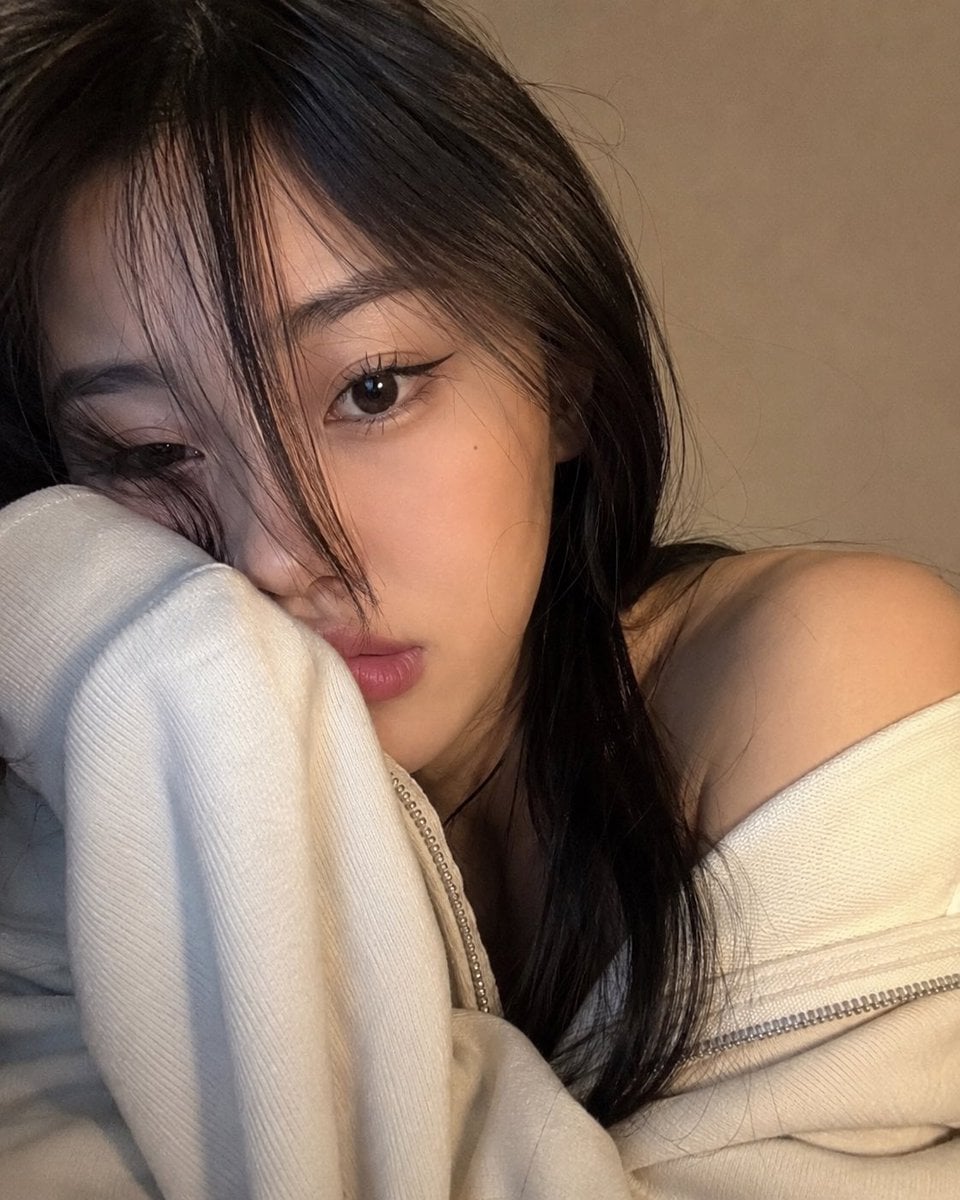
Cozy Close-up Selfie Portrait

Rooftop Fisheye — Cat-Ear Balaclava at Golden Hour

Felt & Knit 3D Character — Photo-Exact Face, Pixar-Quality Plush Figurine

Eid al-Adha Cute Chaos — Fisheye Selfie with Farm Selfie, Mosque & Animals

Cat Photobomb Selfie — 0.5x Wide Angle Café Chaos

Gen Z Triple Selfie Collage — Y2K Flash Photography

Surreal Cat Astronaut — Humanoid Face Freefall
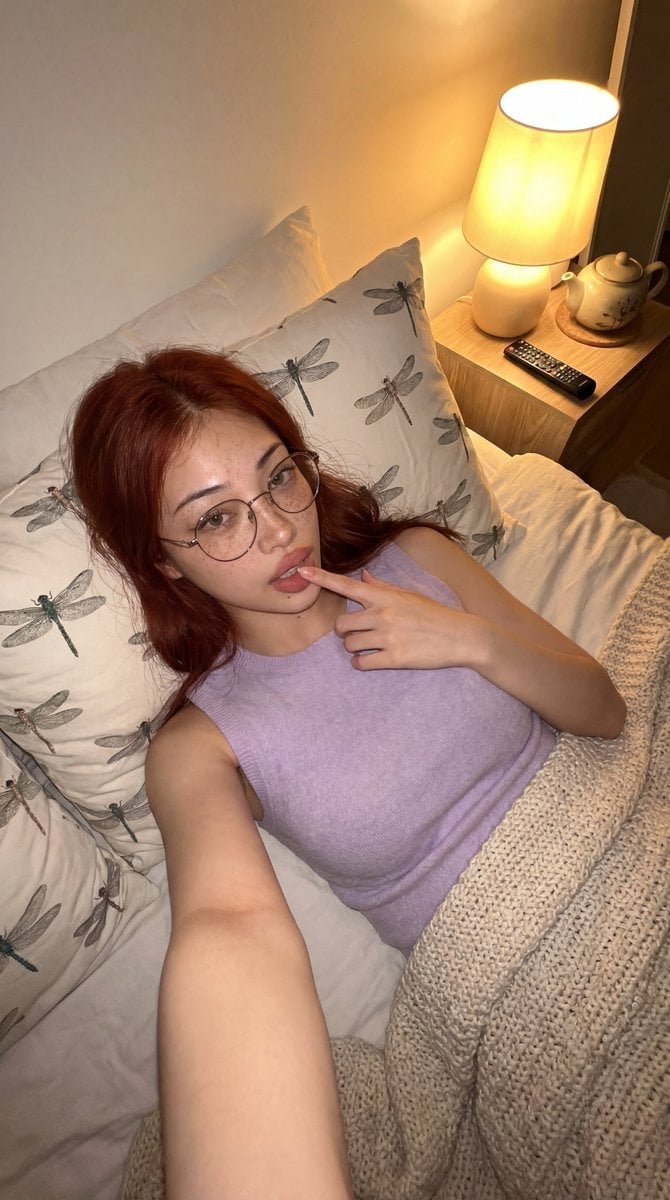
Cozy Bedroom Lifestyle Selfie

Nostalgic Digicam Café Afternoon Portrait

Pixar-Style Chibi Café Morning Scene

Japanese Café Sketch Duo Illustration

Delicate Japanese Café Lifestyle Illustration
Make it yours
Cozy Flower Selfie works as-is. These are the safest ways to change it without losing the look.
Change one field
Copy a single group, rewrite it, and generate again so you can see what that field is doing.
Keep the frame, change the subject
Hold the composition and light of Cozy Flower Selfie, then swap wardrobe, props or the person for a new take.
| If the result… | Why | Fix |
|---|---|---|
| The result drifts from the preview | Too many fields changed at once. | Reuse Cozy Flower Selfie as-is first, then change one group — subject, light, or setting. |
| The model over-stylizes the scene | The prose prompt leaves finish and camera underspecified. | Add one camera or lighting sentence and stay on GPT Image 2. |
More GPT Image 2 templates
Other prompts made for GPT Image 2.

Six VTuber Japanese Logo Sheet

Realistic Portrait of Woman and Deer

The Vista Modular Condo Poster

AI Model Routing Comparison Infographic

2.5D Anime Art Board

Isometric Productivity Desk Scene

New York Double Exposure Poster

Four-Panel AI Landscape Comparison

Japanese Tatami Lifestyle Magazine Cover

NESCAFÉ Coffee Map Poster
More image prompts
Fresh picks from across the catalog.

Ultra-Cinematic Product Photography of 'VOLT RUSH' Energy Drink
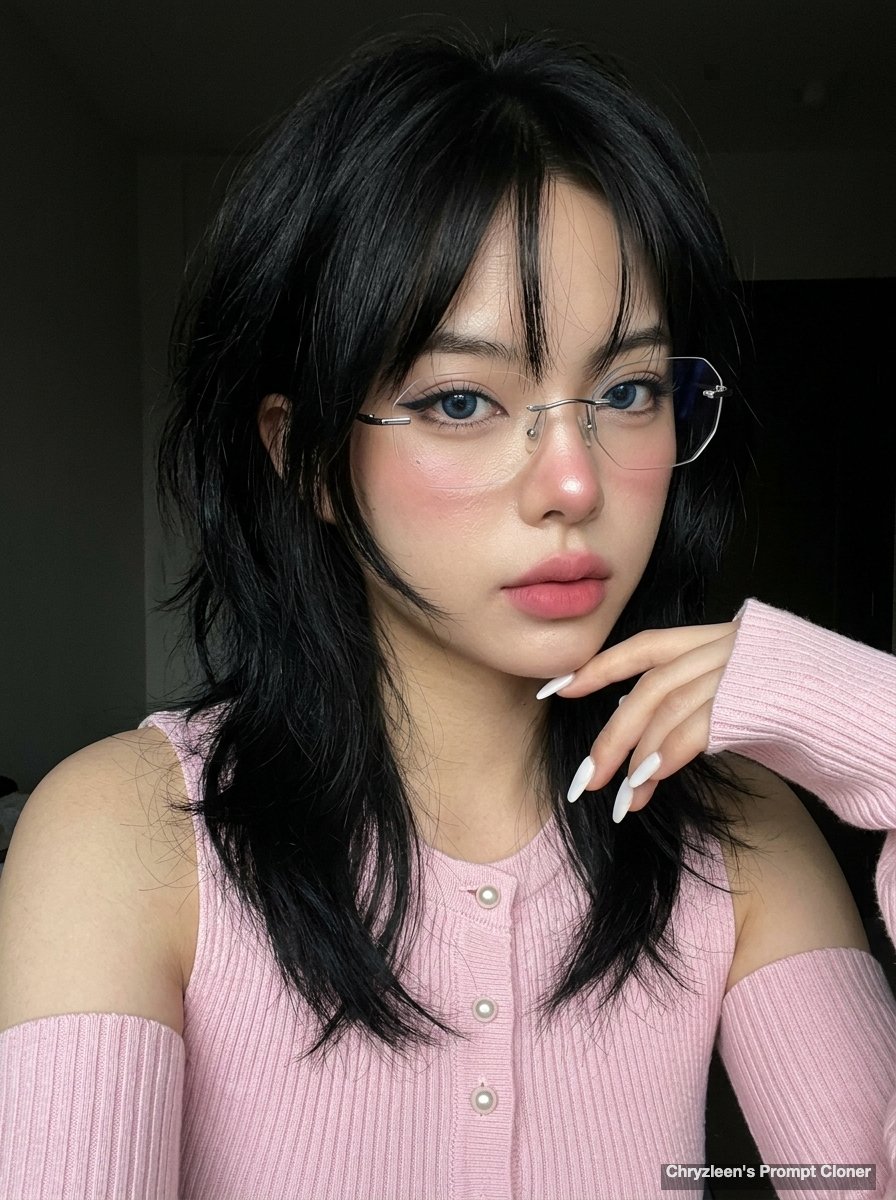
Hyper-realistic iPhone Photo Prompt (Gemini Nano Banana)
Idol-Style Cosplay Hotel Portrait
Cinematic Golden Hour Photography of a Young Woman
Imperial Chinese Hall Model Render

Delorean 'Back to the Future' Scene Integration Prompt

Urban Fantasy Coexistence Crossing
Levi’s shopping mirror selfie edit

Final Fantasy transformation prompt (Nano Banana Pro)

Censored Man on Crimson Throne
Browse template categories
Cozy Flower Selfie questions
How do I use the Cozy Flower Selfie template?
Add your photo if the template asks for one, edit the prompt if you like — the template's model and format are already selected — and press Generate. Your version opens in PicX Studio.
Can I customize the Cozy Flower Selfie template?
Yes. You can change the subject, setting, lighting, mood, format, and available model controls before creating your image.
Is the Cozy Flower Selfie template free?
Opening and editing this template is free. Generating uses credits, shown on the Generate button when you are signed in.
Which AI model should I use?
Start with GPT Image 2, which is the model associated with this template. You can compare another compatible model for a different finish.
Looking for something else? Browse all templates.

Your photo, any look
Thousands of ready templates for every top image and video model, from one credit balance.