
After Light Moody Fashion Poster
Generates a grainy avant-garde fashion poster portrait with smoky blur, red eye makeup, glass-like face refraction, and elegant editorial typography.
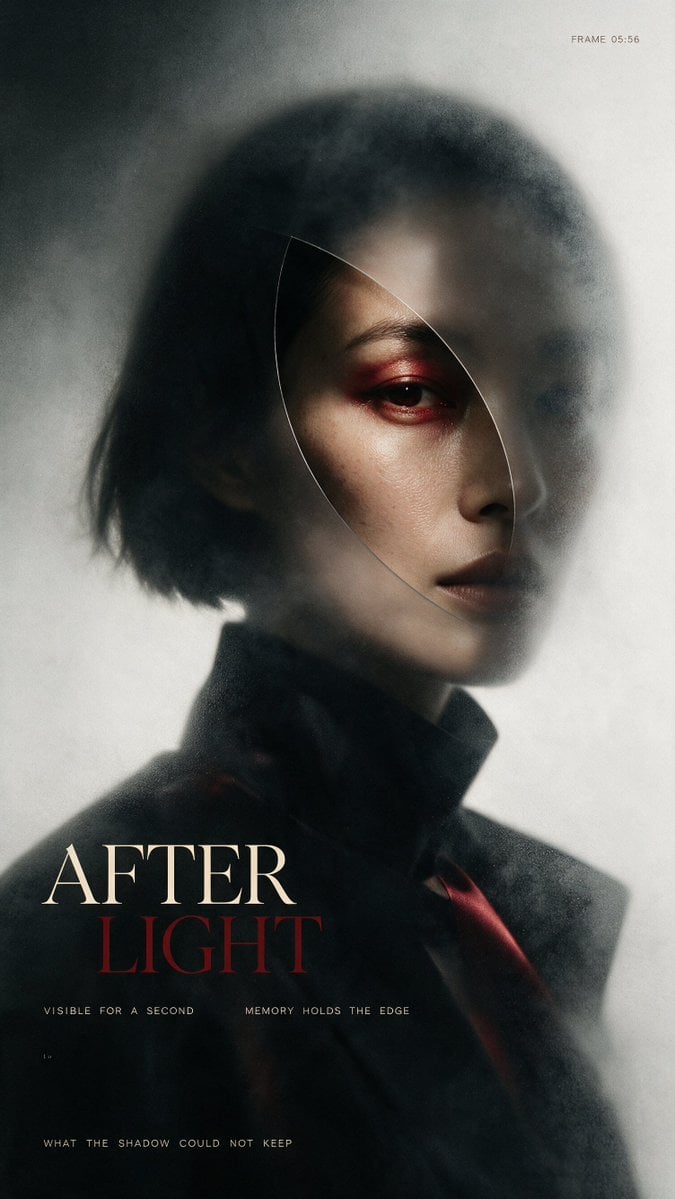
- Prompt included
- Model and format preset
- Free template
The prompt behind this image
Copy the exact prompt behind After Light Moody Fashion Poster, or open it in the studio and make it yours.
Create a vertical cinematic fashion poster portrait of {argument name="character description" default="an androgynous East Asian woman with a short black bob haircut"} in a dark, moody, high-fashion editorial style. The subject is shown from the chest up, turned slightly to the viewer's right, with only the right side of the face sharply visible while the rest dissolves into smoky blur and shadow. Use pale skin, a severe neutral expression, dark lips, and intense red eyeshadow around one visible eye. Add a thin translucent curved oval/leaf-shaped glass outline over the face, like a refracted lens slice cutting from the forehead down past the cheek, subtly distorting the portrait inside it. The outfit is a black high-collared coat or blazer with a hint of deep red fabric near the lower right. Lighting is soft and directional, creating a ghostly halo on a gray-white background, with heavy film grain, mist, motion blur, vignette, and analog print texture. Compose like an avant-garde magazine cover: subject centered slightly high, negative space around the head, dark lower third for typography. Include exactly 5 visible text elements: small top-right text “FRAME 05:56”; large bottom-left title split over two lines with “{argument name="main title first line" default="AFTER"}” in cream serif capitals and “{argument name="main title second line" default="LIGHT"}” in dark red serif capitals; tiny spaced text under the title reading “VISIBLE FOR A SECOND MEMORY HOLDS THE EDGE”; tiny lower-left mark “1.9”; and a bottom caption reading “{argument name="bottom caption" default="WHAT THE SHADOW COULD NOT KEEP"}”. Use elegant Didot/Bodoni-like serif typography for the title and small monospaced tracking for captions. Keep the palette limited to black, charcoal, fog gray, ivory, muted skin tones, and blood red. Avoid extra text, logos, smiles, bright colors, or clean digital sharpness.
How to use After Light Moody Fashion Poster in 3 steps
- 1Upload ImagePNG, JPG or paste
Add your photo
Upload the photo the template builds on. The prompt, model and format are already set.
- 2…a portrait of your subject in softgolden-hour light, 85mm…
Personalize
Edit the subject and creative details for your destination.
- 3Generate
Generate
Press Generate — your image is created in PicX Studio, so you can compare it with the original and refine one variable at a time.
More like this
Templates with the same subject, style or setup. Open one to see its prompt.

80s College Gate

1988 Mall Style

80s Polka Dot Saree

Japan Travel Brochure Poster
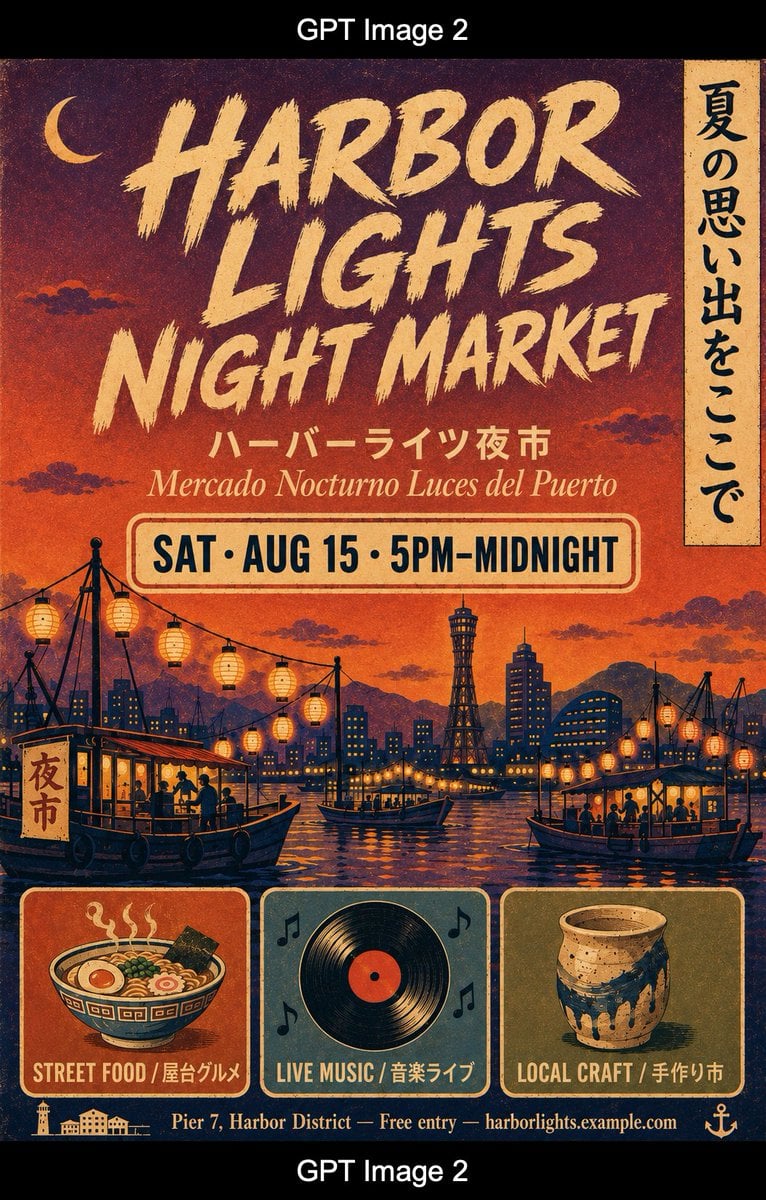
Retro Harbor Lights Night Market Poster

Cartoon TV Show Poster Pack

Blue Backdrop Luxury Fashion Portrait Campaign
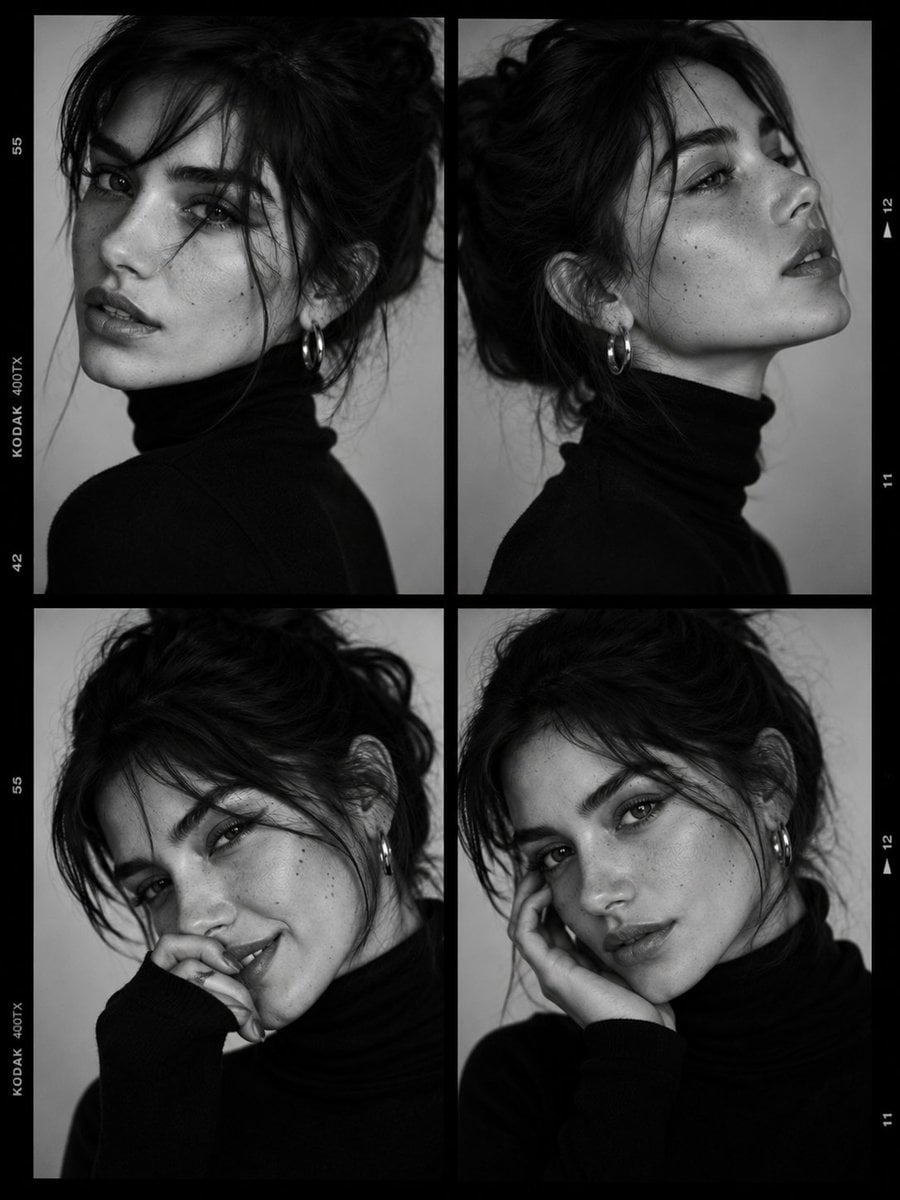
Luxury Black-and-White Fashion Contact Sheet

Rainy Café Window Moody Portrait
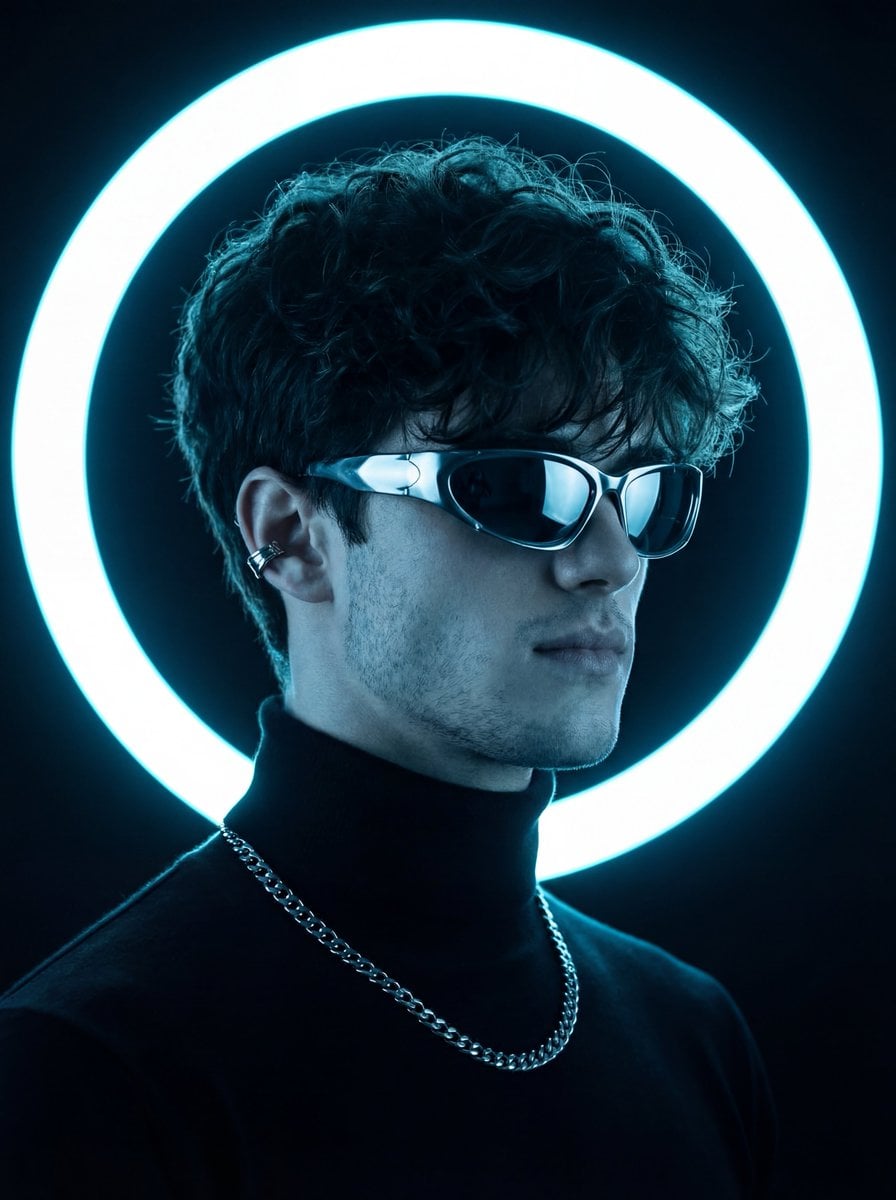
Futuristic Studio Neon Ring Minimalist Portrait
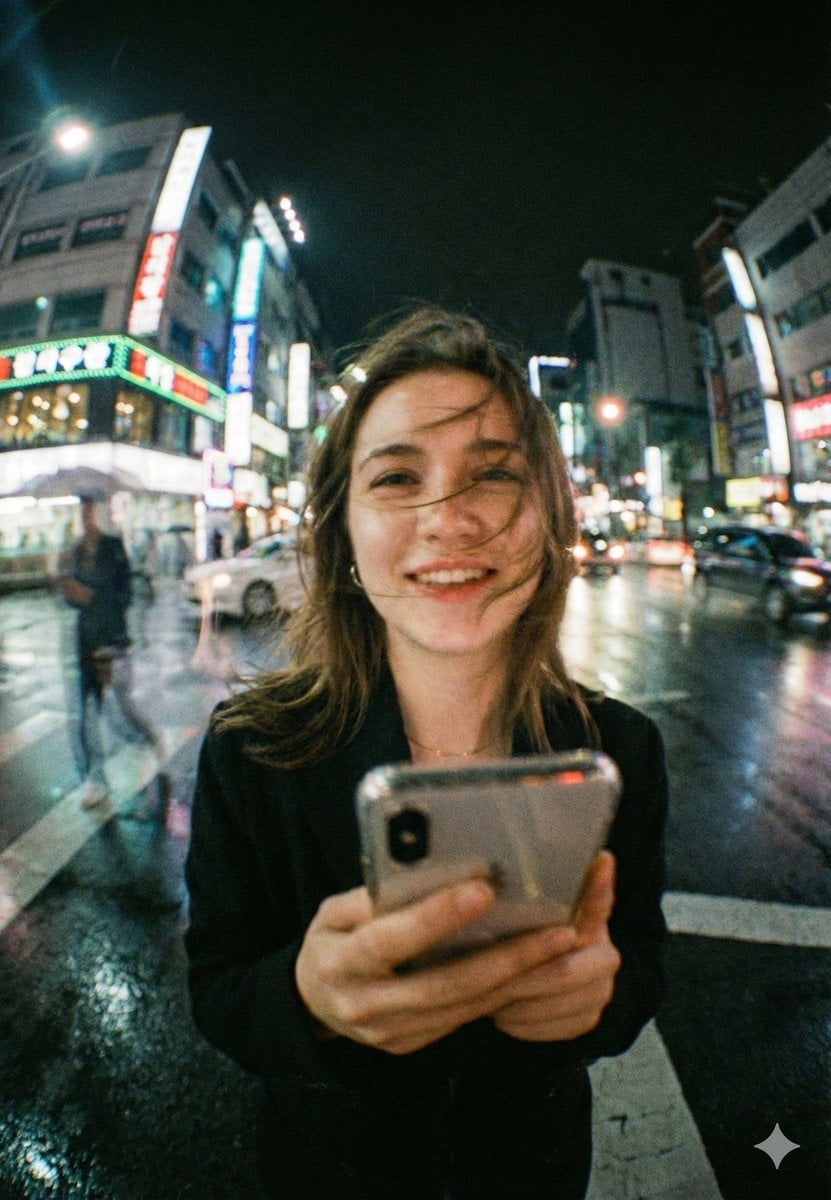
Neon Night Crosswalk Candid Portrait
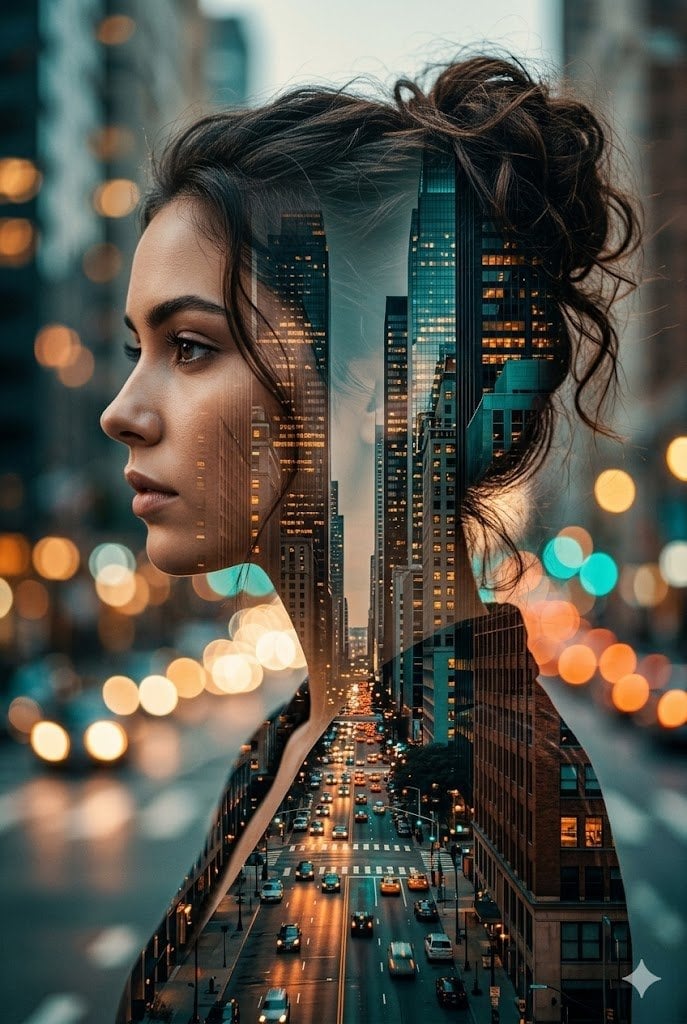
Double Exposure City Street Portrait
Make it yours
After Light Moody Fashion Poster works as-is. These are the safest ways to change it without losing the look.
Change one field
Copy a single group, rewrite it, and generate again so you can see what that field is doing.
Keep the frame, change the subject
Hold the composition and light of After Light Moody Fashion Poster, then swap wardrobe, props or the person for a new take.
| If the result… | Why | Fix |
|---|---|---|
| The result drifts from the preview | Too many fields changed at once. | Reuse After Light Moody Fashion Poster as-is first, then change one group — subject, light, or setting. |
| The model over-stylizes the scene | The prose prompt leaves finish and camera underspecified. | Add one camera or lighting sentence and stay on GPT Image 2. |
More GPT Image 2 templates
Other prompts made for GPT Image 2.

Six VTuber Japanese Logo Sheet

Realistic Portrait of Woman and Deer

The Vista Modular Condo Poster

AI Model Routing Comparison Infographic

2.5D Anime Art Board

Isometric Productivity Desk Scene

New York Double Exposure Poster

Four-Panel AI Landscape Comparison

Japanese Tatami Lifestyle Magazine Cover

NESCAFÉ Coffee Map Poster
More image prompts
Fresh picks from across the catalog.
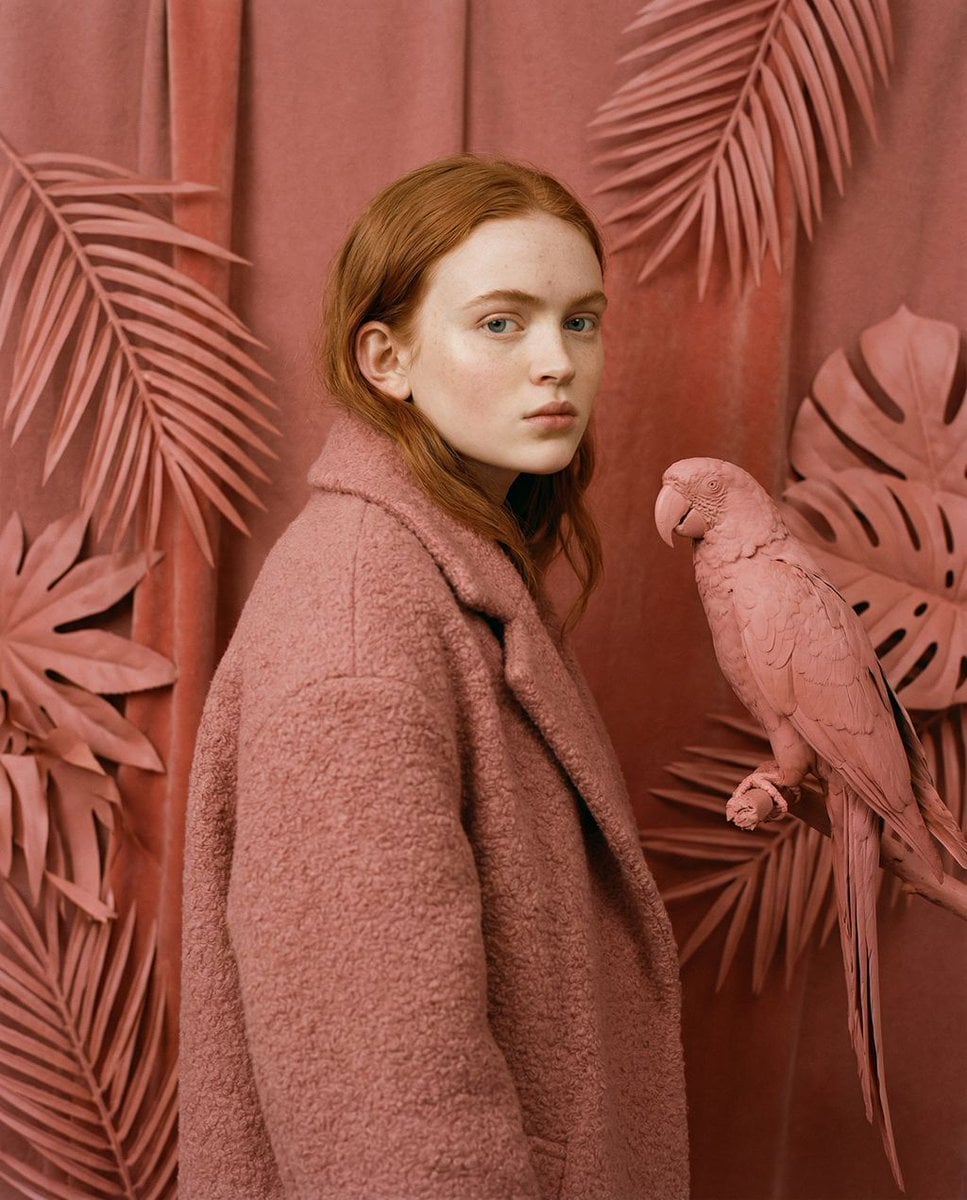
Avant-Garde Editorial Velvet Portrait
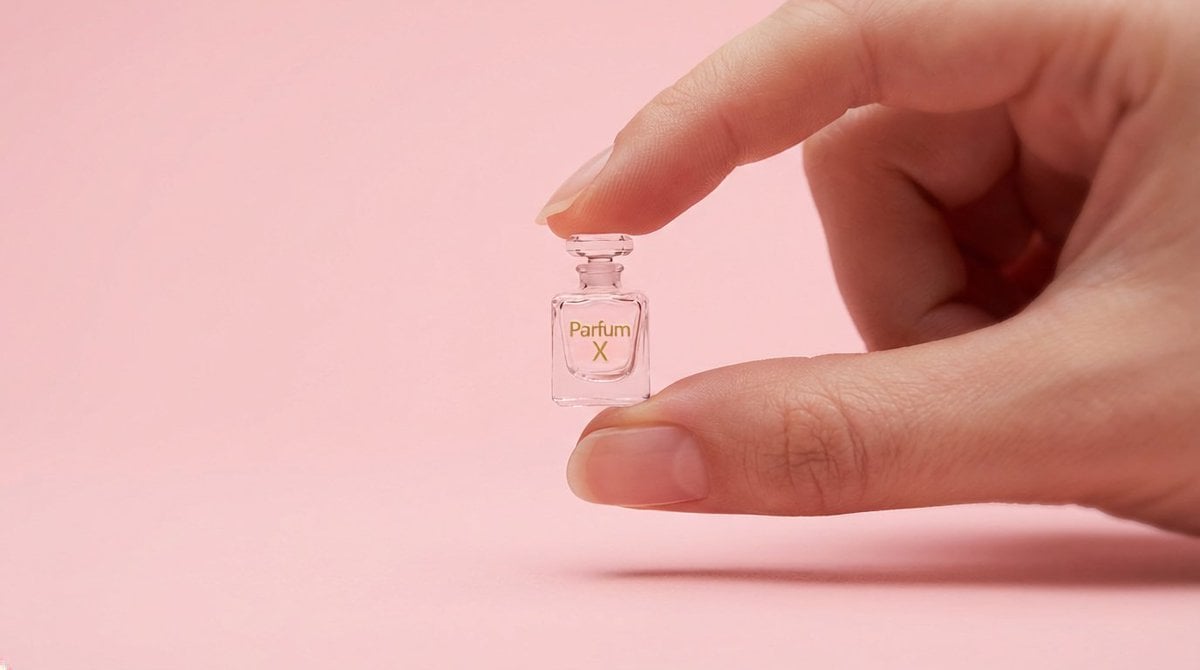
Hyper-Realistic Miniature Product Ad Prompt
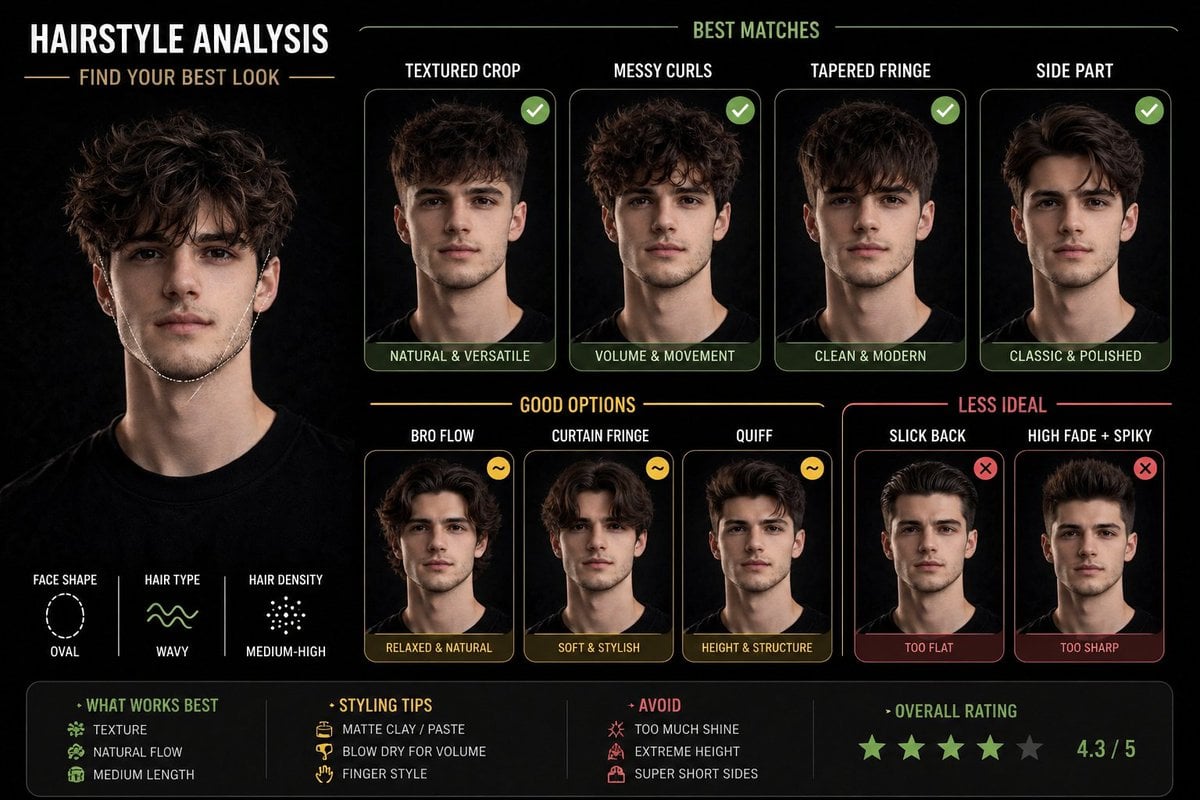
Hairstyle Suitability Analysis Chart
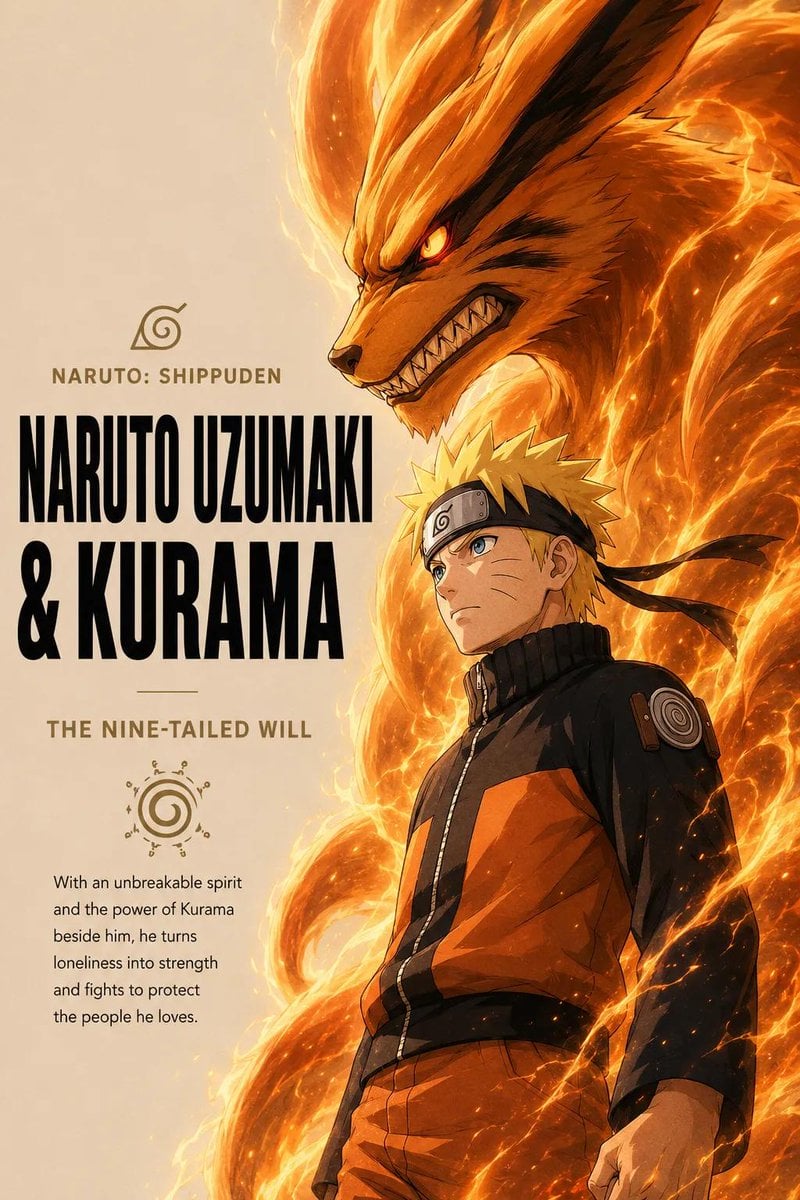
Anime Warrior and Spirit Poster
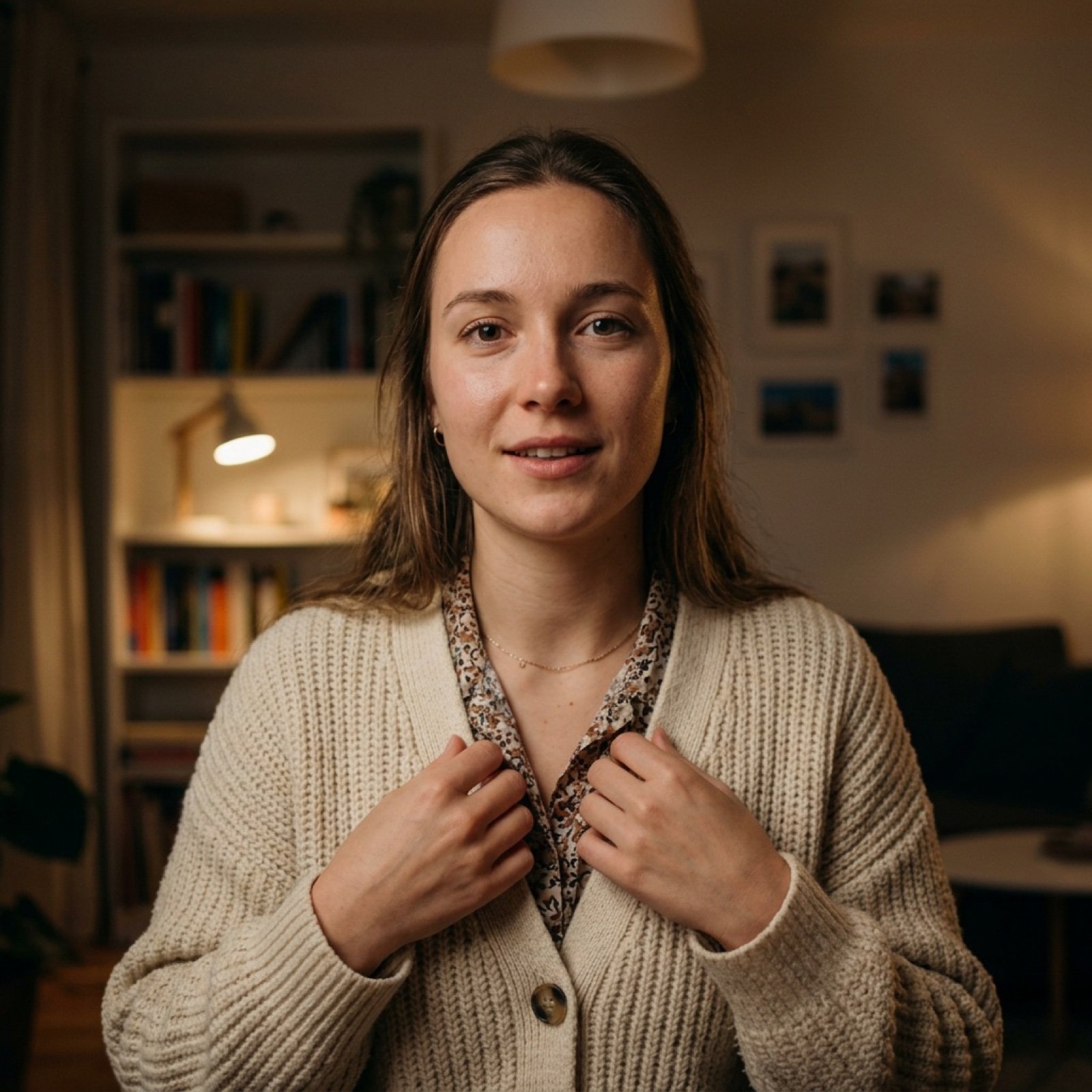
Vlog Style Video Generation from Nano Banana Pro Image

High-Speed Shattering Coffee Mug
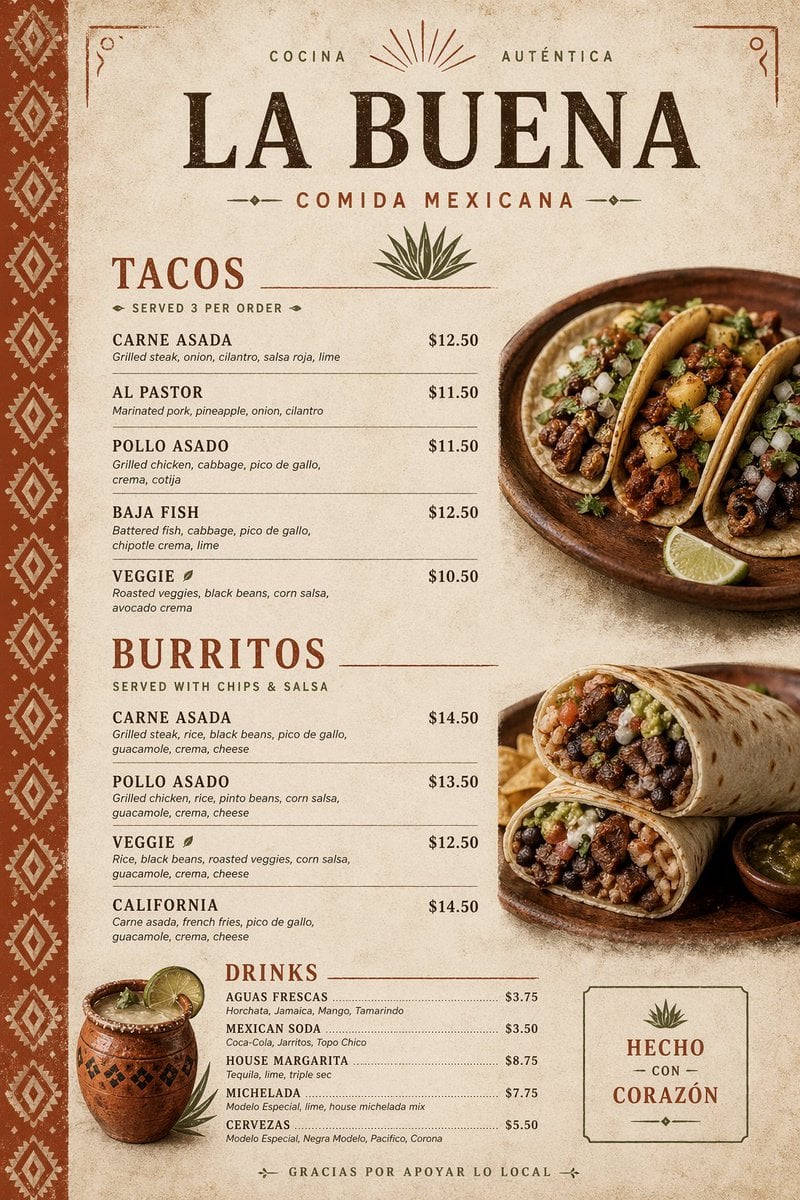
Modern Mexican Restaurant Menu Design
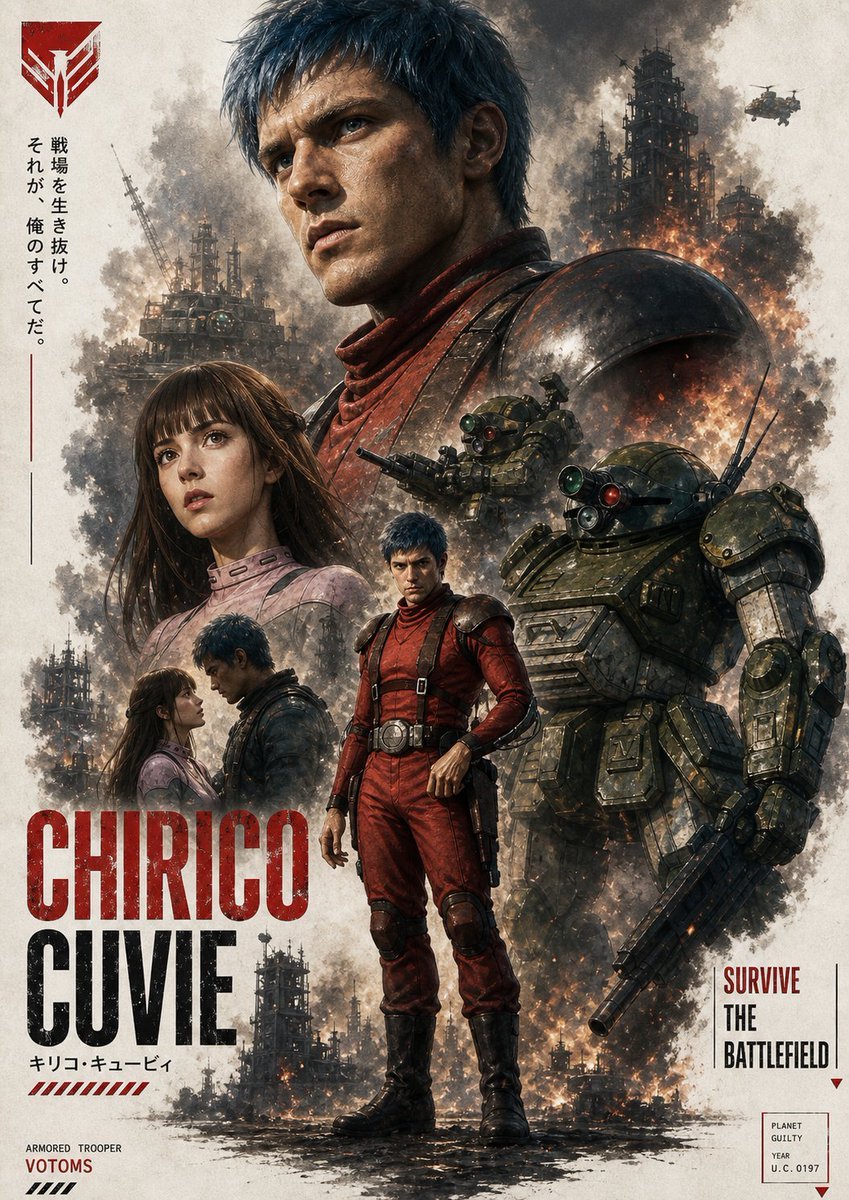
Gritty VOTOMS-Style War Poster
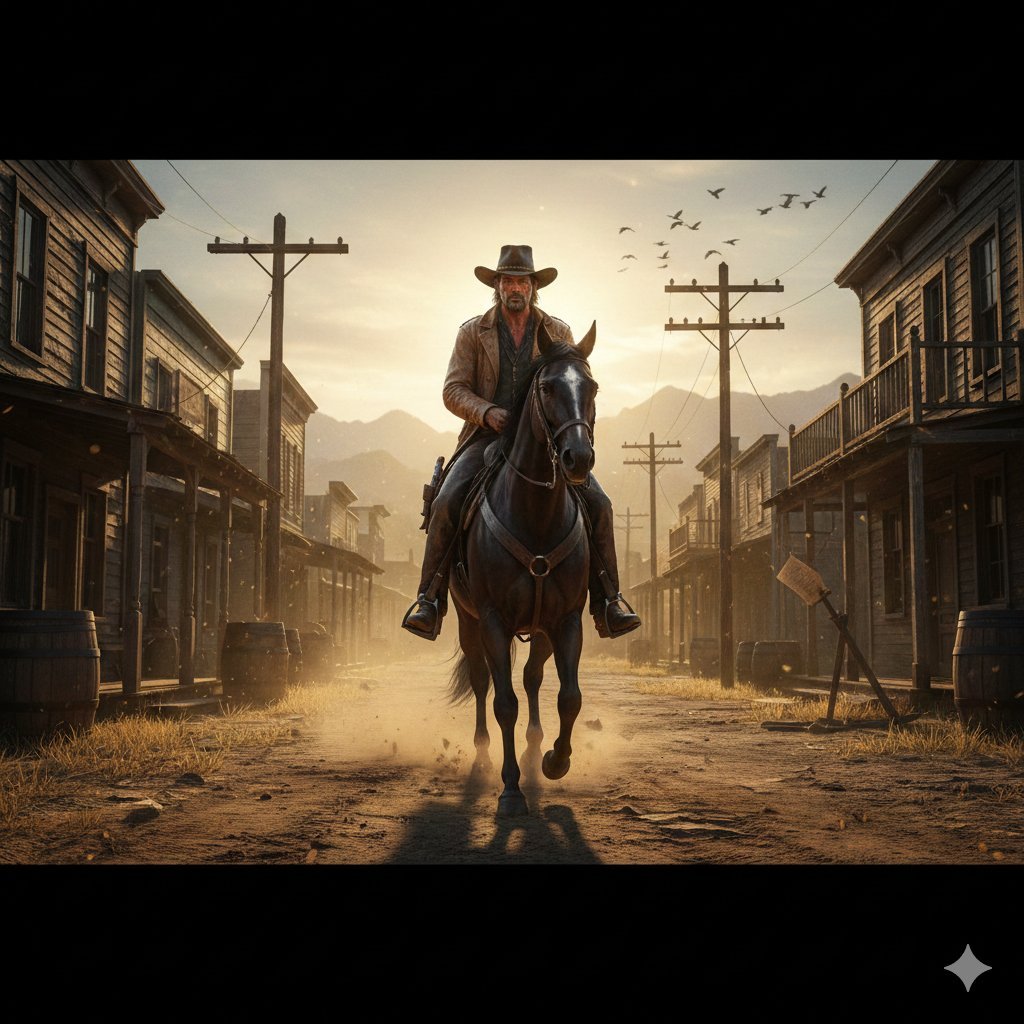
Gritty Western Gunslinger Scene Prompt
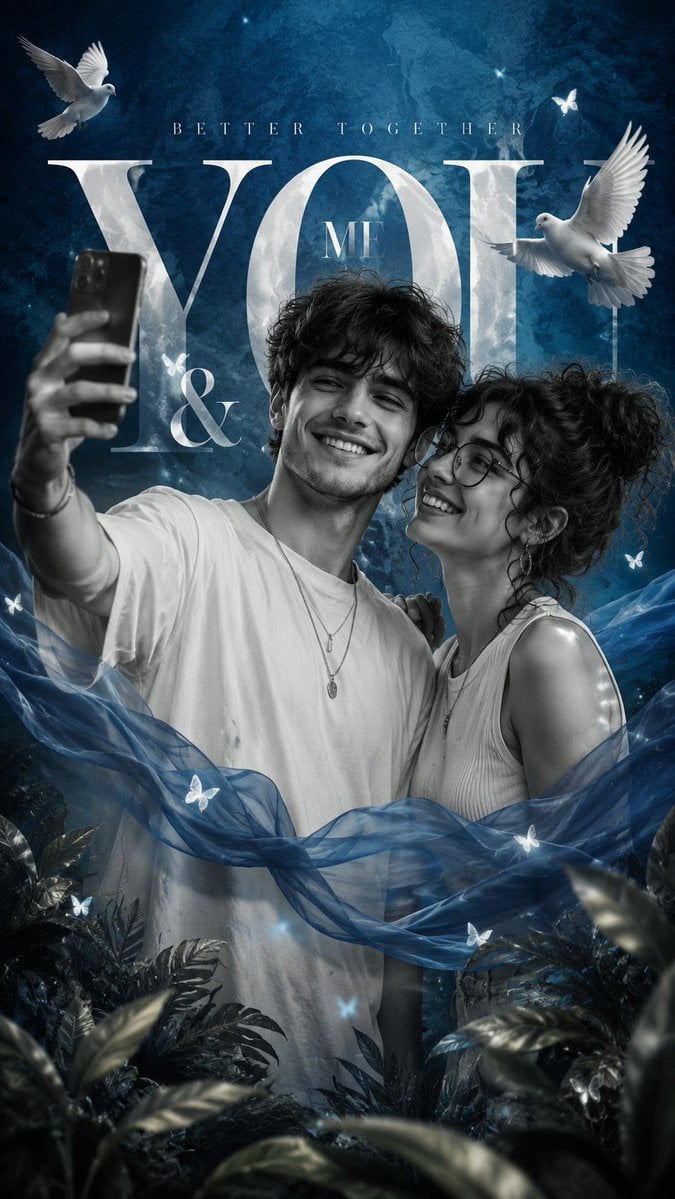
Romantic Editorial Couple Portrait
Browse template categories
After Light Moody Fashion Poster questions
How do I use the After Light Moody Fashion Poster template?
Add your photo if the template asks for one, edit the prompt if you like — the template's model and format are already selected — and press Generate. Your version opens in PicX Studio.
Can I customize the After Light Moody Fashion Poster template?
Yes. You can change the subject, setting, lighting, mood, format, and available model controls before creating your image.
Is the After Light Moody Fashion Poster template free?
Opening and editing this template is free. Generating uses credits, shown on the Generate button when you are signed in.
Which AI model should I use?
Start with GPT Image 2, which is the model associated with this template. You can compare another compatible model for a different finish.
Looking for something else? Browse all templates.

Your photo, any look
Thousands of ready templates for every top image and video model, from one credit balance.