
Black Dragon Moonwalk Stage
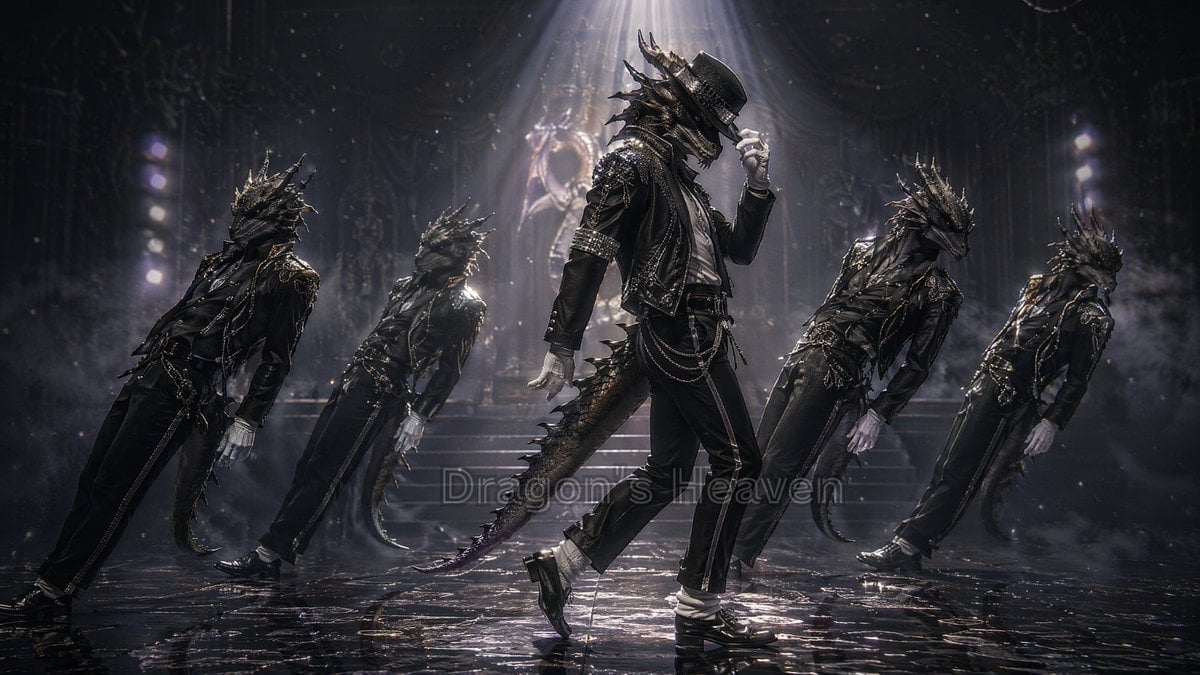
A cinematic fantasy prompt for generating five gothic black dragon dancers performing a moonwalk on a smoky spotlighted stage.
- Prompt included
- Model and format preset
- Free template
The prompt behind this image
Copy the exact prompt behind Black Dragon Moonwalk Stage, or open it in the studio and make it yours.
Create a dark cinematic fantasy dance-stage scene in a 16:9 widescreen frame. Show exactly 5 anthropomorphic black dragon men performing a moonwalk-inspired dance pose on a glossy wet black floor: 1 central lead dancer in front, upright and most detailed, tipping a black fedora with one white-gloved hand, one foot sliding back; and 4 backup dragon dancers, 2 on the left and 2 on the right, all leaning backward in synchronized motion with their arms low and tails trailing. The performers have reptilian dragon heads with long horns, jagged spines, scaled snouts, glowing dark eyes, clawed hands in white gloves, long tails, and black leather stage outfits with metallic studs, chains, belts, cropped jackets, slim trousers, shiny black shoes, and white socks. The central character should feel like a stylish gothic pop star without using any real celebrity name. Use {argument name="dragon color" default="glossy black"} scales, {argument name="outfit style" default="black studded leather pop-dance costume with chains"}, and {argument name="dance move" default="moonwalk pose with fedora tip"}. Set the background as a grand shadowy theater or cathedral-like concert stage with stairs, ornate statues, rigging, faint vertical light towers, drifting smoke, falling dust or snow-like particles, and a strong white spotlight beam from above centered on the lead dancer. Use dramatic low-key lighting, silver highlights, volumetric fog, high contrast, wet reflections, motion blur on the backup dancers, hyper-detailed fantasy realism, cinematic depth of field, and a moody monochrome black-and-silver palette. Add a faint semi-transparent center watermark text reading {argument name="watermark text" default="Dragon's Heaven"} if desired, blending into the floor reflection and not dominating the image. Avoid bright colors, cute cartoon styling, extra dancers, human faces, or visible microphones.
How to use Black Dragon Moonwalk Stage in 3 steps
- 1Upload ImagePNG, JPG or paste
Add your photo
Upload the photo the template builds on. The prompt, model and format are already set.
- 2…a portrait of your subject in softgolden-hour light, 85mm…
Personalize
Edit the subject and creative details for your destination.
- 3Generate
Generate
Press Generate — your image is created in PicX Studio, so you can compare it with the original and refine one variable at a time.
More like this
Templates with the same subject, style or setup. Open one to see its prompt.
Dark Runway Luxury Fashion Magazine Cover
Dark Luxury Stage Fashion Editorial Portrait
Black Liquid Cyberpunk Portrait Poster
Minecraft Fantasy Kingdom Voxel Landscape
Woman in Mall with Chanel Bag - Heart Gesture
Seedance - Dragon vs Python Battle
Klezmer Jazz Accordion Stage
Stage Performance Singer Close-up
Idol Stage Performance Portrait
Monochrome Woman and Black Horse
Luxury Black Menswear Portrait
Bunraku Courtesan Stage Performance
Make it yours
Black Dragon Moonwalk Stage works as-is. These are the safest ways to change it without losing the look.
Change one field
Copy a single group, rewrite it, and generate again so you can see what that field is doing.
Keep the frame, change the subject
Hold the composition and light of Black Dragon Moonwalk Stage, then swap wardrobe, props or the person for a new take.
| If the result… | Why | Fix |
|---|---|---|
| The result drifts from the preview | Too many fields changed at once. | Reuse Black Dragon Moonwalk Stage as-is first, then change one group — subject, light, or setting. |
| The model over-stylizes the scene | The prose prompt leaves finish and camera underspecified. | Add one camera or lighting sentence and stay on GPT Image 2. |
More GPT Image 2 templates
Other prompts made for GPT Image 2.

Six VTuber Japanese Logo Sheet

Realistic Portrait of Woman and Deer

The Vista Modular Condo Poster

AI Model Routing Comparison Infographic

2.5D Anime Art Board

Isometric Productivity Desk Scene

New York Double Exposure Poster

Four-Panel AI Landscape Comparison

Japanese Tatami Lifestyle Magazine Cover

NESCAFÉ Coffee Map Poster
More image prompts
Fresh picks from across the catalog.
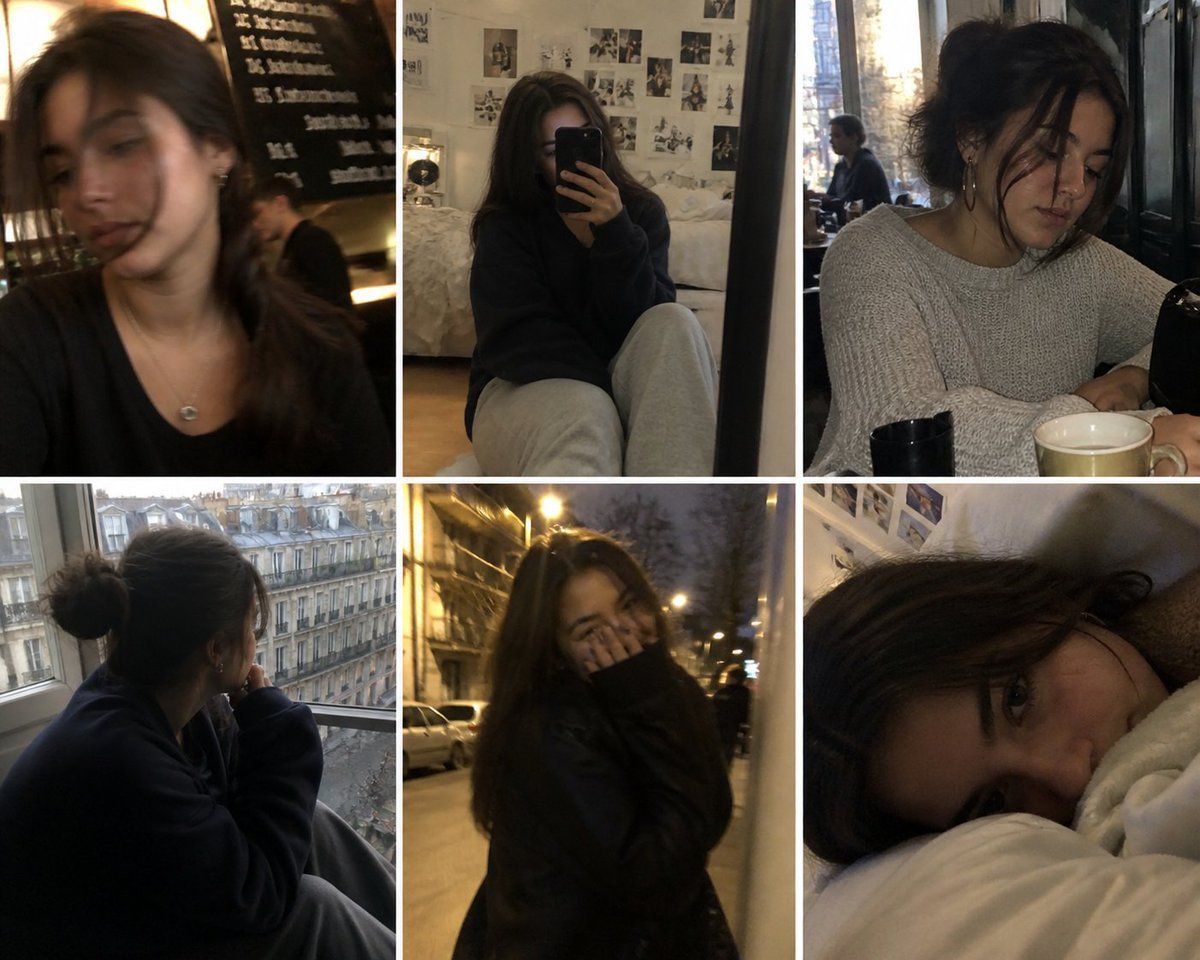
AI Persona Candid Snapshot
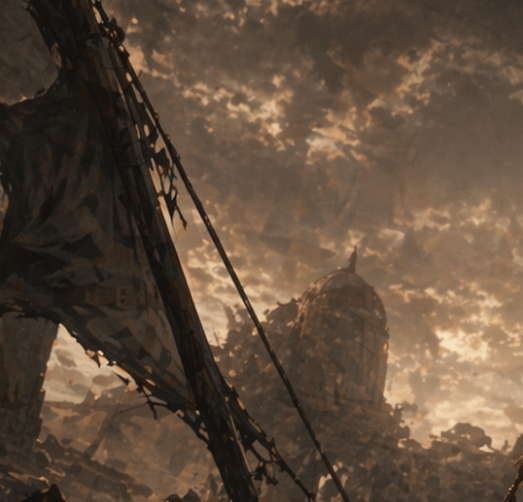
Post-Apocalyptic Ruins at Dusk
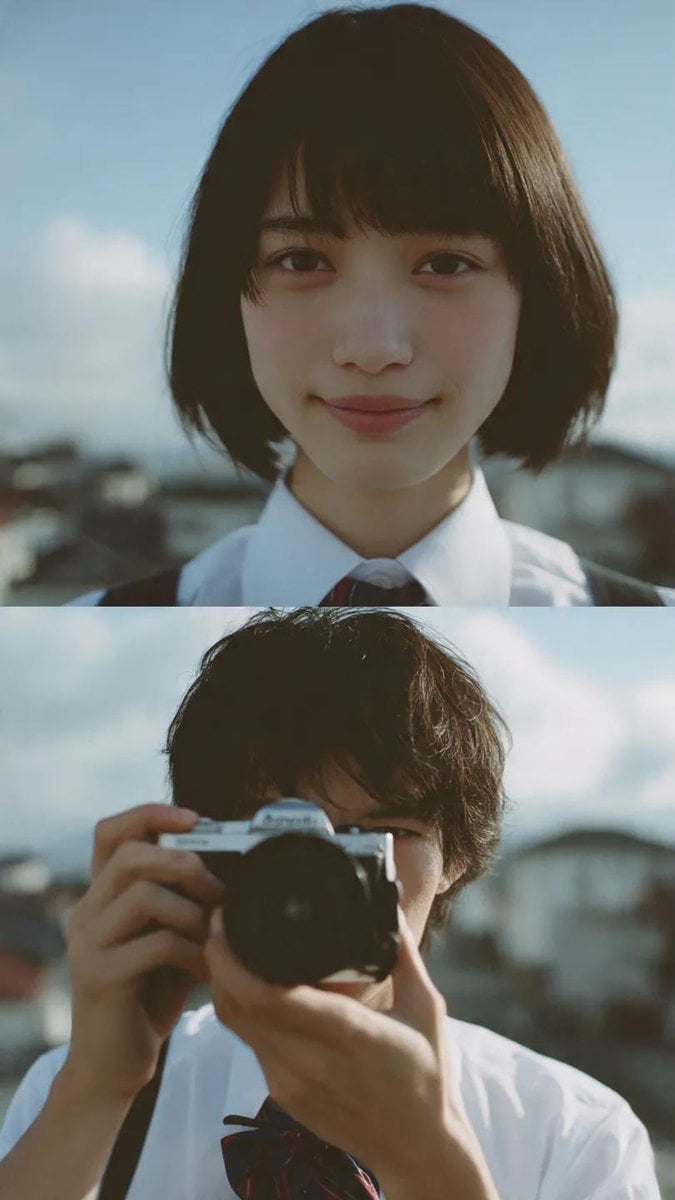
Cinematic diptych of teenagers on a rooftop
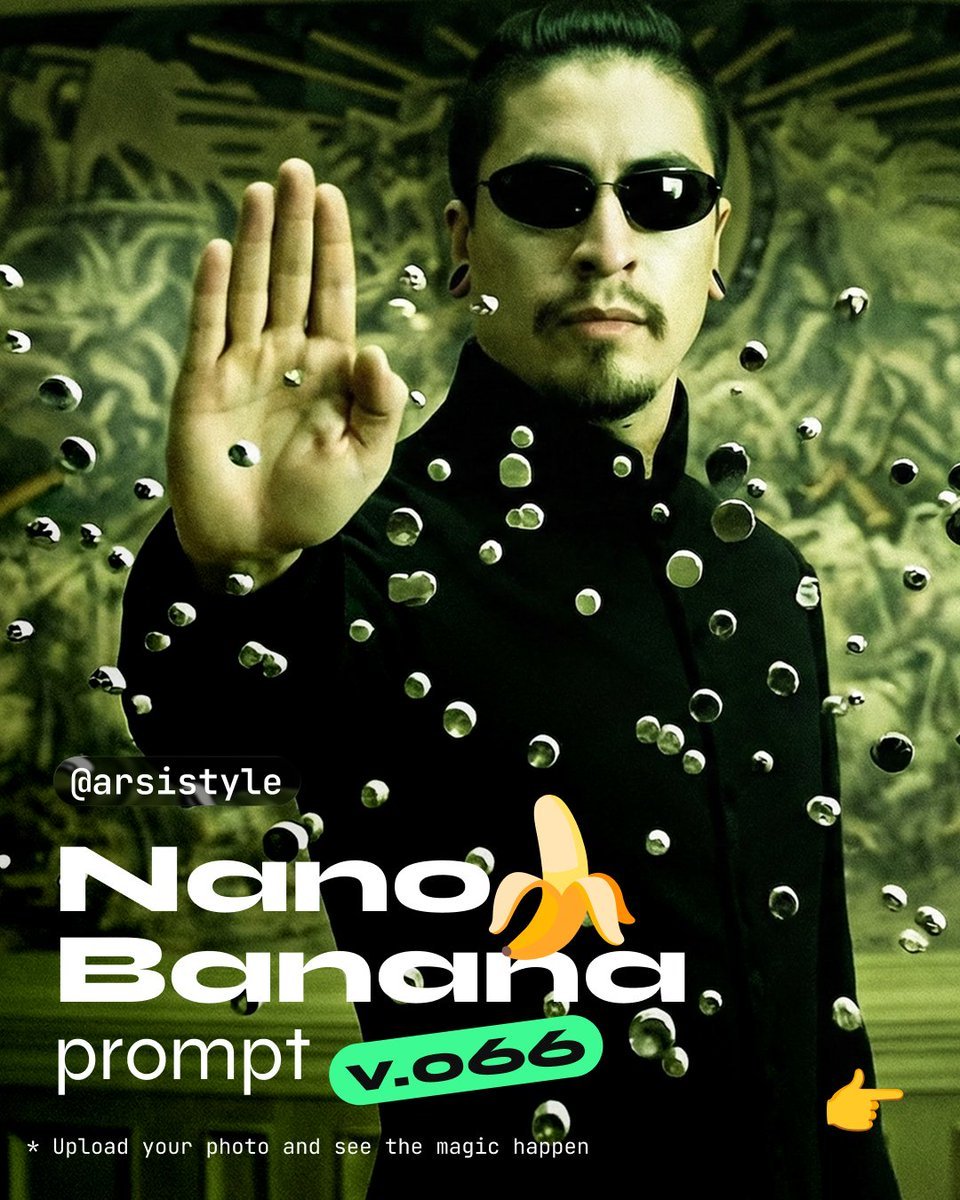
Cinematic Action Shot with Suspended Projectiles
Anime Shrine Maiden Dual Katana
Image generation prompt for a year-end party scene
Human VS. Yokai Haxtusyaku-sama in FPS Game Style
Premium Fashion Studio Portrait
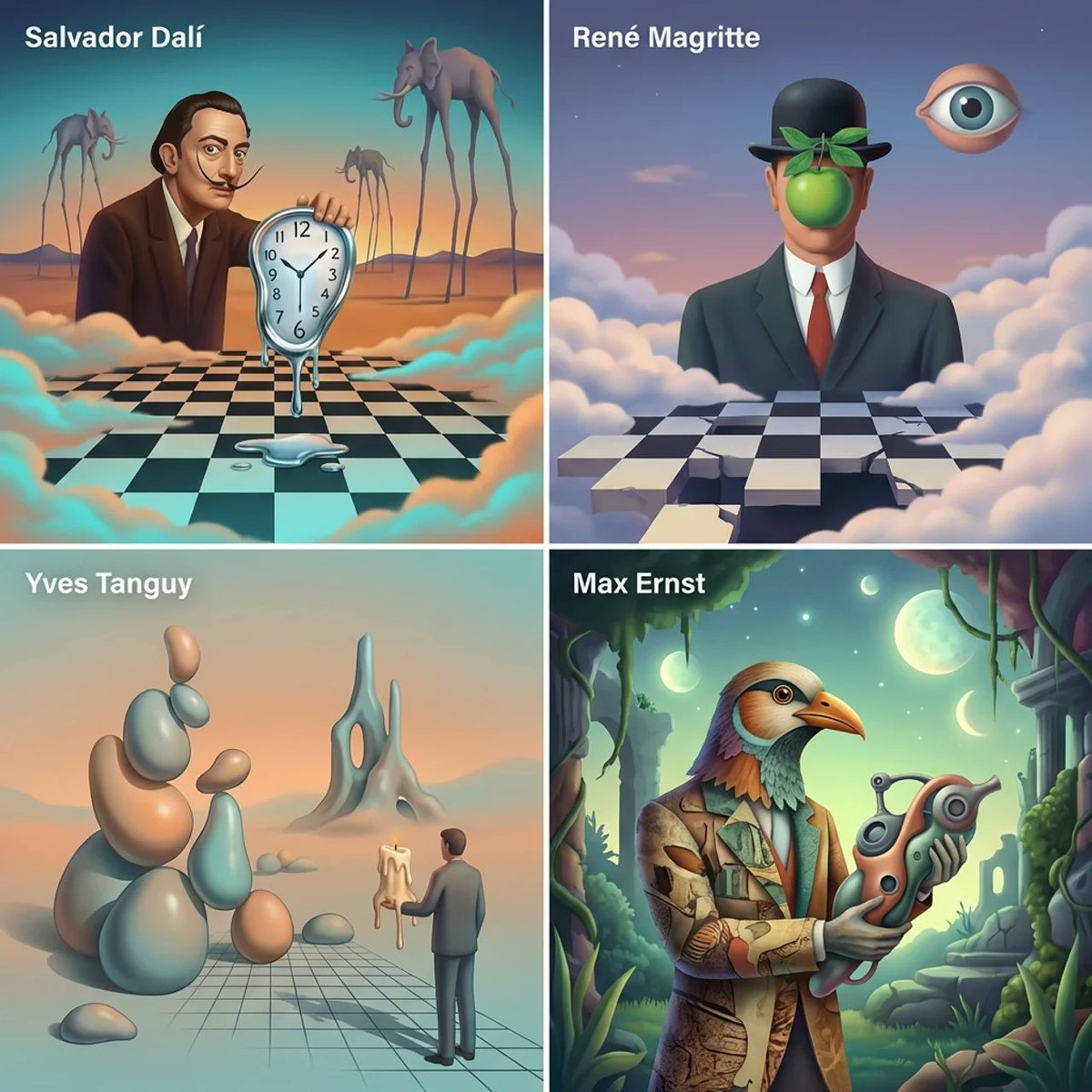
Surrealist Painter Dreamscape Diorama Prompt Template
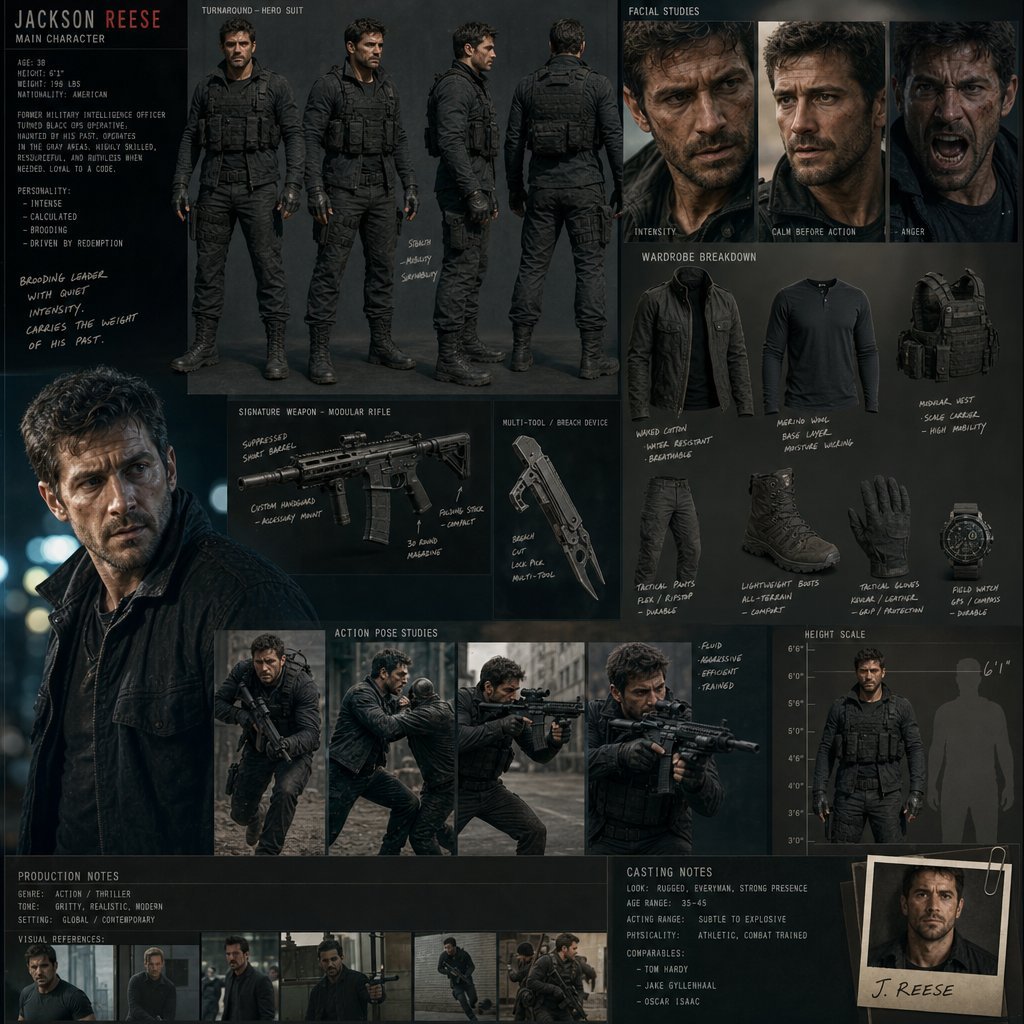
Hollywood Action Film Character Board
Browse template categories
Black Dragon Moonwalk Stage questions
How do I use the Black Dragon Moonwalk Stage template?
Add your photo if the template asks for one, edit the prompt if you like — the template's model and format are already selected — and press Generate. Your version opens in PicX Studio.
Can I customize the Black Dragon Moonwalk Stage template?
Yes. You can change the subject, setting, lighting, mood, format, and available model controls before creating your image.
Is the Black Dragon Moonwalk Stage template free?
Opening and editing this template is free. Generating uses credits, shown on the Generate button when you are signed in.
Which AI model should I use?
Start with GPT Image 2, which is the model associated with this template. You can compare another compatible model for a different finish.
Looking for something else? Browse all templates.

Your photo, any look
Thousands of ready templates for every top image and video model, from one credit balance.