
Luxury Studio Fashion Editorial
A detailed prompt for generating high-fashion studio portraits of a couple with elegant styling and professional lighting.
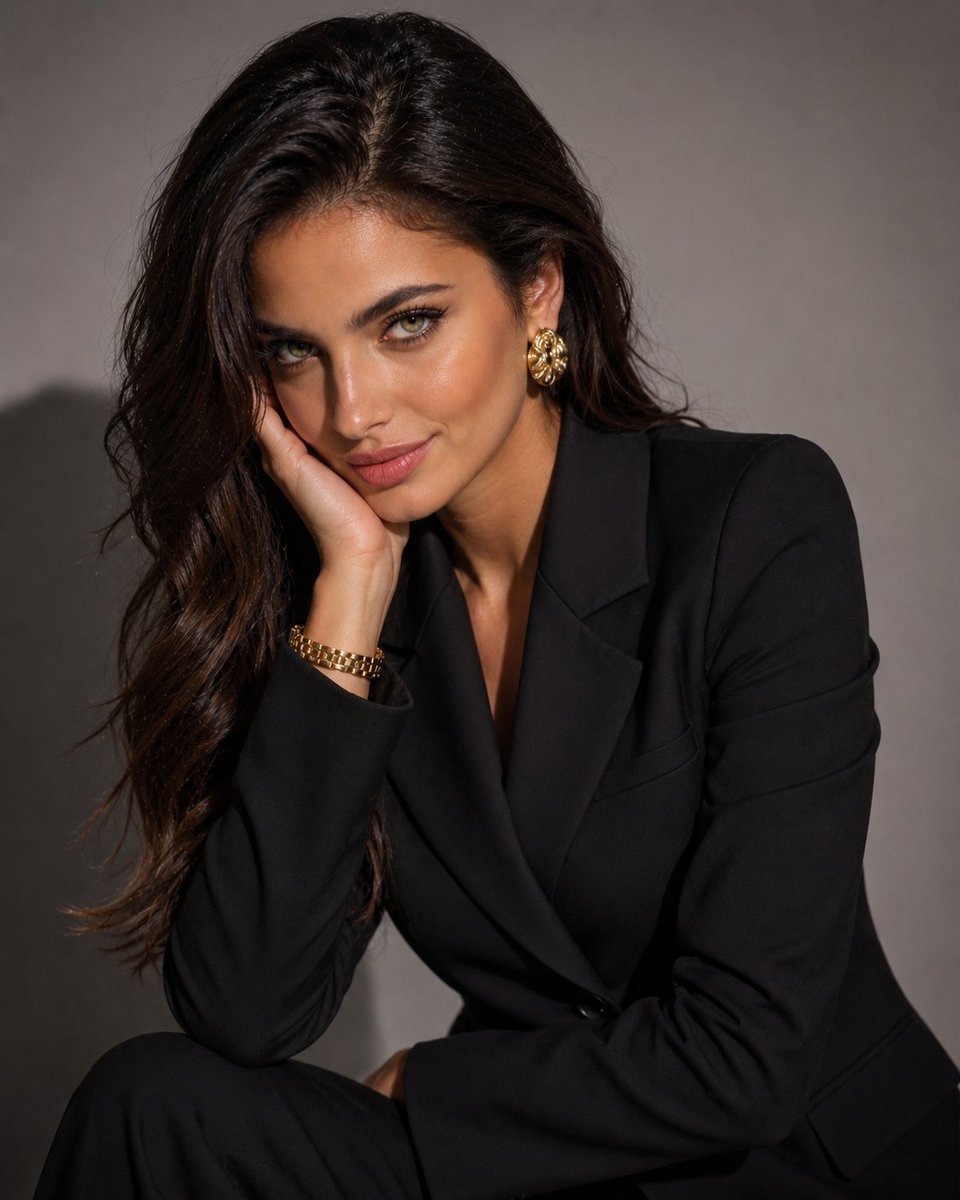
- Prompt included
- Model and format preset
- Free template
The prompt behind this image
Copy the exact prompt behind Luxury Studio Fashion Editorial, or open it in the studio and make it yours.
Ultra-photorealistic high-fashion studio editorial featuring a stunning young woman and a handsome young man posing together in a luxury photography studio. They stand side by side with effortless chemistry, projecting confidence, elegance, and modern sophistication. The woman has long, voluminous {argument name="hair color" default="dark brown"} wavy hair, glowing skin, captivating hazel-green eyes, and wears subtle luxury editorial makeup. She is dressed in a perfectly tailored closed black blazer with matching high-waisted tailored trousers, complemented by bold round gold statement earrings, a refined gold bracelet, and sleek black pointed heels. The man has thick, styled dark hair, defined facial features, warm hazel-brown eyes, and light stubble. He wears a matching closed black tailored blazer with a black dress shirt underneath, tailored black trousers, polished black leather dress shoes, and a premium stainless-steel wristwatch. Their poses feel natural and editorial: the man stands slightly behind and beside the woman with one hand in his pocket while the woman confidently crosses one leg in front of the other with relaxed shoulders. Both look directly into the camera with calm, confident expressions, creating the feel of a luxury fashion campaign. Shot inside a premium photography studio with a seamless {argument name="backdrop color" default="charcoal-gray"} backdrop, dramatic yet soft key lighting, subtle rim lighting for separation, soft shadows, and flawless skin tones. Minimalist composition with no props, keeping the focus entirely on the models. Captured on a full-frame DSLR with an {argument name="lens" default="85mm"} lens, f/1.8, shallow depth of field, razor-sharp focus on both faces, cinematic color grading, premium Vogue editorial aesthetic, ultra-detailed textures, realistic fabric folds, natural skin pores, and 8K ultra-photorealistic quality.
How to use Luxury Studio Fashion Editorial in 3 steps
- 1
Open
The prompt is already in the box next to the preview, with the template's model and format selected.
- 2…a portrait of your subject in softgolden-hour light, 85mm…
Personalize
Edit the subject and creative details for your destination.
- 3Generate
Generate
Press Generate — your image is created in PicX Studio, so you can compare it with the original and refine one variable at a time.
More like this
Templates with the same subject, style or setup. Open one to see its prompt.
Gpt Image 2 Fashion Portrait

19 Luxury Helicopter Travel — California Series

08 Rodeo Drive Luxury Exit — California Series
Google Gemini Nano Banana Pro
Conceptual Fashion Portrait in Spider We
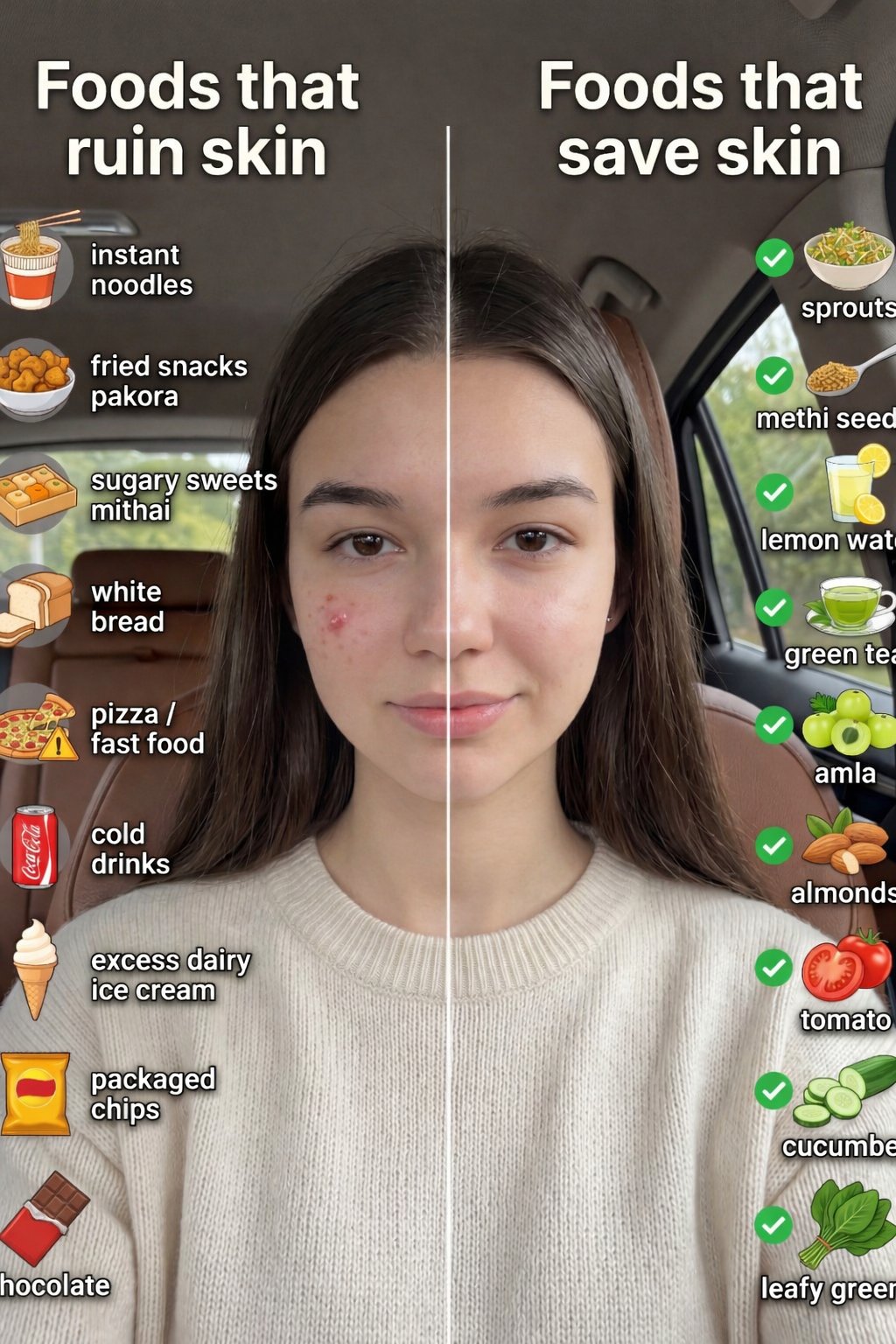
01 Skincare Split Portrait — Nano Banana 2
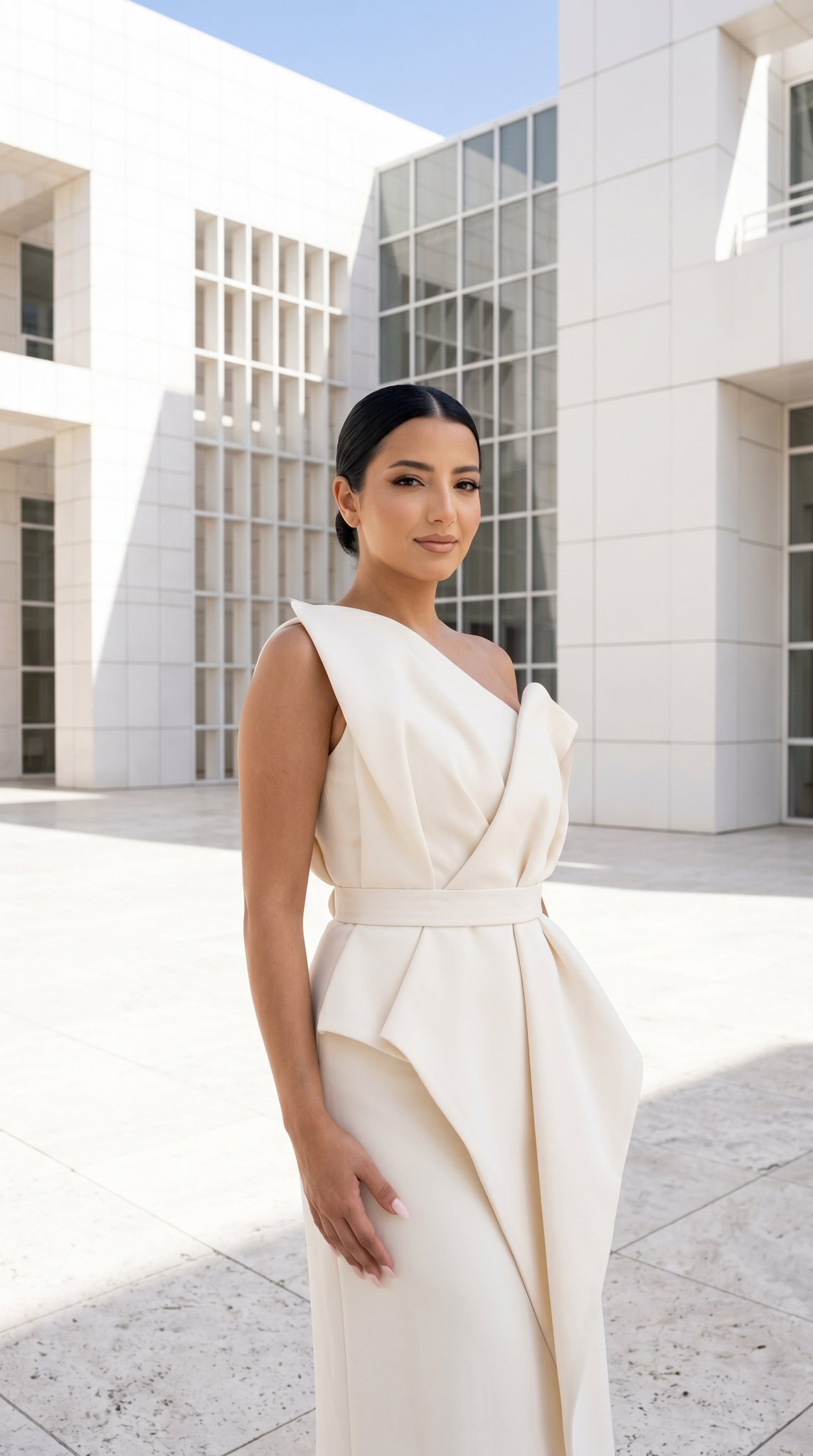
24 The Getty Center — California Series
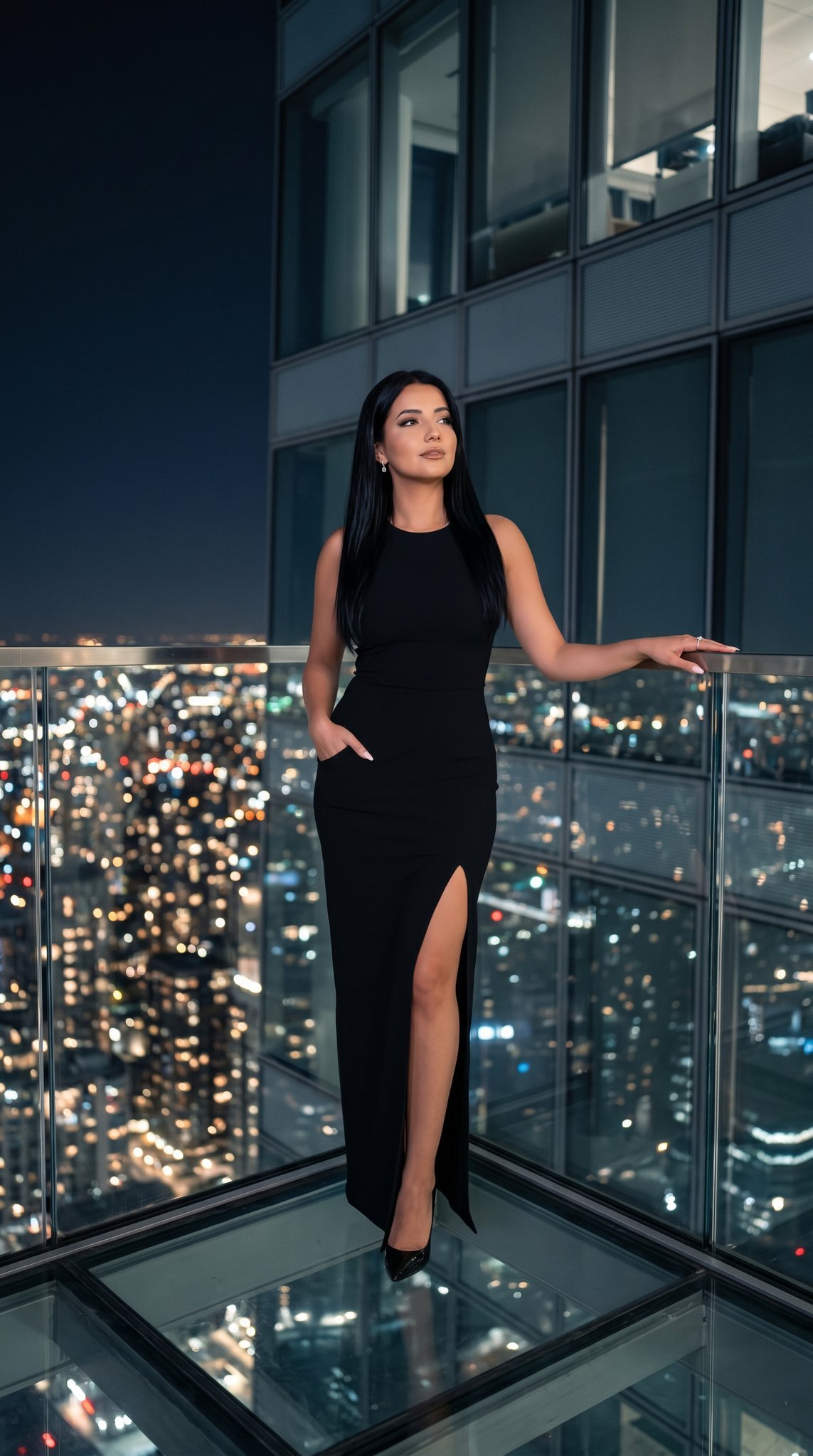
21 Glass Floor Skyscraper — California Series
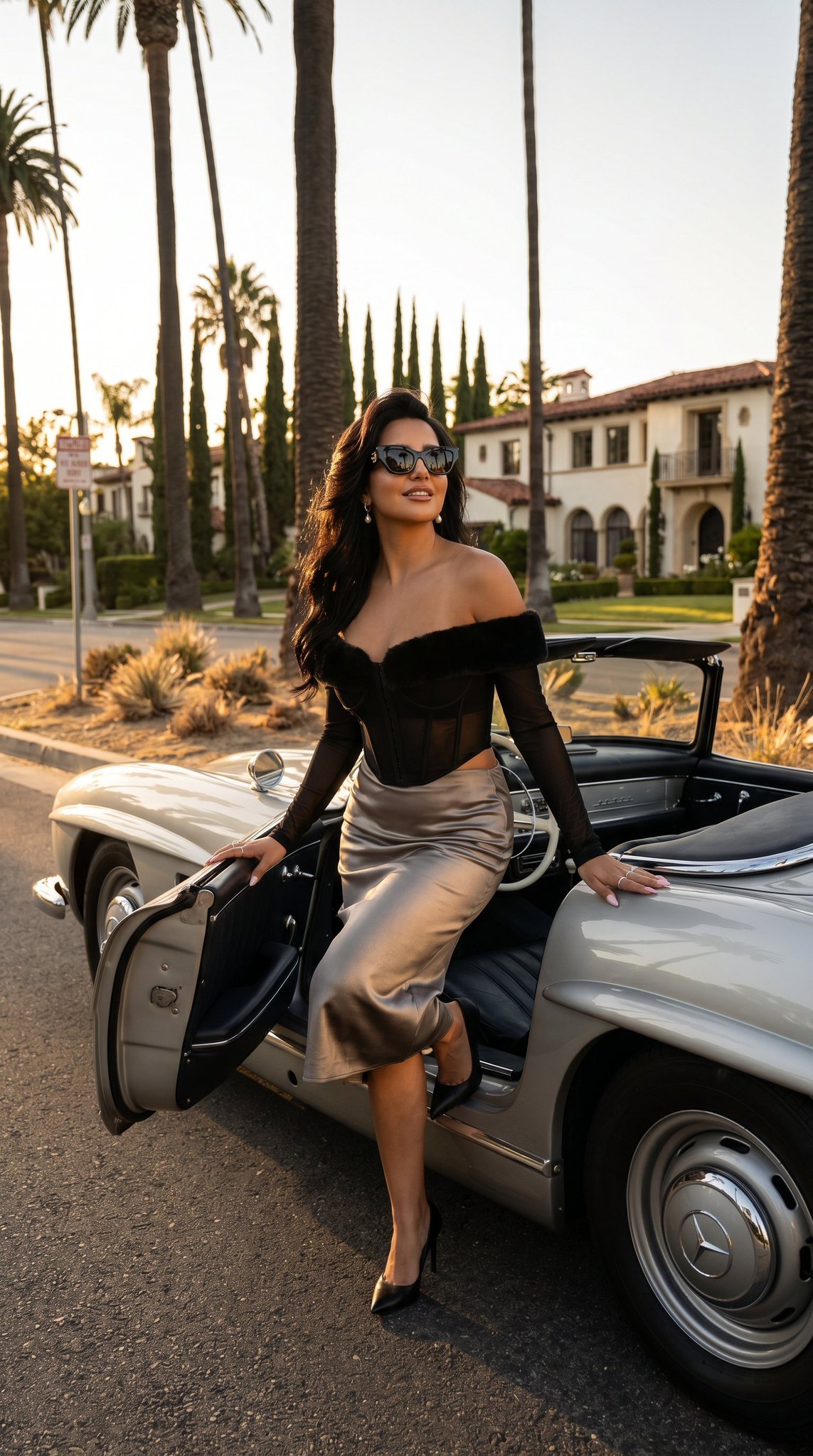
03 Beverly Hills Convertible — California Series

Caution Tape Fashion — Industrial Editorial
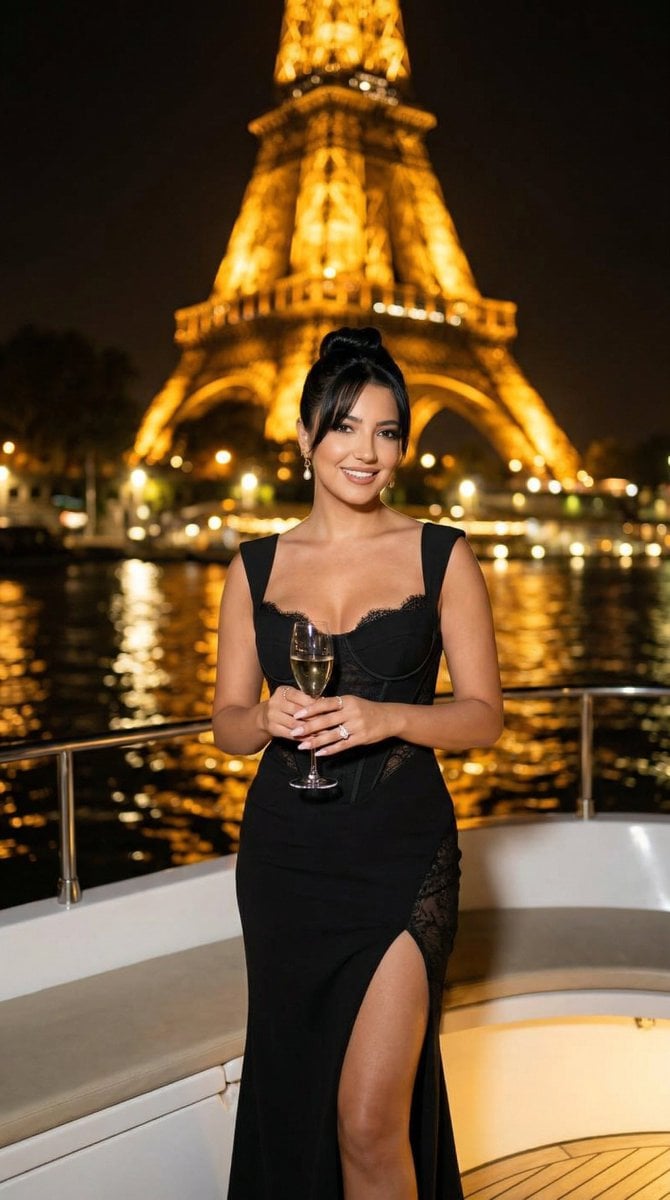
Nano Banana - Paris Cafe Editorial
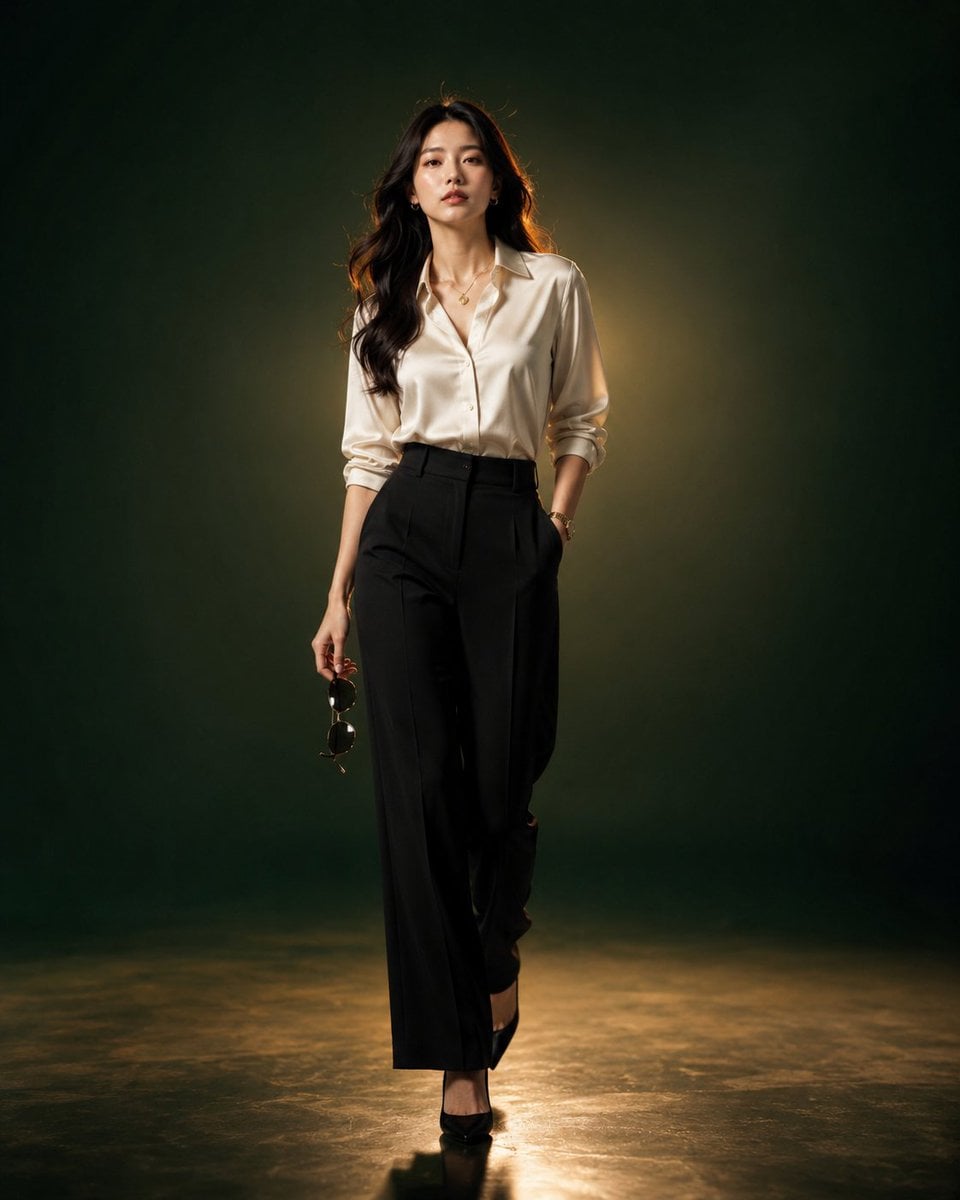
Luxury Fashion Editorial Portrait
Make it yours
Luxury Studio Fashion Editorial works as-is. These are the safest ways to change it without losing the look.
Change one field
Copy a single group, rewrite it, and generate again so you can see what that field is doing.
Keep the frame, change the subject
Hold the composition and light of Luxury Studio Fashion Editorial, then swap wardrobe, props or the person for a new take.
| If the result… | Why | Fix |
|---|---|---|
| The result drifts from the preview | Too many fields changed at once. | Reuse Luxury Studio Fashion Editorial as-is first, then change one group — subject, light, or setting. |
| The model over-stylizes the scene | The prose prompt leaves finish and camera underspecified. | Add one camera or lighting sentence and stay on GPT Image 2. |
More GPT Image 2 templates
Other prompts made for GPT Image 2.

Six VTuber Japanese Logo Sheet

Realistic Portrait of Woman and Deer

The Vista Modular Condo Poster

AI Model Routing Comparison Infographic

2.5D Anime Art Board

Isometric Productivity Desk Scene

New York Double Exposure Poster

Four-Panel AI Landscape Comparison

Japanese Tatami Lifestyle Magazine Cover

NESCAFÉ Coffee Map Poster
More image prompts
Fresh picks from across the catalog.
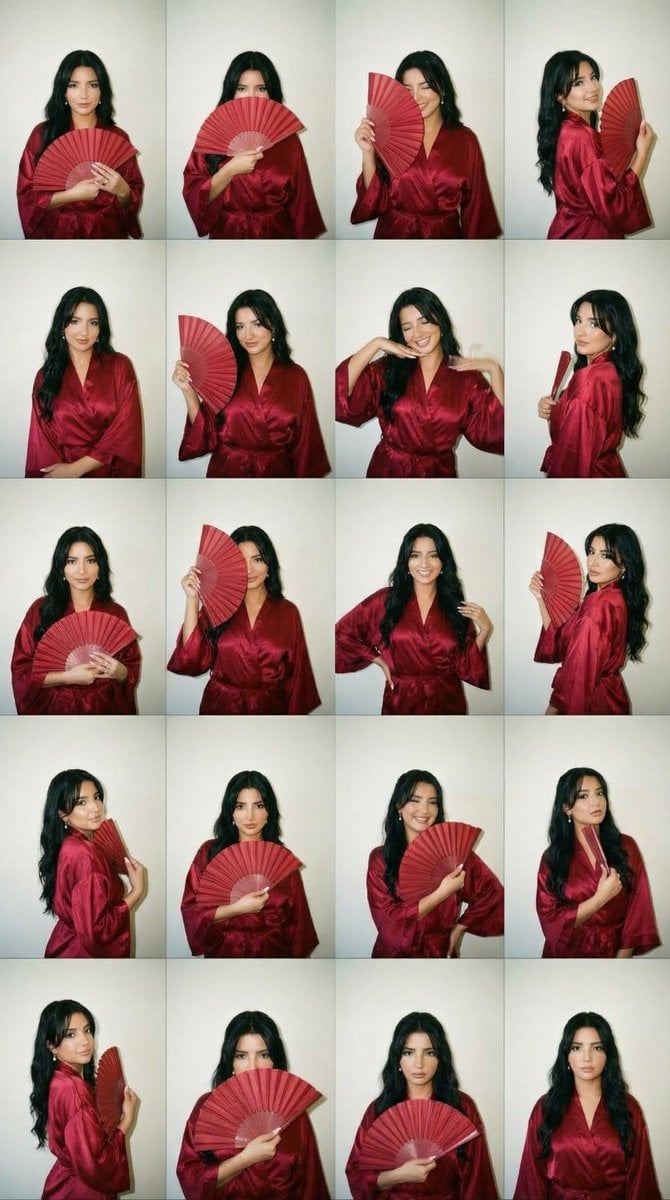
2000s Photobooth Contact Sheet Grid Prompt
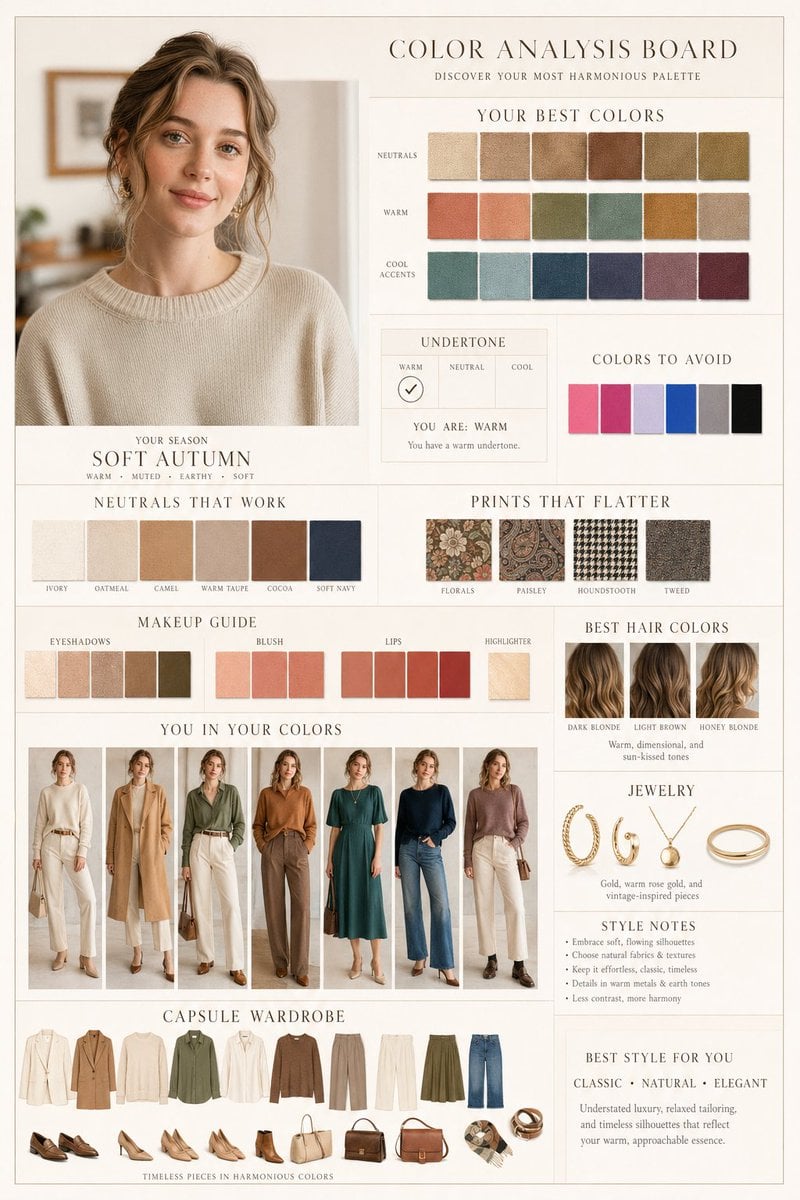
Luxury Fashion Color Analysis Board
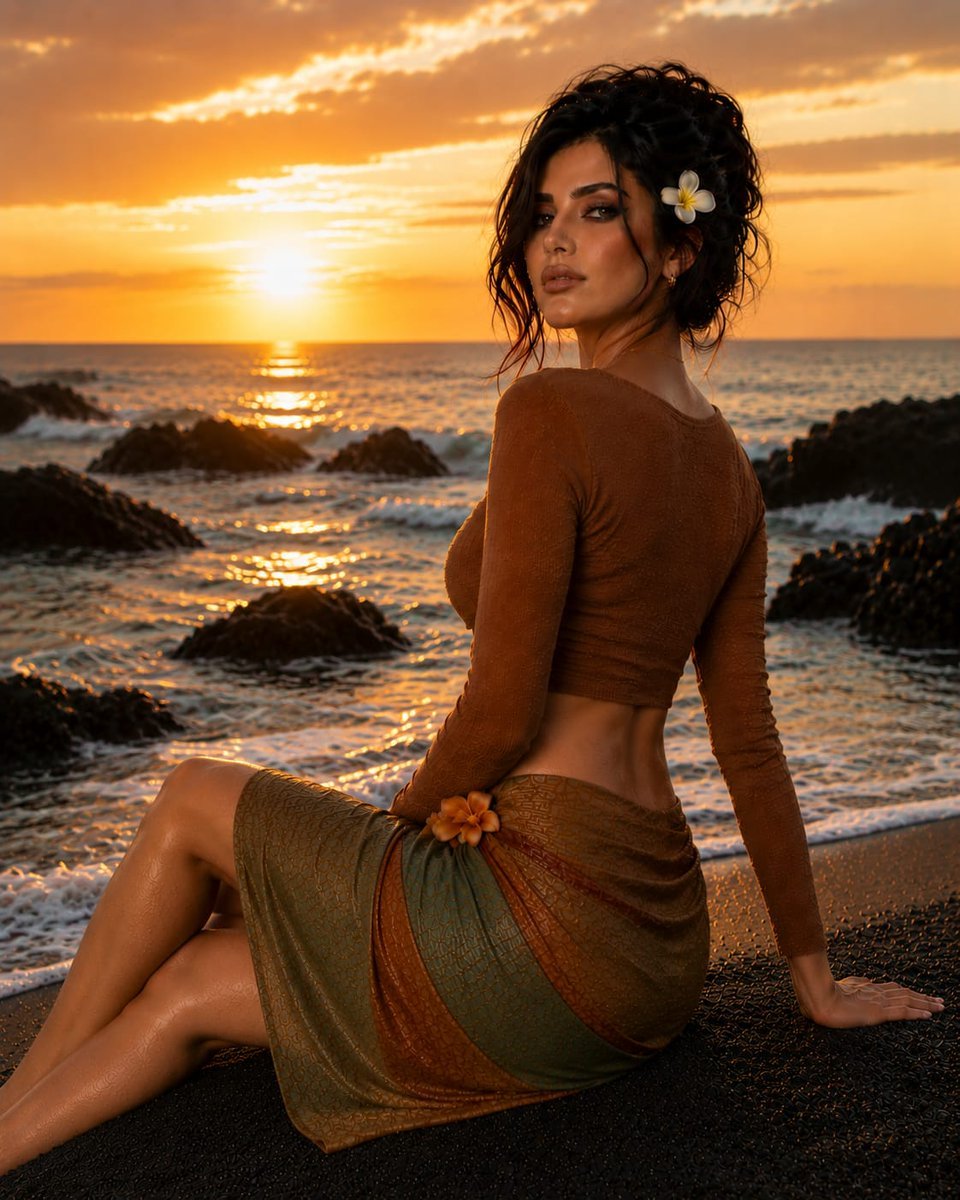
Sunset Tropical Beach Fashion Editorial
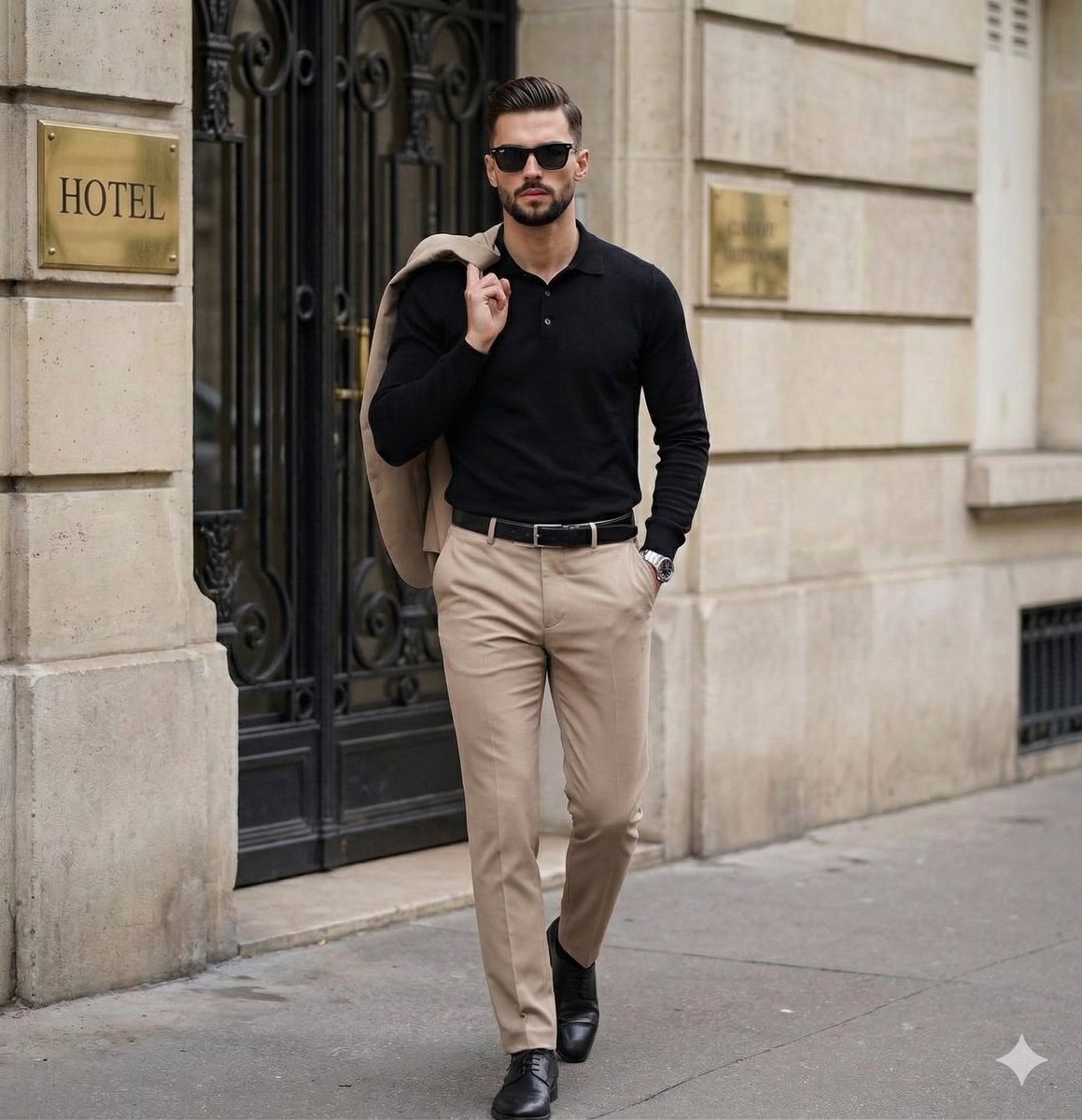
Sophisticated Men's Street Style Editorial

Ink Wash Double Exposure Poster
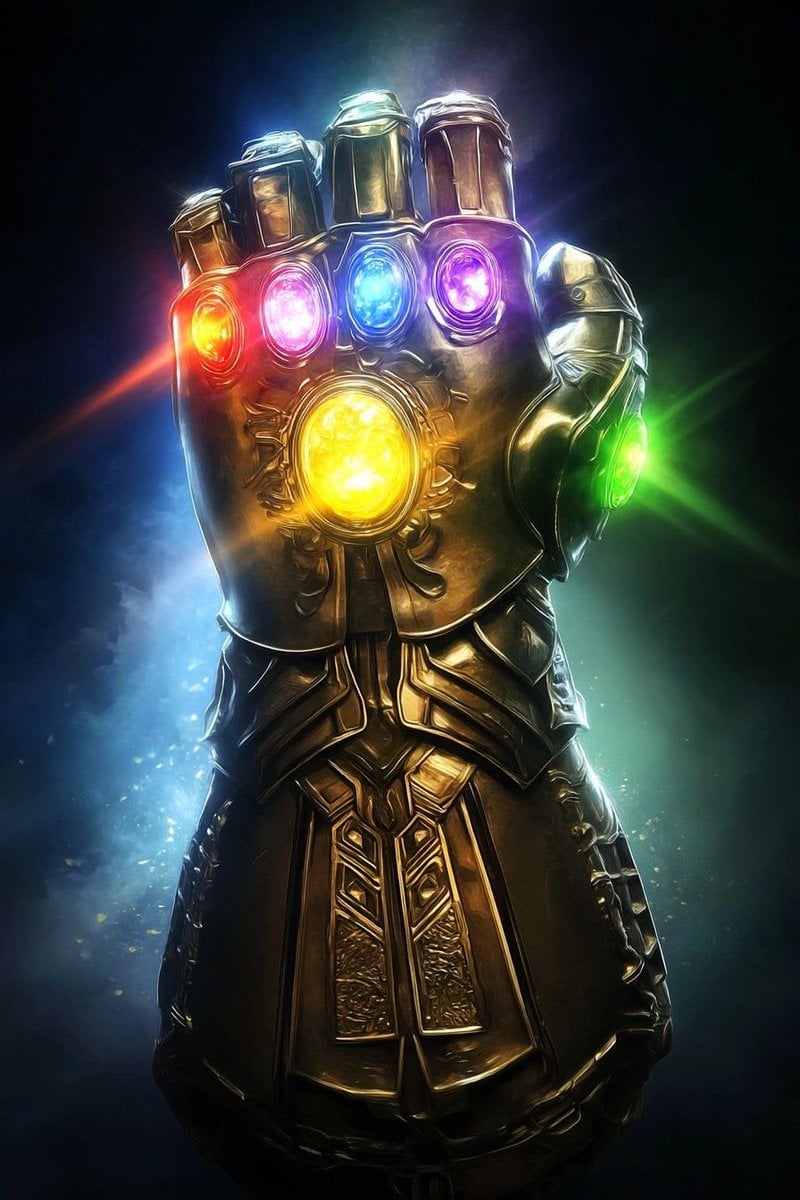
Industrial Blueprint Generation Prompt
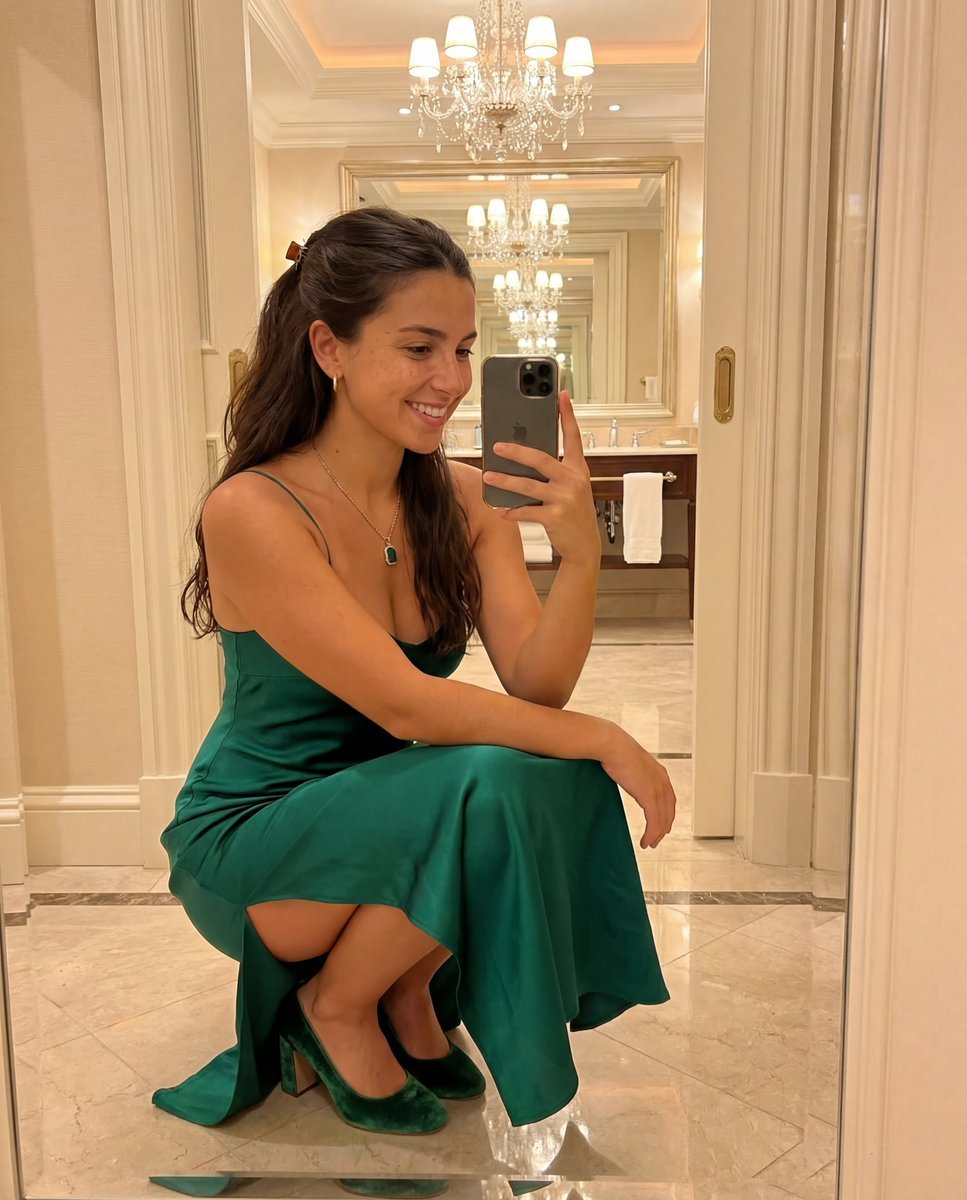
Detailed JSON Prompt for Mirror Selfie Image Generation
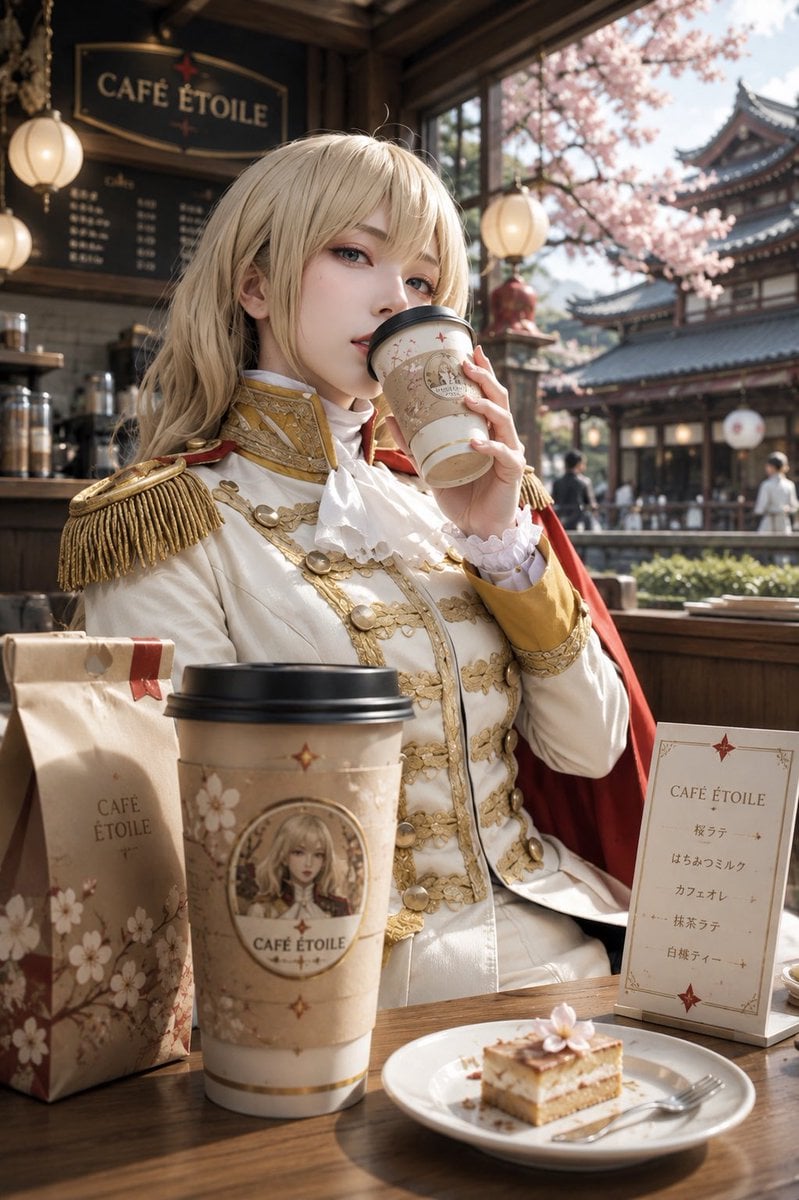
Character Café Sakura Promotion
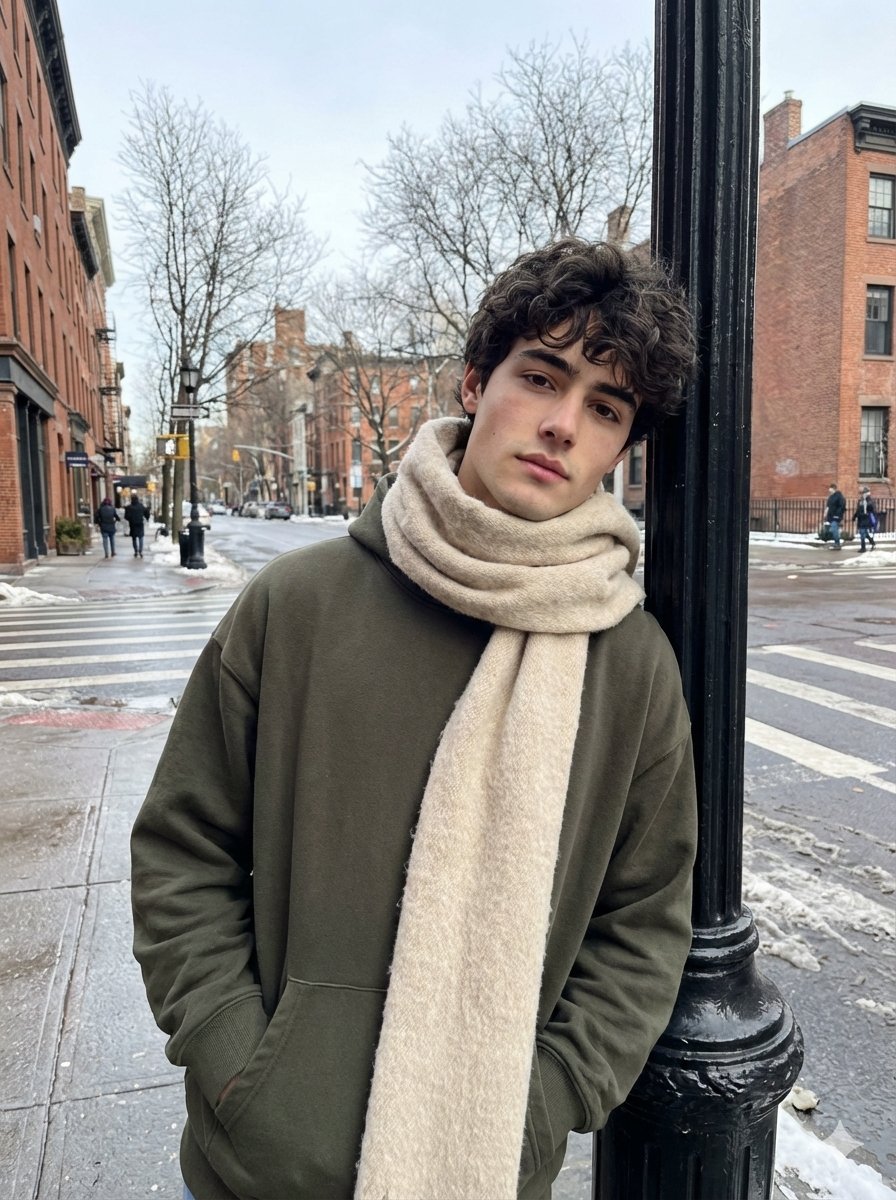
Ultra-Realistic Street Photo with Specific Subject Preservation
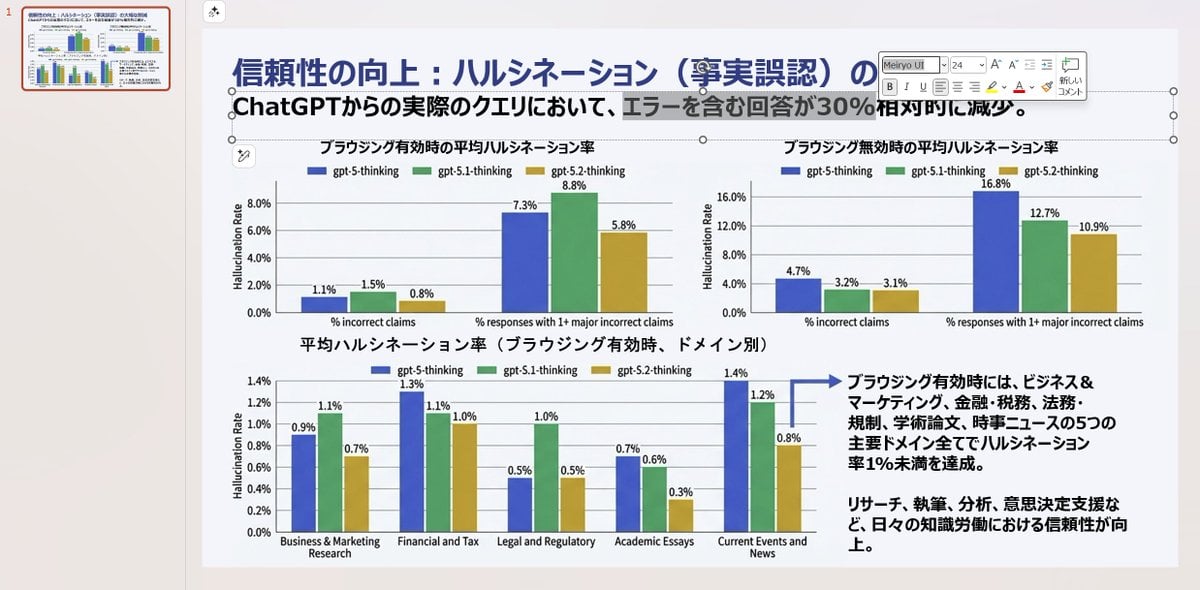
Convert Image to Editable PowerPoint Slide Prompt
Browse template categories
Luxury Studio Fashion Editorial questions
How do I use the Luxury Studio Fashion Editorial template?
Add your photo if the template asks for one, edit the prompt if you like — the template's model and format are already selected — and press Generate. Your version opens in PicX Studio.
Can I customize the Luxury Studio Fashion Editorial template?
Yes. You can change the subject, setting, lighting, mood, format, and available model controls before creating your image.
Is the Luxury Studio Fashion Editorial template free?
Opening and editing this template is free. Generating uses credits, shown on the Generate button when you are signed in.
Which AI model should I use?
Start with GPT Image 2, which is the model associated with this template. You can compare another compatible model for a different finish.
Looking for something else? Browse all templates.

Your photo, any look
Thousands of ready templates for every top image and video model, from one credit balance.