
Retro-Pop Alley Fashion Editorial
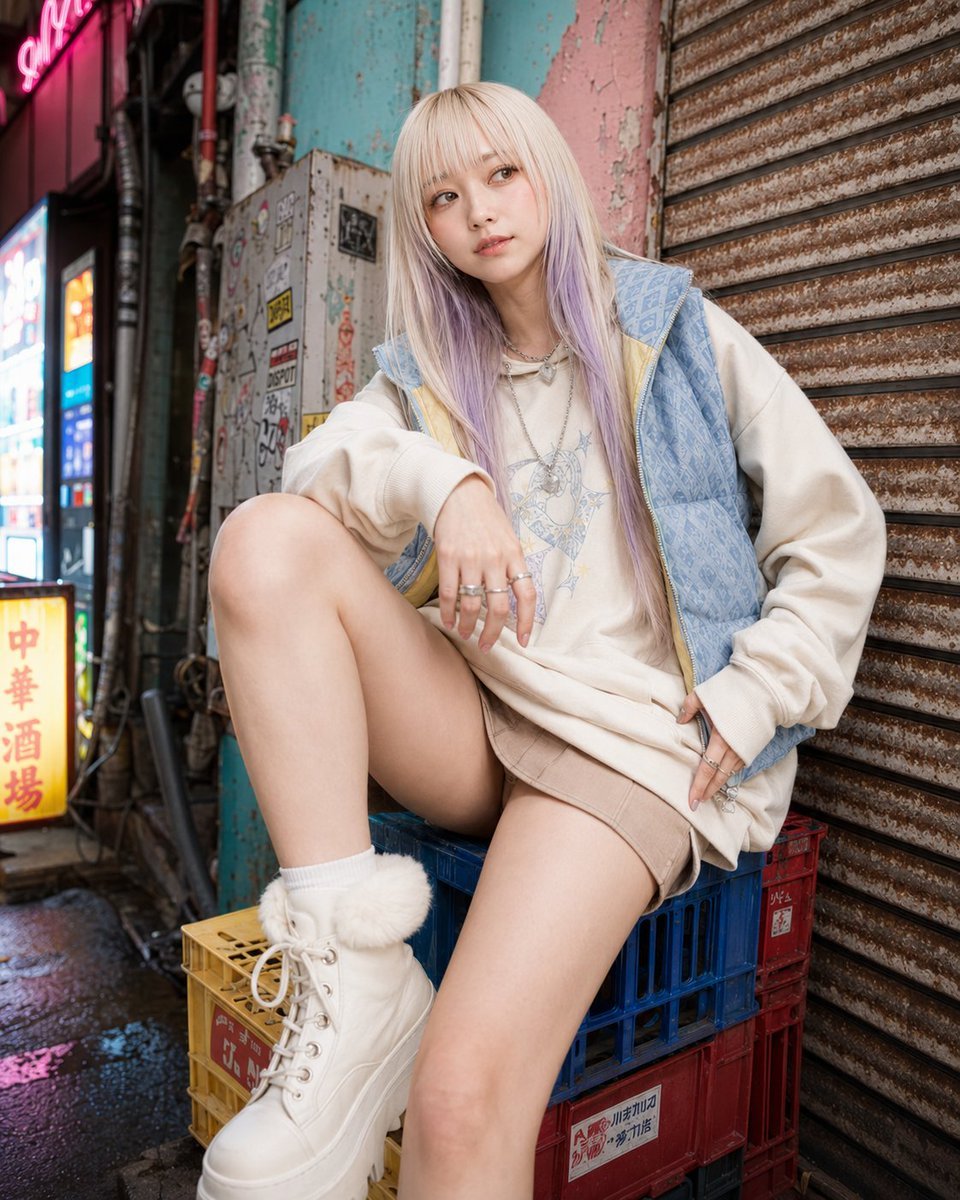
A vibrant fashion editorial prompt featuring a subject in a gritty yet colorful retro-pop back alley, sitting on plastic crates.
- Prompt included
- Model and format preset
- Free template
The prompt behind this image
Copy the exact prompt behind Retro-Pop Alley Fashion Editorial, or open it in the studio and make it yours.
Background identity: {argument name="alley style" default="a narrow retro-pop back alley"} with rusty rolling shutters, peeling paint, faded pastel wall sections, sticker-covered metal panels, colorful plastic crates, old vending-machine glow, neon fragments, hand-painted signs, puddles, exposed pipes, and worn concrete. The space should feel gritty but visually lively, with strong pop color accents layered over urban decay. Composition lock: tight vertical 4:5 fashion editorial crop, close low-angle camera from shin-to-knee height, not a full-body catalog shot. The subject fills 80–90% of the frame. One foreground knee, torso, shoulders, hands, and face dominate the image. Lower legs, feet, or side edges may be intentionally cropped. Keep the rusty shutter, stickers, color blocks, and alley texture visible behind the subject as compressed visual identity. Pose lock: the subject must not be standing, walking, or casually leaning. She is perched on the very edge of {argument name="seat object" default="stacked colorful plastic plastic crates"} placed beside a rusty shutter. Her hips stay close to the crate edge, not deep on the seat. One knee rises large in the foreground near the center-lower frame, bent sharply to frame the torso. The other leg drops lower along the crate line or pavement and may be partially cropped. Her torso leans slightly forward from the hips while keeping a long spine. Shoulders are asymmetrical and slightly angled. One forearm rests cleanly across the raised knee, while the other hand is placed at the waist or upper thigh to keep the outfit line clean. Chin slightly lowered, gaze off-camera with {argument name="expression" default="calm editorial confidence"}. Avoid: standing pose, full-body framing, tourist-photo posture, casual sitting, cute hand-clasp pose, clutter covering the body, distorted low-angle anatomy.
How to use Retro-Pop Alley Fashion Editorial in 3 steps
- 1
Open
The prompt is already in the box next to the preview, with the template's model and format selected.
- 2…a portrait of your subject in softgolden-hour light, 85mm…
Personalize
Edit the subject and creative details for your destination.
- 3Generate
Generate
Press Generate — your image is created in PicX Studio, so you can compare it with the original and refine one variable at a time.
More like this
Templates with the same subject, style or setup. Open one to see its prompt.

80s College Gate

1988 Mall Style

80s Polka Dot Saree
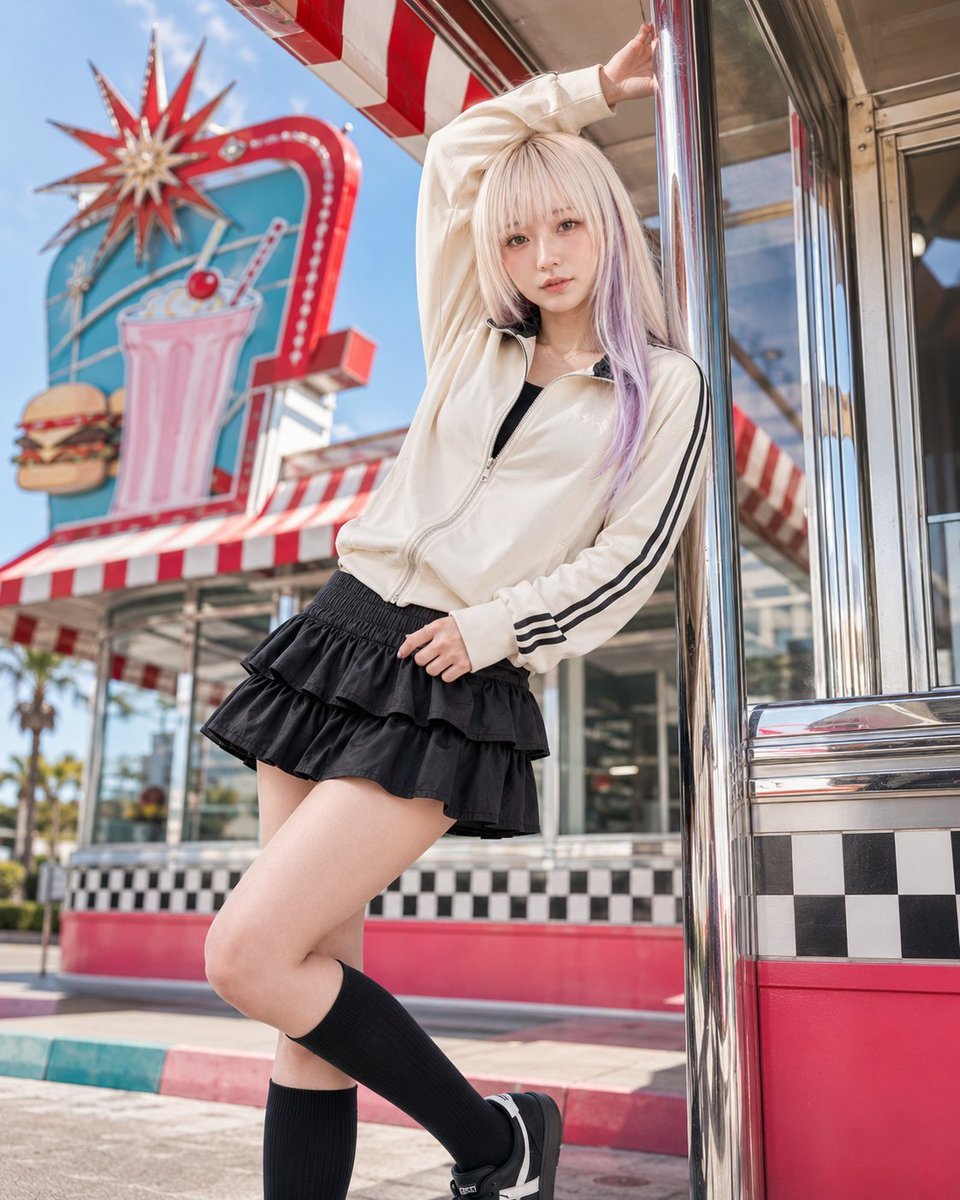
Retro American Pop Diner Fashion Editorial

Google Gemini Nano Banana Pro

Conceptual Fashion Portrait in Spider We

01 Skincare Split Portrait — Nano Banana 2

24 The Getty Center — California Series

21 Glass Floor Skyscraper — California Series

19 Luxury Helicopter Travel — California Series

08 Rodeo Drive Luxury Exit — California Series

03 Beverly Hills Convertible — California Series
Make it yours
Retro-Pop Alley Fashion Editorial works as-is. These are the safest ways to change it without losing the look.
Change one field
Copy a single group, rewrite it, and generate again so you can see what that field is doing.
Keep the frame, change the subject
Hold the composition and light of Retro-Pop Alley Fashion Editorial, then swap wardrobe, props or the person for a new take.
| If the result… | Why | Fix |
|---|---|---|
| The result drifts from the preview | Too many fields changed at once. | Reuse Retro-Pop Alley Fashion Editorial as-is first, then change one group — subject, light, or setting. |
| The model over-stylizes the scene | The prose prompt leaves finish and camera underspecified. | Add one camera or lighting sentence and stay on GPT Image 2. |
More GPT Image 2 templates
Other prompts made for GPT Image 2.

Six VTuber Japanese Logo Sheet

Realistic Portrait of Woman and Deer

The Vista Modular Condo Poster

AI Model Routing Comparison Infographic

2.5D Anime Art Board

Isometric Productivity Desk Scene

New York Double Exposure Poster

Four-Panel AI Landscape Comparison

Japanese Tatami Lifestyle Magazine Cover

NESCAFÉ Coffee Map Poster
More image prompts
Fresh picks from across the catalog.
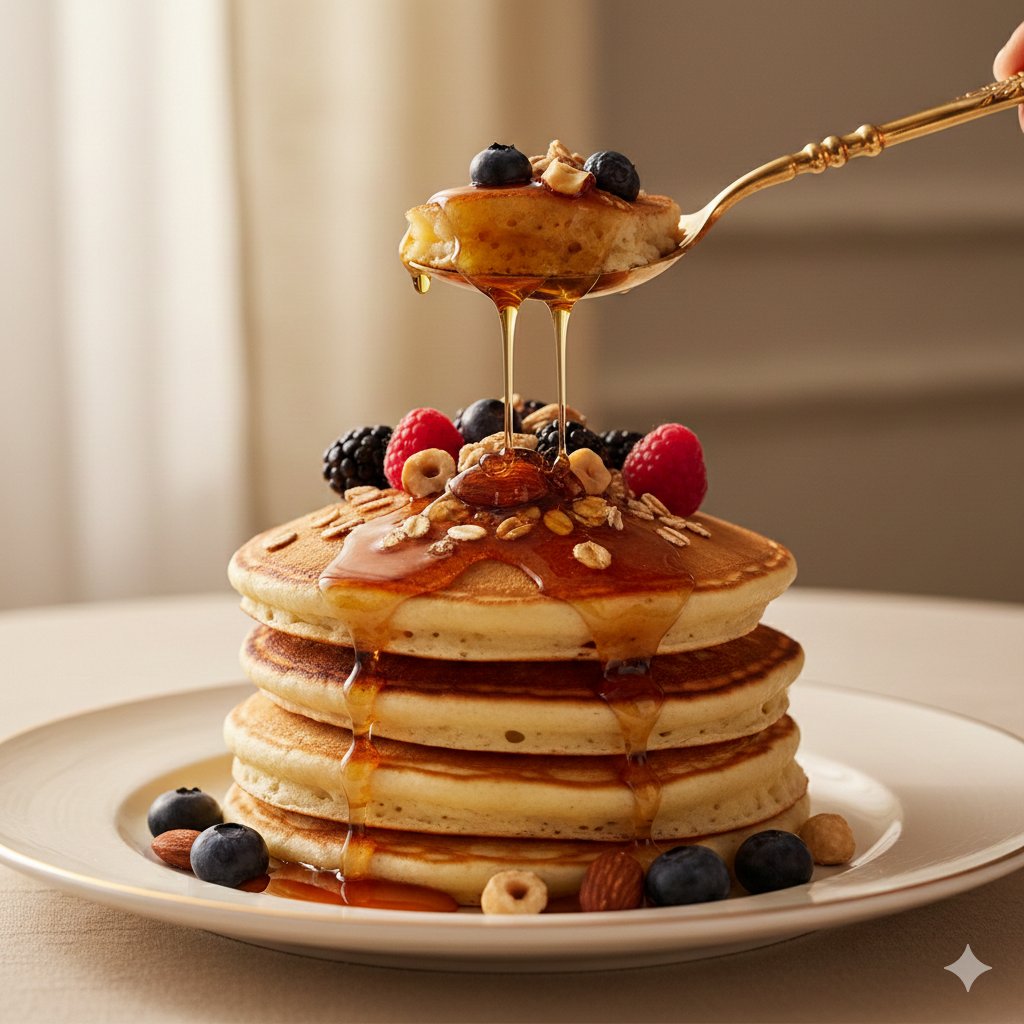
Ultra-Luxury Pancake Commercial Scene
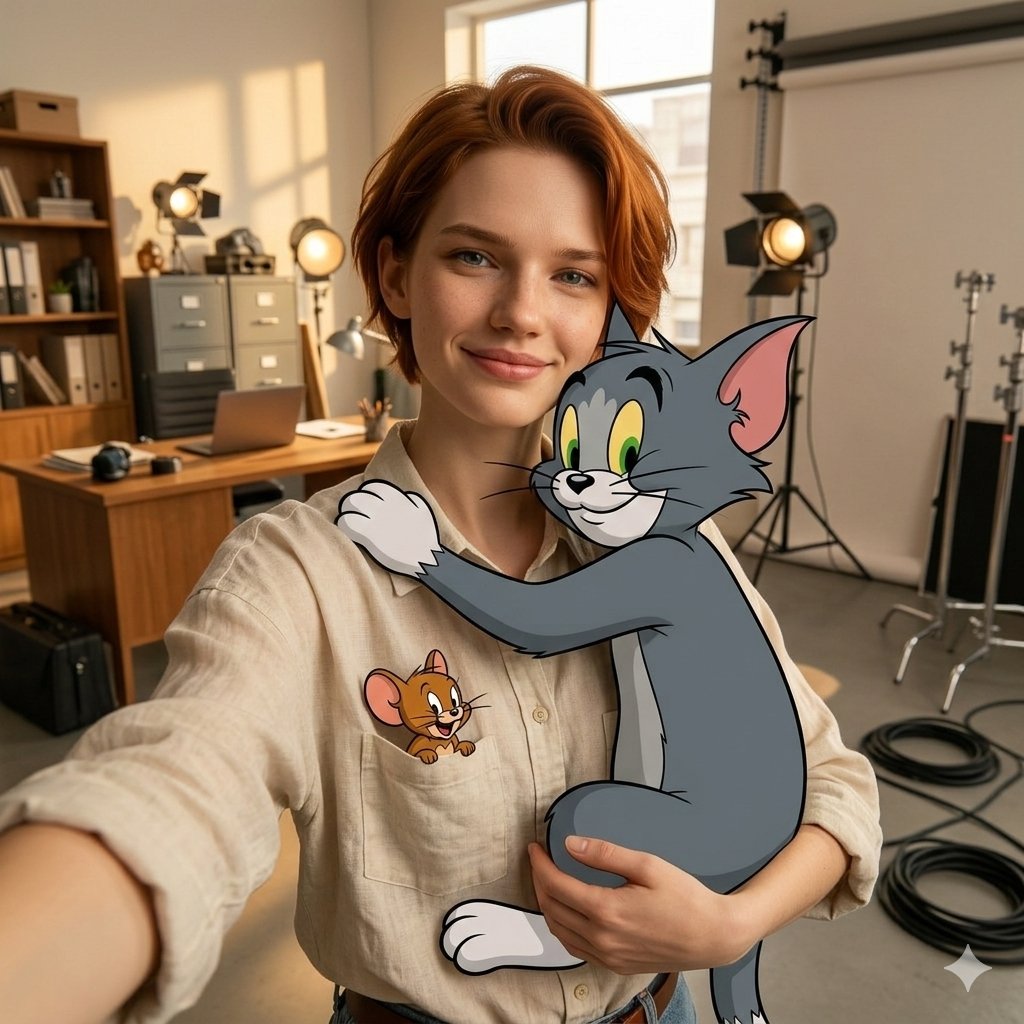
First-Person Selfie Hugging Stylized Tom and Jerry
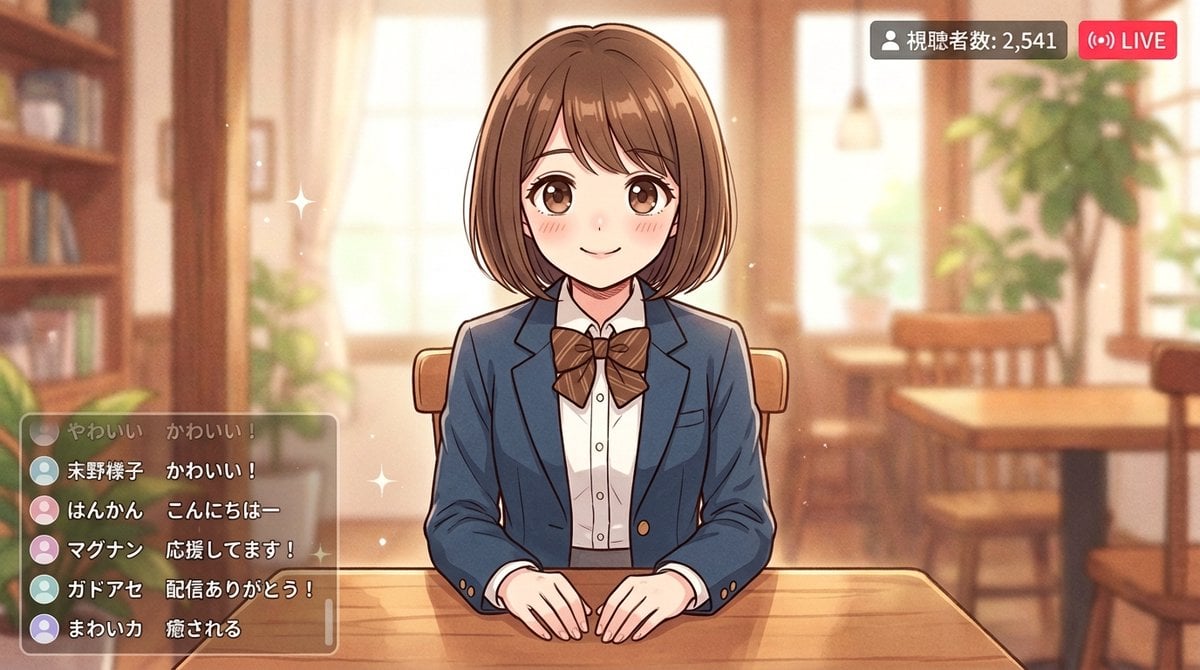
Anime Style Girl in Blazer Uniform Prompt for Nano Banana 2
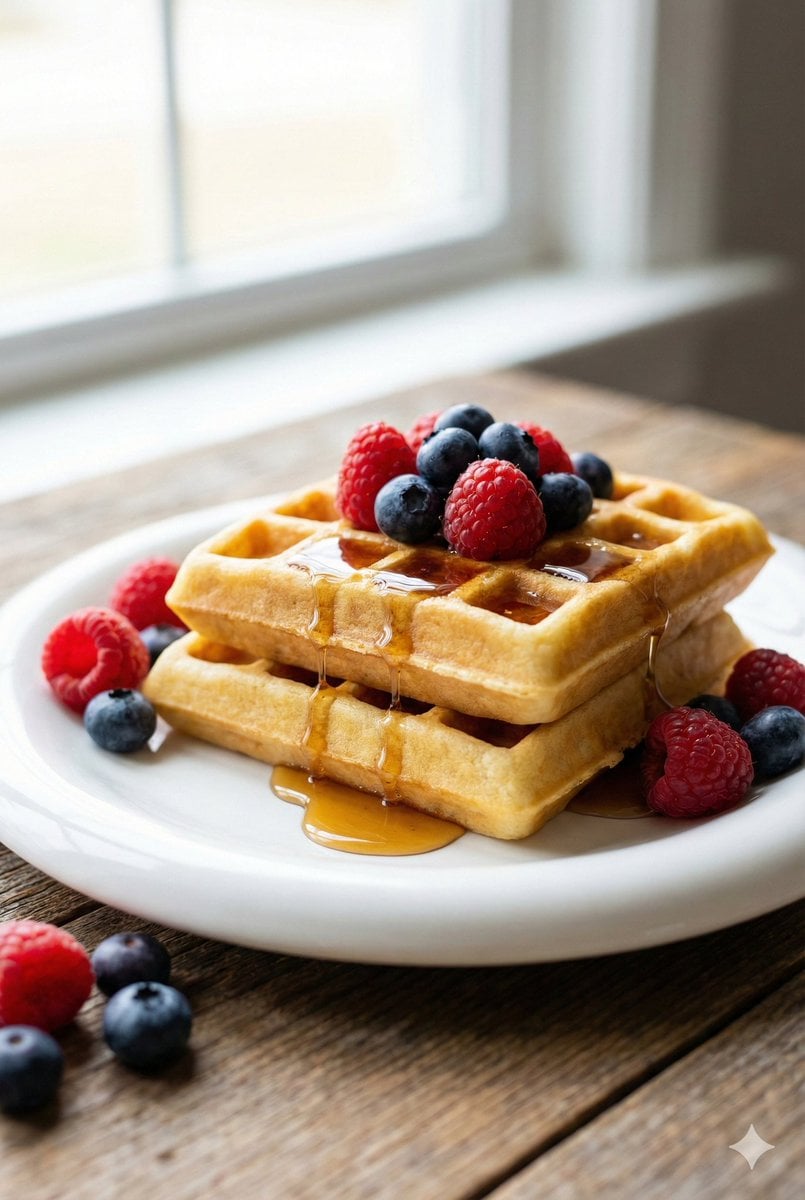
Eye-Level Belgian Waffles Food Photography Prompt
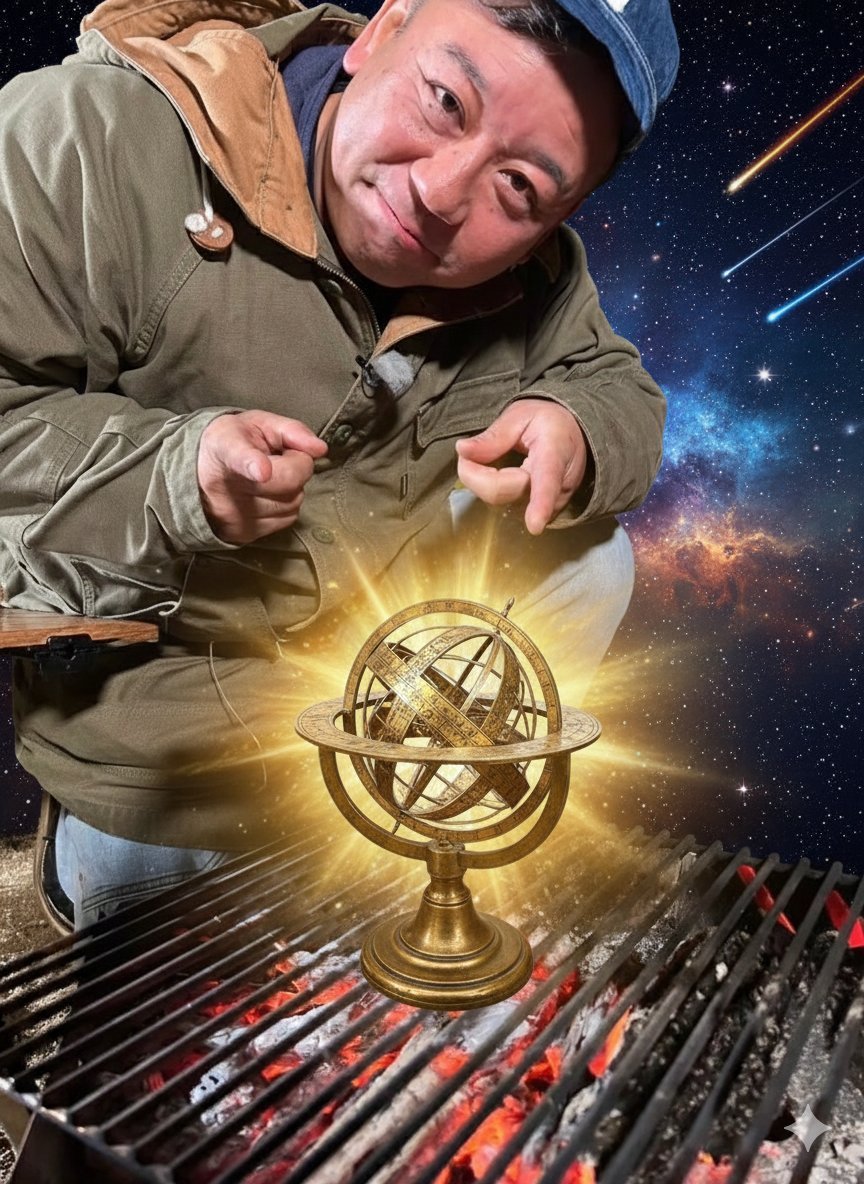
Hermes and Constellation Fantasy Image
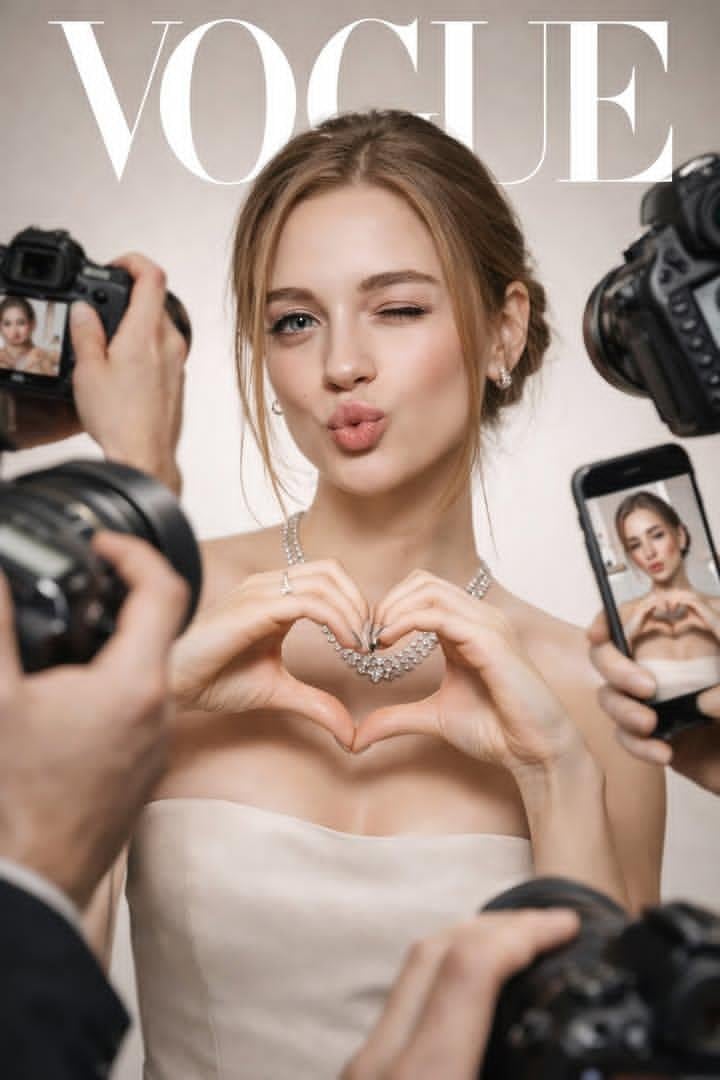
Vogue Cover Paparazzi Portrait
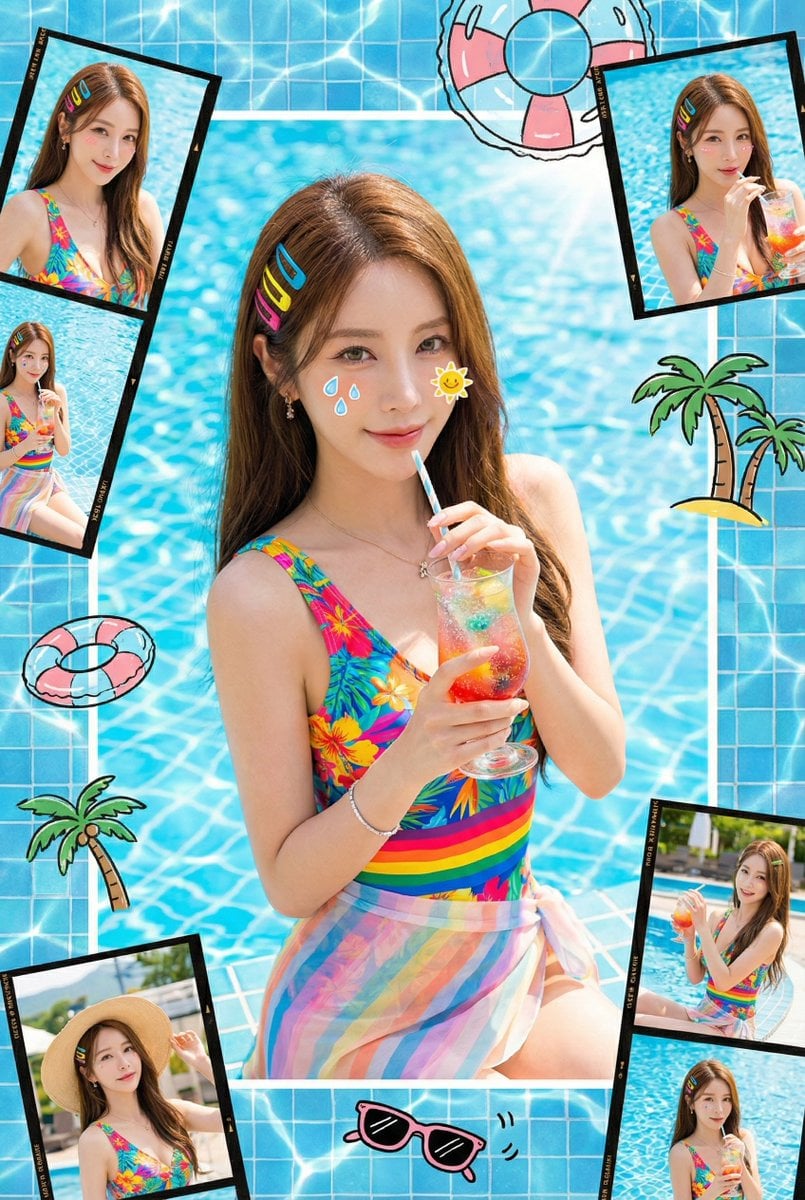
Summer Dopamine Fresh Style Collage Prompt for Nano Banana Pro
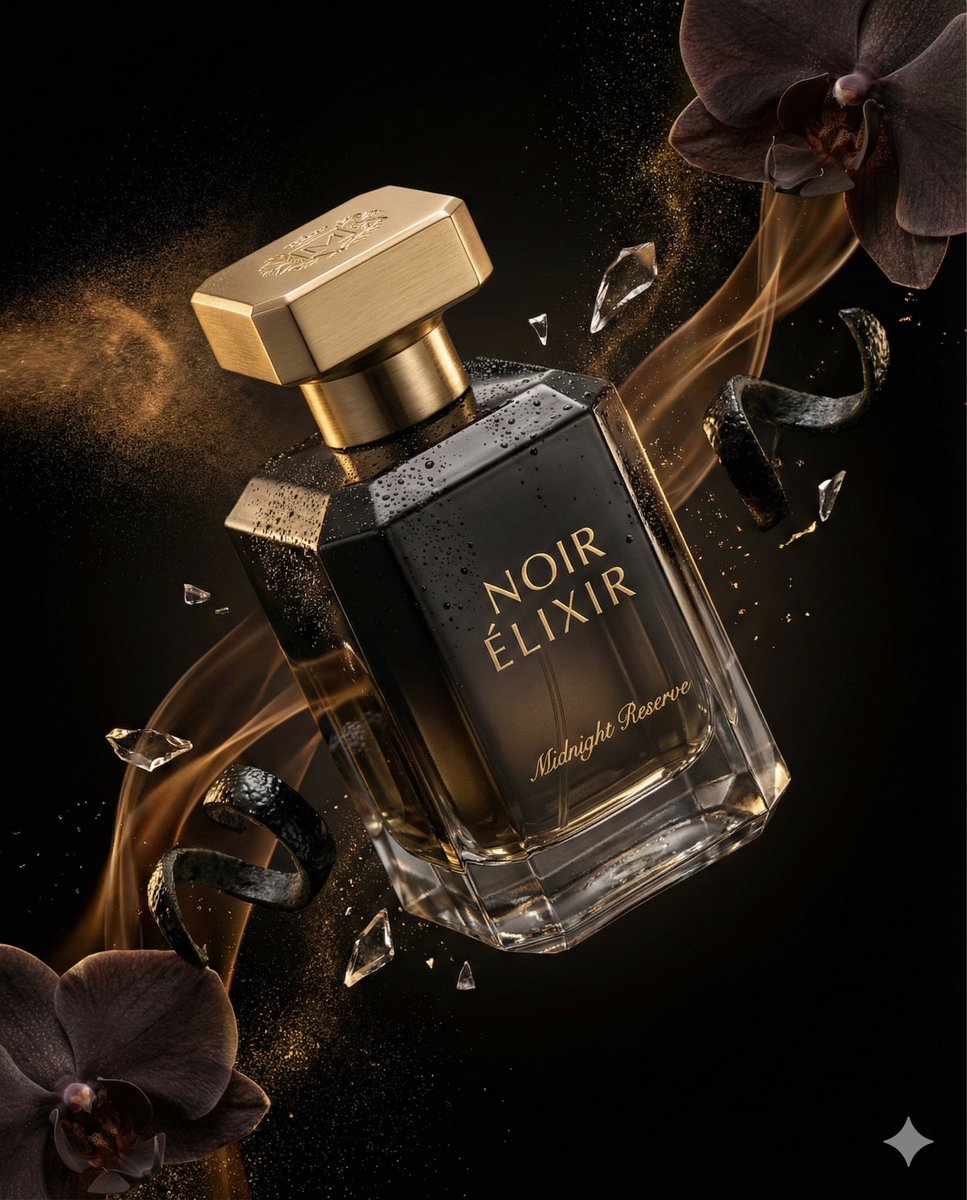
Luxury Perfume Commercial Render Prompt (NOIR ÉLIXIR)
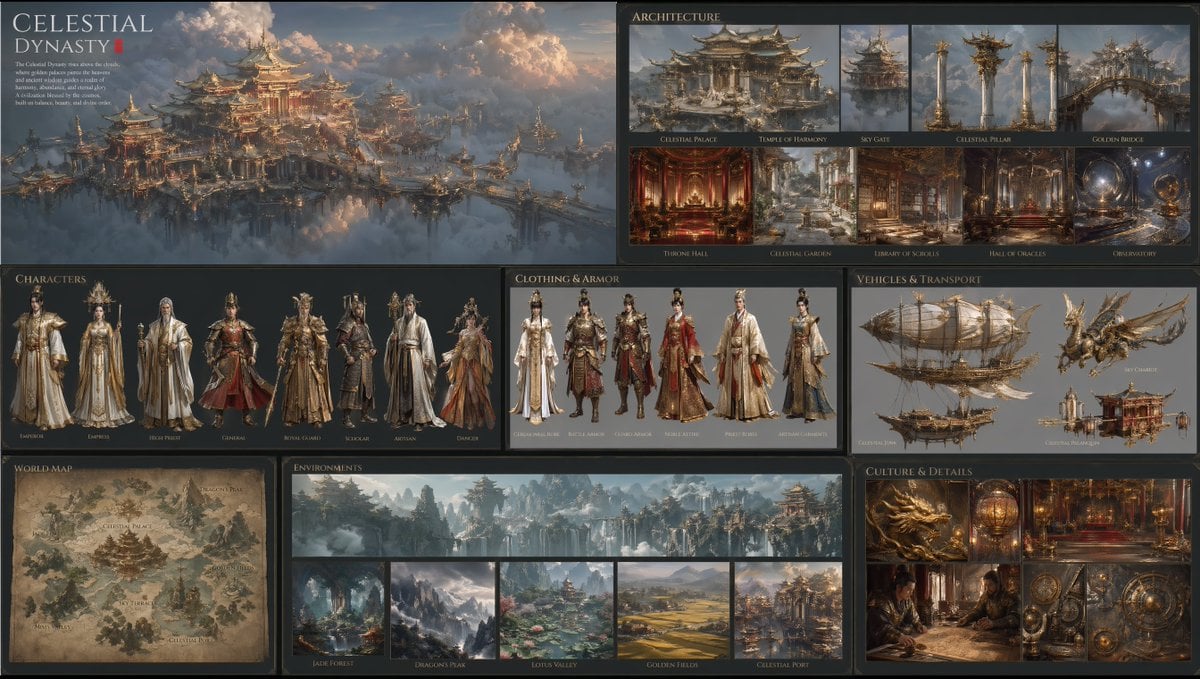
Celestial Dynasty World Bible Board
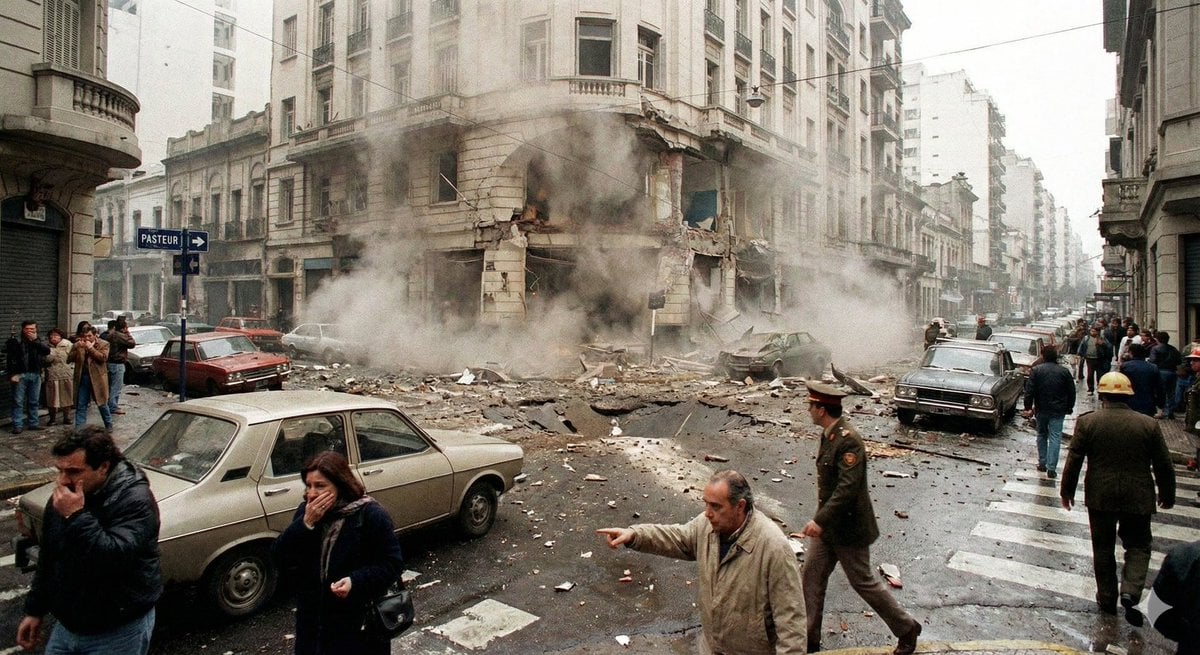
Historical moment at specific coordinates (1994)
Browse template categories
Retro-Pop Alley Fashion Editorial questions
How do I use the Retro-Pop Alley Fashion Editorial template?
Add your photo if the template asks for one, edit the prompt if you like — the template's model and format are already selected — and press Generate. Your version opens in PicX Studio.
Can I customize the Retro-Pop Alley Fashion Editorial template?
Yes. You can change the subject, setting, lighting, mood, format, and available model controls before creating your image.
Is the Retro-Pop Alley Fashion Editorial template free?
Opening and editing this template is free. Generating uses credits, shown on the Generate button when you are signed in.
Which AI model should I use?
Start with GPT Image 2, which is the model associated with this template. You can compare another compatible model for a different finish.
Looking for something else? Browse all templates.

Your photo, any look
Thousands of ready templates for every top image and video model, from one credit balance.