
Surreal Ethereal Double Exposure
A cinematic fashion portrait featuring a floating platform and an ethereal double-exposure effect in a sunset-lit sky.
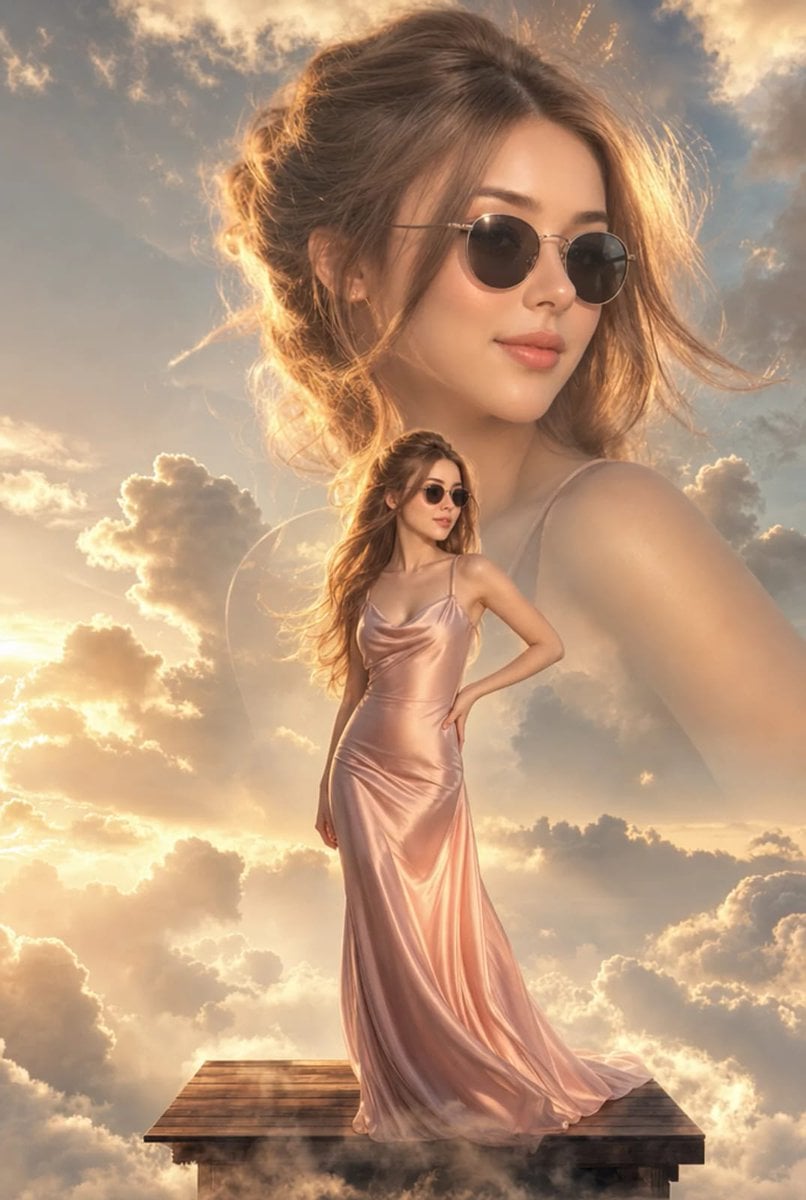
- Prompt included
- Model and format preset
- Free template
The prompt behind this image
Copy the exact prompt behind Surreal Ethereal Double Exposure, or open it in the studio and make it yours.
Ultra-realistic IMAX-level Netflix-style cinematic surreal fashion portrait, 9:16 vertical composition, a dreamy high-end editorial scene featuring a beautiful young woman standing gracefully on a small floating {argument name="platform material" default="wooden"} platform surrounded by soft layered clouds in the sky, while a massive semi-transparent close-up portrait of the same woman appears beautifully in the background clouds as an ethereal double-exposure style composition, the woman wearing elegant round black sunglasses and a flowing {argument name="dress color" default="blush-pink"} satin slip dress with a smooth luxurious fabric drape, long soft wavy light-brown hair styled in polished loose waves with natural volume and gentle movement, her face showing calm confidence, soft feminine elegance and a graceful self-assured mood, with relaxed brows, softly defined lips and a subtle attractive expression, the smaller full-body figure standing in a poised fashion pose with one hand on her waist and the other relaxed naturally, the giant portrait behind her turned slightly sideways for a premium editorial feel, background filled with voluminous clouds and atmospheric sky depth, enhanced with dramatic high-contrast evening golden-hour lighting, rich sunset glow, warm amber highlights, glowing golden edges, soft orange-peach sky illumination and deeper creamy shadow contrast, strong cinematic light separation between highlights and shadows, luminous golden rim light on the hair and dress, soft mist around the floating platform, ultra-rich color grading with warm champagne tones, creamy beige clouds, golden highlights and elegant sunset contrast, photorealistic rendering, premium luxury fashion poster aesthetic, HDR, masterpiece quality, ultra-detailed, cinematic beauty atmosphere, sharp facial detail, dreamy yet powerful visual storytelling.
How to use Surreal Ethereal Double Exposure in 3 steps
- 1
Open
The prompt is already in the box next to the preview, with the template's model and format selected.
- 2…a portrait of your subject in softgolden-hour light, 85mm…
Personalize
Edit the subject and creative details for your destination.
- 3Generate
Generate
Press Generate — your image is created in PicX Studio, so you can compare it with the original and refine one variable at a time.
More like this
Templates with the same subject, style or setup. Open one to see its prompt.
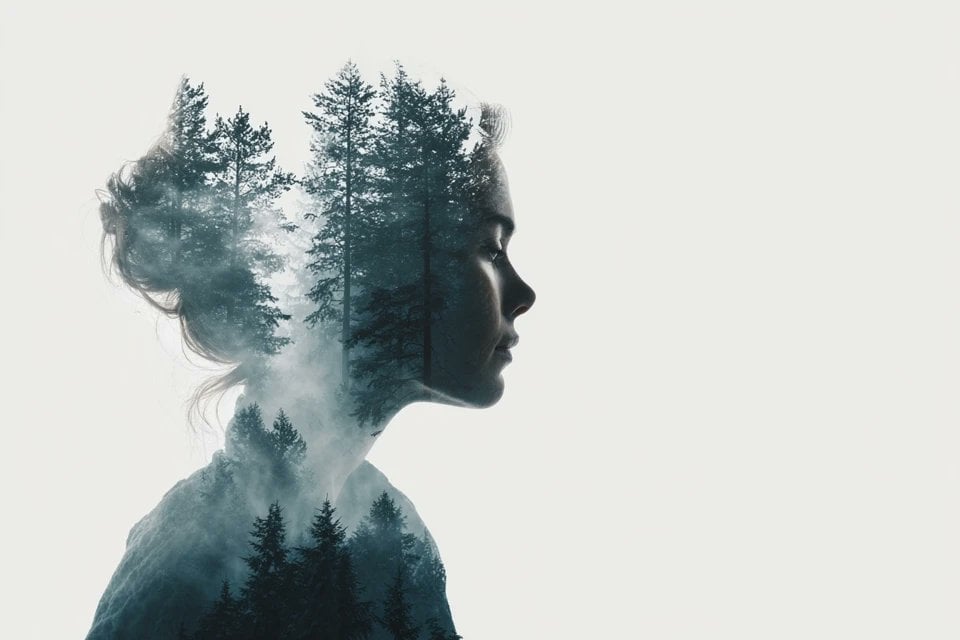
Azed Double Exposure
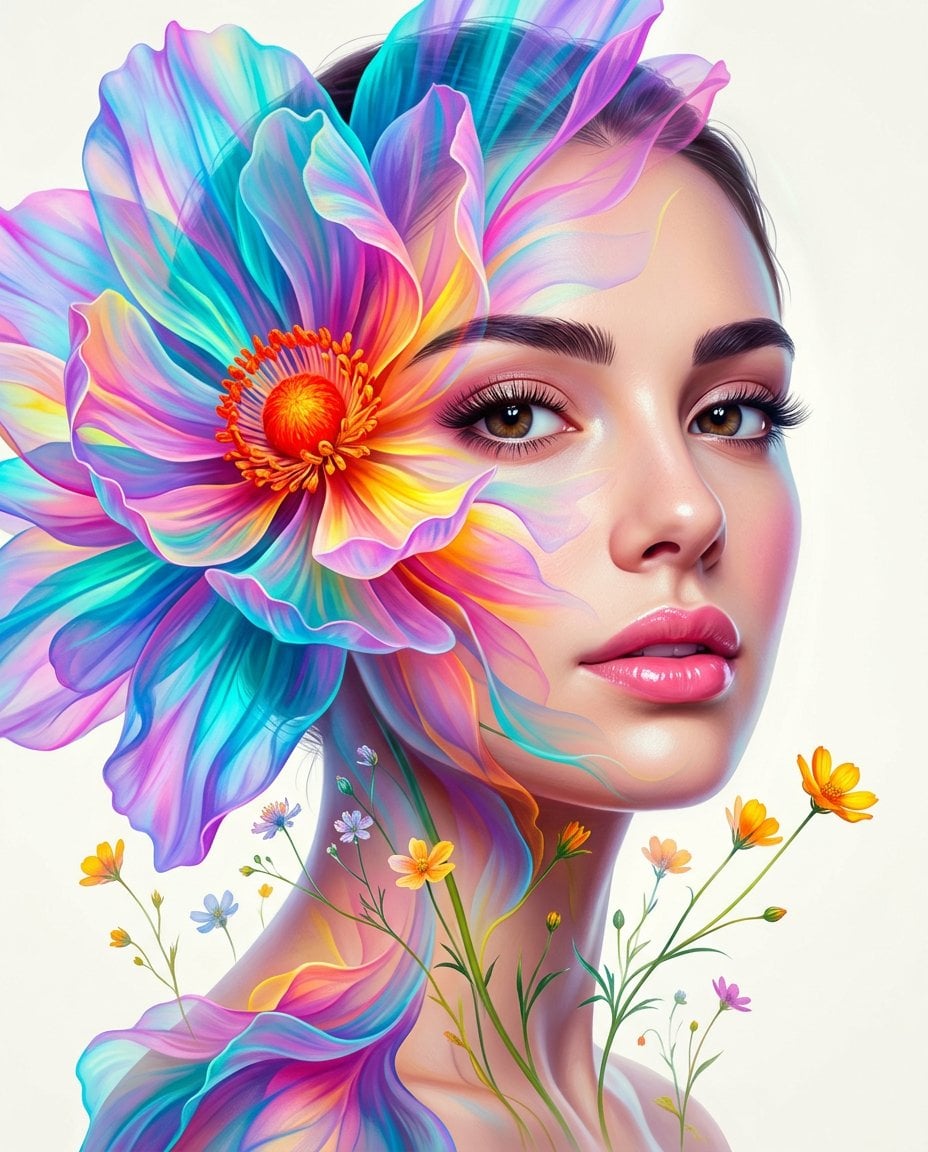
Surreal Double-Exposure Floral Portrait
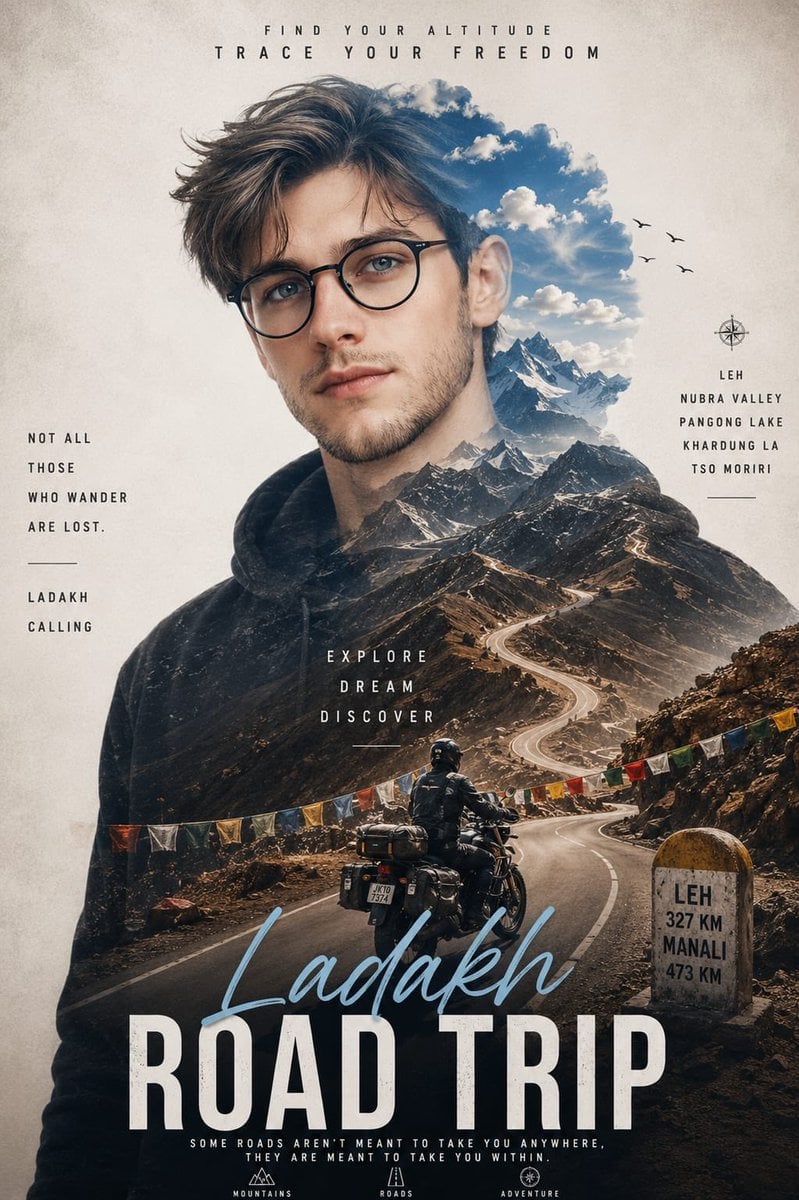
Double Exposure Ladakh Road Trip Poster

New York Double Exposure Poster
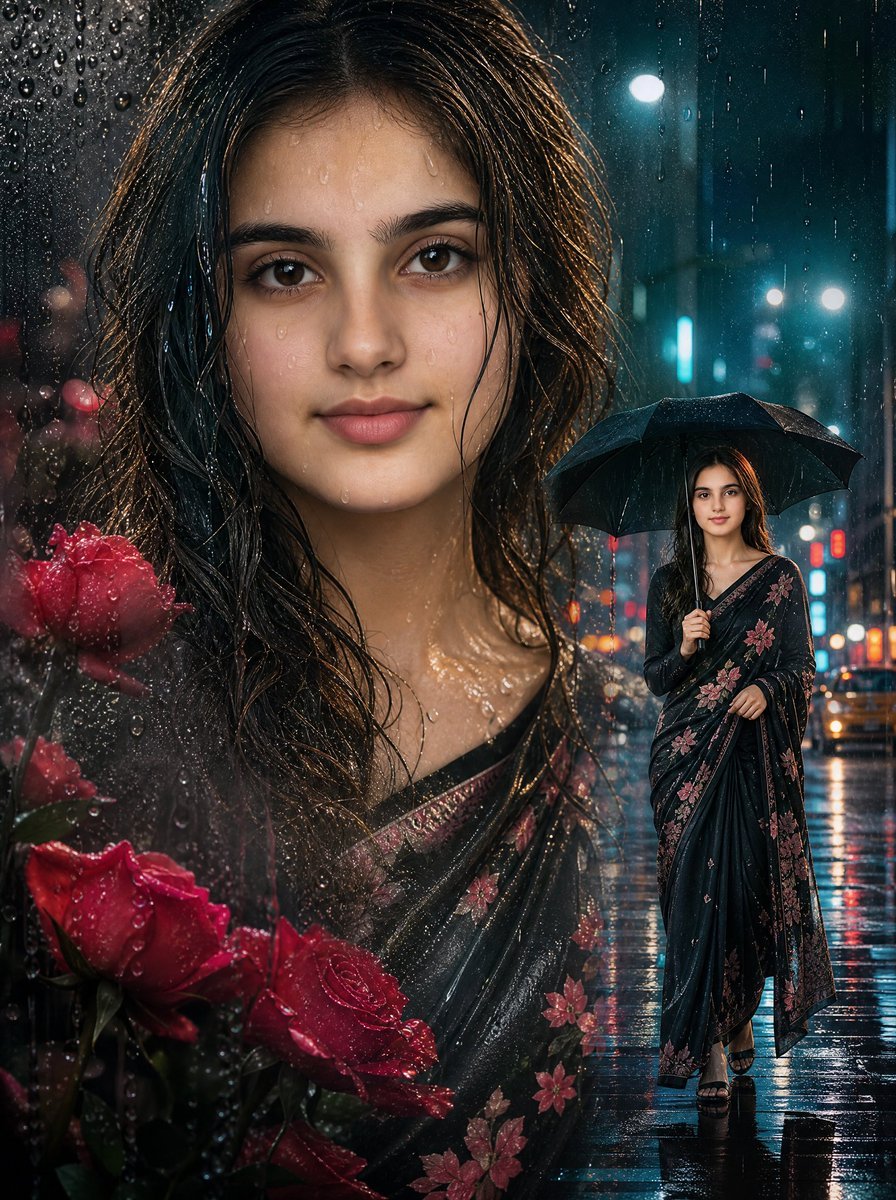
Rainy Double Exposure Movie Poster

Surreal Cat Astronaut — Humanoid Face Freefall
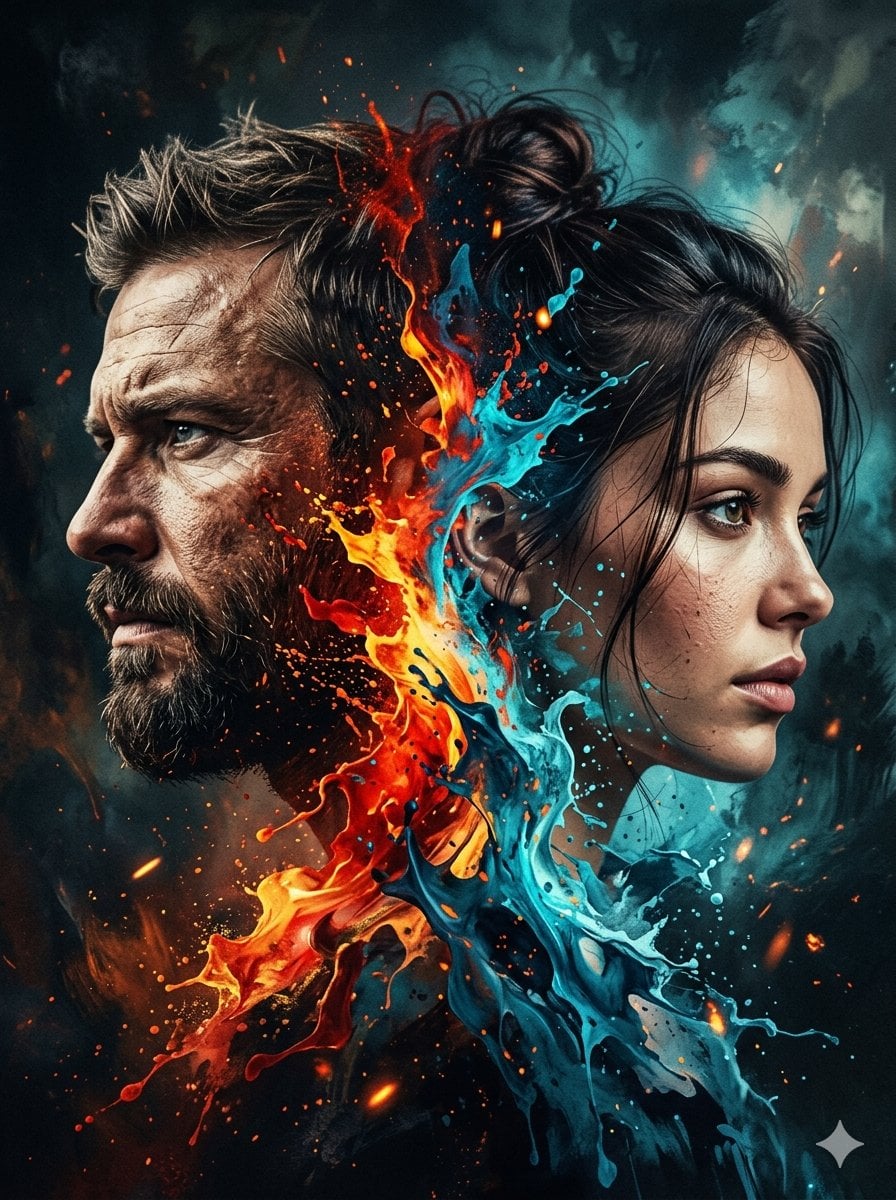
Dynamic Double-Exposure Artistic Portrait
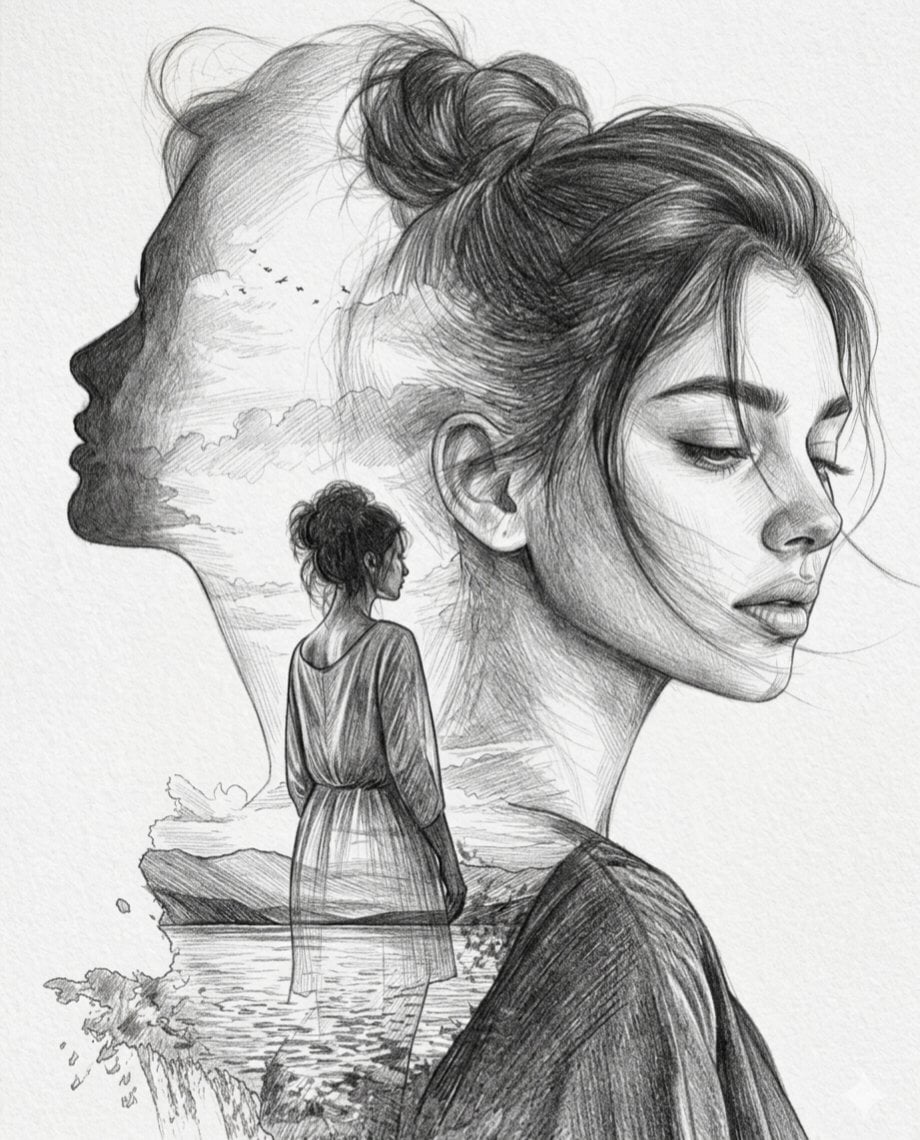
Double Exposure Pencil Sketch Portrait
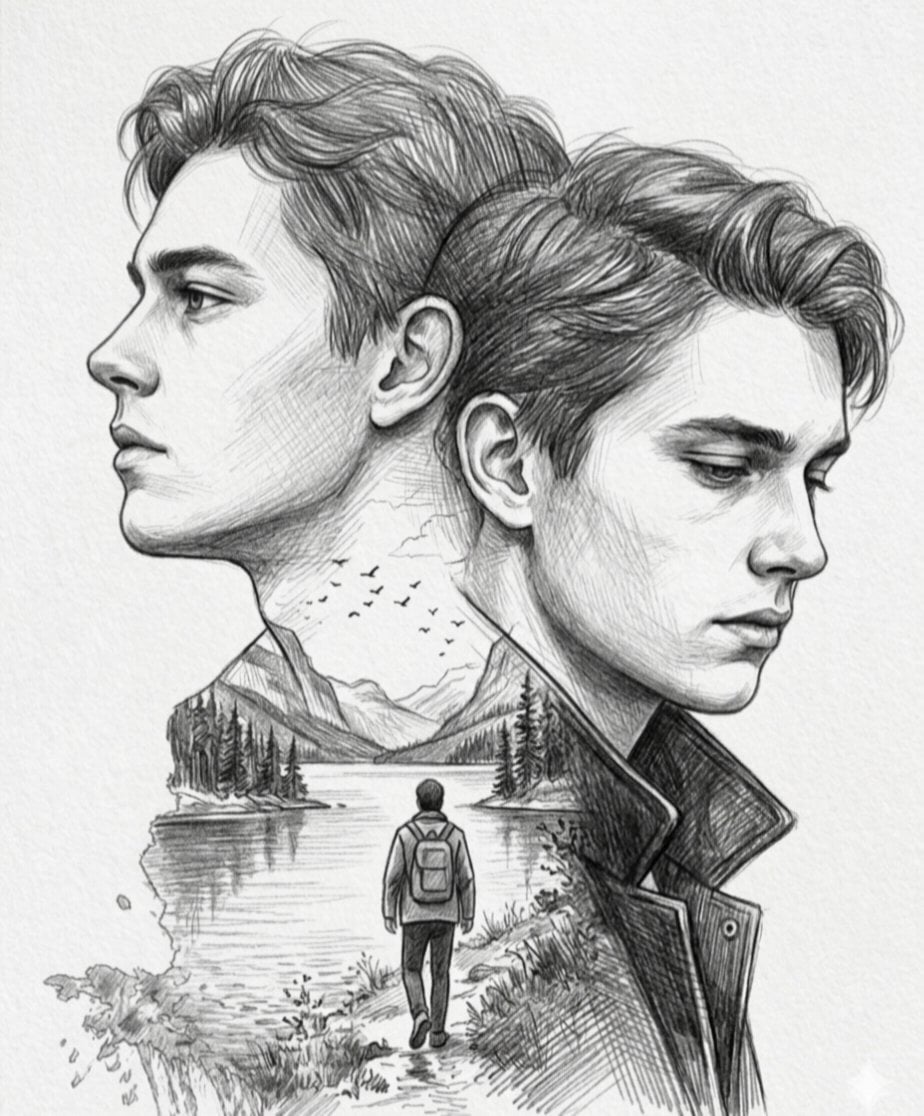
Double Exposure Pencil Sketch
Double Exposure Football Poster
Double Exposure Paper Tear Collage
Expressionist Double Exposure Face Painting
Make it yours
Surreal Ethereal Double Exposure works as-is. These are the safest ways to change it without losing the look.
Change one field
Copy a single group, rewrite it, and generate again so you can see what that field is doing.
Keep the frame, change the subject
Hold the composition and light of Surreal Ethereal Double Exposure, then swap wardrobe, props or the person for a new take.
| If the result… | Why | Fix |
|---|---|---|
| The result drifts from the preview | Too many fields changed at once. | Reuse Surreal Ethereal Double Exposure as-is first, then change one group — subject, light, or setting. |
| The model over-stylizes the scene | The prose prompt leaves finish and camera underspecified. | Add one camera or lighting sentence and stay on GPT Image 2. |
More GPT Image 2 templates
Other prompts made for GPT Image 2.

Six VTuber Japanese Logo Sheet

Realistic Portrait of Woman and Deer

The Vista Modular Condo Poster

AI Model Routing Comparison Infographic

2.5D Anime Art Board

Isometric Productivity Desk Scene

Four-Panel AI Landscape Comparison

Japanese Tatami Lifestyle Magazine Cover

NESCAFÉ Coffee Map Poster

Brutalist Cogito Chinese Typography Poster
More image prompts
Fresh picks from across the catalog.
Aesthetic Cafe Library Lifestyle Collage
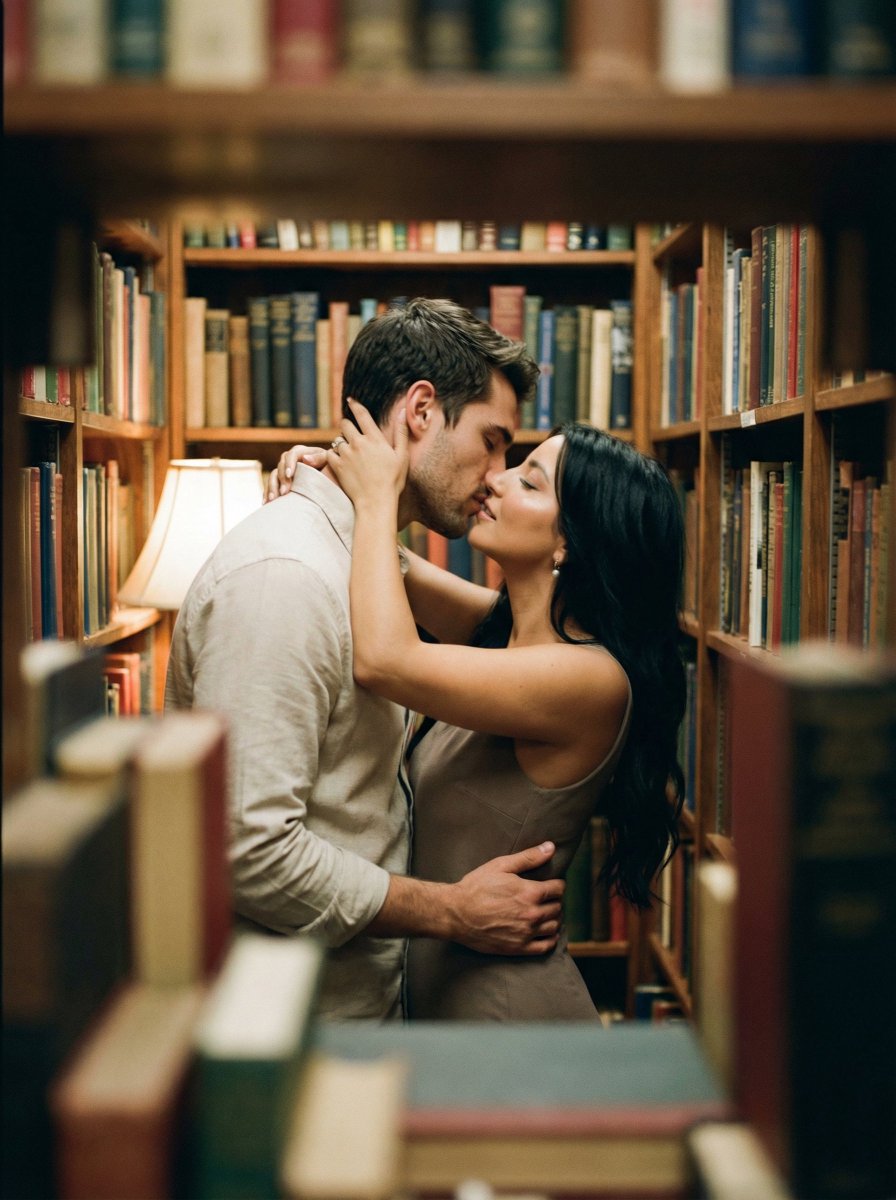
Analog Film Kiss in a Bookstore Aisle
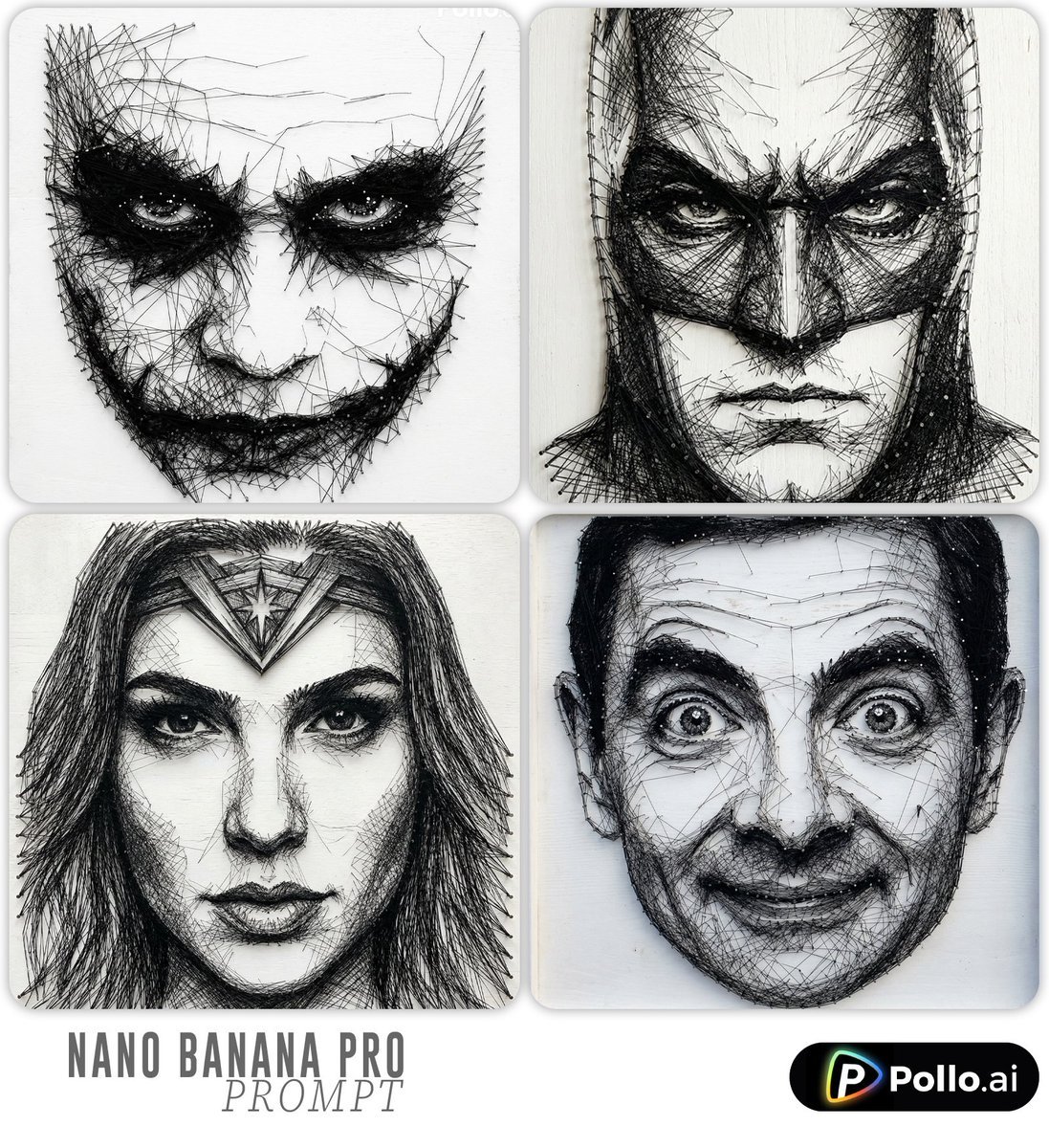
Ultra-detailed Thread Art Portrait Prompt
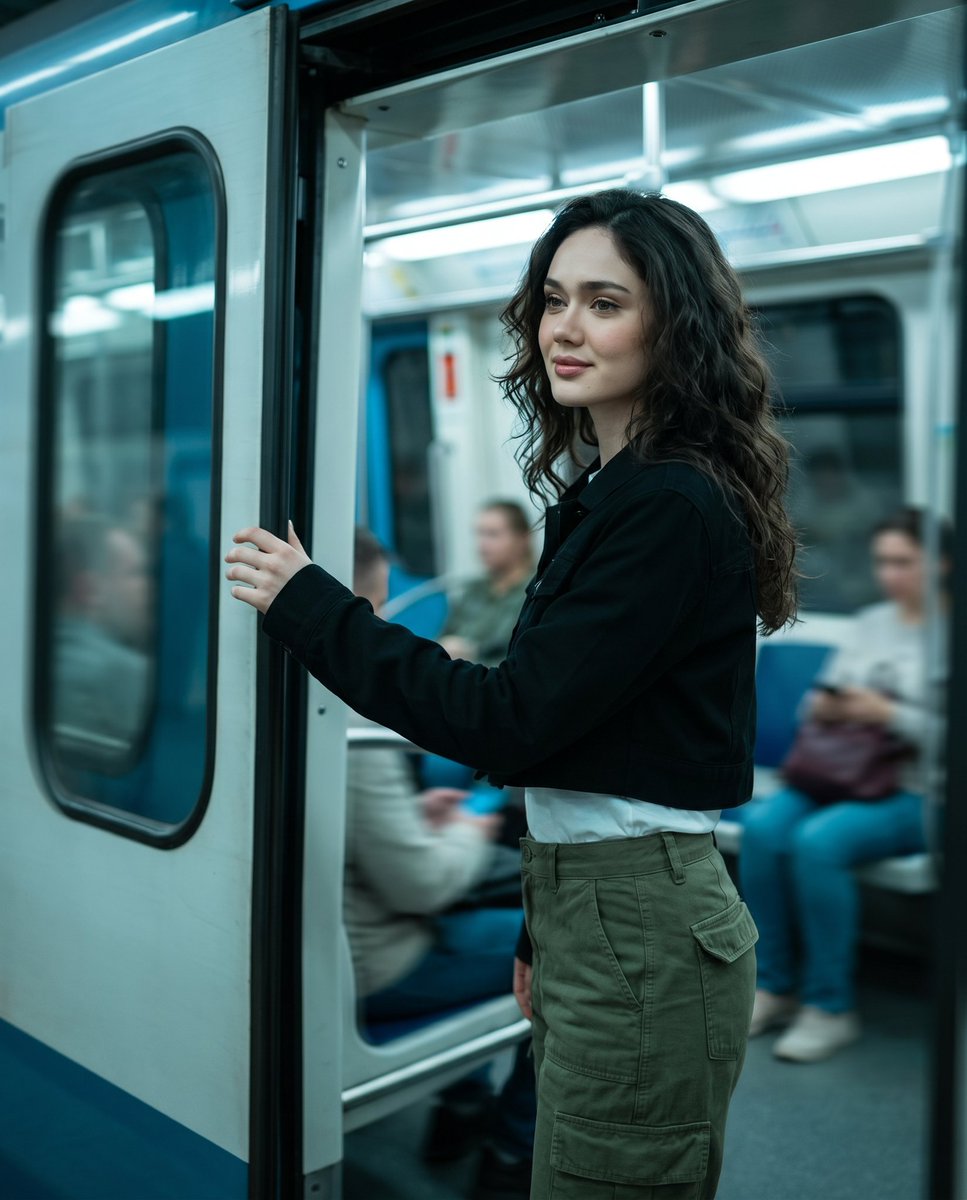
Urban Metro Cinematic Shot
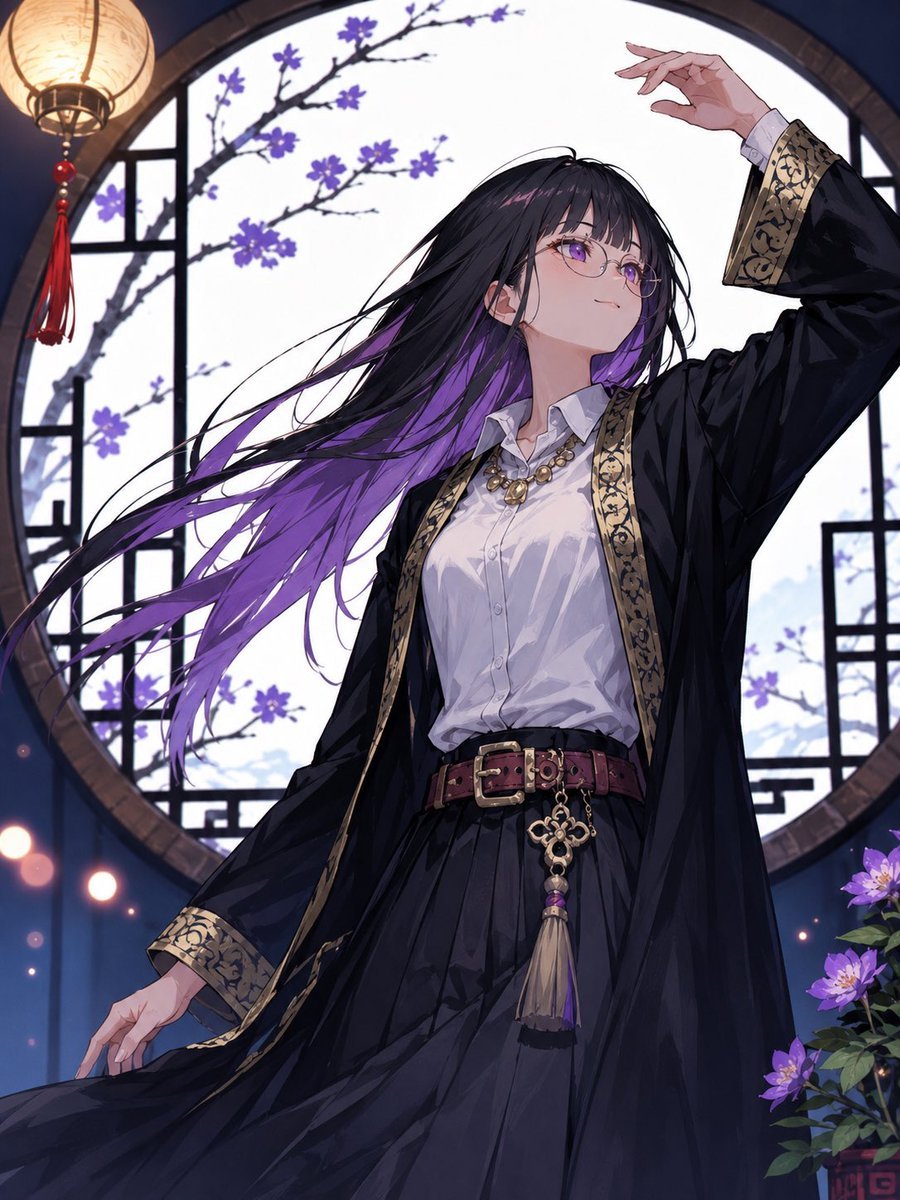
Mysterious Purple-Haired Anime Woman
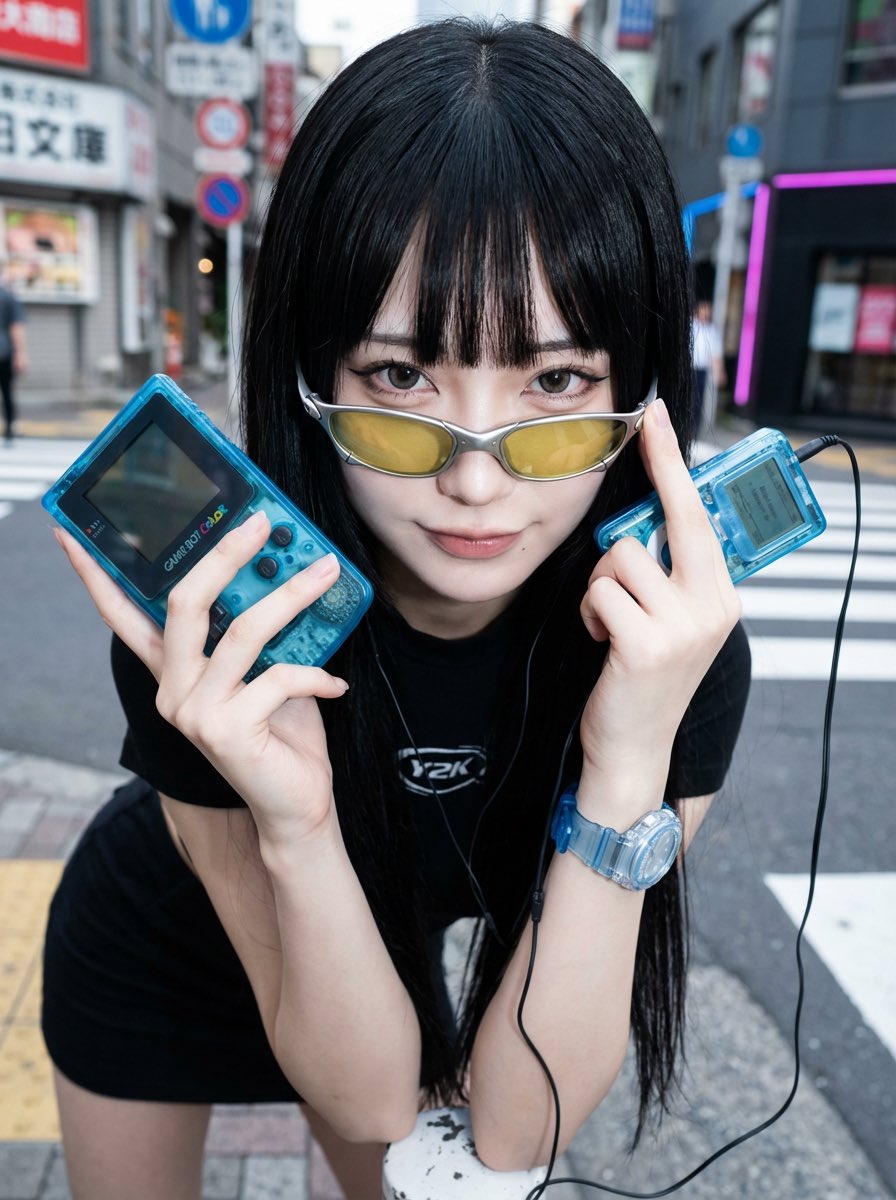
Y2K Fashion Influencer Character Generation Prompt
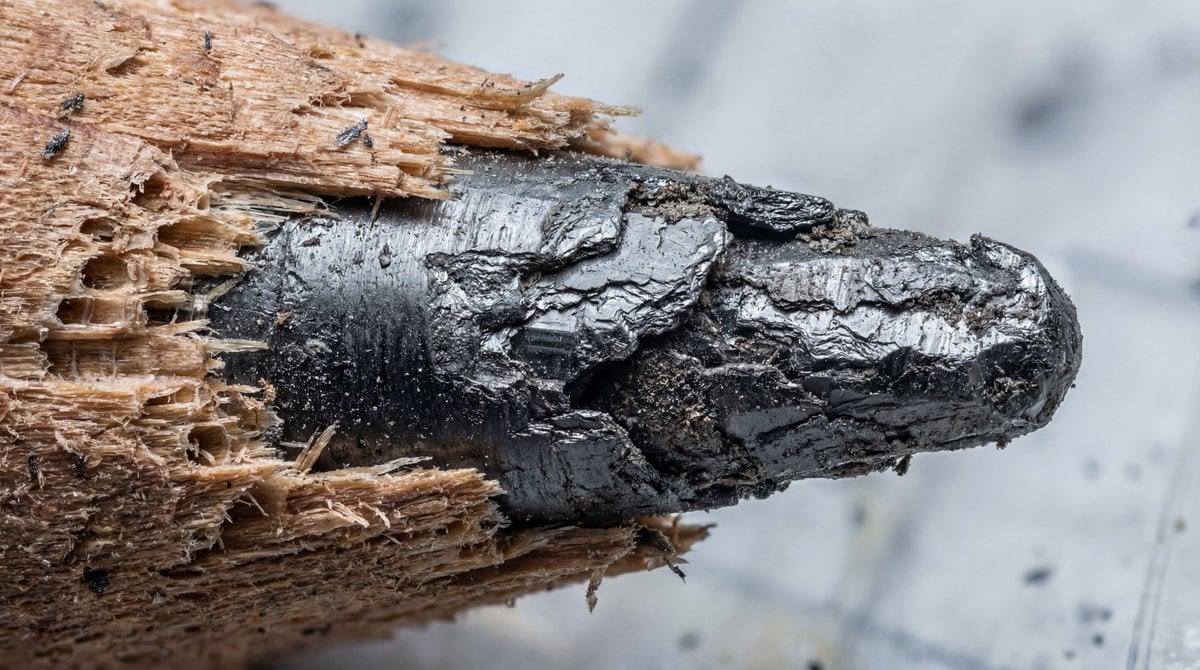
Microscopic View of a Pencil Tip
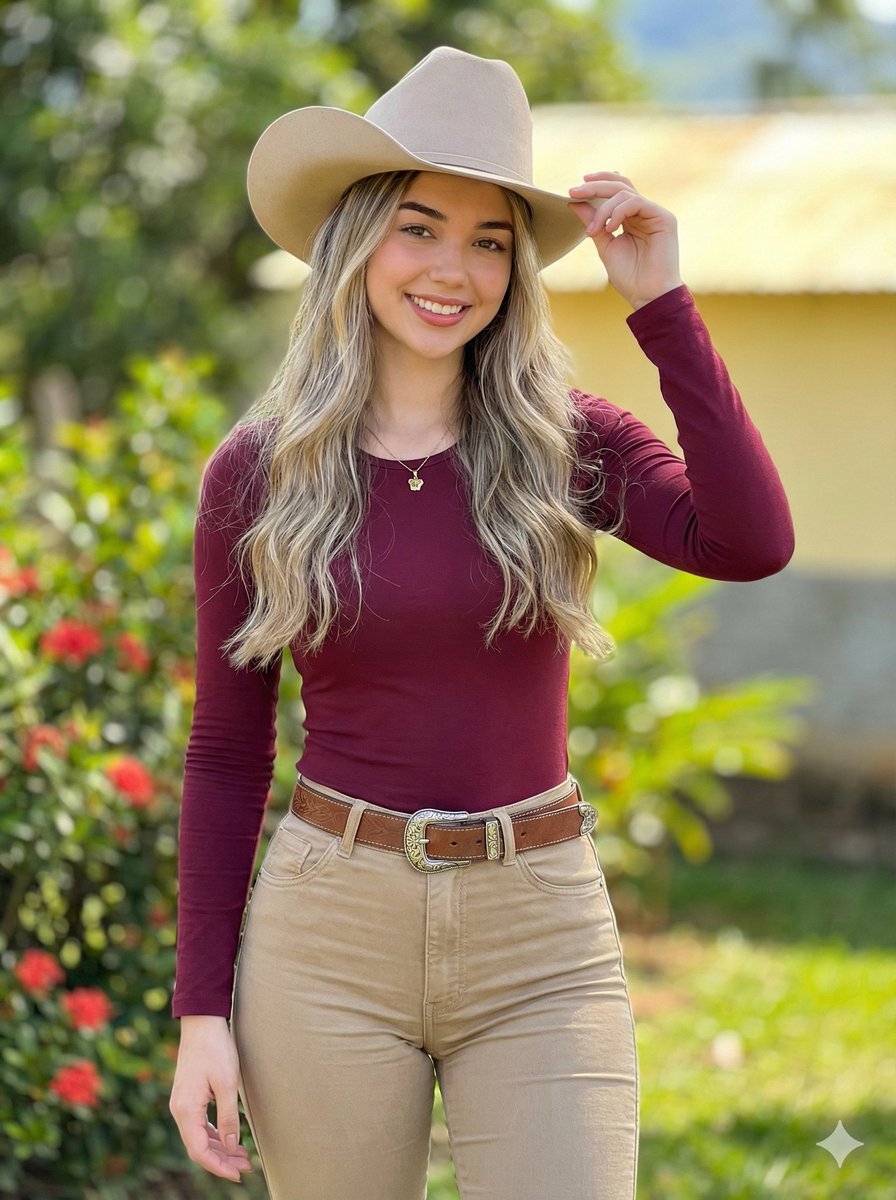
Photorealistic Modern Country Cowgirl Portrait
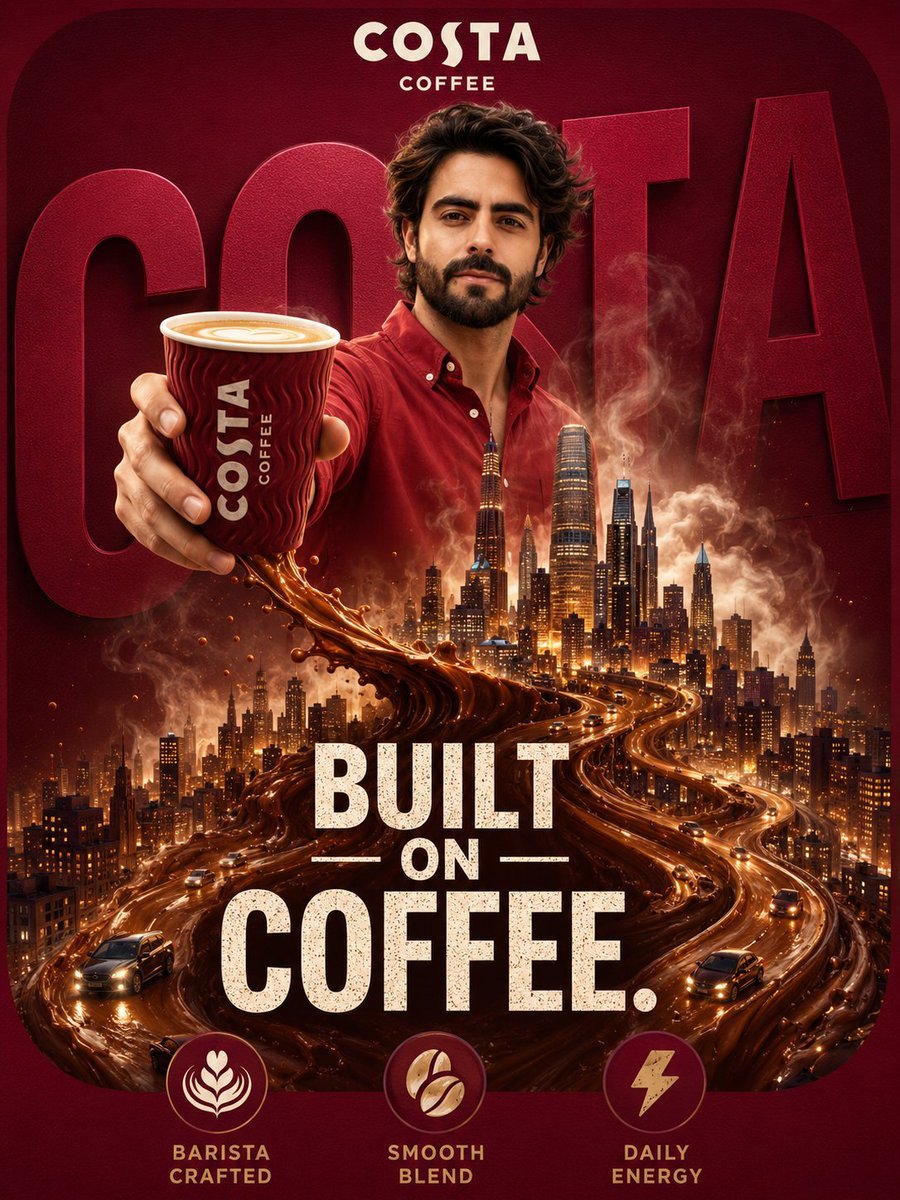
Surreal Coffee Ad Poster
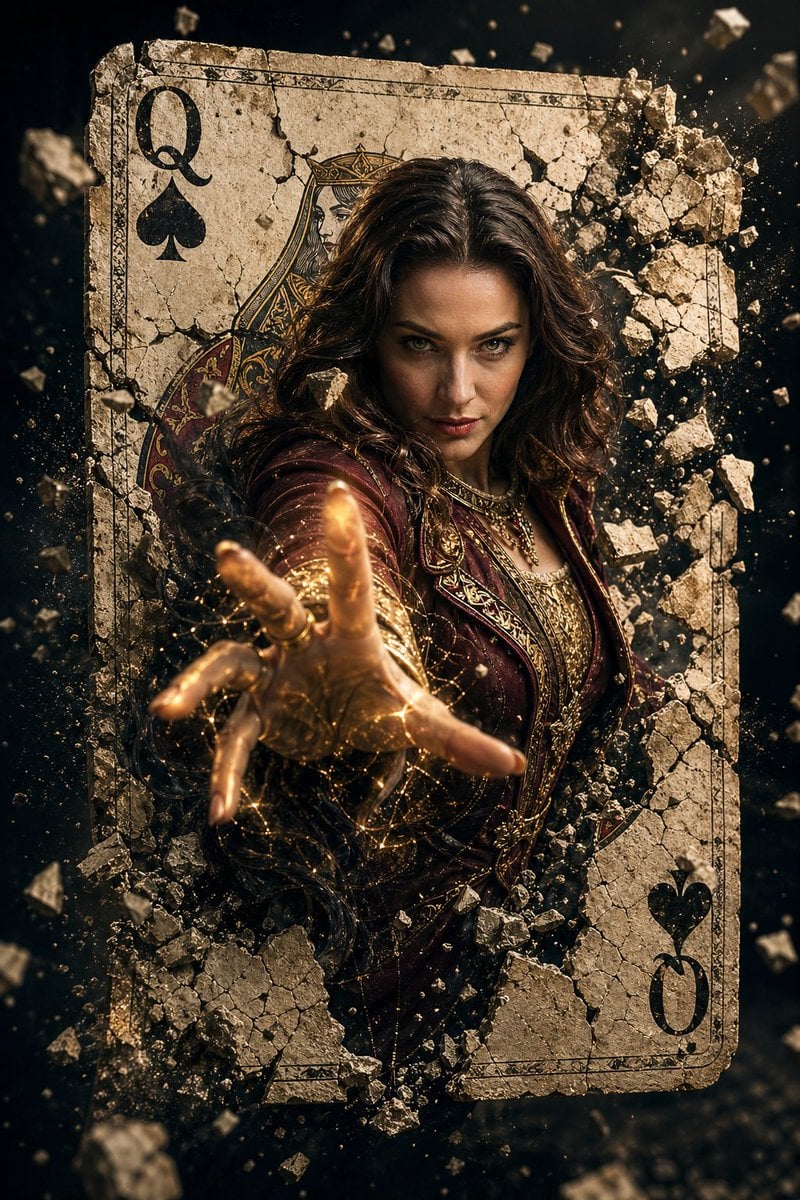
Epic Fantasy Movie Poster
Browse template categories
Surreal Ethereal Double Exposure questions
How do I use the Surreal Ethereal Double Exposure template?
Add your photo if the template asks for one, edit the prompt if you like — the template's model and format are already selected — and press Generate. Your version opens in PicX Studio.
Can I customize the Surreal Ethereal Double Exposure template?
Yes. You can change the subject, setting, lighting, mood, format, and available model controls before creating your image.
Is the Surreal Ethereal Double Exposure template free?
Opening and editing this template is free. Generating uses credits, shown on the Generate button when you are signed in.
Which AI model should I use?
Start with GPT Image 2, which is the model associated with this template. You can compare another compatible model for a different finish.
Looking for something else? Browse all templates.

Your photo, any look
Thousands of ready templates for every top image and video model, from one credit balance.