
Censored Office Manga Confrontation
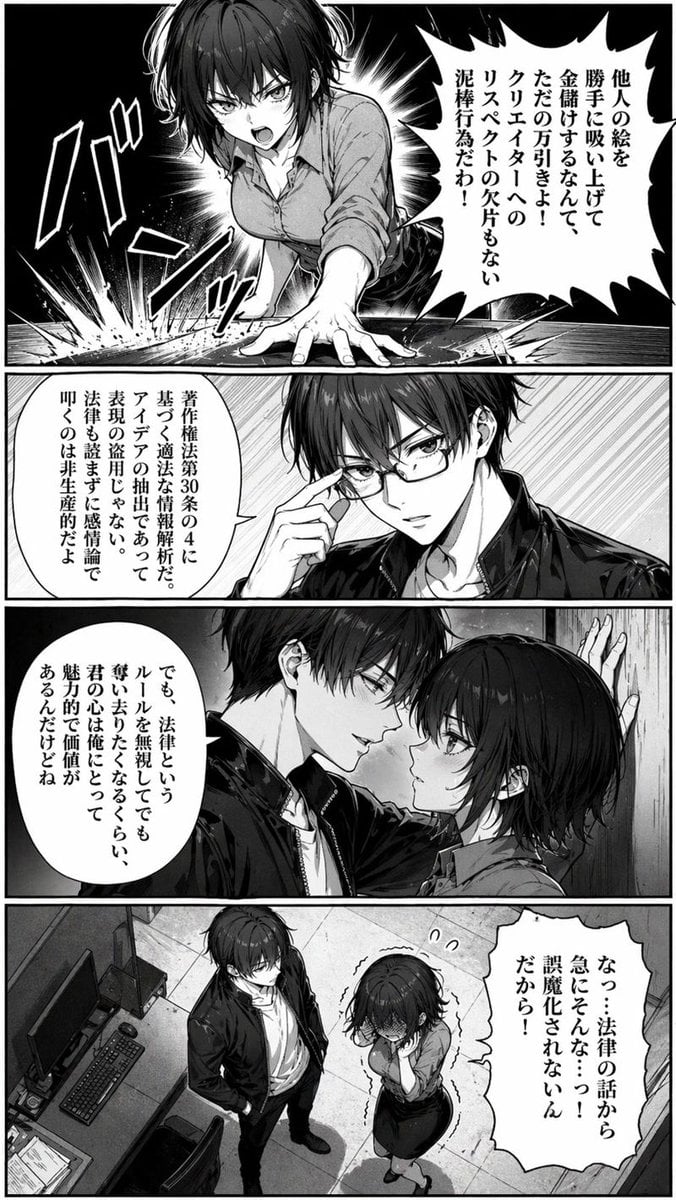
A gritty monochrome manga page showing a heated office argument that shifts into a kabedon scene, useful for recreating dramatic viral manga-style screenshots.
- Prompt included
- Model and format preset
- Free template
The prompt behind this image
Copy the exact prompt behind Censored Office Manga Confrontation, or open it in the studio and make it yours.
A dramatic black-and-white manga page in a seinen style, rendered with dense screentones, sharp ink lines, high contrast lighting, and expressive Japanese comic layout. The page has 4 stacked panels with vertical Japanese speech bubbles and bold sound effects, showing a tense confrontation between two office workers in a modern workspace. In the top panel, a young woman with a short messy bob haircut, slim but curvy build, wearing a fitted button-up blouse with rolled sleeves and a dark pencil skirt, slams one hand hard onto a desk in anger, leaning forward toward the viewer with explosive impact lines and a large jagged speech bubble. In the second panel, a young man with dark tousled hair, slim build, wearing a black leather jacket over a light shirt and a necklace, is shown from the chest up in a calm, confident pose, touching his face while speaking. In the third panel, the man pins the woman against a wall in a close, intimate kabedon pose, one arm braced beside her head; she looks flustered and tense while he speaks near her face, creating a sudden romantic-comedic shift in mood. In the bottom panel, an overhead view reveals the office setting: 2 characters standing near a desk with 1 computer monitor, 1 keyboard, 1 mouse, 1 office chair, and scattered papers on a tiled floor; the woman is curled inward shyly and trembling while the man stands relaxed beside her. Include exactly 4 panels, exactly 4 visible speech bubbles total, and visible Japanese manga typography throughout. Add a rectangular mosaic censor blur over each character's face in every panel, as if anonymized for sharing online. Background details should include office walls, desk edges, speed lines, burst effects, and tonal gradients. The overall feeling is intense argument turning into manipulative flirtation, like a viral out-of-context manga screenshot.
How to use Censored Office Manga Confrontation in 3 steps
- 1Upload ImagePNG, JPG or paste
Add your photo
Upload the photo the template builds on. The prompt, model and format are already set.
- 2…a portrait of your subject in softgolden-hour light, 85mm…
Personalize
Edit the subject and creative details for your destination.
- 3Generate
Generate
Press Generate — your image is created in PicX Studio, so you can compare it with the original and refine one variable at a time.
More like this
Templates with the same subject, style or setup. Open one to see its prompt.
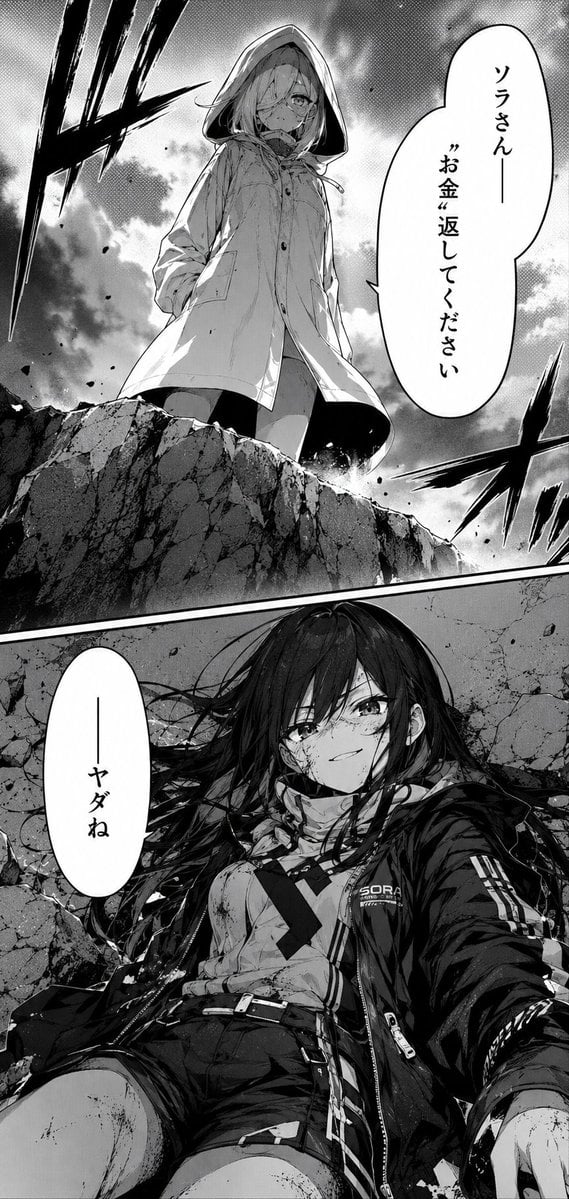
Dramatic Manga Money Confrontation
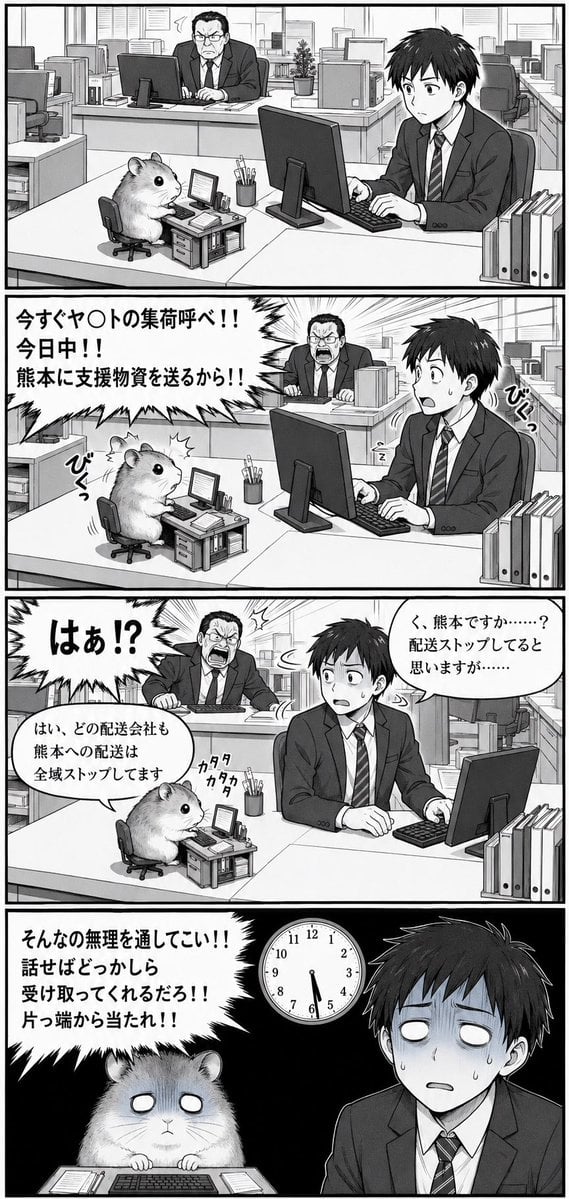
Hamster Office Manga Emergency
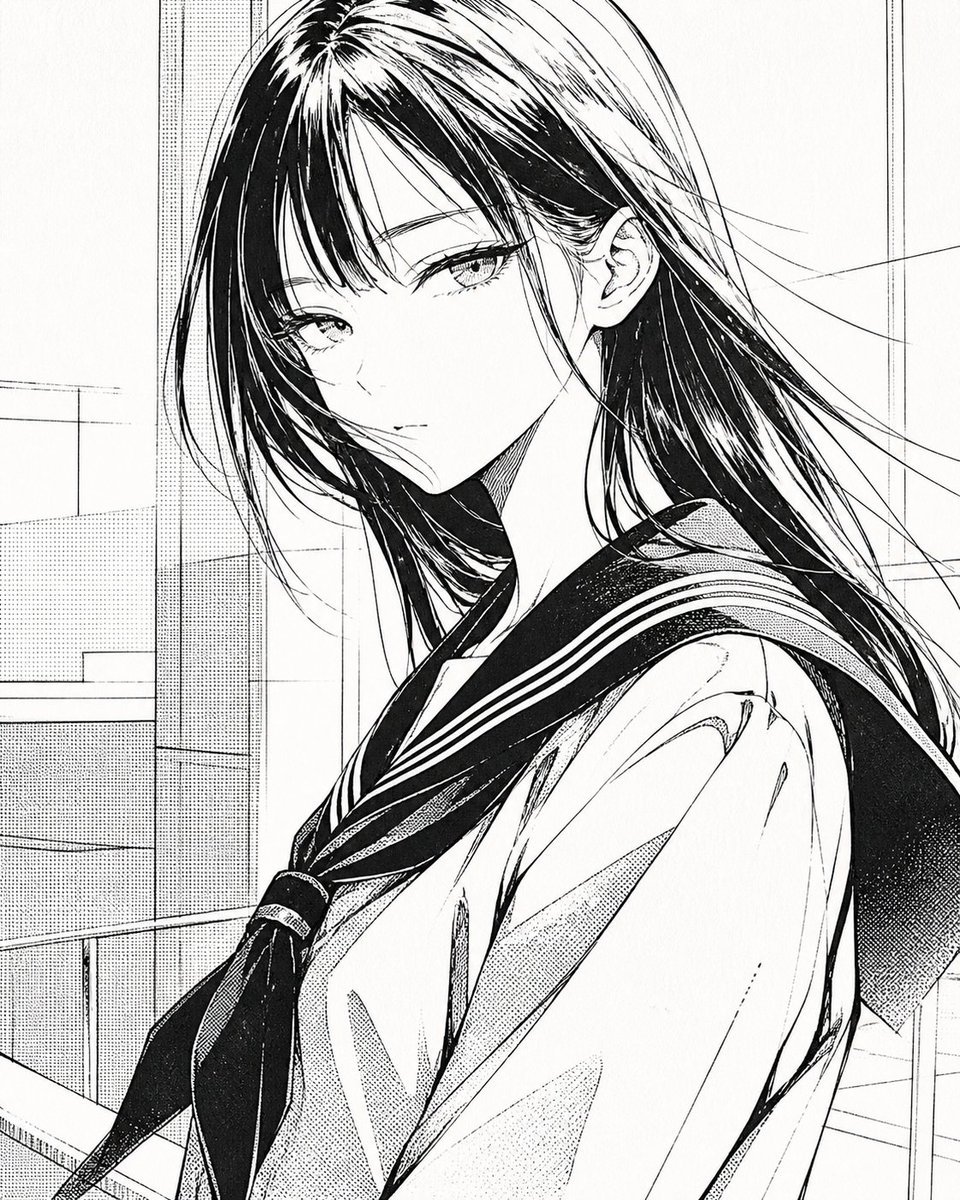
Censored Manga Schoolgirl Portrait
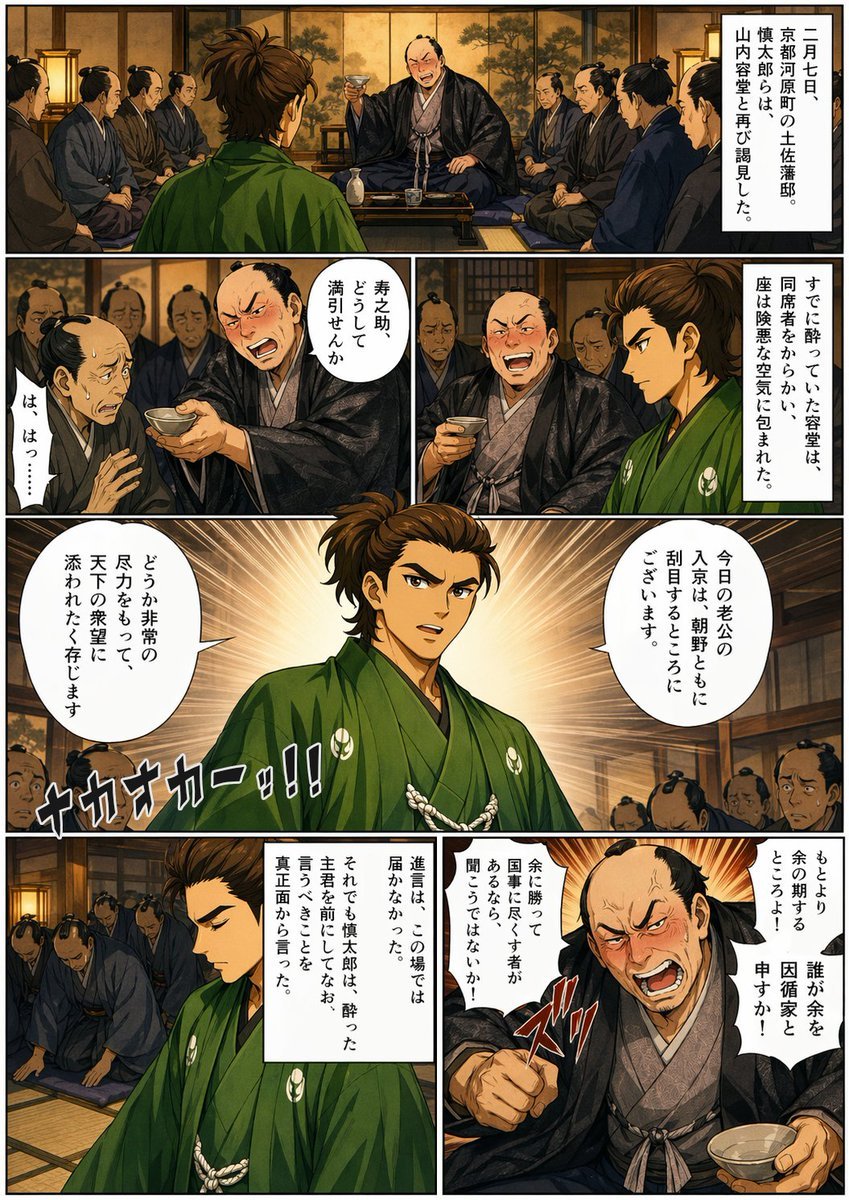
Bakumatsu Confrontation Manga Page
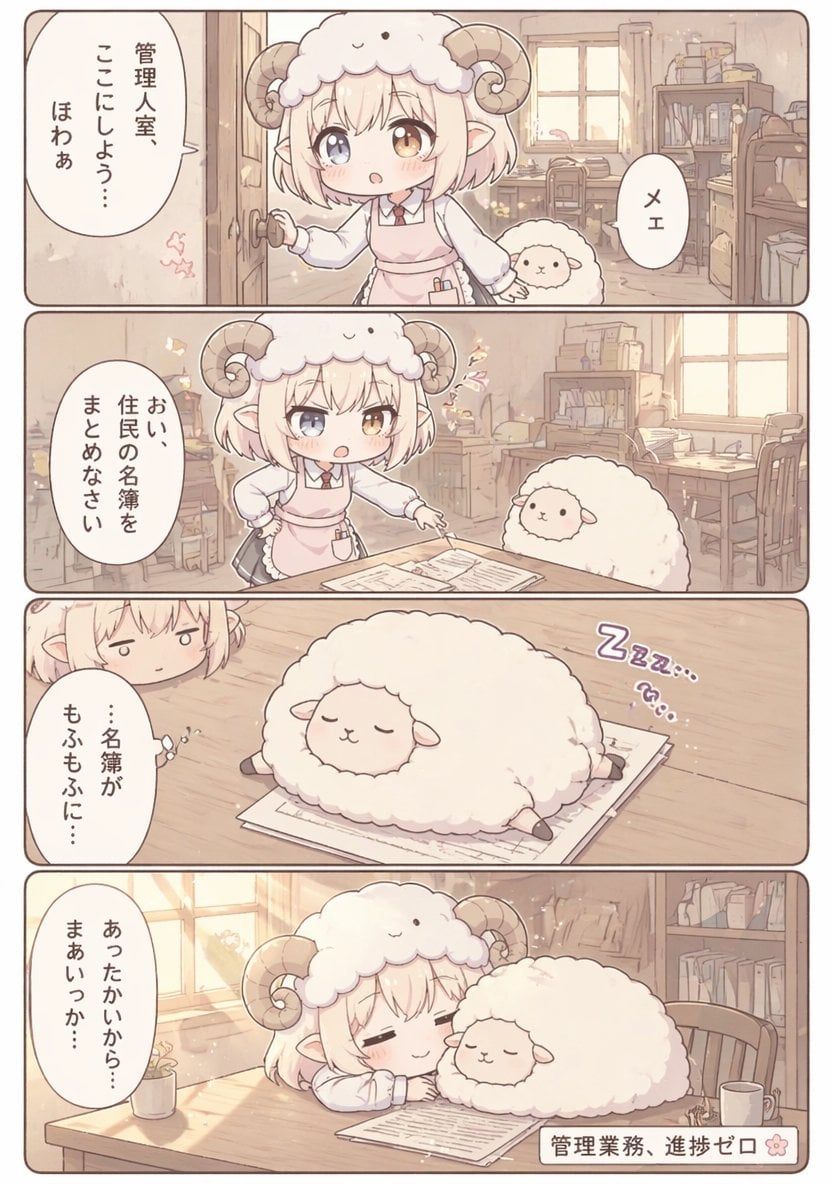
Cute Sheep Girl Office Manga Page
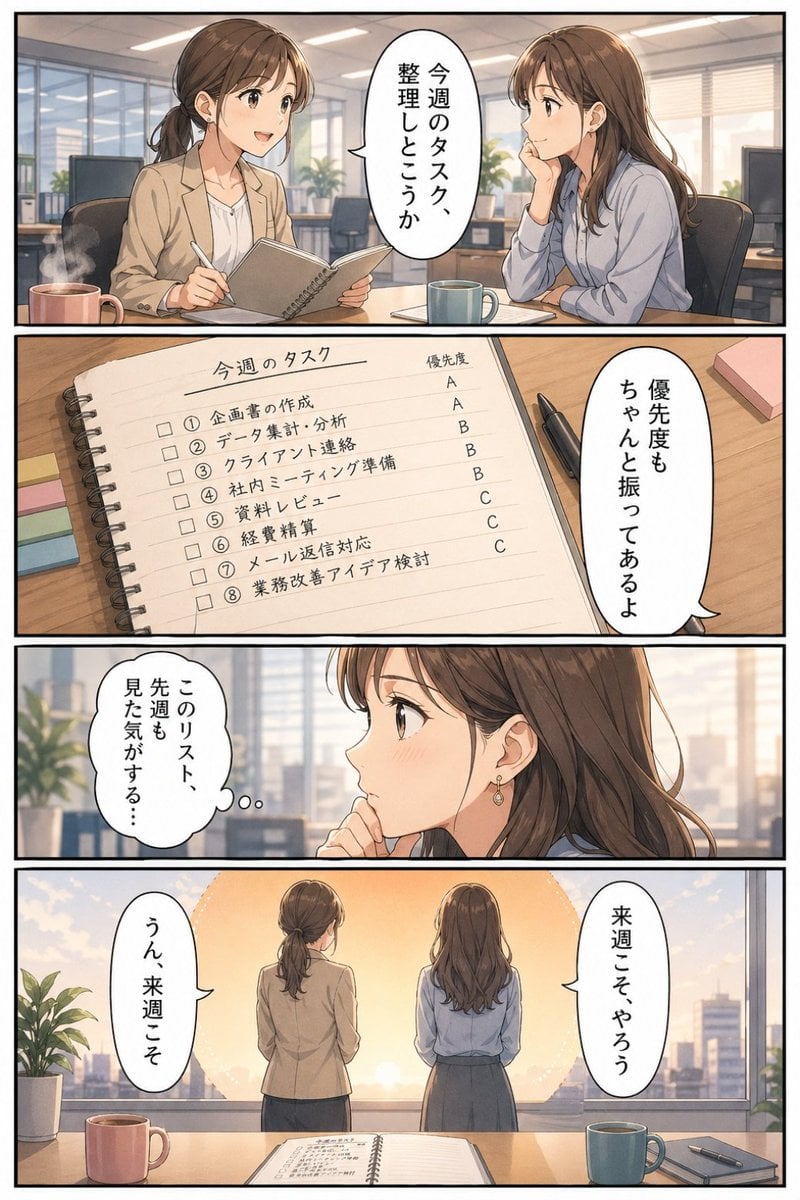
Business Office Manga Task Comic
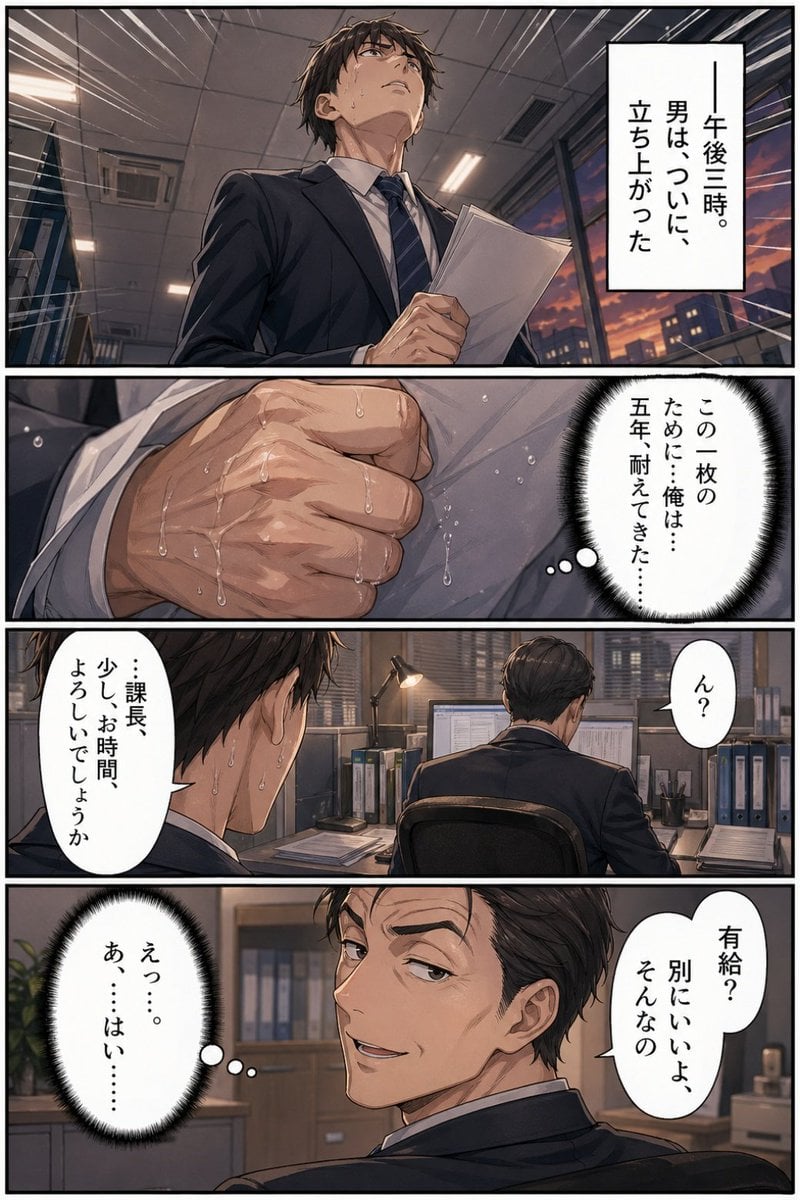
Business Office Manga Page
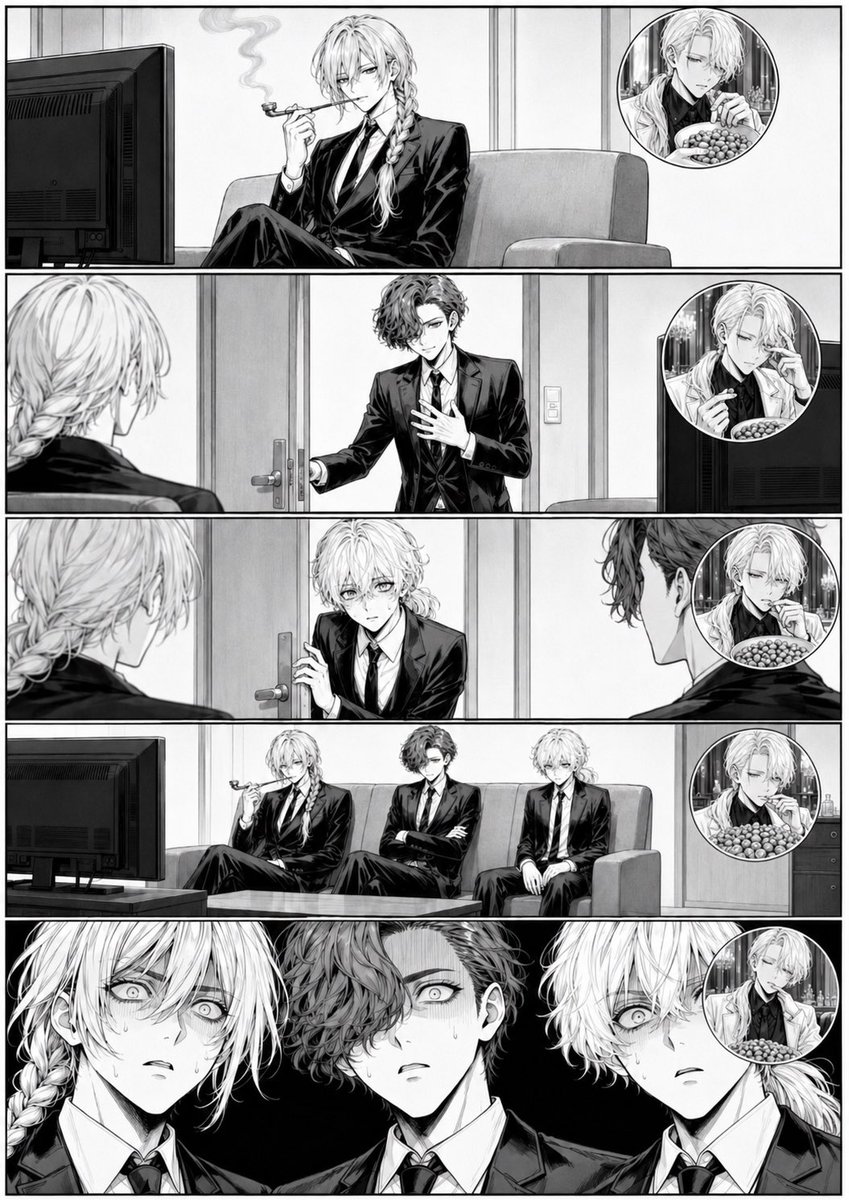
Censored Manga Page With Too Many Nuts

Creative Character in Pink Office
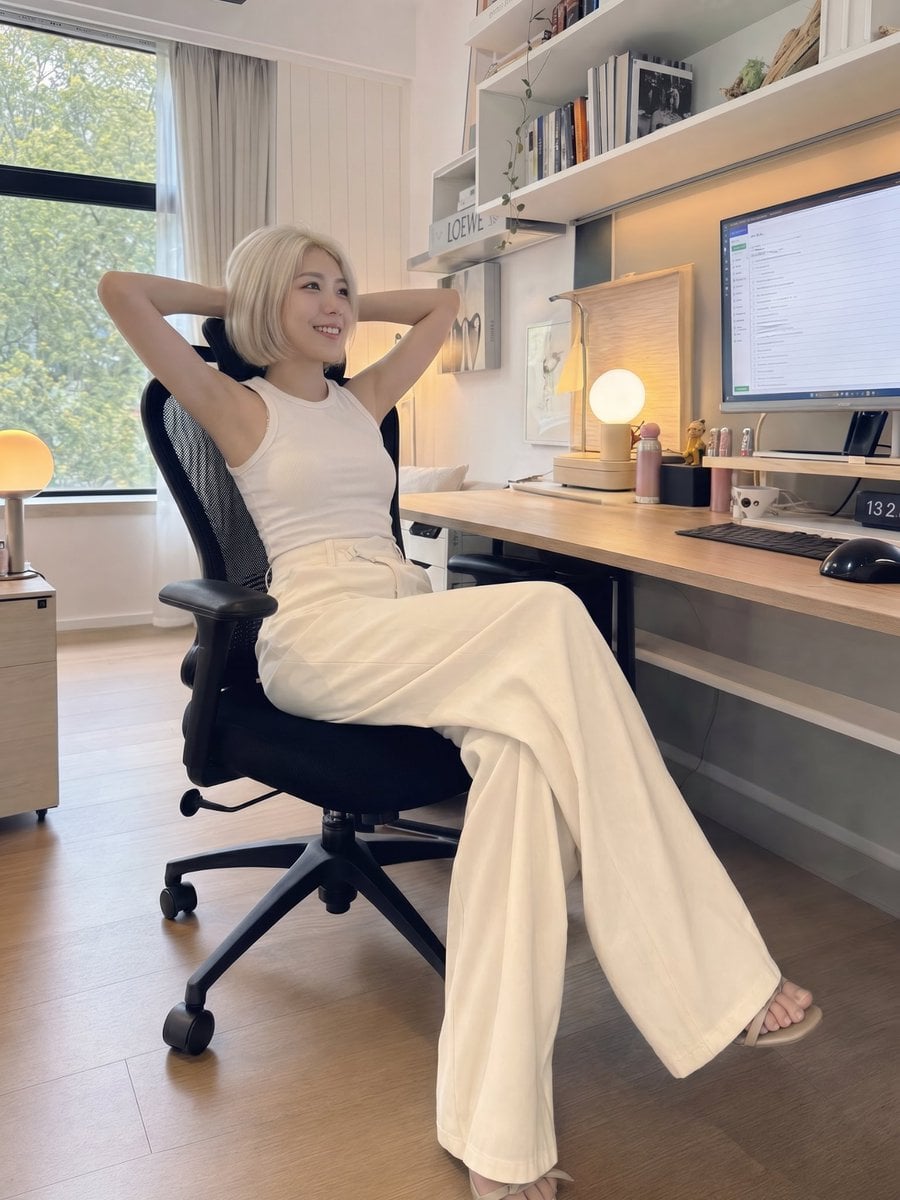
iPhone Style Minimalist Office Portrait
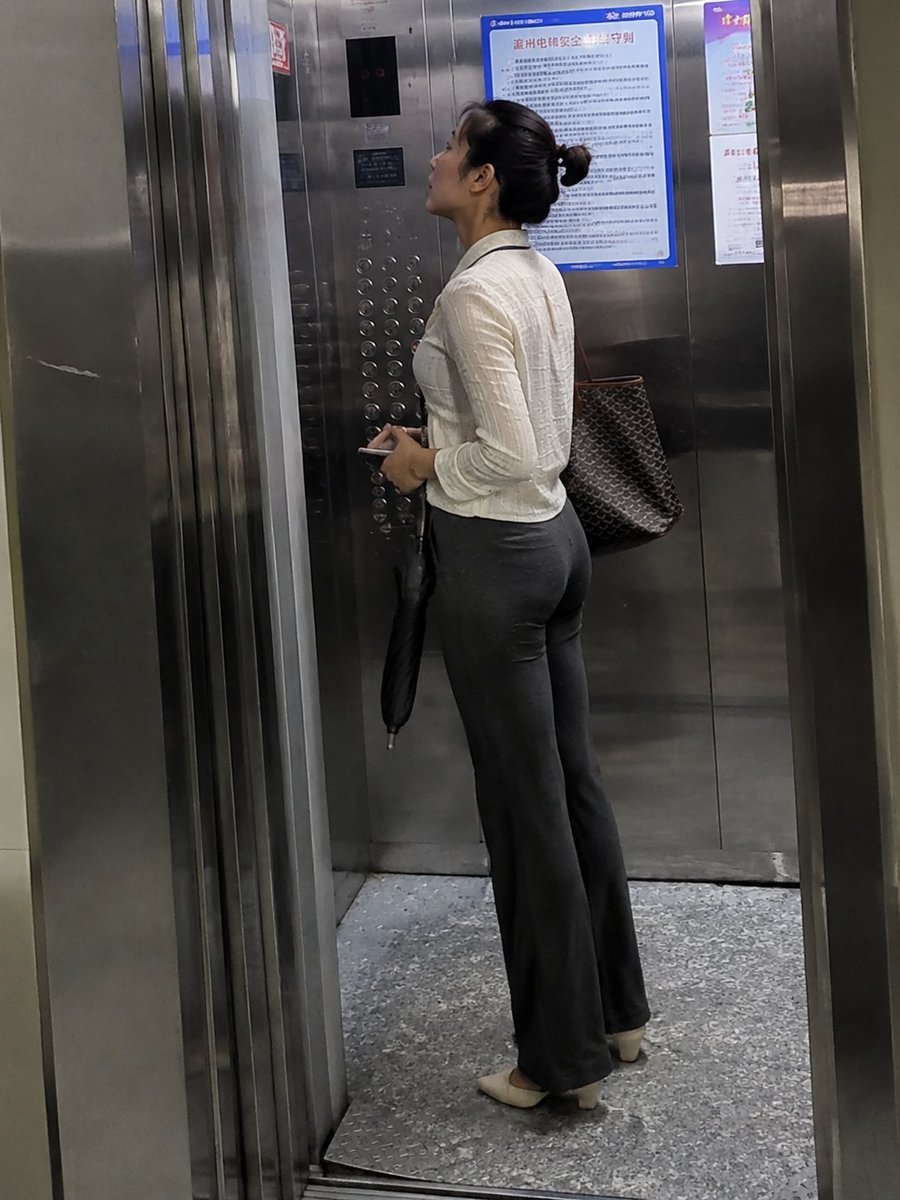
Realistic Office Elevator Candid
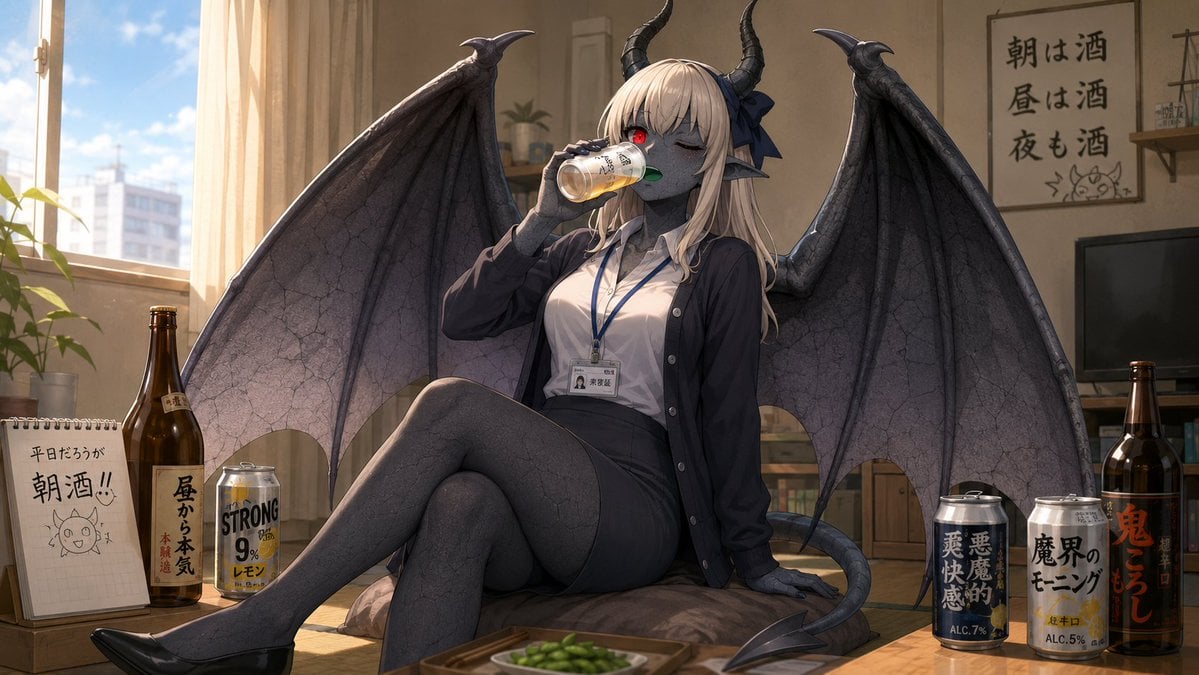
Demon Office Girl Morning Drink
Make it yours
Censored Office Manga Confrontation works as-is. These are the safest ways to change it without losing the look.
Change one field
Copy a single group, rewrite it, and generate again so you can see what that field is doing.
Keep the frame, change the subject
Hold the composition and light of Censored Office Manga Confrontation, then swap wardrobe, props or the person for a new take.
| If the result… | Why | Fix |
|---|---|---|
| The result drifts from the preview | Too many fields changed at once. | Reuse Censored Office Manga Confrontation as-is first, then change one group — subject, light, or setting. |
| The model over-stylizes the scene | The prose prompt leaves finish and camera underspecified. | Add one camera or lighting sentence and stay on GPT Image 2. |
More GPT Image 2 templates
Other prompts made for GPT Image 2.

Six VTuber Japanese Logo Sheet

Realistic Portrait of Woman and Deer

The Vista Modular Condo Poster

AI Model Routing Comparison Infographic

2.5D Anime Art Board

Isometric Productivity Desk Scene

New York Double Exposure Poster

Four-Panel AI Landscape Comparison

Japanese Tatami Lifestyle Magazine Cover

NESCAFÉ Coffee Map Poster
More image prompts
Fresh picks from across the catalog.
Seedance - Epic Fight Scene
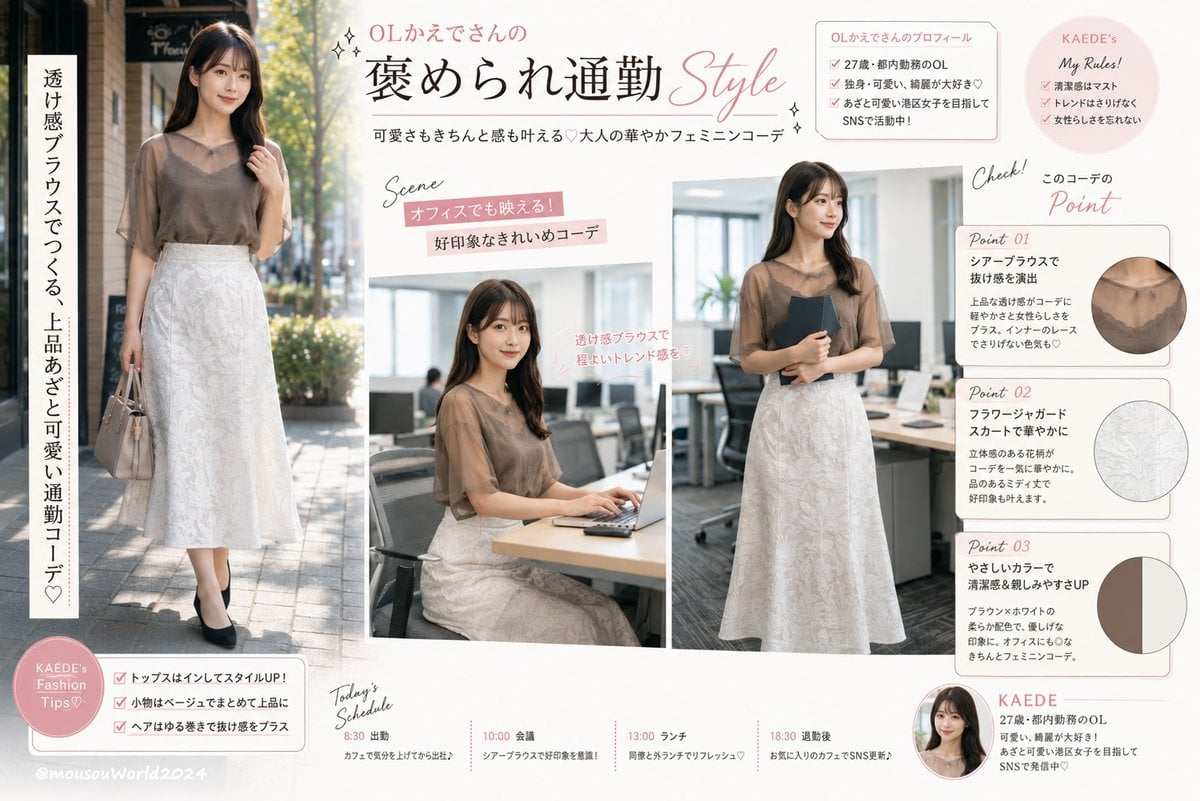
Japanese Office Outfit Magazine Spread
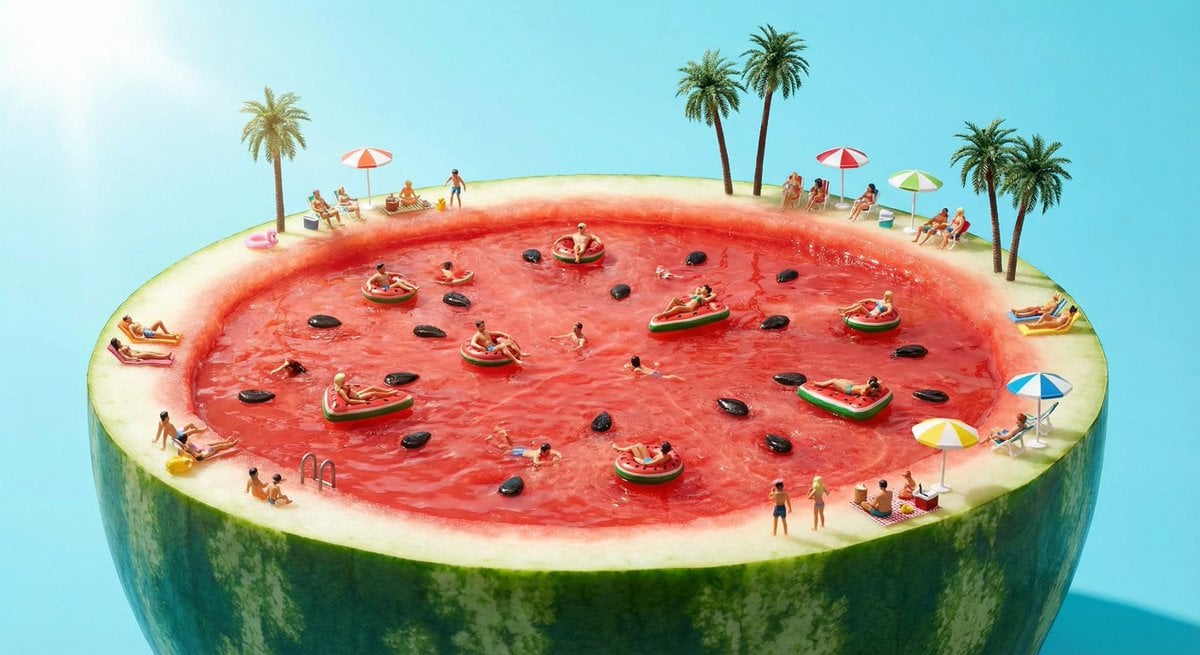
Watermelon swimming pool micro-world
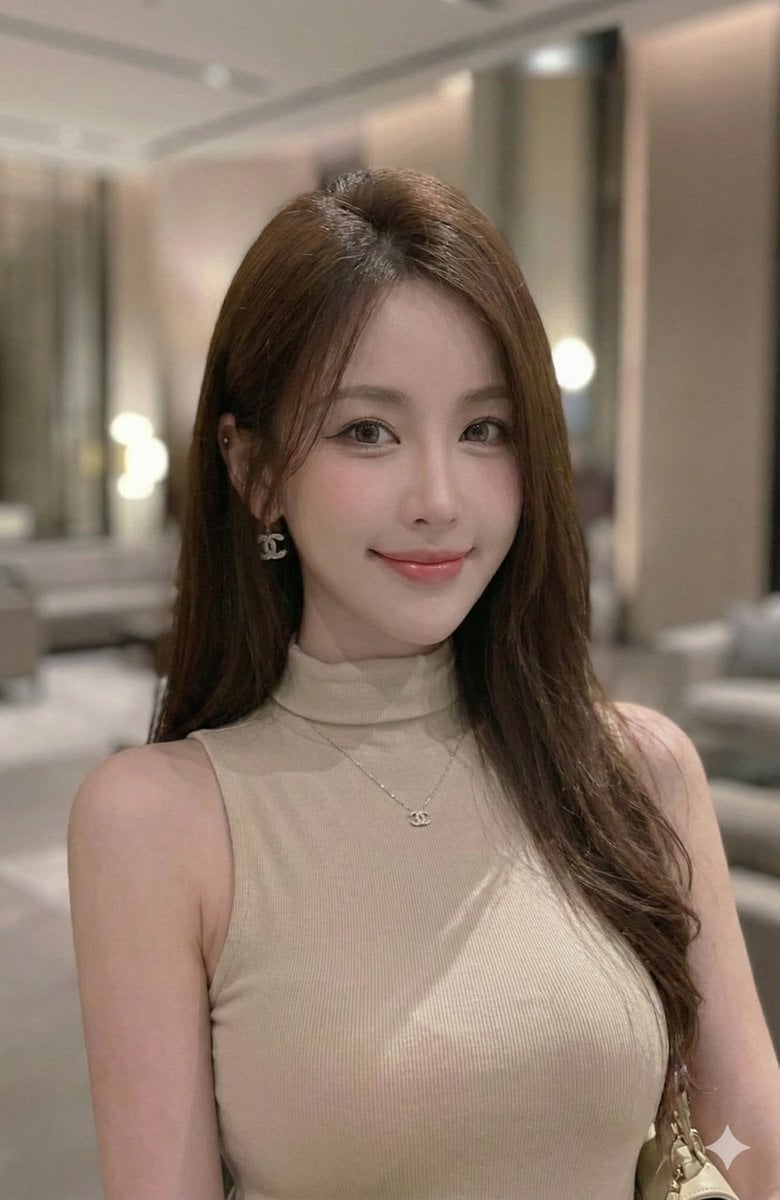
Extract a single panel from a 3x3 image grid with Nano Banana Pro

Dreamy Man Holding Calico Cat Portrait
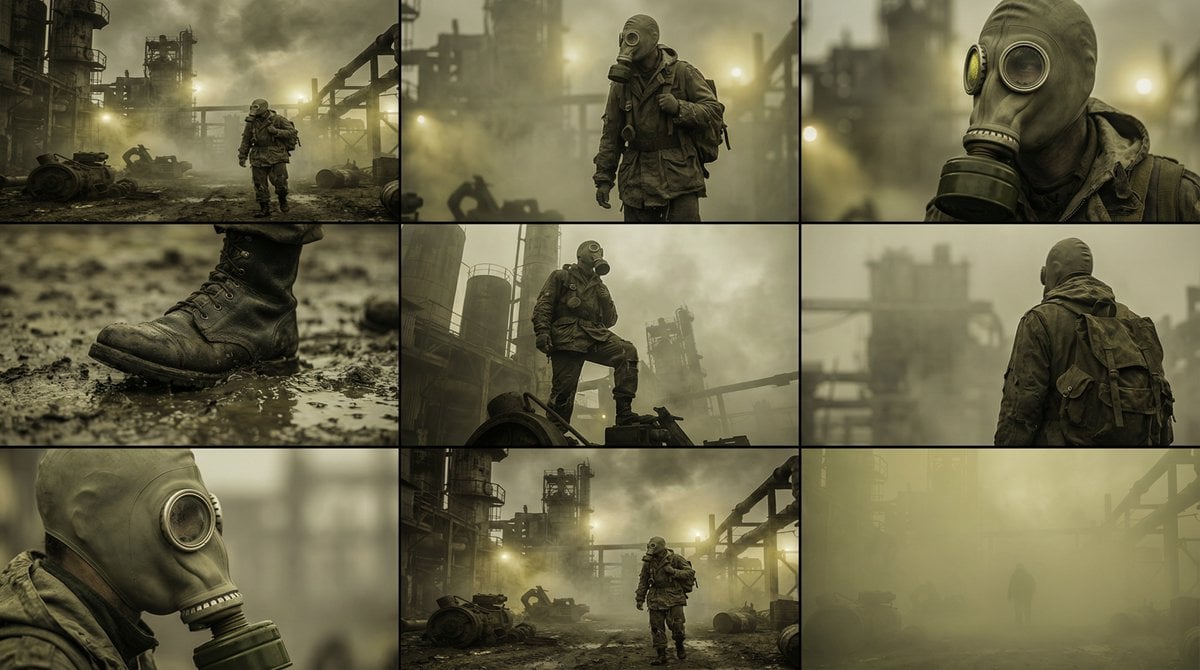
Character Consistency and Storyboard Generation Template
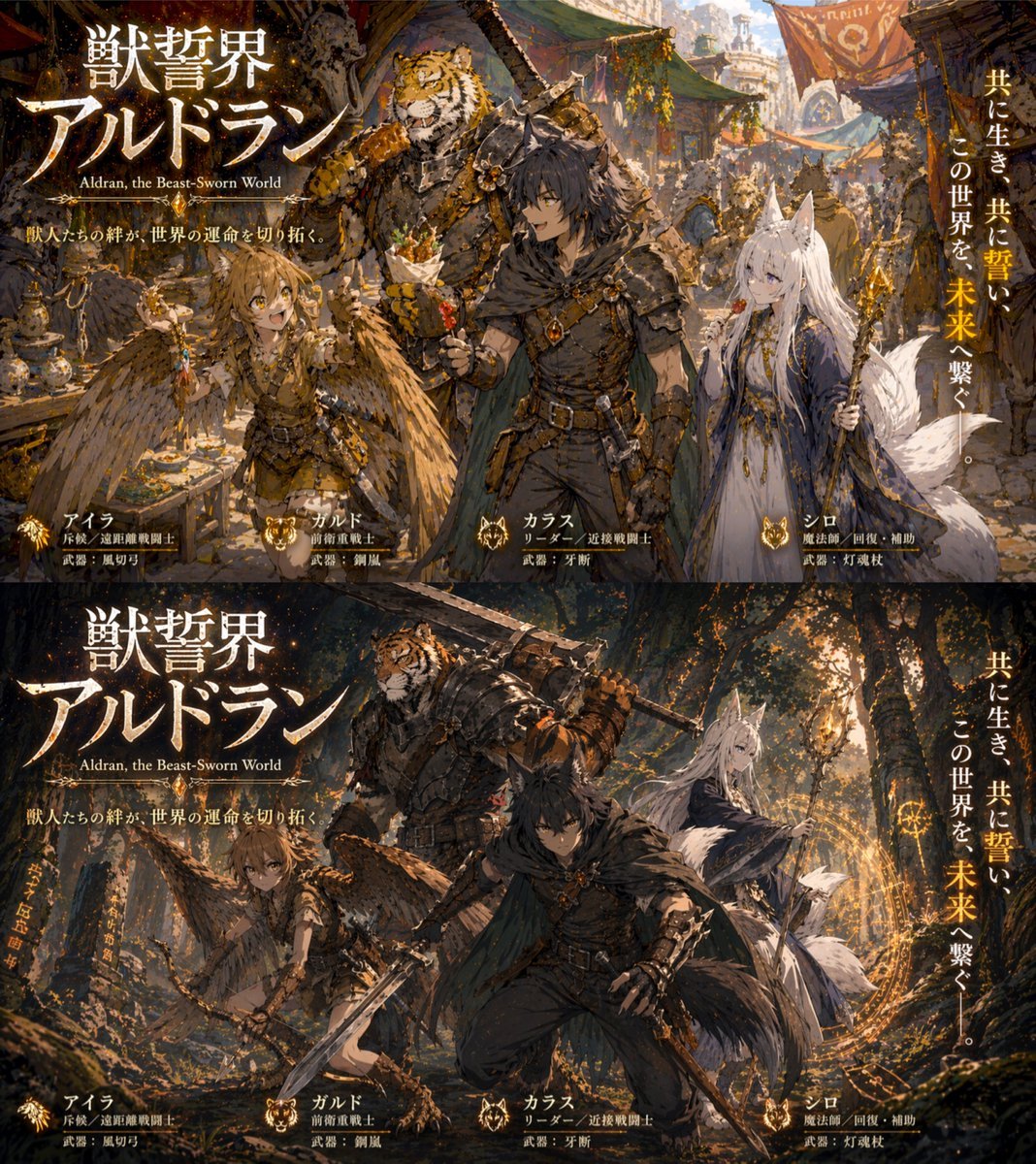
Two-Panel RPG Concept Art
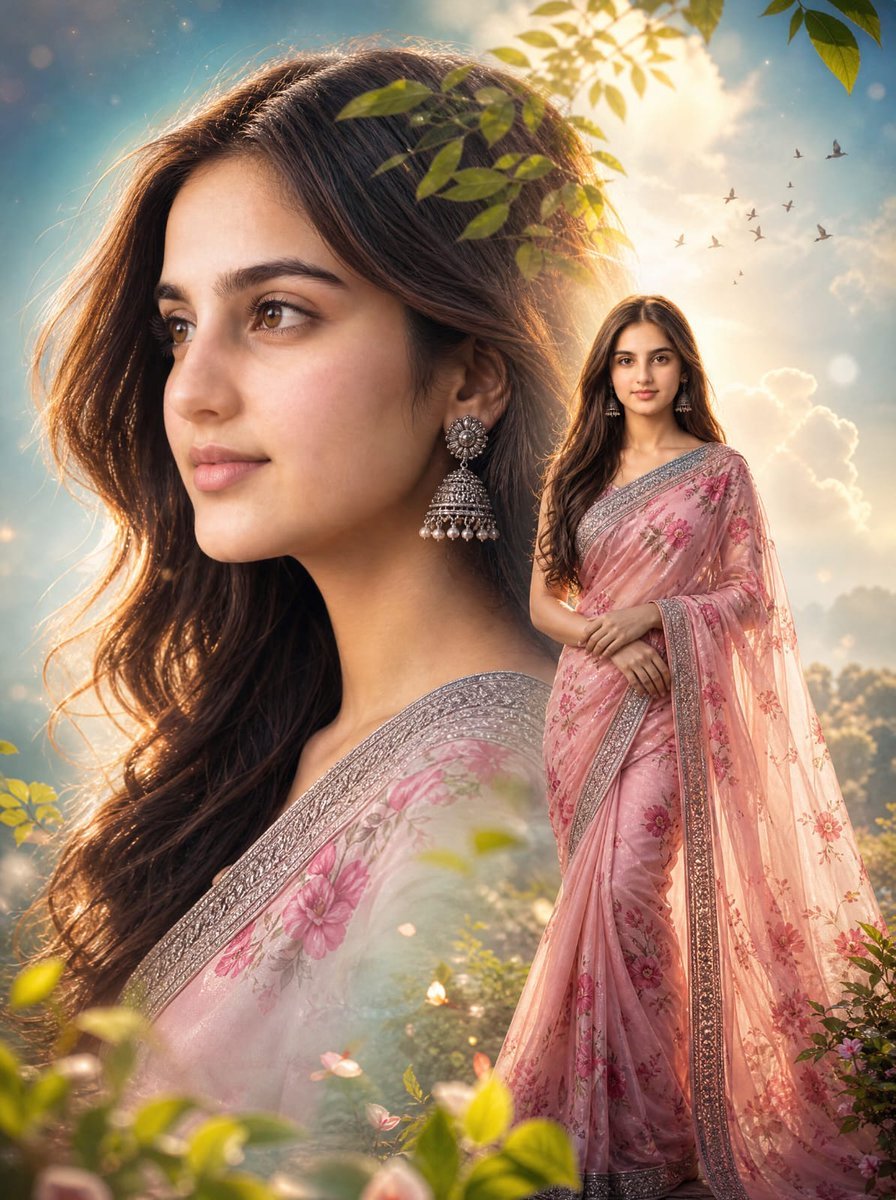
Cinematic Saree Double Exposure Portrait
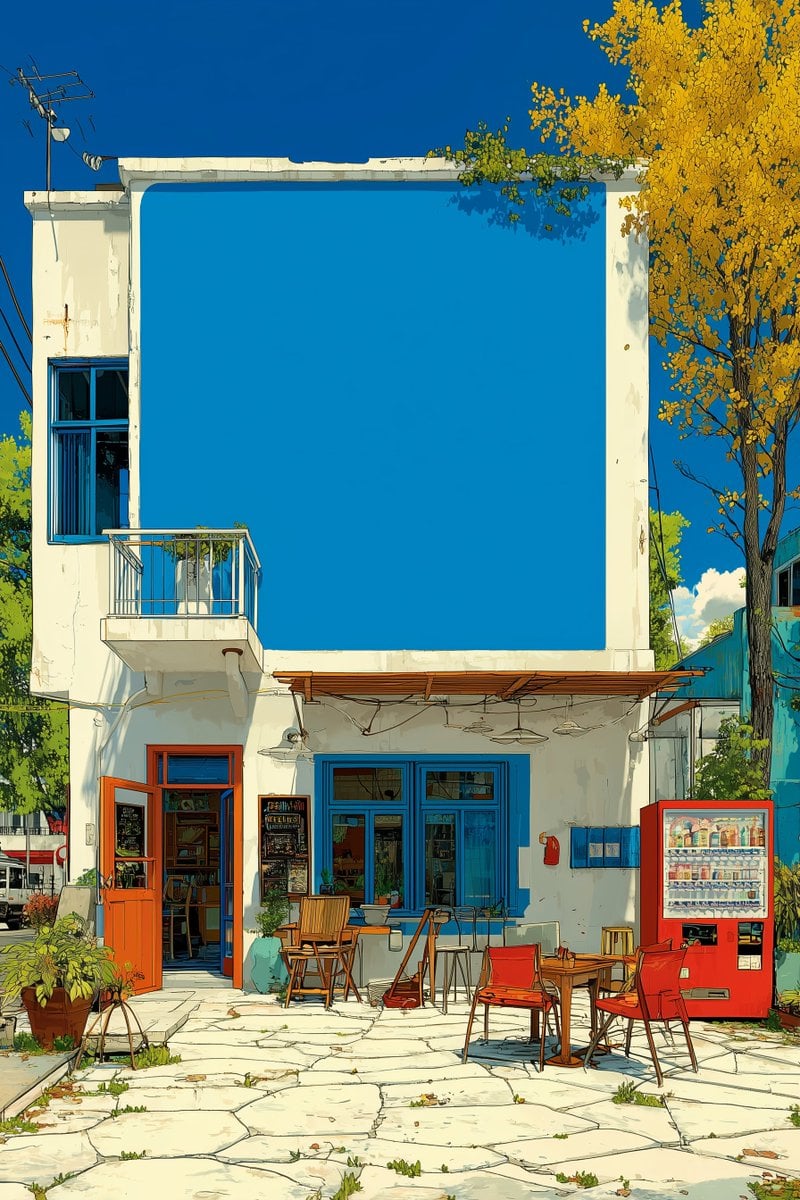
Image Manipulation Prompt for Advertising Placement
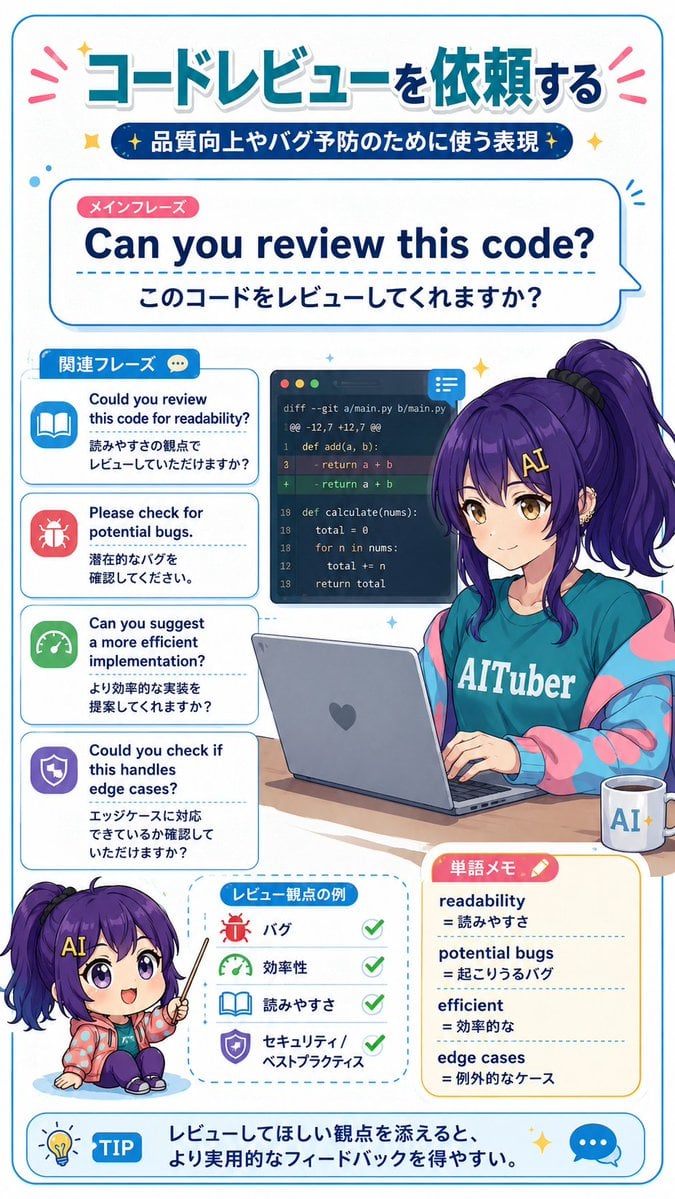
Code Review English Infographic
Browse template categories
Censored Office Manga Confrontation questions
How do I use the Censored Office Manga Confrontation template?
Add your photo if the template asks for one, edit the prompt if you like — the template's model and format are already selected — and press Generate. Your version opens in PicX Studio.
Can I customize the Censored Office Manga Confrontation template?
Yes. You can change the subject, setting, lighting, mood, format, and available model controls before creating your image.
Is the Censored Office Manga Confrontation template free?
Opening and editing this template is free. Generating uses credits, shown on the Generate button when you are signed in.
Which AI model should I use?
Start with GPT Image 2, which is the model associated with this template. You can compare another compatible model for a different finish.
Looking for something else? Browse all templates.

Your photo, any look
Thousands of ready templates for every top image and video model, from one credit balance.