
Luxury B&W Overhead Editorial Portrait
An elegant, high-contrast black-and-white portrait prompt designed for a top-down overhead shot on a studio floor, perfect for sophisticated fashion editorial covers.
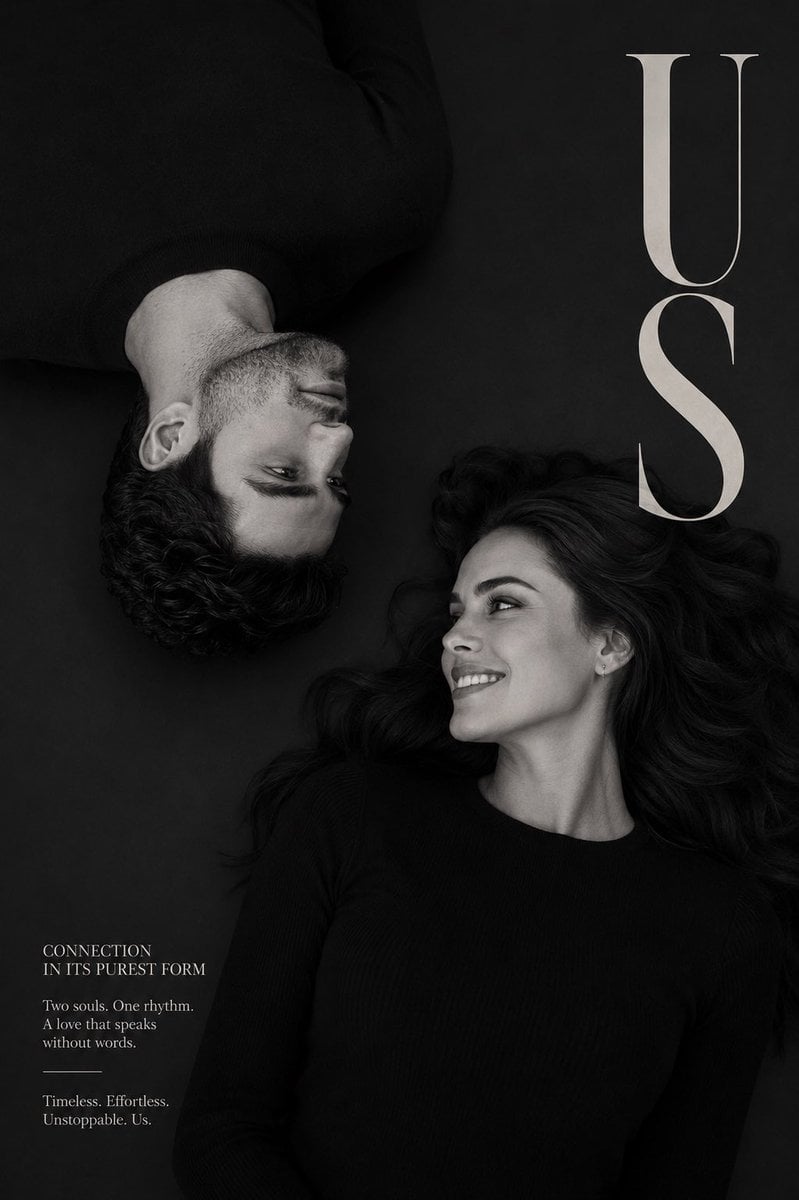
- Prompt included
- Model and format preset
- Free template
The prompt behind this image
Copy the exact prompt behind Luxury B&W Overhead Editorial Portrait, or open it in the studio and make it yours.
Create a luxury black-and-white editorial portrait featuring {argument name="subjects" default="me and my girlfriend"} as the subjects. Photographed from directly above with a perfectly top-down overhead camera angle. We are lying on a dark seamless studio floor facing each other. The woman is positioned in the lower-right area of the frame, lying on her back, smiling naturally and looking toward me. Her expression is warm, genuine, and effortlessly elegant. I am positioned in the upper-left area of the frame with my body inverted relative to hers, creating a mirrored composition. My head appears upside down in the frame as I look toward her with a relaxed, affectionate expression. Both subjects wear simple fitted black shirts that blend subtly into the dark background. Style inspired by luxury fashion editorials, premium magazine covers, and high-end portrait photography. High-contrast monochrome photography, rich blacks, soft studio shadows, cinematic lighting, natural skin texture, realistic facial details, shallow depth perception, sophisticated visual balance. Strong negative space surrounding the subjects. Mood: intimate, romantic, timeless, elegant, modern, emotionally authentic. Composition should emphasize connection through eye contact and subtle facial expressions rather than physical interaction. Ultra-realistic photography, medium-format camera quality, fashion magazine cover aesthetic, fine-art portraiture, luxury editorial styling. Typography layout: Large vertical serif title on the right side: “{argument name="title" default="US"}” Small elegant editorial text block in the lower-left corner. Perfect typography, professional magazine design, clean layout, no distorted letters. 8K resolution, ultra-detailed, award-winning fashion photography, print-ready magazine cover.
How to use Luxury B&W Overhead Editorial Portrait in 3 steps
- 1
Open
The prompt is already in the box next to the preview, with the template's model and format selected.
- 2…a portrait of your subject in softgolden-hour light, 85mm…
Personalize
Edit the subject and creative details for your destination.
- 3Generate
Generate
Press Generate — your image is created in PicX Studio, so you can compare it with the original and refine one variable at a time.
More like this
Templates with the same subject, style or setup. Open one to see its prompt.
untitled

Caution Tape Fashion — Industrial Editorial
Luxury Fashion Editorial Portrait
Bohemian Luxury Overhead Portrait
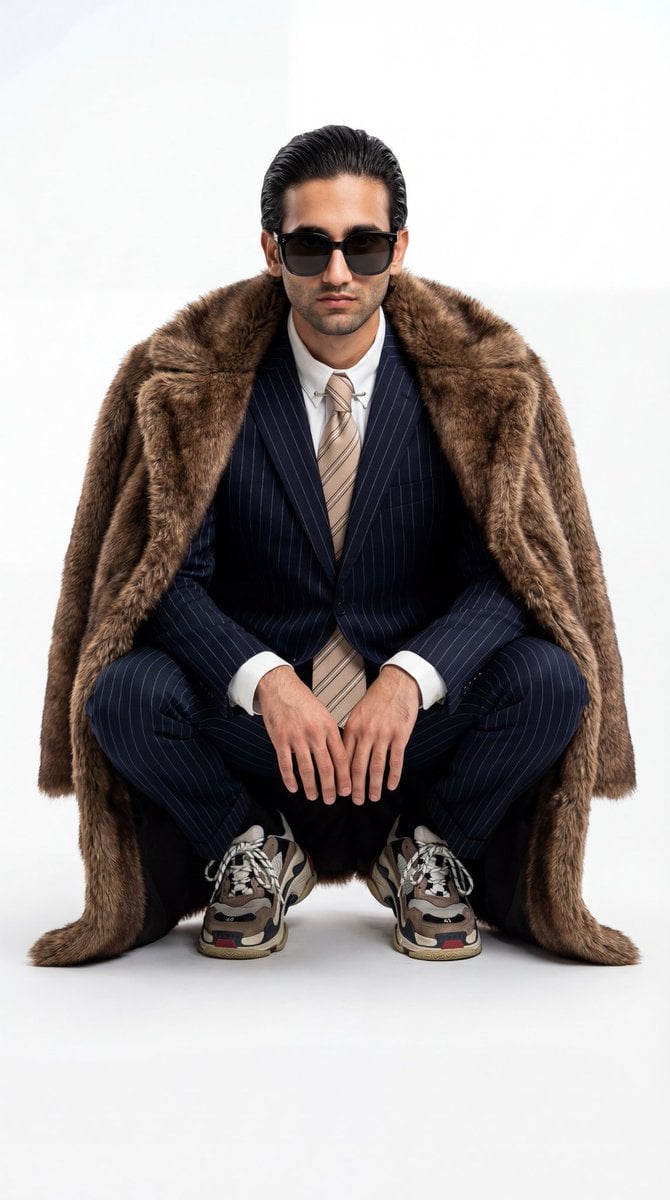
Ultra-Realistic Luxury Fashion Editorial Portrait

Couture Fashion Editorial Woman and Drag

Nano Banana 2 Editorial Fashion Portrait

19 Luxury Helicopter Travel — California Series

08 Rodeo Drive Luxury Exit — California Series

Found Photograph: Us, 1970

80s Couple Studio Portrait

80s Bollywood Star
Make it yours
Luxury B&W Overhead Editorial Portrait works as-is. These are the safest ways to change it without losing the look.
Change one field
Copy a single group, rewrite it, and generate again so you can see what that field is doing.
Keep the frame, change the subject
Hold the composition and light of Luxury B&W Overhead Editorial Portrait, then swap wardrobe, props or the person for a new take.
| If the result… | Why | Fix |
|---|---|---|
| The result drifts from the preview | Too many fields changed at once. | Reuse Luxury B&W Overhead Editorial Portrait as-is first, then change one group — subject, light, or setting. |
| The model over-stylizes the scene | The prose prompt leaves finish and camera underspecified. | Add one camera or lighting sentence and stay on GPT Image 2. |
More GPT Image 2 templates
Other prompts made for GPT Image 2.

Six VTuber Japanese Logo Sheet

Realistic Portrait of Woman and Deer

The Vista Modular Condo Poster

AI Model Routing Comparison Infographic

2.5D Anime Art Board

Isometric Productivity Desk Scene

New York Double Exposure Poster

Four-Panel AI Landscape Comparison

Japanese Tatami Lifestyle Magazine Cover

NESCAFÉ Coffee Map Poster
More image prompts
Fresh picks from across the catalog.

AI Music Program Promotional Infographic
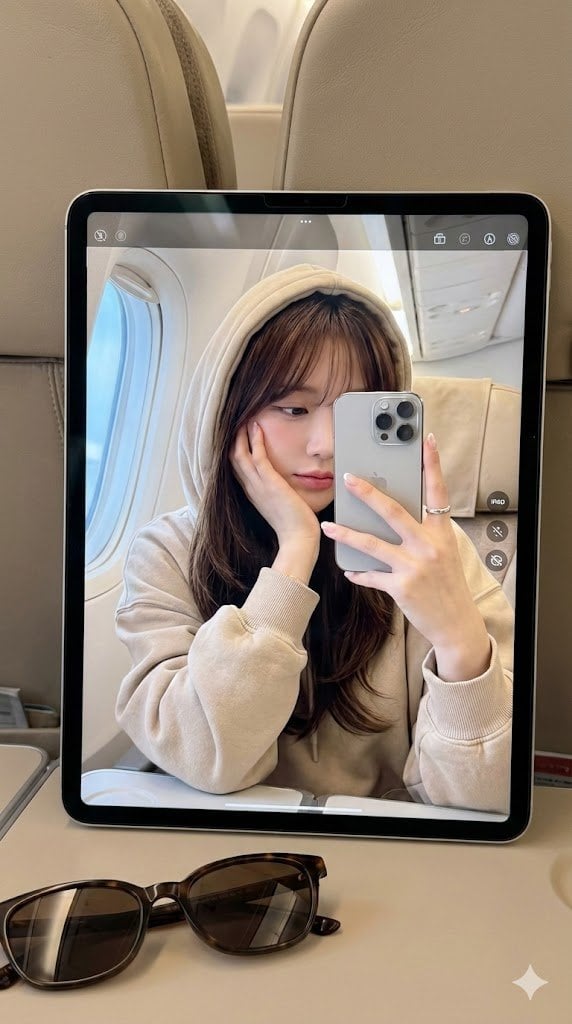
Hyper-Realistic Reflection Portrait Prompt
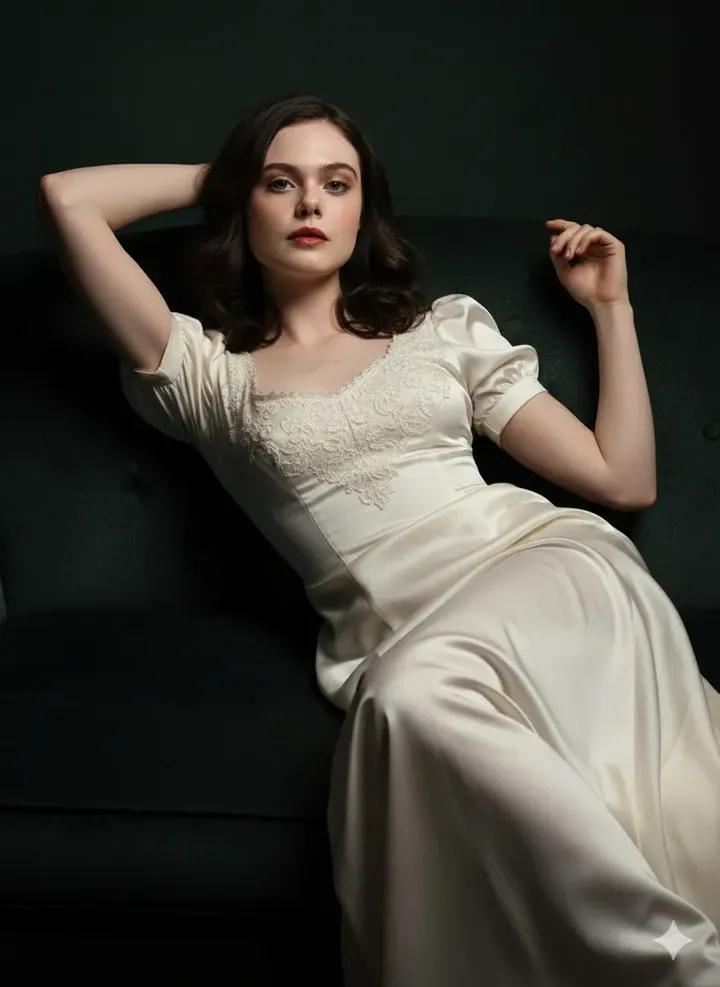
Fine Art Low-Key Portrait in Vintage Dress
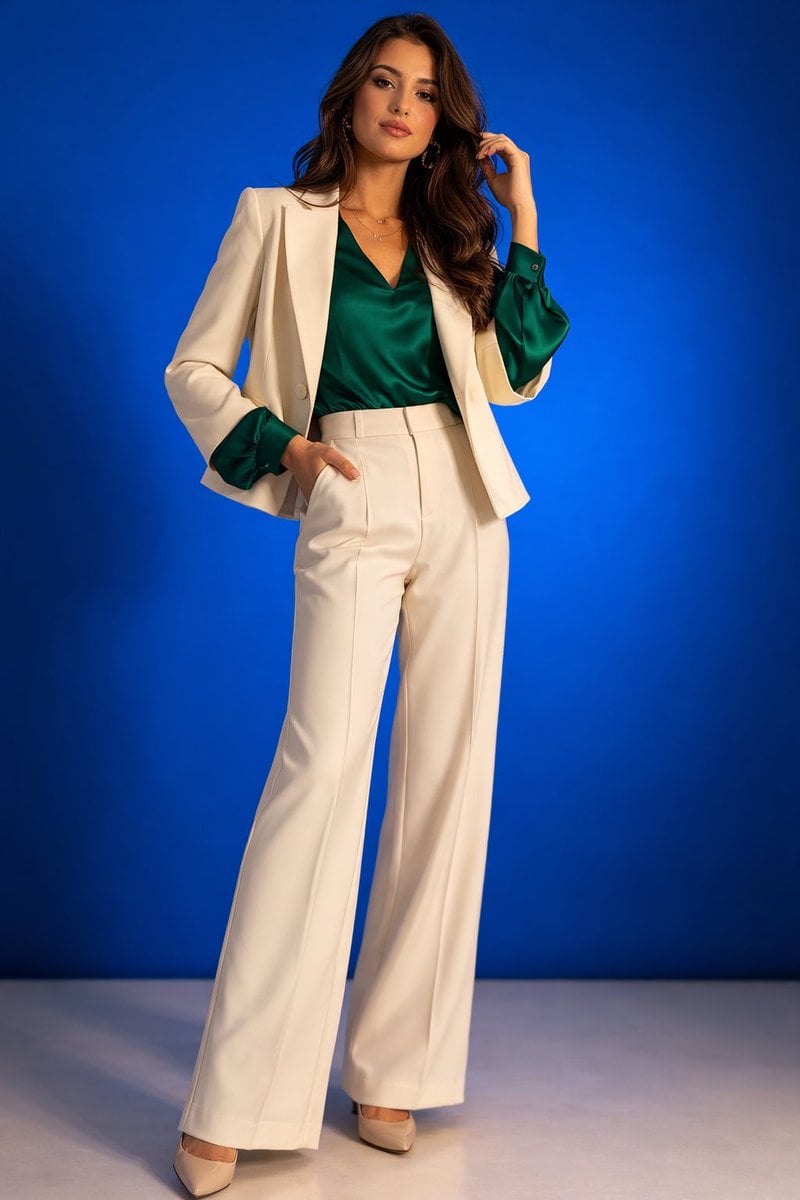
High-Fashion Studio Portrait
NYC Bridge Blue Hour Wallpaper
Golden Hour Selfie Couple
Dreamy Girl and Fantasy Creature
Surreal Studio Portrait with Grizzly Bear and Rifle
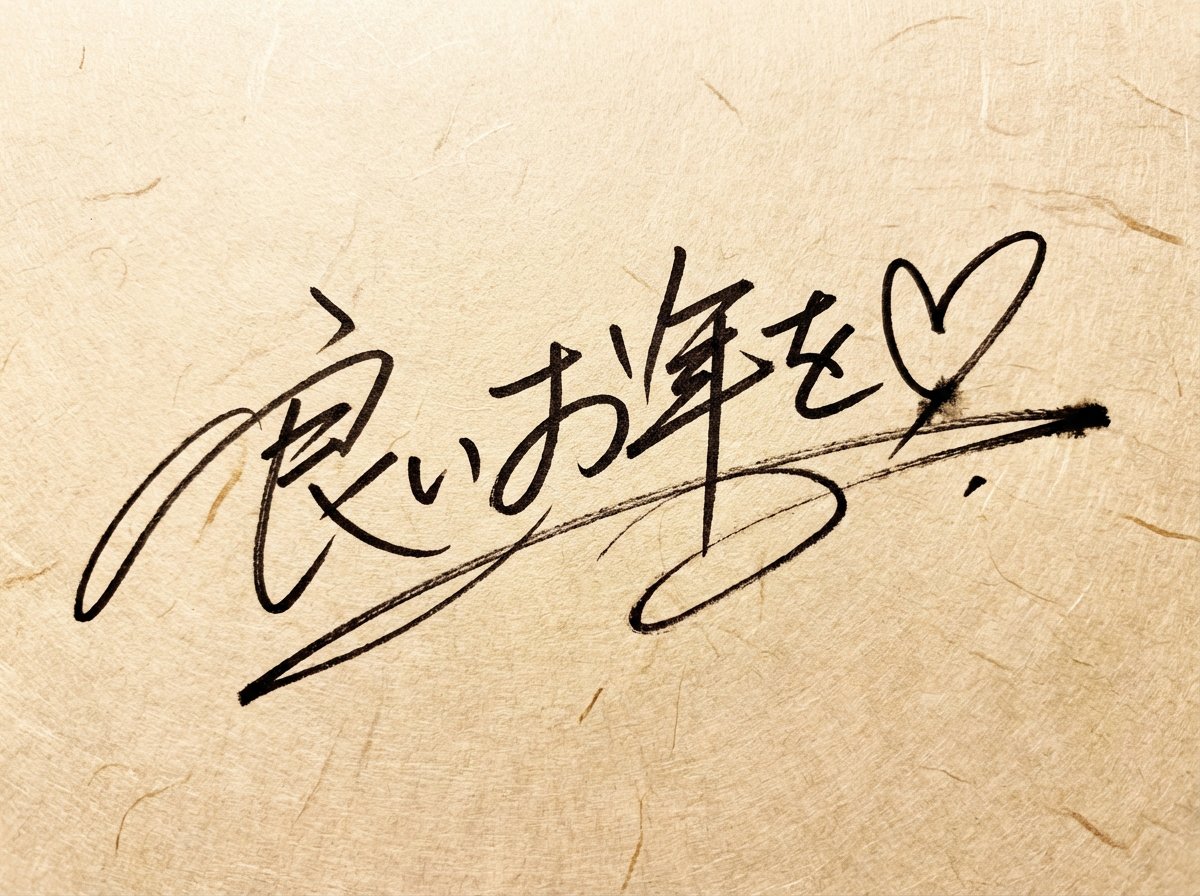
Handwritten New Year's Greeting Sign Prompt
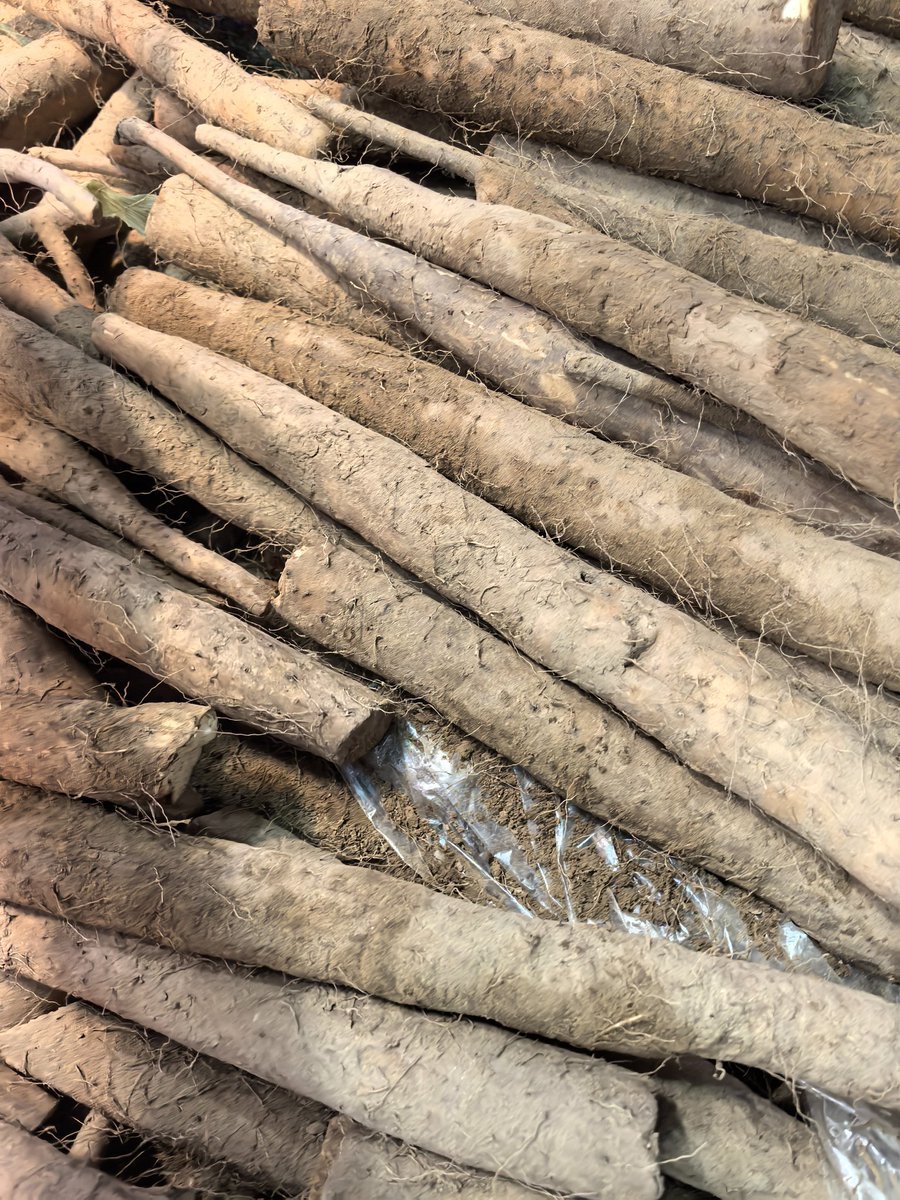
Yam Product Packaging Design Prompt
Browse template categories
Luxury B&W Overhead Editorial Portrait questions
How do I use the Luxury B&W Overhead Editorial Portrait template?
Add your photo if the template asks for one, edit the prompt if you like — the template's model and format are already selected — and press Generate. Your version opens in PicX Studio.
Can I customize the Luxury B&W Overhead Editorial Portrait template?
Yes. You can change the subject, setting, lighting, mood, format, and available model controls before creating your image.
Is the Luxury B&W Overhead Editorial Portrait template free?
Opening and editing this template is free. Generating uses credits, shown on the Generate button when you are signed in.
Which AI model should I use?
Start with GPT Image 2, which is the model associated with this template. You can compare another compatible model for a different finish.
Looking for something else? Browse all templates.

Your photo, any look
Thousands of ready templates for every top image and video model, from one credit balance.