
Soft Hours Weekend Magazine Cover
A cozy photorealistic lifestyle editorial cover showing a relaxed woman with wine in a beige living room, ideal for calm weekend fashion-magazine visuals.
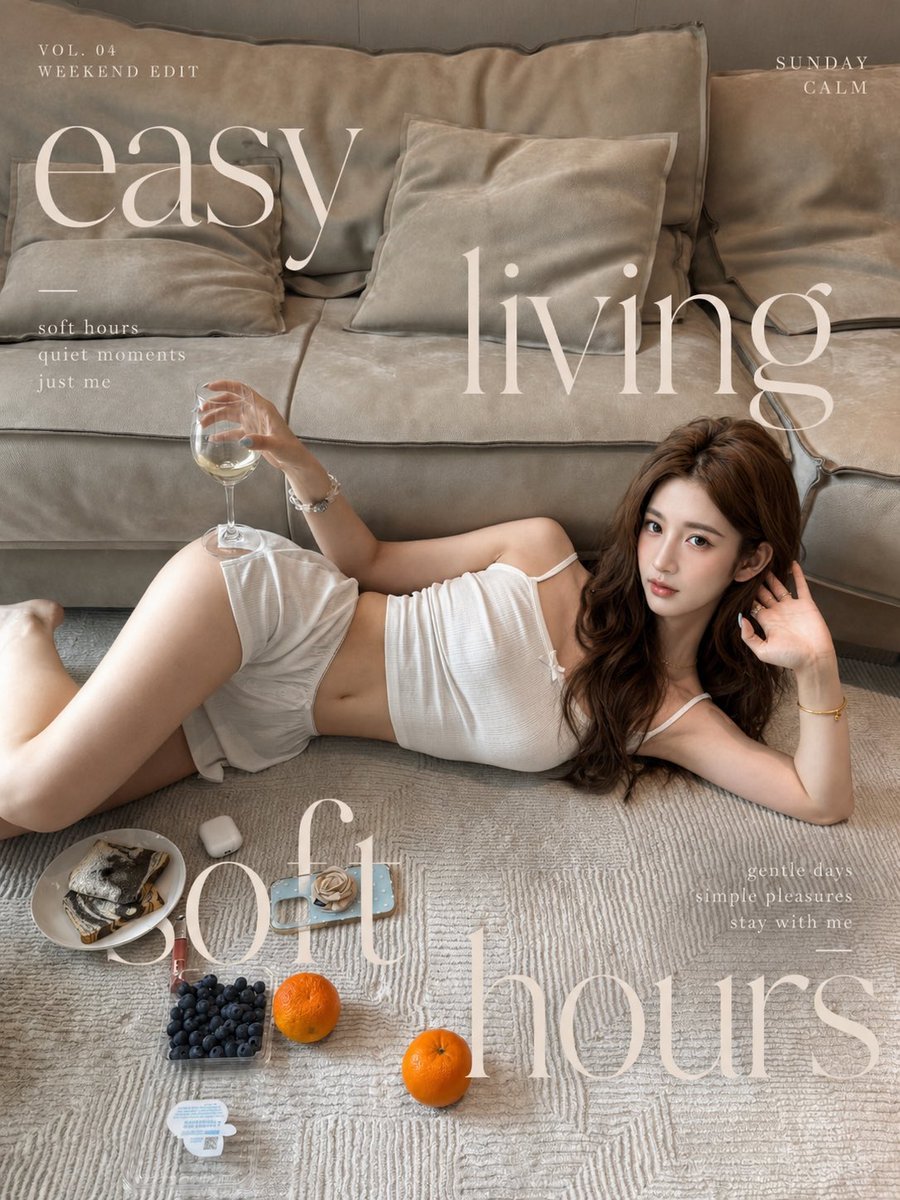
- Prompt included
- Model and format preset
- Free template
The prompt behind this image
Copy the exact prompt behind Soft Hours Weekend Magazine Cover, or open it in the studio and make it yours.
Create a vertical lifestyle magazine cover/editorial poster in a soft beige “weekend calm” aesthetic. A young woman with {argument name="hair color" default="long wavy chestnut-brown hair"} lounges on a textured cream rug in front of an oversized taupe linen sofa with large cushions. She is lying on her side, relaxed and slightly curled, wearing a {argument name="outfit" default="white ribbed camisole and loose white shorts"}; one hand holds a clear stemmed wine glass with pale white wine, and the other hand rests near her hair as she looks calmly toward the camera. Use natural early-morning window light, warm muted shadows, shallow editorial realism, delicate skin tones, and a cozy apartment mood. In the foreground on the rug include exactly 6 small leisure items: 1 plate with toast or pastry, 1 white wireless earbud case, 1 blue smartphone with a beige rose-like accessory on top, 1 clear box of blueberries, 1 small yogurt cup, and 2 whole oranges. Overlay elegant oversized cream-white Didot-style serif typography like a fashion magazine: large text “easy” across the upper left sofa, large text “living” across the upper middle/right, and huge text “soft hours” across the bottom overlapping the rug and objects. Add small editorial captions in thin spaced serif type: top left “VOL. 04” and “WEEKEND EDIT”; top right “SUNDAY” and “CALM”; left mid “soft hours / quiet moments / just me”; lower right “gentle days / simple pleasures / stay with me”. Keep the typography semi-transparent ivory, airy, and integrated into the photo. Overall composition should feel like {argument name="mood" default="lazy weekend self-care, slightly tipsy but calm"}, minimal, intimate, and photorealistic, with no extra people, no watermark, and no additional text beyond the specified magazine lettering.
How to use Soft Hours Weekend Magazine Cover in 3 steps
- 1Upload ImagePNG, JPG or paste
Add your photo
Upload the photo the template builds on. The prompt, model and format are already set.
- 2…a portrait of your subject in softgolden-hour light, 85mm…
Personalize
Edit the subject and creative details for your destination.
- 3Generate
Generate
Press Generate — your image is created in PicX Studio, so you can compare it with the original and refine one variable at a time.
More like this
Templates with the same subject, style or setup. Open one to see its prompt.

Off Duty Fashion Magazine Cover

Japanese Tatami Lifestyle Magazine Cover

Ethereal Bloom Magazine Cover

Tropical Macaw Magazine Cover

Anime Mahjong Magazine Cover

Neon Anime Fireworks Magazine Cover

Soft Handcrafted Paper-Cut Layered Illustration

High-Fashion Magazine Cover Portrait

Watercolor Anim Finale Fireworks

Watercolor Anim Garden Maze

Watercolor Anim Rooftop Concert

Watercolor Anim Bicycle Coast
Make it yours
Soft Hours Weekend Magazine Cover works as-is. These are the safest ways to change it without losing the look.
Change one field
Copy a single group, rewrite it, and generate again so you can see what that field is doing.
Keep the frame, change the subject
Hold the composition and light of Soft Hours Weekend Magazine Cover, then swap wardrobe, props or the person for a new take.
| If the result… | Why | Fix |
|---|---|---|
| The result drifts from the preview | Too many fields changed at once. | Reuse Soft Hours Weekend Magazine Cover as-is first, then change one group — subject, light, or setting. |
| The model over-stylizes the scene | The prose prompt leaves finish and camera underspecified. | Add one camera or lighting sentence and stay on GPT Image 2. |
More GPT Image 2 templates
Other prompts made for GPT Image 2.

Six VTuber Japanese Logo Sheet

Realistic Portrait of Woman and Deer

The Vista Modular Condo Poster

AI Model Routing Comparison Infographic

2.5D Anime Art Board

Isometric Productivity Desk Scene

New York Double Exposure Poster

Four-Panel AI Landscape Comparison

NESCAFÉ Coffee Map Poster

Brutalist Cogito Chinese Typography Poster
More image prompts
Fresh picks from across the catalog.
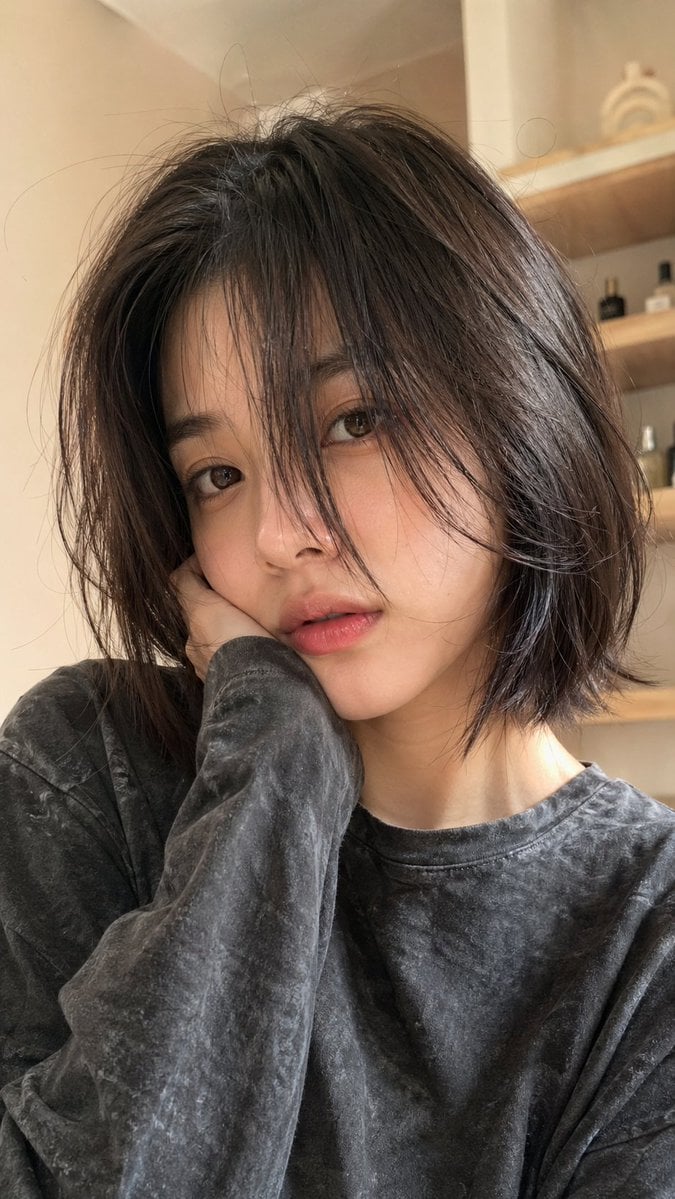
Hyper-Realistic Selfie Portrait

X Chatgptpaglu Gpt Image 2 on Yapper So
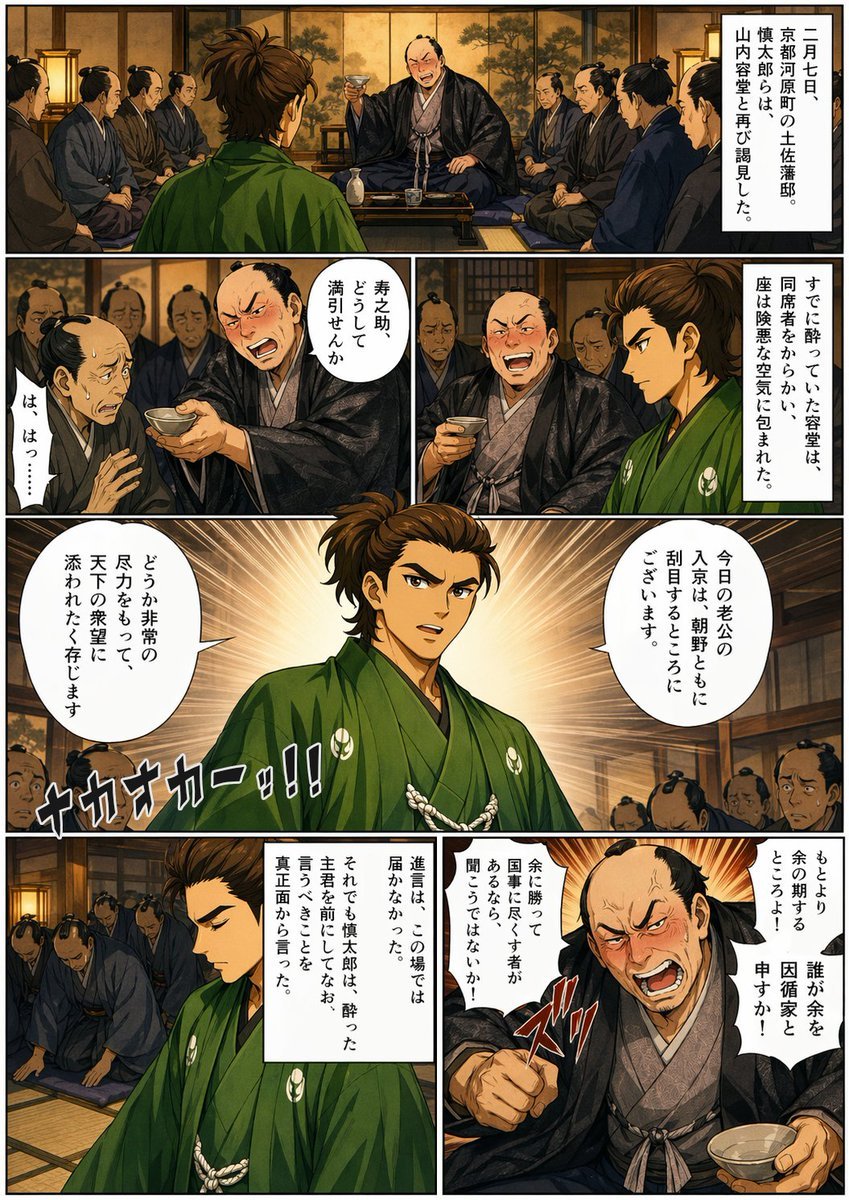
Bakumatsu Confrontation Manga Page
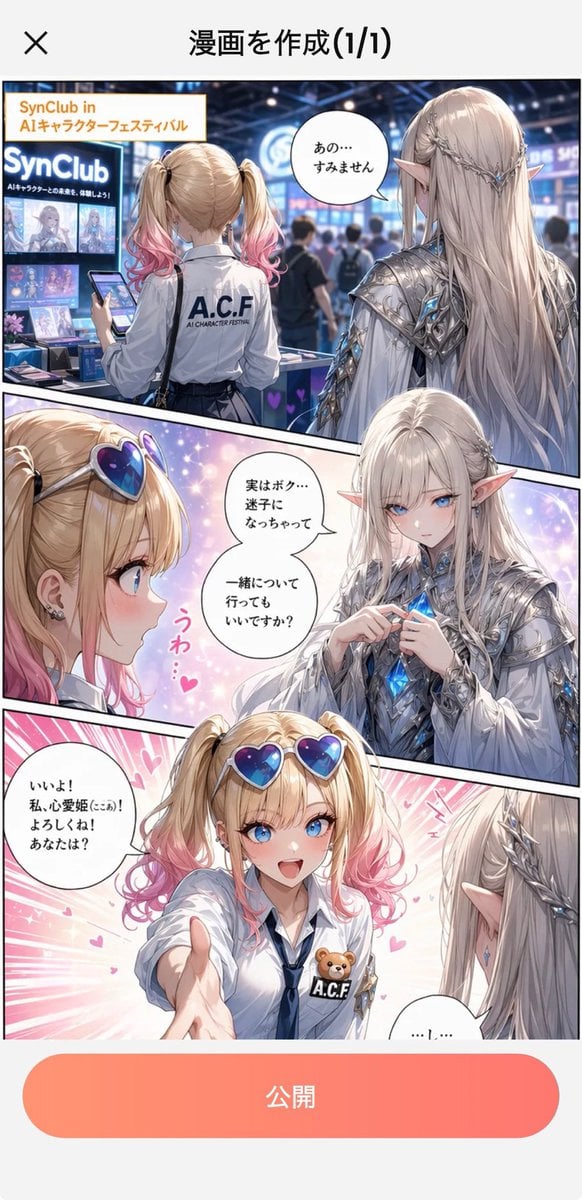
Japanese Manga Creation App Screenshot
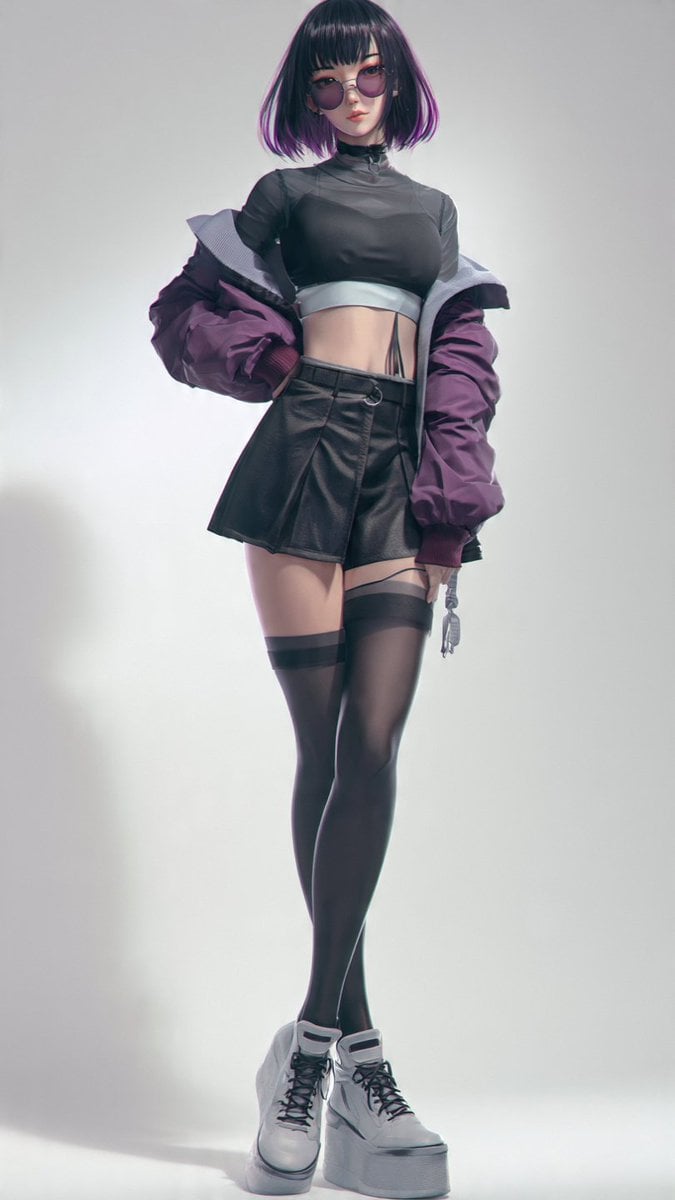
Anime Cyber Streetwear Full-Body Portrait
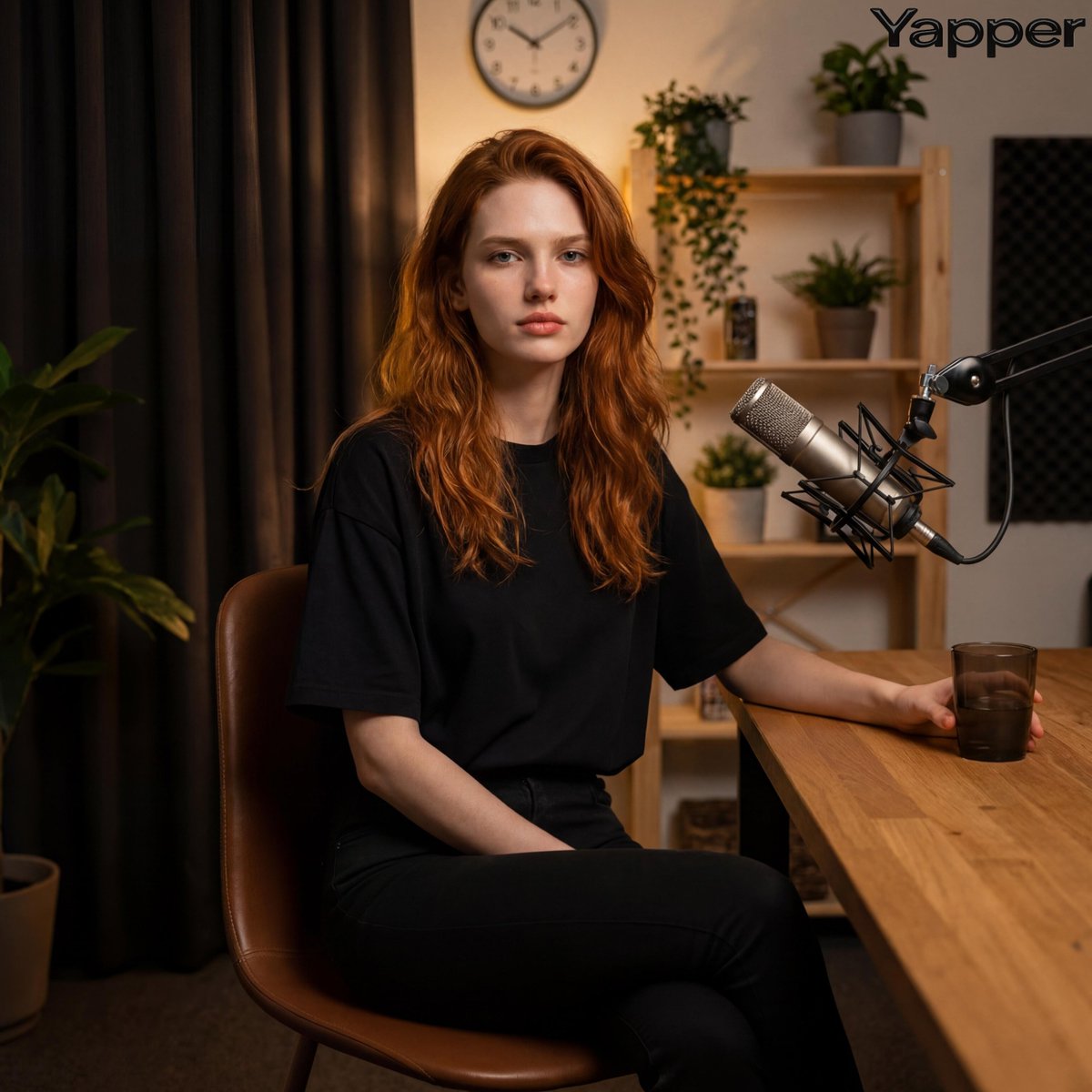
Photorealistic Portrait in a Warm Recording Studio
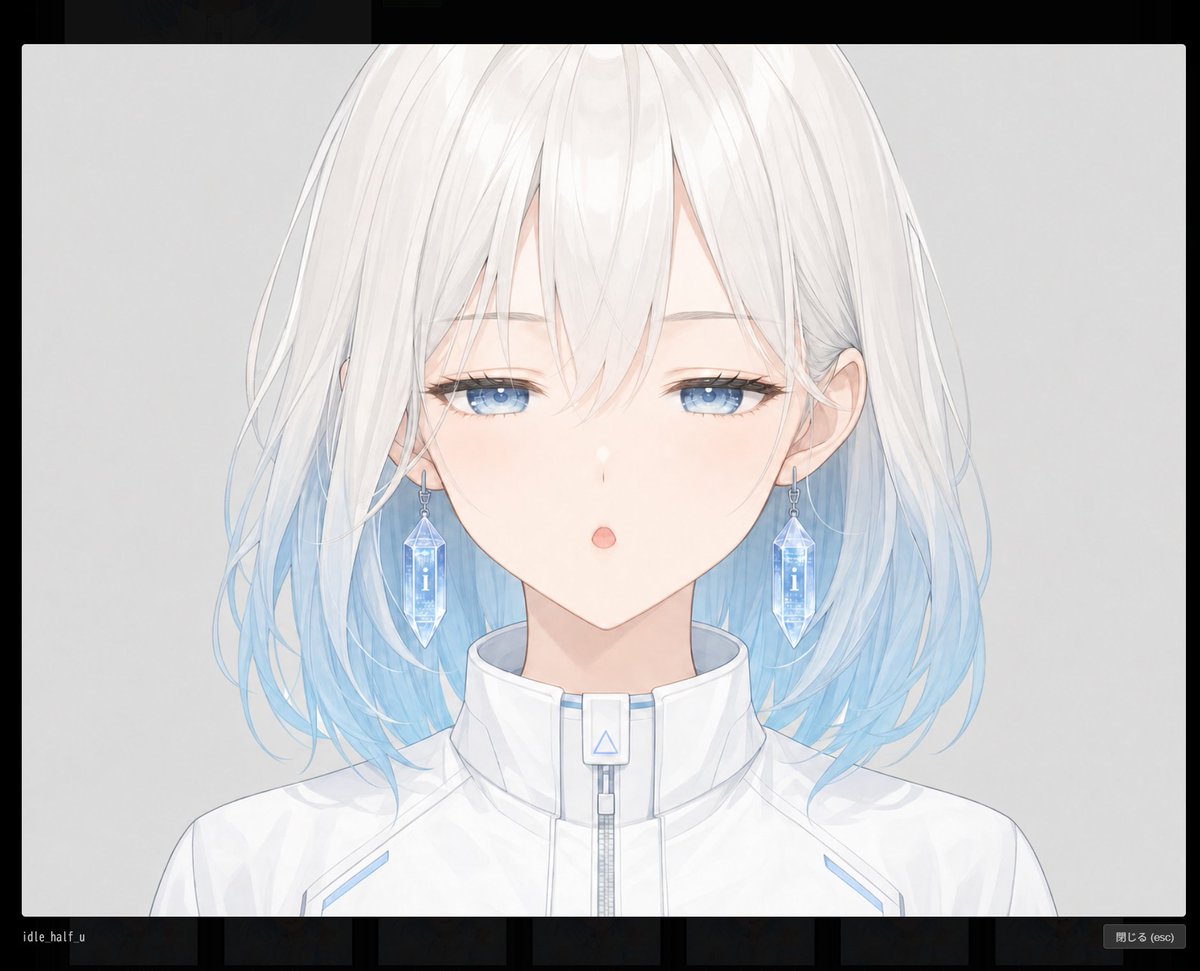
Anime Face Mask Portrait Template
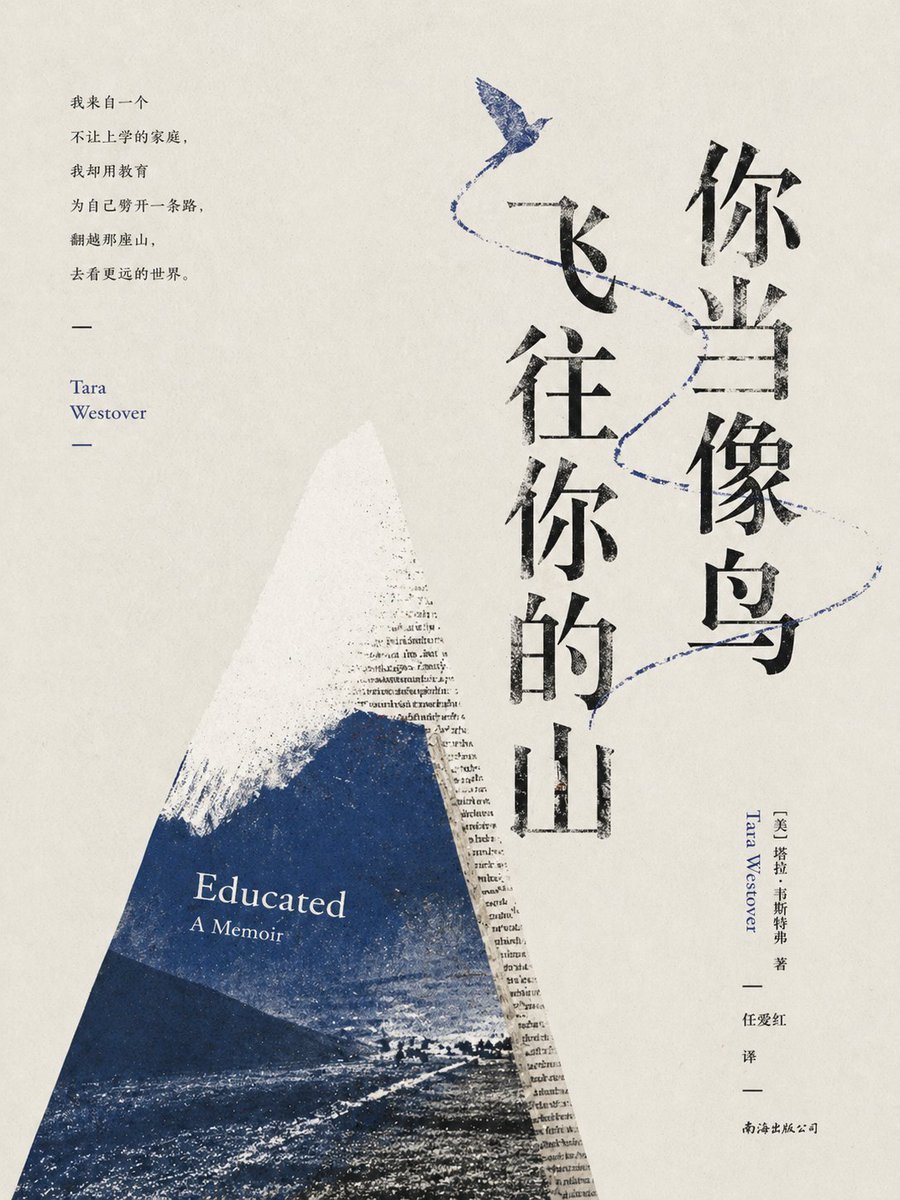
Minimalist Literary Cover for Educated
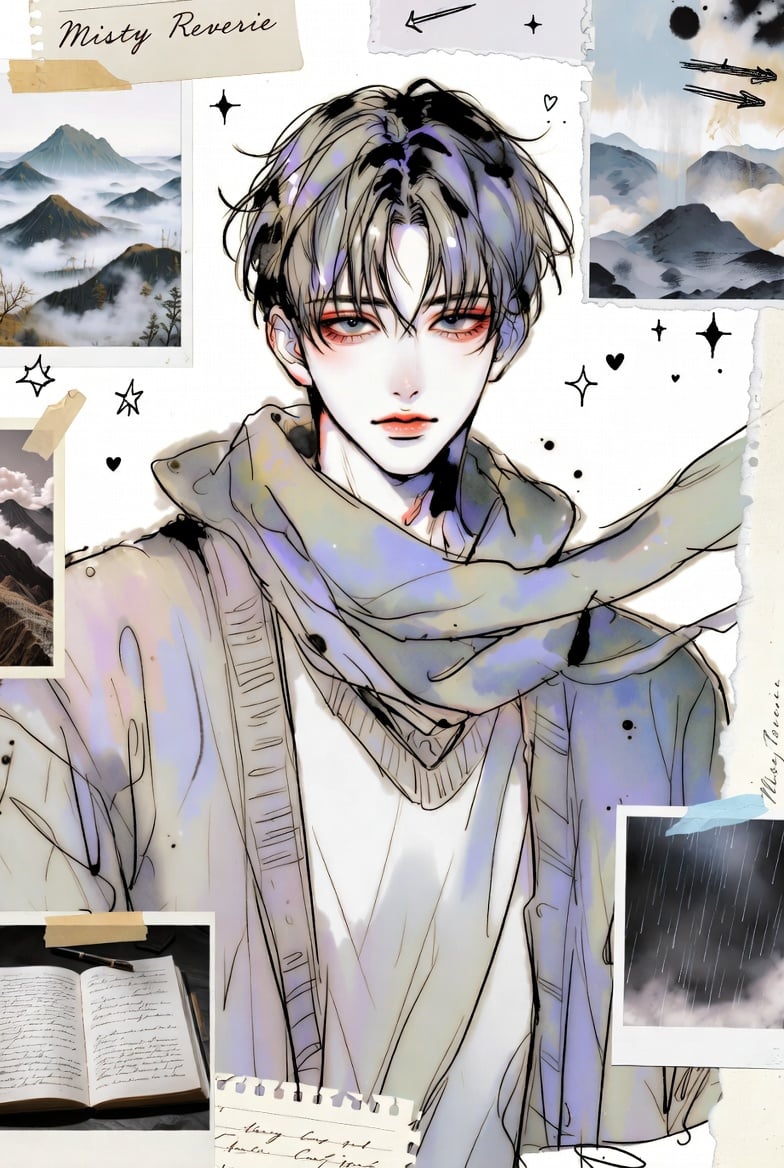
Dual-Panel Anime and Beach Scrapbook
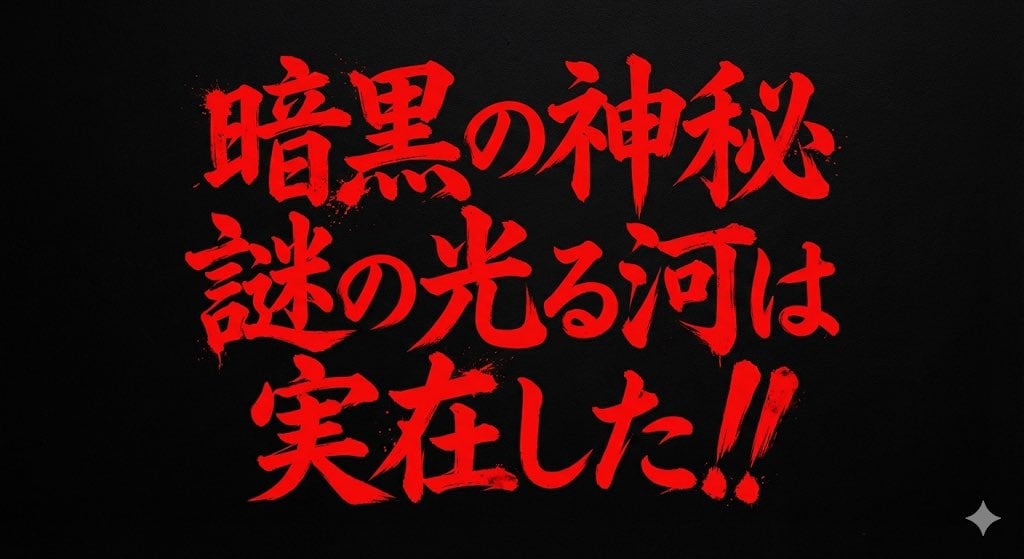
Horror-Style Text Banner Prompt (Kawakuchi Hiro Exploration Team Style)
Browse template categories
Soft Hours Weekend Magazine Cover questions
How do I use the Soft Hours Weekend Magazine Cover template?
Add your photo if the template asks for one, edit the prompt if you like — the template's model and format are already selected — and press Generate. Your version opens in PicX Studio.
Can I customize the Soft Hours Weekend Magazine Cover template?
Yes. You can change the subject, setting, lighting, mood, format, and available model controls before creating your image.
Is the Soft Hours Weekend Magazine Cover template free?
Opening and editing this template is free. Generating uses credits, shown on the Generate button when you are signed in.
Which AI model should I use?
Start with GPT Image 2, which is the model associated with this template. You can compare another compatible model for a different finish.
Looking for something else? Browse all templates.

Your photo, any look
Thousands of ready templates for every top image and video model, from one credit balance.