
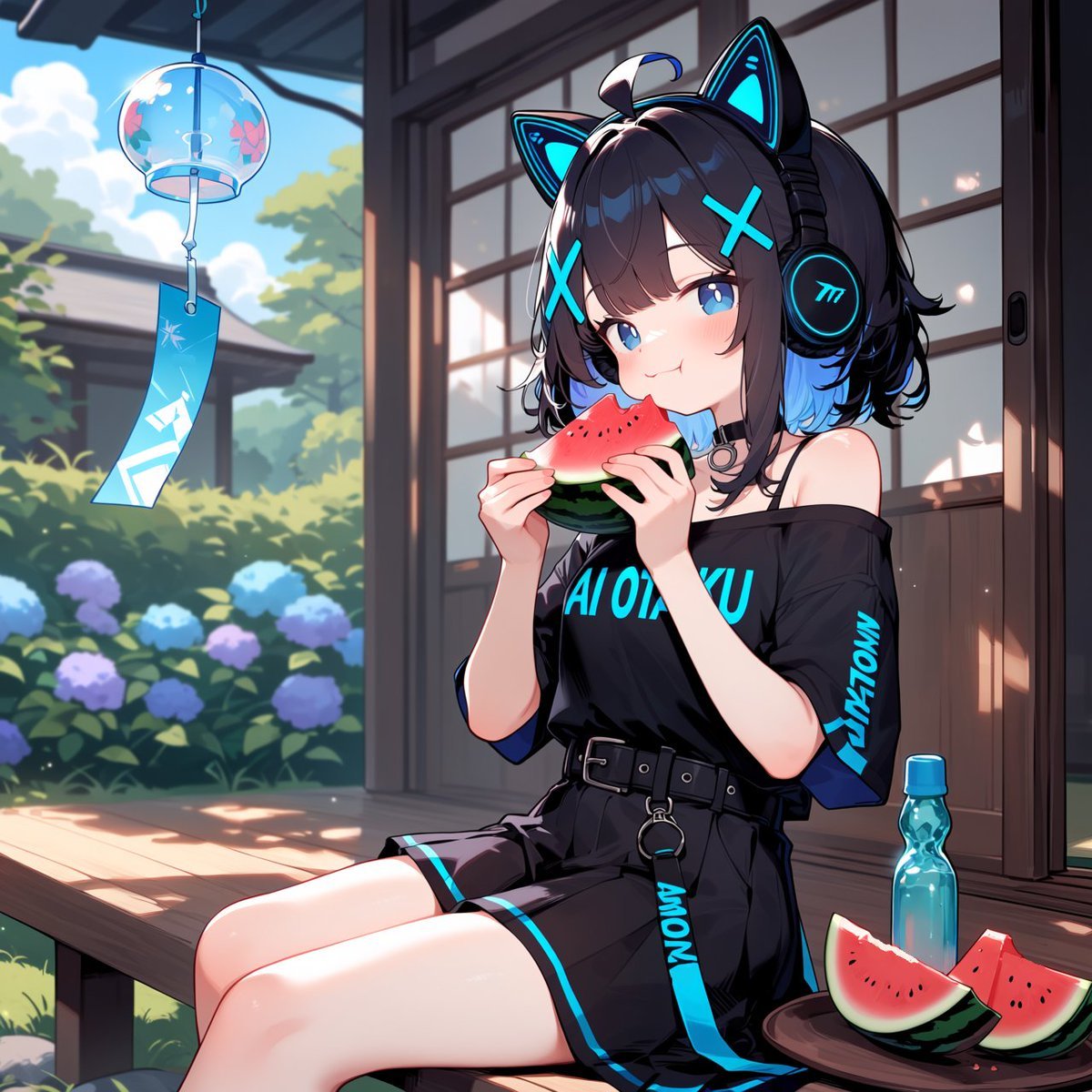
Cyber Cat-Ear Girl Eating Watermelon
A detailed anime summer veranda scene featuring a neon-accented cat-ear headphone girl enjoying watermelon beside a wind chime and garden.
- Prompt included
- Model and format preset
- Free template
The prompt behind this image
Copy the exact prompt behind Cyber Cat-Ear Girl Eating Watermelon, or open it in the studio and make it yours.
Create a polished anime-style summer illustration of {argument name="character name" default="a cute cyber cat-ear girl"} sitting on a wooden engawa veranda of a traditional Japanese house, eating a triangular slice of watermelon with both hands. She has short tousled {argument name="hair color" default="dark brown hair with bright cyan-blue inner tips"}, large blue eyes, soft blush, and a playful shy smile. She wears oversized black futuristic headphones with glowing cyan cat ears, cyan X-shaped hair clips, a black choker, and an off-shoulder black streetwear T-shirt with bright cyan techno lettering, paired with a black belted skirt/shorts outfit with cyan trim and dangling strap details. The visible outfit pieces should include exactly 7 notable elements: cat-ear headphones, two cyan X hair clips, black choker, off-shoulder graphic shirt, wide black belt, dangling cyan strap/keyring, and black skirt/shorts with cyan edging. Place her in three-quarter view, seated with bare legs angled toward the viewer, warm sunlight and soft shadows across the veranda floor. To her right, include a small round side table holding exactly 3 items: one blue plastic soda bottle and two watermelon wedges. To her left, hang a transparent glass wind chime with a blue paper strip decorated in white geometric markings, gently swaying near the roof eave. The background shows sliding wooden glass doors, a lush garden with green trees and hydrangea bushes in blue and purple, and a bright blue summer sky with fluffy clouds. Use vivid cel-shaded anime rendering, crisp line art, glossy highlights, cyan neon accents, shallow depth of field, high detail, square composition, bright cheerful atmosphere, no watermark, no extra characters, no extra text beyond stylized unreadable clothing graphics.
How to use Cyber Cat-Ear Girl Eating Watermelon in 3 steps
- 1Upload ImagePNG, JPG or paste
Add your photo
Upload the photo the template builds on. The prompt, model and format are already set.
- 2…a portrait of your subject in softgolden-hour light, 85mm…
Personalize
Edit the subject and creative details for your destination.
- 3Generate
Generate
Press Generate — your image is created in PicX Studio, so you can compare it with the original and refine one variable at a time.
More like this
Templates with the same subject, style or setup. Open one to see its prompt.

Cat-Eared Kimono Girl

Rainy Cat-Ear Girl with Kitten

Sleepy Cat-Eared Anime Girl

Anime Girl Eating Pineapple

Teen Girl Alpine Lake Mountain View

Obscured Cyberpunk Girl Poster

Neon Chibi Girl Eating Ramen

Anime Catgirl in Chinese Ink Landscape
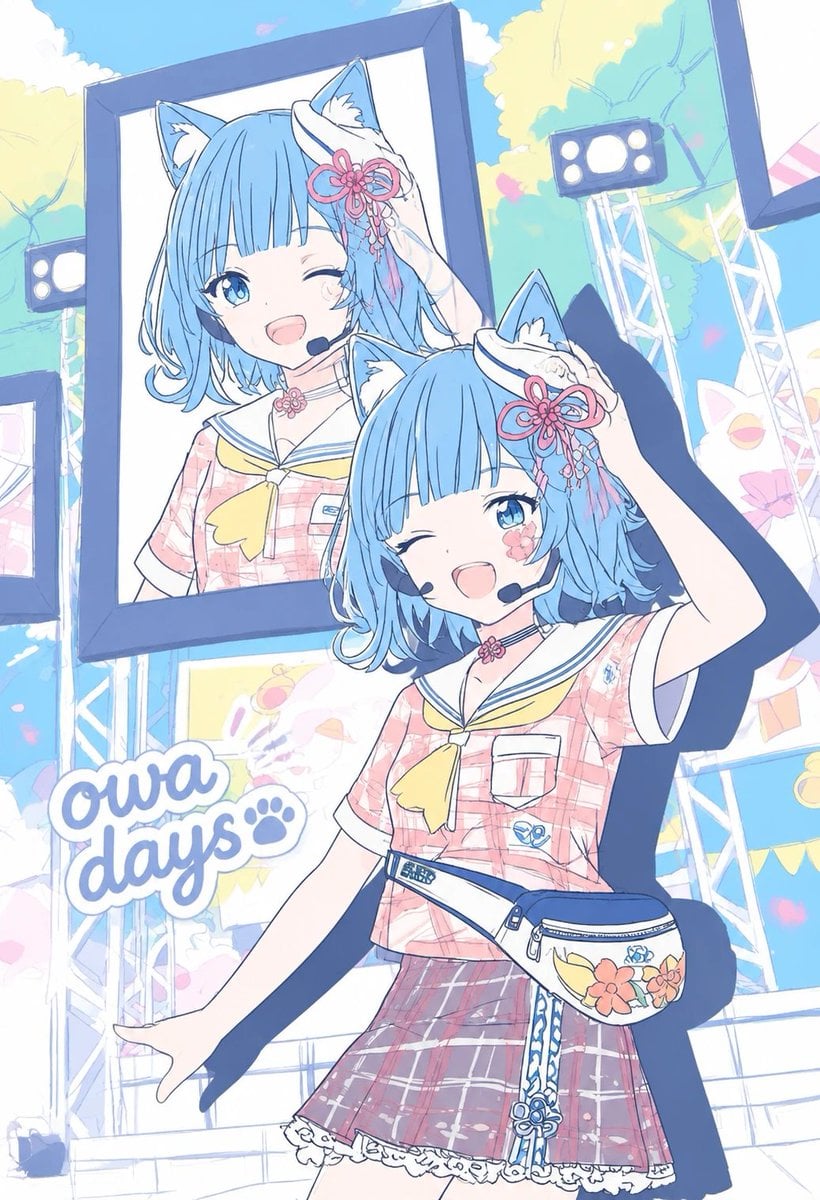
Pastel Cat-Eared Summer Idol Stage

Cat-Eared Adventurer Gear Maintenance

Cat-Eared Maid Emote Sticker Sheet

Cat-Eared Gynoid Spec Poster
Make it yours
Cyber Cat-Ear Girl Eating Watermelon works as-is. These are the safest ways to change it without losing the look.
Change one field
Copy a single group, rewrite it, and generate again so you can see what that field is doing.
Keep the frame, change the subject
Hold the composition and light of Cyber Cat-Ear Girl Eating Watermelon, then swap wardrobe, props or the person for a new take.
| If the result… | Why | Fix |
|---|---|---|
| The result drifts from the preview | Too many fields changed at once. | Reuse Cyber Cat-Ear Girl Eating Watermelon as-is first, then change one group — subject, light, or setting. |
| The model over-stylizes the scene | The prose prompt leaves finish and camera underspecified. | Add one camera or lighting sentence and stay on GPT Image 2. |
More GPT Image 2 templates
Other prompts made for GPT Image 2.

Six VTuber Japanese Logo Sheet

Realistic Portrait of Woman and Deer

The Vista Modular Condo Poster

AI Model Routing Comparison Infographic

2.5D Anime Art Board

Isometric Productivity Desk Scene

New York Double Exposure Poster

Four-Panel AI Landscape Comparison

Japanese Tatami Lifestyle Magazine Cover

NESCAFÉ Coffee Map Poster
More image prompts
Fresh picks from across the catalog.

Candid 35mm Film Aesthetic Portrait with Donut Prompt for Gemini Nano Banana Pro

Social Media Pet Avatar Creator

Casual Young Man in Luxury Car Interior

Cinematic Portrait with Dramatic Red Lighting

Manga History Poster About Okehazama

Casual Skincare Vanity Portrait

Premium Sports Editorial Collage
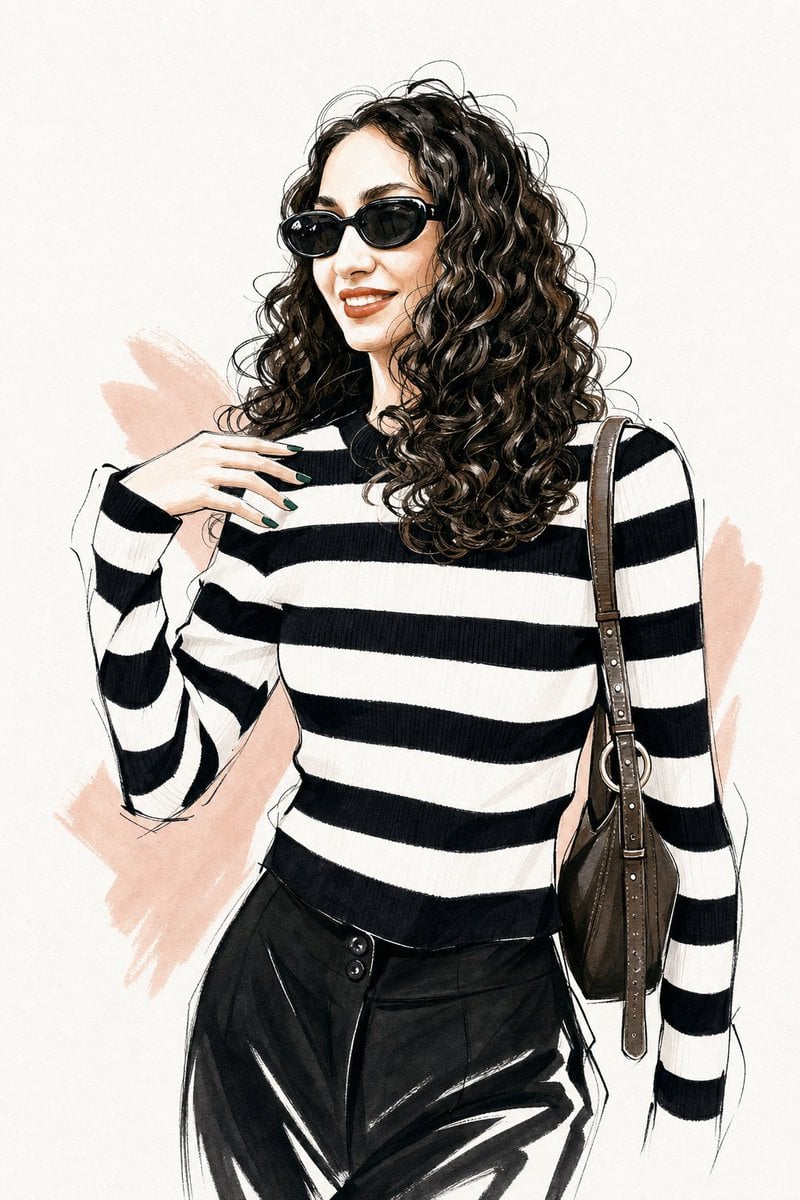
Vogue Style Fashion Illustration
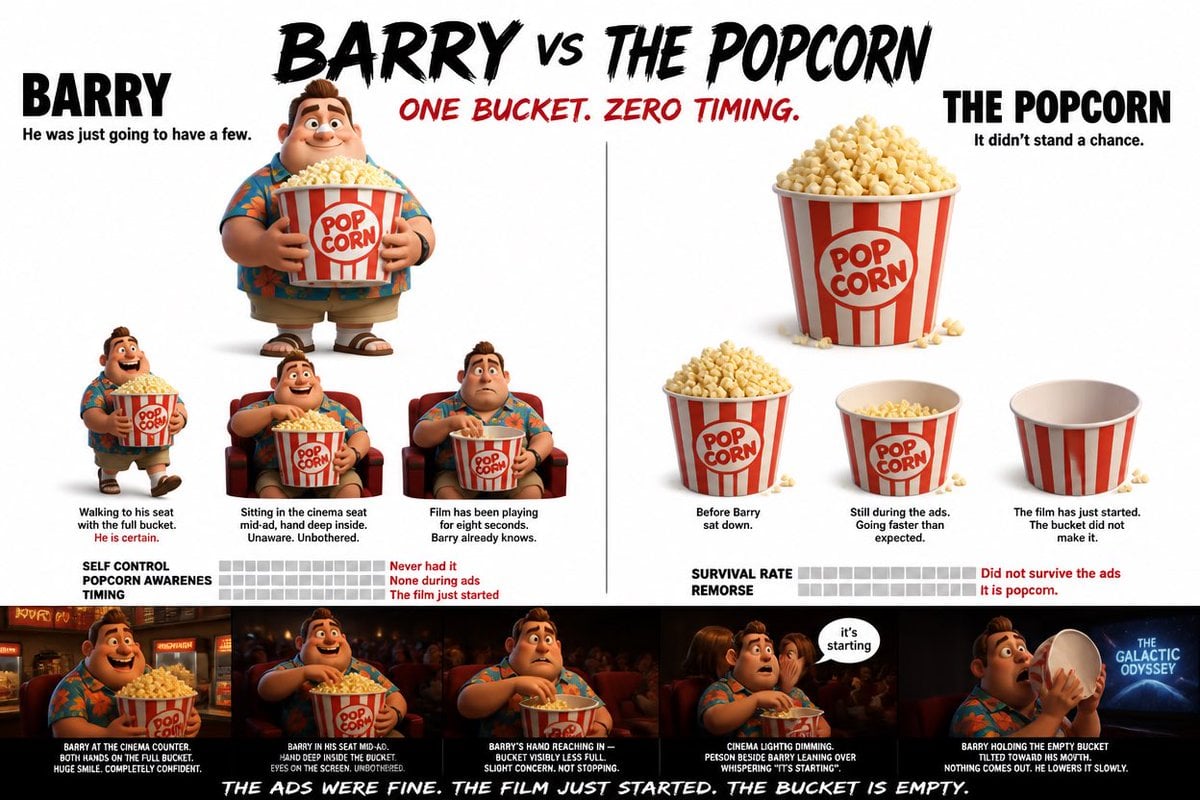
Pixar Style Character Storyboard

Street Art Style Portrait of a Man with Face Preservation
Browse template categories
Cyber Cat-Ear Girl Eating Watermelon questions
How do I use the Cyber Cat-Ear Girl Eating Watermelon template?
Add your photo if the template asks for one, edit the prompt if you like — the template's model and format are already selected — and press Generate. Your version opens in PicX Studio.
Can I customize the Cyber Cat-Ear Girl Eating Watermelon template?
Yes. You can change the subject, setting, lighting, mood, format, and available model controls before creating your image.
Is the Cyber Cat-Ear Girl Eating Watermelon template free?
Opening and editing this template is free. Generating uses credits, shown on the Generate button when you are signed in.
Which AI model should I use?
Start with GPT Image 2, which is the model associated with this template. You can compare another compatible model for a different finish.
Looking for something else? Browse all templates.

Your photo, any look
Thousands of ready templates for every top image and video model, from one credit balance.