
Pastel Flower Sticker-Stamp Toy
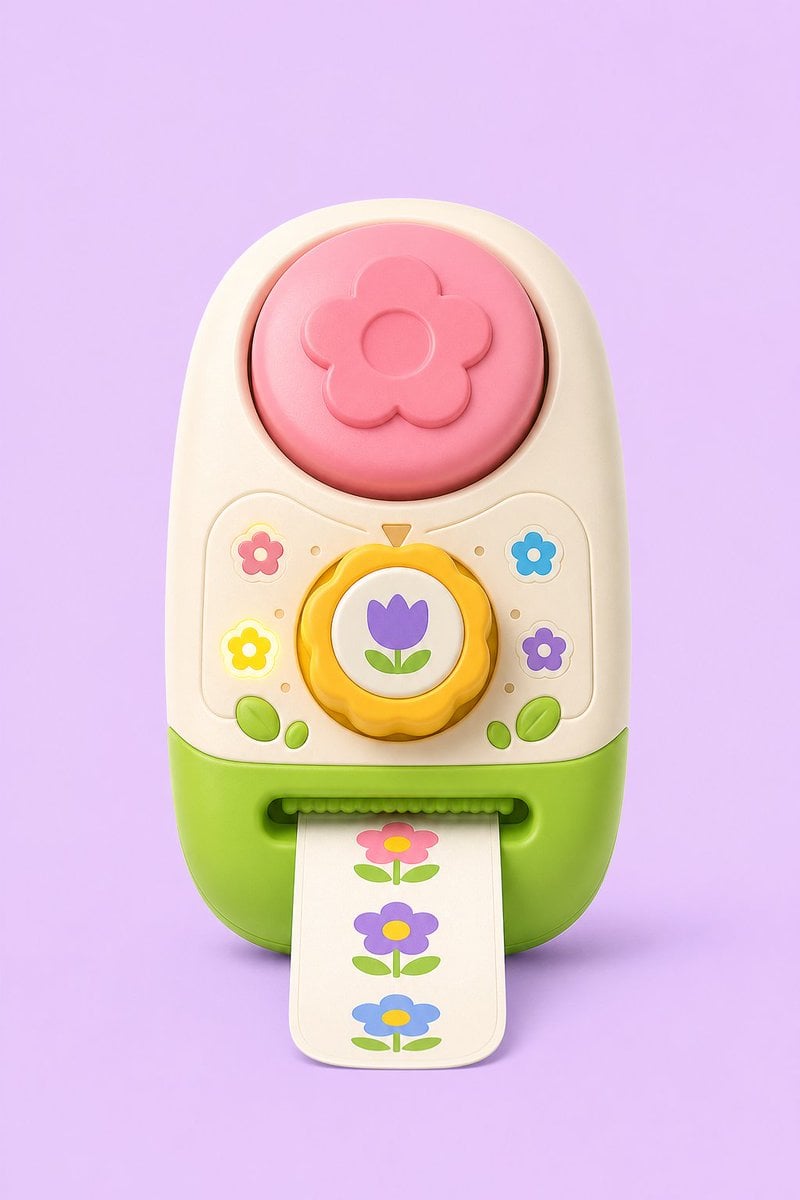
A cute 3D game concept render of a pastel flower-themed toy sticker-stamp printer for product or prop design inspiration.
- Prompt included
- Model and format preset
- Free template
The prompt behind this image
Copy the exact prompt behind Pastel Flower Sticker-Stamp Toy, or open it in the studio and make it yours.
Create a polished 3D concept-art product render of a cute toy sticker-stamp printer shaped like a rounded vertical capsule, centered on a soft pastel lavender background. The toy has a cream upper body and bright lime-green lower base, with glossy molded plastic, rounded bevels, soft studio lighting, and subtle contact shadow. At the top is one large circular pink push button embossed with a simple five-petal flower and a raised circular center. In the middle is one yellow scalloped rotary dial with a white circular face showing a purple tulip icon with two green leaves, and a small orange triangular pointer above it. Around the dial are exactly four small flower icons: pink flower at upper left, blue flower at upper right, glowing yellow flower at lower left, and purple flower at lower right, plus small decorative dot indicators and two pairs of green leaf buttons near the bottom corners. At the front bottom is a horizontal sticker slot with a green ridged roller edge, feeding out one cream paper strip with rounded corners. The strip shows exactly three printed flower stickers stacked vertically: pink flower with yellow center at top, purple flower with yellow center in the middle, and blue flower with yellow center at bottom, each with green leaves and stem. Use a playful toy-study aesthetic for {argument name="product type" default="sticker-stamp toy"}, pastel palette with {argument name="background color" default="lavender"}, cream plastic body, {argument name="base color" default="lime green"}, {argument name="top button color" default="pink"}, and {argument name="dial icon" default="purple tulip"}. No text, no logo, no watermark, no hands, no extra accessories, front-facing view, high-detail smooth plastic render suitable for game concept art.
How to use Pastel Flower Sticker-Stamp Toy in 3 steps
- 1Upload ImagePNG, JPG or paste
Add your photo
Upload the photo the template builds on. The prompt, model and format are already set.
- 2…a portrait of your subject in softgolden-hour light, 85mm…
Personalize
Edit the subject and creative details for your destination.
- 3Generate
Generate
Press Generate — your image is created in PicX Studio, so you can compare it with the original and refine one variable at a time.
More like this
Templates with the same subject, style or setup. Open one to see its prompt.
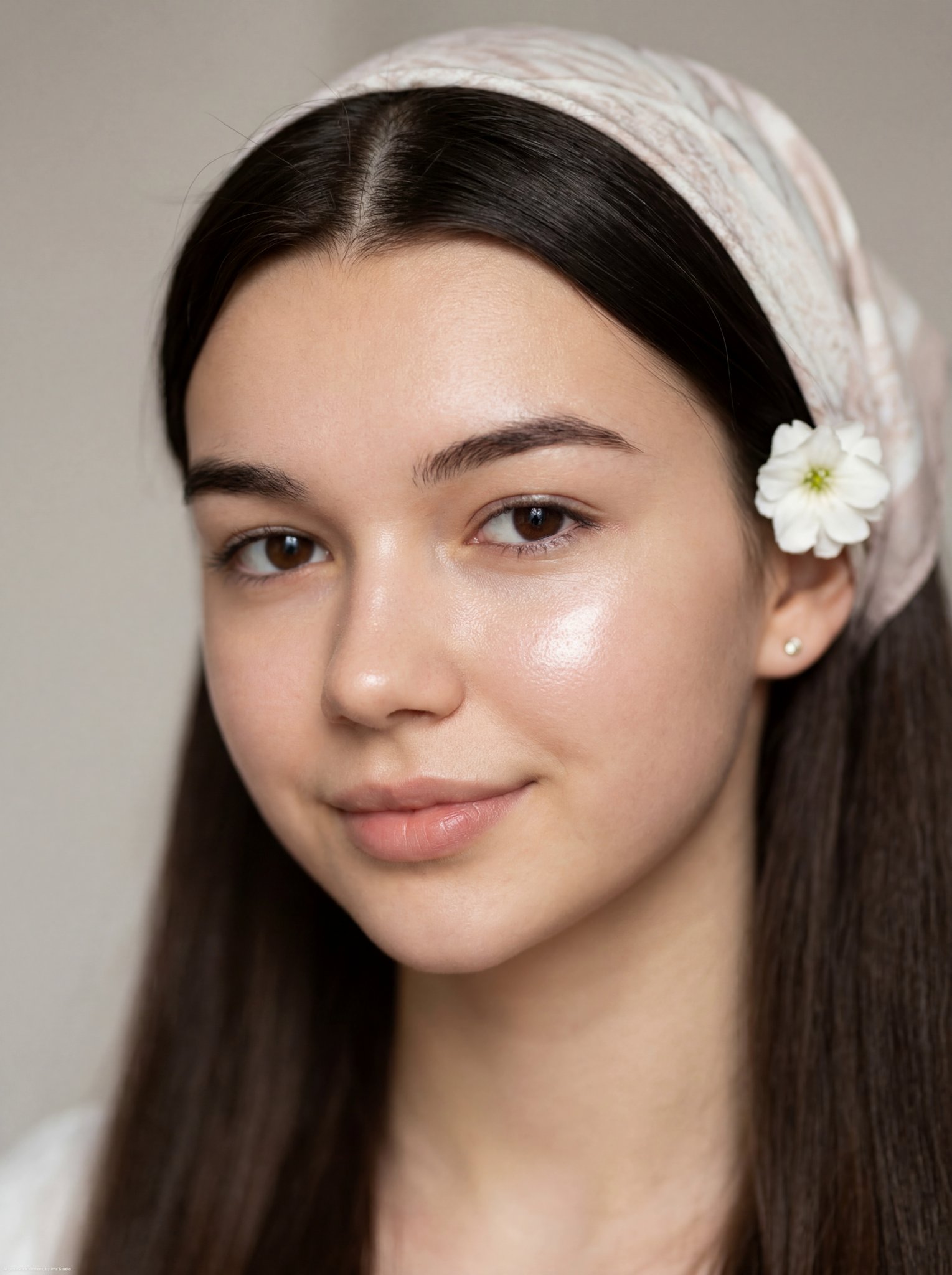
Glass Skin Beauty Portrait — Soft Pastel Nano Banana

Felt & Knit 3D Character — Photo-Exact Face, Pixar-Quality Plush Figurine
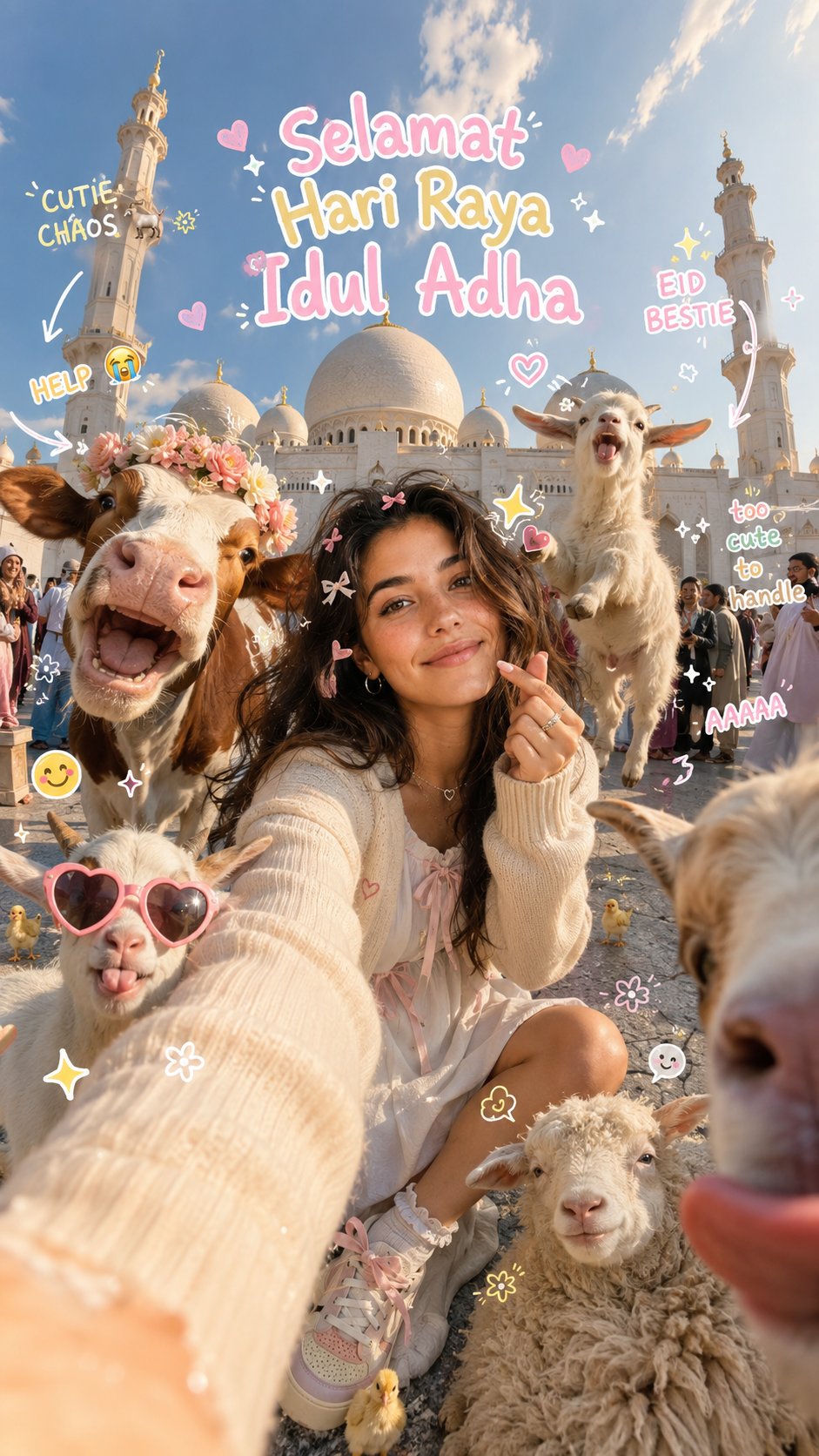
Eid al-Adha Cute Chaos — Fisheye Selfie with Farm Selfie, Mosque & Animals
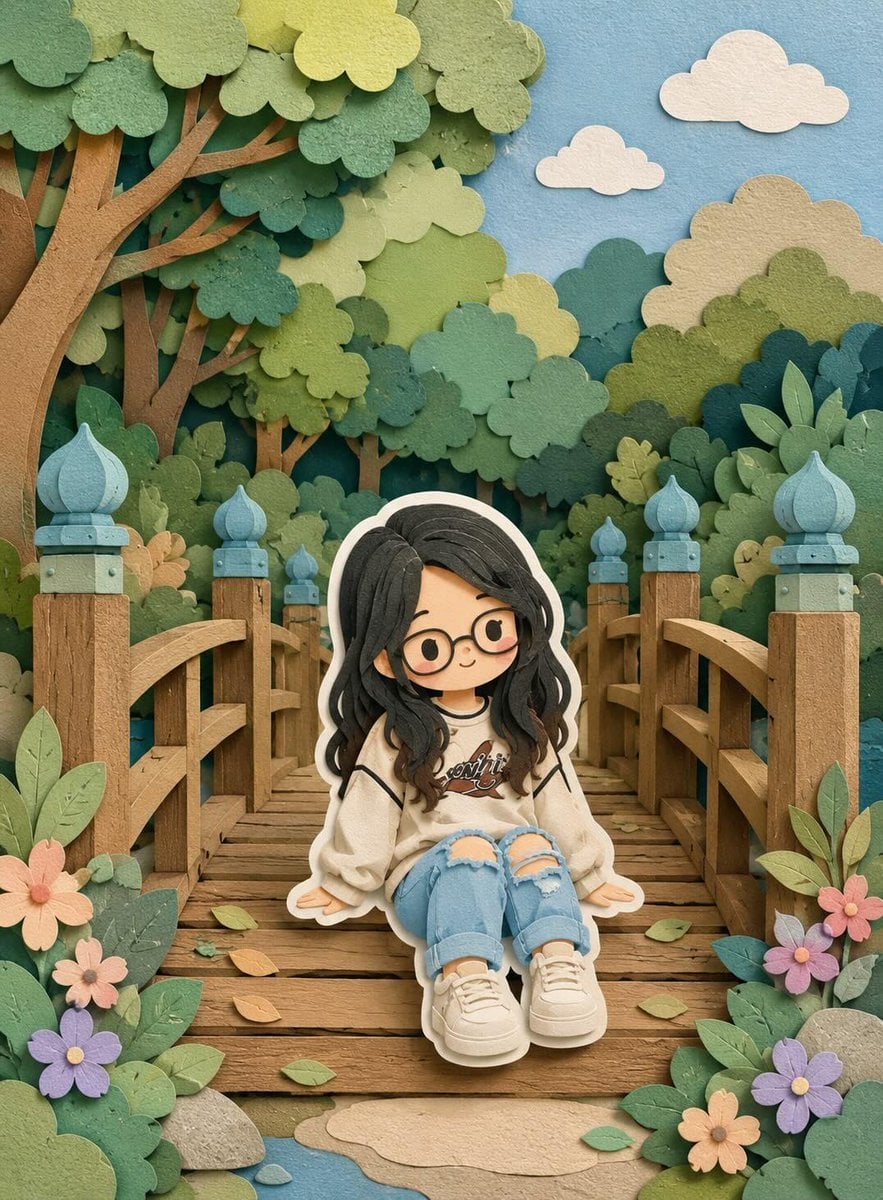
Cute Layered Paper Cut Chibi Girl
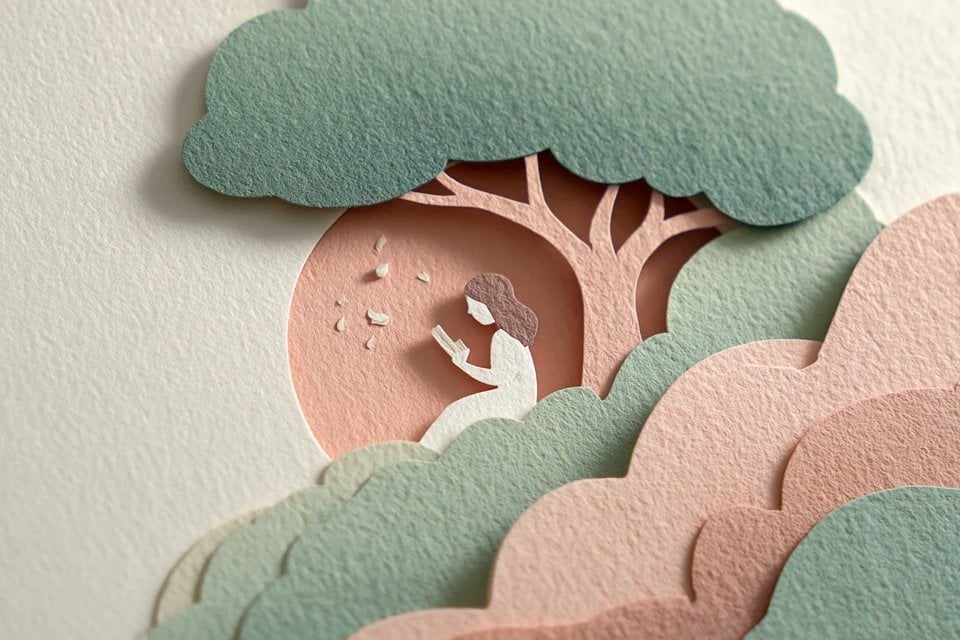
Layered Paper Cut Illustration Template
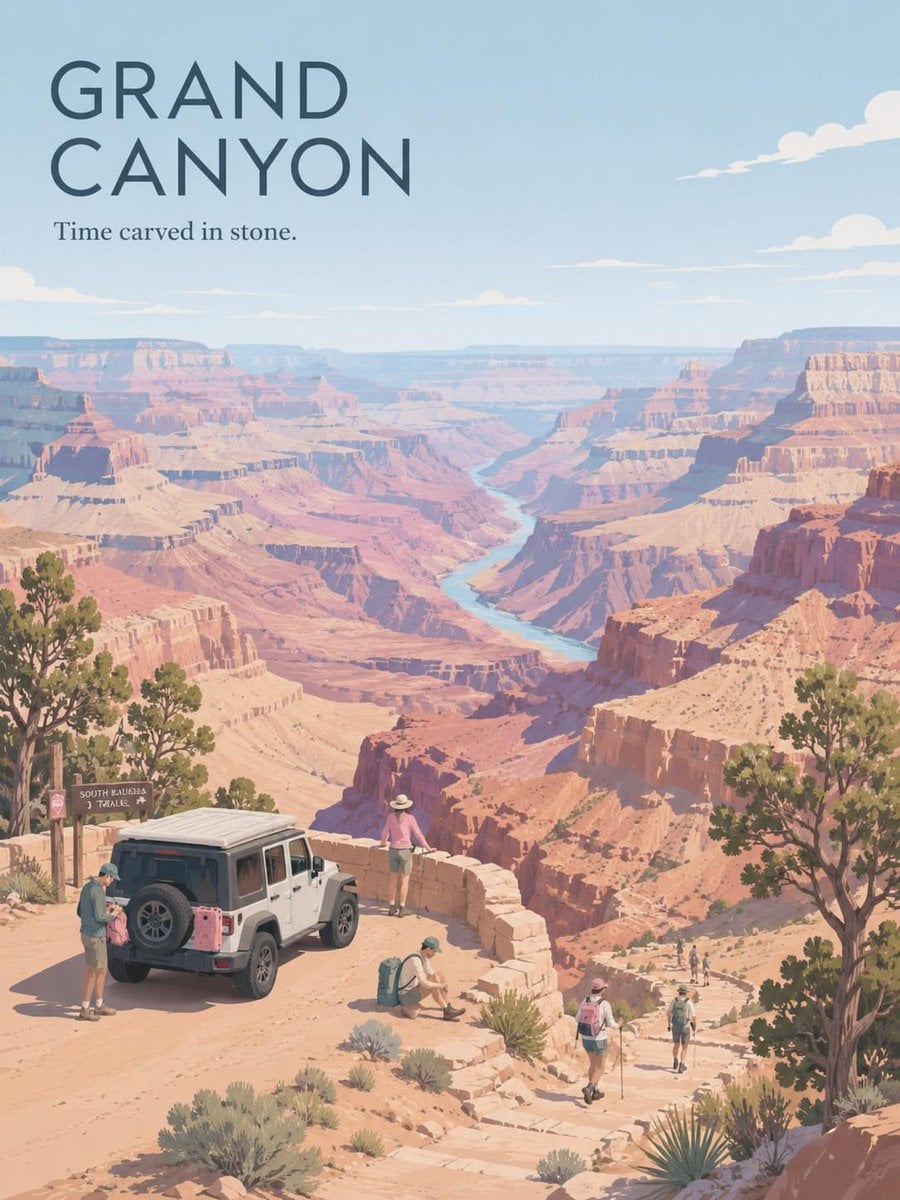
Premium Vintage Travel Poster Landscape

Quiet Minimalist Anime Style Guide
Premium Vintage Travel Poster Landscape

Pastel Fantasy Pagoda Mountain Landscape
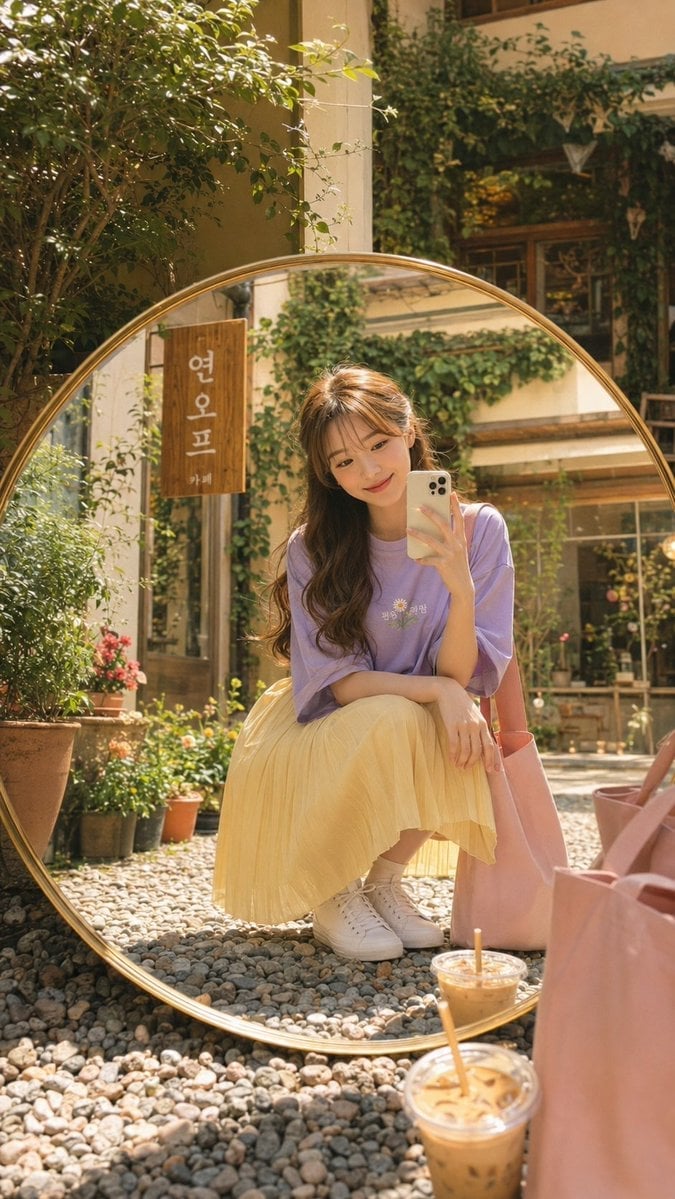
Korean Cafe Courtyard Gold Frame Mirror Selfie
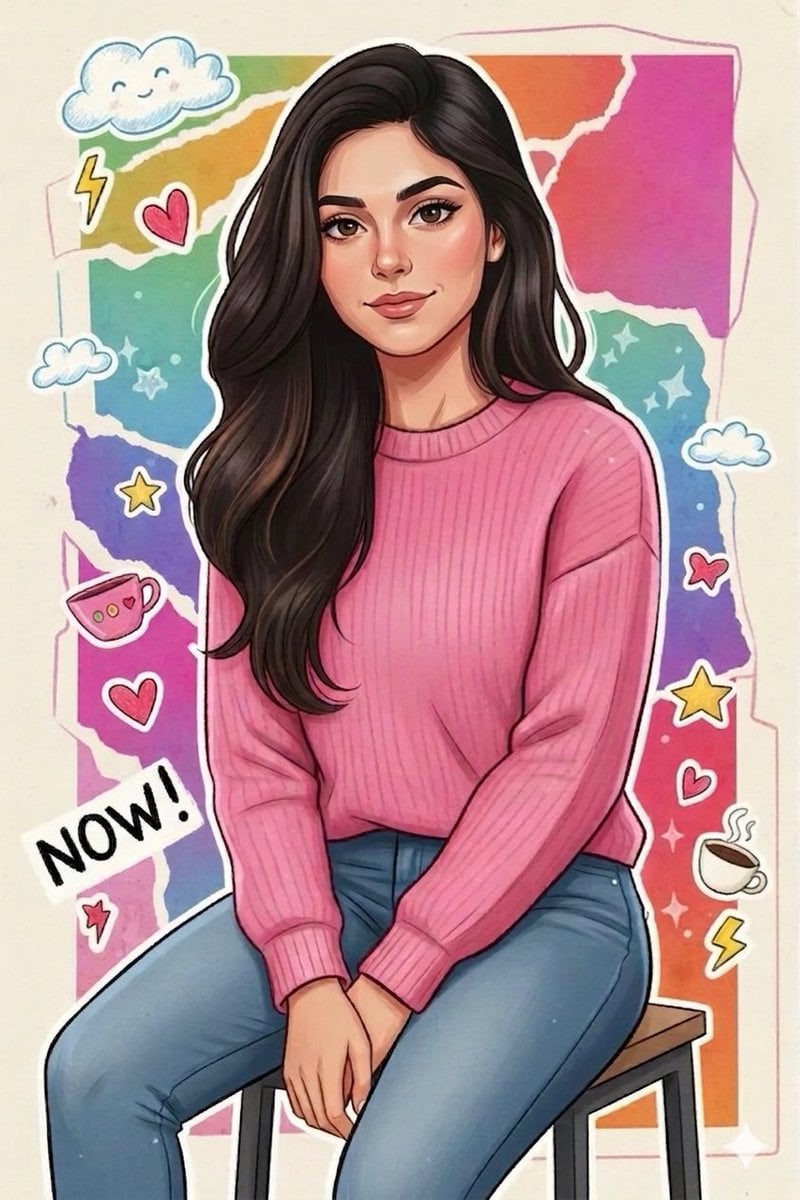
Sticker Art Style - Rainbow Girl
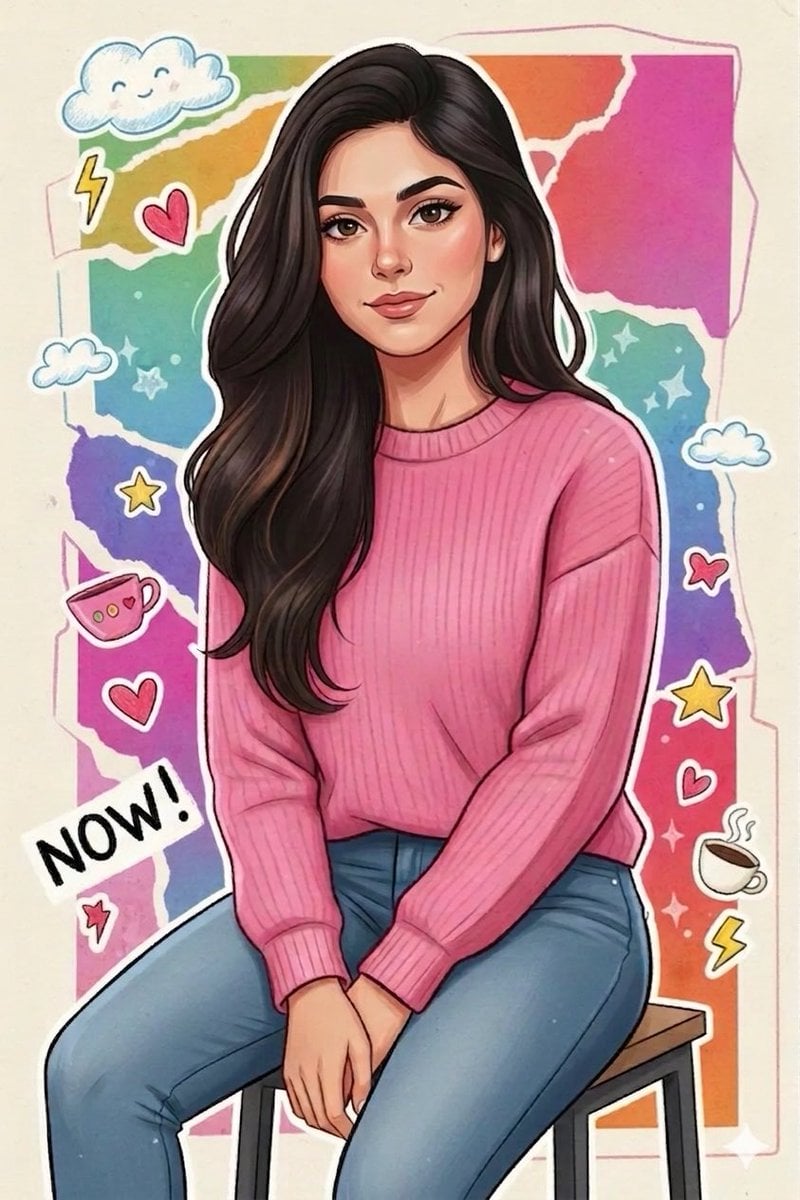
Sticker Art Style - Rainbow Girl v2
Make it yours
Pastel Flower Sticker-Stamp Toy works as-is. These are the safest ways to change it without losing the look.
Change one field
Copy a single group, rewrite it, and generate again so you can see what that field is doing.
Keep the frame, change the subject
Hold the composition and light of Pastel Flower Sticker-Stamp Toy, then swap wardrobe, props or the person for a new take.
| If the result… | Why | Fix |
|---|---|---|
| The result drifts from the preview | Too many fields changed at once. | Reuse Pastel Flower Sticker-Stamp Toy as-is first, then change one group — subject, light, or setting. |
| The model over-stylizes the scene | The prose prompt leaves finish and camera underspecified. | Add one camera or lighting sentence and stay on GPT Image 2. |
More GPT Image 2 templates
Other prompts made for GPT Image 2.

Six VTuber Japanese Logo Sheet

Realistic Portrait of Woman and Deer

The Vista Modular Condo Poster

AI Model Routing Comparison Infographic

2.5D Anime Art Board

Isometric Productivity Desk Scene

New York Double Exposure Poster

Four-Panel AI Landscape Comparison

Japanese Tatami Lifestyle Magazine Cover

NESCAFÉ Coffee Map Poster
More image prompts
Fresh picks from across the catalog.

Anime Phoenix Girl Ruins Scene
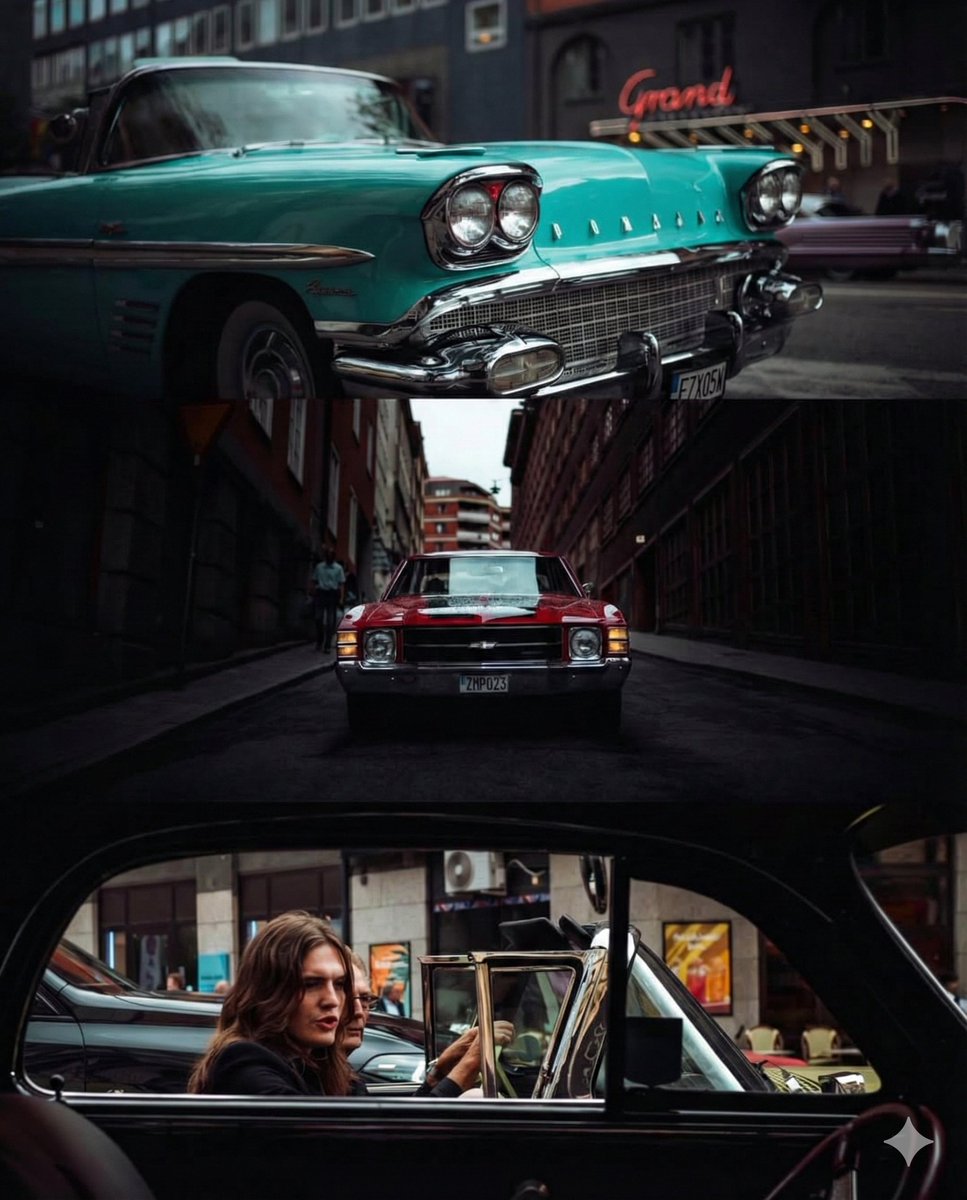
Triptych Collage of Vintage American Cars

Ultra-Photorealistic Winter Romance Portrait (JSON Format)

Cinematic Post-Apocalyptic Scene Generation Prompt

Luxury editorial portrait of a woman on a glass staircase
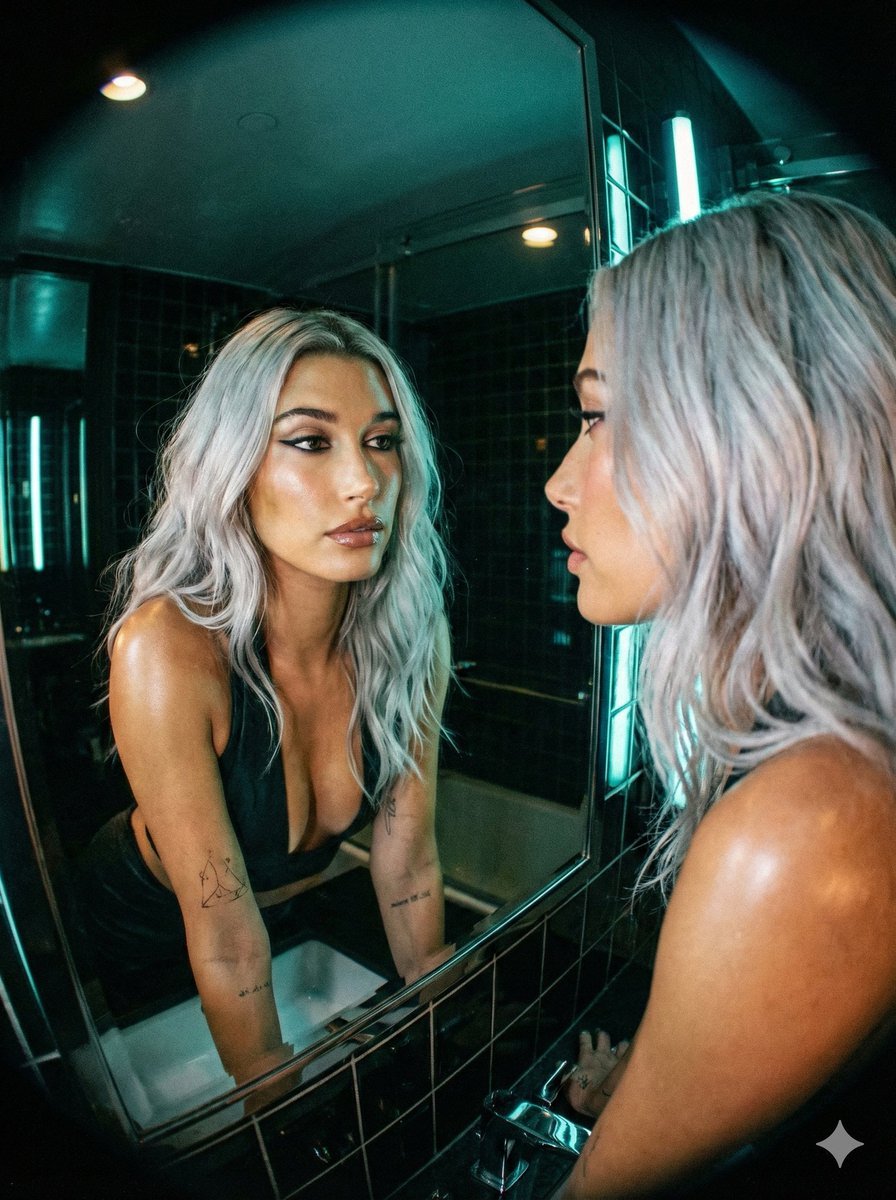
Neon Noir Wide-Angle Cinematic Portrait Prompt in JSON
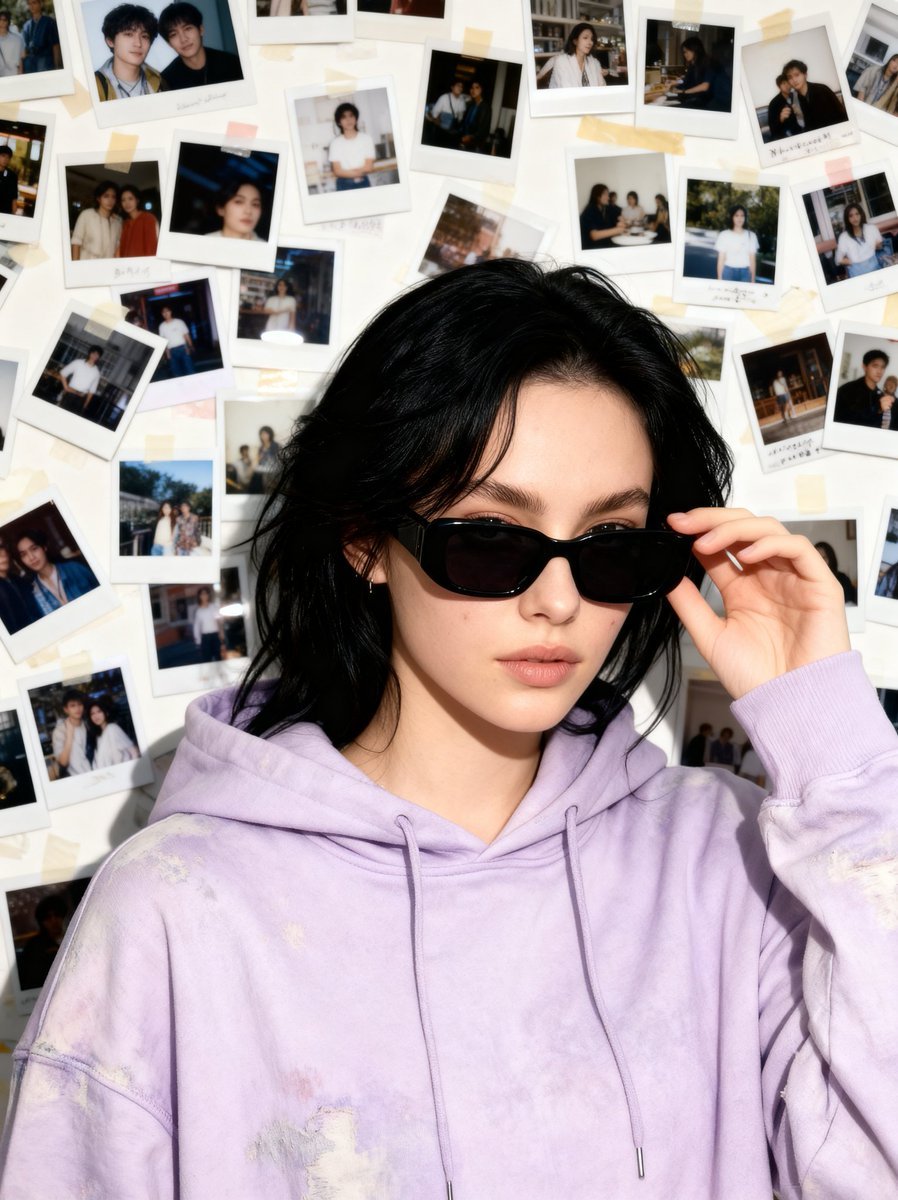
Nostalgic 90s Disposable Camera Snapshot

Japanese Cinematic Couple Portrait
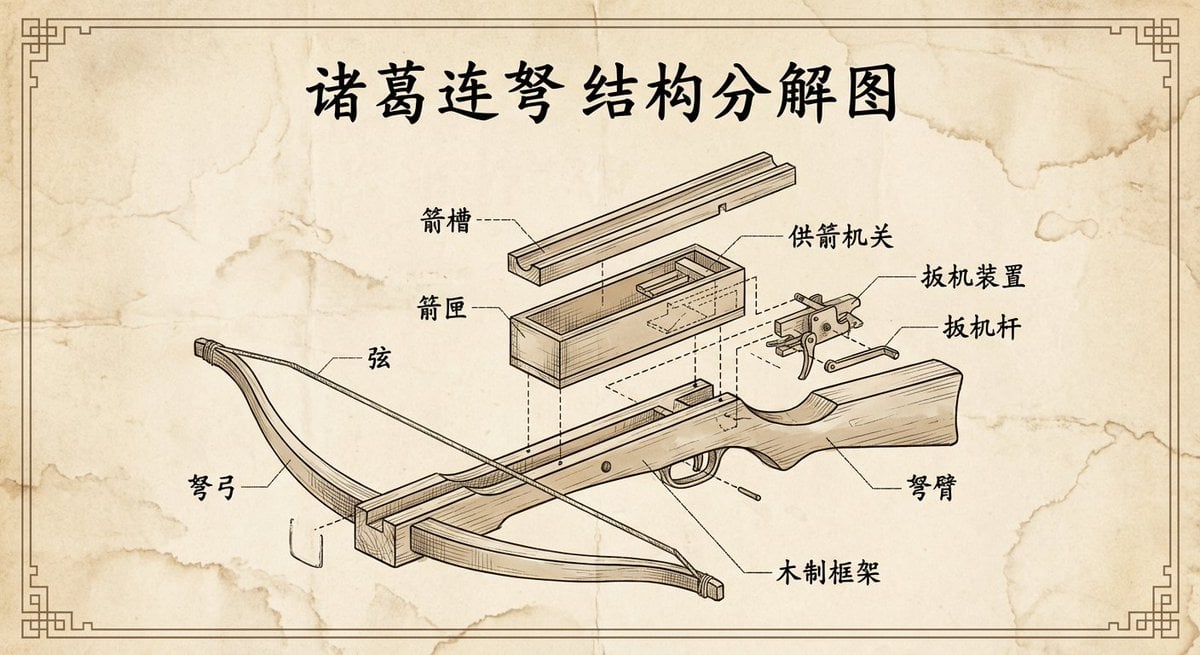
Vintage engineering exploded view of Zhuge repeating crossbow
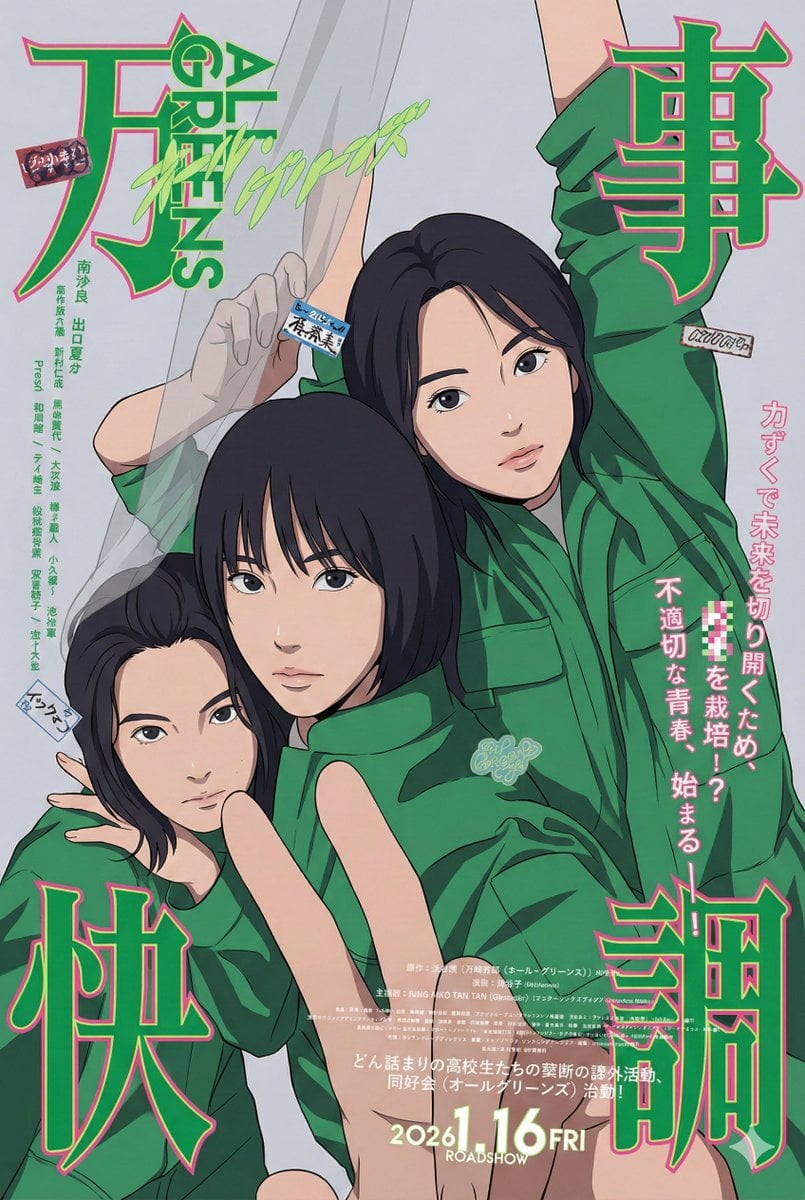
80s City Pop Illustration of Drama Characters
Browse template categories
Pastel Flower Sticker-Stamp Toy questions
How do I use the Pastel Flower Sticker-Stamp Toy template?
Add your photo if the template asks for one, edit the prompt if you like — the template's model and format are already selected — and press Generate. Your version opens in PicX Studio.
Can I customize the Pastel Flower Sticker-Stamp Toy template?
Yes. You can change the subject, setting, lighting, mood, format, and available model controls before creating your image.
Is the Pastel Flower Sticker-Stamp Toy template free?
Opening and editing this template is free. Generating uses credits, shown on the Generate button when you are signed in.
Which AI model should I use?
Start with GPT Image 2, which is the model associated with this template. You can compare another compatible model for a different finish.
Looking for something else? Browse all templates.

Your photo, any look
Thousands of ready templates for every top image and video model, from one credit balance.