
Miniature Forest Tea Party Doll
A dreamy macro-style 3D miniature scene of an anime doll girl enjoying a woodland tea party with tiny animals and picnic props.
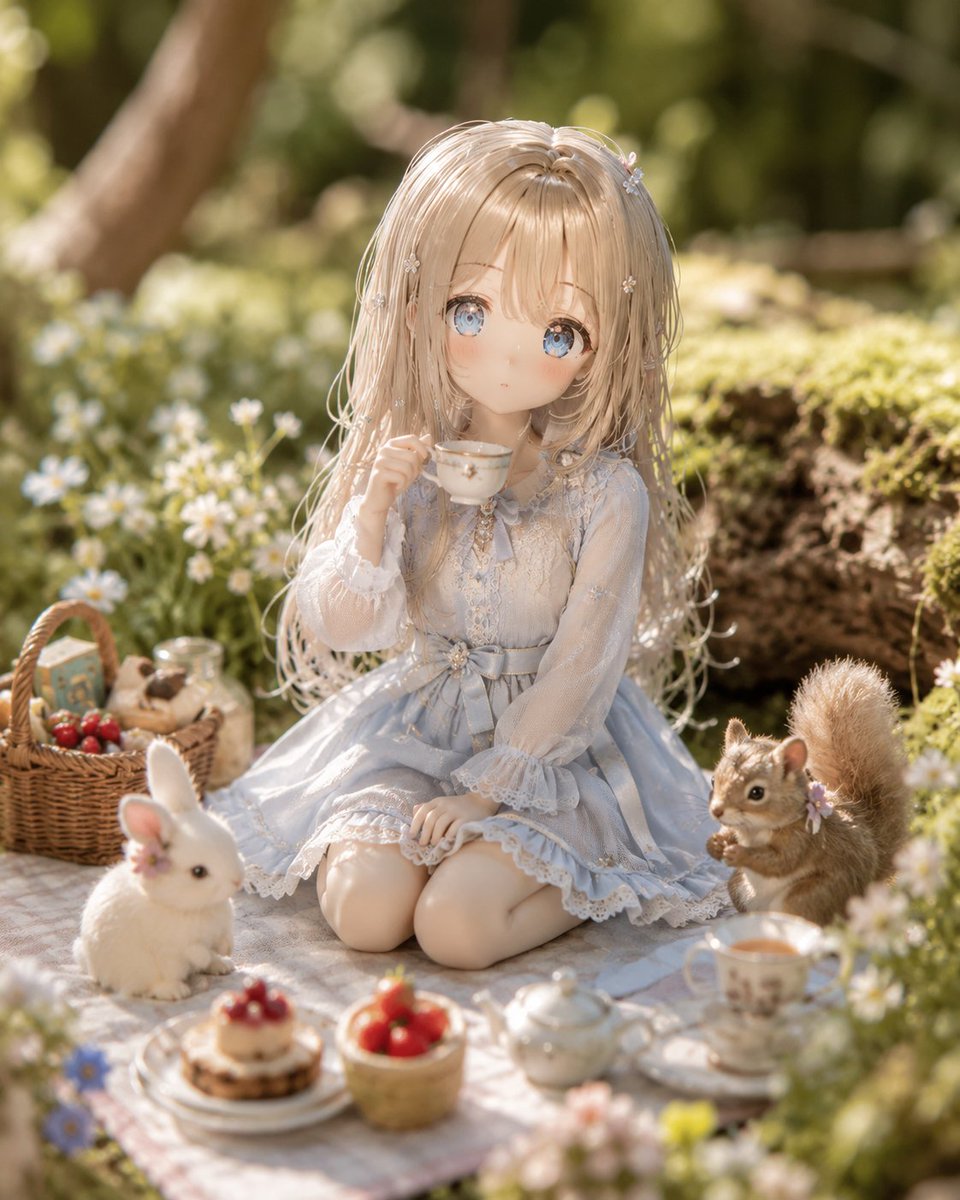
- Prompt included
- Model and format preset
- Free template
The prompt behind this image
Copy the exact prompt behind Miniature Forest Tea Party Doll, or open it in the studio and make it yours.
Create a highly detailed photorealistic 3D miniature diorama of a forest tea party featuring {argument name="character name" default="a delicate anime-style doll girl"} as the central subject. The scene is a square close-up composition in warm natural morning light, with shallow depth of field and soft bokeh from a mossy woodland background. The girl sits kneeling on a pale gingham picnic blanket, holding a tiny white teacup near her lips with a shy, calm expression. She has {argument name="hair color" default="long champagne-blonde hair"} with fine strands, soft bangs, tiny white flower hairpins, large glassy blue eyes, rosy cheeks, and porcelain doll skin. Dress her in {argument name="outfit" default="a pale powder-blue lace dress with translucent long sleeves, ruffled cuffs, lace hem, a ribbon waist bow, and small floral embellishments"}. Around her, include exactly 10 visible tea-party elements: 1 wicker picnic basket filled with treats and small boxes, 1 clear milk bottle, 1 white rabbit with a small pink flower by its ear, 1 brown squirrel holding a nut with a tiny purple flower near its ear, 1 teapot, 1 floral teacup on a saucer, 1 small cake topped with red berries on a plate, 1 small basket of strawberries, 1 white plate stack beneath the cake, and 1 pale picnic blanket. Surround the blanket with moss, logs, daisies, small blue and white wildflowers, and blurred tree trunks. Make everything look like handcrafted miniature figures and tiny props, with realistic resin, ceramic, lace, wicker, fur, and moss textures. Use a dreamy fairy-tale mood, soft golden rim light, gentle highlights, creamy depth blur, and a macro lens perspective. No text, no watermark, no modern objects, no extra animals beyond the rabbit and squirrel.
How to use Miniature Forest Tea Party Doll in 3 steps
- 1Upload ImagePNG, JPG or paste
Add your photo
Upload the photo the template builds on. The prompt, model and format are already set.
- 2…a portrait of your subject in softgolden-hour light, 85mm…
Personalize
Edit the subject and creative details for your destination.
- 3Generate
Generate
Press Generate — your image is created in PicX Studio, so you can compare it with the original and refine one variable at a time.
More like this
Templates with the same subject, style or setup. Open one to see its prompt.

One Dance Before Midnight
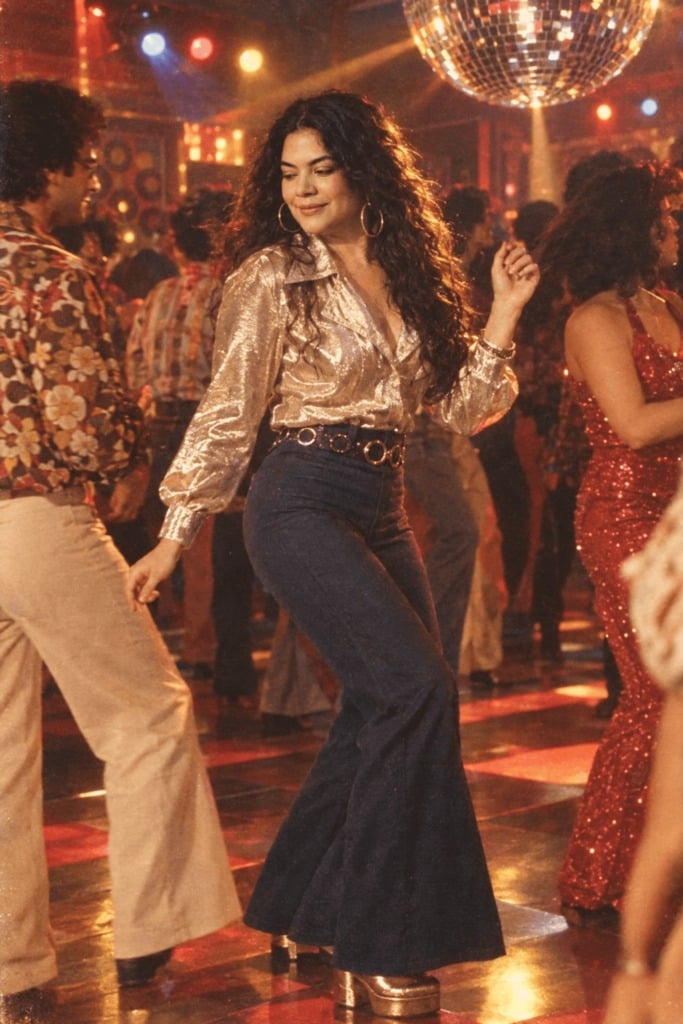
80s Disco Dancefloor
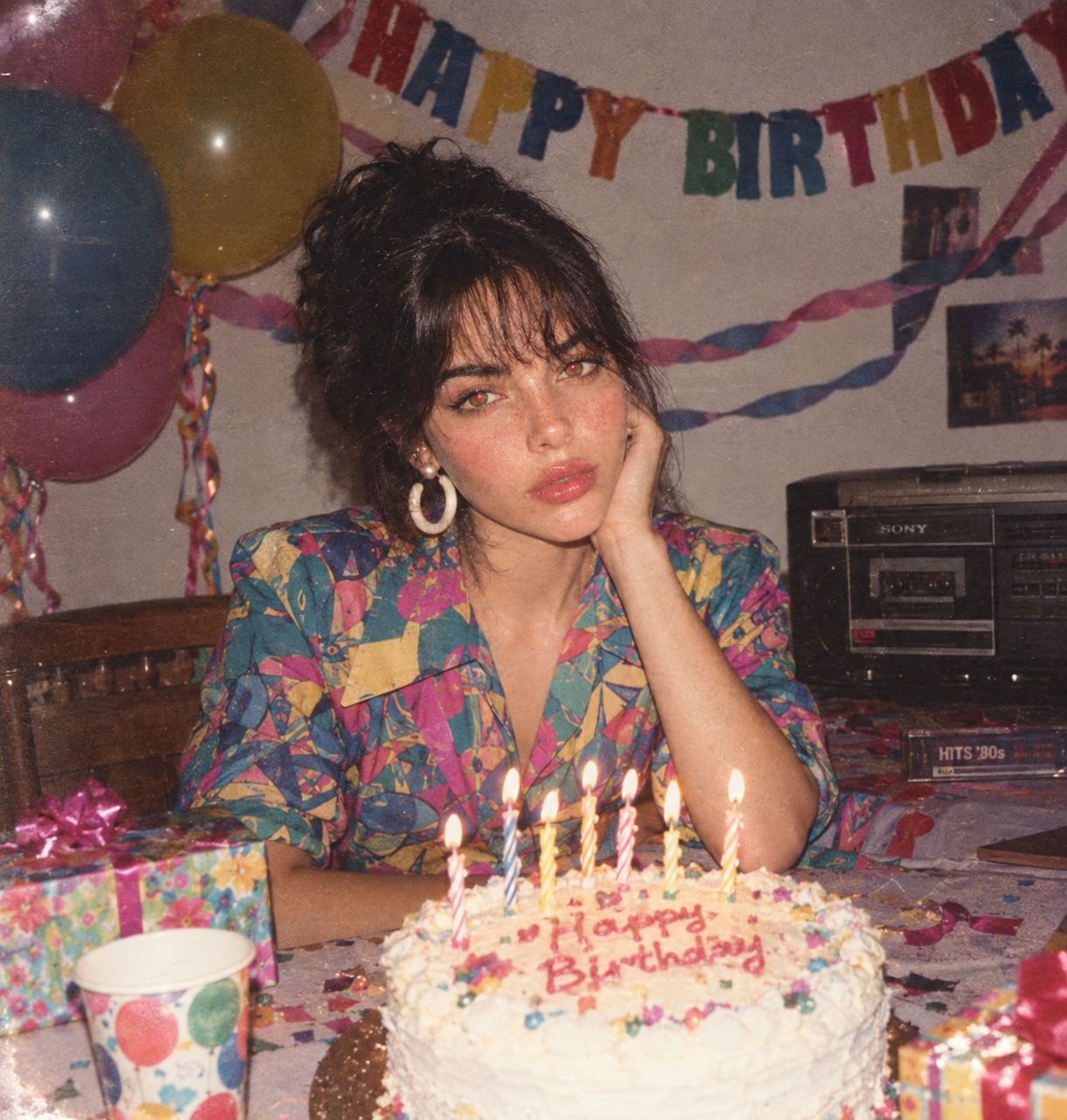
80s Birthday Party
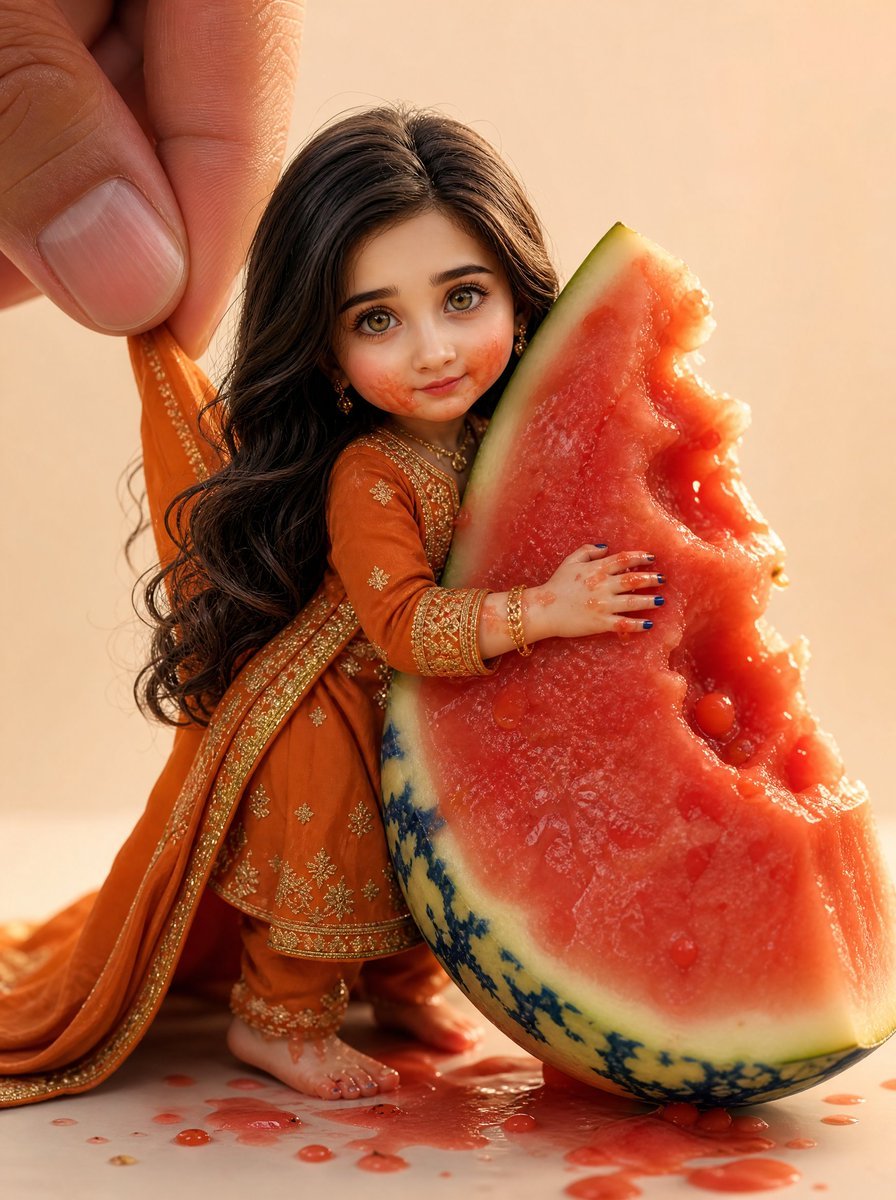
Miniature Doll Hugging Watermelon
Paper Tunnel Book Architecture
Layered Paper Cut Forest Diorama
Chibi Doll 3D Miniature Scene
Isometric Brand Store Diorama
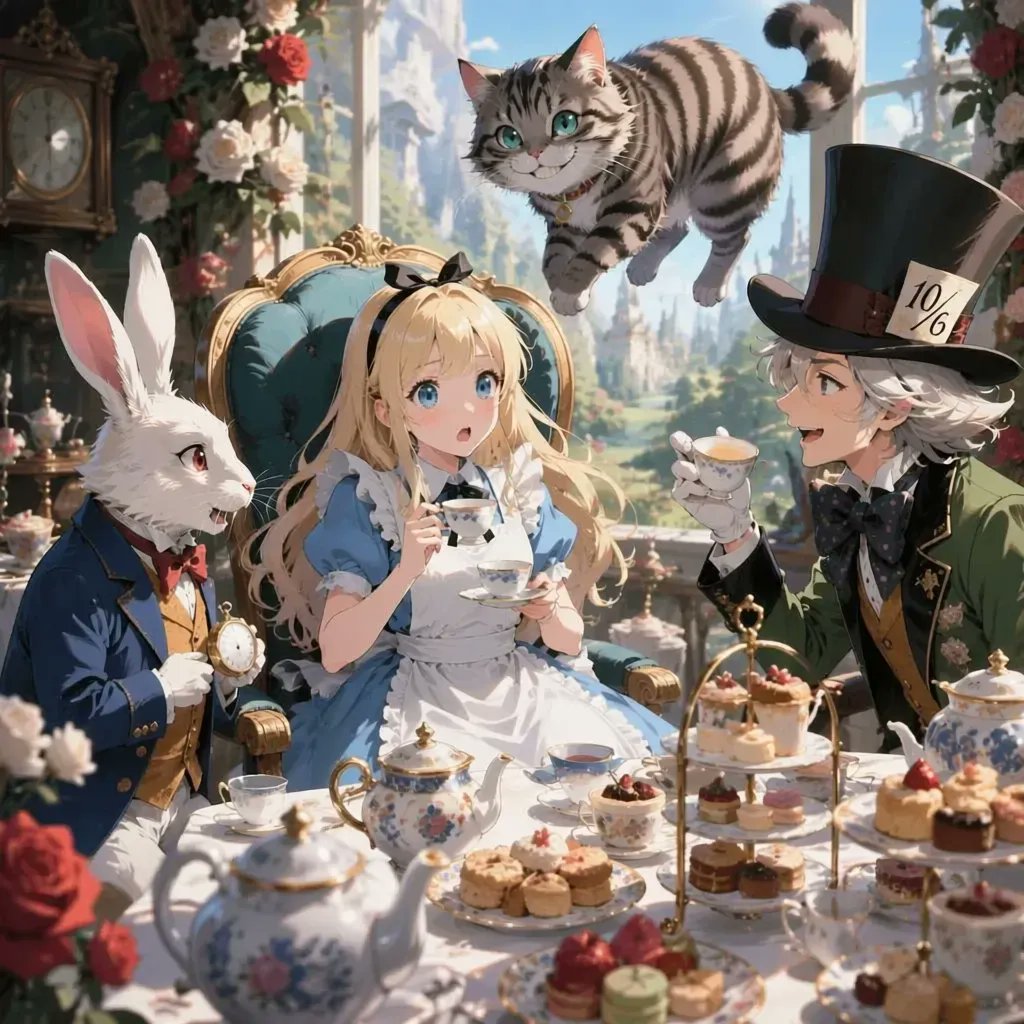
Anime Alice Wonderland Tea Party
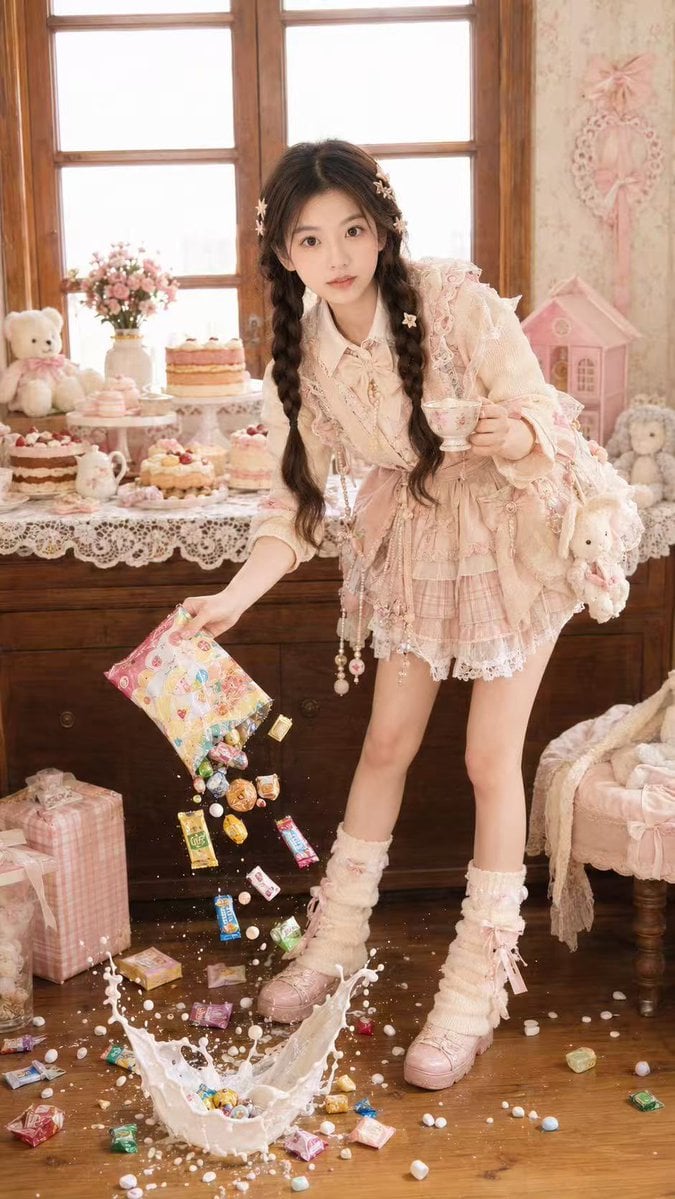
Candy Tea Party Pastel Portrait Transformation
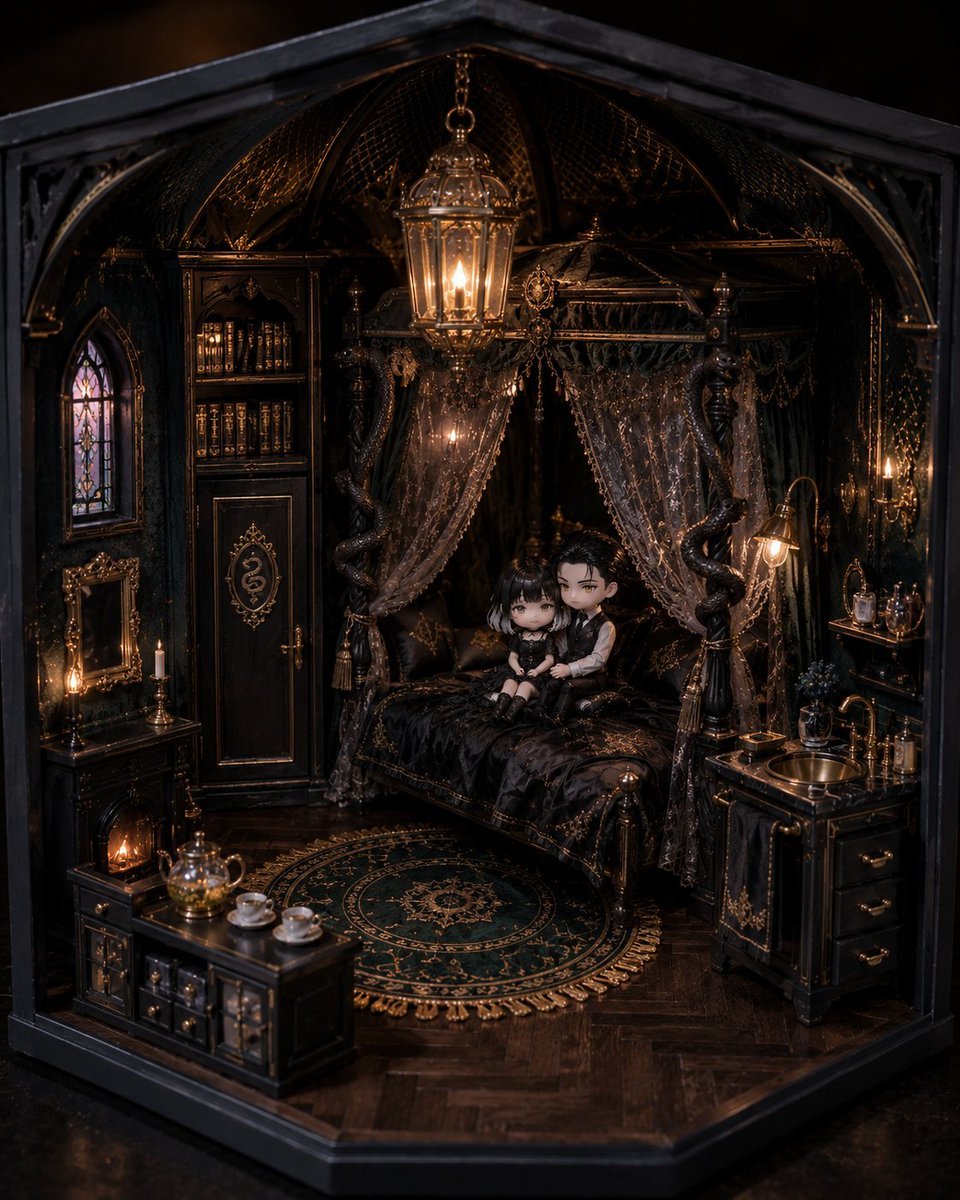
Gothic Miniature Dollhouse Bedroom
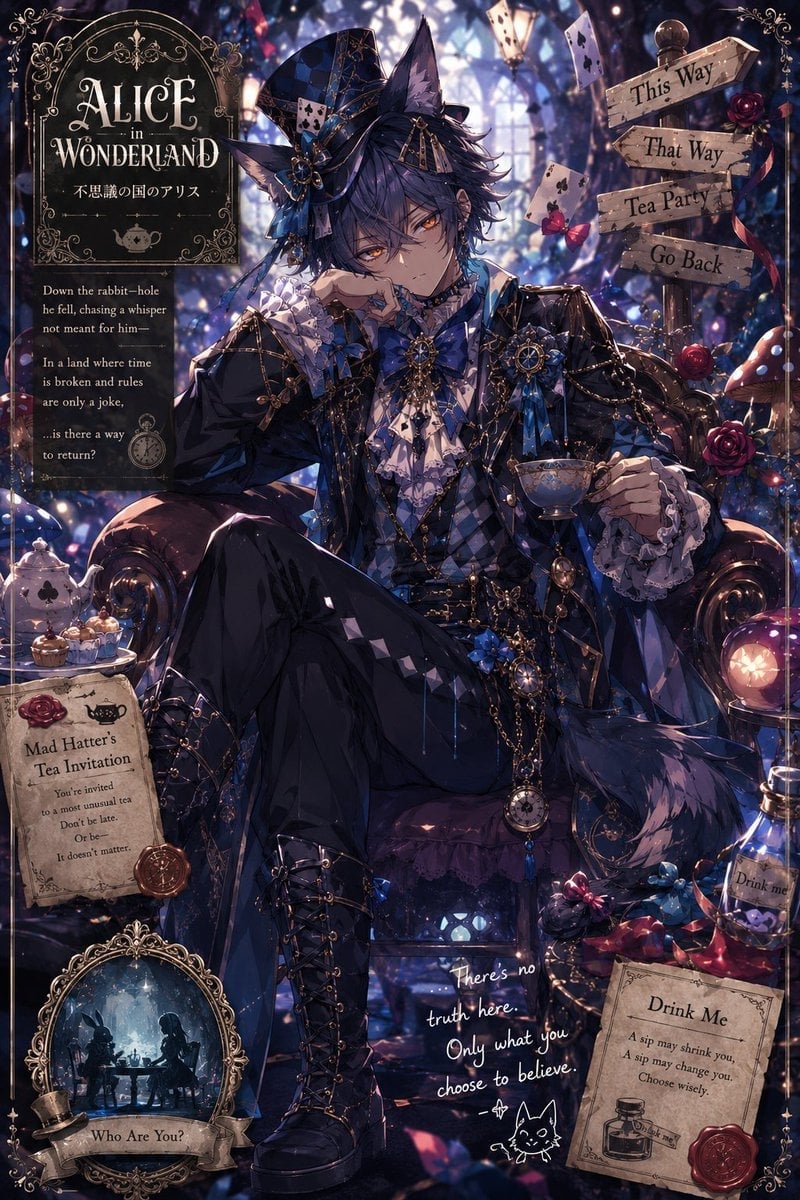
Gothic Alice Tea Party Poster
Make it yours
Miniature Forest Tea Party Doll works as-is. These are the safest ways to change it without losing the look.
Change one field
Copy a single group, rewrite it, and generate again so you can see what that field is doing.
Keep the frame, change the subject
Hold the composition and light of Miniature Forest Tea Party Doll, then swap wardrobe, props or the person for a new take.
| If the result… | Why | Fix |
|---|---|---|
| The result drifts from the preview | Too many fields changed at once. | Reuse Miniature Forest Tea Party Doll as-is first, then change one group — subject, light, or setting. |
| The model over-stylizes the scene | The prose prompt leaves finish and camera underspecified. | Add one camera or lighting sentence and stay on GPT Image 2. |
More GPT Image 2 templates
Other prompts made for GPT Image 2.

Six VTuber Japanese Logo Sheet

Realistic Portrait of Woman and Deer

The Vista Modular Condo Poster

AI Model Routing Comparison Infographic

2.5D Anime Art Board

Isometric Productivity Desk Scene

New York Double Exposure Poster

Four-Panel AI Landscape Comparison

Japanese Tatami Lifestyle Magazine Cover

NESCAFÉ Coffee Map Poster
More image prompts
Fresh picks from across the catalog.
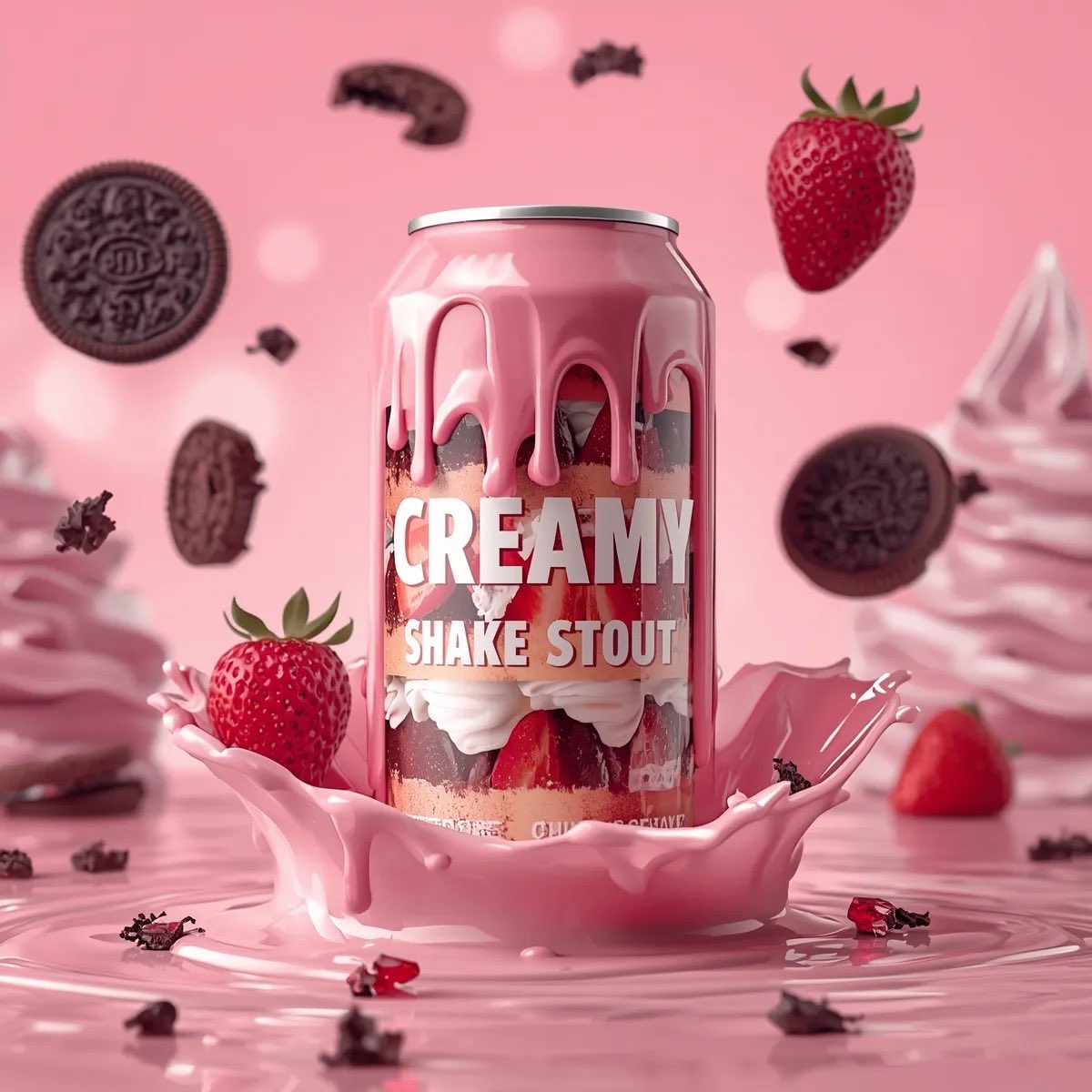
Hyper-Realistic Beverage Product Shot Prompts for Nano Banana Pro
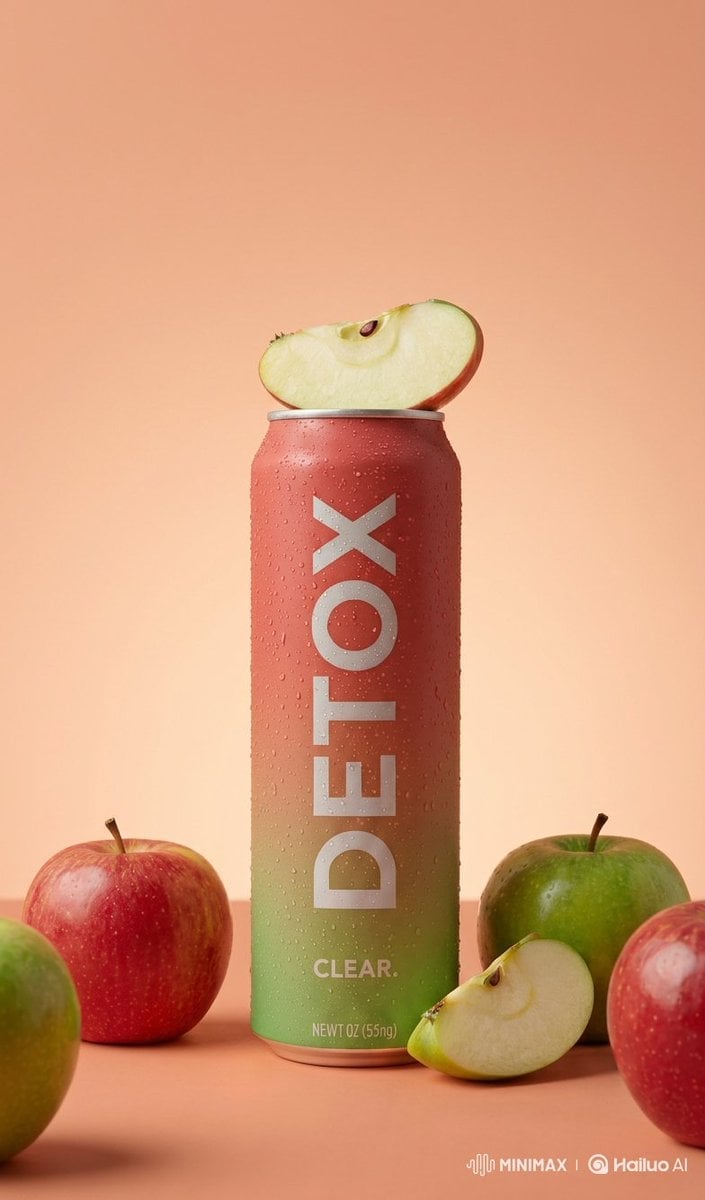
Premium Product Photography of Flavored Drinks
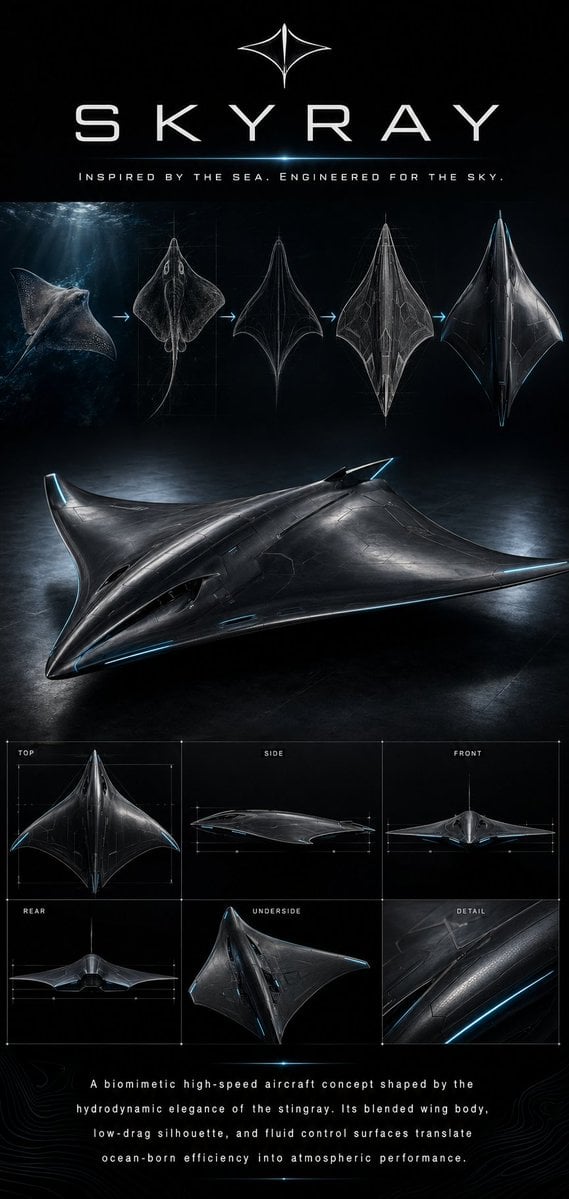
Gpt2 Infographic Edu Visual Biomimetic Skyray Aircraft Poster
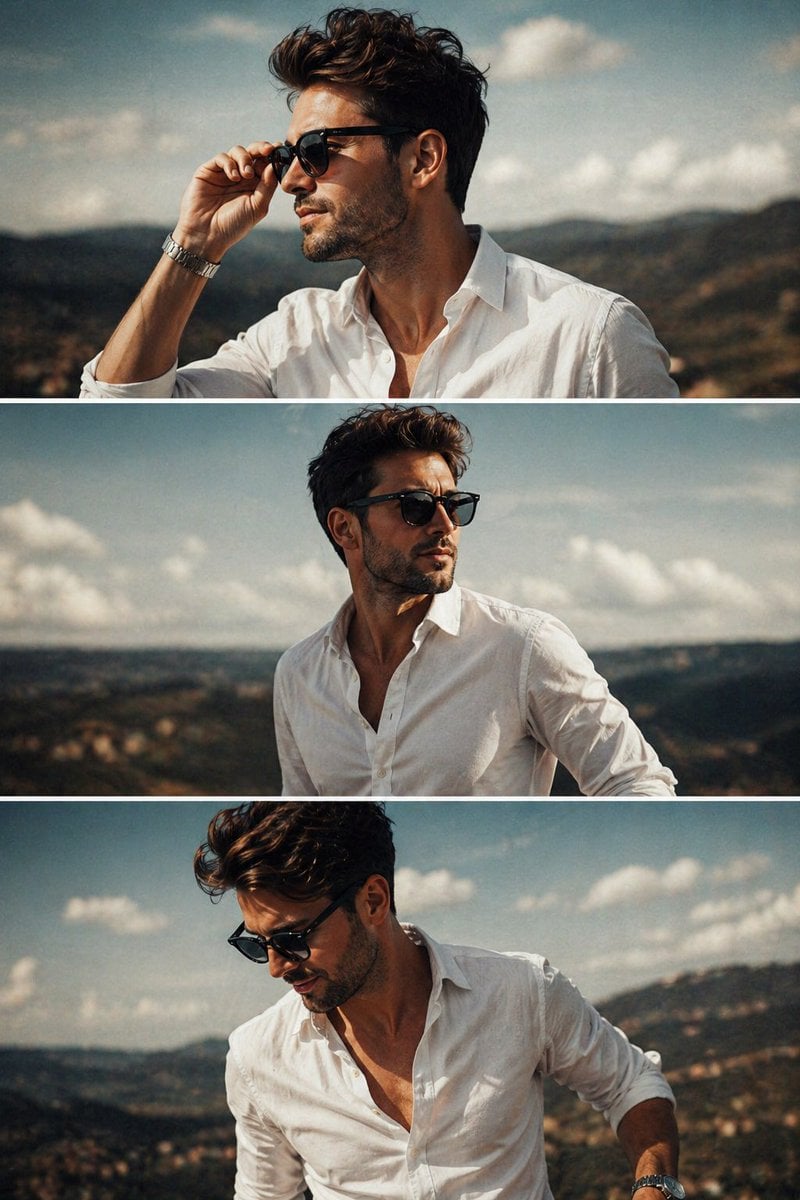
Cinematic Fashion Triptych
Ultra-Realistic Portrait from Reference Image
Inpainting/Adding a Person to an Image
Cinematic Urban Portrait of a Young Woman in Shanghai
Historical drama pixel art concept
Neon Cyber-Kawaii VTuber Portrait
Diverse Fashion Editorial Grid
Browse template categories
Miniature Forest Tea Party Doll questions
How do I use the Miniature Forest Tea Party Doll template?
Add your photo if the template asks for one, edit the prompt if you like — the template's model and format are already selected — and press Generate. Your version opens in PicX Studio.
Can I customize the Miniature Forest Tea Party Doll template?
Yes. You can change the subject, setting, lighting, mood, format, and available model controls before creating your image.
Is the Miniature Forest Tea Party Doll template free?
Opening and editing this template is free. Generating uses credits, shown on the Generate button when you are signed in.
Which AI model should I use?
Start with GPT Image 2, which is the model associated with this template. You can compare another compatible model for a different finish.
Looking for something else? Browse all templates.

Your photo, any look
Thousands of ready templates for every top image and video model, from one credit balance.