
Cow Girl in Tableware Shop
Generates a warm anime scene of a cow-themed girl browsing floral plates in a cozy Japanese tableware store.
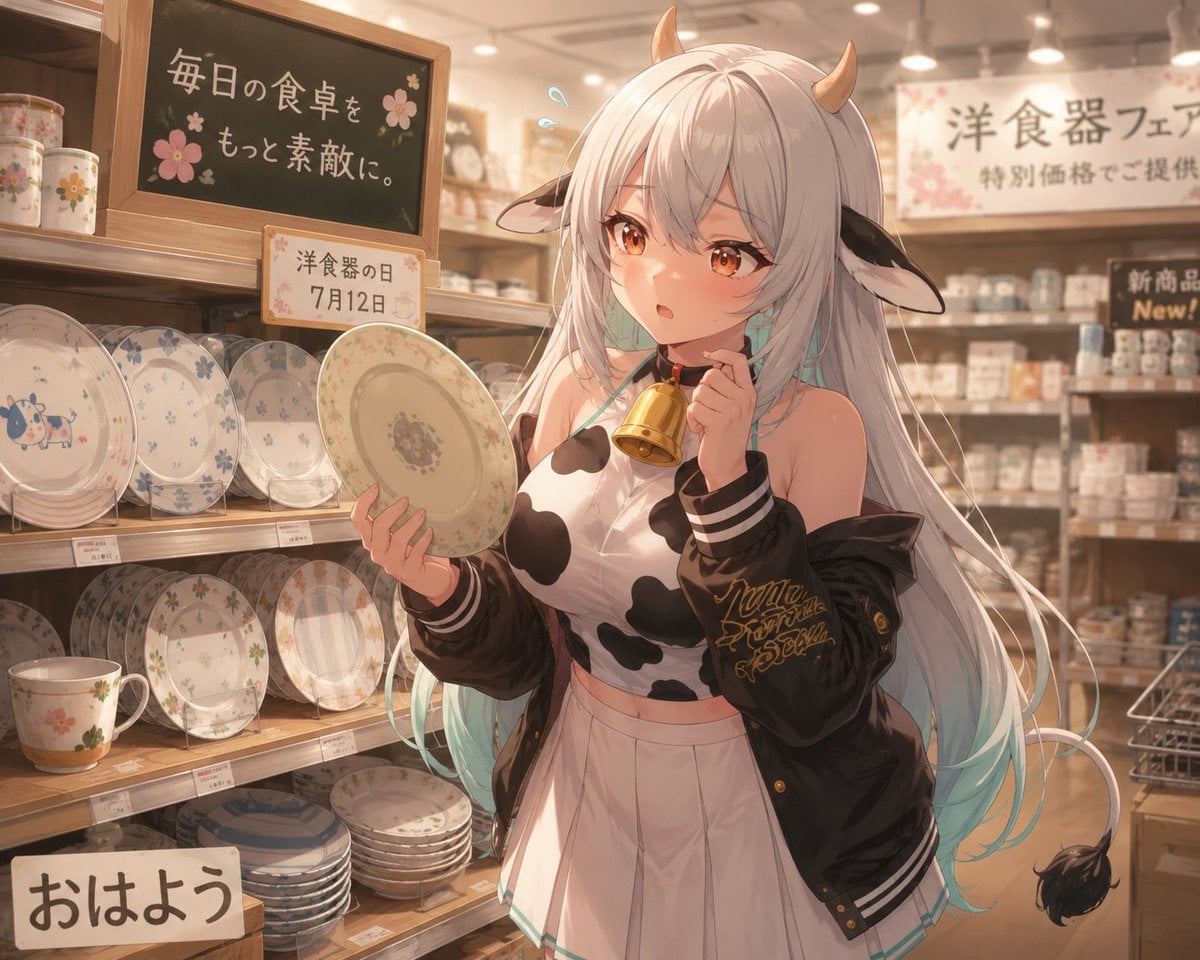
- Prompt included
- Model and format preset
- Free template
The prompt behind this image
Copy the exact prompt behind Cow Girl in Tableware Shop, or open it in the studio and make it yours.
Create a polished anime-style illustration of {argument name="character name" default="Muumuu Bell"}, a cute cow-themed demon girl shopping in a warm, softly lit tableware store. She stands slightly right of center in front of wooden shelves filled with ceramic dishes, holding one round floral dinner plate in her left hand and a small golden handbell near her mouth in her right hand, looking surprised and shy with parted lips, amber-brown eyes, blush, and two small blue sweat-drop marks near her head. She has very long silver-white hair with pale aqua tips flowing down past her waist, two small tan horns, black-and-white cow ears, and a thin cow tail with a black tuft visible at the lower right. Her outfit is a white cropped cow-print top, high-waisted white pleated skirt, and an oversized black varsity jacket slipping off her shoulders with striped cuffs and gold script embroidery on the sleeve. The store background should show exactly 4 visible display areas: a left upper shelf with pastel floral mugs and cups, a left middle shelf with decorative plates standing upright, a left lower shelf with stacked plates and a mug, and a blurred rear wall shelf full of boxed cups and dishes. Include exactly 5 prominent text signs: a blackboard on the upper left reading 「毎日の食卓を もっと素敵に。」 with small pink flower drawings, a small shelf sign reading 「洋食器の日 7月12日」, a large rear banner reading 「洋食器フェア 特別価格でご提供」, a small dark sign on the right reading 「新商品 New!」, and a bottom-left card reading 「おはよう」. Use warm beige and honey-brown lighting, shallow depth of field, detailed porcelain patterns, soft bloom, delicate linework, high-quality Japanese anime rendering, 16:9 landscape composition, no watermark, no extra characters.
How to use Cow Girl in Tableware Shop in 3 steps
- 1Upload ImagePNG, JPG or paste
Add your photo
Upload the photo the template builds on. The prompt, model and format are already set.
- 2…a portrait of your subject in softgolden-hour light, 85mm…
Personalize
Edit the subject and creative details for your destination.
- 3Generate
Generate
Press Generate — your image is created in PicX Studio, so you can compare it with the original and refine one variable at a time.
More like this
Templates with the same subject, style or setup. Open one to see its prompt.

Teen Girl Alpine Lake Mountain View
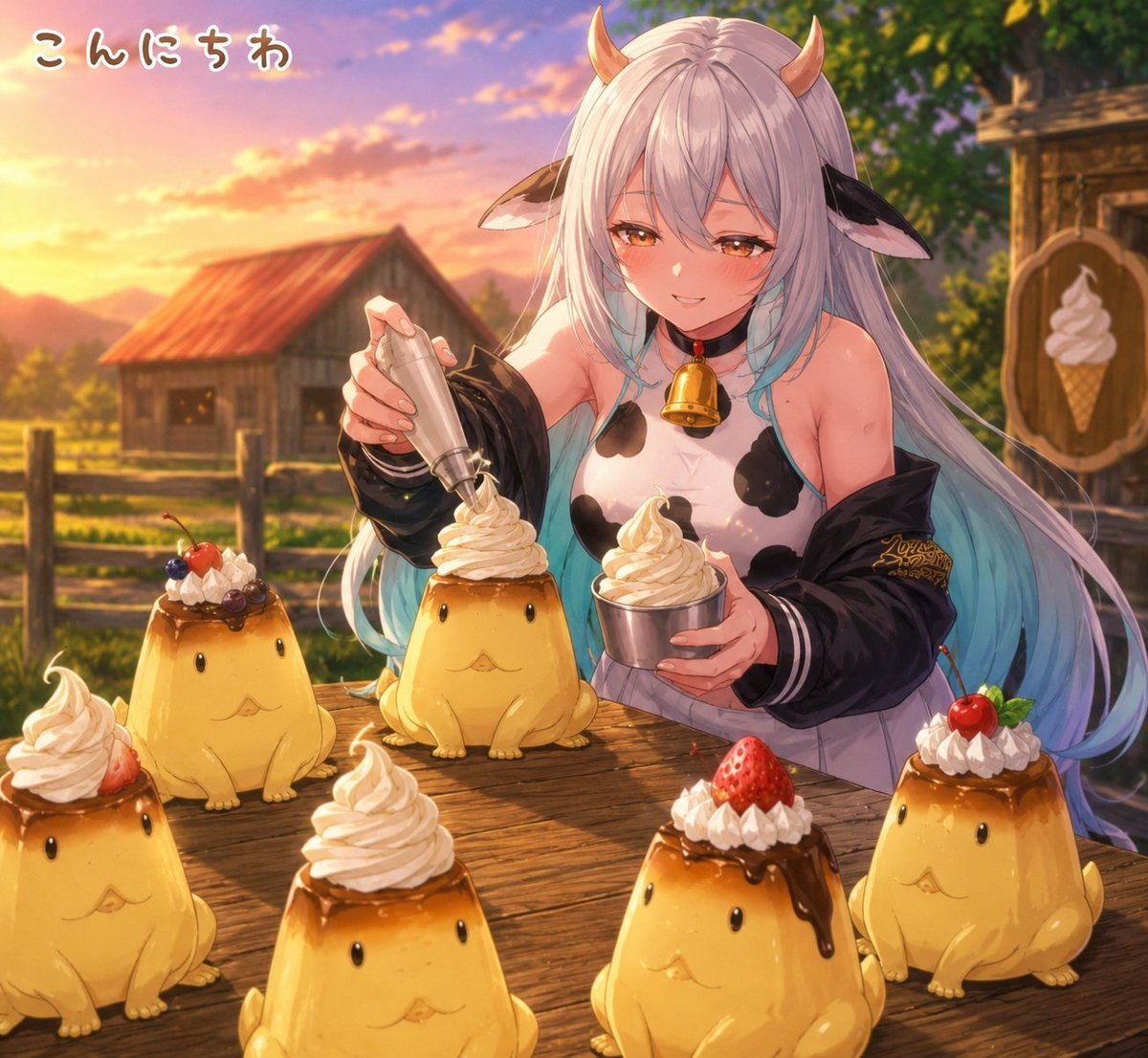
Cow Girl Pudding Dessert Stall

Eid al-Adha Cute Chaos — Fisheye Selfie with Farm Selfie, Mosque & Animals

Pink Magical Girl in Antique Magic Shop
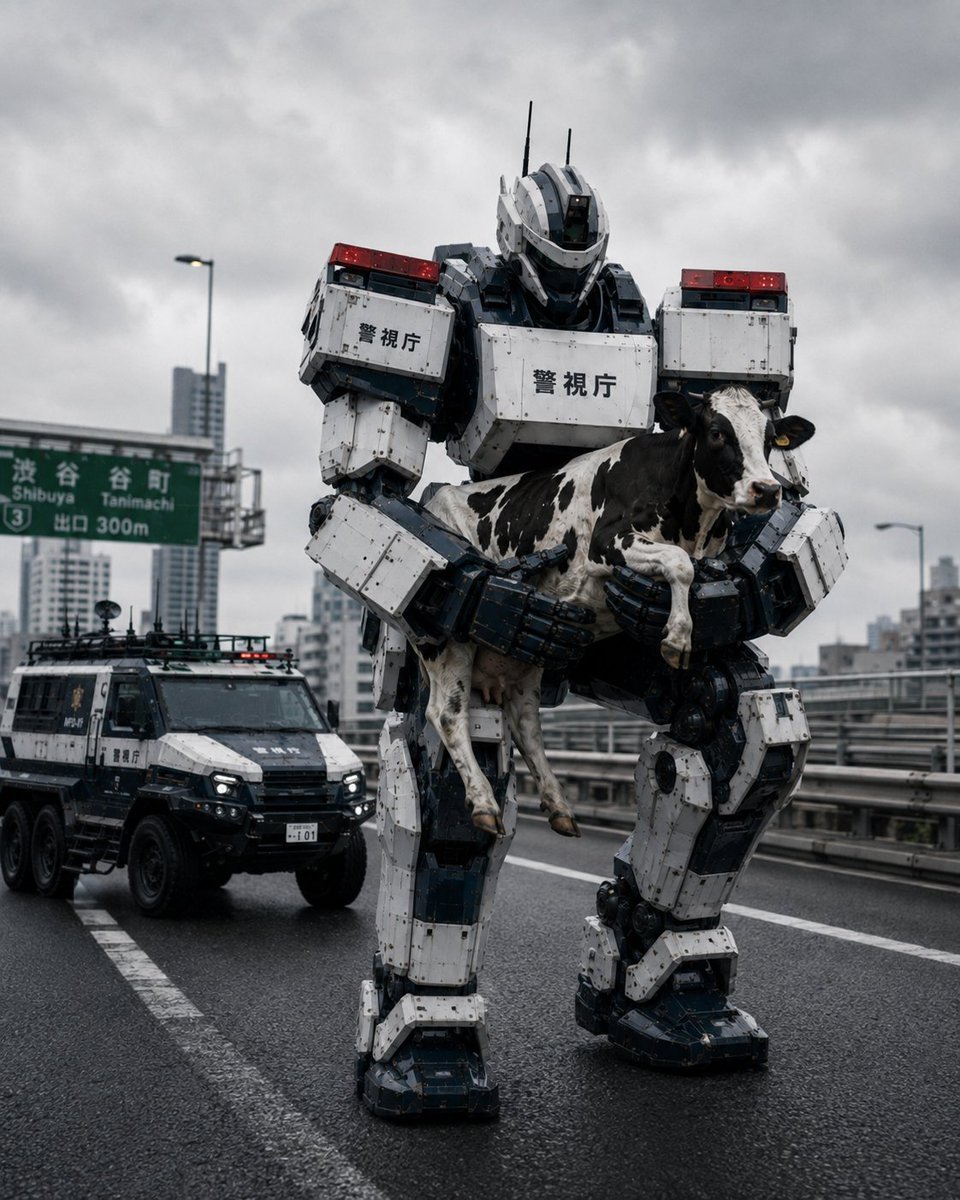
Tokyo Police Robot Rescuing Cow
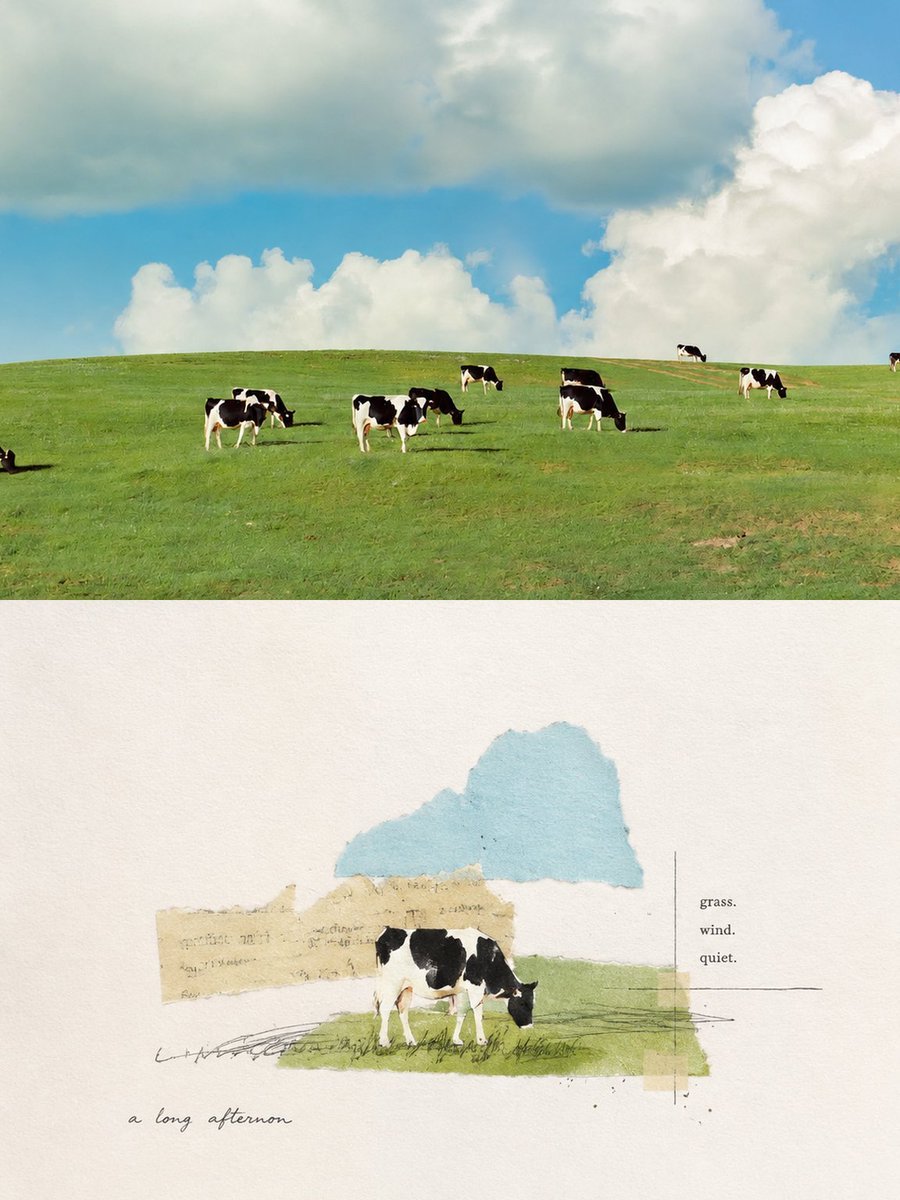
Pastoral Cow Collage Diptych
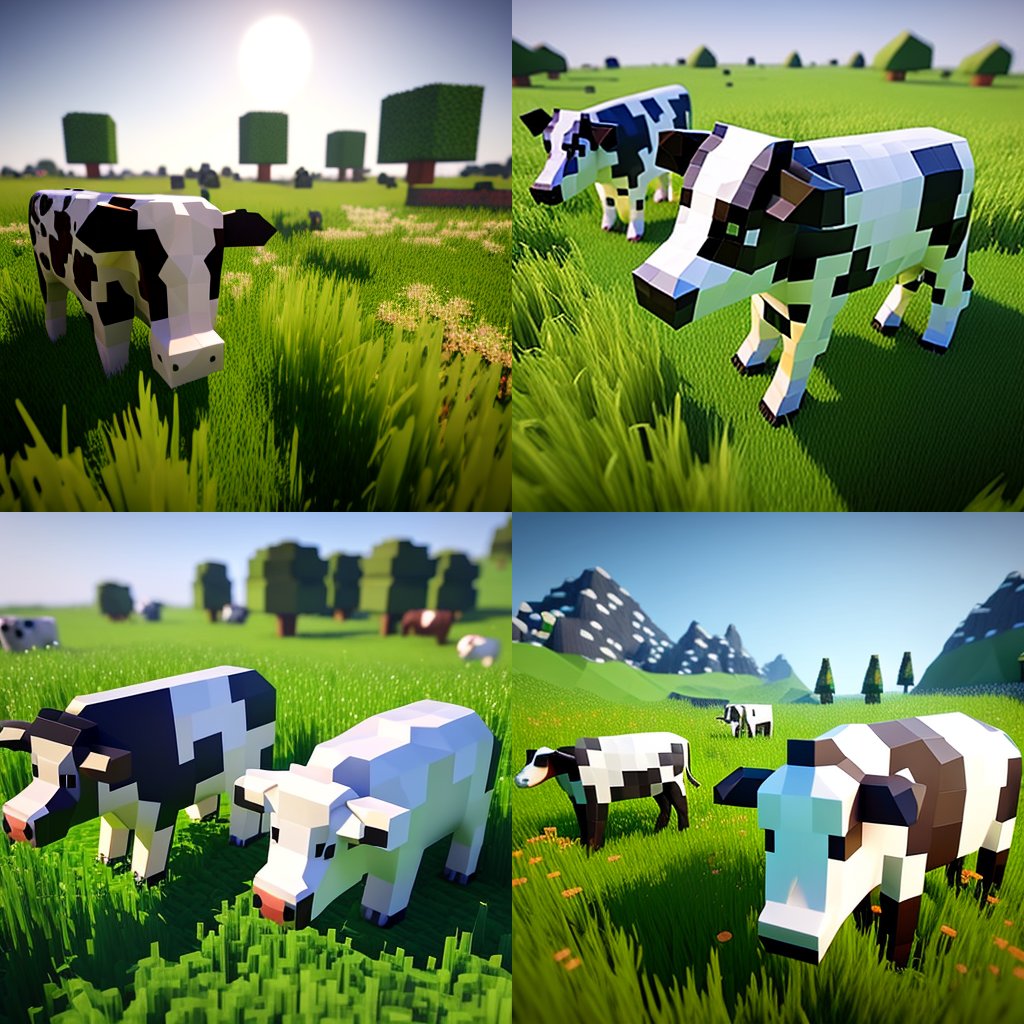
Hyper-Realistic Minecraft Cows Grazing

Obscured Cyberpunk Girl Poster

Sunlit Orchard Girl With Apples
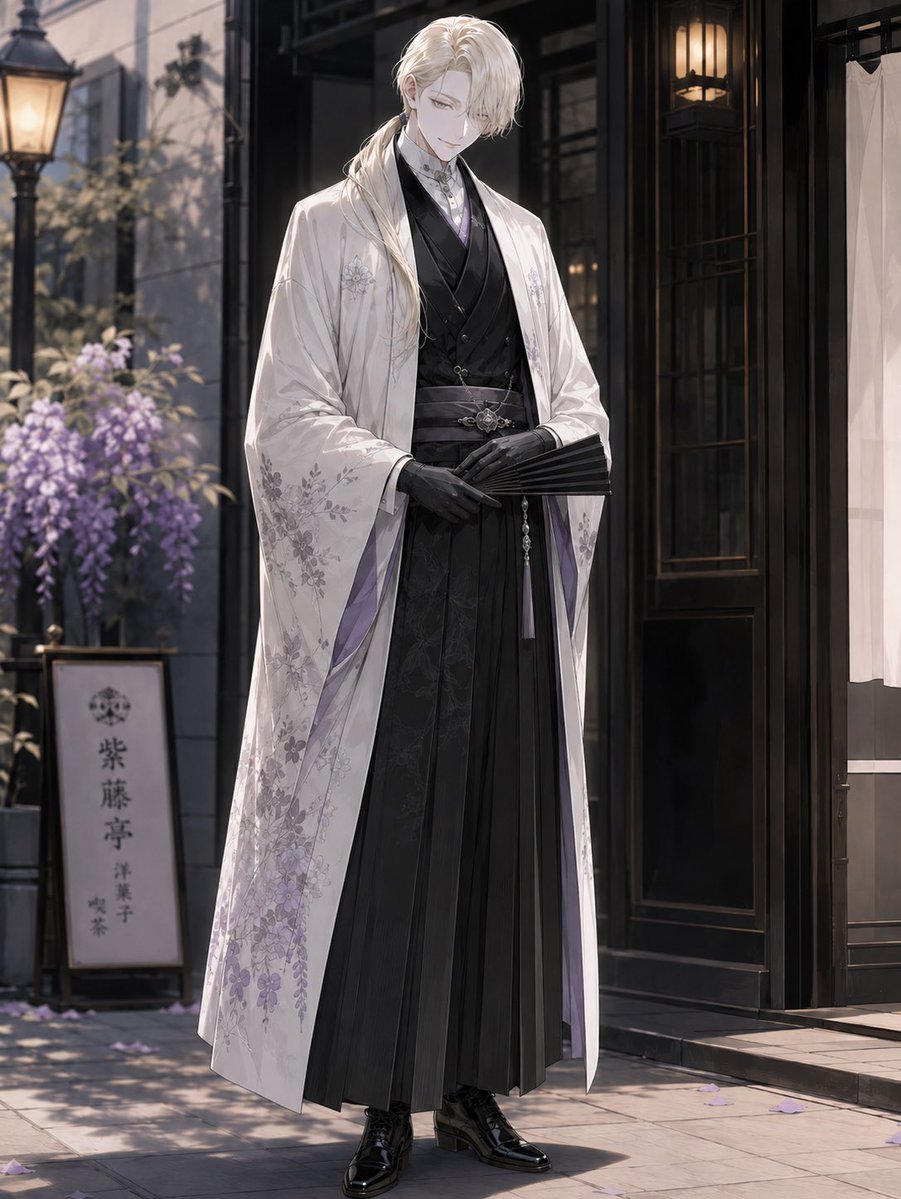
Elegant Pastry Shop Kimono Man
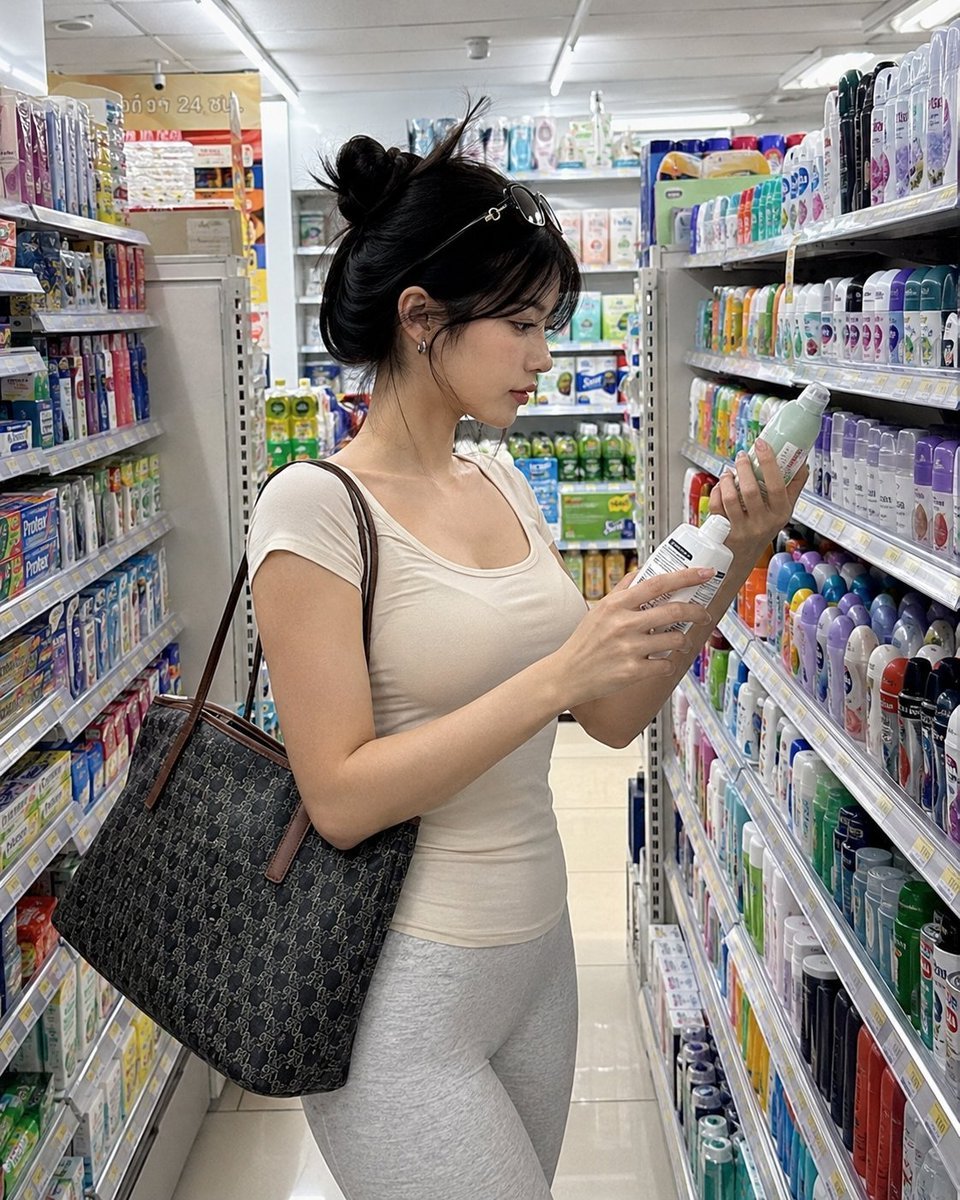
Realistic Convenience Store Shopping Scene
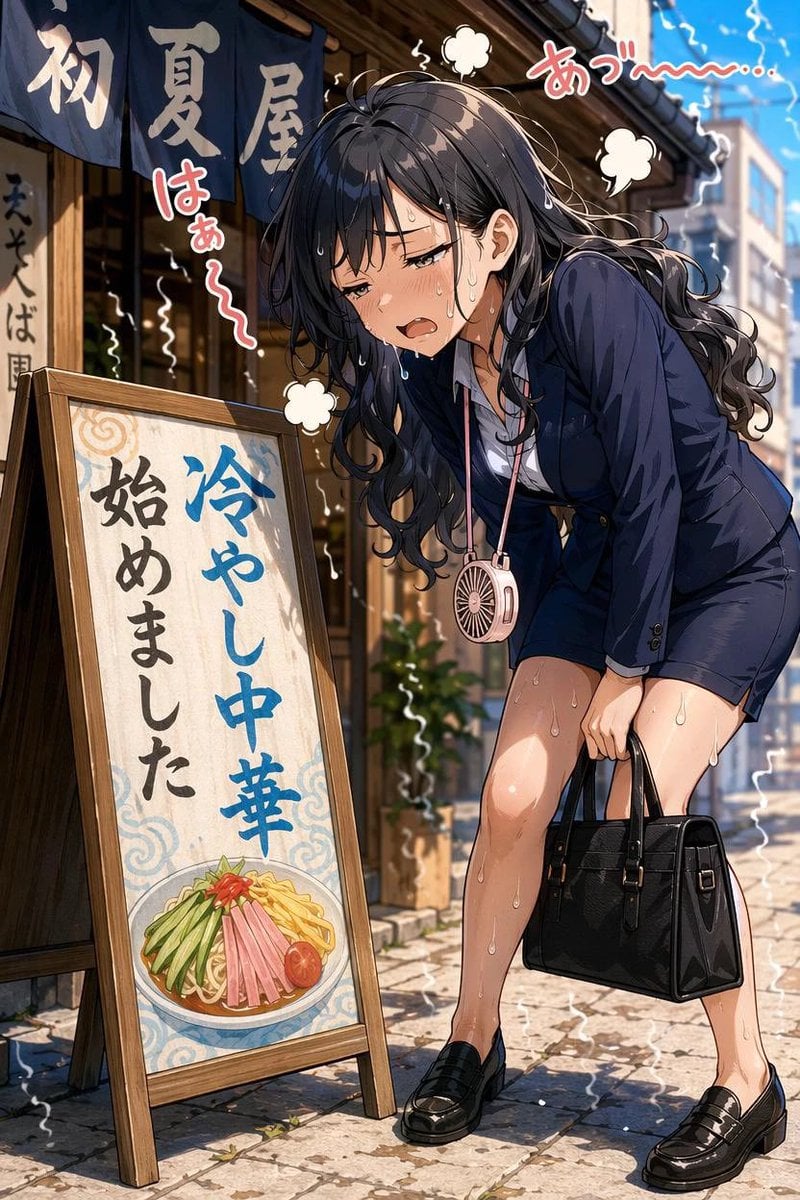
Overheated Office Lady at Noodle Shop
Make it yours
Cow Girl in Tableware Shop works as-is. These are the safest ways to change it without losing the look.
Change one field
Copy a single group, rewrite it, and generate again so you can see what that field is doing.
Keep the frame, change the subject
Hold the composition and light of Cow Girl in Tableware Shop, then swap wardrobe, props or the person for a new take.
| If the result… | Why | Fix |
|---|---|---|
| The result drifts from the preview | Too many fields changed at once. | Reuse Cow Girl in Tableware Shop as-is first, then change one group — subject, light, or setting. |
| The model over-stylizes the scene | The prose prompt leaves finish and camera underspecified. | Add one camera or lighting sentence and stay on GPT Image 2. |
More GPT Image 2 templates
Other prompts made for GPT Image 2.

Six VTuber Japanese Logo Sheet

Realistic Portrait of Woman and Deer

The Vista Modular Condo Poster

AI Model Routing Comparison Infographic

2.5D Anime Art Board

Isometric Productivity Desk Scene

New York Double Exposure Poster

Four-Panel AI Landscape Comparison

Japanese Tatami Lifestyle Magazine Cover

NESCAFÉ Coffee Map Poster
More image prompts
Fresh picks from across the catalog.

Christmas Surprise Box Dynamic Action Shot

Cinematic Christmas Transformation with Composition Lock

Glowing Text Fireworks

Nano Banana Pro Image Generation Failure Example
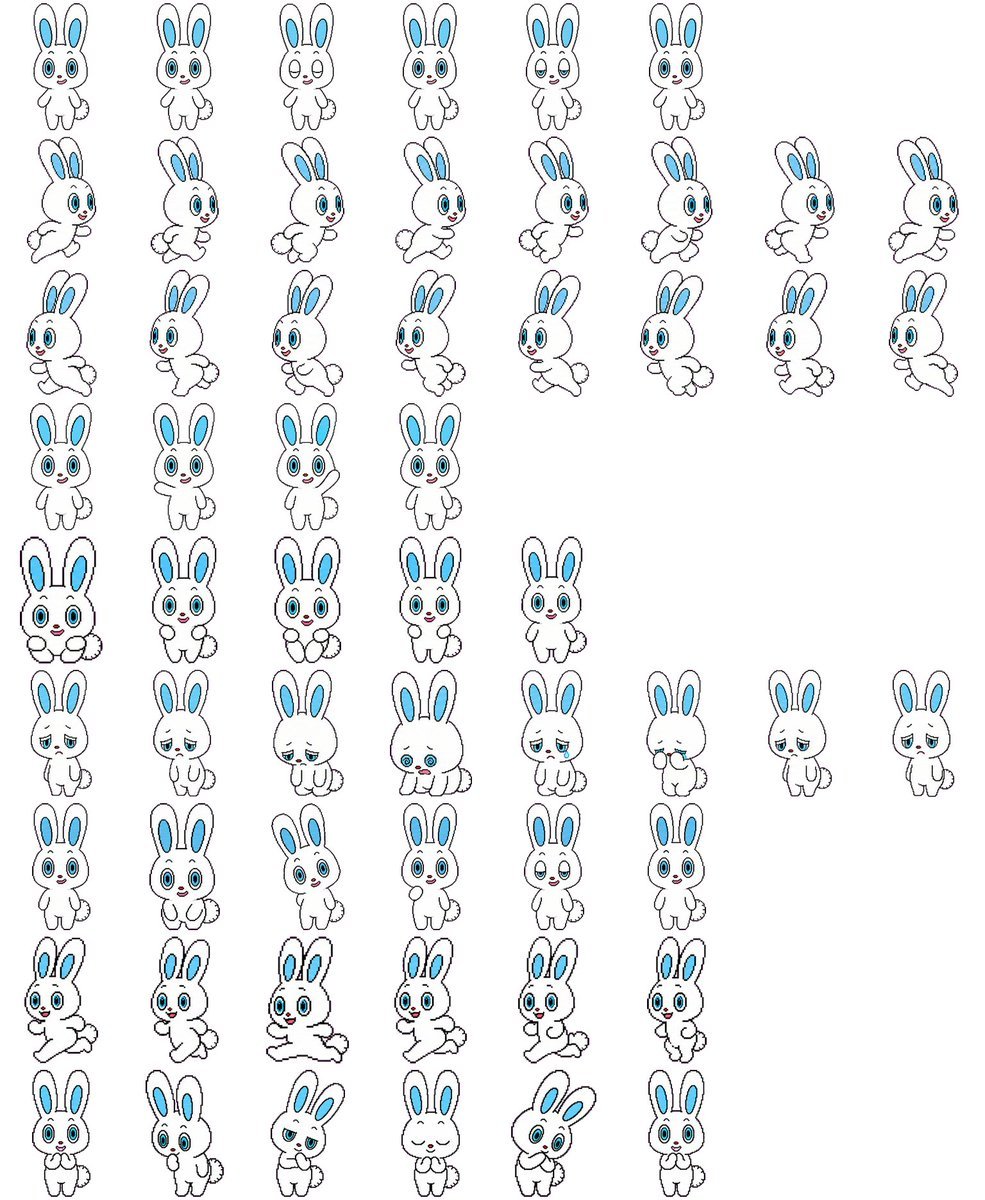
Rabbit Character Sprite Sheet
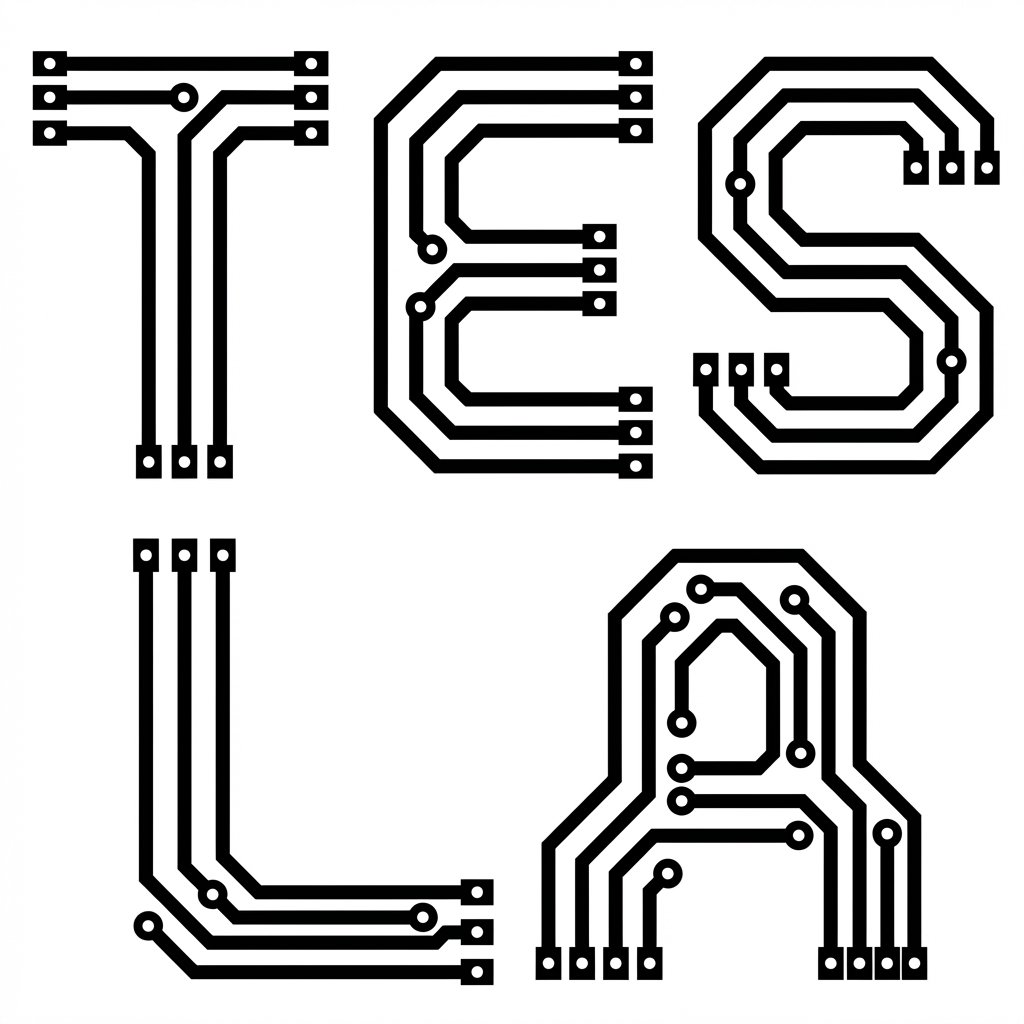
PCB Word Art Schematic for 'Tesla'
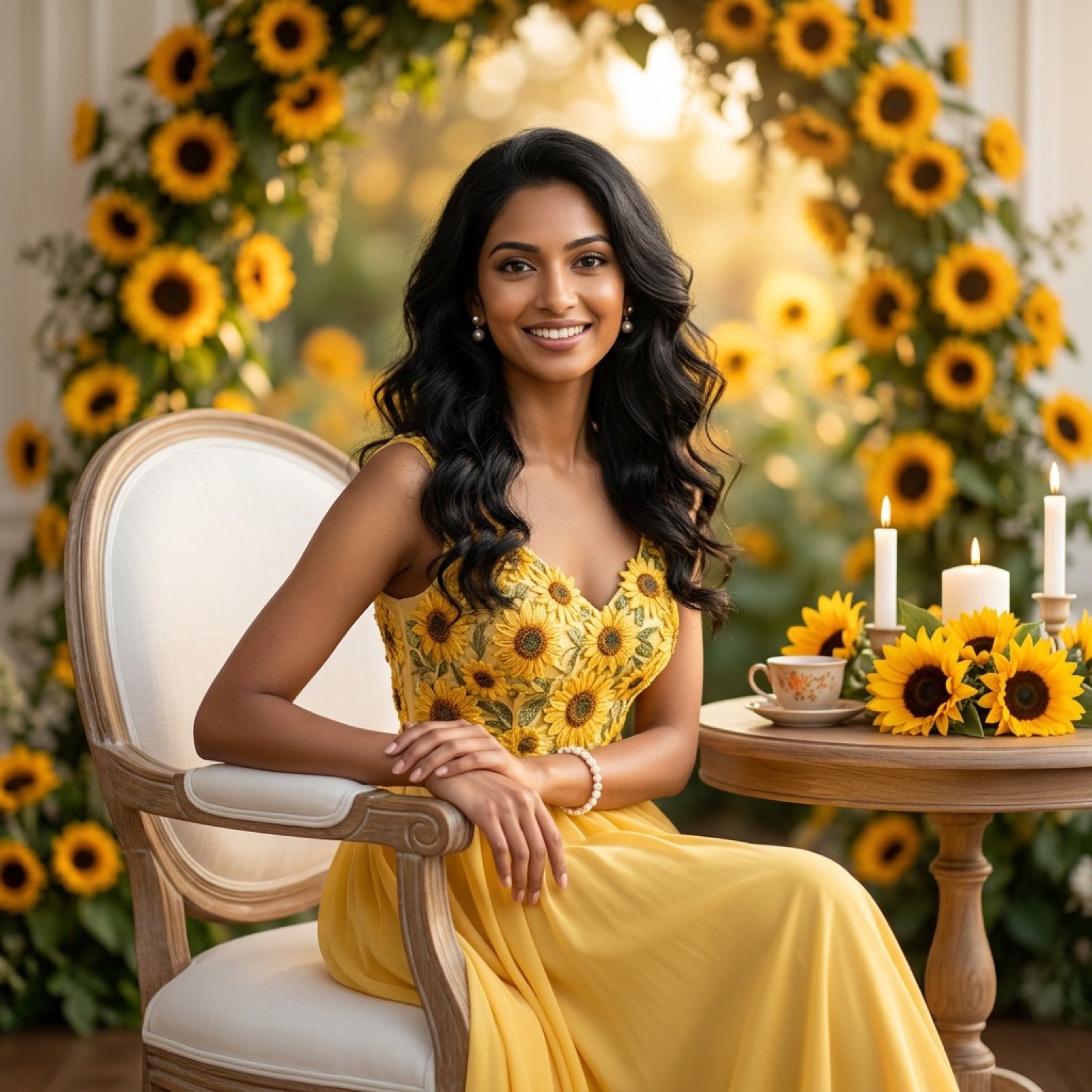
Ultra-Realistic Studio Portrait of Lady in Yellow Gown
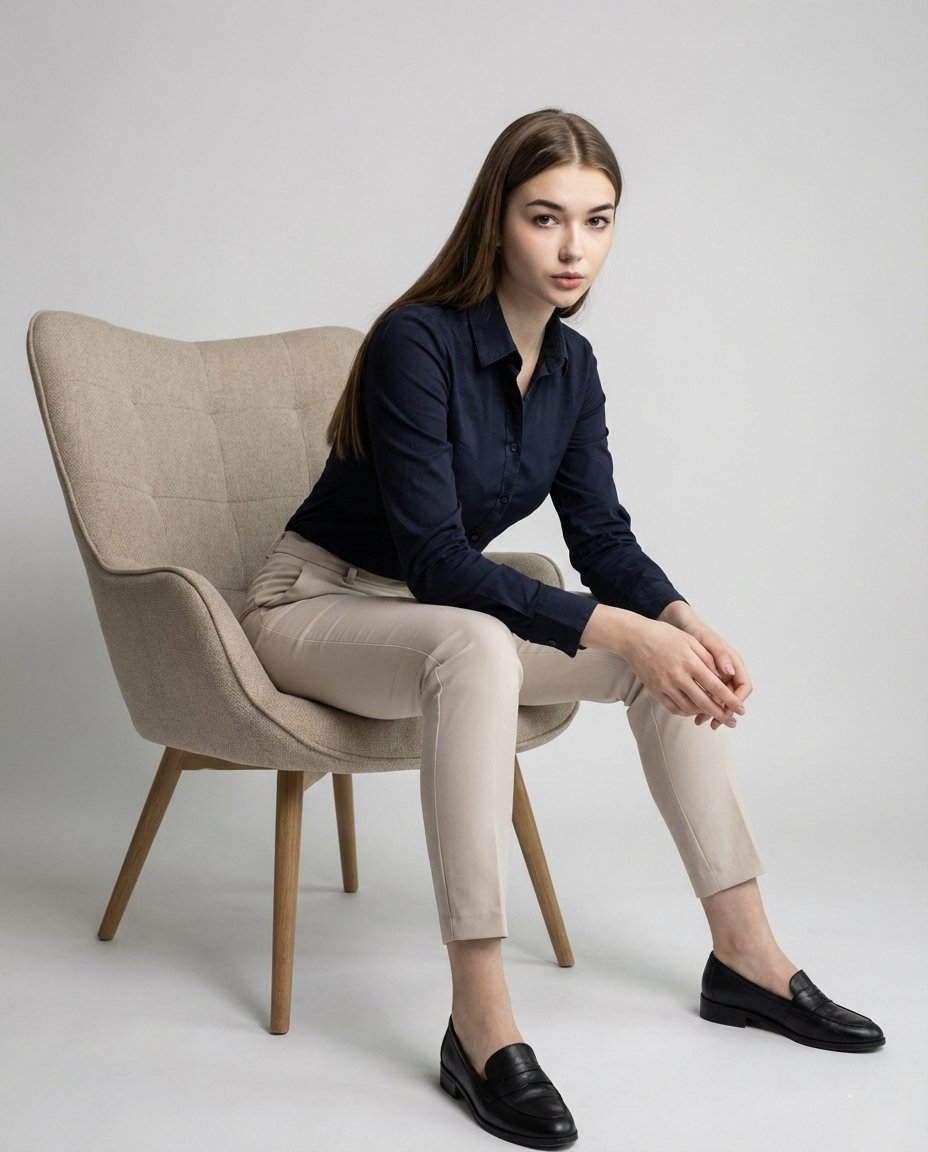
Cinematic Fashion Editorial Portrait with Identity Preservation
Urban Grunge Street Art Portrait
Ornate Fantasy Business Card
Browse template categories
Cow Girl in Tableware Shop questions
How do I use the Cow Girl in Tableware Shop template?
Add your photo if the template asks for one, edit the prompt if you like — the template's model and format are already selected — and press Generate. Your version opens in PicX Studio.
Can I customize the Cow Girl in Tableware Shop template?
Yes. You can change the subject, setting, lighting, mood, format, and available model controls before creating your image.
Is the Cow Girl in Tableware Shop template free?
Opening and editing this template is free. Generating uses credits, shown on the Generate button when you are signed in.
Which AI model should I use?
Start with GPT Image 2, which is the model associated with this template. You can compare another compatible model for a different finish.
Looking for something else? Browse all templates.

Your photo, any look
Thousands of ready templates for every top image and video model, from one credit balance.