
Miniature London City Portrait
An ultra-realistic vertical portrait of a woman posed behind a detailed miniature London cityscape for cinematic editorial-style image generation.
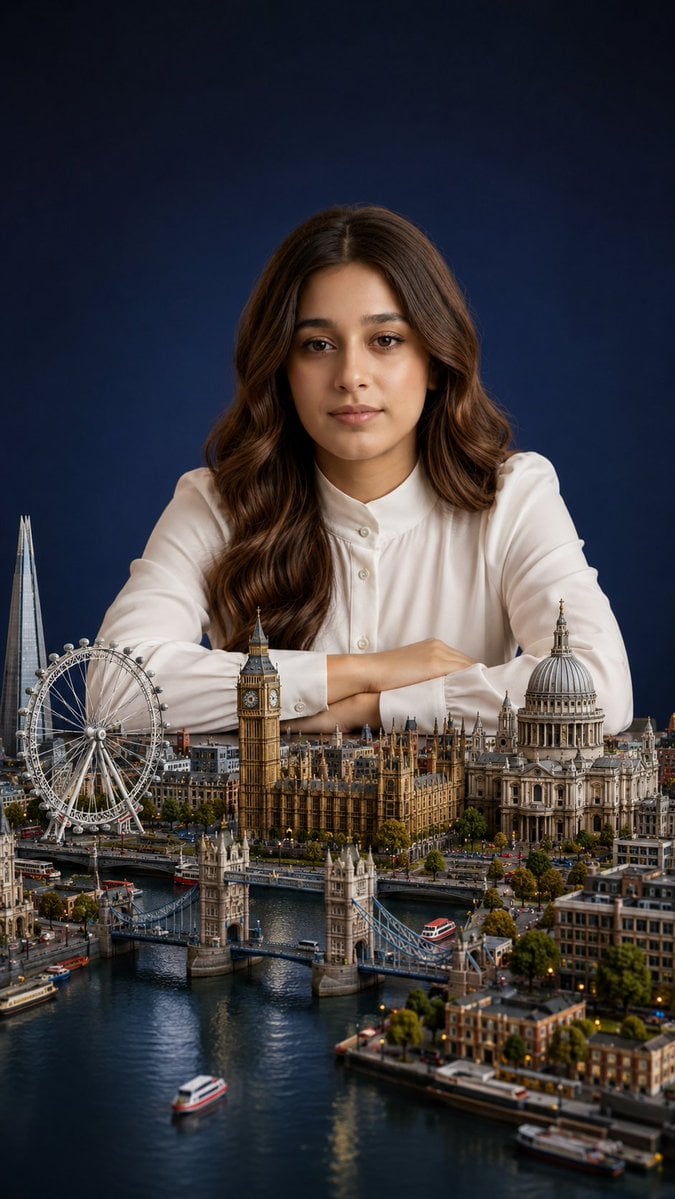
- Prompt included
- Model and format preset
- Free template
The prompt behind this image
Copy the exact prompt behind Miniature London City Portrait, or open it in the studio and make it yours.
Create an ultra-realistic miniature city portrait in a vertical 9:16 composition. A {argument name="subject" default="beautiful young woman"} sits behind a detailed tabletop-scale miniature of {argument name="city" default="London"}, leaning forward with both forearms crossed gently on the table, wearing a crisp {argument name="outfit" default="white long-sleeve blouse with a buttoned collar"}. She has long, glossy {argument name="hair style" default="chestnut-brown wavy hair parted in the center"}, warm medium skin, and a calm elegant studio-portrait pose. The miniature city fills the lower half of the frame with exact recognizable London landmarks: 5 major landmarks are visible, including the London Eye on the left, The Shard rising behind it, Big Ben and the Houses of Parliament in the center, Tower Bridge spanning the river in the foreground, and St. Paul’s Cathedral on the right. Add the River Thames winding through the foreground with small boats, bridges, embankments, trees, streets, tiny cars, buses, buildings, warm city lights, and realistic reflections on the water. Use cinematic shallow depth of field: the woman’s upper body and hair are sharp, the miniature foreground is richly detailed, and the far background softly fades. Lighting is soft studio lighting with gentle highlights on the white blouse and warm rim light on the hair. Background is a dark navy-blue seamless studio backdrop. Make the scale feel magical and surreal, as if the woman is a giant carefully posed behind a hyper-detailed miniature London. Ultra-realistic photography, high detail, natural skin texture, realistic hair strands, premium editorial portrait quality, no text, no watermark, no distorted architecture.
How to use Miniature London City Portrait in 3 steps
- 1Upload ImagePNG, JPG or paste
Add your photo
Upload the photo the template builds on. The prompt, model and format are already set.
- 2…a portrait of your subject in softgolden-hour light, 85mm…
Personalize
Edit the subject and creative details for your destination.
- 3Generate
Generate
Press Generate — your image is created in PicX Studio, so you can compare it with the original and refine one variable at a time.
More like this
Templates with the same subject, style or setup. Open one to see its prompt.

Gemini Nano Banana 2 Isometric 3d City D

Found Photograph: Us, 1970

80s Couple Studio Portrait

80s Bollywood Star

80s Golden Hour Cinema

Me in 1985

1985 Studio Portrait
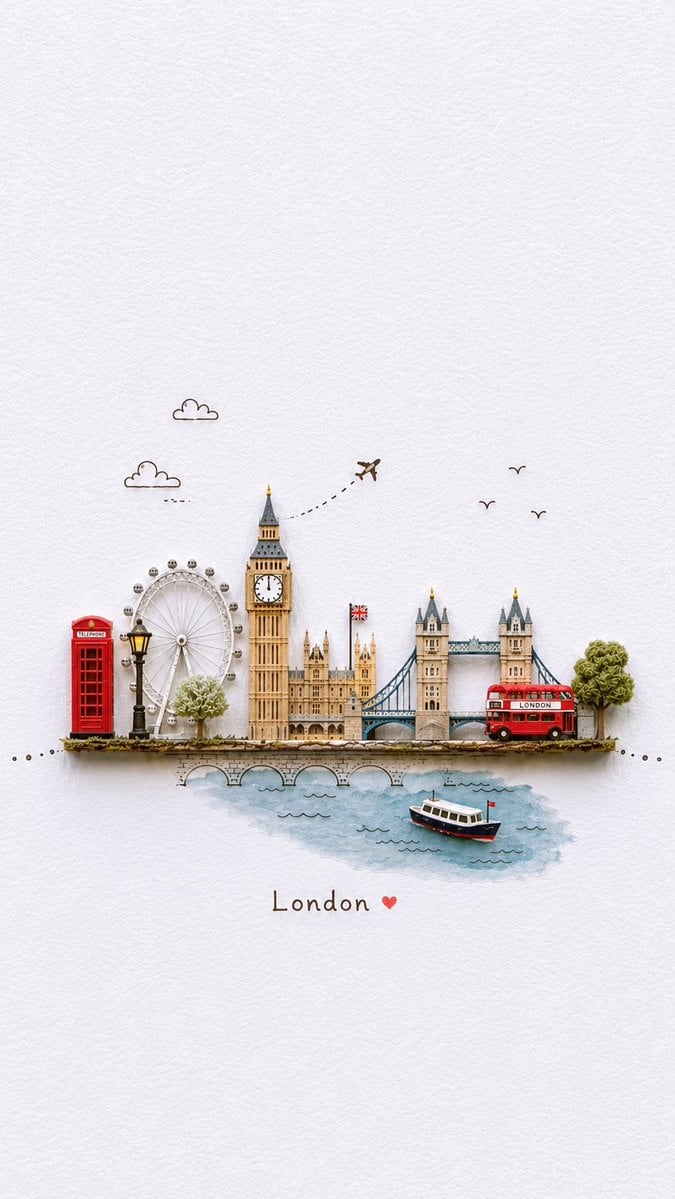
Miniature London Paper-Craft Diorama

Hyper-Realistic Minecraft POV Portrait
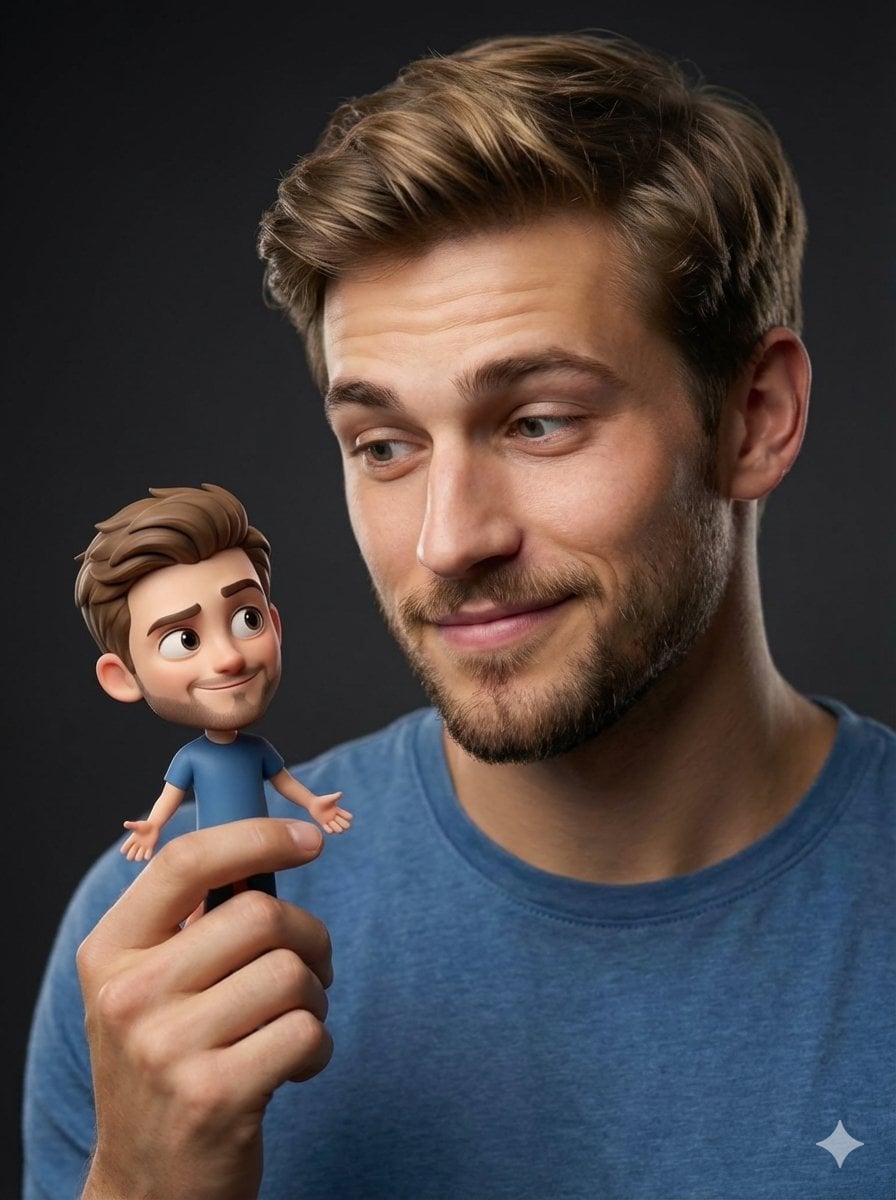
Human with Miniature 3D Self Portrait

Rooftop Fisheye — Cat-Ear Balaclava at Golden Hour
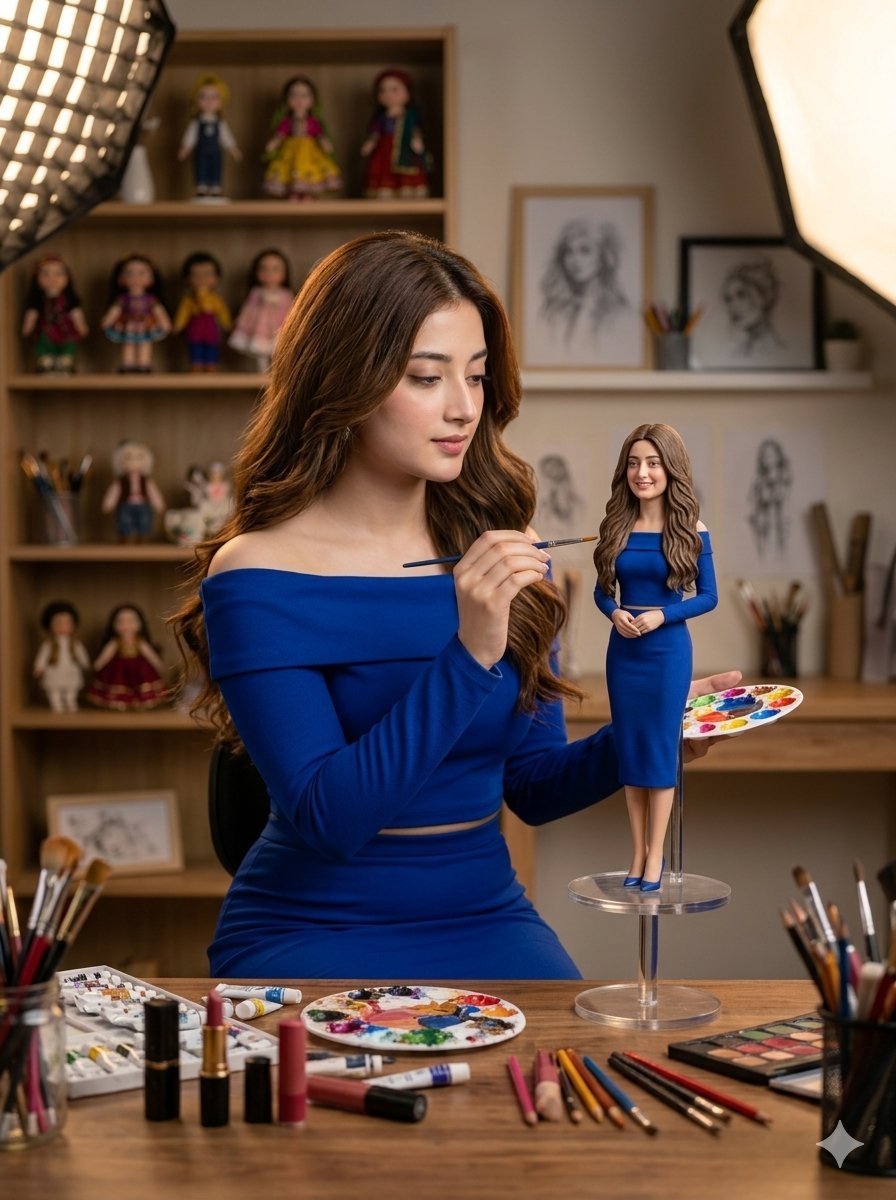
Miniature Art Studio Creator Portrait
Make it yours
Miniature London City Portrait works as-is. These are the safest ways to change it without losing the look.
Change one field
Copy a single group, rewrite it, and generate again so you can see what that field is doing.
Keep the frame, change the subject
Hold the composition and light of Miniature London City Portrait, then swap wardrobe, props or the person for a new take.
| If the result… | Why | Fix |
|---|---|---|
| The result drifts from the preview | Too many fields changed at once. | Reuse Miniature London City Portrait as-is first, then change one group — subject, light, or setting. |
| The model over-stylizes the scene | The prose prompt leaves finish and camera underspecified. | Add one camera or lighting sentence and stay on GPT Image 2. |
More GPT Image 2 templates
Other prompts made for GPT Image 2.

Six VTuber Japanese Logo Sheet

Realistic Portrait of Woman and Deer

The Vista Modular Condo Poster

AI Model Routing Comparison Infographic

2.5D Anime Art Board

Isometric Productivity Desk Scene

New York Double Exposure Poster

Four-Panel AI Landscape Comparison

Japanese Tatami Lifestyle Magazine Cover

NESCAFÉ Coffee Map Poster
More image prompts
Fresh picks from across the catalog.

Cinematic 8K Mutton Karahi Food Macro Shot

Anime Girl by River with Coffee
GPT Image 2.0 Japanese Thumbnail

短文版提示词: 生成一张高传播感的 9:16 竖版「西瓜风格城市地标建筑」创意海报。 【用户输入】
Pixar-Style Chibi Sticker Sheet
Eight Panel Manga Story
X Ayzalnooor24521 a Cinematic High Resolution Portrait of
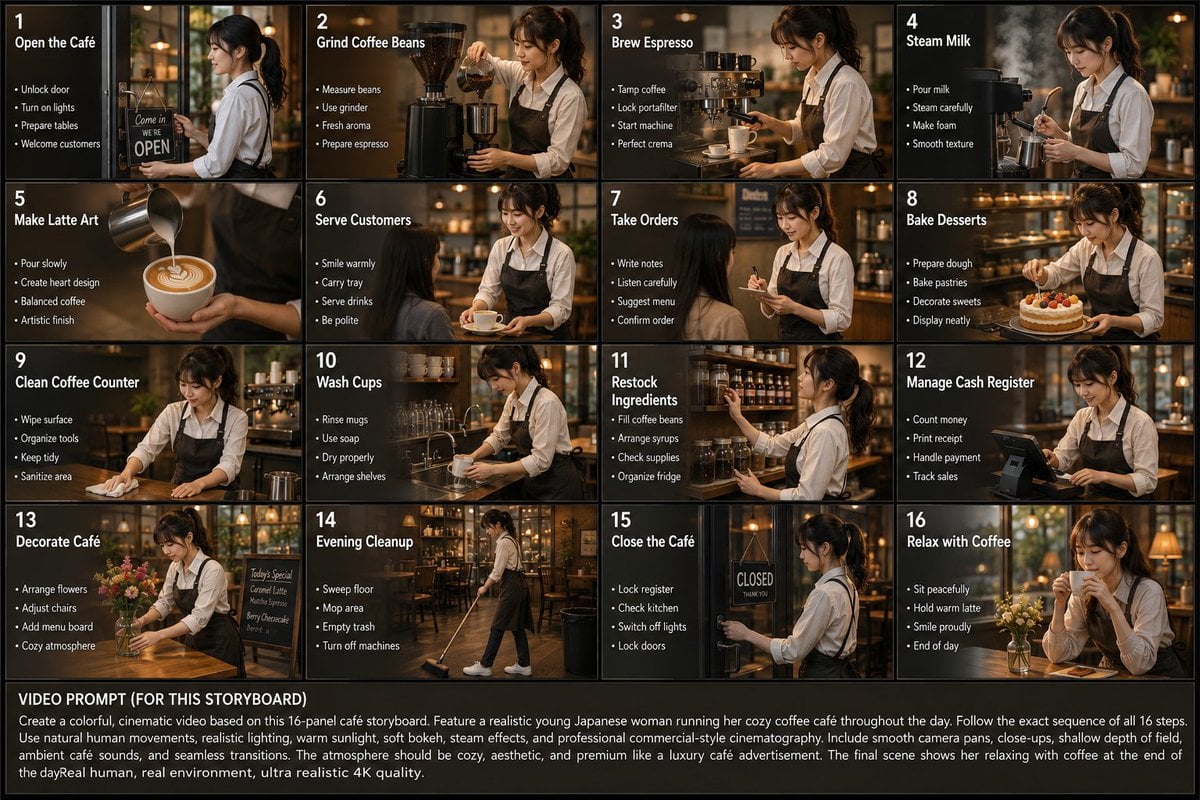
Japanese Cafe Daily Routine Storyboard
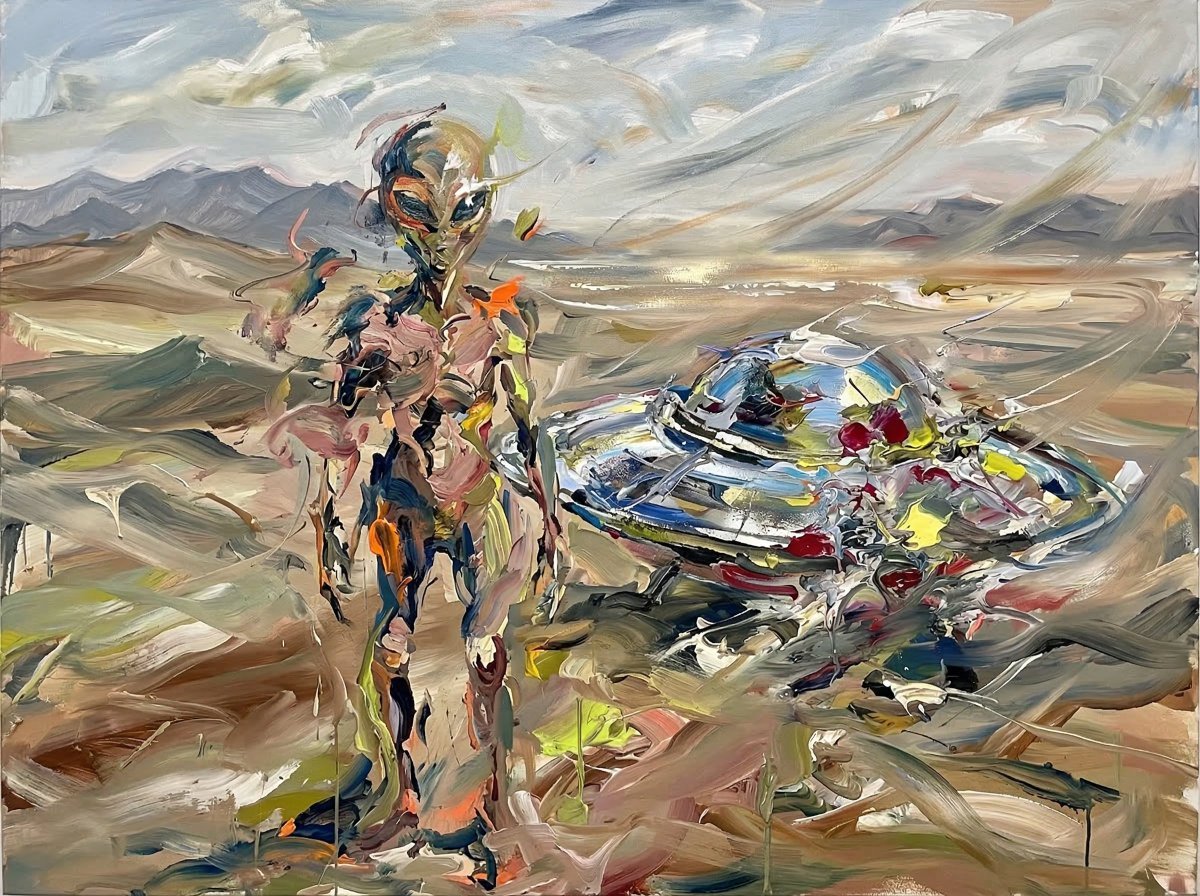
Surreal Alien Figure in Cecily Brown Style
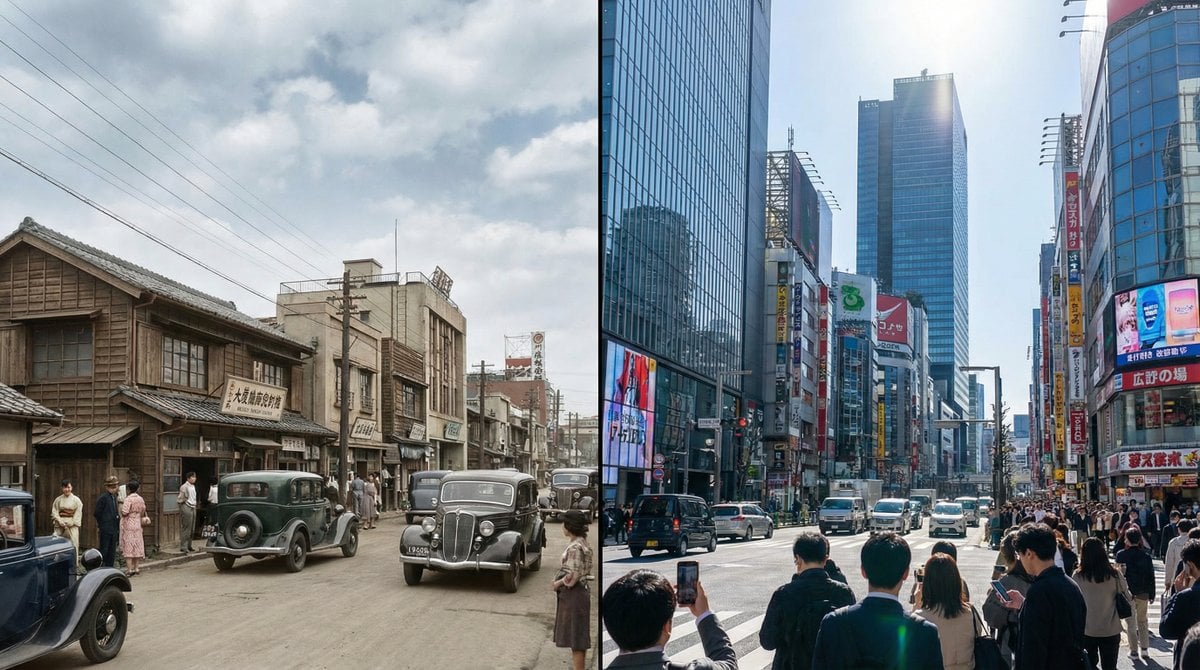
Split-screen time-lapse of same location by coordinates
Browse template categories
Miniature London City Portrait questions
How do I use the Miniature London City Portrait template?
Add your photo if the template asks for one, edit the prompt if you like — the template's model and format are already selected — and press Generate. Your version opens in PicX Studio.
Can I customize the Miniature London City Portrait template?
Yes. You can change the subject, setting, lighting, mood, format, and available model controls before creating your image.
Is the Miniature London City Portrait template free?
Opening and editing this template is free. Generating uses credits, shown on the Generate button when you are signed in.
Which AI model should I use?
Start with GPT Image 2, which is the model associated with this template. You can compare another compatible model for a different finish.
Looking for something else? Browse all templates.

Your photo, any look
Thousands of ready templates for every top image and video model, from one credit balance.