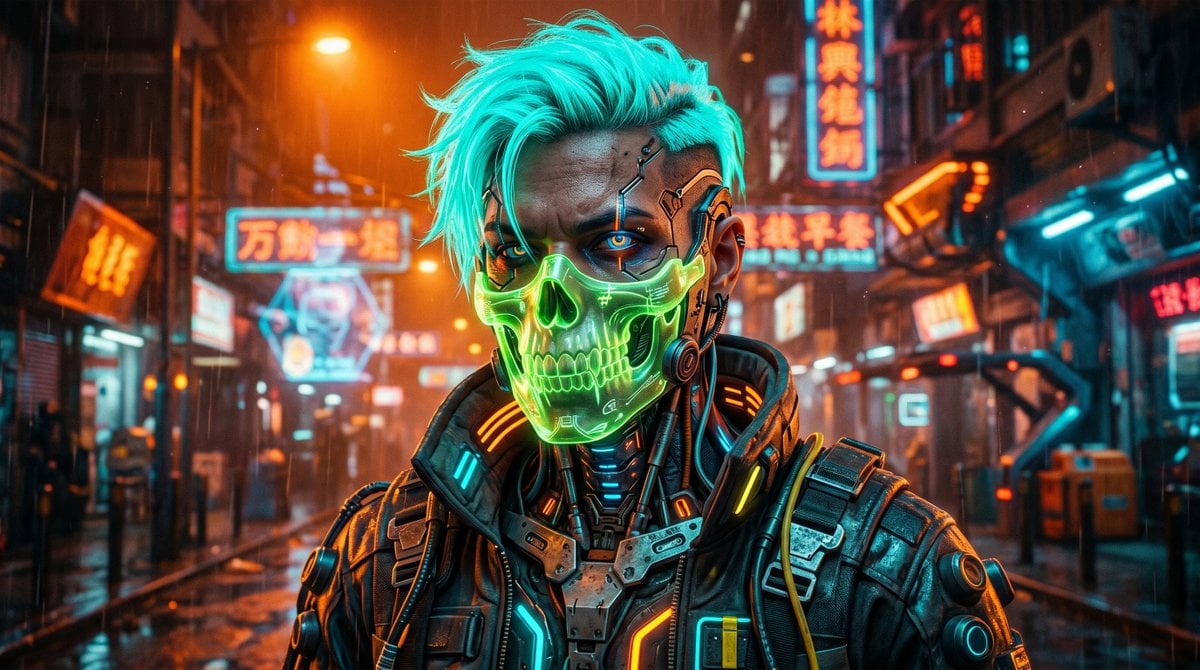
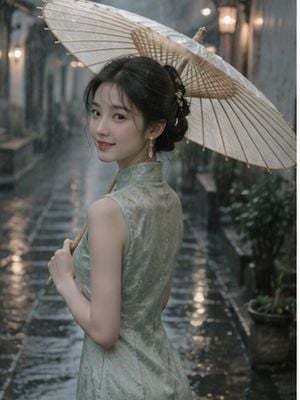
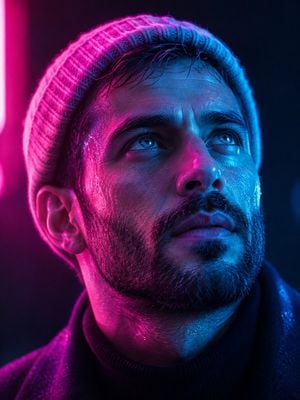
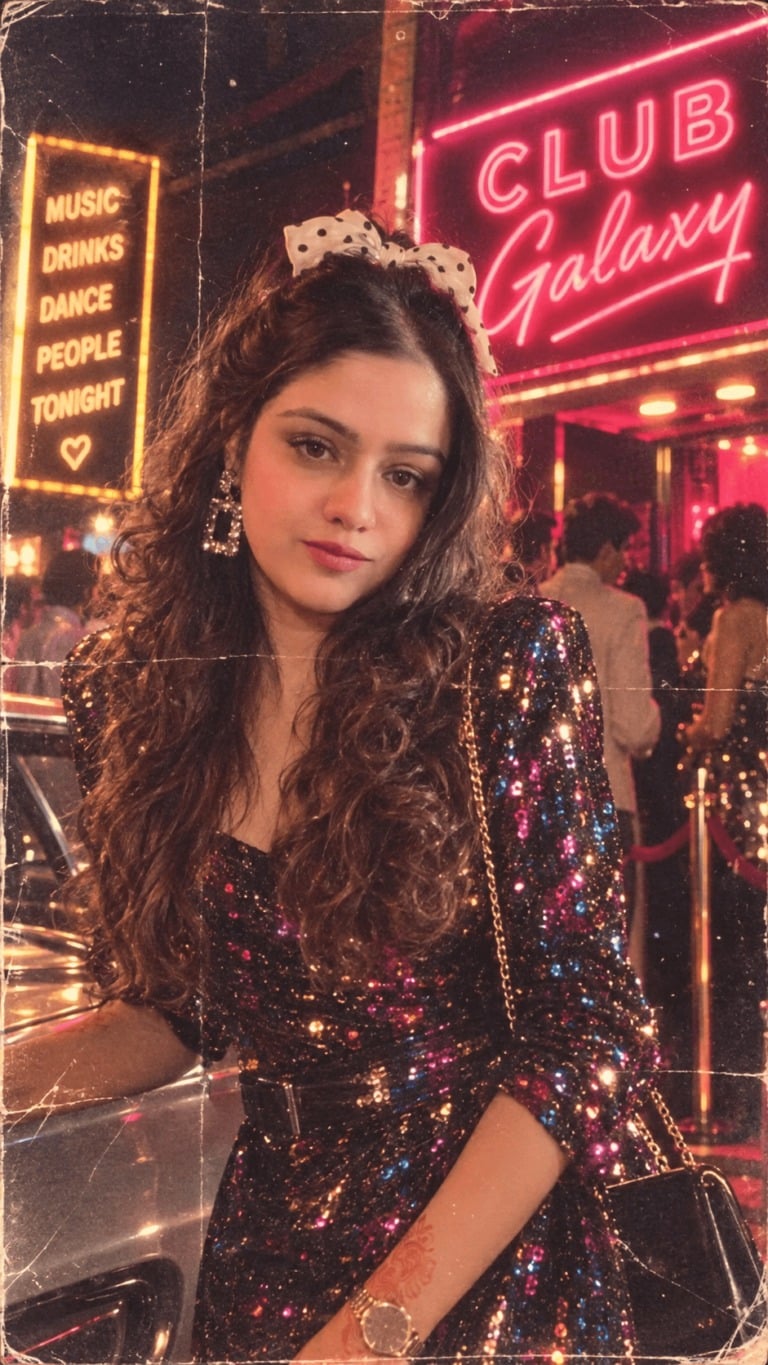
How do I use the Goth Punk Neon Alley Portrait template?
Edit the prompt in the box under the preview — the template's model and format are already selected — and press Generate. Your version appears right on this page.
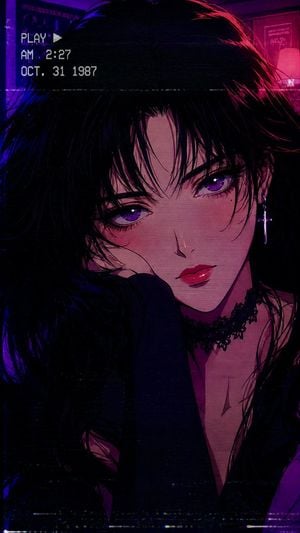
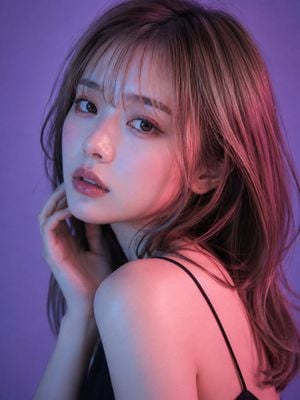
A cinematic full-body fashion portrait prompt for creating a realistic goth punk woman in a wet neon-lit brick alley.

This template uses your photo — add one with the + button.
Create a realistic full-body cinematic night portrait of a young goth punk woman named {argument name="character name" default="unnamed alternative girl"} standing in a narrow wet brick alley, leaning slightly near the right wall and facing the camera with a serious, moody expression. She has pale skin, smoky dark eye makeup, straight messy {argument name="hair color" default="deep purple"} hair with bangs, and a slim build. Use exactly 10 visible outfit and accessory elements: 1 black asymmetrical crop top with one long sleeve and one bare shoulder, 1 black leather chest harness with straps and a large metal ring, 1 spiked black choker with a small pendant, 1 short black distressed denim mini skirt, 1 studded black belt, 1 dangling side strap with rings, 2 wide spiked leather wrist cuffs, and 2 black lace-up platform combat boots. Set the scene in a gritty urban alley with dark red-brown brick walls, wet reflective pavement, shallow puddles, and a dim corridor receding into the background. Add exactly 2 purple neon signs mounted on the brick walls: one blurred sign farther behind on the left reading {argument name="rear neon text" default="CIE"}, and one cropped sign high on the upper right reading {argument name="front neon text" default="LOVE"}; let their violet glow rim-light her hair, shoulders, skin, and the wet ground. Use a vertical {argument name="aspect ratio" default="3:4"} composition, subject centered slightly right, full body visible from head to boots, low-key lighting, high contrast, shallow depth of field, detailed brick texture, realistic skin, fashion editorial styling, cyberpunk-goth atmosphere, no extra people, no watermark, no cartoon or anime style.
Create a realistic full-body cinematic night portrait of a young goth punk woman named {argument name="character name" default="unnamed alternative girl"} standing in a narrow wet brick alley, leaning slightly near the right wall and facing the camera with a serious, moody expression. She has pale skin, smoky dark eye makeup, straight messy {argument name="hair color" default="deep purple"} hair with bangs, and a slim build. Use exactly 10 visible outfit and accessory elements: 1 black asymmetrical crop top with one long sleeve and one bare shoulder, 1 black leather chest harness with straps and a large metal ring, 1 spiked black choker with a small pendant, 1 short black distressed denim mini skirt, 1 studded black belt, 1 dangling side strap with rings, 2 wide spiked leather wrist cuffs, and 2 black lace-up platform combat boots. Set the scene in a gritty urban alley with dark red-brown brick walls, wet reflective pavement, shallow puddles, and a dim corridor receding into the background. Add exactly 2 purple neon signs mounted on the brick walls: one blurred sign farther behind on the left reading {argument name="rear neon text" default="CIE"}, and one cropped sign high on the upper right reading {argument name="front neon text" default="LOVE"}; let their violet glow rim-light her hair, shoulders, skin, and the wet ground. Use a vertical {argument name="aspect ratio" default="3:4"} composition, subject centered slightly right, full body visible from head to boots, low-key lighting, high contrast, shallow depth of field, detailed brick texture, realistic skin, fashion editorial styling, cyberpunk-goth atmosphere, no extra people, no watermark, no cartoon or anime style.
Edit the prompt in the box under the preview — the template's model and format are already selected — and press Generate. Your version appears right on this page.
Yes. You can change the subject, setting, lighting, mood, format, and available model controls before creating your image.
Opening and editing this template is free. Generating uses credits, shown on the Generate button when you are signed in.
Start with GPT Image 2, which is the model associated with this template. You can compare another compatible model for a different finish.
Follow a topic to a crawlable collection of related PicX Studio templates.