
Futuristic Fashion Editorial Poster
A cyberpunk-inspired fashion editorial prompt featuring a holographic UI system and futuristic aesthetic details.
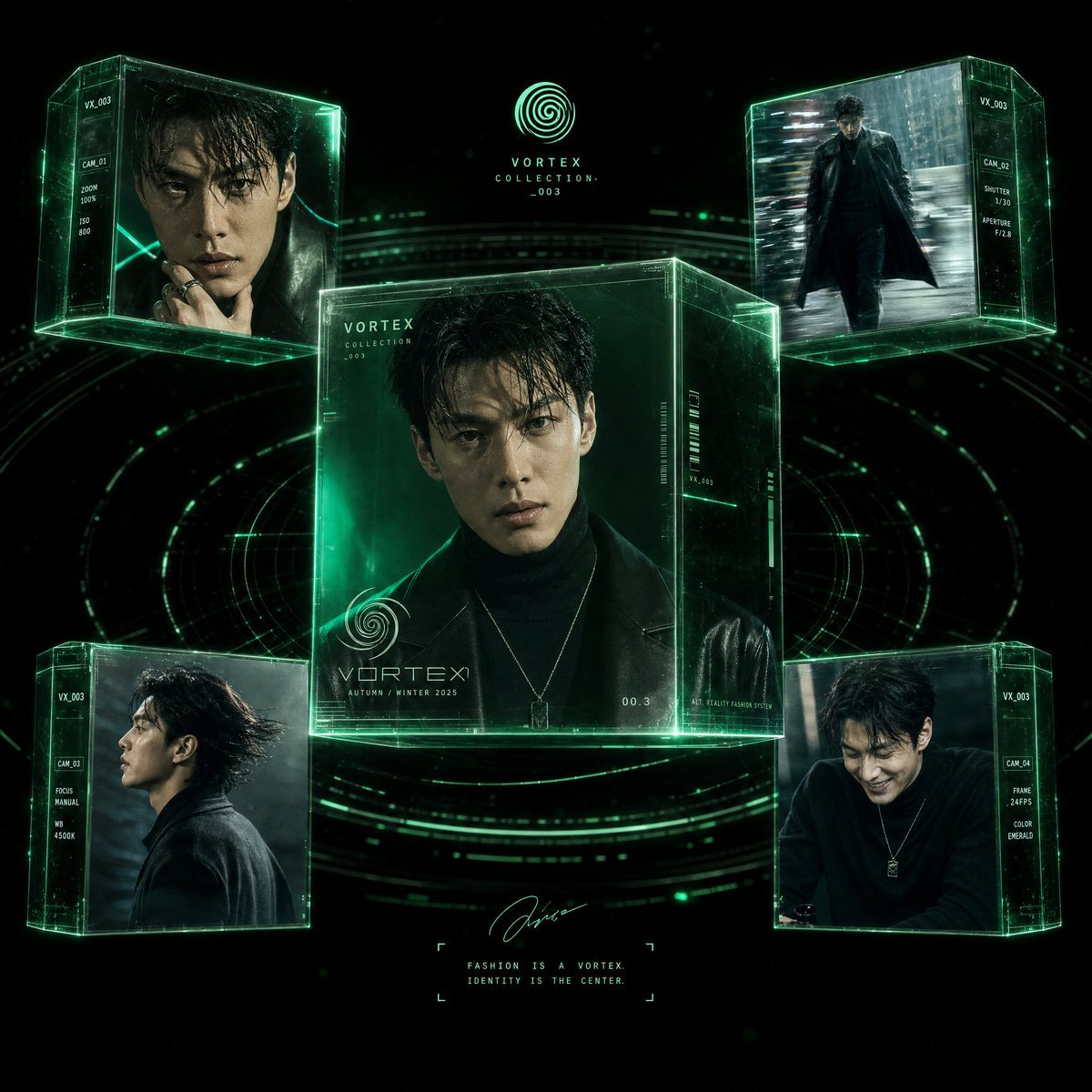
- Prompt included
- Model and format preset
- Free template
The prompt behind this image
Copy the exact prompt behind Futuristic Fashion Editorial Poster, or open it in the studio and make it yours.
Hyper-realistic futuristic fashion editorial poster featuring a {argument name="model description" default="stylish East Asian male model"} presented inside a holographic UI system called VORTEX COLLECTION 003, with absolutely no text, no words, and no letters anywhere in the image. The composition shows a central large floating 3D glass cube containing a close-up portrait of the model wearing a {argument name="clothing" default="black turtleneck and dark leather coat"}, with wet hair, intense cinematic lighting, and sharp facial details. Surrounding the main cube are four additional smaller floating holographic panels, each showing different angles of the same model: walking in a rainy urban street with motion blur, a side profile cinematic portrait, a candid smiling moment in dark studio lighting, and a dynamic fashion pose with wind motion. The entire scene is set in a dark futuristic sci-fi environment with glowing {argument name="ui color" default="neon green HUD elements"}, circular digital grids, scanning lines, and tech interface overlays. UI details include abstract holographic camera settings lines, lens graphs, and technical geometry lines on panels, with glowing emerald green light edges around glass cubes, subtle particle effects, and digital distortion waves. Style: ultra-realistic, cinematic lighting, 8K detail, high-fashion magazine aesthetic, cyberpunk minimal UI design, premium luxury tech look, shallow depth of field, volumetric lighting, sharp focus on face, dark moody atmosphere with neon accents. Aspect ratio: 1:1, square composition, centered symmetry, clean design with zero text.
How to use Futuristic Fashion Editorial Poster in 3 steps
- 1
Open
The prompt is already in the box next to the preview, with the template's model and format selected.
- 2…a portrait of your subject in softgolden-hour light, 85mm…
Personalize
Edit the subject and creative details for your destination.
- 3Generate
Generate
Press Generate — your image is created in PicX Studio, so you can compare it with the original and refine one variable at a time.
More like this
Templates with the same subject, style or setup. Open one to see its prompt.
Luxury Sliced Wordmark Player Poster
untitled
Google Gemini Nano Banana Pro
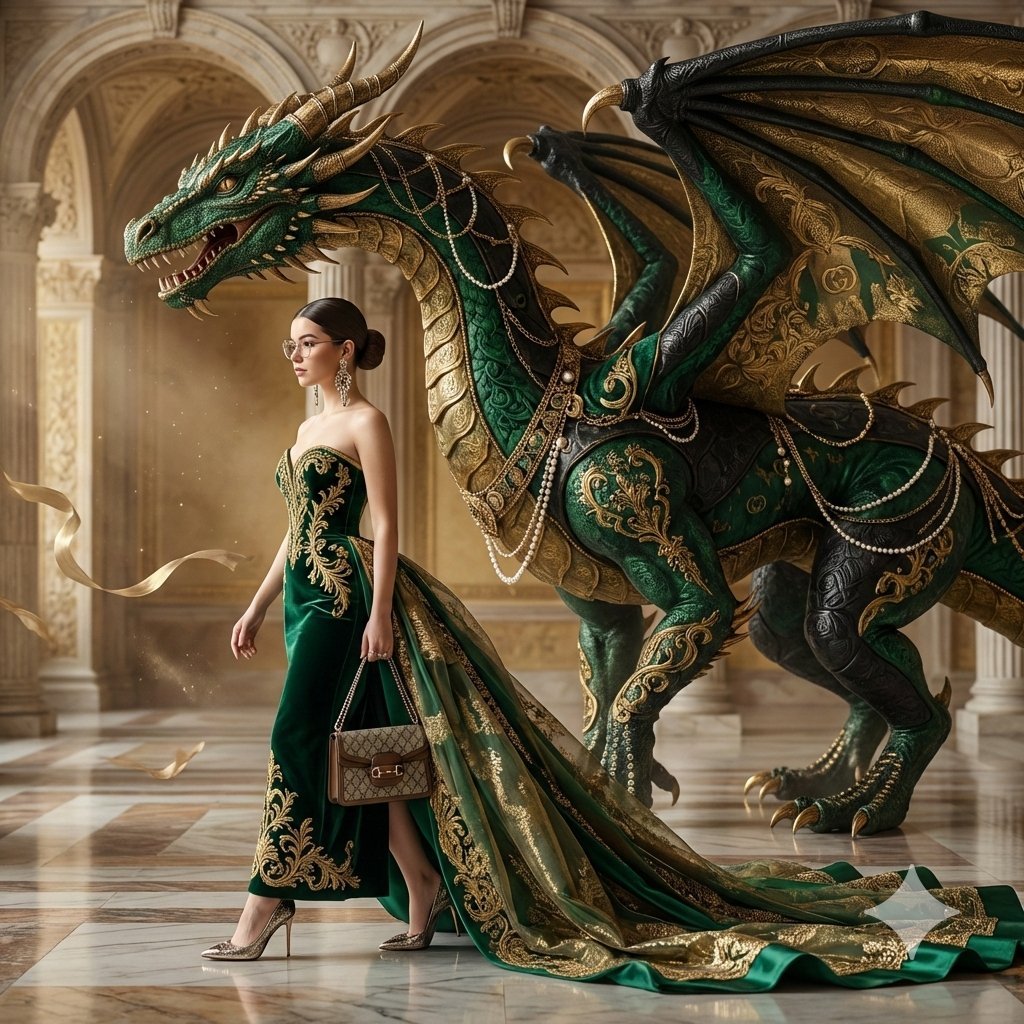
Conceptual Fashion Portrait in Spider We
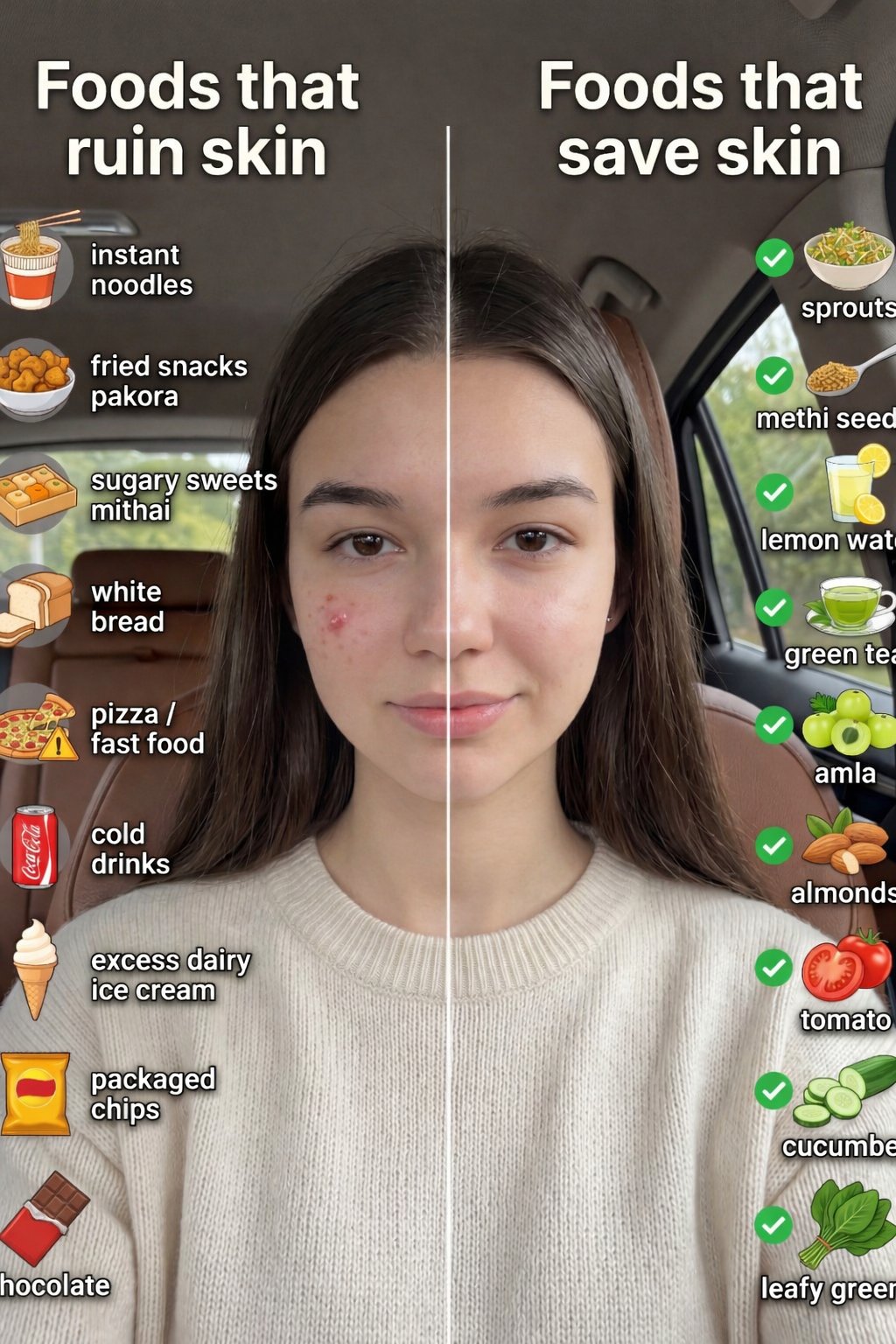
01 Skincare Split Portrait — Nano Banana 2
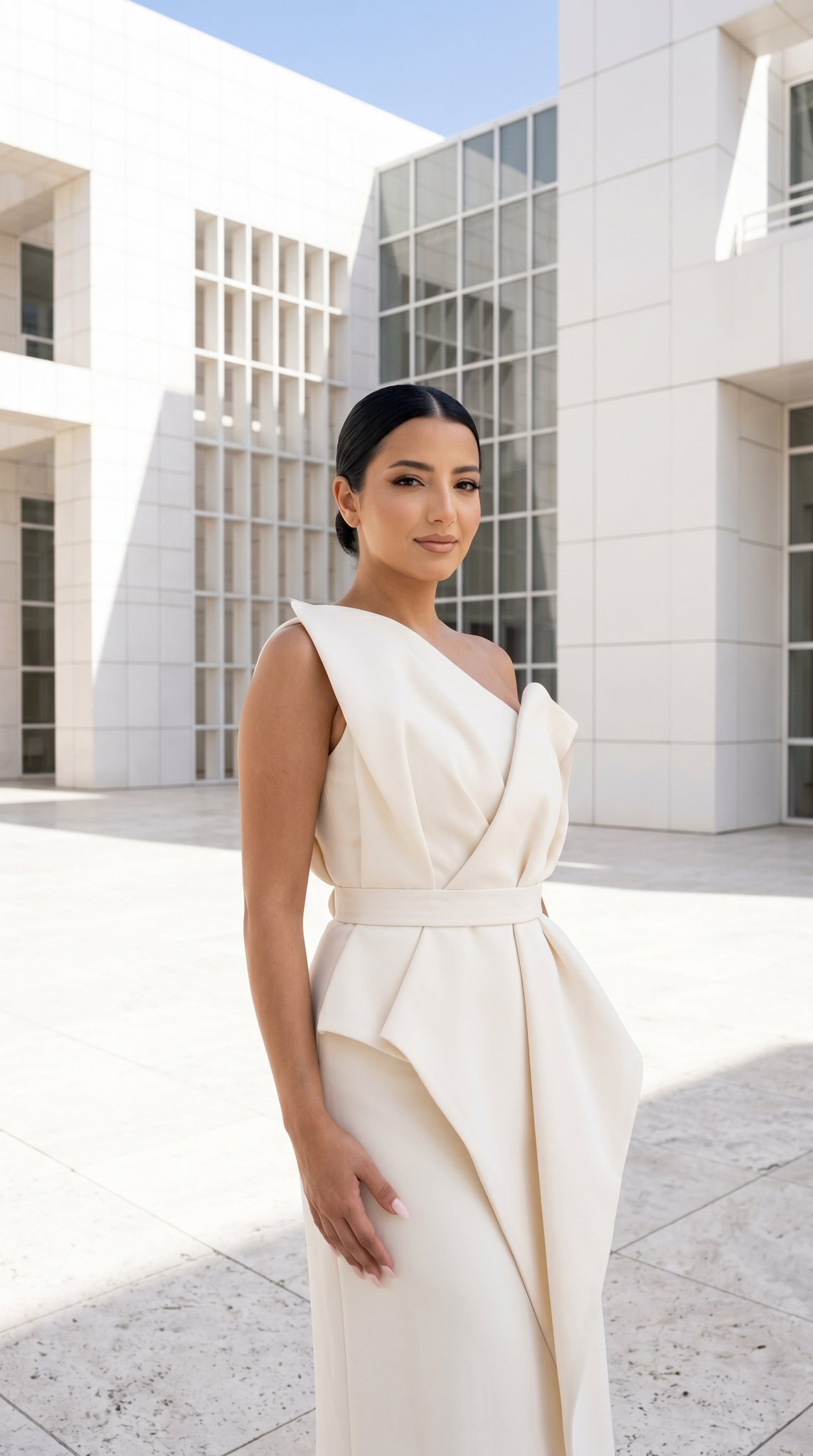
24 The Getty Center — California Series
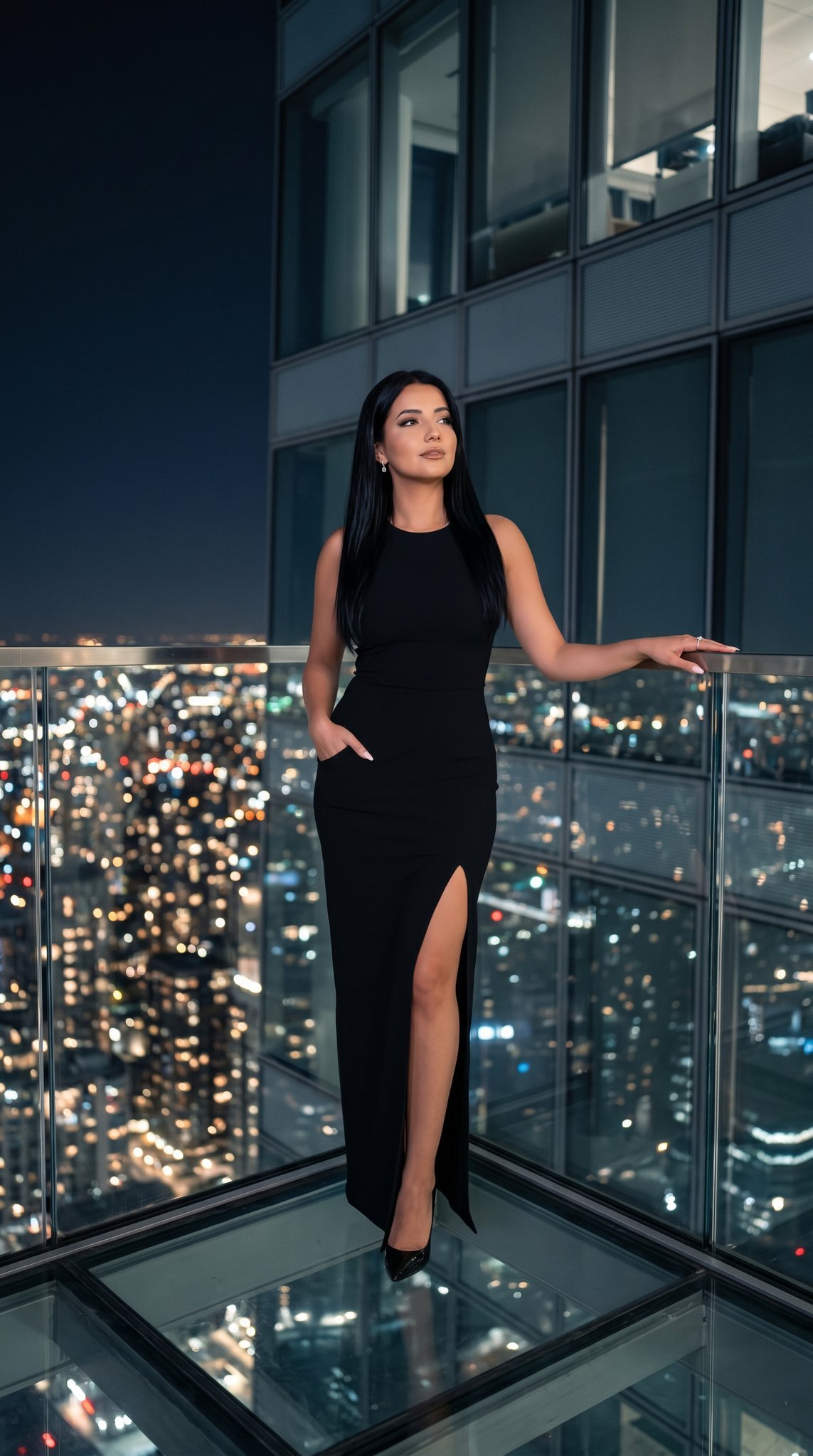
21 Glass Floor Skyscraper — California Series

19 Luxury Helicopter Travel — California Series

08 Rodeo Drive Luxury Exit — California Series
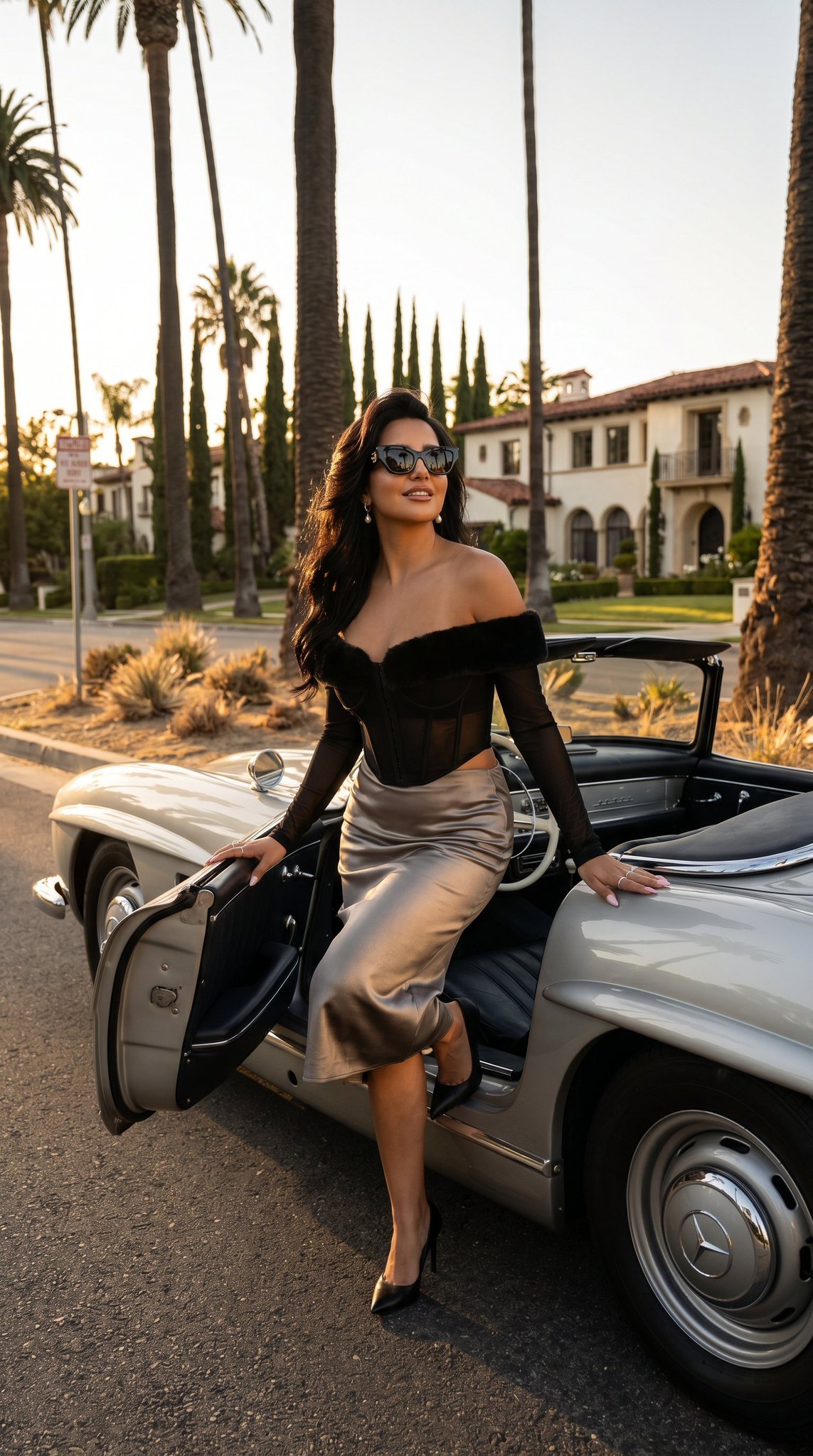
03 Beverly Hills Convertible — California Series
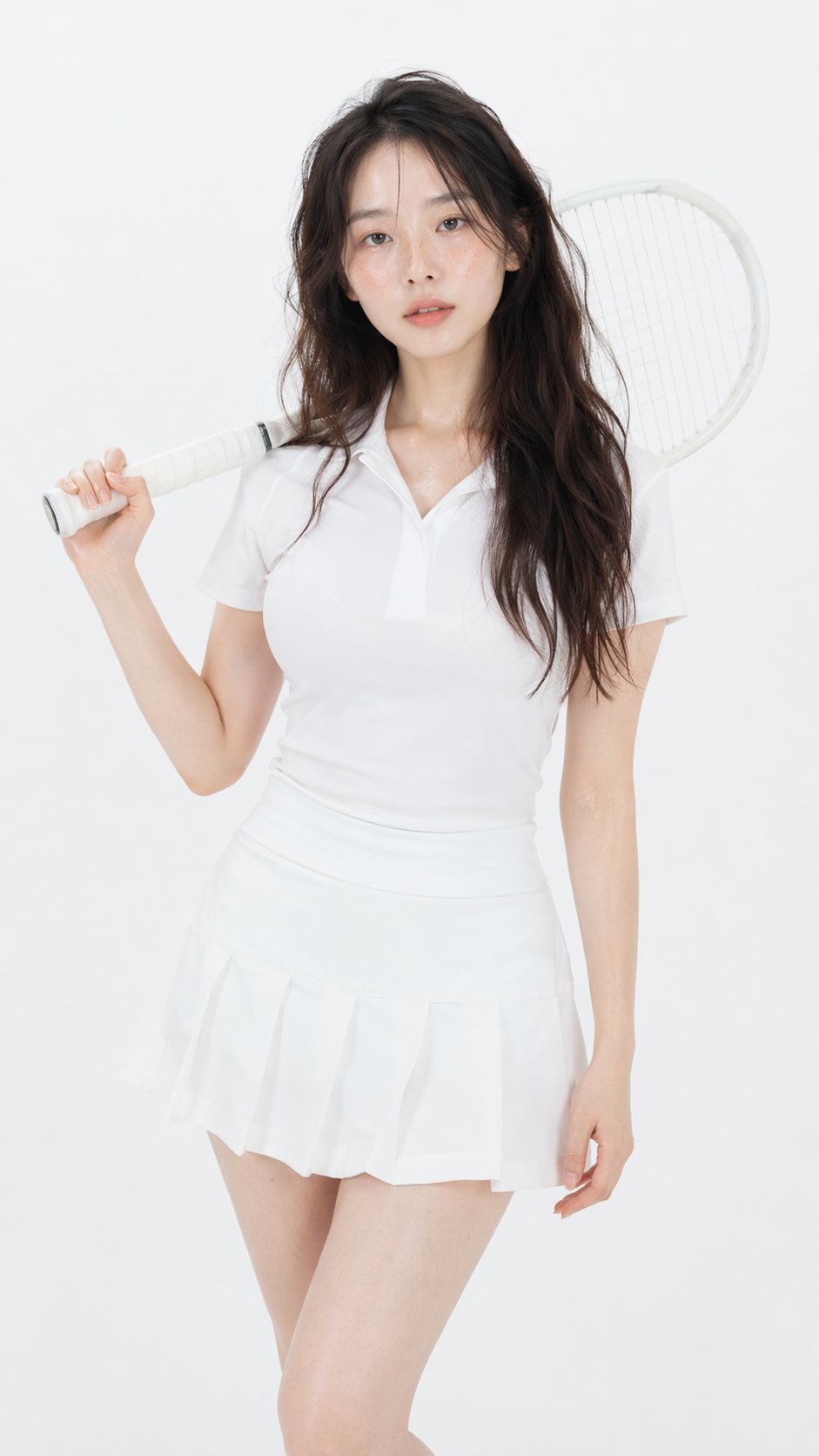
Gpt Image 2 Fashion Portrait

Caution Tape Fashion — Industrial Editorial
Make it yours
Futuristic Fashion Editorial Poster works as-is. These are the safest ways to change it without losing the look.
Change one field
Copy a single group, rewrite it, and generate again so you can see what that field is doing.
Keep the frame, change the subject
Hold the composition and light of Futuristic Fashion Editorial Poster, then swap wardrobe, props or the person for a new take.
| If the result… | Why | Fix |
|---|---|---|
| The result drifts from the preview | Too many fields changed at once. | Reuse Futuristic Fashion Editorial Poster as-is first, then change one group — subject, light, or setting. |
| The model over-stylizes the scene | The prose prompt leaves finish and camera underspecified. | Add one camera or lighting sentence and stay on GPT Image 2. |
More GPT Image 2 templates
Other prompts made for GPT Image 2.

Six VTuber Japanese Logo Sheet

Realistic Portrait of Woman and Deer

The Vista Modular Condo Poster

AI Model Routing Comparison Infographic

2.5D Anime Art Board

Isometric Productivity Desk Scene

New York Double Exposure Poster

Four-Panel AI Landscape Comparison

Japanese Tatami Lifestyle Magazine Cover

NESCAFÉ Coffee Map Poster
More image prompts
Fresh picks from across the catalog.
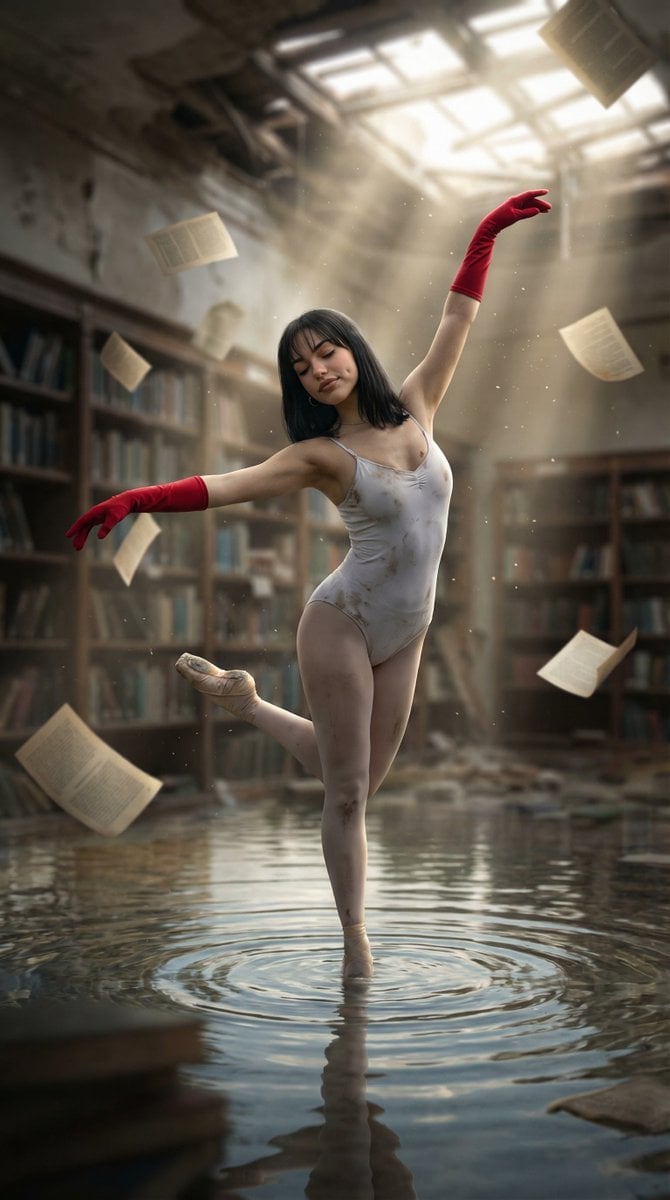
Haunting Ballerina in a Flooded Library (Flow Prompt)
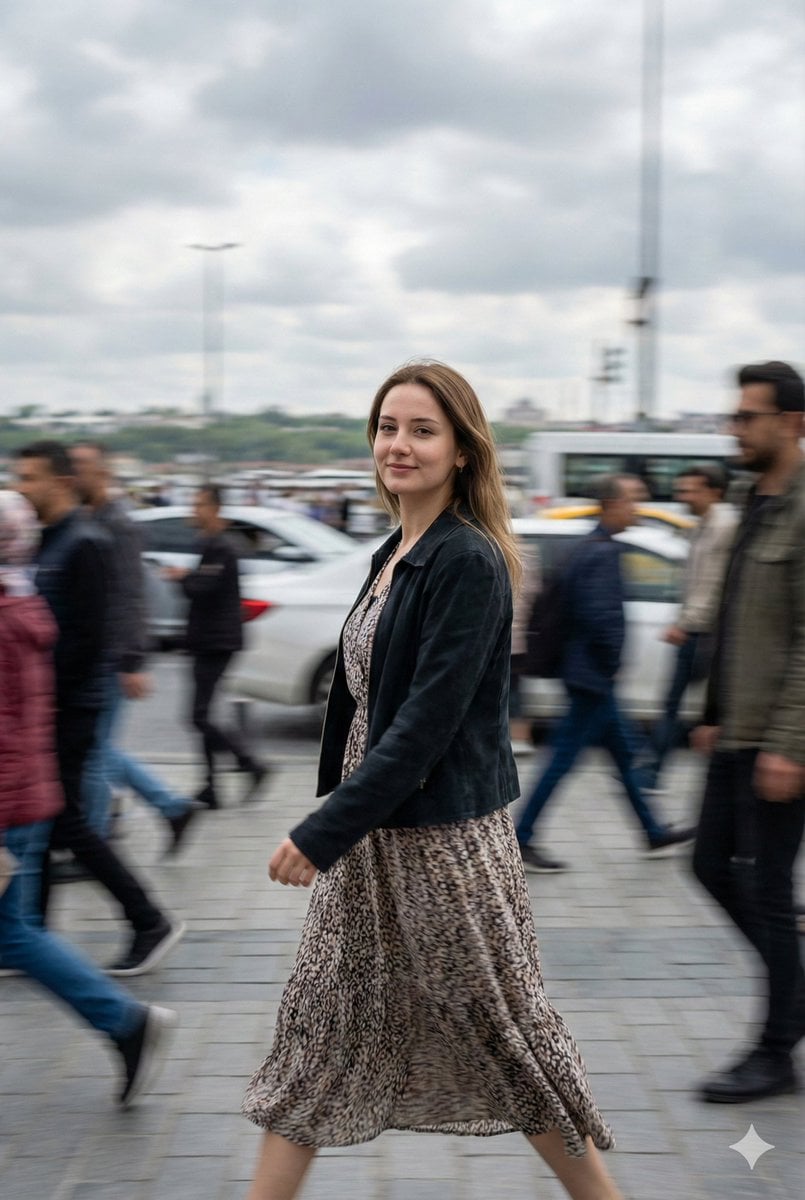
Cinematic Motion Blur Street Portrait Prompt
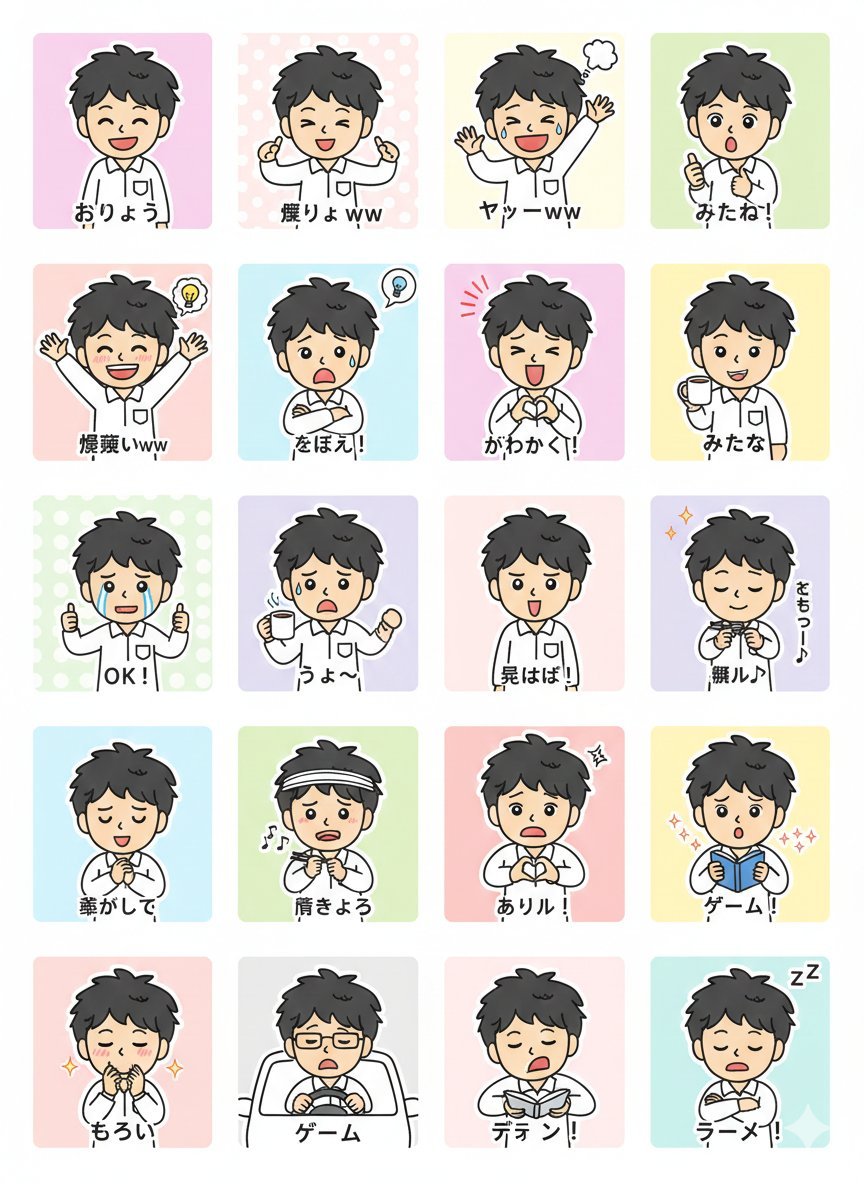
LINE Sticker Generation Prompt

Dark Samurai Ink Wash Poster
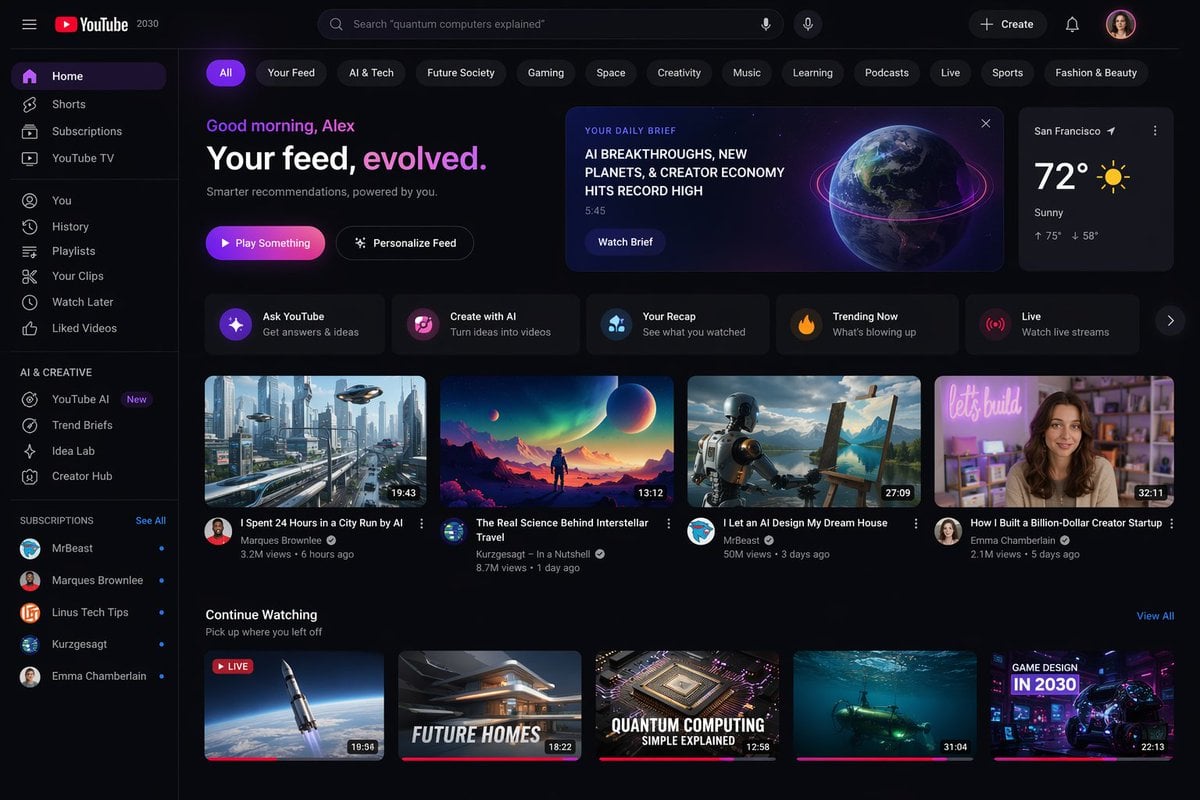
YouTube 2030 Interface
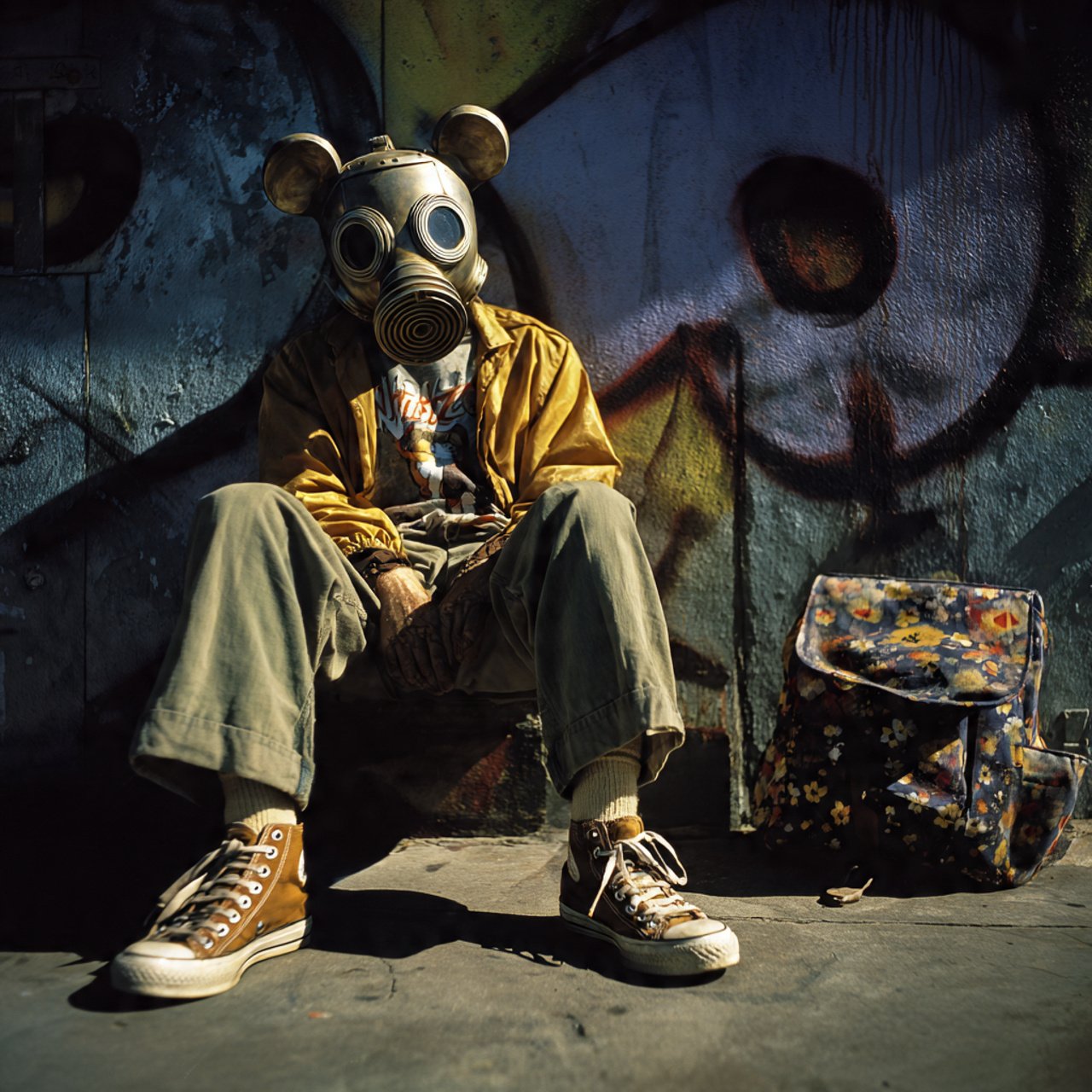
mickey toxico
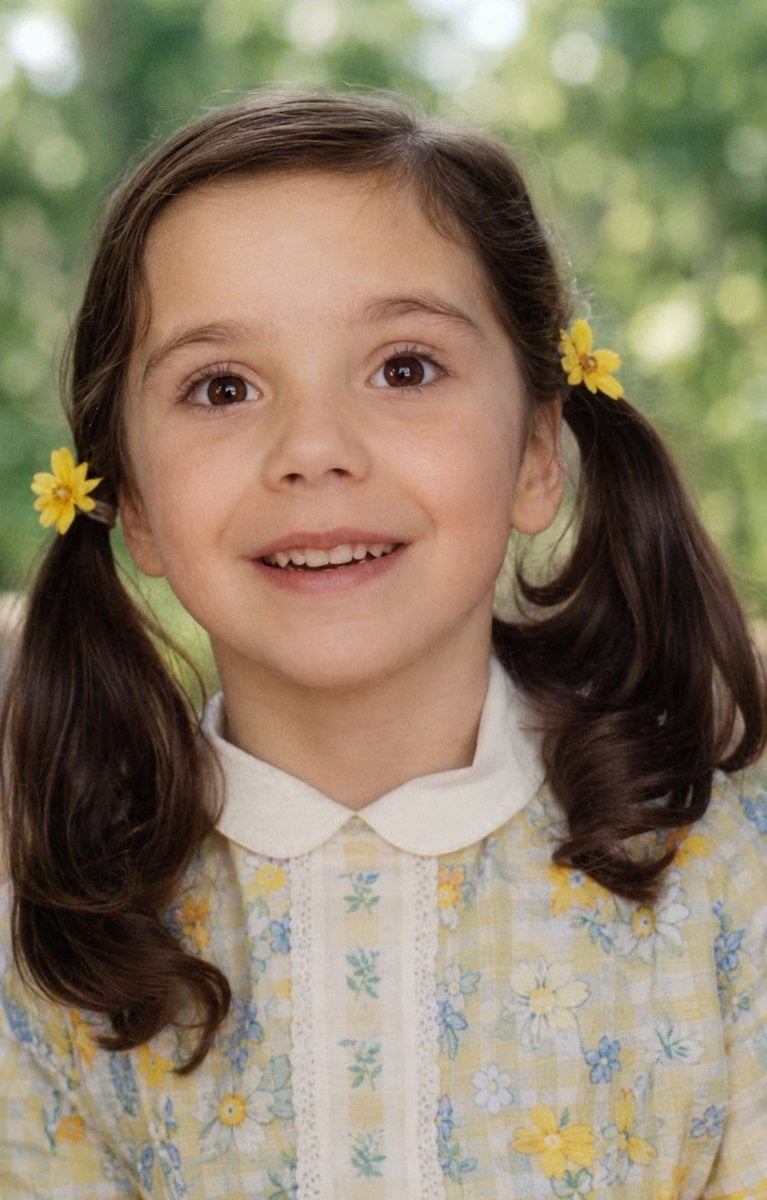
Old Photo Restoration
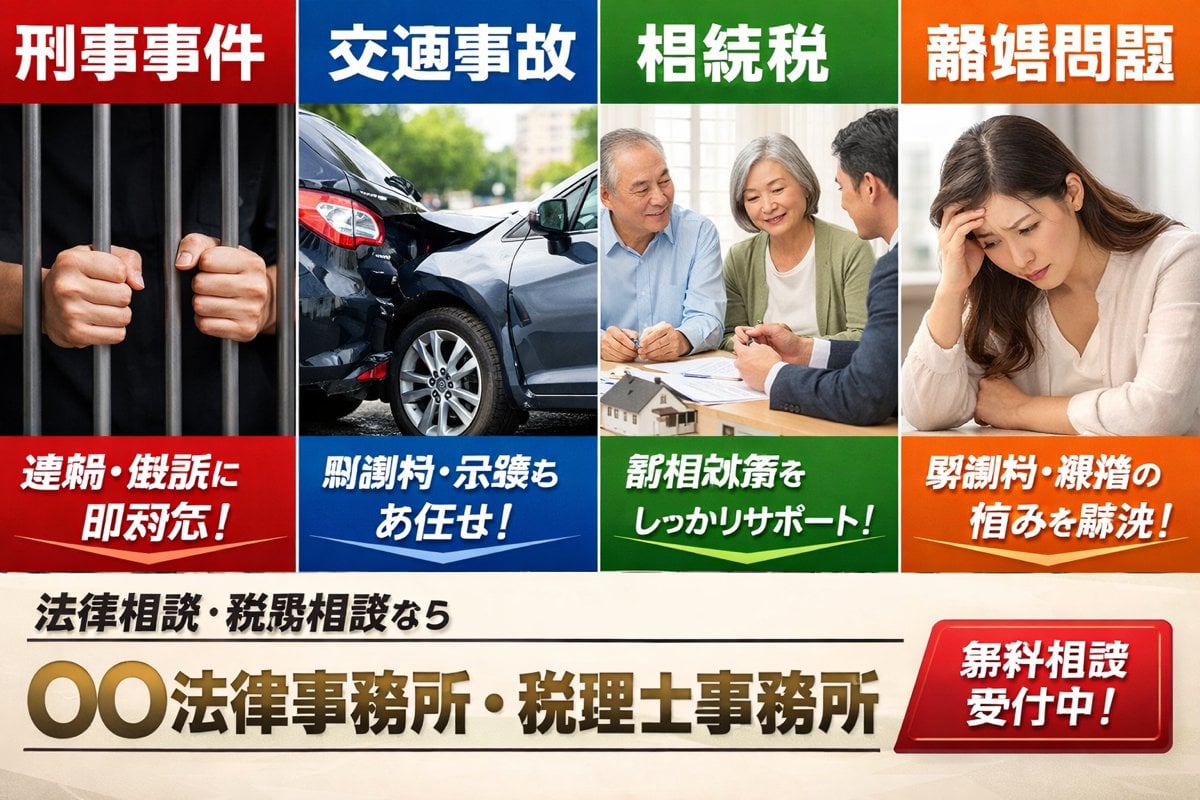
Japanese Legal Services LP Banner
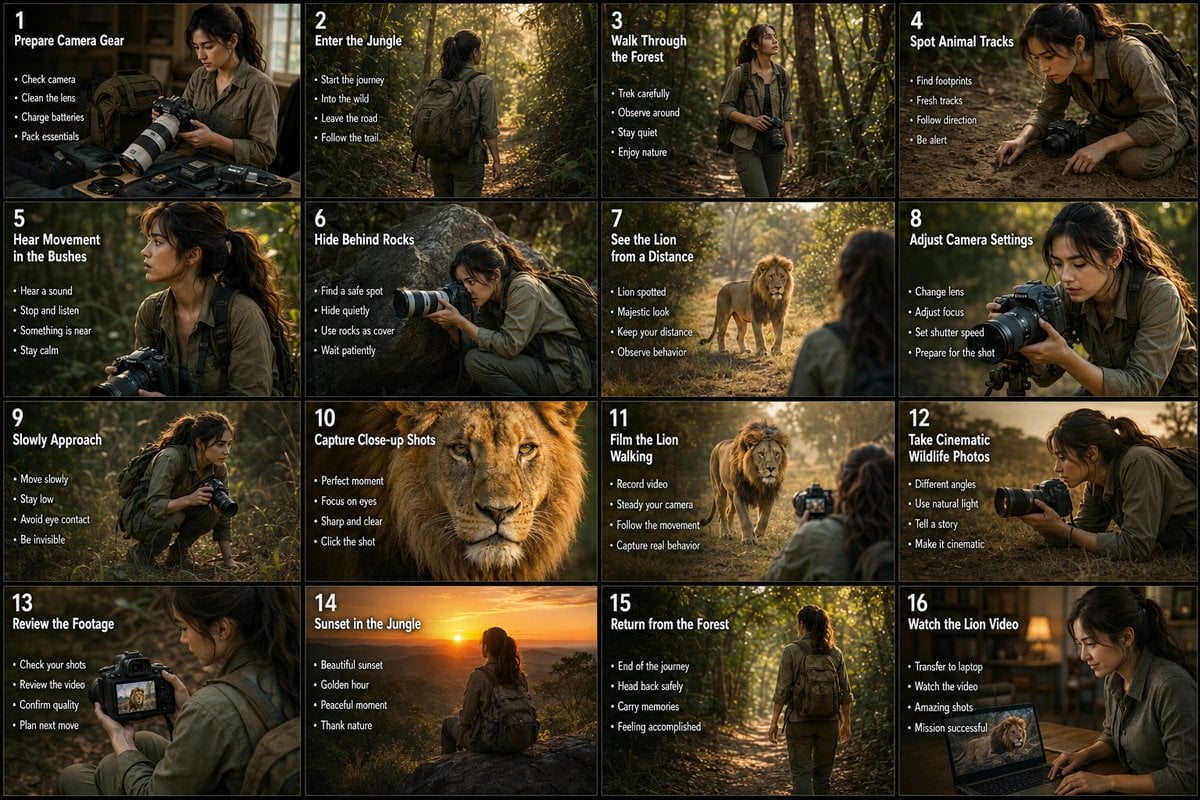
Wildlife Photographer Adventure Storyboard
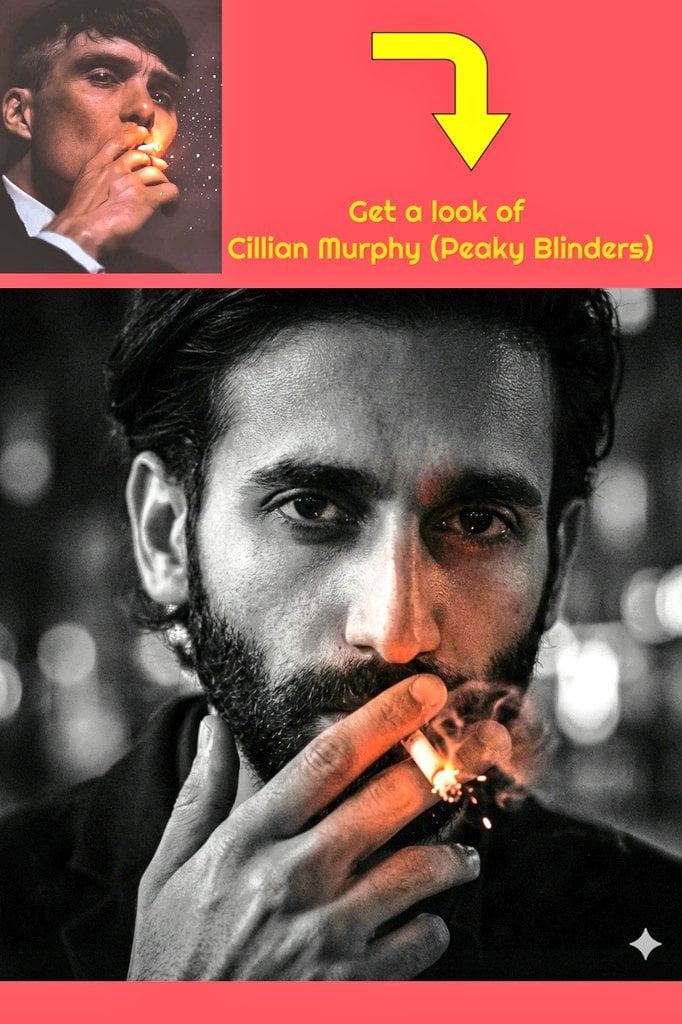
Film Noir Portrait of Cillian Murphy with Cigarette
Browse template categories
Futuristic Fashion Editorial Poster questions
How do I use the Futuristic Fashion Editorial Poster template?
Add your photo if the template asks for one, edit the prompt if you like — the template's model and format are already selected — and press Generate. Your version opens in PicX Studio.
Can I customize the Futuristic Fashion Editorial Poster template?
Yes. You can change the subject, setting, lighting, mood, format, and available model controls before creating your image.
Is the Futuristic Fashion Editorial Poster template free?
Opening and editing this template is free. Generating uses credits, shown on the Generate button when you are signed in.
Which AI model should I use?
Start with GPT Image 2, which is the model associated with this template. You can compare another compatible model for a different finish.
Looking for something else? Browse all templates.

Your photo, any look
Thousands of ready templates for every top image and video model, from one credit balance.