How do I use the Studio Fashion Portrait Red Background template?
Choose the primary action to open PicX Studio with the available template settings. Review the model and format, personalize the creative direction, and generate when ready.
A professional fashion portrait prompt featuring a woman in a black blazer and necktie against a bold red background, styled like a luxury magazine cover.
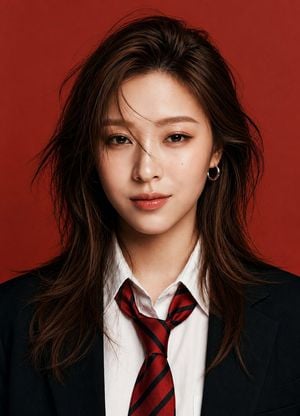
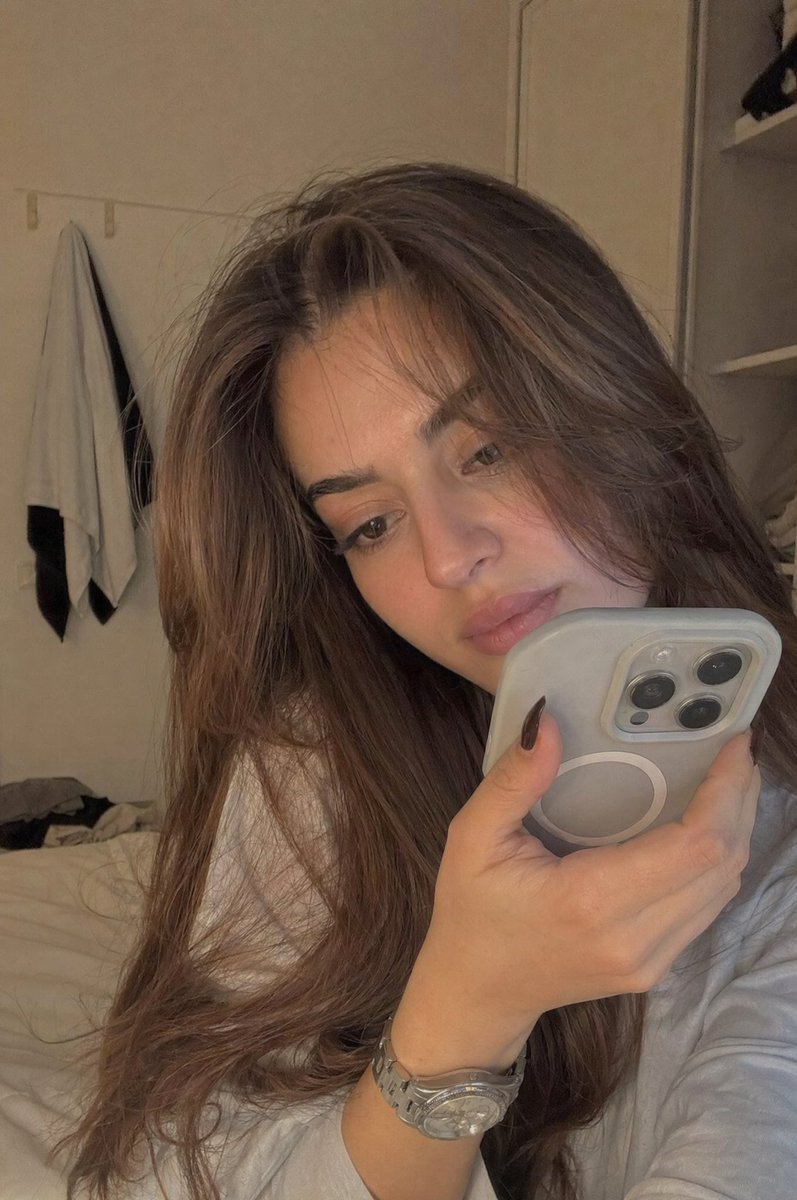
Ultra-realistic studio fashion portrait of a {argument name="subject" default="confident young woman"} (Face given in Refrence Image) , centered composition, looking directly into the camera with a calm and subtle expression. She has {argument name="hairstyle" default="medium-long layered dark brown hair"} with soft volume and slightly windswept strands crossing her face, natural glowing skin, defined brows, warm brown eyes, light makeup, glossy natural lips, and small silver hoop earrings. She wears a {argument name="outfit" default="tailored black blazer over a crisp white dress shirt with a loosely tied red-and-black striped necktie"}. Solid {argument name="background color" default="deep red"} seamless background, creating a bold editorial contrast. Soft beauty lighting with a large octabox positioned slightly above eye level, gentle fill light, smooth skin texture, catchlights in the eyes, high dynamic range, razor-sharp facial details. Luxury magazine cover aesthetic, Korean fashion editorial style, premium beauty campaign photography, shallow depth of field, 85mm lens, f/2.0, ISO 100, ultra-detailed hair strands, cinematic color grading, natural skin tones, professional retouching, photorealistic, 8K resolution, symmetrical framing, chest-up portrait, minimalistic composition. Negative Prompt: low quality, blurry, overexposed, oversaturated, cartoon, anime, illustration, CGI, distorted face, asymmetrical eyes, extra fingers, bad anatomy, heavy makeup, harsh shadows, messy background, watermark, text, logo, cropped head, duplicate features, unrealistic skin, plastic skin, noise, motion blur.
Choose the primary action to open PicX Studio with the available template settings. Review the model and format, personalize the creative direction, and generate when ready.
Yes. You can change the subject, setting, lighting, mood, format, and available model controls before creating your image.
This template is free to open and customize. Generation usage is shown in PicX Studio before you create.
Start with GPT Image 2, which is the model associated with this template. You can compare another compatible model for a different finish.
Follow a topic to a crawlable collection of related PicX Studio templates.