
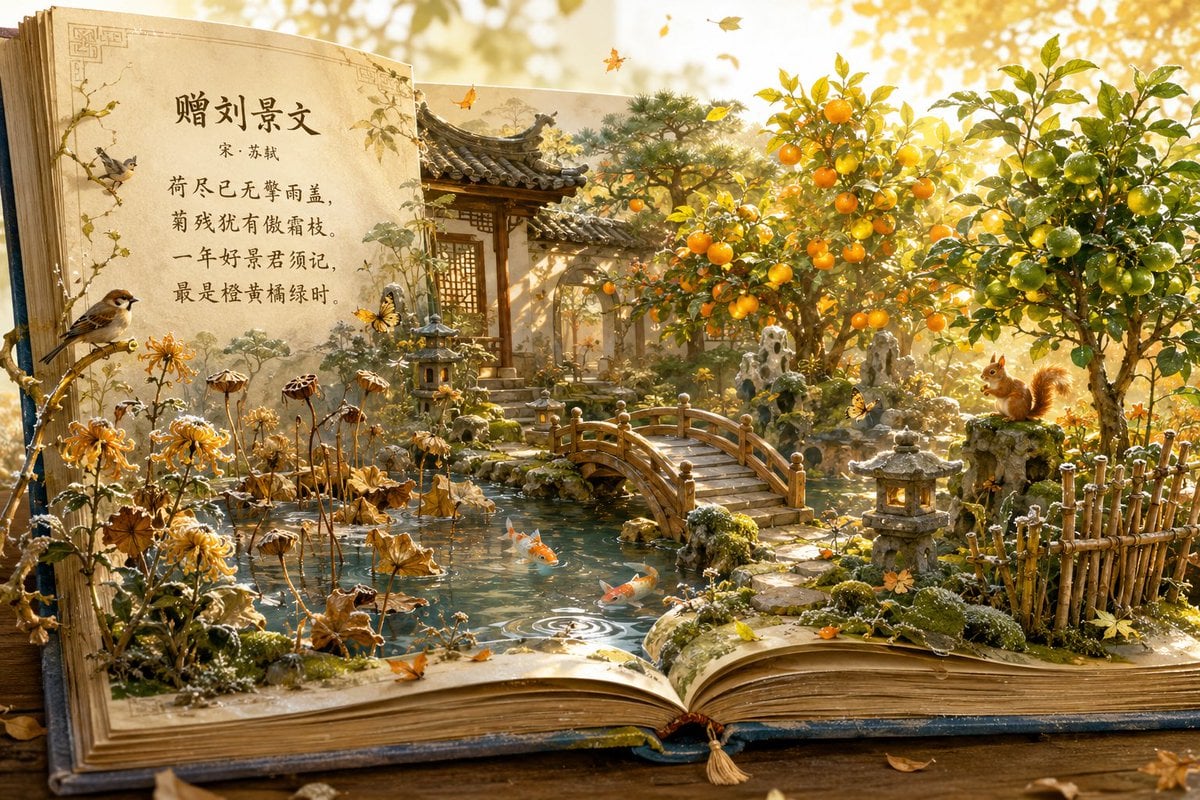
Autumn Chinese Garden Pop-Up Book
A cinematic prompt for generating a magical antique pop-up book that unfolds into a detailed autumn Chinese garden with calligraphy and miniature wildlife.
- Prompt included
- Model and format preset
- Premium template
The prompt behind this image
Copy the exact prompt behind Autumn Chinese Garden Pop-Up Book, or open it in the studio and make it yours.
Create a highly detailed magical-realism pop-up book scene on a wooden table, where an open antique book transforms into a miniature classical Chinese garden in warm golden autumn light. The left page stands upright like parchment, with aged paper, decorative corner borders, creeping vines, and vertical Chinese calligraphy headed {argument name="poem title" default="赠刘景文"}, followed by {argument name="author line" default="宋·苏轼"} and the poem text {argument name="poem text" default="荷尽已无擎雨盖,菊残犹有傲霜枝。一年好景君须记,最是橙黄橘绿时。"}. The right and lower pages unfold into a three-dimensional garden: a tranquil koi pond, one arched wooden bridge, a traditional tiled-roof pavilion and courtyard wall in the background, mossy scholar rocks, one bamboo fence, orange and green citrus trees heavy with fruit, dried chrysanthemums, lotus seed pods, and fallen leaves. Include exactly 2 visible birds perched on the left page branches, exactly 3 koi fish in the pond, exactly 3 butterflies fluttering near flowers and rocks, exactly 3 stone lanterns or garden lamps, and exactly 1 squirrel sitting on a mossy rock at the right side. Use {argument name="season" default="late autumn"} atmosphere with orange-yellow foliage, frosty moss details, soft haze, sparkling backlight, shallow depth of field, and volumetric sunlight filtering through leaves. Style: ultra-detailed cinematic 3D diorama, handcrafted paper-and-miniature texture, realistic book pages and water reflections, warm amber palette, whimsical but elegant Song dynasty garden mood, no modern objects, no watermark.
How to use Autumn Chinese Garden Pop-Up Book in 3 steps
- 1Upload ImagePNG, JPG or paste
Add your photo
Upload the photo the template builds on. The prompt, model and format are already set.
- 2…a portrait of your subject in softgolden-hour light, 85mm…
Personalize
Edit the subject and creative details for your destination.
- 3Generate
Generate
Press Generate — your image is created in PicX Studio, so you can compare it with the original and refine one variable at a time.
More like this
Templates with the same subject, style or setup. Open one to see its prompt.

Three Kingdoms Pop-Up Book Scene
Master Pop-Up Storybook — 3D Paper Engineered Travel Diorama

Minimalist Scandinavian Editorial Fashion Portrait Series

Artistic Arborpunk Garden Observatory Complex
Golden Hour Street Hoodie Lifestyle Portrait

Origami Pop-Up T-Rex Book Ad
Origami Dinosaur Pop-Up Book Ad
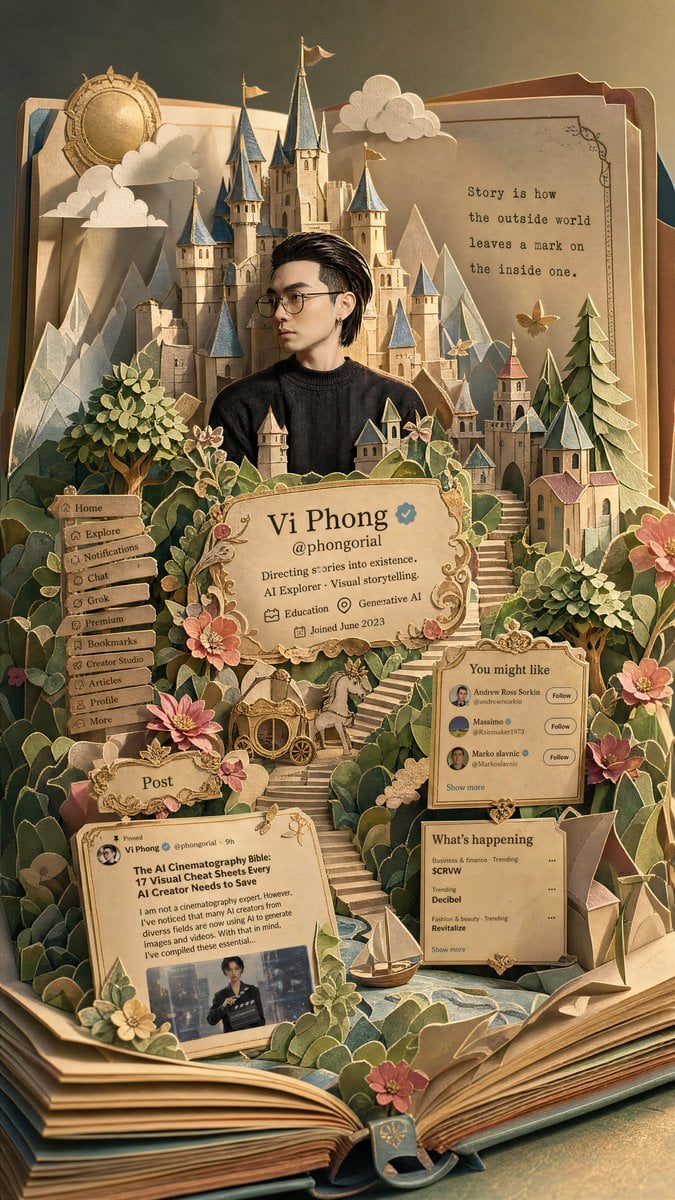
Fantasy Pop-up Book Transformation
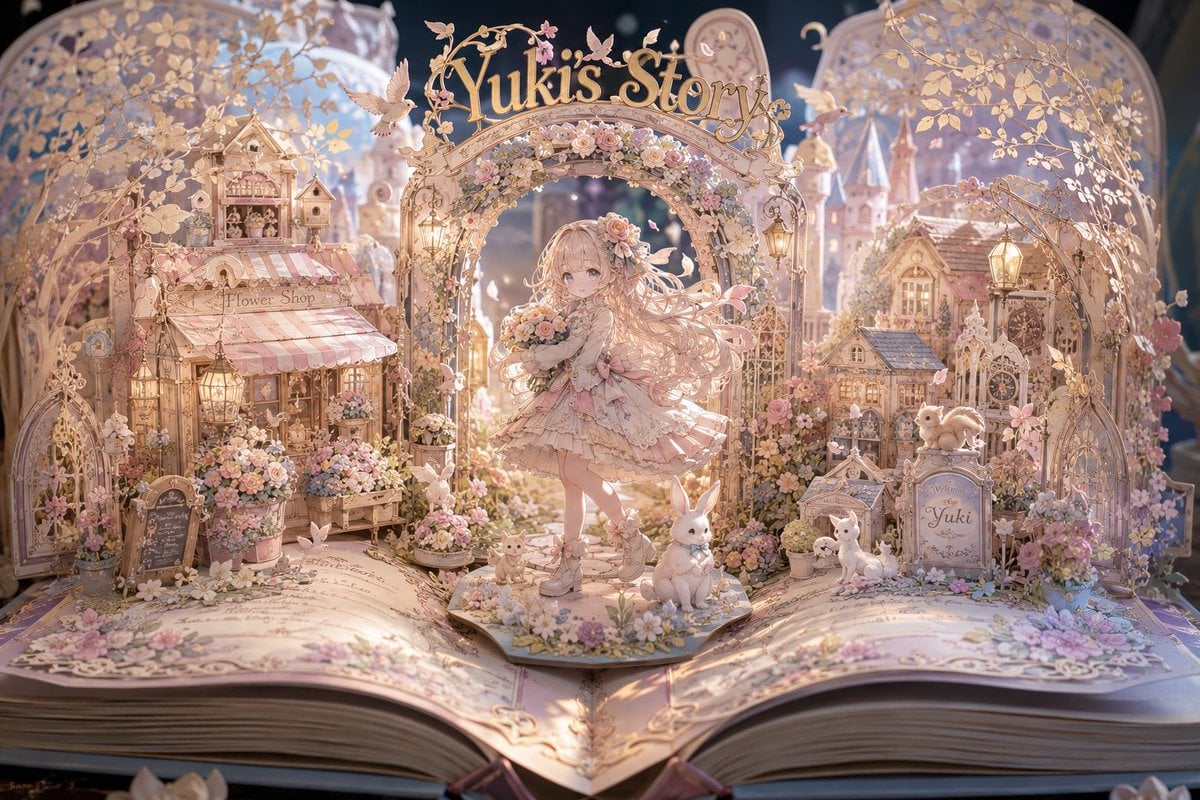
Yuki's Magical Pop-Up Storybook
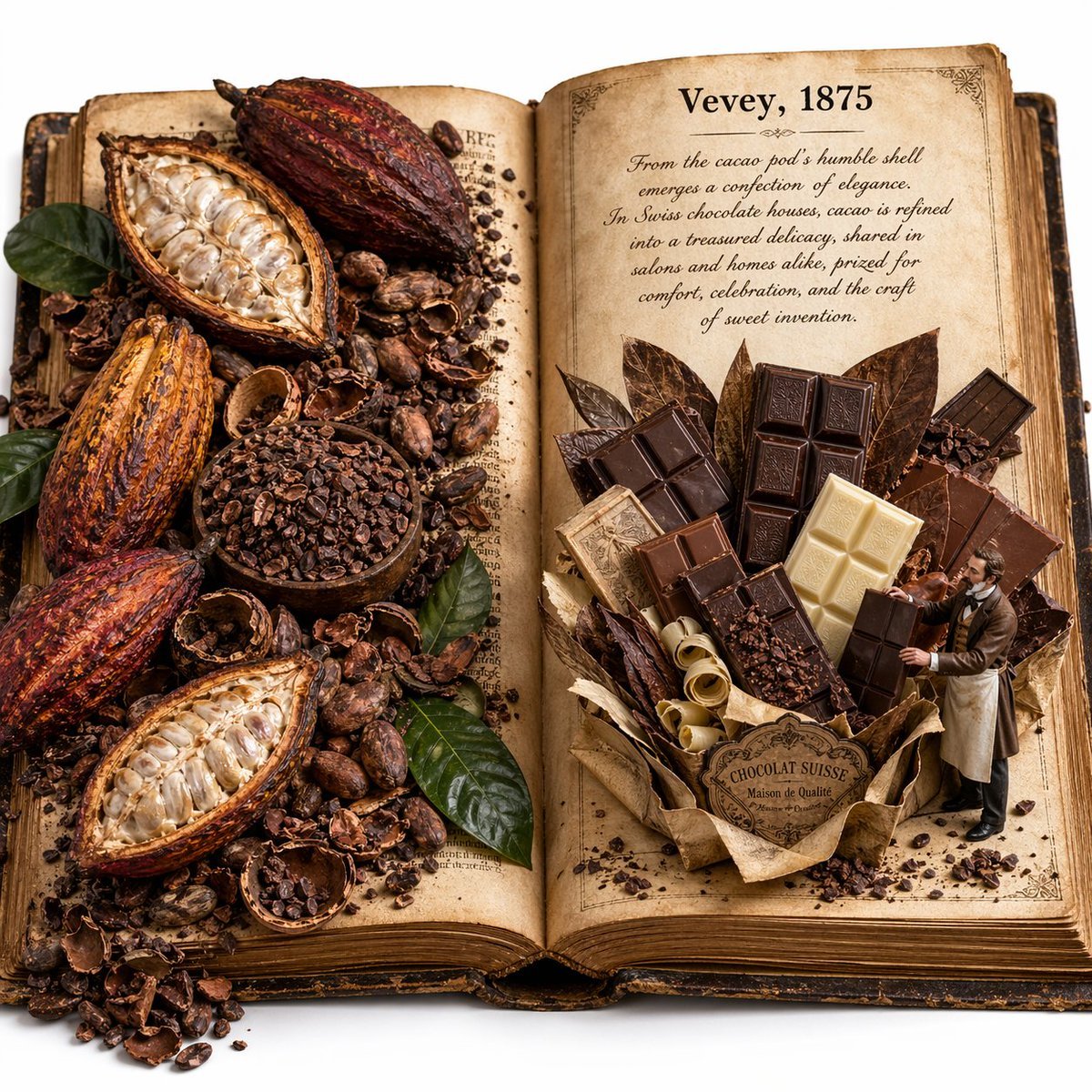
Edible History Pop-Up Chocolate Book
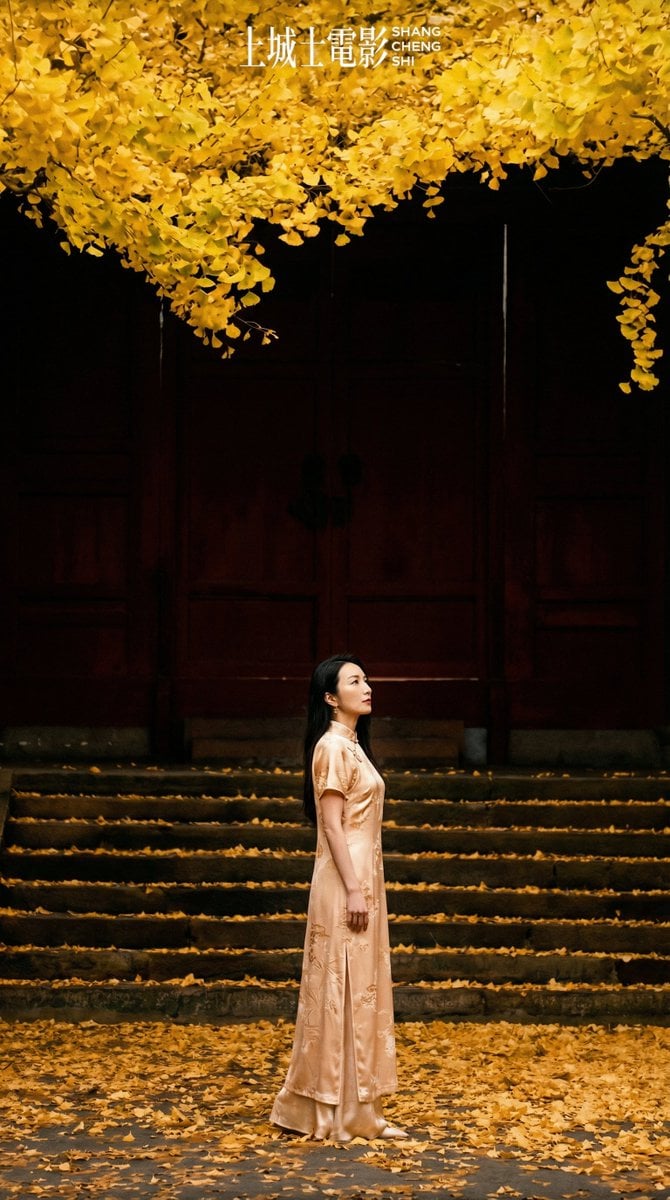
New Chinese Style Autumn Zen Cinematic Portrait Prompt

敦煌纸雕飞天 — 3D Layered Paper Cutout
Make it yours
Autumn Chinese Garden Pop-Up Book works as-is. These are the safest ways to change it without losing the look.
Change one field
Copy a single group, rewrite it, and generate again so you can see what that field is doing.
Keep the frame, change the subject
Hold the composition and light of Autumn Chinese Garden Pop-Up Book, then swap wardrobe, props or the person for a new take.
| If the result… | Why | Fix |
|---|---|---|
| The result drifts from the preview | Too many fields changed at once. | Reuse Autumn Chinese Garden Pop-Up Book as-is first, then change one group — subject, light, or setting. |
| The model over-stylizes the scene | The prose prompt leaves finish and camera underspecified. | Add one camera or lighting sentence and stay on GPT Image 2. |
More GPT Image 2 templates
Other prompts made for GPT Image 2.

Six VTuber Japanese Logo Sheet

Realistic Portrait of Woman and Deer

The Vista Modular Condo Poster

AI Model Routing Comparison Infographic

2.5D Anime Art Board

Isometric Productivity Desk Scene

New York Double Exposure Poster

Four-Panel AI Landscape Comparison

Japanese Tatami Lifestyle Magazine Cover

NESCAFÉ Coffee Map Poster
More image prompts
Fresh picks from across the catalog.

Luxury Ocean Princess Chocolate Box

Retro Japanese Onsen Photography
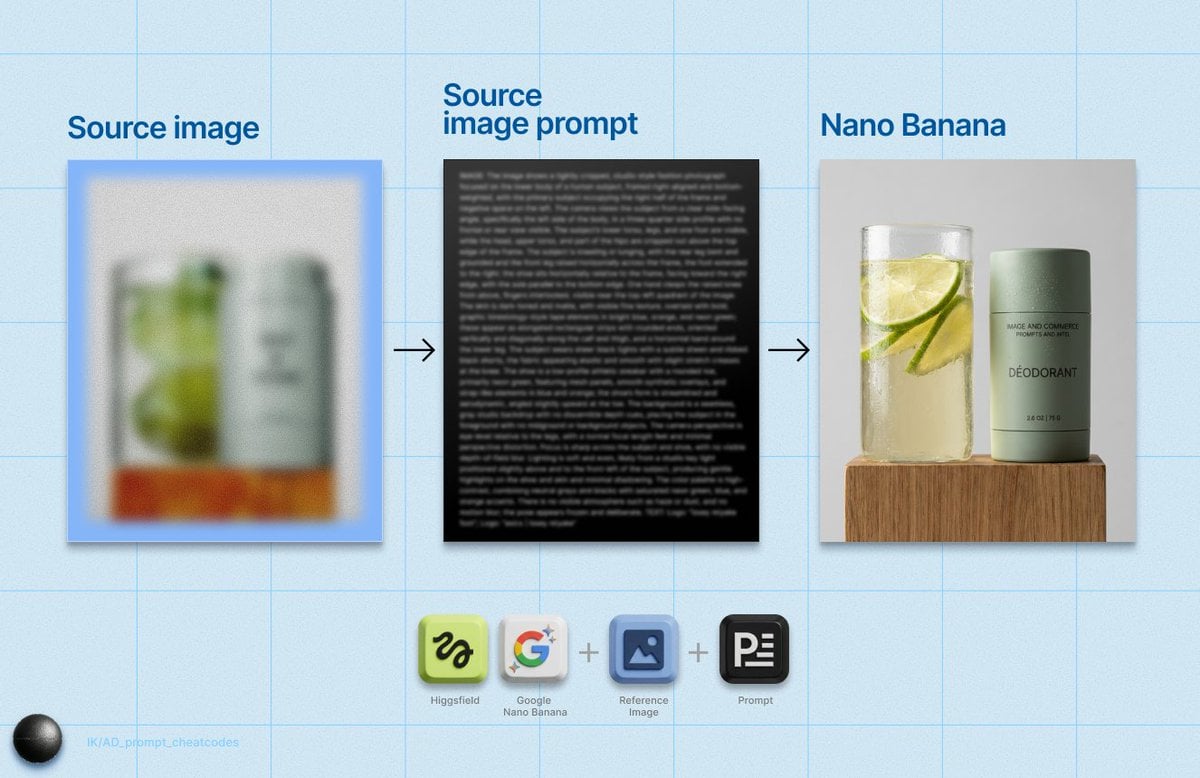
Detailed Product Still Life Photography Prompt
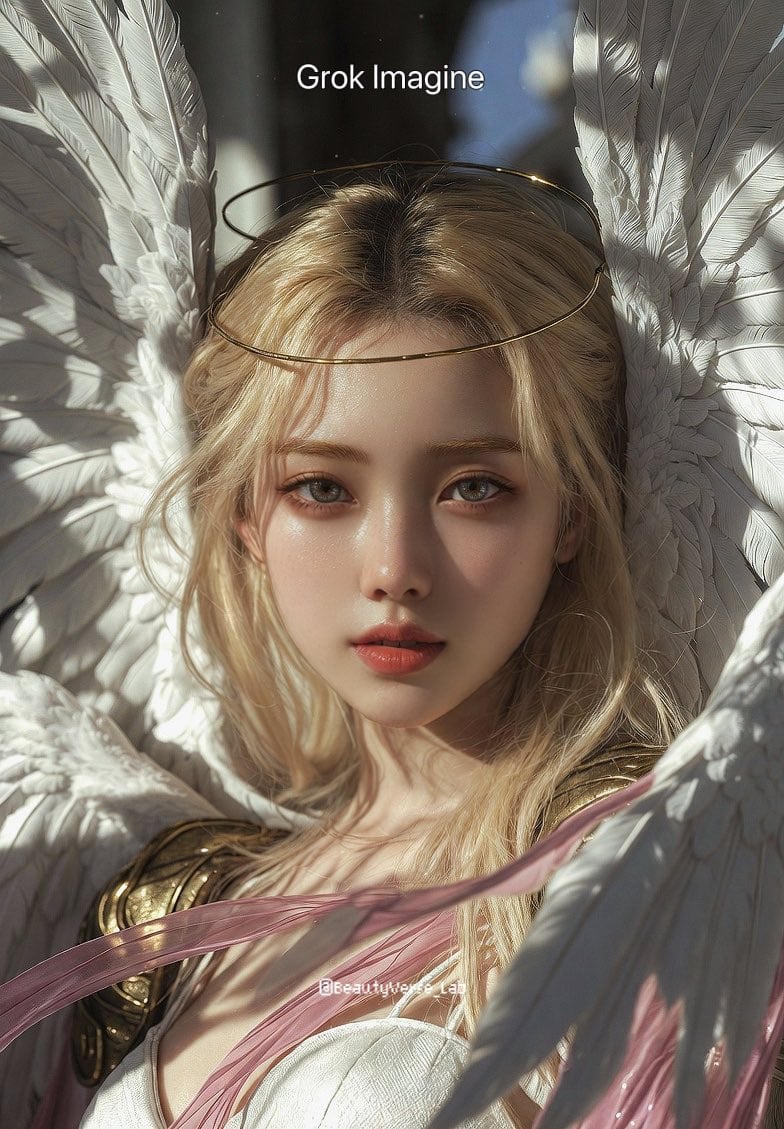
Grok Imagine vs. Nano Banana Pro: Angewomon K-pop Idol Prompt

Pixar Style Curly Haired Girl
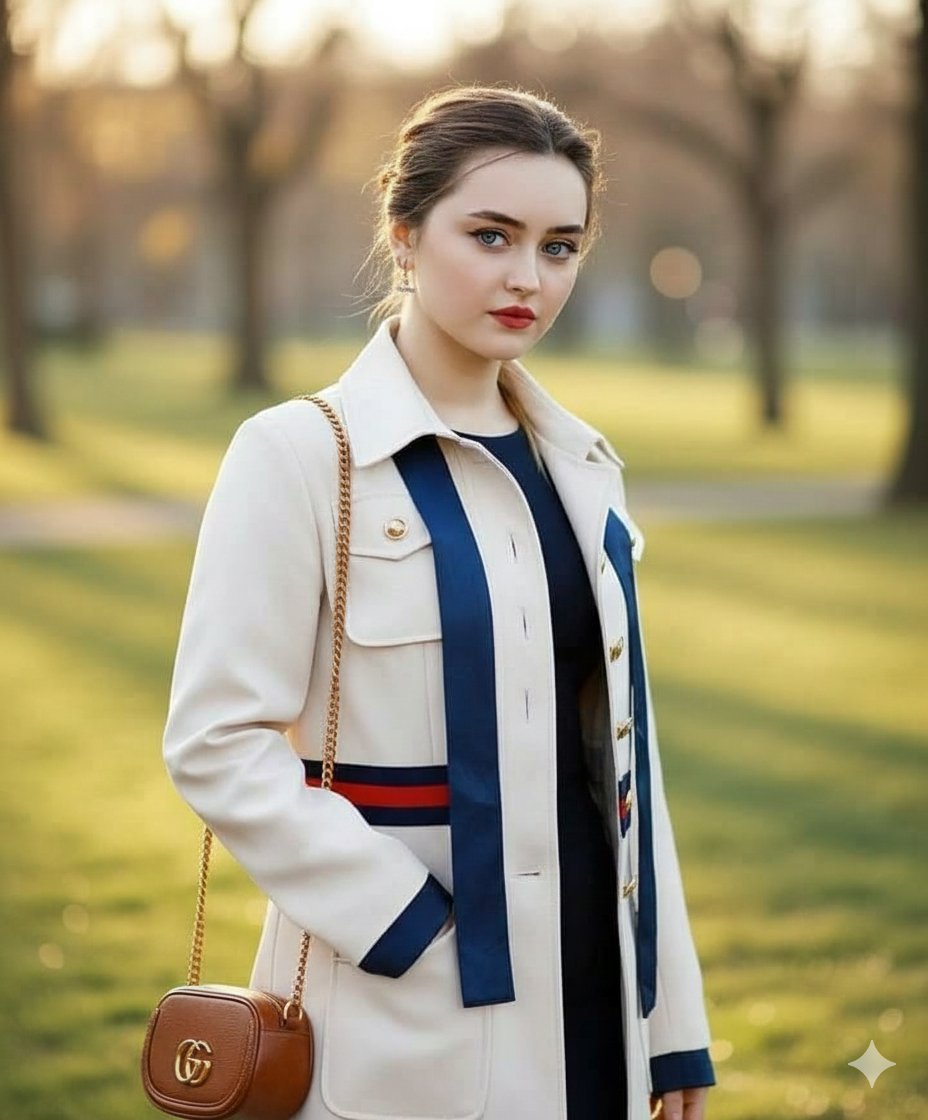
Vogue Style Luxury Trench Coat Fashion Portrait

Cartoon Tiki Statue Prompt for Nano Banana 2
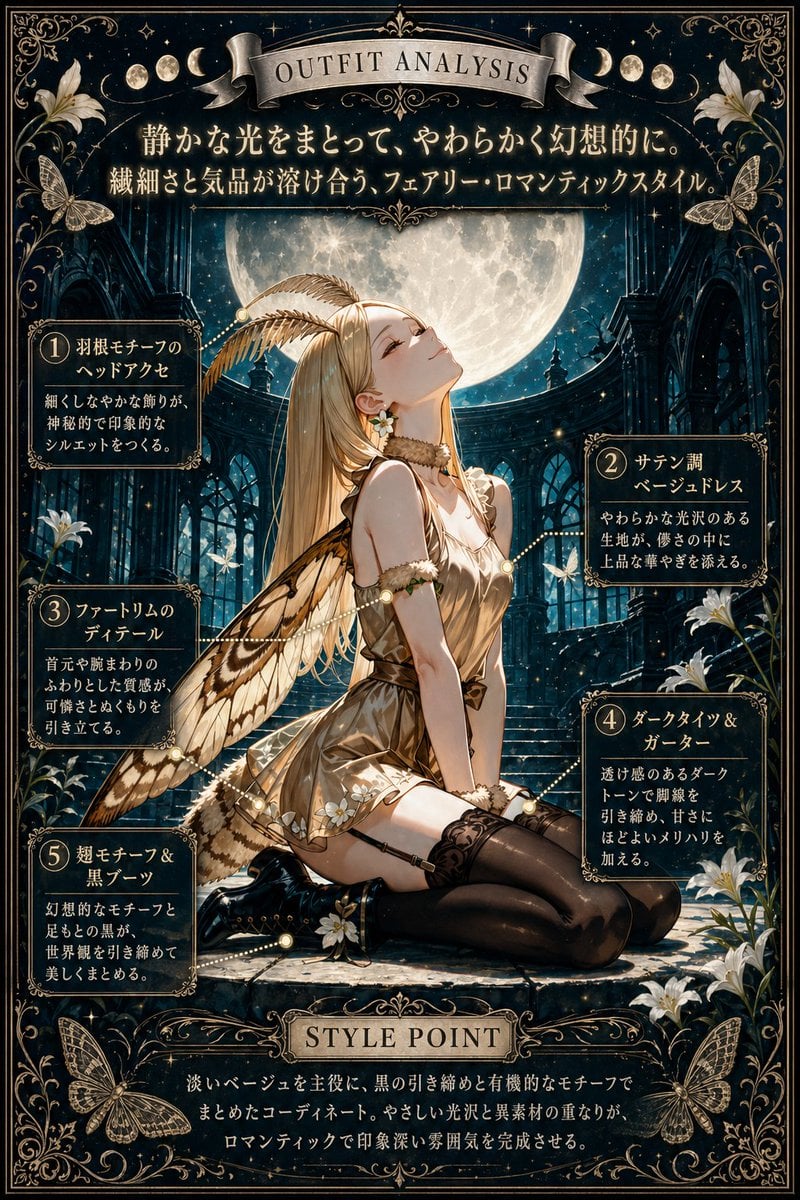
Moonlit Fairy Outfit Analysis Poster
Reference-matched woman portrait JSON prompt

Text-Heavy Presentation Slide Generation
Browse template categories
Autumn Chinese Garden Pop-Up Book questions
How do I use the Autumn Chinese Garden Pop-Up Book template?
Add your photo if the template asks for one, edit the prompt if you like — the template's model and format are already selected — and press Generate. Your version opens in PicX Studio.
Can I customize the Autumn Chinese Garden Pop-Up Book template?
Yes. You can change the subject, setting, lighting, mood, format, and available model controls before creating your image.
Is the Autumn Chinese Garden Pop-Up Book template free?
Opening and editing this template is free. Generating uses credits, shown on the Generate button when you are signed in.
Which AI model should I use?
Start with GPT Image 2, which is the model associated with this template. You can compare another compatible model for a different finish.
Looking for something else? Browse all templates.

Your photo, any look
Thousands of ready templates for every top image and video model, from one credit balance.