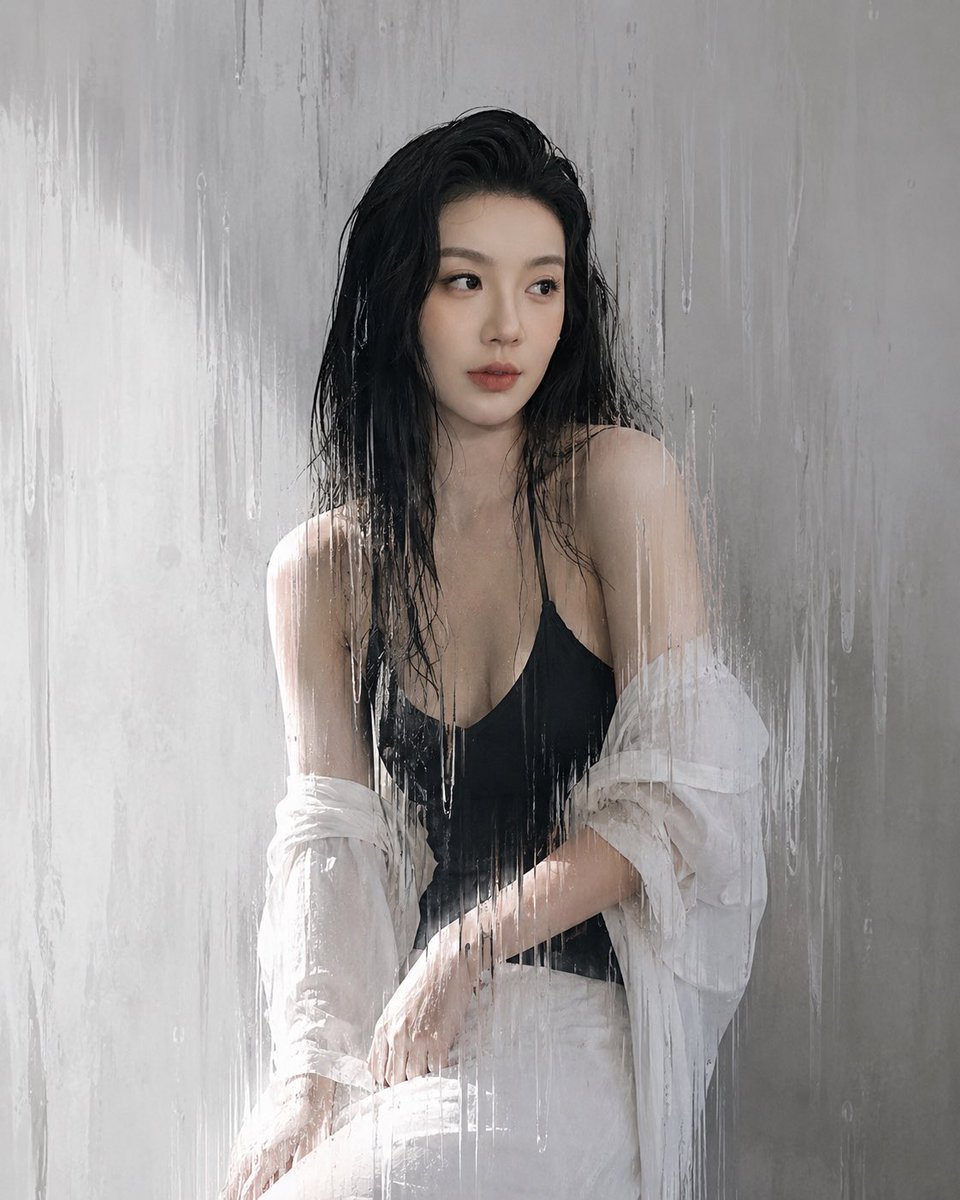
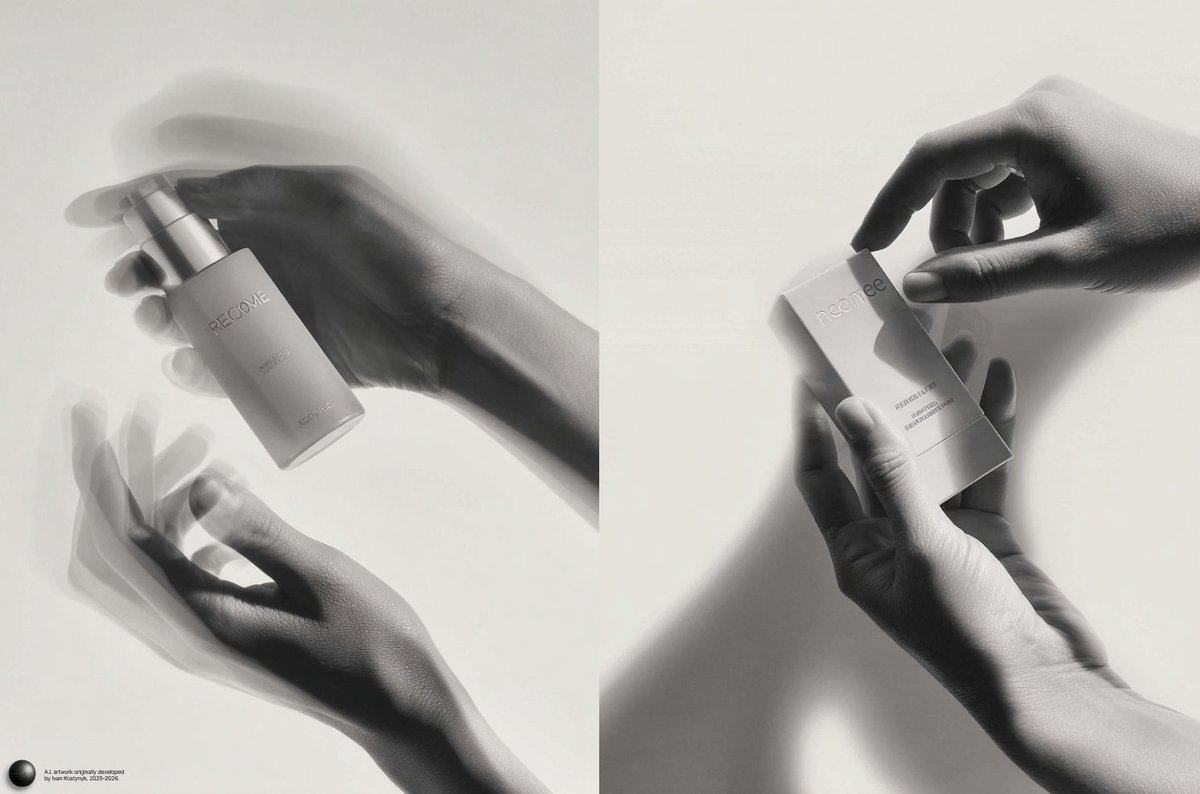
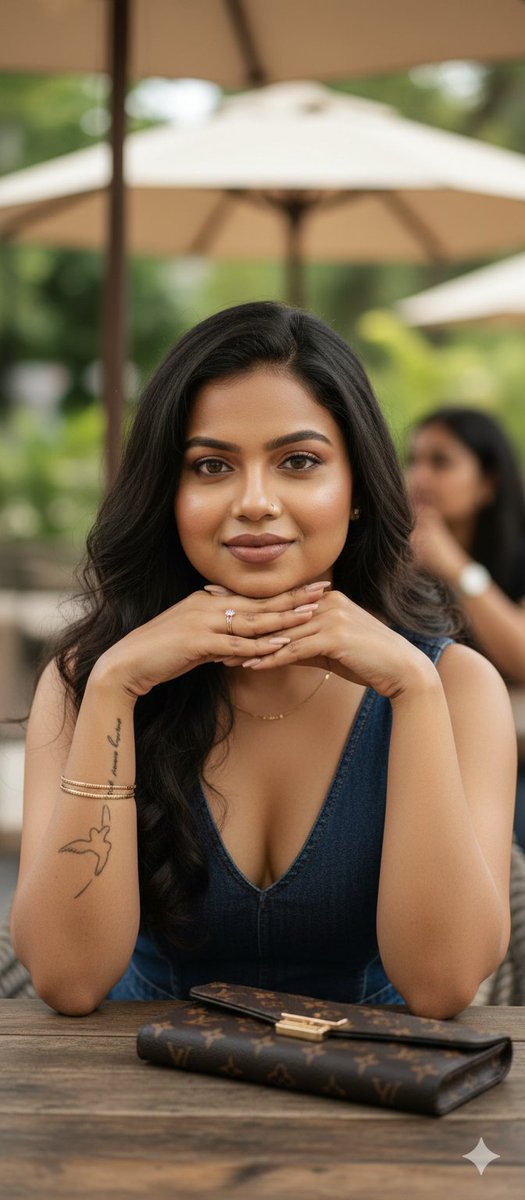
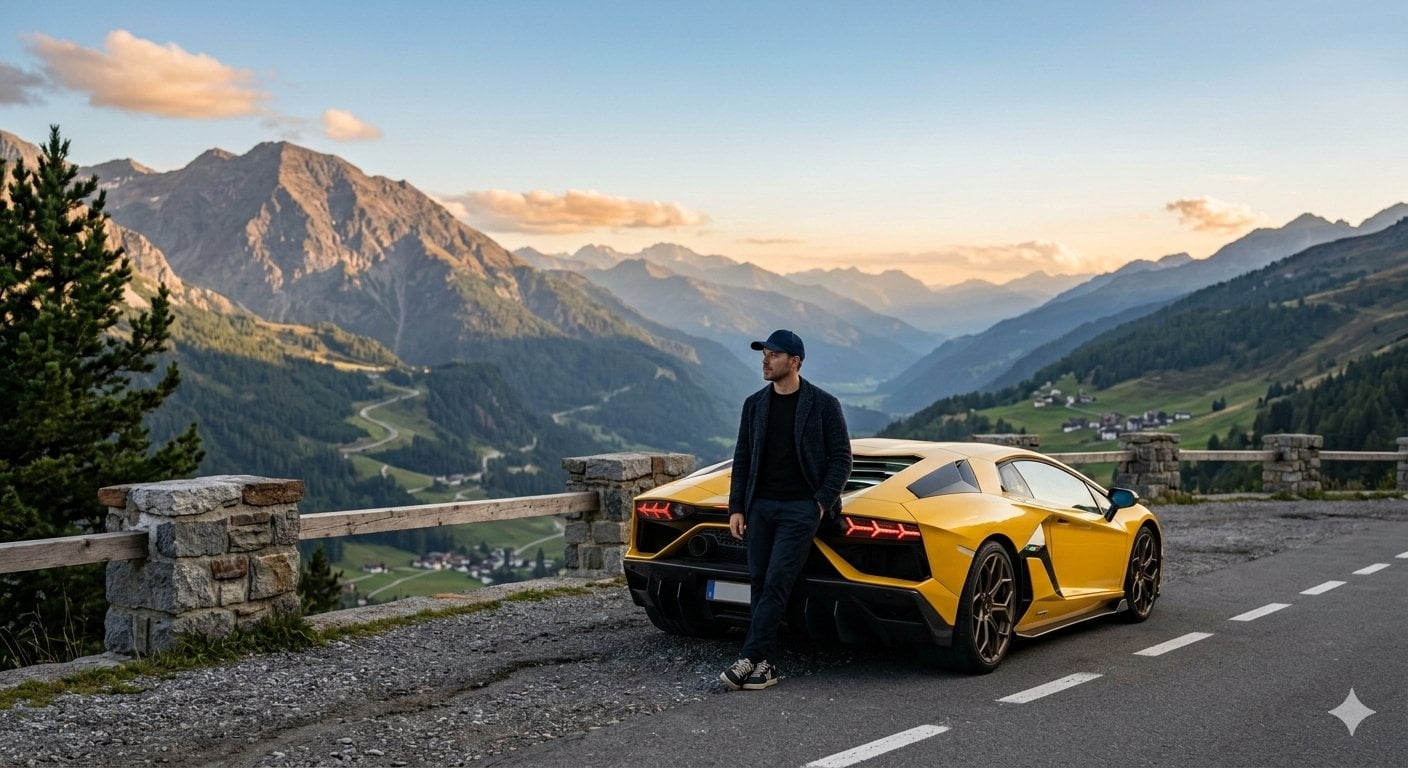
How do I use the Premium Monochrome Fashion Editorial Collage template?
Choose the primary action to open PicX Studio with the available template settings. Review the model and format, personalize the creative direction, and generate when ready.
A sophisticated prompt for generating a six-panel black-and-white fashion editorial collage in a minimalist studio, ideal for high-end luxury magazine concepts.
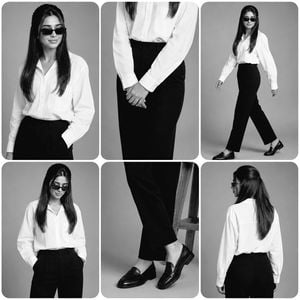
Create a premium black-and-white fashion editorial collage in a minimalist professional studio with a {argument name="background style" default="smooth light gray seamless background"}. The collage should have six rounded-rectangle panels with clean white spacing and a luxury magazine aesthetic. Outfit: • {argument name="outfit details" default="Oversized crisp white button-up shirt, high-waisted tailored black straight-leg trousers, black leather loafers, black rectangular sunglasses"} • Natural hairstyle Arrange the six panels as follows: 1. Top-left: Medium portrait, smiling naturally, looking slightly to the side, one hand in pocket. 2. Top-center: Waist close-up with hands gently clasped in front, highlighting the shirt and trousers. 3. Top-right: Full-body walking pose with confident stride, looking forward. 4. Bottom-left: Medium portrait looking downward with both hands in pockets. 5. Bottom-center: Close-up of crossed legs and black loafers, showing trouser fit and footwear details. 6. Bottom-right: Full back view standing naturally, showing the back of the shirt and trousers. Photography style: • {argument name="photography style" default="High-end fashion editorial, monochrome (black & white), soft diffused studio lighting"} • Sharp focus with realistic fabric texture • Natural skin texture • Premium magazine-quality composition • Rounded corners on every panel • Balanced spacing • Minimalist luxury aesthetic • Ultra photorealistic • 8K resolution • No text, logos, watermarks, borders, or extra objects.
Choose the primary action to open PicX Studio with the available template settings. Review the model and format, personalize the creative direction, and generate when ready.
Yes. You can change the subject, setting, lighting, mood, format, and available model controls before creating your image.
This template is free to open and customize. Generation usage is shown in PicX Studio before you create.
Start with GPT Image 2, which is the model associated with this template. You can compare another compatible model for a different finish.
Follow a topic to a crawlable collection of related PicX Studio templates.