How do I use the Avant-Garde Red Black Fashion Portrait template?
Choose the primary action to open PicX Studio with the available template settings. Review the model and format, personalize the creative direction, and generate when ready.
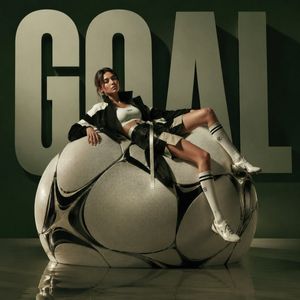
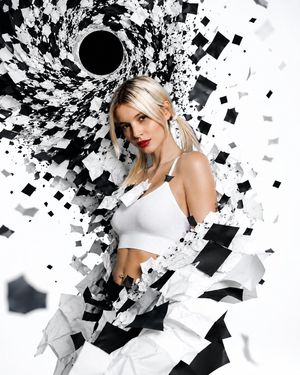
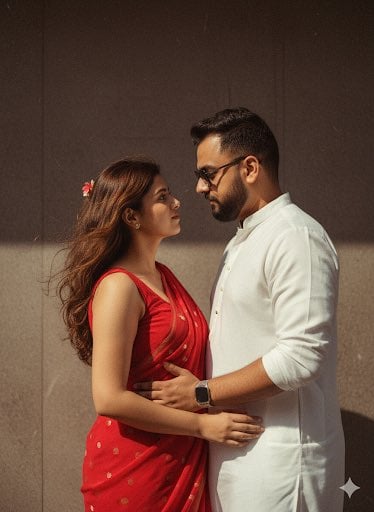
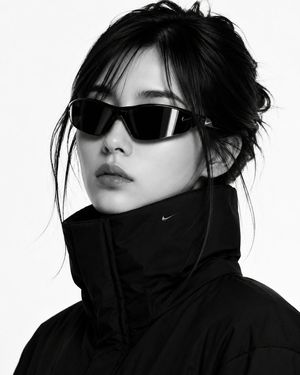
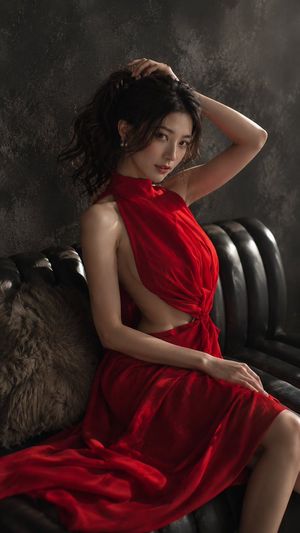
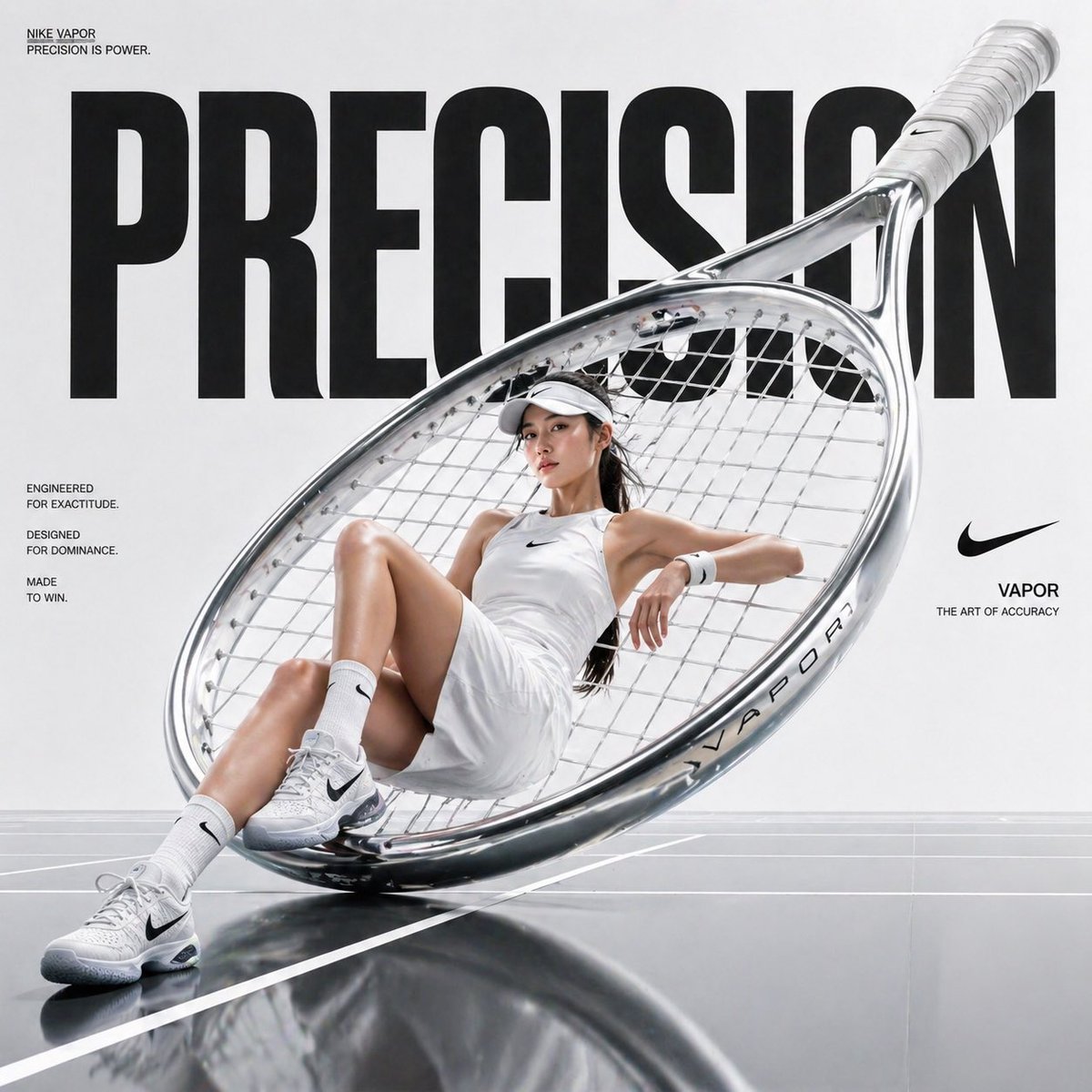
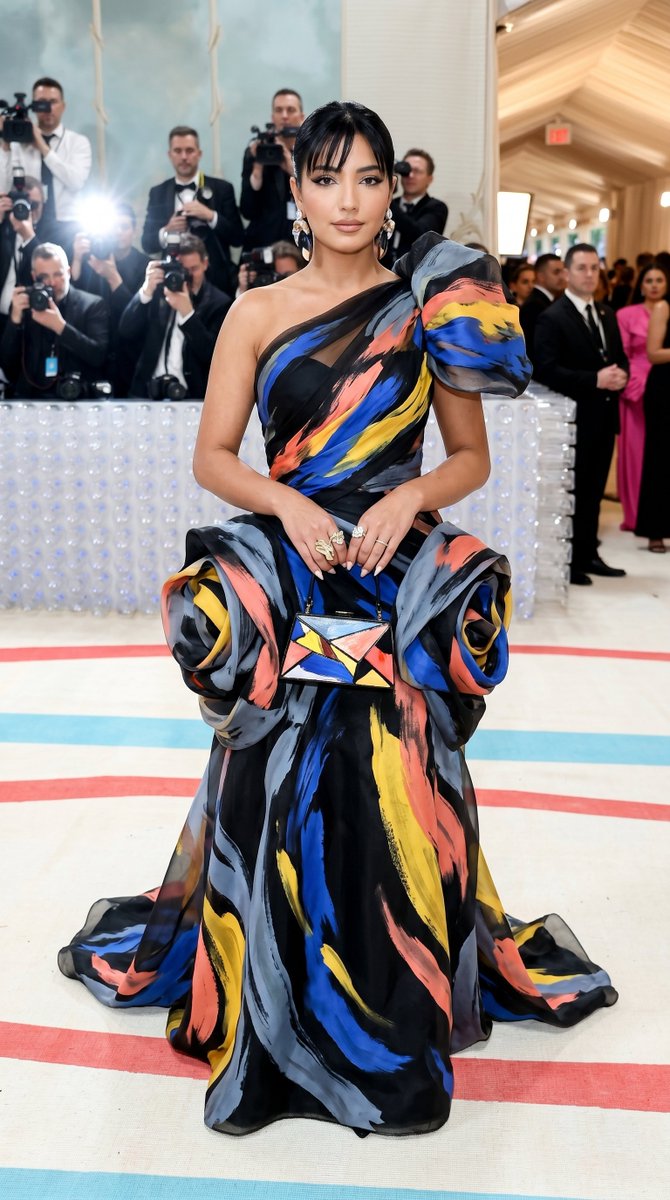
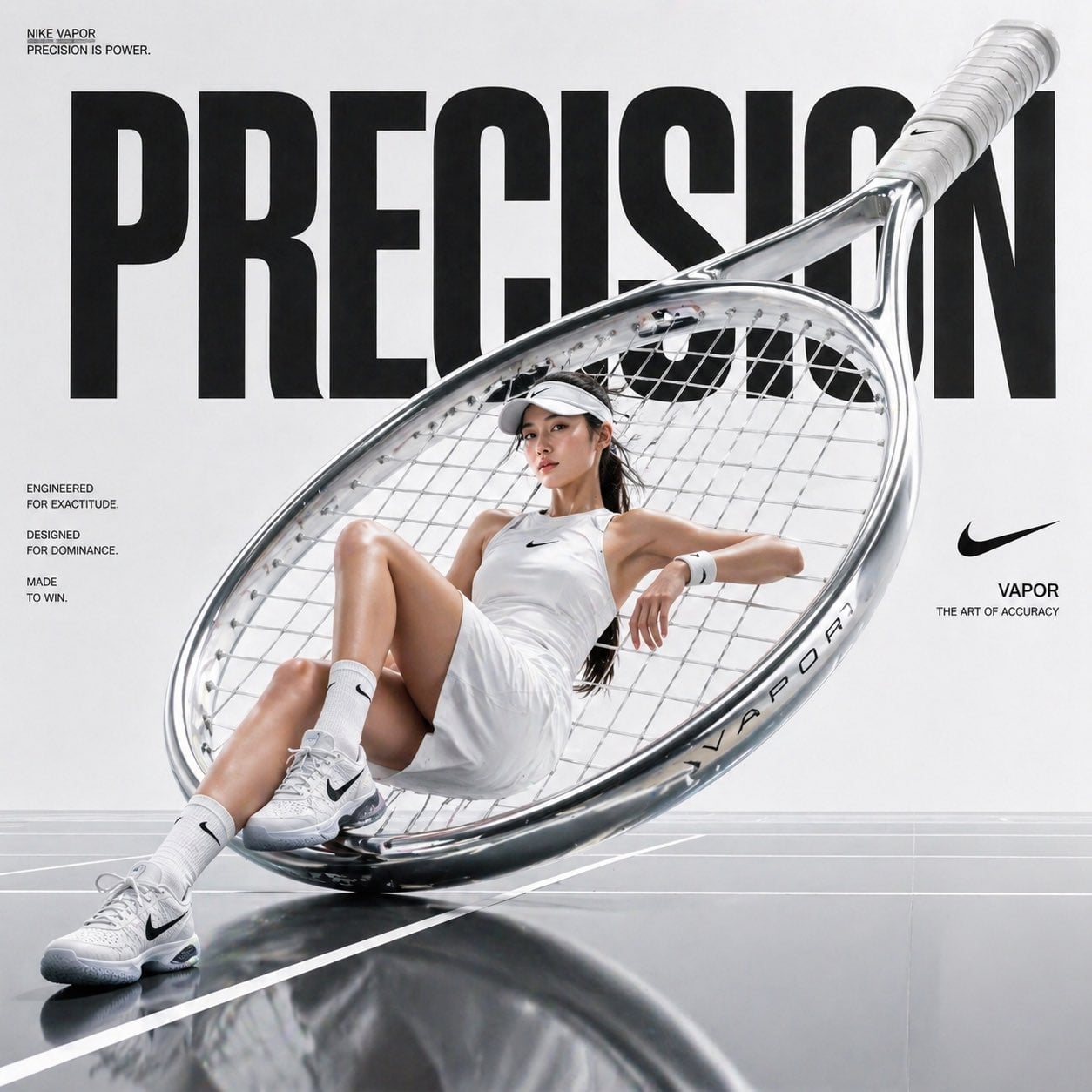
A dramatic photorealistic fashion editorial portrait with bold red-and-black geometric styling and sculptural clothing.
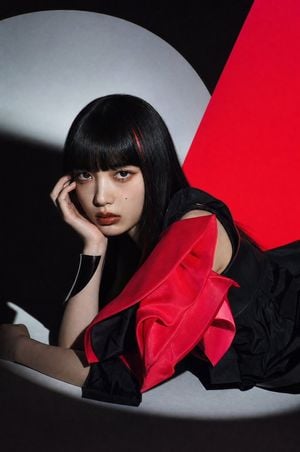
Create a high-fashion editorial portrait of a young East Asian woman with {argument name="hair color" default="glossy jet-black hair with a single thin red streak"}, blunt straight bangs, long hair, pale skin, dramatic brown eyes, glossy dark red lips, and a small beauty mark under one eye. She is lying sideways on a minimalist studio set, propping her head with one hand and gazing directly into the camera with a calm, intense, slightly melancholic expression. Style her in an avant-garde {argument name="outfit color" default="black and vivid crimson red"} sculptural dress: a black sleeveless base with voluminous black fabric around the lower body and one large folded, petal-like crimson satin sleeve or shoulder structure wrapping across the foreground. Add a sleek black cuff bracelet on her wrist. The background is a bold abstract composition with exactly three main geometric areas: a large soft gray-white circular spotlight shape behind her head, a deep black negative-space field, and a sharp diagonal saturated red panel on the right. Use hard directional studio lighting from the upper left, creating strong shadows, high contrast, glossy highlights on hair and lips, and a cinematic chiaroscuro mood. Frame vertically in a close fashion-magazine crop, with her face in the left-center, the red sculptural fabric dominating the lower center, and the diagonal red background creating tension on the right. Photorealistic, ultra-detailed skin texture, luxury editorial styling, dramatic color blocking, no text, no watermark.
Choose the primary action to open PicX Studio with the available template settings. Review the model and format, personalize the creative direction, and generate when ready.
Yes. You can change the subject, setting, lighting, mood, format, and available model controls before creating your image.
This template is free to open and customize. Generation usage is shown in PicX Studio before you create.
Start with GPT Image 2, which is the model associated with this template. You can compare another compatible model for a different finish.
Follow a topic to a crawlable collection of related PicX Studio templates.