How do I use the Dark Floral Japanese Editorial Portrait template?
Choose the primary action to open PicX Studio with the available template settings. Review the model and format, personalize the creative direction, and generate when ready.
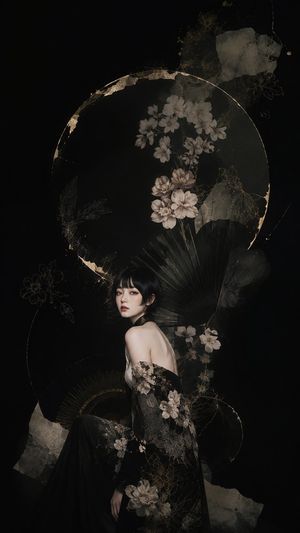
A luxurious vertical fashion-art portrait combining a young woman with Japanese-inspired floral collage, ribbons, fans, and gold botanical ornamentation.
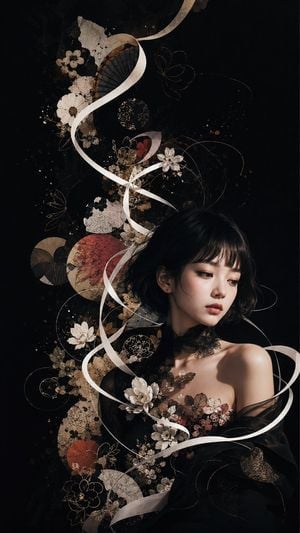
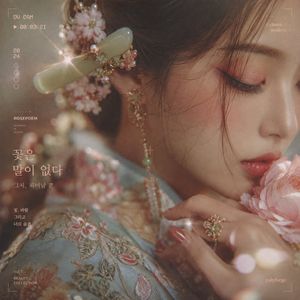
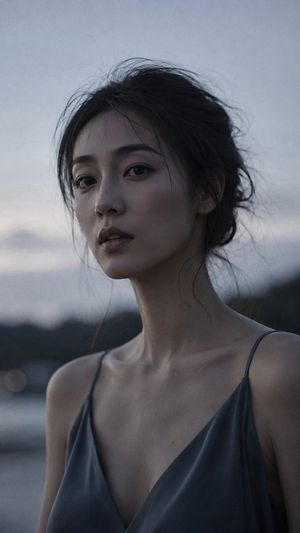
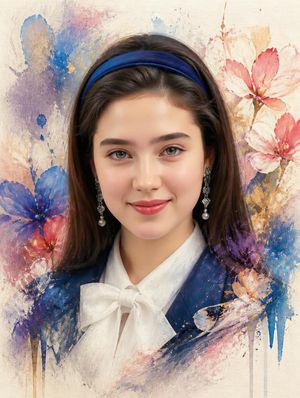
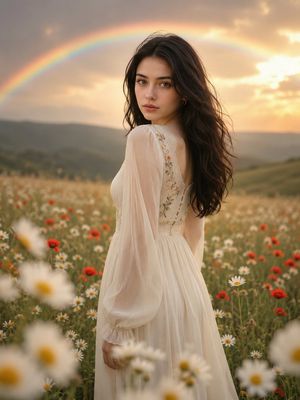
Create a vertical cinematic fine-art portrait of a young East Asian woman in an elegant dark floral gown, set against a deep matte black background. The woman has {argument name="hair style" default="short wavy black bob with soft bangs"}, porcelain skin, delicate makeup, and a calm melancholic expression, looking down and to the right rather than at the viewer. Her shoulders are bare under sheer black tulle, with a lace-like black choker and embroidered blossoms across the bodice. Around and behind her, compose an ornate Japanese-inspired abstract collage: exactly 5 prominent white satin ribbon streams spiraling vertically through the image, 7 large visible cream or white flowers, 4 red or rust circular paper fan/disc motifs, 3 dark folding fan shapes, many fine gold botanical line drawings, thin looping gold arcs, scattered bronze ink splatters, antique beige paper textures, and layered dried-flower silhouettes. The main decorative column rises from the lower center to the upper left, while the portrait occupies the lower-right third. Use a luxurious dark palette of black, ivory, antique gold, sepia, muted red, and warm bronze. Lighting should be dramatic and soft, with the face and shoulder gently illuminated from the front-left, glossy highlights on skin, and surrounding collage elements fading into shadow. Style: ultra-detailed photorealistic fashion editorial mixed with Japanese paper collage, lacquerware elegance, wabi-sabi textures, high contrast, shallow depth of field, no text, no watermark, no border.
Choose the primary action to open PicX Studio with the available template settings. Review the model and format, personalize the creative direction, and generate when ready.
Yes. You can change the subject, setting, lighting, mood, format, and available model controls before creating your image.
This template is free to open and customize. Generation usage is shown in PicX Studio before you create.
Start with GPT Image 2, which is the model associated with this template. You can compare another compatible model for a different finish.
Follow a topic to a crawlable collection of related PicX Studio templates.