How do I use the Family Portrait Storybook Illustration template?
Choose the primary action to open PicX Studio with the available template settings. Review the model and format, personalize the creative direction, and generate when ready.
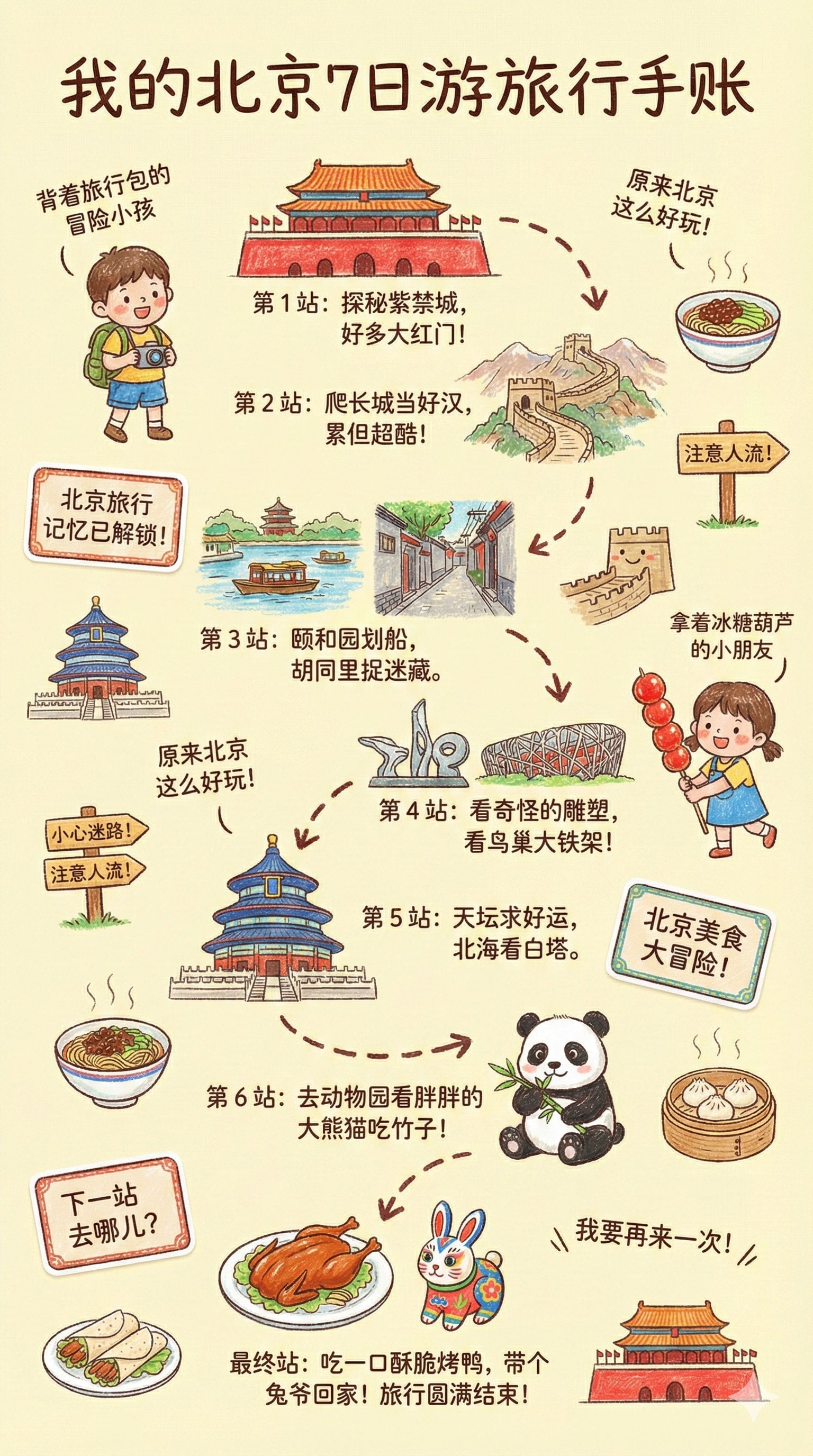
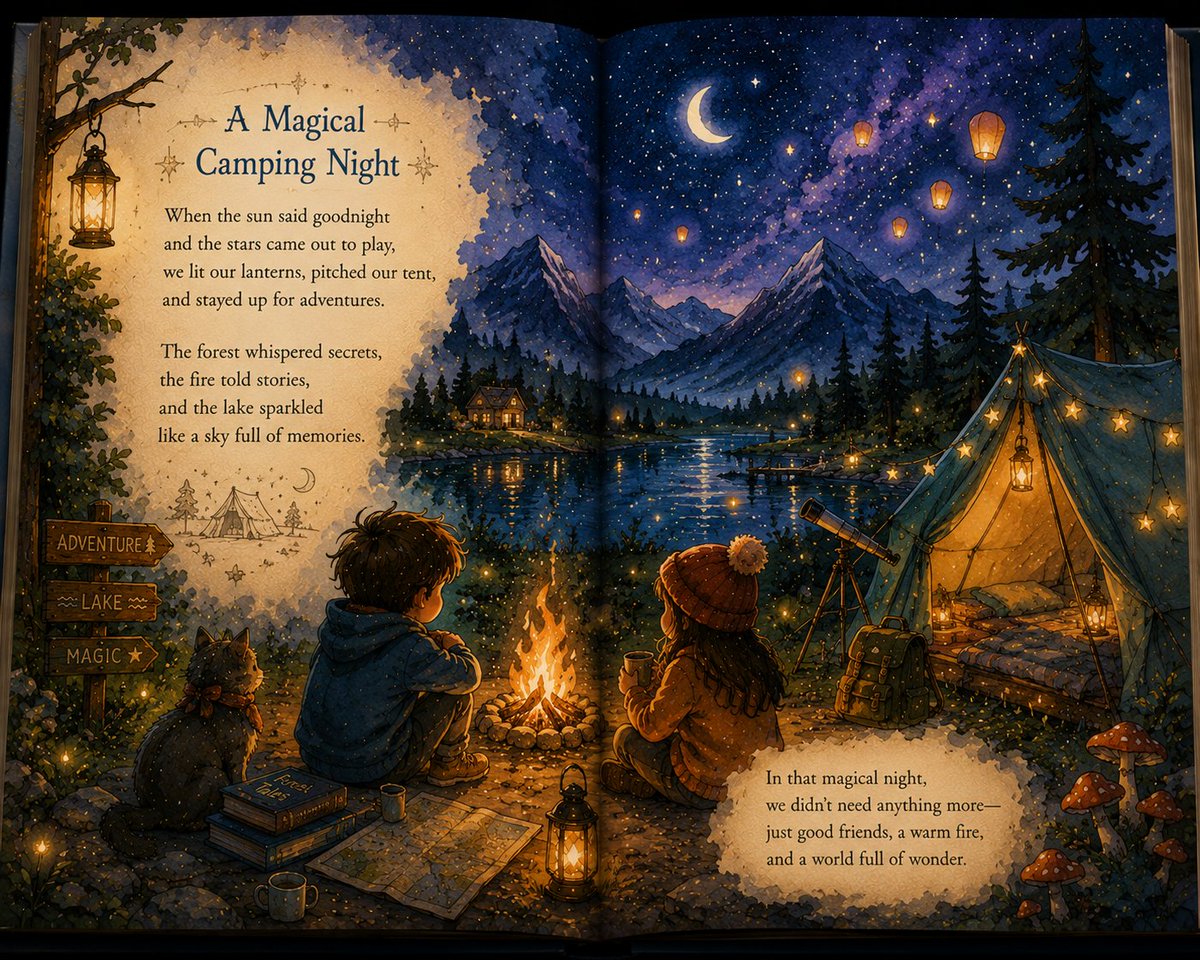
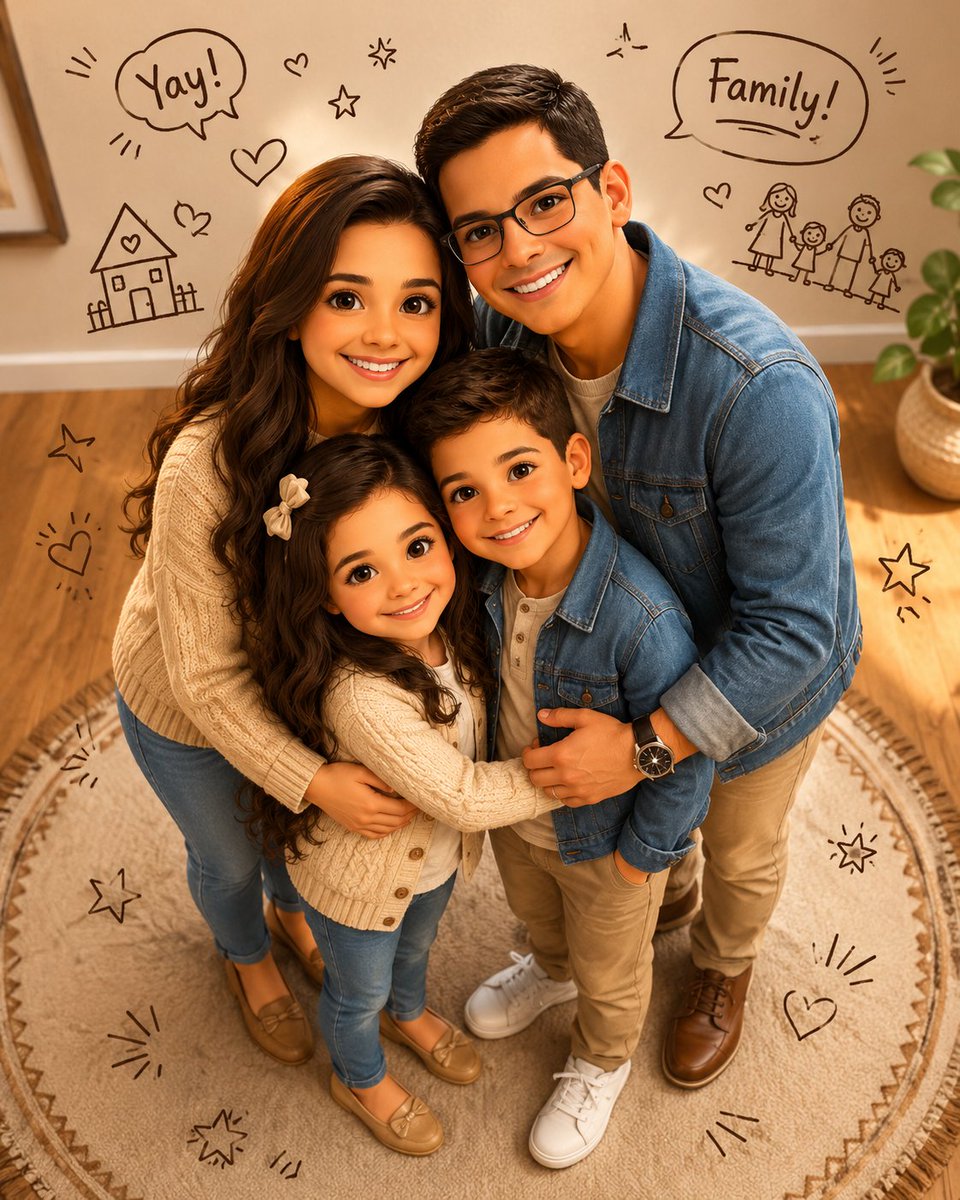
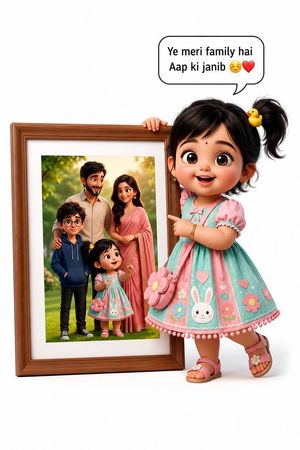
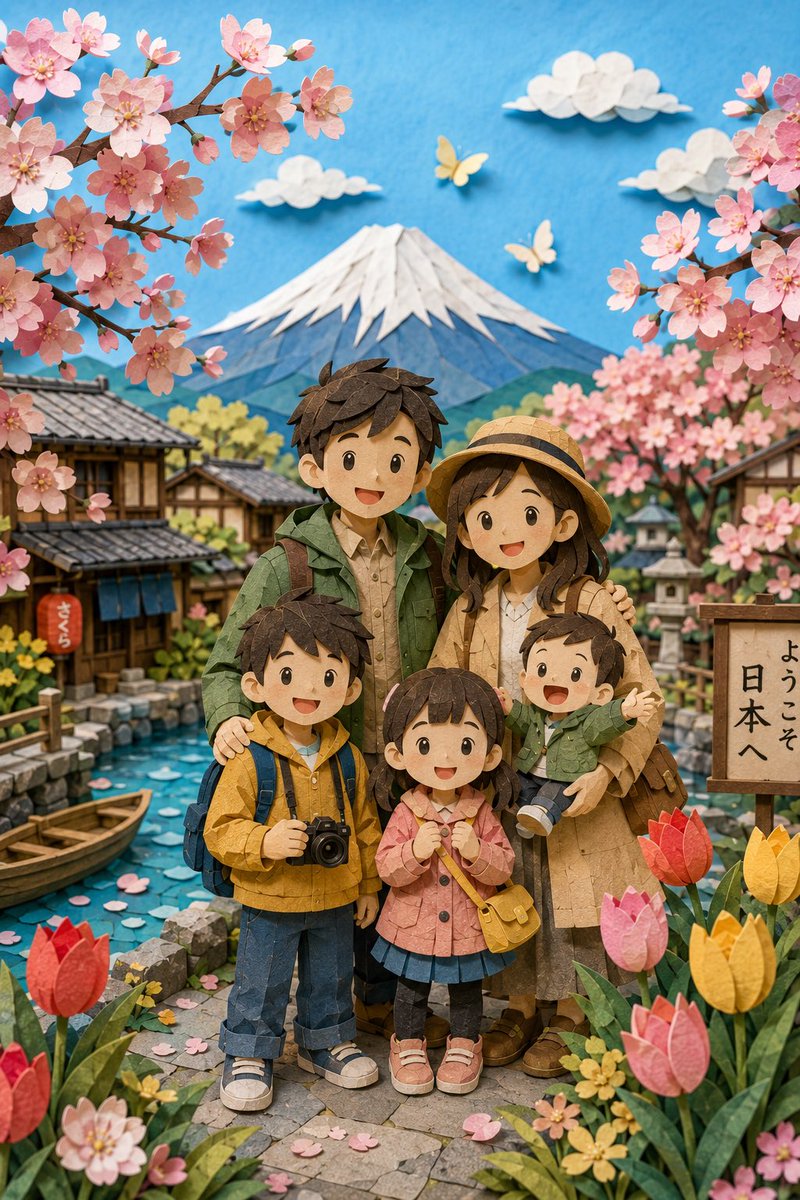
A prompt that transforms a standard family photo into a whimsical children's storybook illustration with a kawaii aesthetic and ocean-themed elements.
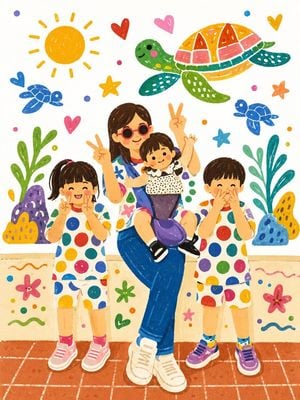
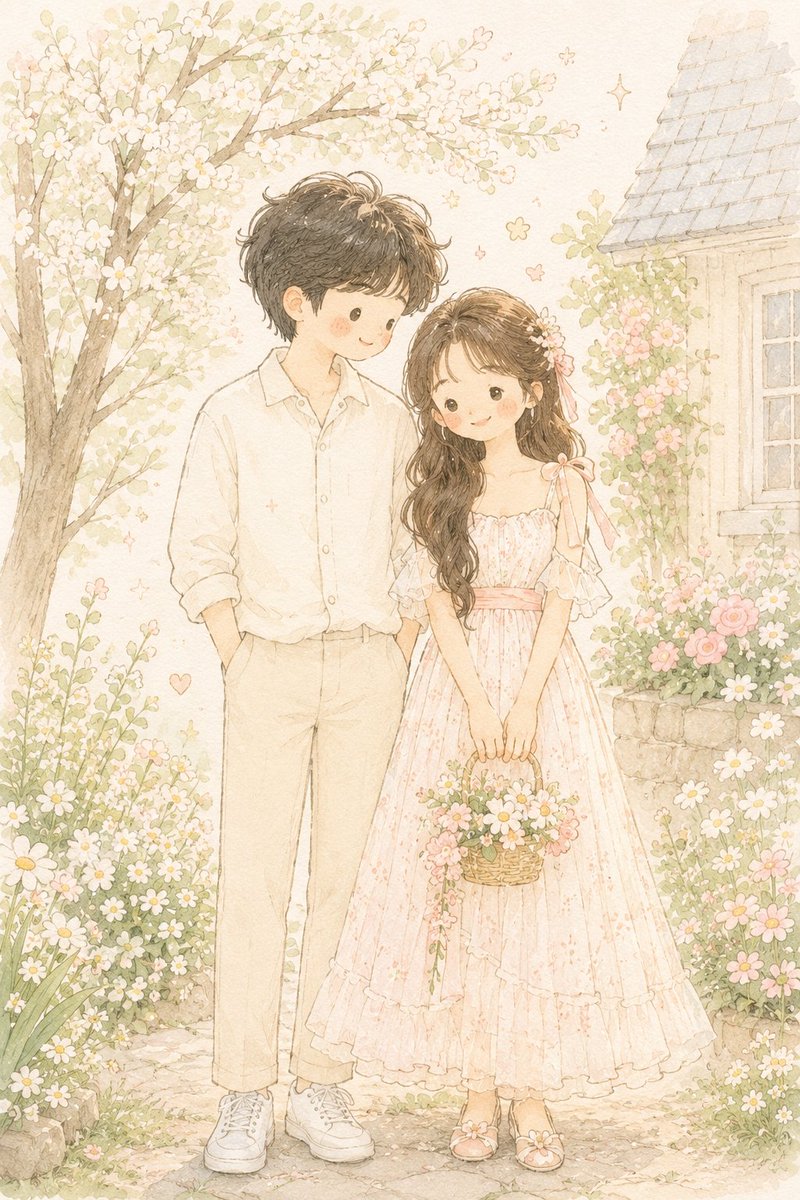
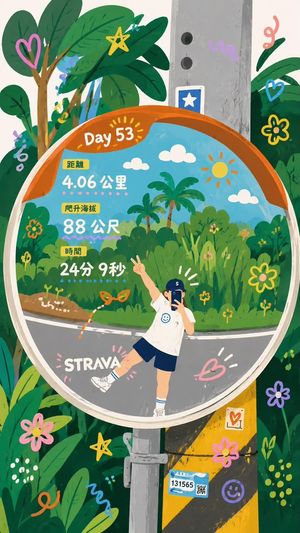
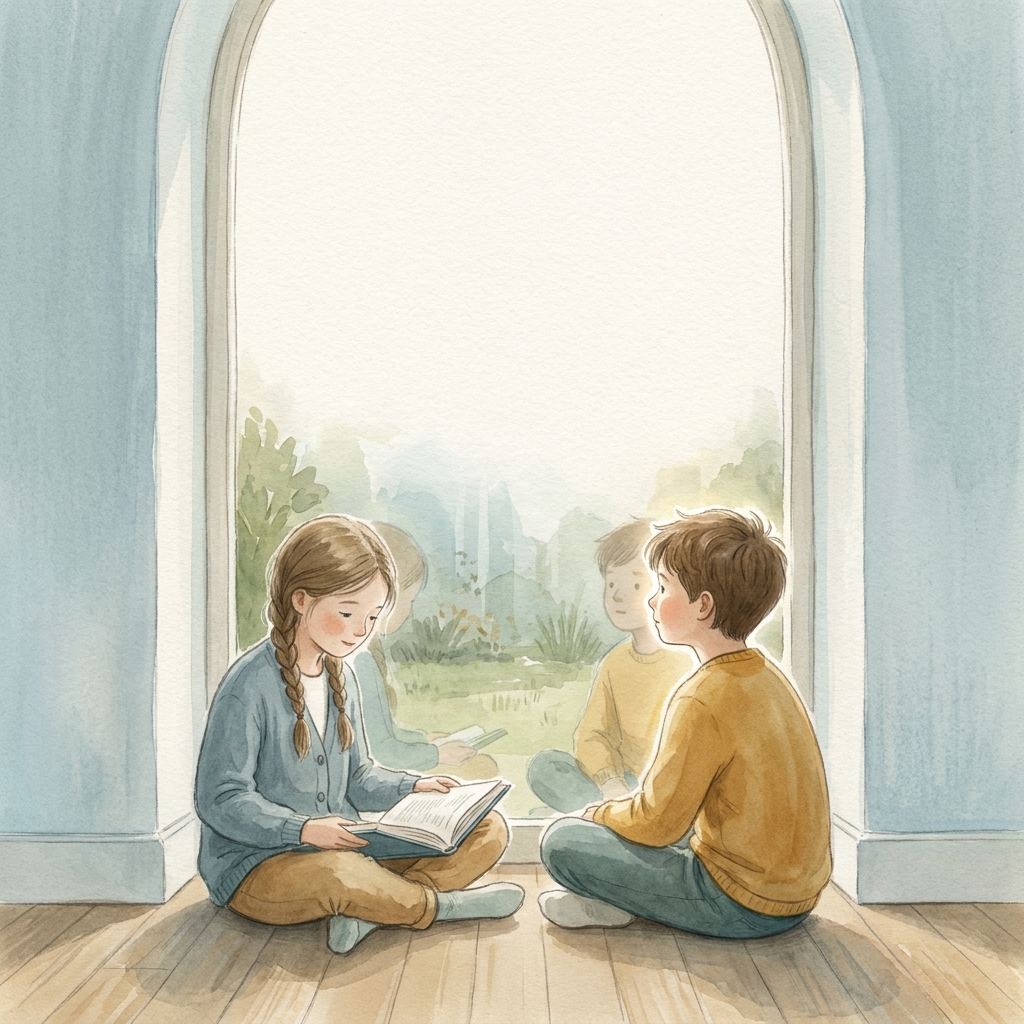
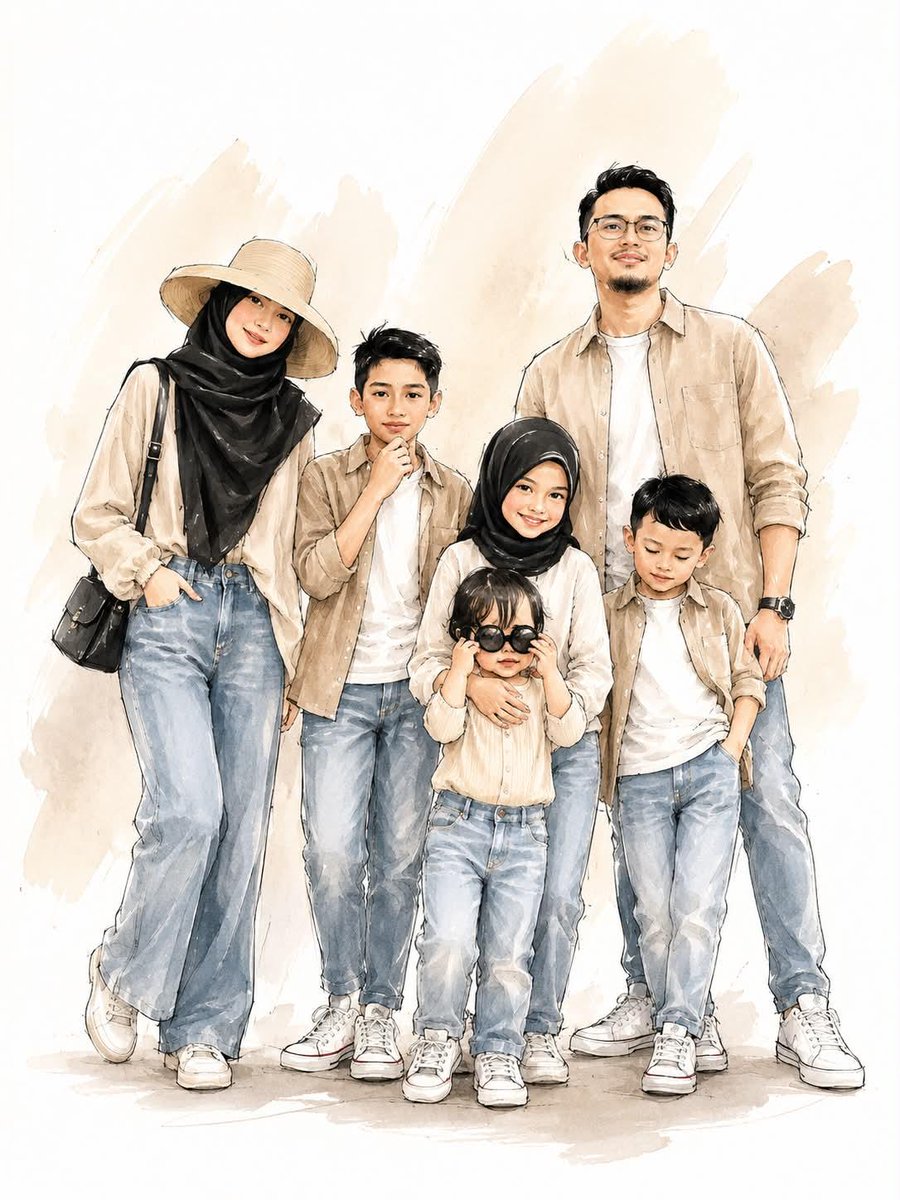
Transform the {argument name="subject" default="uploaded family photo"} into a {argument name="style" default="cheerful hand-drawn children's storybook illustration"}, cute kawaii cartoon style, wholesome family portrait with a smiling mother and three adorable children, colorful polka-dot outfits, playful poses, peace signs, joyful expressions, oversized sparkling eyes, rosy cheeks, soft rounded features. Background filled with whimsical doodles and {argument name="background theme" default="ocean-themed elements"}: smiling sea turtles, cute sunshine, hearts, stars, colorful coral reefs, flowers, bubbles, sea plants, tiny decorative shapes, hand-drawn line art details. Bright white background with vibrant rainbow accents. Art style inspired by children's picture books, kindergarten wall art, sticker illustrations, educational posters, kawaii family artwork, soft crayon and marker textures, colorful outline drawing mixed with pastel painting. Clean composition, simple shapes, charming storytelling aesthetic. Color palette: bright yellow, sky blue, pink, purple, orange, green, turquoise, and white. Happy summer atmosphere, playful family bonding moment, cute cartoon proportions, cozy and heartwarming mood. Highly detailed illustration, professional children's book cover quality, smooth coloring, hand-painted textures, adorable character design, whimsical doodles everywhere, trendy Pinterest aesthetic, family-friendly artwork, ultra cute, masterpiece, 4K.
Choose the primary action to open PicX Studio with the available template settings. Review the model and format, personalize the creative direction, and generate when ready.
Yes. You can change the subject, setting, lighting, mood, format, and available model controls before creating your image.
This template is free to open and customize. Generation usage is shown in PicX Studio before you create.
Start with GPT Image 2, which is the model associated with this template. You can compare another compatible model for a different finish.
Follow a topic to a crawlable collection of related PicX Studio templates.